

The best budget NAS for home use under $300 is the UGREEN DH2300 for most people, the Synology DS223j if you want the simplest software, or the TerraMaster F2-223 and QNAP TS-233 as strong alternatives. But here’s the sentence that matters more than any pick: the $300 is for the empty box. Hard drives cost extra — and they can easily double your total.
A budget NAS is still a real NAS: automatic computer backups, files every device can reach, phone photo sync, movies to your TV. What it isn’t: a $600 box. The CPU is modest, RAM is small, software is simpler, and 4K transcoding is off the table.
This guide covers the best cheap NAS options for home right now, what you give up at this price, the drive math nobody warns you about, and when you should spend more instead. If your budget has any flex at all, our best NAS for home guide covers the mid-range picks that most households end up happiest with.
The Honest Truth About “Under $300”
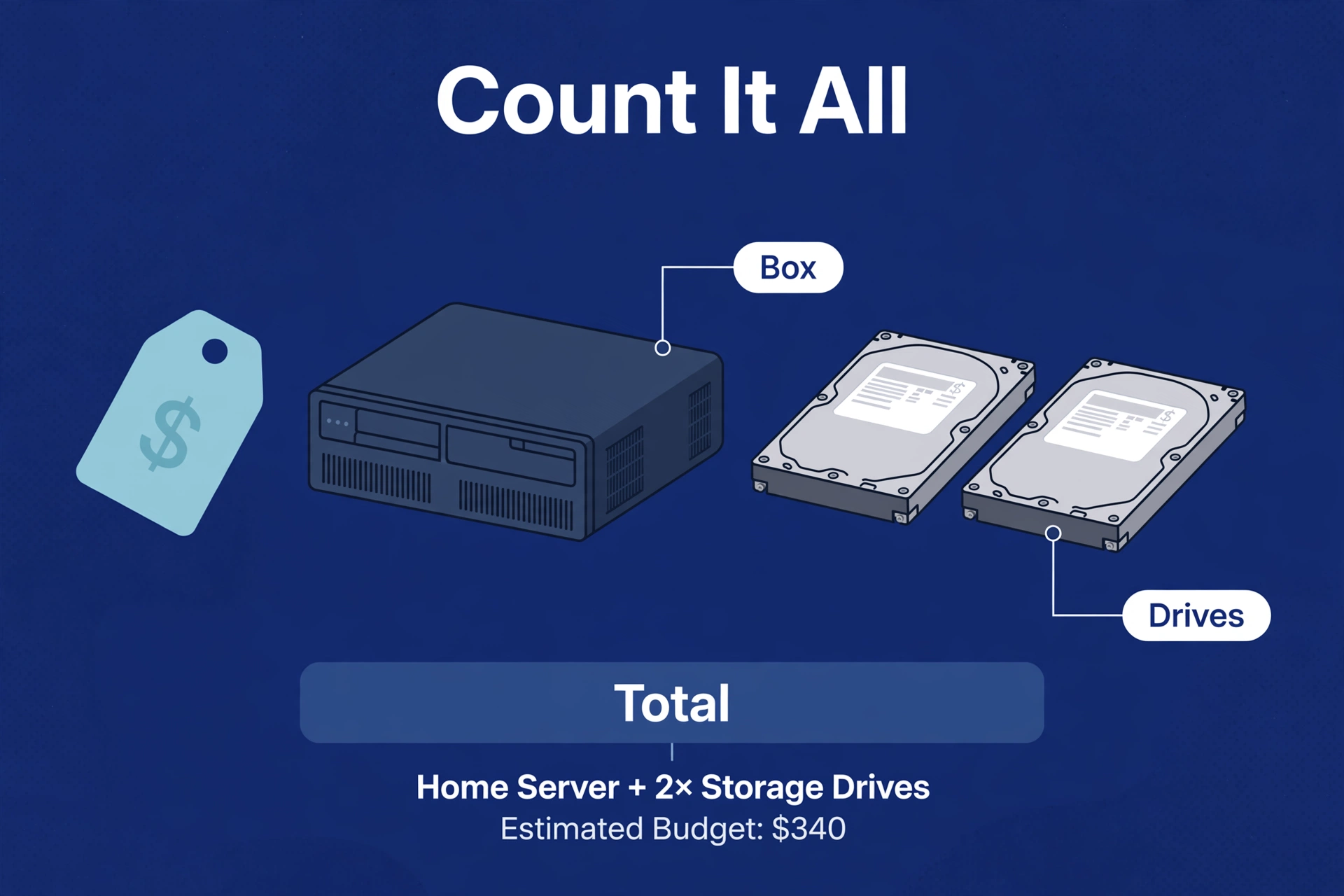
Let’s do the math first, because it changes everything. A budget enclosure under $300 is the headline price. Then you need drives — NAS boxes are sold diskless, with none included.
Two NAS-rated 4 TB hard drives are the sensible starting point, and they’re a significant purchase on their own — typically a few hundred dollars for the pair, with street prices moving constantly. Add them to a sub-$300 enclosure and your real total lands well above $300. No way around it: every NAS, at every tier, needs drives.
So “best budget NAS under $300” really means the cheapest enclosures worth buying — boxes from real NAS brands with real software support, not no-name gadgets abandoned in a year. The budget tier saves you money on the box, not on the drives.
With that understood, here’s how to think about the budget tier:
- The enclosure is where you save. Budget boxes cut costs with slower CPUs, less RAM, and simpler software — not with build quality. They’re still reliable.
- The drives are where the money goes. Don’t cheap out here. NAS-rated drives (CMR, 24/7 rated) last longer and fail less often than desktop drives pressed into NAS duty.
- Total cost is what matters. A $250 enclosure plus drives versus a $400 enclosure plus drives — the gap between tiers shrinks once drives are included. If the better box is only slightly more in total, buy the better box.
What You Give Up at This Price
No surprises here — just the honest list. Knowing these limits upfront is the difference between a happy budget buyer and a disappointed one.
CPU power
Budget boxes run modest processors — ARM chips in the DS223j and TS-233, an 8-core Rockchip in the DH2300, a low-power Intel Celeron in the F2-223. Plenty for file serving, backups, and photo sync. Not enough for serious Plex transcoding; 4K transcoding is essentially off the table. If media transcoding matters, skip this tier.
RAM
Expect 2–4 GB, sometimes not upgradeable. Fine for the core jobs. Add apps — media servers, photo indexing, download managers — and you’ll feel the ceiling. Check whether RAM is upgradeable before buying; on some budget models it’s soldered.
Software polish
The big brands reserve their best experience for higher tiers, and the value brands are still maturing. Synology’s DS223j runs DSM — the best NAS software — but on slower hardware, so everything takes a beat longer. TerraMaster and UGREEN give you better hardware for the money but younger, less polished software.
Bays
Budget means two bays. Fine — mirror two drives and you’re protected against a drive failure — but growth means replacing drives with bigger ones, not adding drives. See our 2-bay vs 4-bay NAS comparison for the full trade-off.
Speed
Gigabit ethernet is standard here, and honestly enough for backups, file sharing, and media streaming. No 2.5 GbE or NVMe caching at this price — and for home-NAS jobs, you won’t miss them.
What You Still Get (It Is a Lot)
The list above sounds grim. It shouldn’t — because what remains is everything most households actually buy a NAS for:
- Automatic backups of every PC and Mac in the house, running on a schedule you set once and forget.
- Phone photo backup — every picture you take, copied to your NAS over Wi-Fi, no subscription.
- Central file storage every device can reach — documents, music, installers, all in one place.
- Media streaming via direct play — your movies and shows to your TV, phone, and tablet, as long as no transcoding is needed.
- Private cloud — access your files from outside the house without paying a cloud provider monthly.
- Low power and quiet operation — budget boxes sip electricity and sit silently on a shelf.
That’s the core NAS experience, and the budget tier delivers all of it. The expensive boxes add speed, transcoding muscle, and room to grow — not a different category of product.
The Picks: Best Budget NAS Boxes Right Now
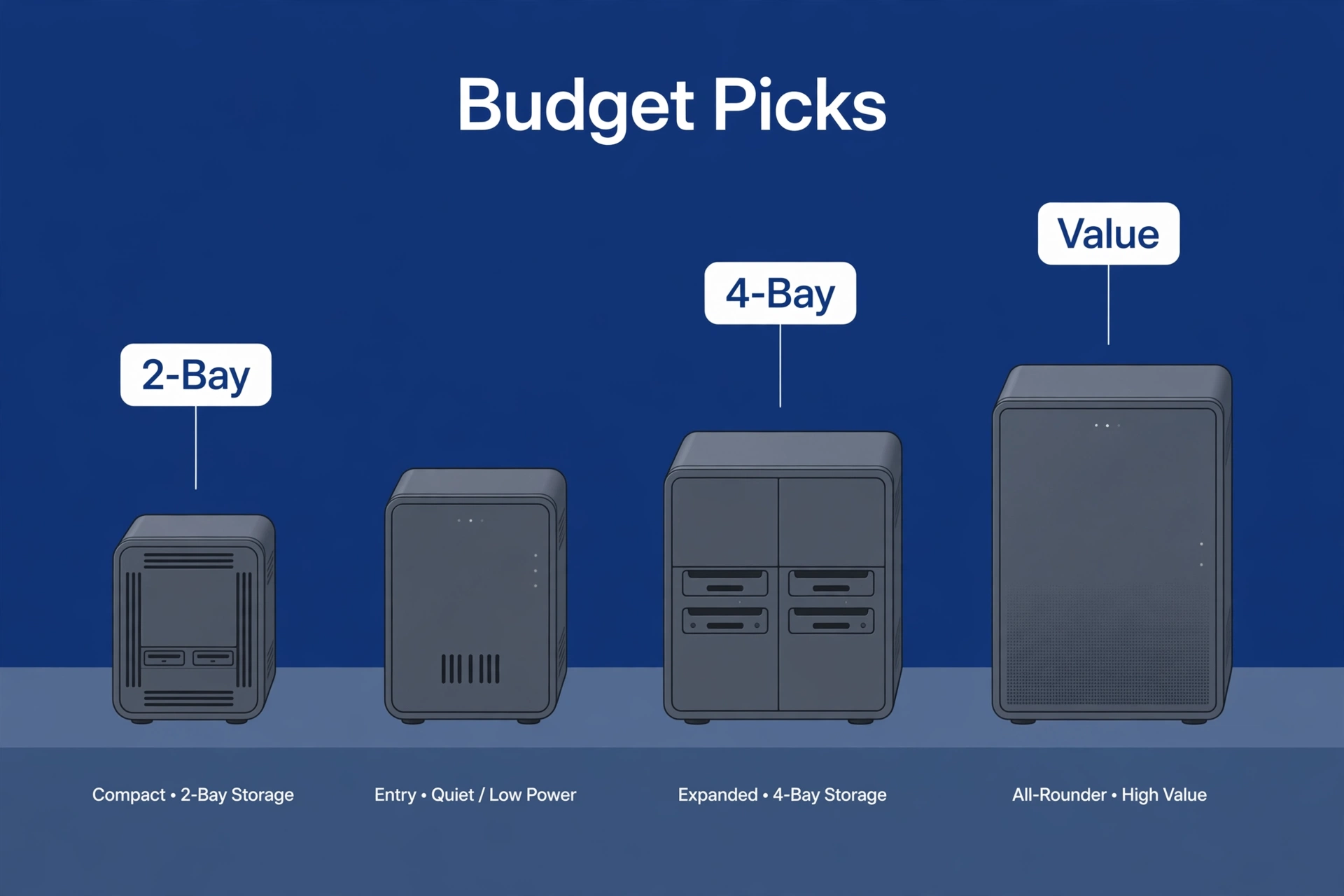
Four boxes worth your money, each with a different strength. Prices move — confirm street prices before buying; the enclosure price is only half the total.
UGREEN DH2300 — best all-rounder on a budget
UGREEN’s entry-level 2-bay NAS is the budget pick that feels least like a compromise: solid hardware for the money, clean and improving software, and enough CPU for file serving, backups, photo sync, and direct-play media. The box we’d hand to a friend who wants a NAS without overthinking it.
Strengths: hardware value, straightforward setup, quiet and efficient. Weaknesses: a younger software ecosystem than Synology or QNAP — fewer third-party apps, thinner community knowledge base. For the core jobs, none of that matters much.
Synology DS223j — simplest software, slowest hardware
The DS223j is Synology’s entry-level 2-bay — the cheapest way to get DSM, the best NAS operating system for beginners. Setup is genuinely hand-holding, the backup and photo apps are excellent, and everything just works.
The catch is the hardware: the “j” series uses modest processors, so the superb software runs at a leisurely pace. Photo-indexing a large library takes a while; the interface occasionally makes you wait. If you value simplicity above all and your needs are basic — backups, files, photos — the trade is worth it. Impatient? Look at the other picks.
TerraMaster F2-223 — best hardware for the money
The F2-223 is a 2-bay Intel-based box (Celeron N4505) that frequently undercuts the big brands while offering better silicon: an Intel chip, RAM upgradeable to 32GB, and headroom for light Docker use alongside the basics.
The trade-off is software. TerraMaster’s TOS has improved but remains the least polished OS of the four — setup takes more patience, the app selection is thinner, and you’ll occasionally Google things Synology users never think about. Confident tinkerers will be fine; absolute beginners should weigh that honestly.
QNAP TS-233 — the established alternative
QNAP’s entry 2-bay sits between the Synology and TerraMaster philosophies: more mature software than TerraMaster, better hardware value than the Synology j-series. QTS is powerful — sometimes overwhelmingly so for beginners — with a deep app store and long-term firmware support.
Choose the TS-233 if you want a brand with a long track record at the budget tier and don’t mind software with more menus than you’ll ever open. Not the cheapest, not the fastest, but dependable.
Budget NAS Comparison
Side by side, the differences are mostly about software maturity versus hardware value:
Caption: Budget NAS picks compared (verify specs and prices before buying)
| Feature | UGREEN DH2300 | Synology DS223j | TerraMaster F2-223 | QNAP TS-233 |
|---|---|---|---|---|
| Bays | 2 | 2 | 2 | 2 |
| CPU class | Rockchip ARM, 8-core | Realtek ARM, quad-core | Intel Celeron, dual-core | ARM Cortex-A55, quad-core |
| RAM | 4GB, not expandable | 1GB, not expandable | 4GB, expandable to 32GB | 2GB, not expandable |
| Software polish | Good, improving | Excellent (DSM) | Basic but improving | Powerful, busy |
| Best for | Balanced budget pick | Beginners | Hardware value | Established brand |
| Plex transcoding | Basic only | Basic only | Light transcoding | Basic only |
The honest summary: no runaway winner, because each box trades something. Pick the Synology for the easiest experience, the TerraMaster for the most hardware per dollar, the UGREEN for the balance, the QNAP for the track record. Any of the four will handle backups, files, photos, and direct-play media — which is what the budget tier is for.
Drives: The Hidden Half of the Budget
This section exists because it’s where budget buyers most often go wrong. The enclosure gets all the research; the drives get whatever’s cheapest. Backwards — the drives hold your data.
What to buy:
- NAS-rated hard drives — built for 24/7 operation and the vibration of neighboring drives. The well-known lines are WD Red Plus/Pro and Seagate IronWolf, all still current lineups.
- CMR, not SMR — CMR handles the sustained writes of a NAS better than SMR (shingled). Check the spec sheet; manufacturers don’t always say which is which.
- 4 TB each is the sweet spot for budget builds — enough for years of backups and photos, without the price jump of larger drives. Heavy media collectors: consider 8 TB.
- Two identical drives — a mirrored setup means one drive can fail without losing data. Mismatched drives work but waste capacity.
What not to do: don’t shuck external USB drives to save money unless you know the warranty and compatibility gotchas, and don’t use old desktop drives “temporarily” — temporary becomes permanent, right up until the drive dies. Our best NAS hard drives guide goes deeper.
The DIY Alternative: An Old PC
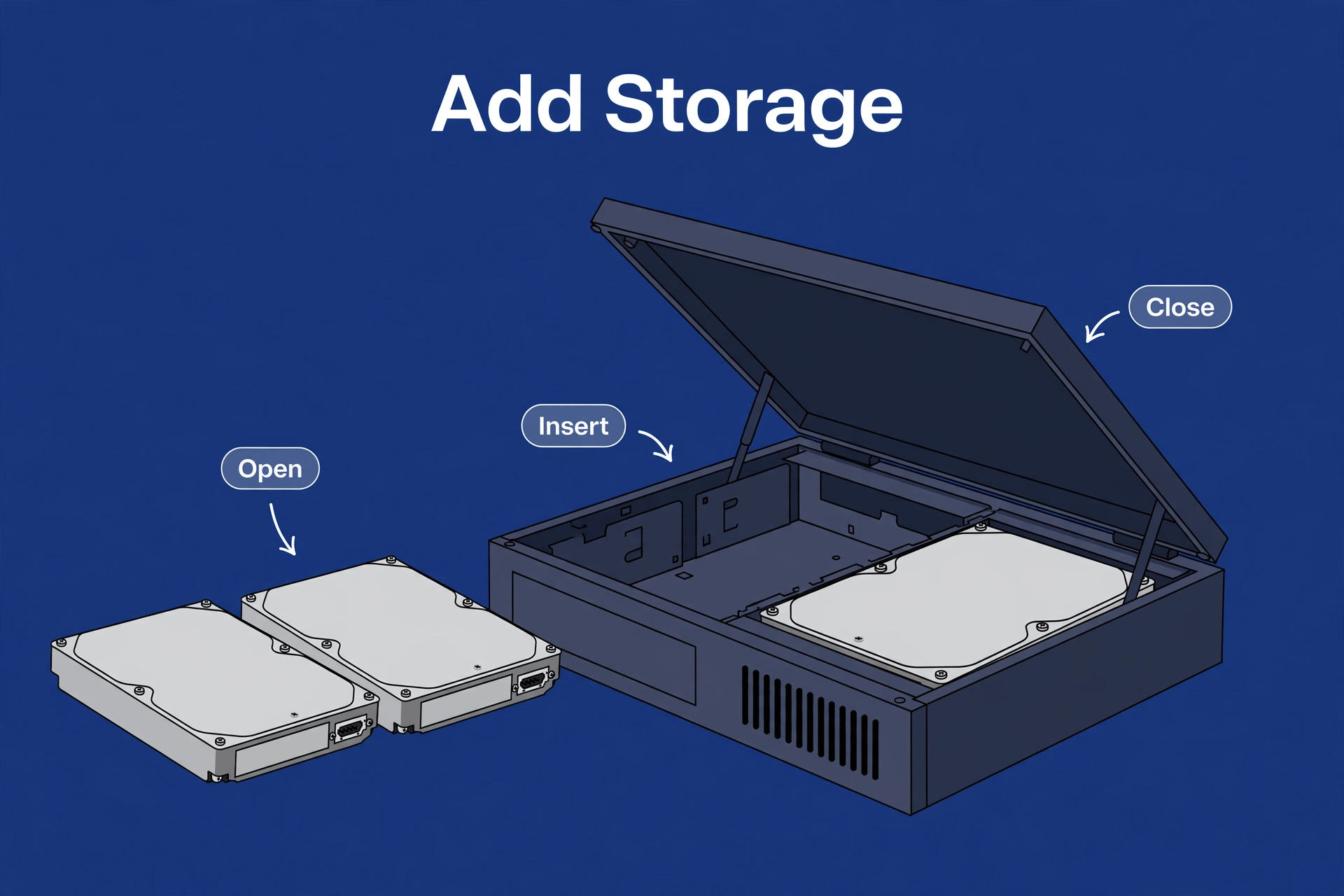
Before you spend anything, look around for a spare computer. An old desktop or laptop with an Intel chip can be a surprisingly good budget “NAS” — sometimes better than a $250 enclosure.
The case for the old PC:
- It’s free. The hardware already exists. Add drives, and you’re done.
- More CPU power. Even a five-year-old desktop Intel chip usually out-muscles a budget NAS processor — including Quick Sync for Plex transcoding on many models.
- More flexibility. Run anything: TrueNAS, Unraid, plain Linux with Samba, Plex, Jellyfin, Docker — no app-store limits.
The case against:
- Power and noise. A desktop idles at far more watts than a NAS and is usually louder. Over a year of 24/7 operation, the electricity difference is real.
- Size and looks. A tower PC doesn’t disappear on a bookshelf.
- More setup. Installing and maintaining TrueNAS or a Linux server is a project. A Synology or UGREEN is an appliance.
The verdict: spare machine plus tinkering spirit, and the old PC is the best budget home server there is. Want small, quiet, efficient, and simple? Buy the NAS. Both are legitimate — they serve different people.
When to Spend More Instead
The budget tier is right for a lot of people, but not everyone. Spend more — step up to the mid-range boxes in our best NAS for home guide — if any of these are true:
- Plex transcoding matters to you. Phones, remote streaming, shared libraries — if transcodes will be a regular thing, you need an Intel box with Quick Sync, and that means leaving the budget tier.
- You’ll run many apps. Photo indexing plus Plex plus backups plus a download manager plus Docker containers will choke 2 GB of RAM. The mid-range gives you headroom.
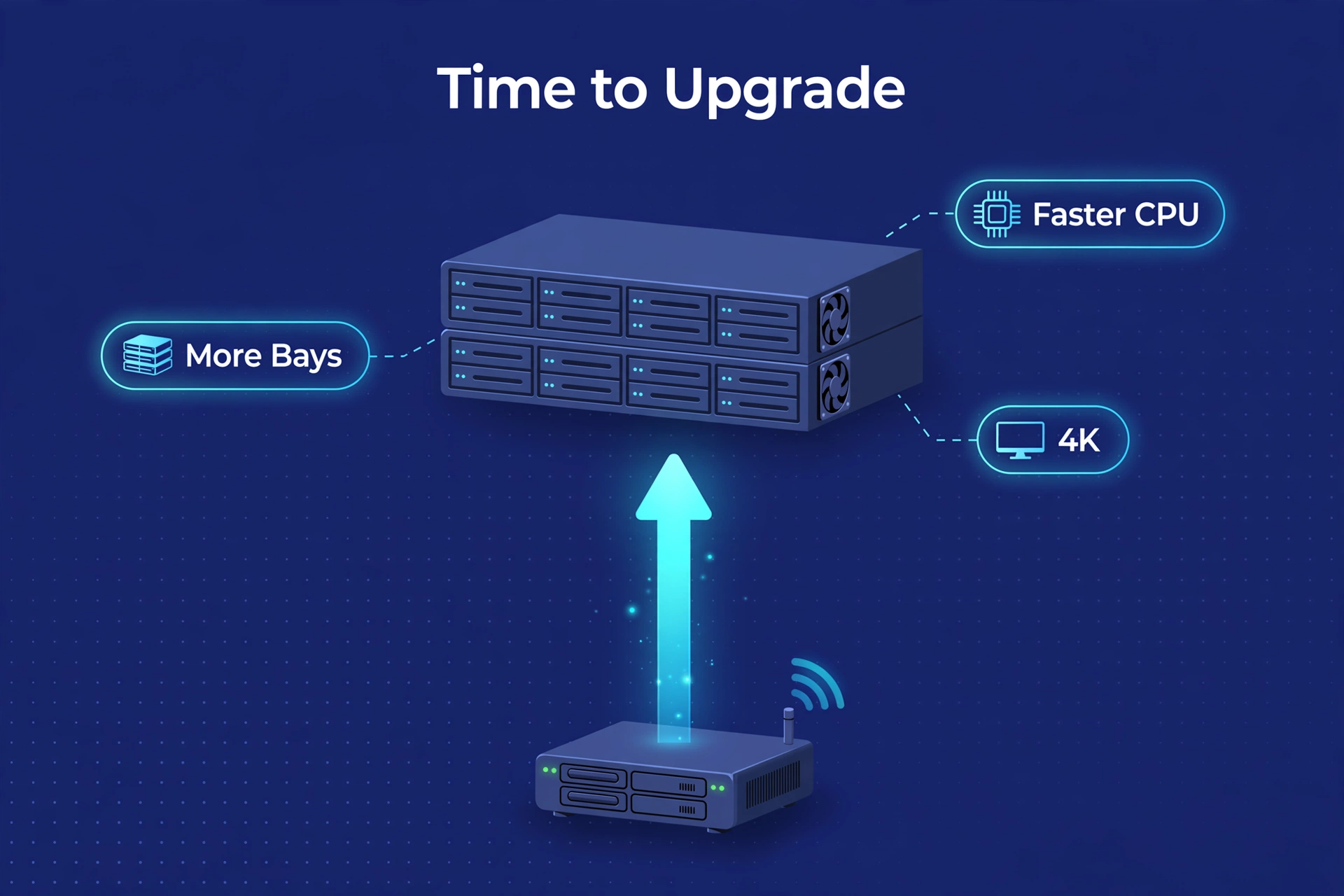
- Your library will grow fast. 4K movies eat 50–80 GB each. If you see a big media collection in your future, four bays now beats replacing drives later.
- You hate waiting. The DS223j in particular is leisurely. If slow interfaces drive you up the wall, the mid-range Synology Plus models are worth every penny.
A useful rule of thumb: if the mid-range box you’re eyeing costs less than 50% more than your budget pick including drives, just buy the mid-range box. The total-cost gap is smaller than the sticker gap suggests, and you’ll feel the difference every day.
FAQ
Can I get a good NAS for under $300 total?
For the enclosure alone, yes — the picks in this guide target that band, though street prices move so confirm before buying. For enclosure plus drives, realistically no: two NAS-rated drives are a major part of any NAS budget. Plan around the total, not the box.
Is a cheap NAS reliable?
Yes, from an established brand. UGREEN, Synology, QNAP, and TerraMaster all make budget boxes with proper warranties and ongoing updates. “Cheap” here means fewer features, not lower quality. Avoid no-name enclosures with no software support — a NAS without security updates is a liability on your network.
Can a budget NAS run Plex?
It can run Plex and direct-play to compatible devices without issue. What it can’t do well is transcode — especially 4K. If your Plex use is direct play on a local network, a budget NAS is fine. Need regular transcoding? You need an Intel box with Quick Sync, which means spending more.
How many drives do I need to start?
Two. A 2-bay NAS with two identical drives in a mirror protects against a single drive failure — the most common disaster. One drive alone is an expensive external disk with extra steps: network features, but no redundancy. Start with two; that’s the whole point of the second bay.
Should I buy used NAS hardware?
Carefully. A used NAS from a known brand can be a great deal — the boxes last for years. But check three things: that the model still gets software and security updates, that the seller includes the drive trays and power supply, and that the price leaves room for new drives. Never trust used hard drives with data you care about.
The Bottom Line
A budget NAS under $300 is a genuine bargain for what most households need: automatic backups, phone photo sync, central file storage, and direct-play media streaming. The UGREEN DH2300 is the balanced pick, the Synology DS223j is the simplest, the TerraMaster F2-223 gives you the most hardware per dollar, and the QNAP TS-233 is the established safe choice.
Two rules for the budget tier. One: the enclosure price is half the story — budget for NAS-rated drives too. Two: know what you give up — transcoding muscle, RAM headroom, growth bays. If none of that matters for you, congratulations: you saved a few hundred dollars, and your little box will hum along quietly for years.
