Can you actually buy a usable dash cam for under $100? However, short answer: yes. For example, long answer: only if you know exactly what that money does — and doesn’t — buy. At this price, you get honest 1080p or 1440p recording, basic night vision, and loop recording that actually works. What you don’t get: true 4K, class-leading night sensors, or dual-channel coverage. And here’s the rule that’ll save you real money: the best budget dash cam under $100 is the one with honest specs. In fact, not the one shouting “4K” the loudest on the box.
Look, no sugarcoating here — budget dash cams are the most lied-about corner of this entire market. Those thin template sites with their “top 10” lists? Nearly every pick is a random-letter brand propped up by fake reviews. This guide does the opposite: what to realistically expect, how to spot the traps, and how to judge a cheap camera like someone who can’t afford to buy twice. Because most of us can’t.
Best Budget Dash Cam Under $100: What the Money Gets You
Let’s set expectations straight first — because disappointed buyers are usually victims of bad expectations, not bad products. Get the expectations right, and a $70 camera feels like a steal. Get them wrong, and nothing under $300 will make you happy.
What $50–$100 buys: a single-channel, front-only camera with genuine 1080p or 1440p, decent daylight footage, usable-but-unremarkable night footage, and loop recording that actually works. Choose well, and you even get a supercapacitor instead of a battery. In addition, that’s a legitimate safety tool. It’ll record the crash happening in front of you — which, let’s be honest, is the scenario that matters most.
What it doesn’t buy: true 4K (more on that in a second), Sony STARVIS 2-class night vision, dual front-and-rear coverage, refined parking mode, or a polished app. Furthermore, those cost more for real engineering reasons. Not branding — physics and parts.
Burn this into your brain: a $70 camera with honest 1440p and a named sensor beats a $70 camera claiming “4K” every single time. You’re buying evidence, not box art.
The Fake-4K Trap (Read This Before Anything Else)
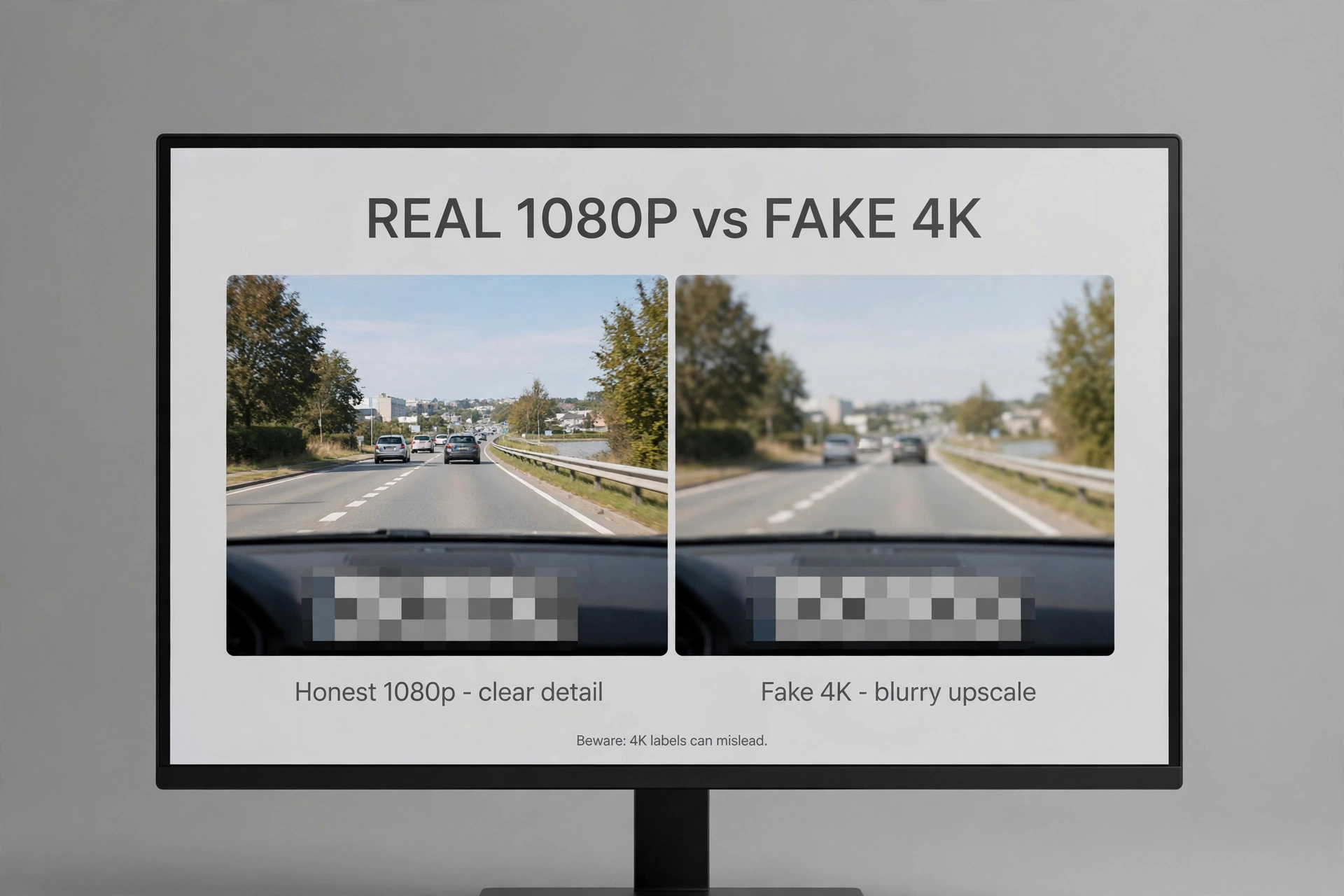
The budget segment is drowning in “4K” cameras that aren’t. Here’s why the economics can’t work: a true 4K sensor, the processor to handle it, and the thermal design it demands simply cannot fit inside a sub-$100 bill of materials in 2026. So when you see 4K at this price, what you’re actually looking at is upscaled footage. A stretched, lower-resolution image with zero extra detail. The 4K badge is the product — not the picture.
And it gets worse. Moreover, fake-4K cameras usually pair the lie with rock-bottom bitrates. As a result, you end up with a big file of mushy footage that eats your SD card for nothing. Also, an honest 1080p camera running a healthy bitrate will read plates better than a fake-4K camera every single time. Every. Single. Time.
Our best 4K dash cam guide has a 60-second check for this, and it applies doubly down here: find the sensor model in the specs. No named sensor? Walk away. Doesn’t matter what the resolution line claims.
Budget Tiers: What to Expect
Caption: Budget dash cam tiers — realistic expectations by price band.
| Price band | What to expect | Verdict |
|---|---|---|
| Under $50 | Basic 1080p, older sensors, often battery-powered | Gamble — only if you verify capacitor and real reviews |
| $50–$100 | Honest 1440p options, some with decent sensors and capacitors | The sweet spot — real protection for real money |
| $100–$150 | Entry dual-channel, better night sensors | Step up here if you can stretch — rear coverage matters |
See the pattern? Going from “under $50” to “$50–$100” buys you out of the worst compromises — dying batteries, mystery sensors. The jump to $100–$150 buys you the second channel. And if your budget is truly stuck under $100, spend in the middle of the $50–$100 band, not at the bottom of it. The cheapest option in a cheap tier is where the junk lives.
How to Judge a Budget Camera (Honest Criteria)
Forget star ratings. At this price they’re gamed — rigged, bought, whatever word you prefer. Run this checklist instead.
First: name the sensor. A listing that names the sensor — even an older Sony or Novatek — is being straight with you. “High-definition chip” is not a sensor. In addition, you should treat it as a confession.
Second: capacitor or battery? Search the specs for “supercapacitor.” Budget cameras cut this corner first, and summer heat kills battery models dead. This single check eliminates about half the junk on the shelf.
Third: is there real sample footage? First, hunt down owner-uploaded videos on YouTube, night samples especially. If real footage doesn’t exist anywhere, nobody’s proud of what this thing records — and that tells you plenty.
Fourth: read the 2- and 3-star reviews. Second, the five-star ones are bought; the critical ones are your research. Finally, watch for patterns — “stopped recording,” “corrupted files,” “died in summer.” Any of those showing up repeatedly is an instant disqualifier.
Fifth: check the app’s update history on the app store listing. Meanwhile, an app abandoned two years ago means the company already moved on — and you should too.
And sixth: does a real company stand behind it? Names with actual companies behind them — 70mai, for instance, is a frequently recommended value brand in owner communities — beat alphabet-soup brands with no website every time. A real company has a reputation to protect. A ghost brand doesn’t, and you’ll feel the difference.
What We’d Actually Buy
No fake ranked list here — you’ve seen enough of those. Here’s the decision framework real owners actually land on:
The value pick: a 70mai-class camera. Nevertheless, that brand comes up constantly as the “cheapest I’d trust” answer in owner discussions — honest specs, a real company, regular firmware updates. In fact, one caveat, and it matters: verify the specific model’s sensor and capacitor before buying. Budget lineups change fast, and last year’s model may not match this year’s.
The cheapest worth buying: whatever passes all six checks above at the lowest price. As a result, in practice? In contrast, that’s usually a previous-generation model from a real brand on sale. Last year’s honest camera beats this year’s mystery camera — not close.
The stretch goal: if you can stretch to $100–$150, stop shopping budget single-channel and read our best front and rear dash cam guide instead. Similarly, honestly? Rear coverage is worth more than any single-channel upgrade you’ll find down here.
Still on the fence about whether buying one makes sense at all? Our is a dash cam worth it guide runs the insurance math. Spoiler: a single avoided dispute pays for the camera many times over.
The Brands Behind the Value Picks
Down here, the brand matters more than the model — seriously. A real company has a website, a support email that actually answers, firmware updates, a reputation to protect. An alphabet-soup brand has none of that. And when the camera dies in month four? That’s when you discover the difference, the hard way.
Start with 70mai — the value brand that comes up most in owner communities. Specifically, it’s a real Xiaomi-ecosystem company, which means proper apps, regular firmware updates, honest spec sheets. However, their budget models are consistently the “cheapest I’d trust” answer in forums. For example, now — that doesn’t mean every 70mai is great. It means the company is accountable. And at this price, accountability is half the battle.
Don’t sleep on Viofo’s older models either. In addition, every time a new generation launches, the previous one tumbles into budget territory — and a discounted honest camera beats a full-price mystery camera every time. Furthermore, honestly, last year’s well-reviewed model on sale is one of the smartest budget buys in all of dash cams.
What to avoid: brands that exist only as an Amazon storefront with a name like “XKTT-Y3000.” No website. Moreover, no firmware history. Also, reviews that all mysteriously appeared in the same week. These aren’t cameras — they’re lottery tickets. And the few dollars you save aren’t worth footage that isn’t there when you need it.
One last practical filter before you buy anything: search “[brand] firmware update” and “[brand] support.” Real companies have update histories and support threads. Ghost brands have nothing. Which tells you everything you need to know.
When to Skip Budget Entirely
Honest advice? Sometimes the smartest budget move is not buying a budget camera at all. Here are the cases where stretching — or just waiting — beats buying cheap right now.
You drive nights for a living. First, rideshare, delivery, night shifts — if darkness is your workplace, budget sensors will fail you at exactly the moment the evidence matters most. Save up for a STARVIS 2-class camera instead of buying twice. You’ll thank yourself later.
You need rear coverage. Second, do the real math: a $90 single-channel camera plus a year of regrets costs more than a $140 dual-channel kit bought once. Finally, if protection from behind matters to you, the budget tier is simply the wrong tier.
You park on the street. Meanwhile, street parking means parking mode matters — which means a hardwire kit, a voltage cutoff, and a camera with real buffered parking recording. Nevertheless, that’s a stack of requirements budget cameras rarely meet well. Don’t force it.
If you can wait a month — do. In fact, dash cam prices swing hard with sales, and a mid-range camera at 30% off often lands near budget prices. As a result, patience is the best coupon in this market. Truly.
None of this means budget cameras are bad. It means matching the tool to the job — which has been the theme of this whole guide. A $70 honest camera in a garaged commuter car? Great buy. The same camera for a night-shift delivery driver? False economy. Different jobs, different tools.
Refurbished and Open-Box: The Secret Budget Tier
Here’s the move experienced buyers actually make: manufacturer-refurbished or reputable open-box units. A refurbished mid-range camera often lands in the $60–$90 range — that’s budget money for a non-budget camera, with a warranty from the actual manufacturer. This is the cheat code of the budget world.
Why does this work? In contrast, dash cams get returned for trivial reasons — wrong mount in the box, buyer’s remorse, gift duplicates. Similarly, the manufacturer checks it over, resets it, sells it at a discount. You end up with the honest sensor, the capacitor, and the mature firmware of a $150 camera — for budget money. Somebody else’s indecision becomes your discount.
A few rules for doing this safely. Buy manufacturer-refurbished — not third-party “renewed” with no name behind it. Specifically, get the warranty length confirmed in writing. Check that all mounts and the power adapter are actually in the box, because missing accessories erase the savings fast. And skip anything sold “as-is” with no returns. The discount is never worth that gamble.
Where to look: manufacturer outlet pages first, then the open-box sections of big retailers. Stock is unpredictable — if you spot your target model refurbished, don’t spend a week deciding. It’ll be gone. And run the same six-check evaluation on it anyway. Refurbished doesn’t exempt a camera from the capacitor test.
Setup Tips That Matter More at This Price
These setup tips matter more at this price, because a budget camera has zero margin for sloppy installation. Start with the SD card: buy it separately. Budget kits ship with the worst cards — or none at all — so a high-endurance microSD, 128GB minimum, is mandatory. Not optional.
Then format the card in the camera. However, not on your computer — in the camera’s own menu. This one step prevents a whole class of “corrupted file” complaints, and it costs you about ten seconds.
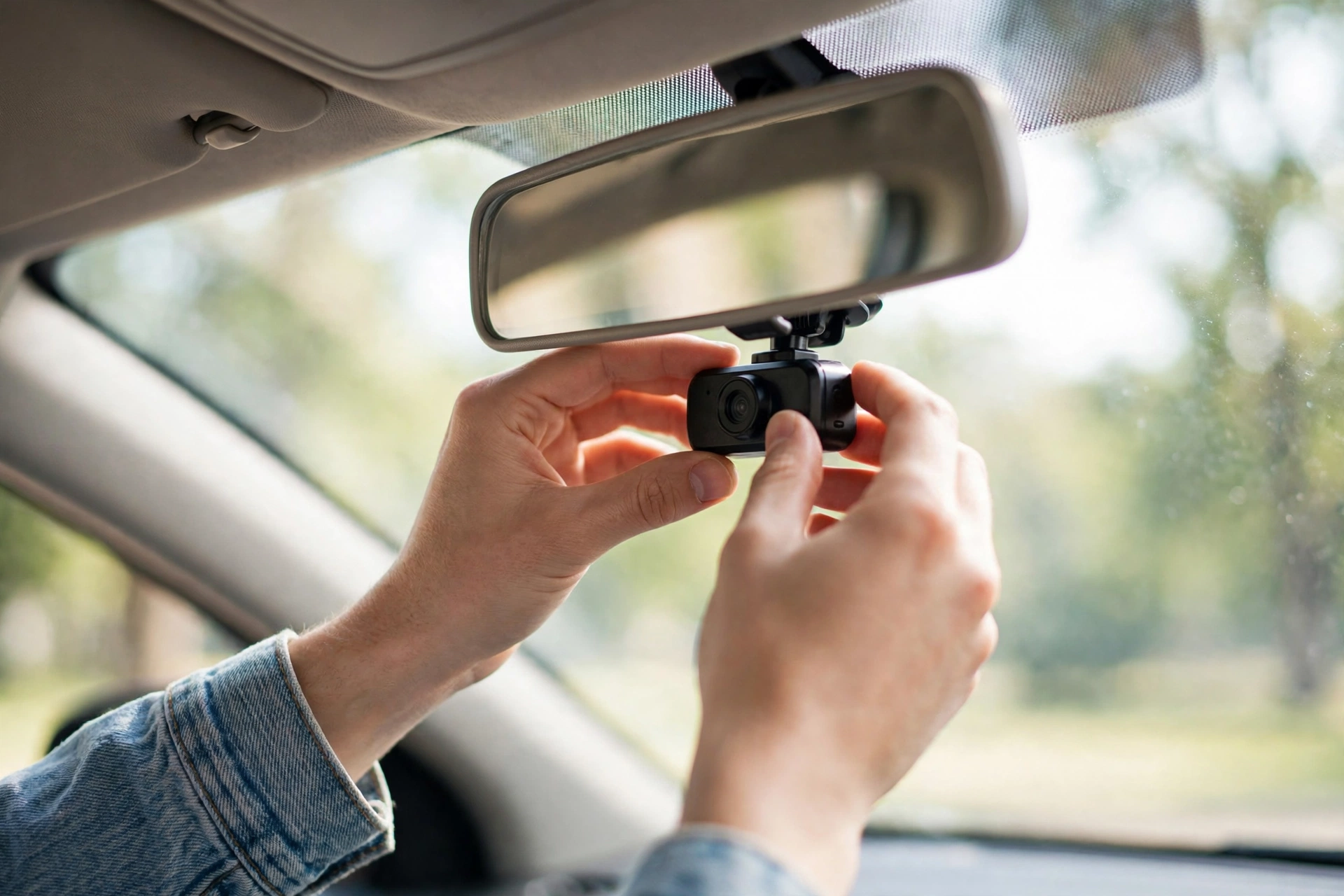
Mount it high and centered, tucked behind the rearview mirror so the A-pillars stay out of frame. For example, free image-quality upgrade — the best kind. And crank the bitrate to max while you’re in the settings. Moreover, budget cameras default to settings that flatter the storage specs, not your footage. In addition, storage is cheap. Evidence isn’t.
Finally: test before you trust. Drive for a week, pull the footage, and try reading a plate at distance — daylight and night. If it fails, send it back inside the return window. That’s what the window is for.
Frequently Asked Questions
Are cheap dash cams worth it?
Yes — if you buy honestly. A $70 camera with a real 1440p sensor and a capacitor records the crash in front of you just fine. What isn’t worth it is a $40 mystery-brand camera that dies in August. That’s not a dash cam. That’s a donation.
Is 70mai a good dash cam brand?
It’s one of the most recommended value brands in owner communities — real company, honest specs, regular updates. Same rule as any brand, though: verify the specific model’s sensor and power design before buying. Lineups change, and brand trust doesn’t cover every model.
Can a budget dash cam read license plates?
In daylight, sure — a decent budget cam reads plates at normal following distances. At night, budget sensors struggle. That’s physics, not a defect. If night plate capture is genuinely critical for you, budget for a STARVIS 2-class camera instead of fighting physics.
Should I get a $90 single-channel or stretch to dual-channel?
Dual-channel, if the stretch is possible. Rear coverage catches crashes a front camera literally can’t see, and the price gap keeps shrinking. But if the budget is truly fixed? A good single-channel still beats a bad dual-channel. Priorities.
Do budget dash cams have parking mode?
Some claim it. Few do it well. Real parking mode needs a hardwire kit with voltage cutoff (usually sold separately) plus a camera with proper buffered recording. Treat “parking mode” on a $50 camera as marketing until proven otherwise — because it usually is.
How long do budget dash cams last?
A well-chosen one lasts years. A badly-chosen one lasts one summer. The capacitor check is the best predictor — heat kills cheap batteries long before anything else wears out. Choose accordingly.