

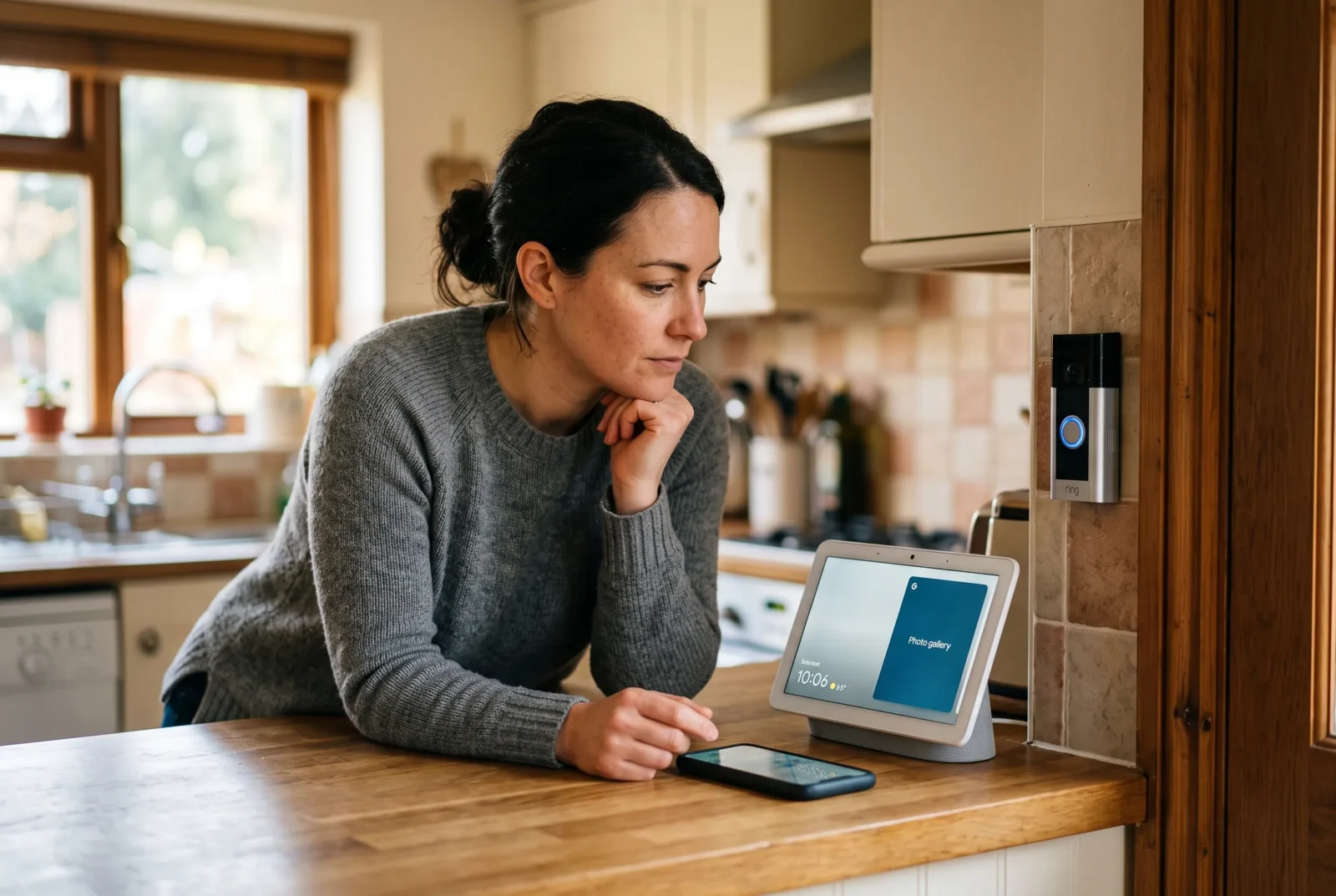
If you already own a Ring doorbell and a Google Nest speaker, connecting them seems like an obvious next step. You want the speaker to announce visitors, or the kitchen display to show who is outside. Unfortunately, those features do not follow simply from having both devices online.
Does Google Home work with Ring? There is no official, direct Ring integration with Google Home. You cannot use a standard Ring account link to bring its cameras, doorbell announcements, or controls into Google’s system. Third-party software can bridge selected functions, but that requires a separate setup and has limitations.
The useful question is what you want the connection to accomplish. Hearing a doorbell, watching live video, speaking to a visitor, and managing recordings are different jobs. The best solution depends on which one matters to you.
What Ring and Google Home can—and cannot—do together
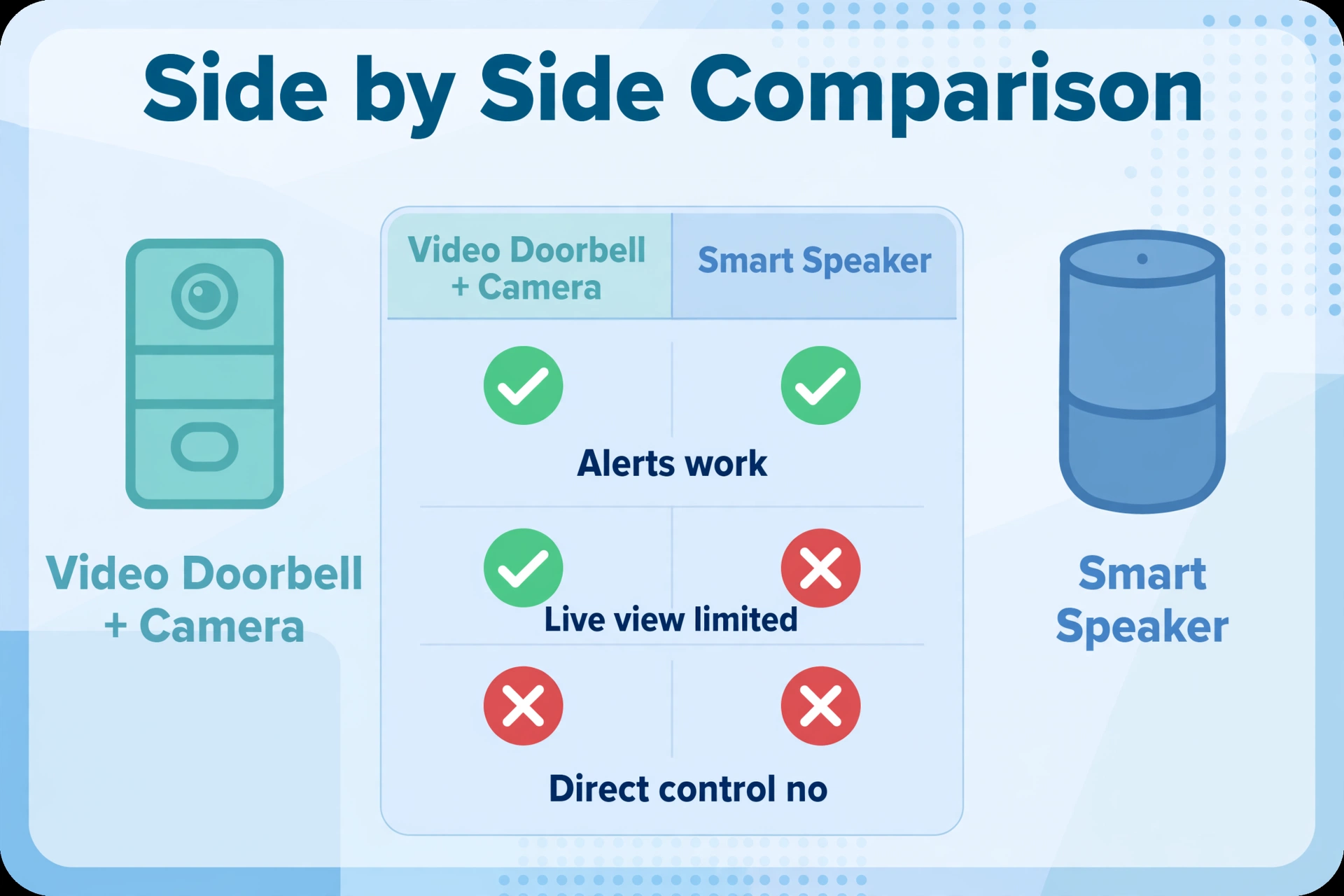
Here, Google Home means the Google Home app and connected Google or Nest speakers and displays. Ring means Ring video doorbells and security cameras, with Ring Alarm considered separately where relevant.
Ring’s own support representatives identify Alexa as its supported voice-assistant integration and say Google Home is unsupported. That means there is no ordinary manufacturer-supported setup that makes a Ring doorbell behave like a Nest doorbell.
These are the practical expectations for a direct connection:
Ring and Google Home: what works together at a glance
| What you want to do | Direct Ring–Google Home support |
|---|---|
| Add Ring cameras through a Ring account link in Google Home | No official integration |
| Show Ring live video on a Nest Hub by voice | Not supported directly |
| Announce Ring doorbell presses on a Nest speaker | Not supported directly |
| Speak to a Ring visitor through a Nest display | Not supported directly |
| Use Ring independently alongside Google Home | Yes, through separate supported apps and controls |
| Connect selected functions through another platform | Possible, depending on the software and feature |
The table describes native support: features provided through the manufacturers’ own integration. It does not rule out custom projects.
For example, keeping a Ring doorbell for phone alerts while using Google Home for lighting is a perfectly reasonable arrangement. You only need a bridge if you want an event or command in one system to affect the other.
Why some guides still say Ring works with Google Home
The phrase “works with” often hides the detail that matters most. An article may describe an old voice command, a phone app, or an enthusiast’s custom automation as though each offers full Google Home compatibility.
Older Assistant tutorials deserve particular caution. Google retired Conversational Actions, a system for third-party conversational experiences, on June 13, 2023. Instructions relying on that retired system cannot be treated as a current setup method. Google also makes clear that this shutdown did not remove all smart-home integrations, as Google’s Conversational Actions sunset notice explains.
There is also a naming trap: Home Assistant is different from Google Assistant and Google Home. Home Assistant is a separate home-automation platform. A guide showing Ring working inside it is not proof that Ring now offers direct Google Home support.
When assessing a tutorial, look for the exact result. Does it show a live stream, an older recording, a spoken announcement, or only a battery reading? Does it require another computer? A successful demonstration of one feature does not establish support for everything else.
If Ring is missing from Google Home, what should you check?
Start by separating an integration limitation from a malfunctioning doorbell.
- Open the Ring app and test the device there. Check whether you can start Live View and receive a doorbell alert.
- Identify your intended Google Home feature. Write down whether you need announcements, video, talkback, or an automation.
- Check the manufacturer’s current integration instructions. Look for explicit support for that feature and your device model.
- Choose a supported alternative or a documented bridge. Avoid repeatedly resetting working hardware to solve a missing integration.
Google’s camera instructions require a compatible camera and direct users to the manufacturer list under the app’s linking options. Sharing a Wi-Fi network is part of some supported setups; it does not make an unsupported camera compatible. Streaming Help
A factory reset is therefore a poor first response when Ring works normally in its own app but cannot be linked to Google Home. It creates setup work without addressing the underlying support gap.
If Live View also fails inside Ring, investigate that separately. Confirm power, network connectivity, and the device’s online status before focusing on another platform. Ring’s own Live View instructions provide the starting point for that check. If your Google speaker itself needs reconnecting, see how to change Wi-Fi on a Google Home Mini for the setup and reset steps.
The simplest options if you already own Ring
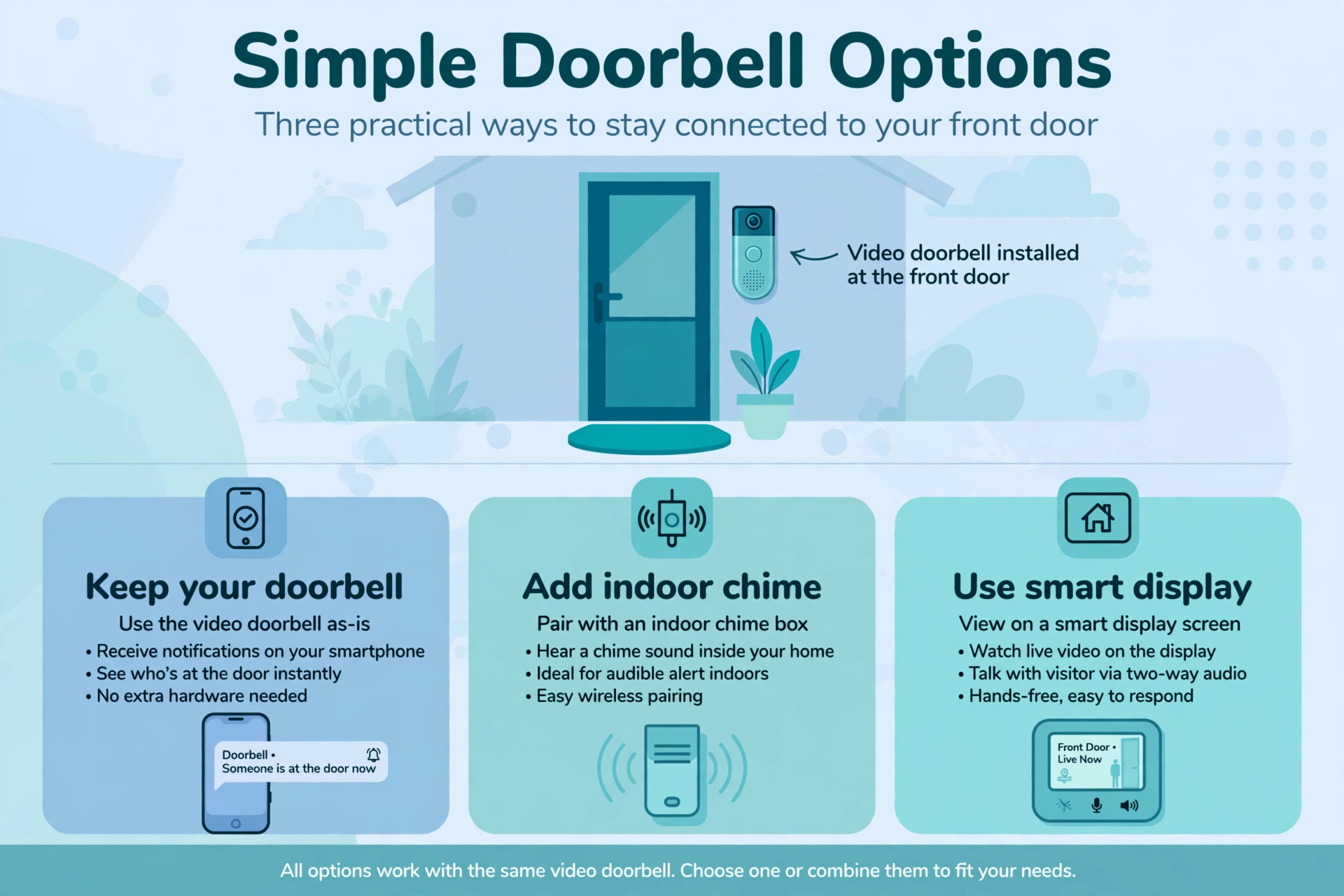
Keep Ring for your doorbell and Google Home for other tasks
You do not have to replace a functioning doorbell just to make every device appear in one app. Ring can handle visitors while Google Home handles other compatible household devices.
Ring provides basic live viewing without a subscription, and its app supports two-way conversation during Live View. Reviewing recorded footage requires a Ring subscription, as Ring’s Live View guidance explains.
This arrangement makes sense if you mostly answer the door through your phone. Its drawback is everyday convenience: you will switch apps, and your Nest display will not become Ring’s built-in answering screen.
Consider who else uses the doorbell. If everyone is comfortable responding on a phone, a unified dashboard may add little value. If someone needs an audible alert away from their phone, solve that specific need first.
Add a suitable indoor chime
If your main complaint is missing visitors, a compatible Ring Chime or supported Echo announcement setup may address it without a Google Home bridge. Ring lists these as ways to receive indoor alerts without relying on an existing wired chime.
Do not assume every wired Ring model can operate your old household chime. Check the exact doorbell model and its installation requirements before buying accessories or altering wiring.
Use Alexa for Ring voice and display features
Alexa is the direct integration to consider if you want Ring to work with a voice assistant. Ring documents visitor conversations, alerts, and Live View on compatible Alexa devices with screens. Availability depends on the device and feature.
The supported account-linking route is straightforward:
- Update the Ring and Alexa apps.
- Open Ring’s account settings and find the Ring Alexa Skill option.
- Follow the prompts to link the accounts.
- Configure the desired alerts and test the supported functions.
Check that the Alexa app uses the Amazon account linked to Ring. Ring warns that using a different account can prevent Alexa devices from appearing correctly.
Adding an Echo creates another device to manage, so weigh that against replacing the doorbell. For someone with several Ring cameras, one compatible display may be the smaller change.
Can Home Assistant connect Ring to Google devices?
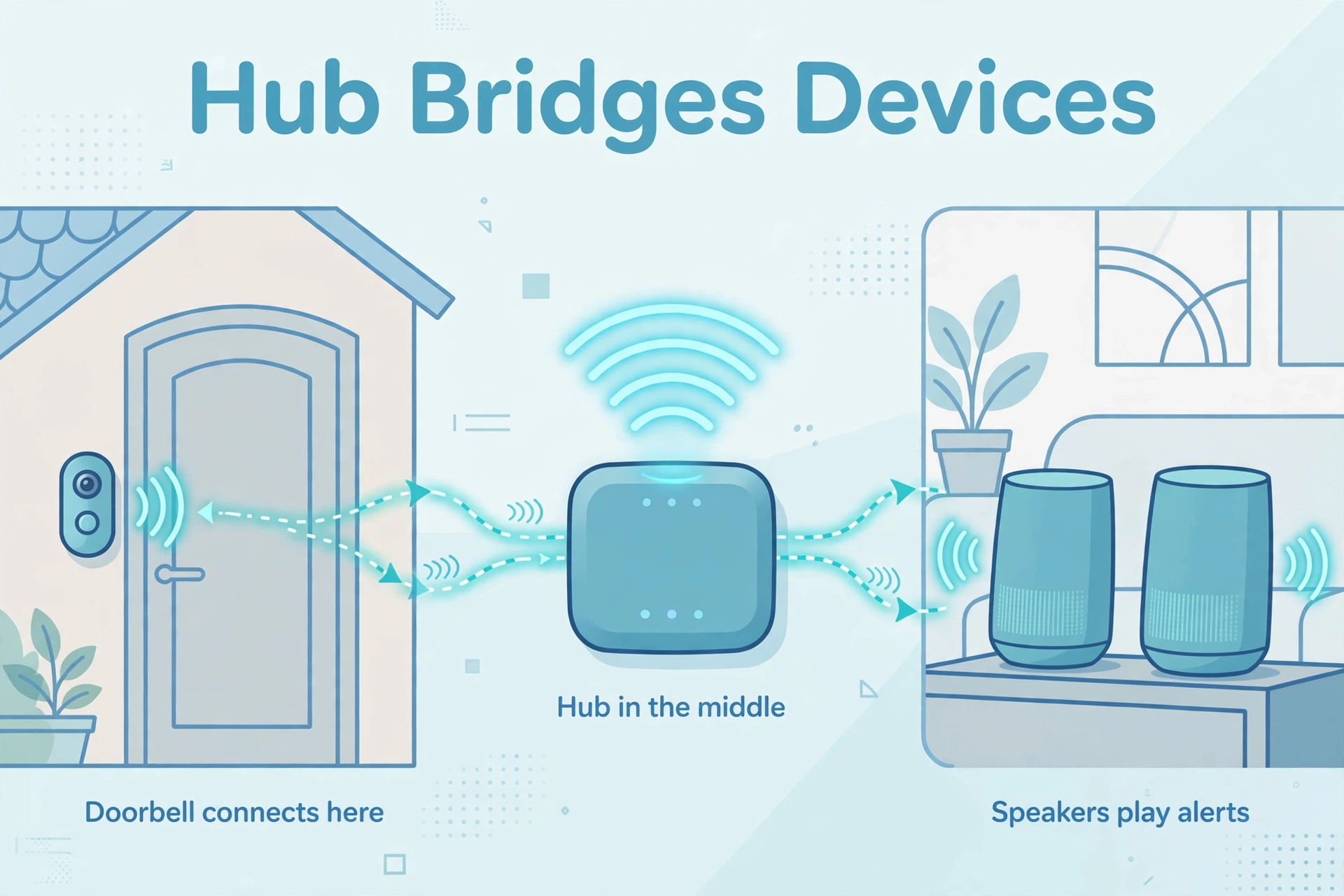
Yes, Home Assistant can provide building blocks for selected connections. Treat it as an automation project with specific goals, rather than a universal compatibility switch.
The current Home Assistant Ring integration supports doorbell events, motion events, and live camera feeds on supported devices. Its documentation lists both a live-view camera entity and a last-recording entity. Older claims that the integration only exposes recorded clips are therefore outdated. Home Assistant
An “entity” is simply a function or piece of information that Home Assistant can use, such as a doorbell press or camera stream.
Start with one useful automation
A modest first project might announce a Ring doorbell press through a Google Cast speaker. This combines Ring’s event support with Home Assistant’s Google Cast audio capabilities; it is a custom automation approach inferred from those documented components, not a Ring-provided feature.
For example, you could aim to play “Someone is at the front door” in the kitchen. Before expanding it throughout the house, test missed alerts, duplicate announcements, volume, and what happens while music is playing.
Home Assistant’s Google Assistant integration also supports exposing certain device types, including doorbell events and compatible streaming cameras. However, that is not a promise that every Ring stream will work on every Google display. Check the complete path before buying equipment for it.
Understand the limitations before committing
Home Assistant’s Ring integration communicates through Ring’s cloud rather than directly with the camera. It also states that two-way audio in camera Live View is unsupported. Access to the last recording requires a Ring subscription.
That distinction matters at the front door. Seeing a visitor is not the same as being able to tell them where to leave a parcel.
You will also need to maintain the Home Assistant installation and whichever connection carries information to your Google devices.
Budget for hardware, setup time, and ongoing attention. Some service choices may introduce subscription costs, so compare the complete arrangement rather than assuming a software workaround is free.
This route is most sensible when you already use Home Assistant or actively want a wider automation project. For one basic doorbell announcement, a supported chime is usually the more manageable purchase.
Does Matter make Ring compatible with Google Home?
Matter is a shared smart-home standard, but its existence does not automatically connect a particular Ring camera to Google Home.
Matter 1.5 introduced camera support in November 2025, including provisions for video streaming and two-way communication. It would therefore be outdated to claim that Matter cannot support cameras at all, as the Connectivity Standards Alliance announcement describes.
However, a feature entering the standard is different from a manufacturer implementing it in your device and your chosen platform supporting it.
For a purchase, look for confirmation covering all three parts: the exact camera model, its available firmware, and the features supported by Google Home. Do not treat a Matter-capable speaker or hub as evidence that an existing Ring doorbell will suddenly appear in Google’s app.
The same rule applies to promises of future compatibility. Buy for features that are available and documented, especially if those features are the reason you are choosing the product.
What should you buy if Google Home integration matters most?
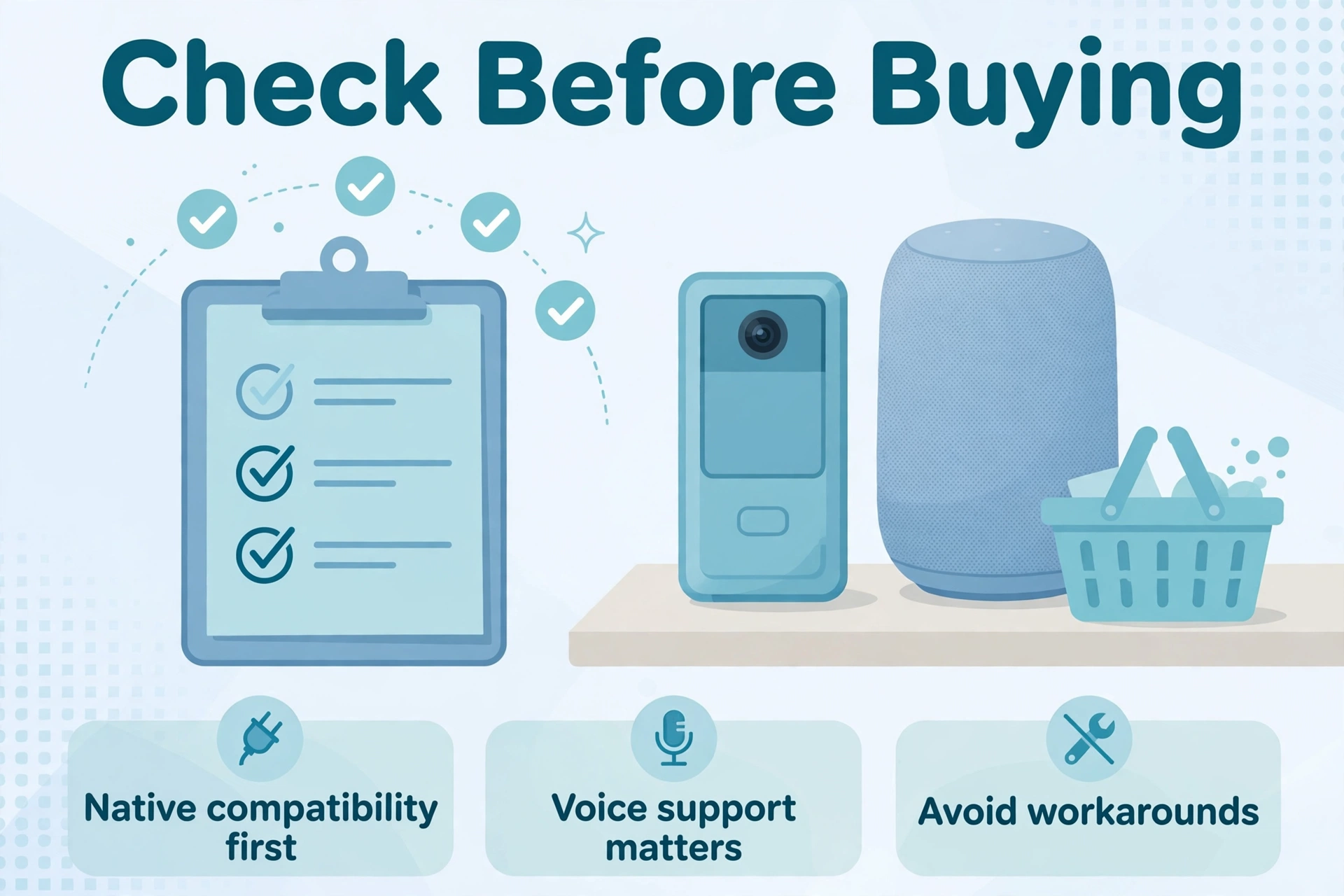
If you are starting from scratch and want a doorbell to work closely with Google speakers and displays, begin by evaluating a suitable Nest Doorbell.
Google documents visitor announcements for Nest and other compatible doorbells, with the doorbell and speaker or display assigned to the same home. It also warns that some third-party doorbells that work with Google do not support visitor announcements. Google Home and Nest Help
That warning is useful beyond this particular comparison. A general compatibility badge does not tell you which doorbell features are included.
Before choosing any model, confirm:
- Viewing: Can the exact display show the live camera feed?
- Announcements: Will a doorbell press trigger your chosen speakers?
- Conversation: Can you speak to the visitor from the screen you intend to use?
- History: Where are recordings stored, and what requires payment?
- Installation: Does the model suit your power supply, mounting location, and existing chime?
Google provides a camera-and-display compatibility table, which is worth checking for your specific combination. Different Nest cameras and doorbells do not all support the same streaming destinations in Google’s streaming help pages.
Also compare the total cost of changing systems. Replacing one doorbell may be reasonable; replacing several cameras, accessories, and established household routines is a different decision.
Product availability, subscription offers, and installation requirements vary by country, so use local manufacturer documentation before ordering.
Frequently asked questions
Does Ring work on an Android phone?
Yes. Ring supports an Android app, and its mobile notifications and live viewing are separate from Google Home integration. A Ring alert appearing on a Google Pixel or another Android phone does not establish compatibility with a Nest speaker or display.
Will paying for a Ring subscription enable Google Home?
No. A subscription does not supply the missing native integration. Choose a Ring plan for the recording or other listed Ring features you actually need, rather than expecting it to unlock Google Home compatibility.
Can I use a Nest speaker as a Ring Chime?
There is no direct Ring setup for this. A custom Home Assistant announcement may provide a similar audible result, but it adds software and maintenance. If hearing the doorbell is your only goal, compare that effort with a supported chime accessory.
Can Google Home control Ring Alarm?
Ring does not offer an official native Google Home integration for Ring Alarm. Do not assume that a bridge supporting Ring cameras also supports alarm arming and disarming; these are separate capabilities. Ring’s documented Alexa integration includes alarm controls, with conditions and subscription requirements for certain functions.
Should I wait for Ring to add Google Home support?
Base the decision on today’s documented functions. There is no launch date established by the official support material reviewed for this article. If Google integration is essential now, choose hardware that already supports your intended tasks rather than relying on a potential future update.
Choose the setup around how you answer the door
Google Home and Ring can coexist in the same household, but direct integration is missing. Keep them separate if phone-based answering suits you, consider Alexa or a chime for supported Ring features, or explore Home Assistant if you want a maintained custom setup.
Before spending anything, name the one result you need most: hear, see, speak, or review. That small distinction will help you avoid buying equipment that solves the wrong problem.
