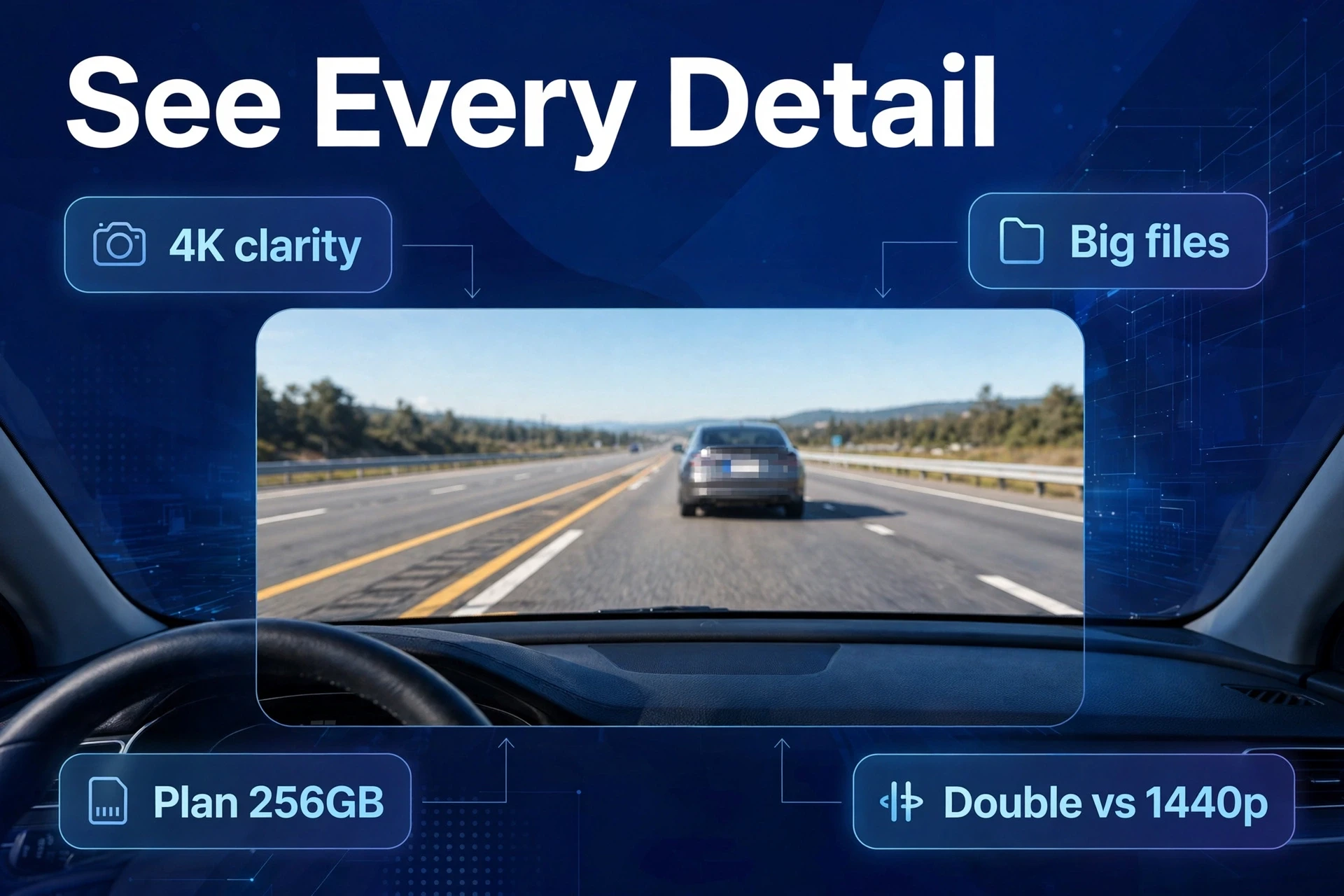
Let me save you some money before you start shopping for the best 4K dash cam: not every box that says “4K” is telling the truth. However, some 4K dash cams genuinely record in 4K. For example, a lot of them stretch lower-resolution footage and print “4K” on the packaging. For example, the tell is the sensor — a real 4K dash cam has a genuine 4K sensor like Sony’s IMX678 inside, while an upscaled one takes a smaller image and blows it up. Before you pay for the best 4K dash cam, run the 60-second sensor check below. In addition, it’s the fastest way I know to separate evidence from marketing.
Why should you care? Because detail is the entire point of 4K. In addition, reading a plate from a distance. Furthermore, catching a face in a parking-lot dispute. Having pixels to spare when you zoom in for the insurance claim. Upscaled “4K” gives you none of that — just a bigger file of the same blurry image.
Here’s the plan for this guide: how to spot fake 4K before you buy, whether true 4K is actually worth the , what the rest of your setup has to handle (storage, heat, SD cards. In fact, the boring-but-critical stuff), and which models owners genuinely recommend.
True 4K vs Upscaled 4K Dash Cam: What’s Actually Happening
True 4K means the image sensor physically captures around 8 million pixels (3840×2160) and the processor records them at a bitrate that actually preserves the detail. Every pixel is real information from the scene. The reference point is (Sony‘s IMX678) — it’s the sensor most honest 4K dash cams are built around.
Upscaled “4K” is a different animal. Moreover, the sensor captures fewer pixels — often 1440p or less — and software stretches the image up to 4K dimensions. Also, no new detail gets created in the process. First, think of it like enlarging a small photo: bigger, sure, but not sharper. A few cameras admit this openly in the fine print (“4K via interpolation”). Most hope you never ask.
Why does the industry pull this trick? Because 4K sells, and true 4K sensors cost real money. A genuine 4K sensor, plus a processor that can chew through the footage, plus the heat management the whole thing demands — that’s a premium bill of materials. Printing “4K” on a mid-range camera? Costs nothing. So they do.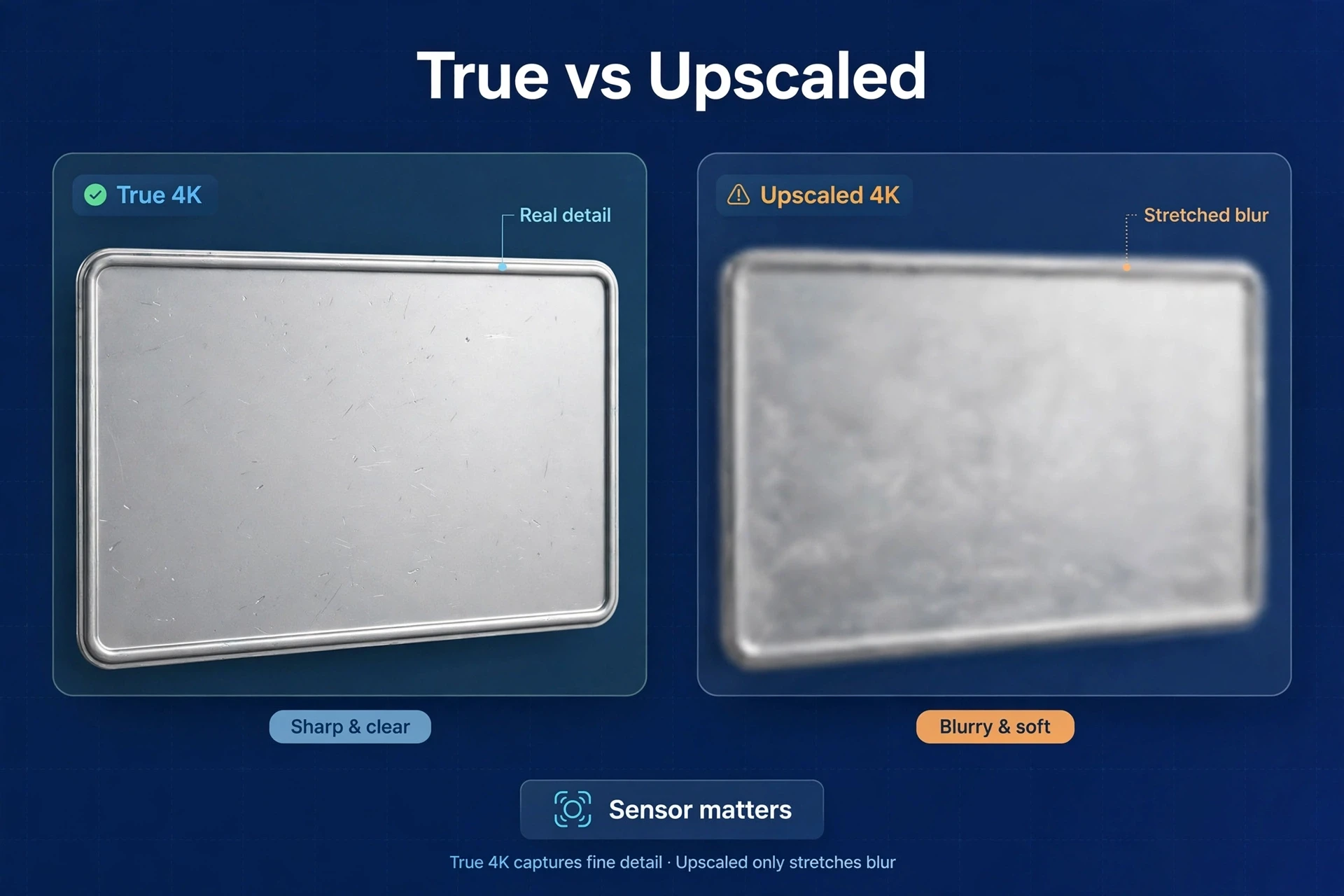
How to Spot Fake 4K in 60 Seconds
Before you buy anything with “4K” on the box, run through this. Takes a minute:
- Find the sensor model in the spec sheet. Honest manufacturers just tell you. Sony’s IMX678 is the true-4K dash cam sensor everyone knows; STARVIS 2 sensors in 8MP configurations are the other legitimate route. No sensor named anywhere on the spec sheet? Congratulations — you’ve got your answer.
- Bitrate is the giveaway nobody checks. True 4K is hungry: it needs data. Look for a published bitrate — manufacturers who are serious about 4K actually put this number out there. A “4K” camera recording at a bitrate barely above 1080p levels cannot be resolving real 4K detail. The box can say whatever it wants.
- Run the price sanity test. True 4K hardware costs real money to build, so a $60 “4K” dash cam is not a miracle of engineering — it’s upscaling. Honest 4K dash cams live in the premium tier. If the price looks too good to be true, you already know why.
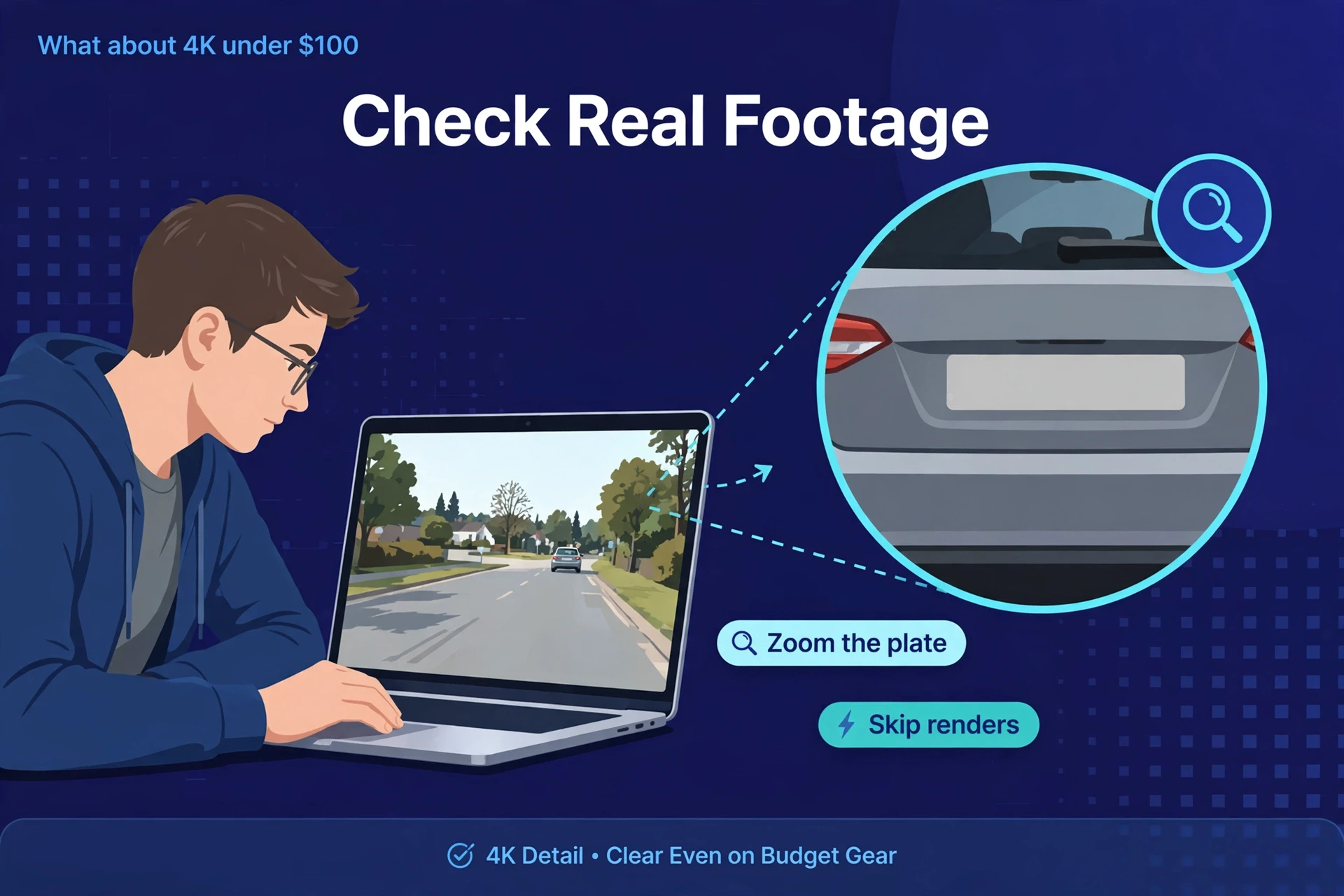
- Watch real footage, not renders. Find an owner-uploaded sample, pause a night clip, and try reading a plate at distance. YouTube uploads from actual owners are the truth; marketing images are fiction. And if nobody has uploaded real footage of the camera yet? Wait until someone does.
Caption: True 4K vs upscaled “4K” — what you’re actually getting.
| Feature | True 4K | Upscaled “4K” |
|---|---|---|
| Sensor | Native 8MP sensor (e.g., IMX678-class) | Lower-res sensor, image stretched in software |
| Plate readability | Genuinely better at distance | No better than the native resolution |
| File size | Large (needs big, fast SD cards) | Large with no benefit — worst of both |
| Heat | Runs warm; needs good thermal design | Often runs hot too, for nothing |
| Price | Premium tier | Suspiciously cheap |
| How to verify | Sensor named in specs, high bitrate | Sensor unnamed, vague specs |
Is a 4K Dash Cam Worth It?
Worth it? Depends on what you’re buying it for. True 4K earns its price if you want maximum evidence detail — plates at greater distance, faces in parking incidents, footage that still holds up when you zoom in. It doesn’t earn it if the rest of your setup can’t support it. And if the “4K” is upscaled, you’re paying extra for nothing.
Here’s the honest middle ground that no marketing department will tell you: a high-bitrate 1440p camera with an excellent sensor will beat a mediocre true-4K camera. Sensor quality first, resolution second — same rule as night driving. Second, think of it this way: 4K multiplies good sensor data. It can’t create data that was never there.
And don’t forget heat. 4K processing runs genuinely warm, and your dash cam lives on a sun-baked windshield. Good 4K cameras are designed for it: supercapacitors (never batteries), ventilated bodies, processors rated for automotive temperatures. A cheap 4K cam in a sealed plastic shell? That’s a summer failure with a countdown timer on it.
The Picks: True-4K Models Owners Recommend
Quick honesty note: these are community-recommended picks, not lab-tested by us. Every camera below is one where owners have verified real 4K performance in uploaded footage. Specs change, though — verify the current ones before you buy.
Viofo A229 Pro — the default true-4K answer
The most-recommended true-4K dash cam in owner communities. Full stop. Its 4K front sensor (Sony’s STARVIS 2 IMX678, per Viofo’s spec sheet) delivers exactly the plate-at-distance detail the category promises, paired with a solid rear camera for dual-channel coverage. It runs warm — that’s just the price of real 4K processing — and it wants a high-endurance SD card. If you want 4K without playing the fake-4K lottery, start here.
Thinkware U3000 — 4K plus the parking-mode crown
Thinkware’s flagship combines 4K front recording with the company’s excellent night processing and radar-assisted parking mode — arguably the best parked surveillance you can buy. It’s the pick for drivers who want 4K evidence and top-tier parking coverage in one box. Premium price, premium feature set. See Thinkware vs BlackVue for how it stacks up against its rival.
What about “4K” under $100?
Assume upscaled until proven otherwise. The math just doesn’t work: a true 4K sensor, processor, and thermal design can’t fit inside a sub-$100 bill of materials in 2026. Here’s the thing — budget buyers get far more evidence per dollar from an honest 1440p camera than from a fake-4K one. See our best budget dash cam picks for what honest specs actually look like under $100.
Bitrate: The Forgotten Half of 4K
Here’s what the box never explains: resolution is only half the image. The other half is bitrate — how much data the camera spends describing each second of video. A 4K camera on a starved bitrate can look worse than good 1440p, because compression artifacts eat fine detail first. And guess which detail goes first? Plate characters. It’s always the plate characters.
That’s why two cameras with the same “4K” sensor can produce wildly different footage. Finally, one records at a bitrate that preserves the detail; the other squeezes the stream to make its storage specs look better and hopes you never pause the video. Meanwhile, when reviewers seriously compare 4K dash cams, bitrate is half the conversation. Nevertheless, when marketers sell them? It’s never mentioned.
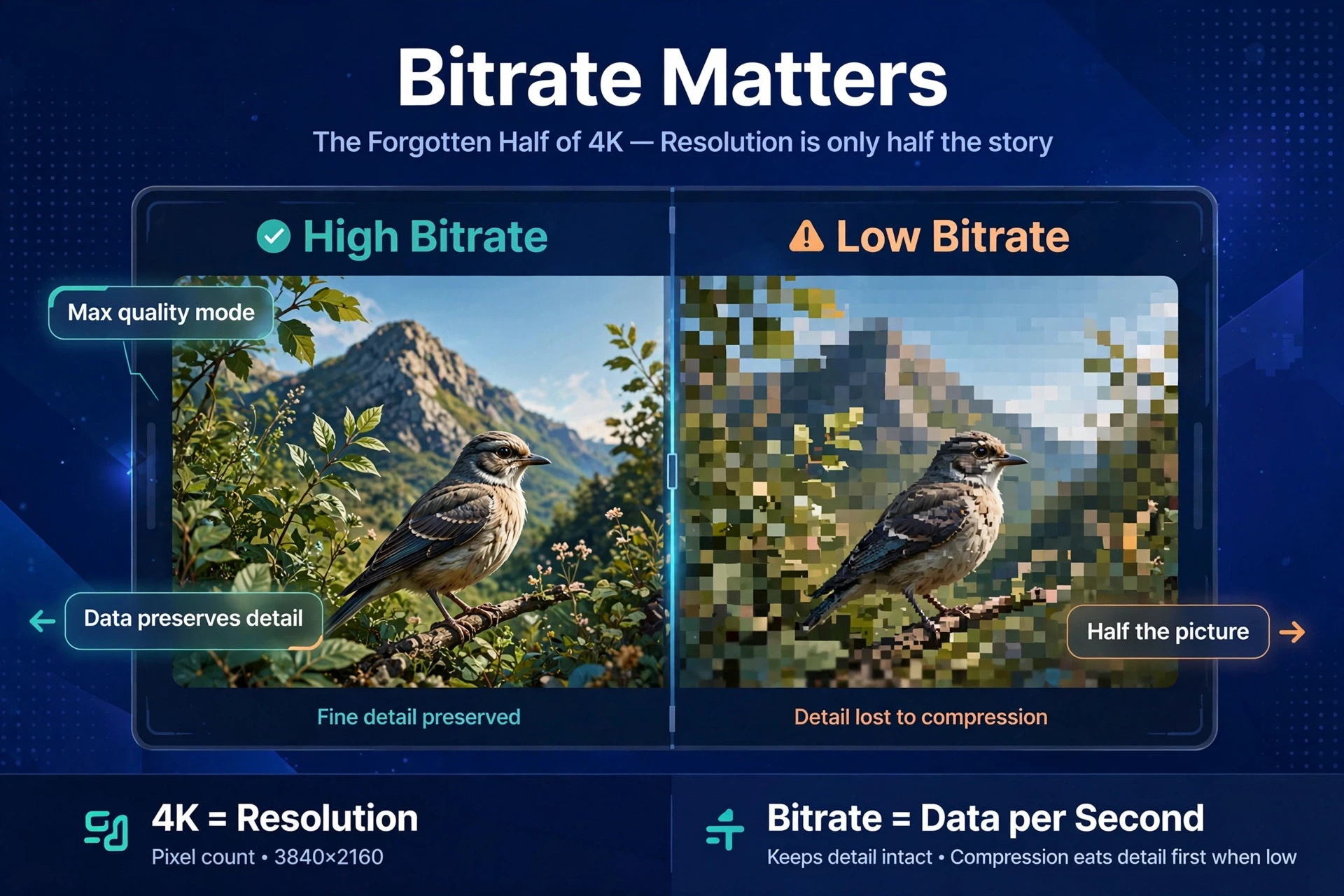
So what do you do about it? Look for published bitrate figures in serious reviews — manufacturers rarely advertise them — and pick a camera with a “high bitrate” or “maximum quality” recording mode. Then actually run that mode. Yes, it eats storage faster. Storage is cheap. The one clip that actually matters isn’t.
One useful rule of thumb: if a camera’s 4K files are barely larger than its 1440p files, that 4K is upscaled or starved — possibly both. Real detail costs real data. No compression magic gets around that.
4K Parking Mode: Worth Knowing
Parking mode and 4K have an awkward relationship. Recording 4K around the clock while parked burns through storage at a ferocious rate and keeps the processor — and its heat — running all night. Most good implementations handle this by dropping to a lower resolution or framerate in parking mode, then waking up to full quality on impact.
Honestly? In fact, that’s the right engineering call. As a result, parking footage mostly needs to answer one question: what touched my car. Not “read that plate at fifty meters.” A timelapse or low-bitrate parking stream that catches the event, plus a buffered pre-impact clip, covers the cases that actually happen.
What to check before you buy: does the camera’s parking mode even run in 4K, or does it step down? How long will your SD card last at the parking-mode data rate? And the big one — is parking mode hardwired with a voltage cutoff, or is the camera sipping from a battery that’ll be dead by morning? Those answers decide whether “4K parking mode” on the box means anything at all.
Do You Need Front and Rear 4K?
Short answer: no. And be suspicious of any kit that claims it cheaply. True 4K in both channels means two 4K sensors, double the processing, double the heat — all inside a box that has to survive a dashboard in July. That’s flagship-plus engineering, and it’s priced like it.
The standard arrangement — 4K front, 1080p rear — exists for good reasons. In contrast, the front camera faces the direction of travel, where closing speeds are highest and plates matter most. The rear covers much shorter distances. The car behind you at a stoplight is close. In addition, 1080p reads a plate at that range just fine, day or night, with a decent sensor.
Where dual-4K does make sense: heavy highway driving, where rear approaches happen at speed. In fact, or if you simply want the maximum evidence envelope and accept the cost, heat, and storage appetite. Similarly, for everyone else, a strong 4K front paired with an honest 1080p rear is the rational buy. And frankly, that’s what most of the owner-recommended dual-channel kits actually ship.
One more trap to watch for: the “4K dual dash cam” where the 4K refers to combined or interpolated output. Apply the sensor check to each channel separately. A kit is only as honest as its weakest listed sensor.
What 4K Demands From the Rest of Your Setup
Buying the camera is step one — but true 4K stresses everything downstream:
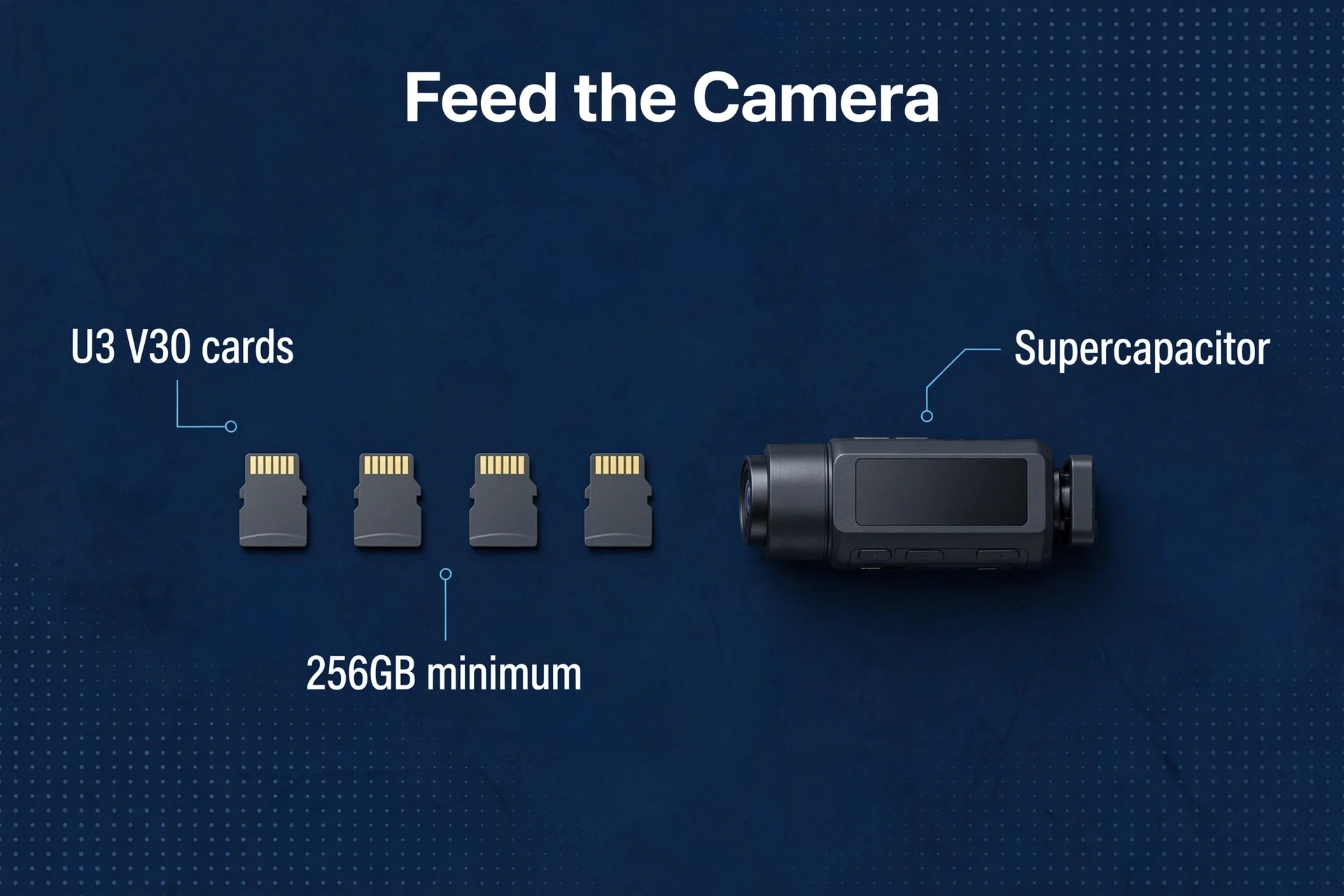
- SD card: non-negotiable: a high-endurance card rated U3/V30 or better, 256GB minimum. 4K bitrates chew through storage and punish slow cards with corrupted files. Our best SD card for dash cam guide has the storage math broken down by resolution.
- Power: 4K processing pulls more current. Use the included adapter or a quality hardwire kit — weak USB ports cause reboots that masquerade as “random” failures.
- Heat management: park in shade when you can, and confirm the camera uses a supercapacitor. A 4K camera with a lithium battery is a contradiction in terms.
- Rear camera expectations: most “4K” dual-channel kits are 4K front plus 1080p rear — that’s normal, and fine. Just don’t expect rear plates at the same distance.
Frequently Asked Questions
How can I tell if a dash cam is true 4K?
Two checks: the sensor model on the spec sheet (Sony’s IMX678 is the known true-4K dash cam sensor), then the bitrate — real 4K needs high data rates. No named sensor plus a suspiciously low price? Upscaled.
Is upscaled 4K worse than native 1440p?
Often yes, in practice. Upscaled 4K means bigger files with zero extra detail — storage and processing power spent on nothing. An honest high-bitrate 1440p camera usually gives you better evidence per dollar.
Do I need 4K for license plates?
It helps at distance — but sensor quality matters more. A good 1440p STARVIS 2 camera reads plates reliably in most real-world scenarios. Buy 4K for maximum detail, not as a substitute for a good sensor.
Why do 4K dash cams run hot?
Eight million pixels per frame takes real compute, and compute makes heat — inside a car that can already be 60C+ in summer. Good thermal design and supercapacitors instead of batteries aren’t optional in 4K models; they’re the whole game.
Can I use a GoPro as a 4K dash cam instead?
You can — but it’s a poor substitute. No loop recording by default, a battery instead of a capacitor, and it overheats faster. Our dash cam vs action camera comparison explains why purpose-built wins.
How much storage does 4K dash cam footage need?
Roughly double or more per hour compared to 1440p at similar quality settings. Plan on 256GB minimum with a high-endurance card, and check our SD card guide’s storage table for your exact setup.