

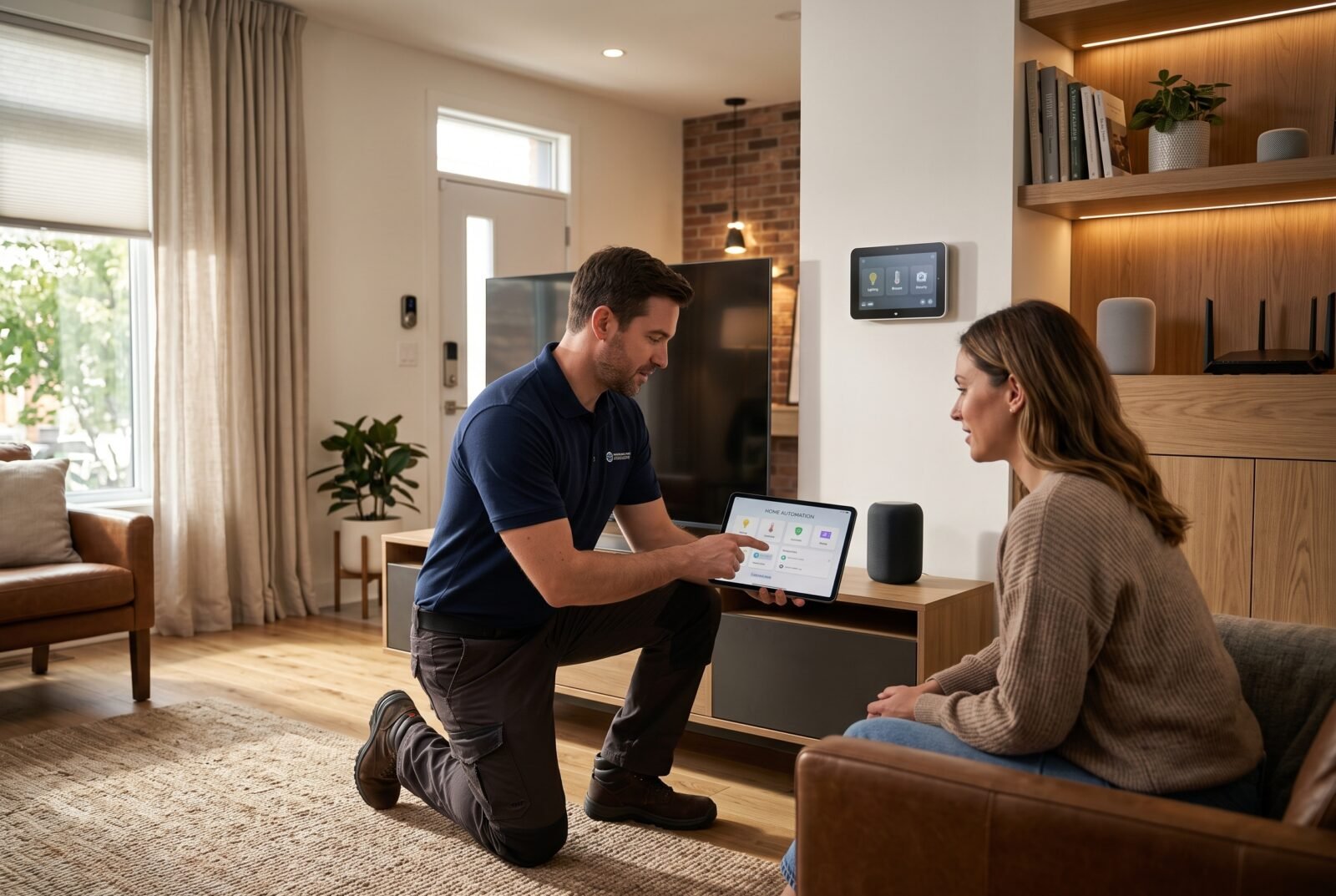
Buying a smart light or thermostat is straightforward. Getting lighting, heating, locks, and everyday controls to work together reliably takes more planning. Home automation services bridge that gap, helping you choose compatible equipment, install it correctly, and turn separate devices into useful routines.
The right service depends on what you want your home to do. You might need help setting up a few rooms, improving an unreliable existing system, or coordinating technology during a renovation. This guide explains what to expect, what affects the price, and how to compare providers without paying for complexity you do not need.
What are home automation services?
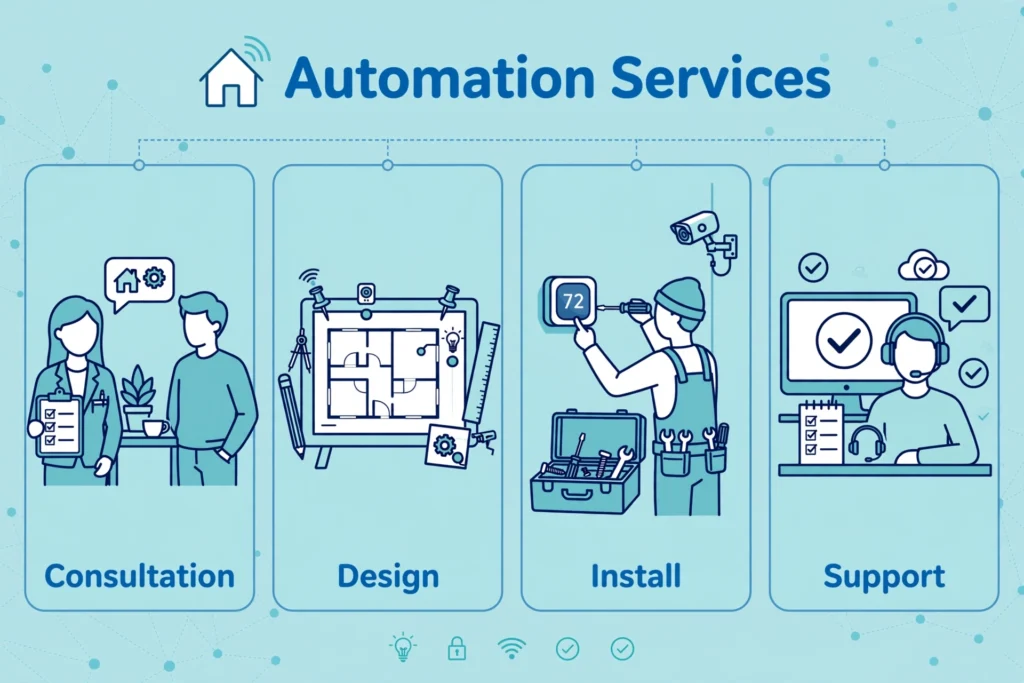
Home automation services are professional services that design, install, connect, program, and maintain smart home equipment. Depending on the contract, they can cover lighting, climate controls, shading, access, entertainment, and networking, with the aim of making those systems work together through convenient controls and automated routines.
There is a useful distinction between remote control and automation. Switching off a lamp from your phone is remote control. Having selected lights switch off when you activate an “away” routine is automation.
An integrator coordinates these functions across the home. An individual device installer may only mount equipment and connect its app. Both can be appropriate, but their responsibilities and prices should reflect the different scope.
What should a home automation service include?
Packages vary, so treat the following as items to discuss rather than assume every quote includes them.
Consultation and system design
A useful consultation starts with daily frustrations: awkward lighting controls, rooms that are uncomfortable, too many apps, or unreliable connections.
Ask the provider to translate each priority into a specific outcome. “Improve evening lighting” is vague. “One clearly labeled button sets the living room lights to agreed levels, while wall controls remain usable” is something you can check.
The design should identify existing equipment worth keeping, proposed replacements, control locations, and dependencies such as internet access or subscriptions.
Network assessment and installation
A coordinated smart home needs an appropriate network as well as compatible devices. CEDIA’s homeowner guidance identifies both as foundations of a reliable system.
Request an assessment where devices will actually operate, including entrances, upper floors, and outdoor areas. A good connection beside the router says little about performance at a distant gate.
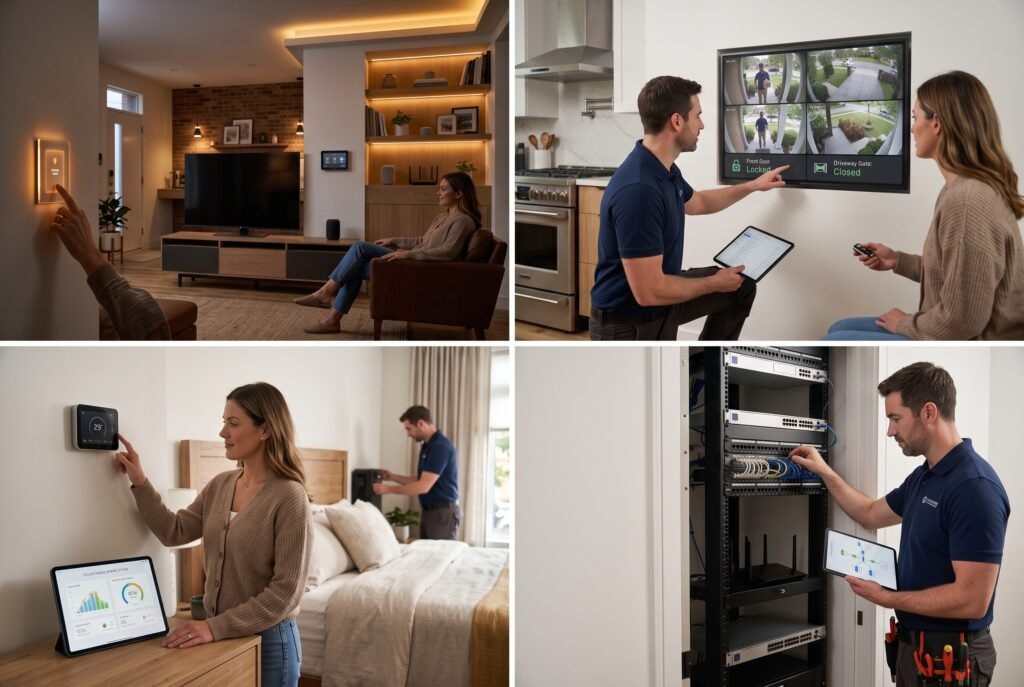
Installation may involve mounting sensors, adding network equipment, fitting motorized shades, or coordinating electrical work. Confirm who handles each trade and whether wall repairs, painting, and cleanup are included.
Programming and integration
This is where a collection of products becomes useful. The installer sets up scenes, schedules, permissions, notifications, and rules governing how devices respond.
For example, a hypothetical nighttime routine could dim hallway lights when movement is detected, but only during chosen hours. The useful detail is not simply that a sensor activates a light; it is whether brightness, timing, and manual overrides suit the household.
Request a written list of included routines. “Full programming” leaves too much room for disagreement.
Testing, training, and support
Commissioning means checking the installed system against the agreed design. It should include ordinary use, control from different locations, and relevant failure scenarios.
Training should cover everyone who needs to use the home. Ask for simple instructions, account recovery guidance, and an explanation of which settings you can change yourself.
Support is a separate question from installation. Establish whether later adjustments, software troubleshooting, and replacement visits are included or chargeable.
Which parts of your home are worth automating?
Start with repeated tasks or persistent problems. A feature that sounds impressive during a demonstration may add little to your daily life.
Which parts of a home are worth automating
| Area | Useful starting goal | Question to resolve before installation |
|---|---|---|
| Lighting | Convenient room controls and evening scenes | Can people still use familiar wall controls? |
| Heating and cooling | Schedules that match occupancy | Is the proposed control compatible with the existing equipment? |
| Blinds and curtains | Easier operation and timed shading | How will motors receive power and be serviced? |
| Entry and access | Manage household and visitor access | What is the approved backup entry method? |
| Leak detection | Receive alerts from vulnerable locations | Who receives alerts, and what action should follow? |
| Entertainment | Simplify everyday TV and audio use | Which functions still require separate remotes or apps? |
Choose an initial group of priorities that share a clear purpose. Bedroom shading and lighting may form a sensible first phase; adding unrelated devices simply because they are discounted may not.
For security functions, distinguish a phone notification from a monitored response. Ask explicitly who, if anyone, acts when an alert occurs.
If security is one of your priorities, our step-by-step guide to how to upgrade home security can help you plan locks, cameras, and alarms alongside automation.
DIY setup, targeted help, or whole-home integration?
DIY can suit a small number of plug-in or battery-powered products when you are comfortable with their setup and maintenance. You still need to follow product instructions and check compatibility.
Targeted professional help makes sense when the project is limited: improving network coverage, configuring an existing controller, or resolving devices that keep disconnecting. Paying for diagnosis may avoid unnecessary replacements.
For a closer look at what professional installation involves and what it can cost, see our guide to home automation installation services.
Whole-home integration deserves consideration when several systems must interact, the property is being renovated, or the household wants one provider responsible for the overall result.
A mixed approach can also work. You might manage simple device additions while a professional handles infrastructure and specialized installation. Agree on responsibility first, particularly if customer-added products could complicate support.
For fixed electrical work, use an appropriately qualified professional and meet local requirements. Electrical Safety First’s smart-home guidance recommends a competent electrician familiar with the technology where electrical installation is required. Smart-home programming knowledge alone does not establish electrical competence.
How much do home automation services cost?
There is no useful universal price for a service that might mean setting up two devices or integrating an entire property. Location, equipment, wiring access, labor, and programming scope all affect the total. A room count alone is not enough for a reliable estimate.
Ask for an itemized quote covering:
- Design and assessment: consultation, site survey, drawings, and equipment planning.
- Equipment: devices, controllers, network hardware, mounting accessories, and power supplies.
- Installation: cabling, trade labor, access work, and making good afterward.
- Configuration: integrations, routines, user accounts, testing, and training.
- Ongoing costs: subscriptions, support plans, cloud storage, and chargeable visits.
Separate essential work from optional upgrades. Better network coverage may be necessary for the agreed system; a decorative touchscreen may be a preference.
Compare quotes against the same scope. A lower price can reflect fewer programmed routines, omitted electrical work, or no support after handover. Conversely, a higher price should have an understandable explanation.
Request an ownership-cost view over several years, using the provider’s actual recurring charges. Identify which fees are optional and what stops working if you cancel them.
Avoid treating projected energy savings as guaranteed repayment. Ask for the assumptions behind any estimate, including your current schedules, equipment, and energy tariffs.
Check compatibility before choosing devices
“Works with” is a starting point, not a complete specification. The important question is whether the exact device can perform the exact function you want in the proposed system.
Have the provider list product models, required controllers, supported functions, and any features available only through the manufacturer’s app. Confirm compatibility before purchasing, rather than relying on promised future updates.
Understand Matter, Thread, and controllers
Matter is a smart-home interoperability standard that uses networking technologies including Wi-Fi, Ethernet, and Thread. It does not replace the home’s control platform. The Connectivity Standards Alliance explains that Matter provides local connectivity, with remote access requiring an appropriate internet-connected route.
Thread is a low-power mesh networking technology. A Thread border router connects the Thread network to other IP networks in the home. It performs a different role from the controller that manages smart-home devices, although one product can combine those roles.
You do not need to become a protocol expert. Ask the installer to explain which components are required, where they will sit, and what happens if one fails.
Do not assume a shared logo guarantees every advanced feature appears in every app. Make your required functions part of the written specification and demonstration.
Check local operation separately from cloud features
Local operation means a function can run within the home rather than depending on a remote server. This distinction matters during an internet outage.
For example, Home Assistant offers an optional cloud subscription while its core platform can operate locally. However, any connected product or integration that relies on an external service still introduces that dependency.
Ask about individual functions: wall controls, scheduled lighting, app access inside the home, remote alerts, and voice commands. Their outage behavior may differ.
How to choose a home automation company
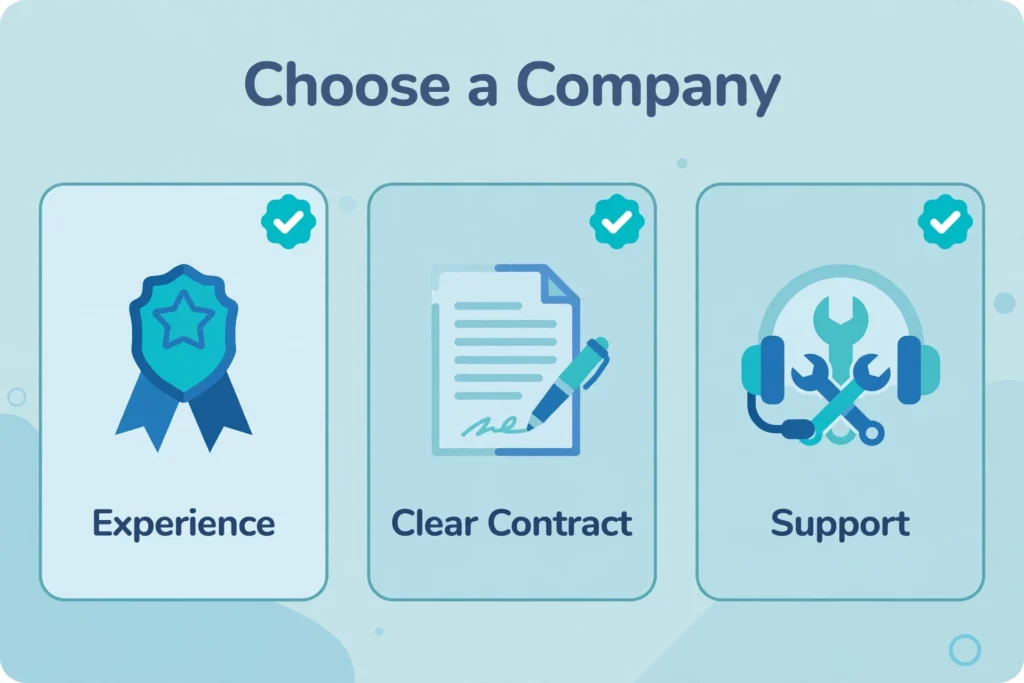
Start with providers that serve your area and handle projects of a similar size. A company specializing in large renovations may not be the best fit for a small troubleshooting visit.
CEDIA’s professional directory can help identify integrators, and its certifications cover defined technical areas. Treat credentials as one piece of evidence alongside relevant work, references, and a clear proposal.
Look for relevant experience and clear responsibility
Ask about completed projects involving your preferred platform, existing heating equipment, building type, or accessibility needs.
Find out who designs the system, who installs it, and who answers support requests. If subcontractors are involved, identify who coordinates them and resolves problems crossing several trades.
A useful reference question is: “How did the company respond when something needed changing after installation?” That reveals more about ongoing service than a photograph of a finished room.
Make the contract describe outcomes
The proposal should identify the equipment, included routines, exclusions, schedule, payment stages, and procedure for approving changes.
Ask for acceptance criteria you can observe. For example: a specified button activates the agreed scene, household members can use their own accounts, and the documented offline functions operate during a controlled internet-disconnection test.
Also clarify account ownership, access to configuration backups where available, and whether another qualified provider could maintain the system. If programming files or specialist tools remain restricted, understand the practical consequences before signing.
Protect privacy and plan for failures
Privacy deserves a practical conversation: what information leaves the home, where recordings are stored, who can access them, and how long they remain available.
Use household-controlled owner accounts wherever the platform permits. Give installers separate access where supported, agree when it is needed, and establish how you can revoke it. Avoid making a technician’s personal email the only route to account recovery.
Ask about software updates and the manufacturer’s stated support period before buying. Electrical Safety First advises checking both update availability and after-sales support, as well as keeping a manual alternative if smart controls fail.
An internet outage and a power outage are different problems. Local processing can reduce dependence on the internet, but it does not supply electricity. Have the provider document the backup arrangements and remaining limitations.
For doors, heating, and other consequential functions, request product-specific fallback instructions. Essential operation should not depend on someone remembering an obscure app sequence.
What should happen before final handover?
Use a short acceptance walkthrough rather than relying on a demonstration led entirely by the installer.
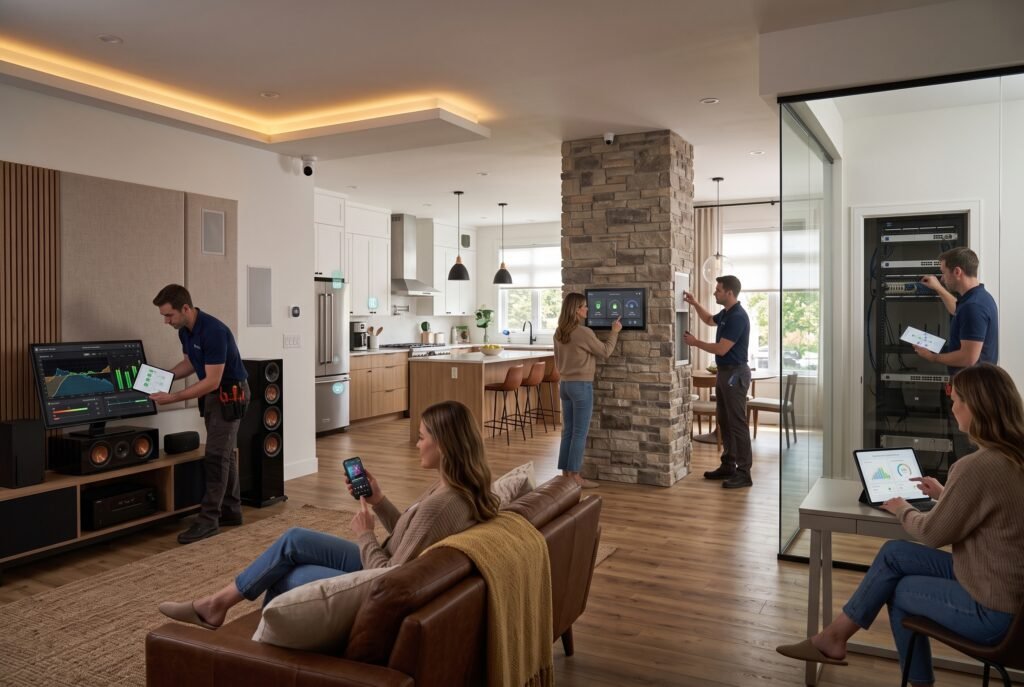
- Operate the controls yourself. Try everyday tasks using the buttons, apps, and permissions your household will use.
- Run the agreed routines. Check timing, brightness, notifications, and manual overrides.
- Review failure behavior. Have the installer safely demonstrate relevant outages and recovery without compromising essential systems.
- Receive the documentation. Collect the equipment list, warranties, account ownership details, available backups, and support contacts.
- Confirm follow-up arrangements. Record how adjustments are requested and which are included.
Test realistic exceptions, too. What happens when a guest uses a wall switch, someone stays home during the usual away period, or a household member wants to pause an automation?
A system that handles these ordinary exceptions is more useful than one that only performs well during a scripted demonstration.
Frequently asked questions
Can home automation be installed in an older home?
Often, yes, but the scope depends on wiring, equipment compatibility, construction, and access. Wireless products may reduce new cabling requirements, but do not eliminate power or coverage needs. Request a survey before assuming an older property needs complete rewiring—or none at all.
Can a provider improve devices I already own?
Potentially. Supply exact model numbers and describe the problem before booking. Ask whether the company supports customer-owned equipment and whether diagnostic fees apply even if a product cannot be integrated. A staged repair plan can be preferable to replacing everything immediately.
Do all systems require monthly fees?
No. Fees depend on the platform, selected features, and service contract. Ask for separate pricing for basic operation, remote access, recording, monitoring, and maintenance. Establish what remains available without a subscription rather than assuming that cancellation disables—or preserves—the entire system.
Can renters use home automation services?
A renter can consider portable equipment and configuration help, subject to tenancy terms and any required permission. Avoid committing to permanent changes before checking those conditions. Plan removal, account resets, and restoration of the property from the beginning.
Start with a clear brief
Before requesting quotes, write down the tasks you want simplified, the equipment you hope to keep, and how much maintenance you are willing to manage. Ask each provider to explain how its proposal meets that brief.
Good home automation services should leave you with understandable controls, documented behavior, and a clear route to support. Choose the service that can demonstrate those outcomes within your budget.
