


Home Assistant Voice Assistant Without Internet: Full Offline Setup
The short version: yes, you can run a Home Assistant voice assistant with no internet at all. Home Assistant can keep the wake word, speech-to-text, understanding, and spoken reply inside your house, on your own hardware, over your own local network. Your voice never has to leave the building.
This guide walks the whole setup: what a local pipeline is, what hardware actually handles it, how to install the local speech pieces, how to add room satellites, and how to test that the system stays local. If you can install an add-on and plug in a small speaker-mic, you can do this.
The goal is simple: say a wake word in a room, have the lights respond, and know the recording stayed home.
How Local Voice Control Works in Home Assistant
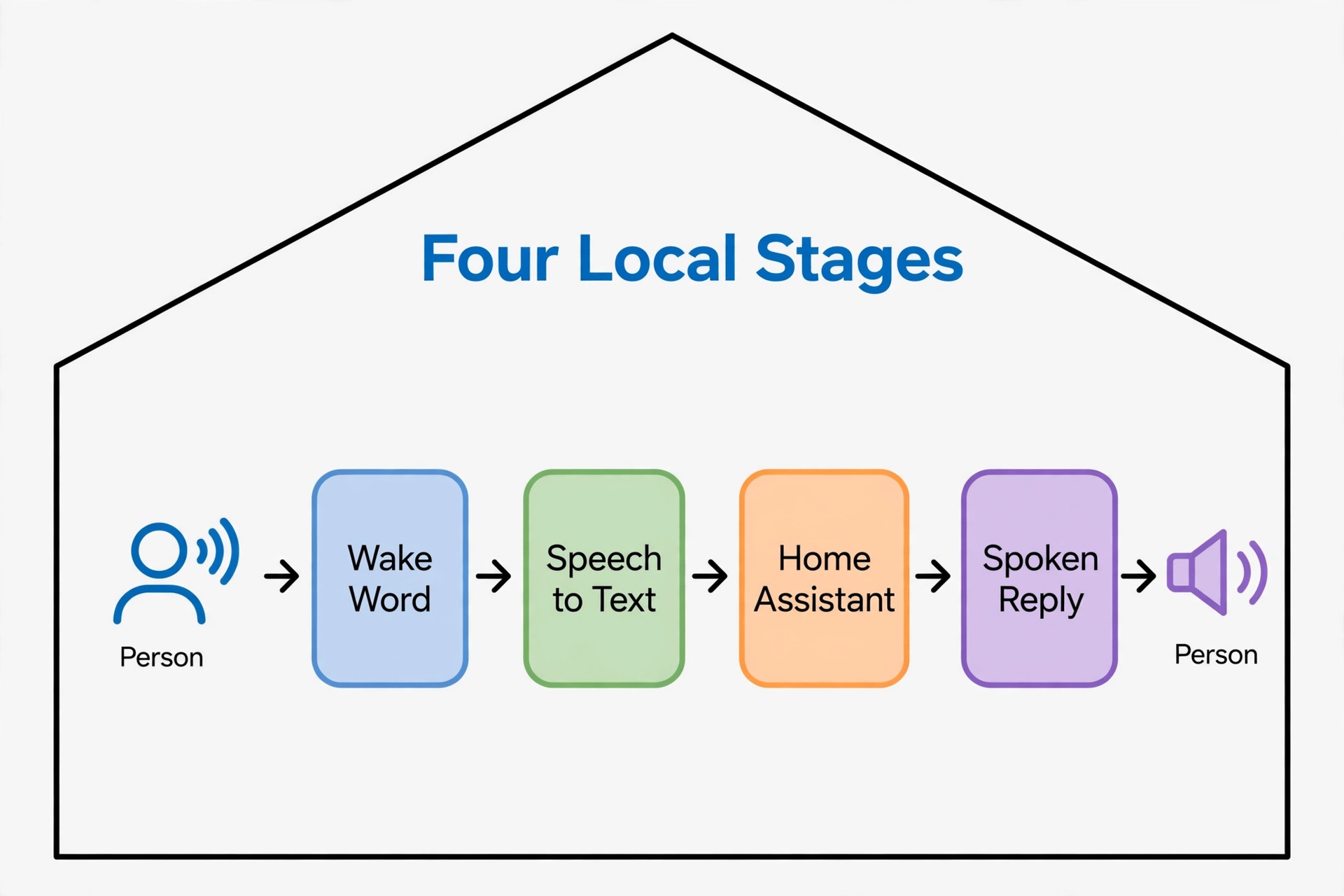
A voice assistant is a pipeline — a chain of small jobs:
- A microphone hears a wake word (“Okay Nabu”, for example).
- Speech-to-text turns your words into text.
- Home Assistant works out what you meant.
- Text-to-speech reads the reply out loud.
In a cloud assistant, most of those jobs run on company servers. In Home Assistant, every one of them can run on machines in your house, as documented in the official Home Assistant guide to a local voice assistant. The satellites in each room only need to reach Home Assistant across your local network — no internet in the loop.
That split is why this is practical at all: the satellites are small and cheap, because the heavy lifting — speech recognition — happens in one place.
What You Need Before You Start
You do not need much, and you may own half of it already:
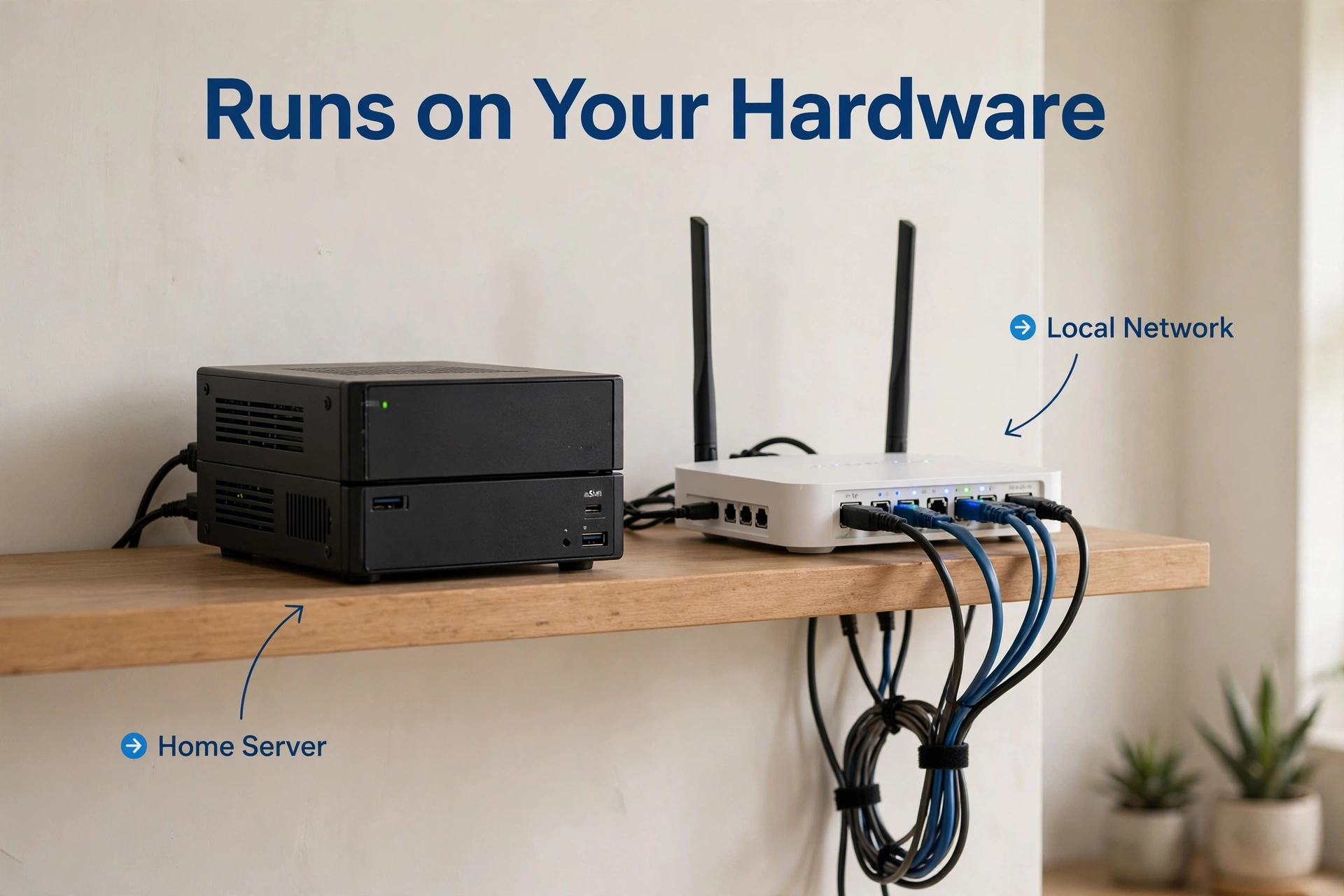
- A running Home Assistant (a mini PC handles local speech best; a Raspberry Pi-class board works for lighter engines).
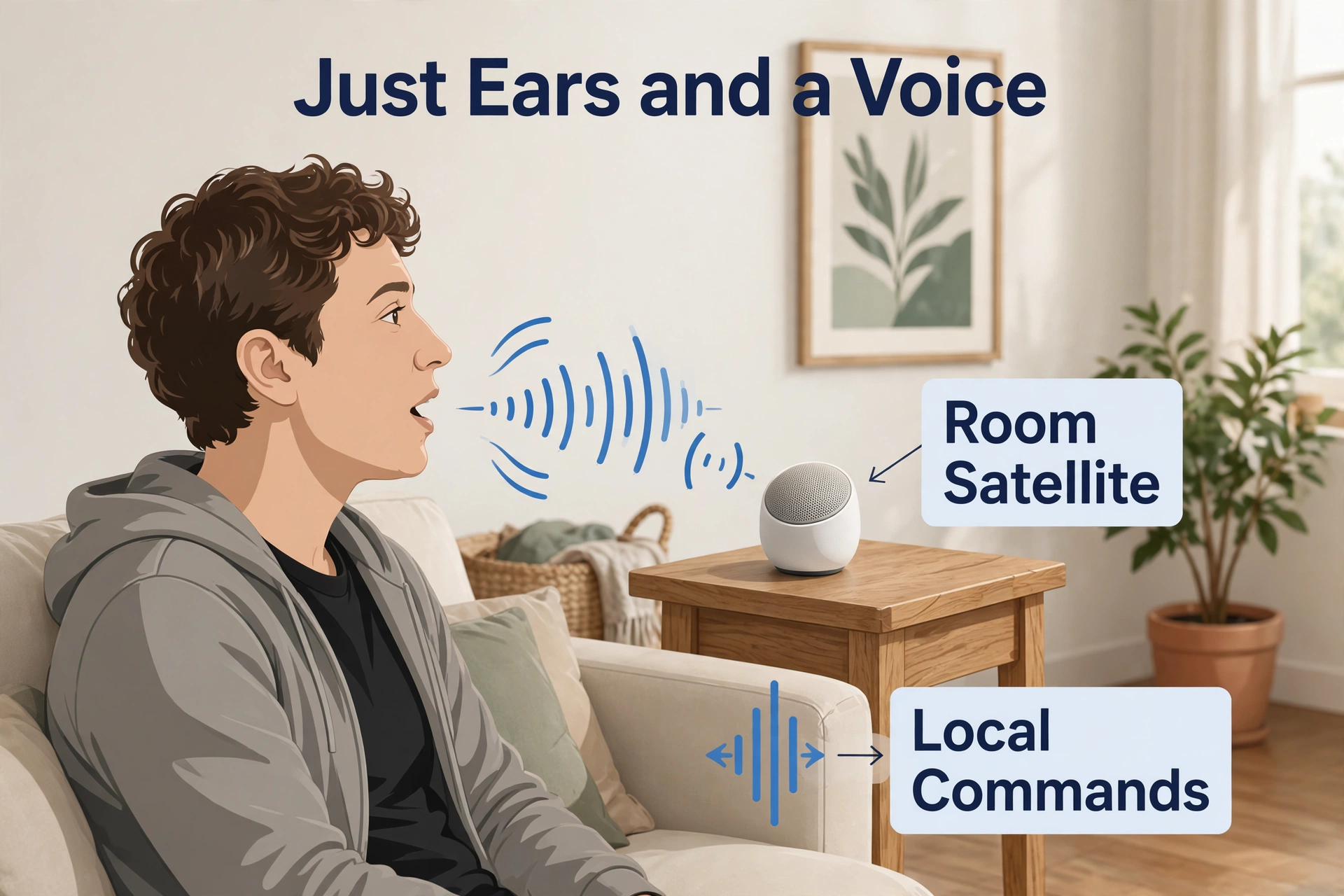
- A voice satellite for each room: a small speaker-plus-microphone device that talks to Home Assistant over Wi-Fi.
- Your home network. That is all — the satellite and Home Assistant talk locally.
- Optional: a second computer on the network for speech-to-text, if your Home Assistant box is small.
Satellite options in plain words
Ready-made satellites such as Home Assistant’s own Voice Preview Edition are the easy route: plug in, connect, assign to a room. DIY satellites built on ESP32 boards through ESPHome are the hobbyist route: parts are cheaper and the ESPHome voice assistant component streams microphone audio to Home Assistant and plays replies back.
Both kinds are “ears and a voice” only. Neither needs internet to do its job — they just need Home Assistant reachable on your network.
The Brains: Local Speech-to-Text and Text-to-Speech
Two engines do the real work, and Home Assistant’s Wyoming protocol is how they plug in. Wyoming lets Home Assistant use speech services running as add-ons, or on another machine on your network.
Speech-to-text choices
- Whisper (via Wyoming) — the accurate one. It can be slow on small hardware; on a Pi-class board, expect a few seconds for a short command. On a mini PC, it keeps up fine.
- Speech-to-Phrase — the fast, light one. Home Assistant’s own docs note it restricts itself to a known set of phrases, which makes it snappy on weak hardware but means unusual sentences may not match.
If your Home Assistant box is modest, Speech-to-Phrase is usually the better day-one choice — then upgrade to Whisper later on stronger hardware if you want freer phrasing.
Text-to-speech
Piper is the standard local text-to-speech engine. It runs as an add-on, sounds clear and natural for short replies, and needs no internet once installed. You pick a voice, and the satellite speaks with it.
| Part | What it does | Where it runs | Light option | Heavy option |
|---|---|---|---|---|
| Wake word | Hears “Okay Nabu” etc. | Satellite or Home Assistant | openWakeWord | — |
| Speech-to-text | Words into text | Add-on or a second machine | Speech-to-Phrase | Whisper |
| Understanding | Text into an action | Home Assistant itself | Built-in | — |
| Text-to-speech | Reply out loud | Add-on | Piper | — |
Step by Step: Set Up the Local Pipeline
- Update Home Assistant first, so Assist and the voice settings are current.
- Install the speech pieces: add the Piper add-on for speech, and either Whisper or Speech-to-Phrase for listening. Start them.
- Create the assistant: in Settings → Voice assistants, add an assistant, choose your speech-to-text and text-to-speech engines, and give it a name.
- Pick a wake word such as “Okay Nabu” and note where it will be detected (on the satellite or in Home Assistant).
- Add your satellite (next section), assign it to a room and to this assistant.
- Test from the satellite: say the wake word, then a simple command like “turn on the kitchen light.”
- Test the offline part: unplug your router’s internet (WAN) cable — not the power — and repeat the command. It should still work.
Notes that save headaches
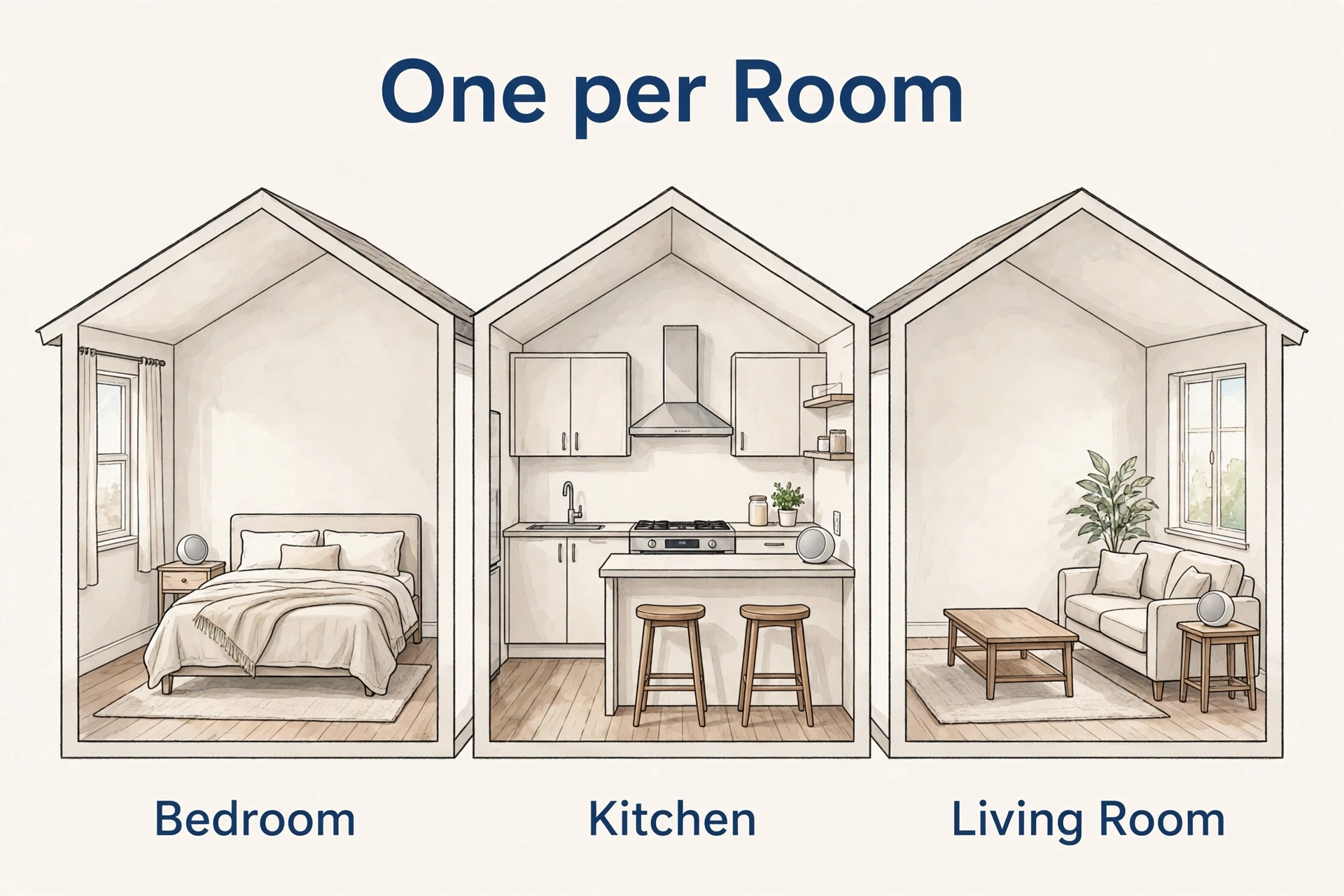
- Start with one room. Get the kitchen perfect before you buy satellites for the house.
- Keep sentences plain at first (“turn on”, “turn off”, device names as written in Home Assistant).
- If the satellite wakes but does nothing, the speech engine is the first suspect: wrong engine selected in the assistant, or the add-on is stopped.
Add a Voice Satellite (Per Room)
Each room needs ears. The satellite’s job is small: listen for the wake word or stream audio, play replies, and do it all over your local Wi-Fi.
- Plug in the satellite in the room it will serve.
- Connect it to your Wi-Fi and let Home Assistant discover it.
- Name it after its room and assign it to that room in Home Assistant.
- Assign it to your local voice assistant.
- Set its wake word and, if offered, the wake sensitivity.
- Stand where you would normally talk — couch, counter, doorway — and test at a normal speaking volume.
Microphone placement matters more than model. A satellite at ear height, not hidden behind a TV, hears you the first time.
Offline Test: Prove It Works With No Internet
This is the step most guides skip and the whole point of yours.
- Find where the internet enters your router (the WAN cable) and unplug it. Your local Wi-Fi stays on.
- Wait a minute for devices to notice nothing.
- Say your wake word and give a command you already tested.
- Expected result: the same reply and the same action as before, perhaps a touch slower the first time.
- Reconnect the WAN cable when done.
If the command stops working with the WAN unplugged, something in your chain quietly depends on the internet — usually a cloud text-to-speech or a satellite phoning home. Switch that piece to its local option and test again. When it passes, you own the whole path.
Speed and Accuracy: What to Expect
| Factor | Hurts | Helps | Cheap upgrade |
|---|---|---|---|
| Hardware | Old, small board | Mini PC for speech-to-text | Move Whisper to a second machine |
| Engine | Large model on weak CPU | Smaller model or Speech-to-Phrase | Pick the light engine first |
| Room | Echo, TV noise | Satellite near where you stand | Move the satellite |
| Phrasing | Long, unusual sentences | Short, standard commands | Use device names as written |
Honest expectations: a local setup answers simple smart-home commands quickly and reliably. Free-form questions and long sentences are where cloud assistants still feel smarter — and where an offline setup honestly trails. For lights, locks, and scenes, local is genuinely enough, and it stays yours.
Offline vs Cloud Voice: When Each Makes Sense
I will be plain, because the choice is real. Cloud assistants are better at random questions, music trivia, and fuzzy requests. They also send your voice to company servers and stop working when the internet or the service does.
A local Home Assistant setup is better at the things a house actually needs: lights, locks, fans, scenes — fast, private, and unkillable by an outage. If you want the broad assistant landscape with privacy trade-offs laid out, our best offline voice assistant guide compares the main paths. If you later want your own phrases beyond “Okay Nabu”, our guide to a custom wake word in Home Assistant picks it up from there.
For multi-room ears that also sense whether you are in the room, satellite placement pairs well with presence detection — our roundup of the best mmWave presence sensor options is where that half of the setup lives.
Common Problems and Fixes
- It wakes but does nothing. The add-on for speech-to-text is stopped, or the assistant uses a different engine. Open the assistant settings and confirm both engines, then restart the add-ons.
- It hears the wrong words. Move the satellite away from the TV and closer to where you speak; rename devices to short, distinct names.
- It works online but not offline. One piece still uses the cloud — usually cloud text-to-speech set in the assistant. Replace it with Piper and retest.
- Slow replies. The speech-to-text is too big for the hardware. Switch to the lighter engine or move Whisper to a second machine.
- The wake word triggers from the TV. Lower the sensitivity and move the satellite a few feet from the speakers.
Frequently Asked Questions
Does it really work with the internet fully off?
Yes, if every piece of the pipeline is local. Wake word, speech-to-text, understanding, and speech are all handled inside your network, and your satellite only needs to reach Home Assistant. The offline test in this guide is how you prove it on your own system.
Can I have more than one room?
Yes — one satellite per room, all assigned to the same assistant. Each room gets its own ears and speaker, and commands are understood in the room’s context, so “turn on the light” in the bedroom does not touch the kitchen.
Is a Raspberry Pi enough?
For the light engine (Speech-to-Phrase) plus Piper, usually yes. For Whisper with freer phrasing, a Pi-class board answers slowly — the official docs describe it taking a few seconds on short commands. A small mini PC, or Whisper on a second machine, is the comfortable setup.
Which wake words can I use?
Out of the box, documented options include “Okay Nabu” and similar built-ins, and openWakeWord’s models are English-only. Some ready-made satellites cannot change their wake word. Pick hardware with that in mind if a custom phrase matters to you.
Do I lose anything versus a cloud assistant?
Mostly breadth: web questions, music smarts, and fuzzy long sentences. For controlling the house itself, you lose nothing and gain a system that cannot be switched off by an outage or a company decision.
The Honest Bottom Line
Local voice in Home Assistant is no longer a science project. A satellite per room, Piper for speech, a light engine to start, and one WAN-unplugged test, and you have a voice assistant that works when the internet does not and keeps your voice at home. Start with the room you use most, keep the commands plain, and grow from there.
