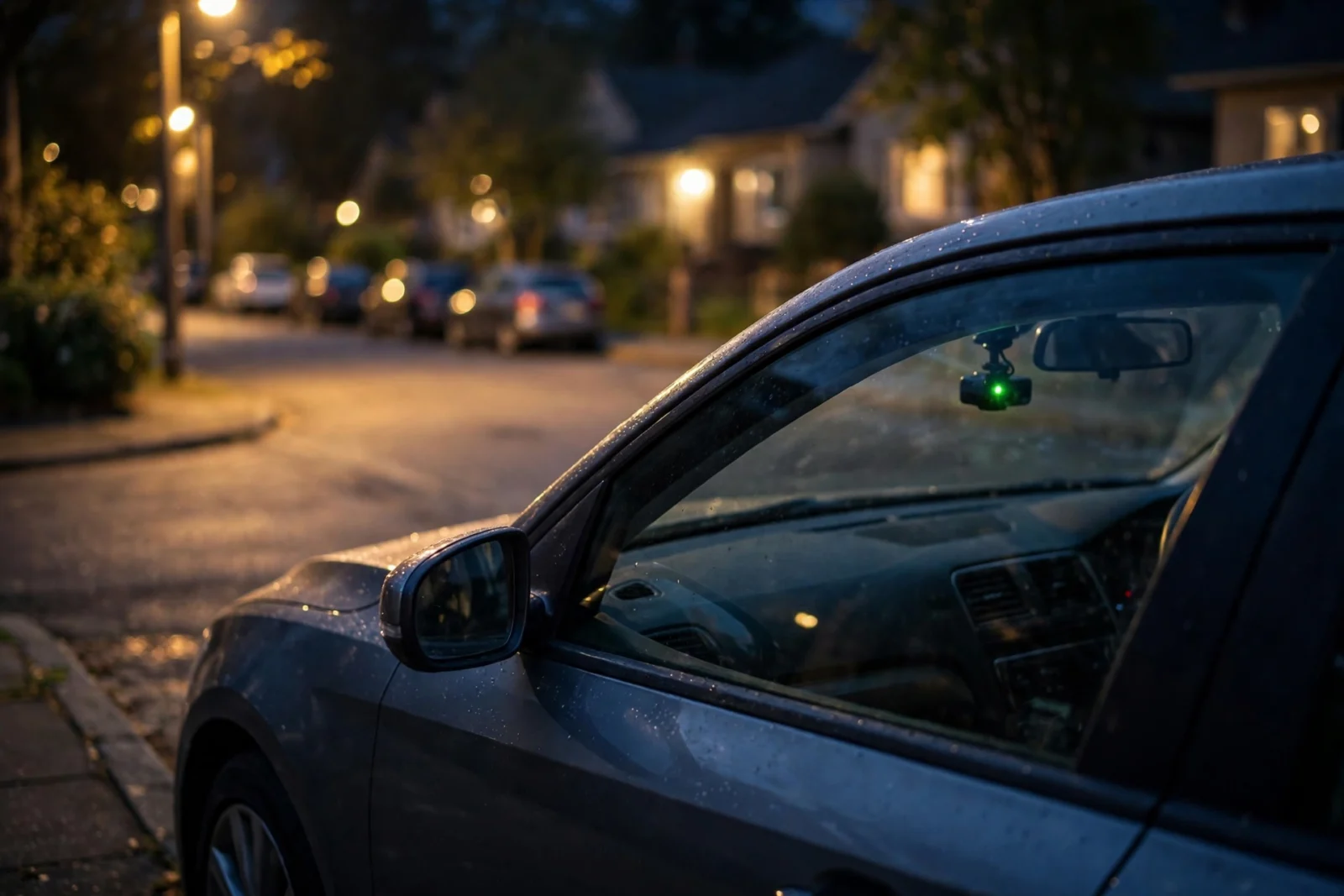
Parking mode is the dash cam feature that keeps watching your car after you’ve parked and killed the engine. Instead of recording everything non-stop, the camera drops into a low-power standby — and only saves footage when something actually happens. However, a bump. For example, movement near the car. For example, somebody creeping up to your door at 2 a.m. In addition, it’s the difference between “someone hit my car” and “here’s the license plate of the someone.”
But — and this is the part beginners always miss — parking mode does not work out of the box on a standard 12V socket in most cars. That socket usually goes dead when you turn off the ignition. The camera dies with it. Game over. To actually use parking mode, you need a hardwire kit wired into your car’s fuse box (or an external dash cam battery pack). We’ll get into all of that below. Don’t skip it — it’s the whole ballgame.
How Parking Mode Works
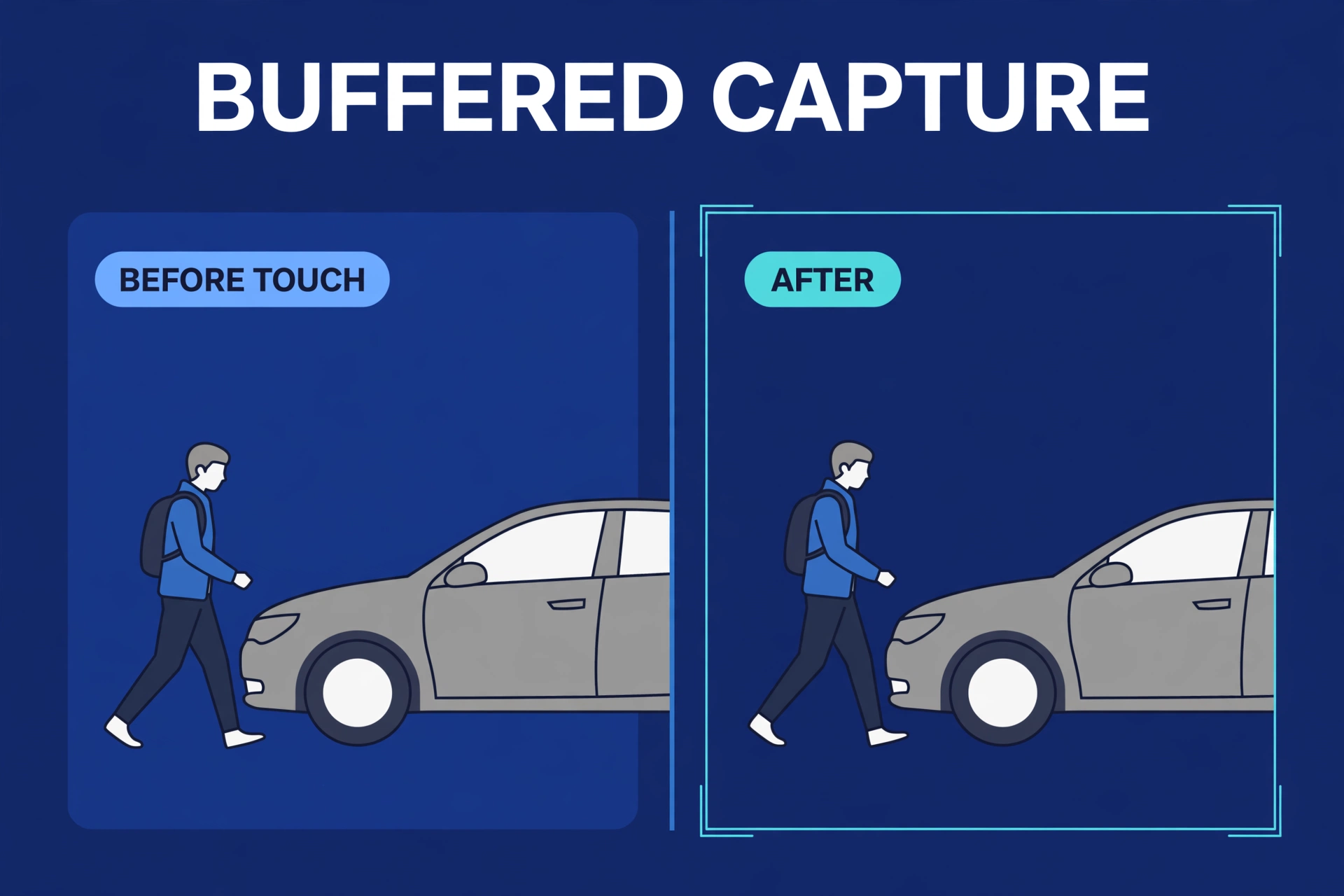
A dash cam in parking mode isn’t really off. Isn’t really on, either. The main processor sleeps while the sensors stay on alert — like a guard dog dozing on the porch, one ear up. Then — bump — a trigger fires, and the camera snaps awake in a fraction of a second. It saves a clip, usually 10 to 30 seconds, covering the moments before and after the event.
That “before” part? In addition, that’s the whole trick. It’s called buffered recording. Moreover, you see the person walking up to your car — not just the dented aftermath. Also, cheaper cameras skip the buffer. They only start recording after the trigger fires. So you get the dent. You never get the culprit. Brilliant, right?
Between events, the camera sips power instead of gulping it. A well-designed parking mode can guard your car for many hours — even days in energy-saving modes — without killing a healthy car battery. And standing between you and a dead battery is the voltage cutoff: the hardwire kit watches your battery level and shuts the camera down before voltage drops too low to start the car. Your car still starts. Everybody’s happy.
The Types of Parking Mode Explained
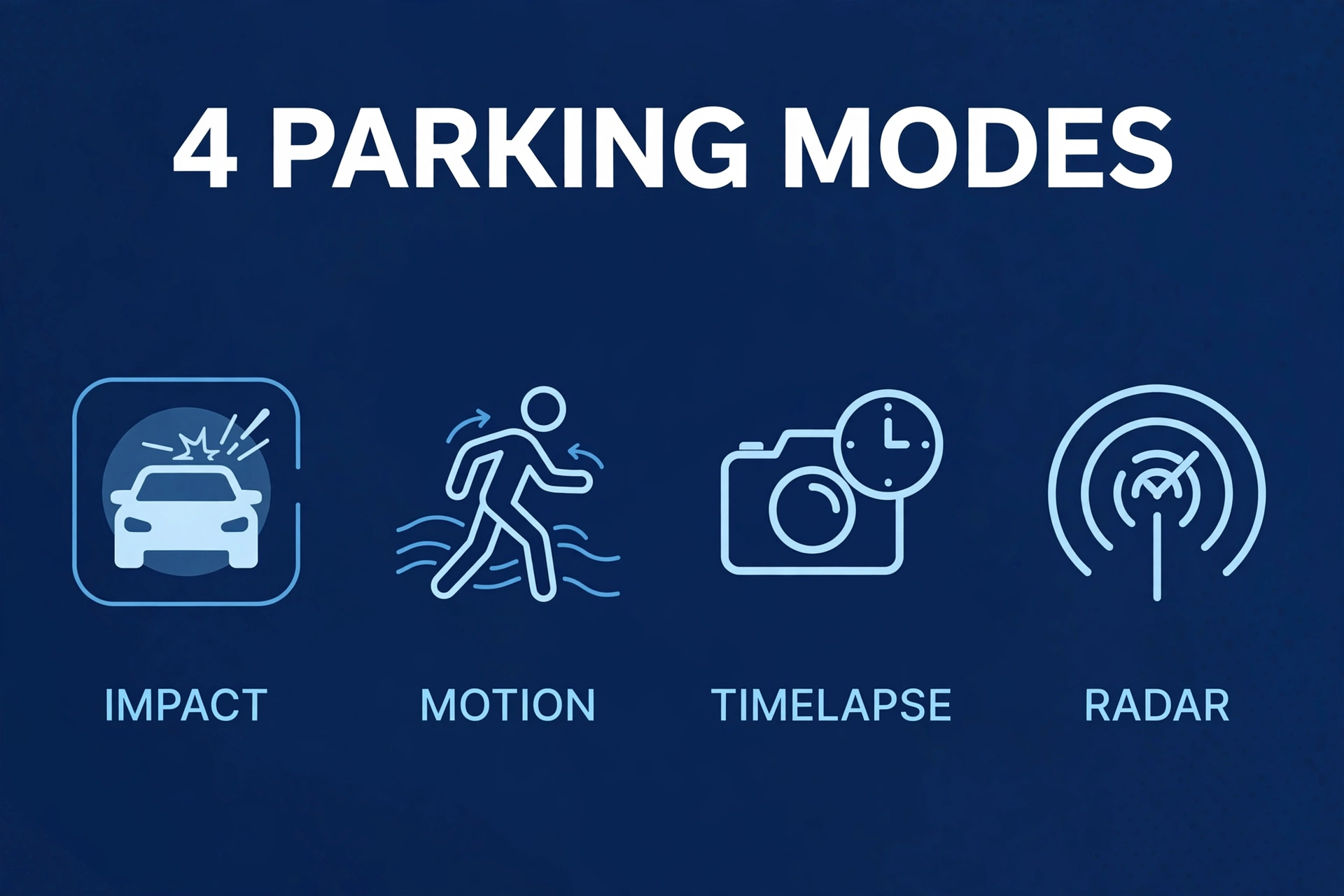
Not all parking modes are created equal. Not even close. Here are the four types you’ll run into, ranked from basic to best — and yes, the differences genuinely matter.
1. Impact detection (G-sensor)
The bare minimum. The camera’s accelerometer feels a physical hit — door ding, shopping cart, another car’s bumper — and saves a clip. Every parking-mode camera has this. Sounds fine, until you realize what it misses: anything that doesn’t physically shake the car. Someone keys your paint without moving the car? This never fires. Not once.
2. Motion detection
Now the camera’s actually watching. It monitors pixel changes in its field of view and records when something moves. People walking up? Caught. Great. Rain? Also caught. Swaying trees, passing headlights, a plastic bag doing gymnastics across the lot? Caught, caught, caught. False triggers come with the territory — in a busy area, expect a lot of them.
3. Timelapse parking mode
Different philosophy entirely. Instead of sleeping, the camera records continuously at a very low frame rate — one frame per second, say. You get a complete visual log of everything that happened while you were parked, squeezed into a short file. Nothing slips through. The catch? Power. Timelapse drinks more battery than event-based modes. And when something does happen, finding that one moment means scrubbing through footage yourself.
4. Radar parking mode (the 2026 premium option)
Okay, this one’s genuinely cool. Thinkware’s flagship models — the U3000 is the headline example — add an actual radar sensor. It picks up physical movement before it even enters the camera’s view, so the camera wakes up and records the approach, not just the contact. Fewer false alarms than pixel motion detection. Nothing slips through. This is the gold standard right now. The catch? Exclusivity — premium Thinkware models only, so check the spec sheet of the exact model you’re considering.
Table: Parking mode types compared
| Feature | Impact only | Motion detection | Timelapse | Radar |
|---|---|---|---|---|
| Catches door dings | Yes | Yes | Yes | Yes |
| Catches approach before contact | No | Sometimes | Yes (review needed) | Yes (automatic) |
| False triggers | Very few | Many | None (records all) | Few |
| Battery drain | Lowest | Low | Higher | Low |
| Typical availability | Most dash cams | Most dash cams | Many mid-range+ | Thinkware flagships |
What You Need to Actually Use Parking Mode
Two hardware requirements. Skip either one and you’ve found the source of roughly 90% of “my parking mode doesn’t work” complaints online.
Requirement 1: A camera that supports it
Look for the words “parking mode” or “parking surveillance” on the spec sheet. Sounds obvious — but budget cameras often leave it out entirely, and mid-range cameras include it with wildly varying quality. Here’s the spec that actually matters: buffered vs non-buffered. It’s the one marketing pages love to bury in the fine print. If the spec sheet won’t say it clearly, the owner reviews will.
Requirement 2: Constant power
The big one. The dealbreaker. The reason most parking mode setups quietly fail.
Your options:
- A hardwire kit wired to a constant (always-on) fuse in your fuse box, with voltage cutoff to protect the battery. This is the standard solution — what most owners use, and honestly what I’d recommend first. Our step-by-step how to hardwire a dash cam guide walks through the whole install.
- An OBD-II power cable — for cars where the OBD port stays live. Simpler than fuse-box wiring, no doubt. But not every car’s OBD port stays powered with the ignition off. Test before you commit, or you’ll spend a weekend debugging a “broken” parking mode that was never powered in the first place.
- An external dash cam battery pack. A dedicated lithium battery that charges while you drive and powers the camera while parked. The priciest option by a mile — but also the kindest to your car battery and the longest-running. The “I never want to think about voltage again” option.
And a camera plugged into a switched 12V socket? Gets none of this. It turns off with the car. No menu setting in the world can change physics, no matter what the product page implies.
Will Parking Mode Kill My Car Battery?
The number one fear. Every single time. And the honest answer? Not if it’s set up right.
Moreover, a dash cam in event-based parking mode draws very little current. First, roughly in line with your car’s own always-on electronics, actually. Second, a healthy battery handles that for many hours without breaking a sweat. The danger cases are specific — and specific is good, because specific is avoidable. An old, weak battery. Also, extreme cold, which slashes battery capacity. First, a camera left in power-hungry timelapse mode for days on end. That’s the whole list.
And that’s exactly what the voltage cutoff exists for. Finally, the hardwire kit monitors your battery voltage and cuts power to the camera at a threshold you set — commonly around 12.0 to 12.2 volts for a standard lead-acid battery. Meanwhile, camera stops. Nevertheless, car still starts. Everybody’s happy. We dig into the full picture in our myth-busting guide on whether a dash cam will drain your car battery.
Two practical rules: if your battery’s more than four years old, get it tested before you lean on parking mode. And if you park for a week at a time — airport trips and the like — grab an external battery pack or switch to an energy-saving radar mode.
Parking Mode Settings Worth Changing
Here’s the thing about defaults: they’re conservative. Designed to never annoy you — which also means they never quite protect you. A few tweaks turn parking mode from “technically on” into actually useful.
First: buffered recording. If your camera offers it, turn it on. Yesterday. Non-buffered parking mode is barely better than nothing at all — you get the aftermath without the approach. In addition, the approach is the whole point.
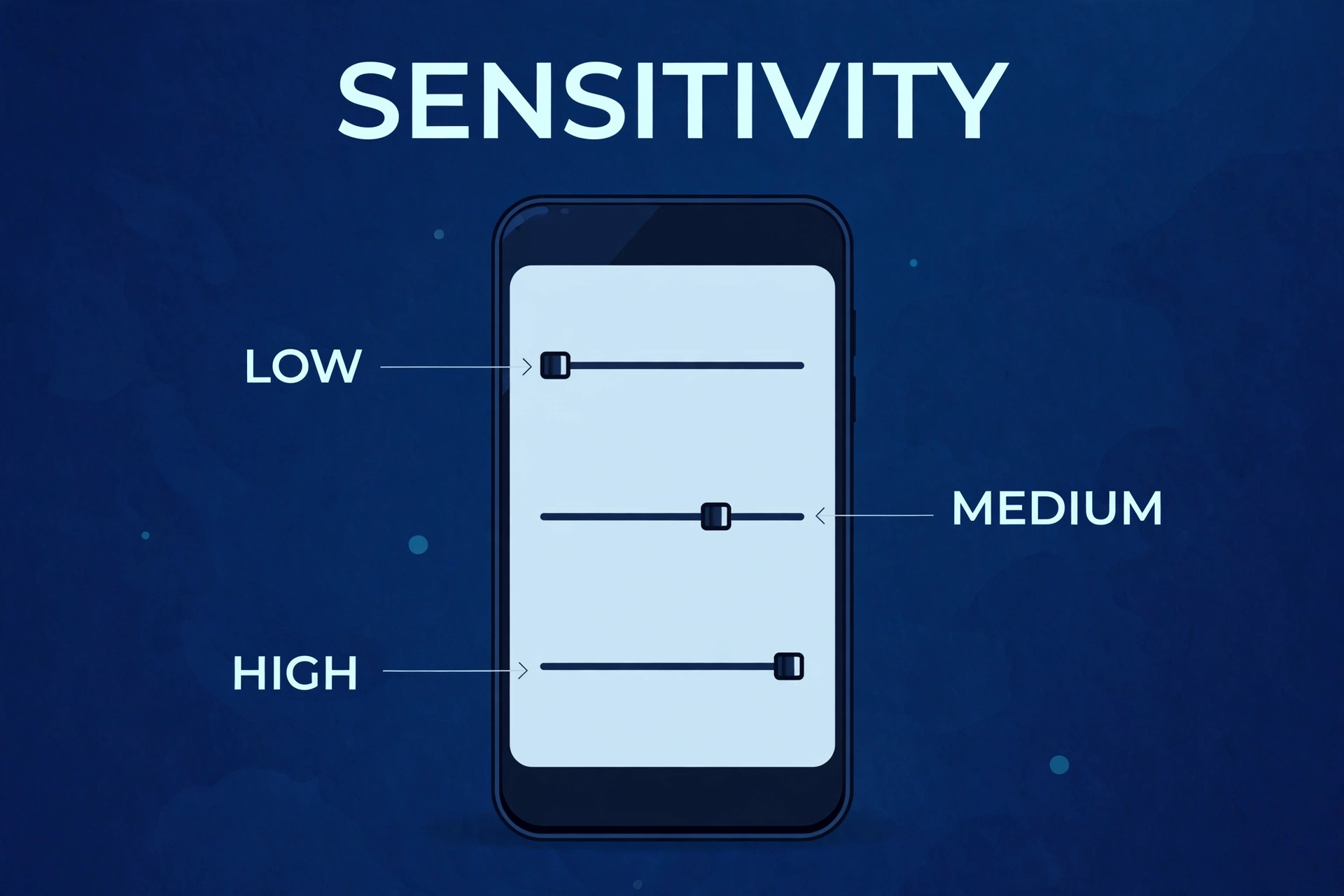
Next, motion sensitivity. In fact, set it to medium, not high. I know the instinct — max everything, right? Wrong. Crank it to high in a busy lot and your card fills with rain and shadows. In addition, the real clip gets overwritten by footage of a tree. Start at medium. Live with it for a week. Then adjust.
Impact detection stays at normal. As a result, too sensitive, and every speed bump while driving locks files needlessly — your card fills up with potholes. In contrast, too low, and a gentle door ding slips through. Normal is right for most people. Trust the middle.
Then the voltage cutoff. Set it correctly for your battery type — standard flooded batteries and AGM batteries have different safe thresholds. Check the label on your battery. Two minutes of reading now saves you a dead car later. And finally: format the memory card regularly. Parking clips plus driving footage wear cards out faster than driving alone. A monthly in-camera format keeps the card healthy.
Do All Dash Cams Have Parking Mode?
Short answer: no. Longer answer: this is where reading the spec sheet actually pays off, because the phrase “parking mode” on a product page can mean anything from excellent to purely decorative.
Roughly, it breaks down like this:
- Budget cameras: often no parking mode at all — or a token version without buffering. Which, as we’ve established, is barely parking mode at all.
- Mid-range cameras: usually ship with motion + impact parking mode and buffering. This is the sweet spot for most buyers. Our best front and rear dash cam roundup highlights models where parking mode genuinely works — not just models where it exists on the spec sheet.
- Premium cameras: add timelapse options, energy-saving modes, and (on Thinkware) radar. The full arsenal.
Don’t assume anything. Look for the word “buffered.” Then check owner reviews for real-world behavior — not marketing claims. Marketing claims have never caught a hit-and-run.
Parking Mode vs Sentry-Style Systems
Tesla owners always ask this one: how does a dash cam stack up against Sentry Mode?
Conceptually? Similarly, same idea. Specifically, cameras watching while parked, events saved. However, the difference is integration and power. A Tesla runs it off a giant traction battery with software finesse baked in. Your dash cam runs off a 12V starter battery through a hardwire kit. Different leagues of hardware.
But here’s the encouraging part: a good premium dash cam with radar gets you surprisingly close to the Sentry experience in any car. The wiring just has to match.
Common Parking Mode Mistakes
I’ve read enough owner forums to write a book. Here’s the short version — the five mistakes behind nearly every “parking mode is garbage” rant:
- Expecting it to work on the 12V socket. It won’t, in most cars. Hardwire or battery pack. There is no third option, no matter how confidently the Amazon reviews claim otherwise.
- Maxing out motion sensitivity. Your card fills with nothing-events — rain, shadows, existential dread — and the real clip gets overwritten. Medium sensitivity. Always.
- Forgetting about the memory card. Parking footage doubles or triples your daily write volume. A high-endurance card matters twice as much here. A regular card will die young and, worse, die quietly.
- Leaving timelapse on for a week-long trip. You’ll come home to a tired battery and a car that won’t start. Energy-saving or radar modes for long sits. Timelapse is for the workday, not the vacation.
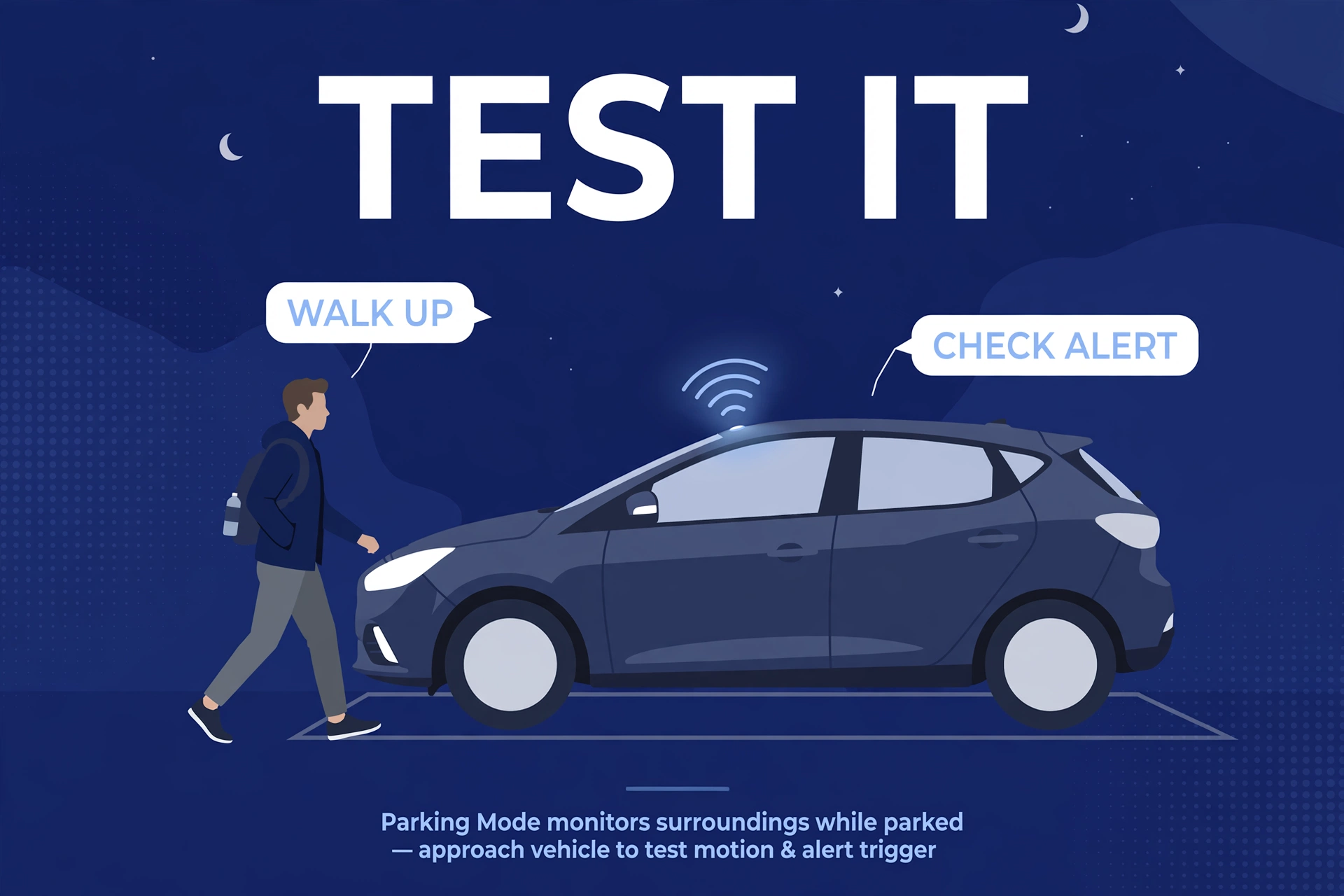
- Never testing it. Walk up to your parked car, give the door a firm (gentle!) push, then check the footage. Five minutes of testing beats a year of false confidence. Which brings us to…
How to Tell If Your Parking Mode Is Actually Working
Don’t assume. Verify. I cannot stress this enough — too many owners drive around for months believing they’re protected while the camera’s been asleep the whole time. A paperweight with a lens.
So: the day you install, run the five-minute test. For example, park the car. Lock it. Walk away for two minutes — give the camera time to settle into parking mode. Then walk back up normally, no sneaking around like a cartoon burglar. Give the door a firm push with your hip — firm enough to wake the G-sensor, gentle enough to leave no mark. Wait a minute, then check the footage through the app or by pulling the card.
Confirm three things. In addition, one: the approach got captured — that’s your buffered recording doing its job. Two: the push triggered a locked event file. Three: the timestamp is correct, because footage with the wrong time is a headache you don’t need.
If anything fails, fix it now — not “eventually.” Make sure the hardwire kit is on a constant fuse (not a switched one), that parking mode is actually enabled in settings, and that the G-sensor isn’t sitting at its lowest sensitivity. Then repeat the test monthly. Five minutes, once a month. It’s the only proof that counts.
Parking Mode FAQs
Do dash cams record when the car is off?
Only in parking mode — and only with constant power. That’s the whole ballgame. On a standard ignition-switched 12V socket, the dash cam shuts down with the car, end of story. With a hardwire kit on a constant fuse (or an external battery pack), parking mode keeps watch and records events while you’re away.
How long can parking mode run without draining the battery?
With a healthy battery, event-based parking mode, and a proper voltage cutoff? Many hours to a couple of days — realistic, not marketing. Timelapse mode drains faster. Extreme cold shortens everything. And for week-long parking, use an external battery pack or an energy-saving radar mode.
Does parking mode work in a garage with no motion?
Yes — and honestly, a dead-quiet garage is where impact detection shines. A parking-garage door ding is the textbook parking-mode save. Motion detection just has less to do in there, which also means fewer false triggers. Everybody wins.
Will parking mode void my car warranty?
A proper fuse-tap hardwire install doesn’t cut or splice factory wiring, so it doesn’t affect your warranty in the normal sense. Laws vary by country, but a non-invasive install is widely considered safe. Still nervous? An OBD-II cable or external battery pack avoids the fuse box entirely. Options exist.
Can parking mode catch a hit-and-run?
That is literally its job. Buffered recording grabs the seconds before impact — so you typically get the approaching vehicle, the contact, and often a plate. It’s the single best argument premium parking mode has. And it’s exactly why radar pre-trigger is such a big deal.
Do I need a special memory card for parking mode?
You need a high-endurance card. Full stop. Parking mode multiplies the hours your camera writes every day, and regular cards die young under that load. Here’s the scary part: when the card dies silently, the camera can look like it’s recording while saving nothing. The worst failure mode is there.