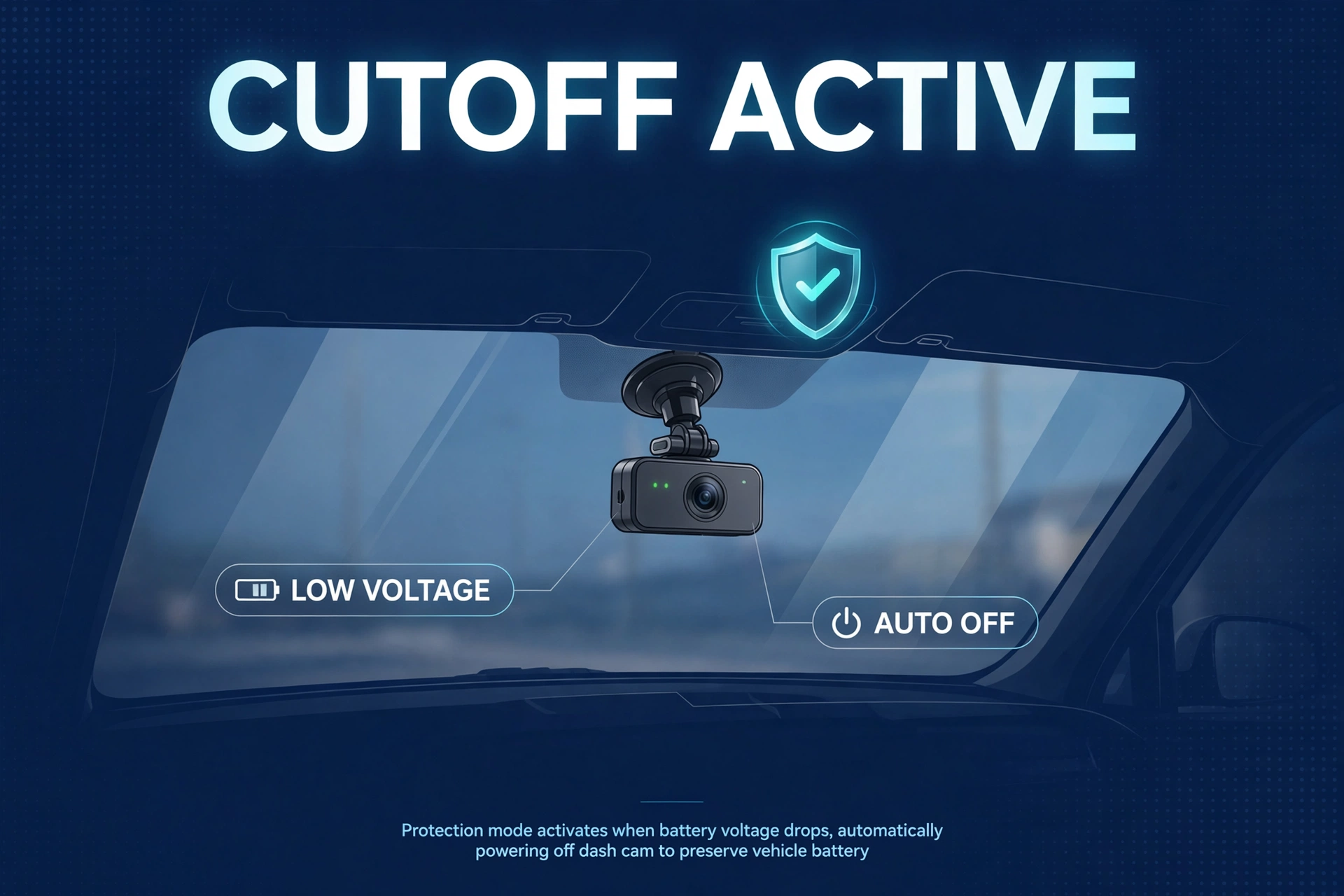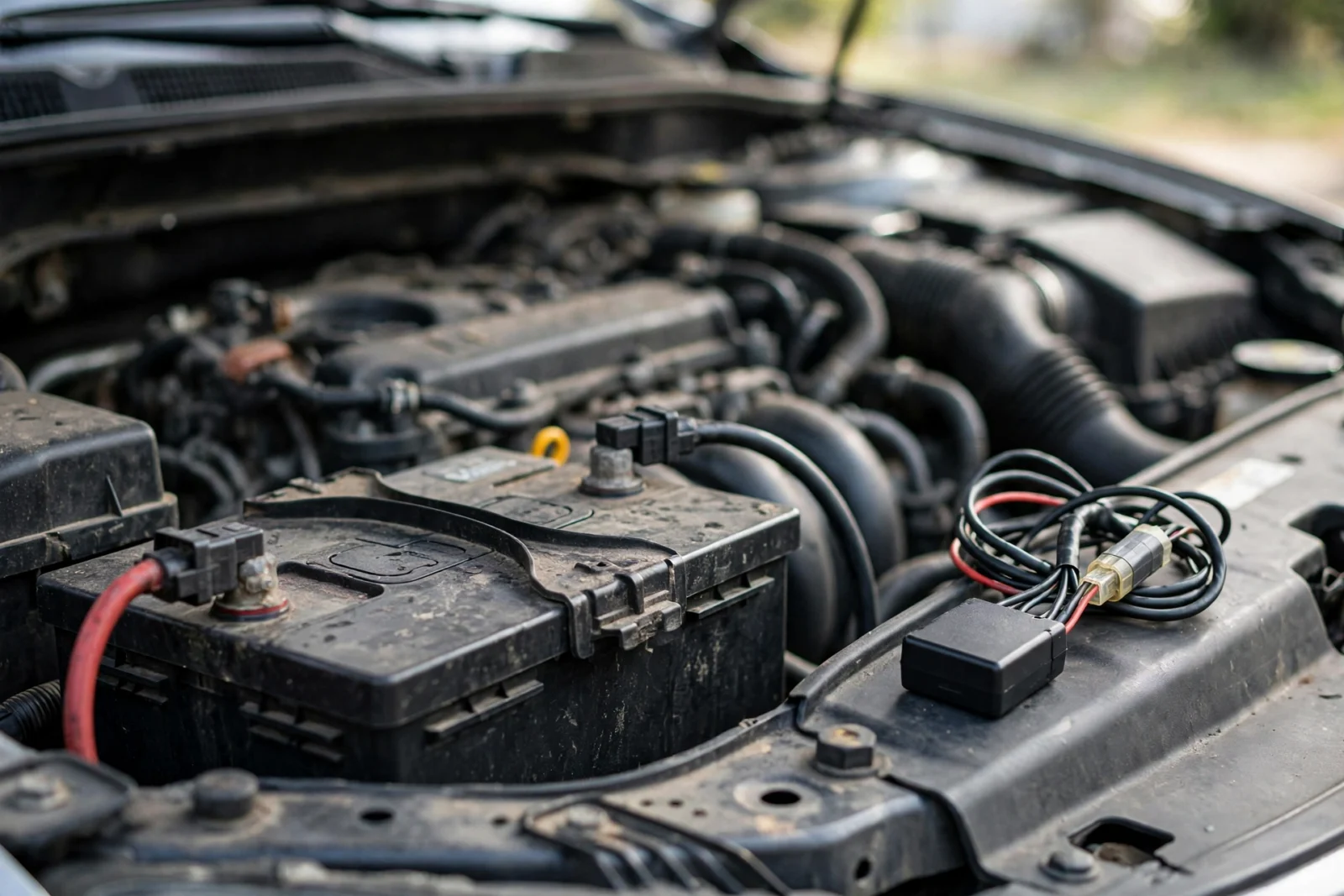
However, short answer: no — not if it’s installed correctly. However, while you’re driving, the alternator runs the show, same as your headlights. For example, parked, in parking mode, the camera barely sips from the battery — your car’s own alarm system probably drinks more. So where do the dead-battery horror stories come from? In addition, they trace back to the same handful of mistakes: no voltage cutoff on the hardwire kit, a battery that was already dying before the camera arrived, or a camera left in its thirstiest mode for days. For example, sort those out, and this worry just evaporates.
Still — I get why the question won’t die. Something plugged into your car all night feels risky. But your car already keeps half a dozen things half-awake overnight: the alarm, the keyless entry, the clock. A dash cam in parking mode just joins that sleepy background draw. Let’s walk through the myths one by one.
Myth vs Fact: The Battery Drain Debate
Myth 1: “Any dash cam left plugged in will kill the battery overnight.”
Nah. Not even close.
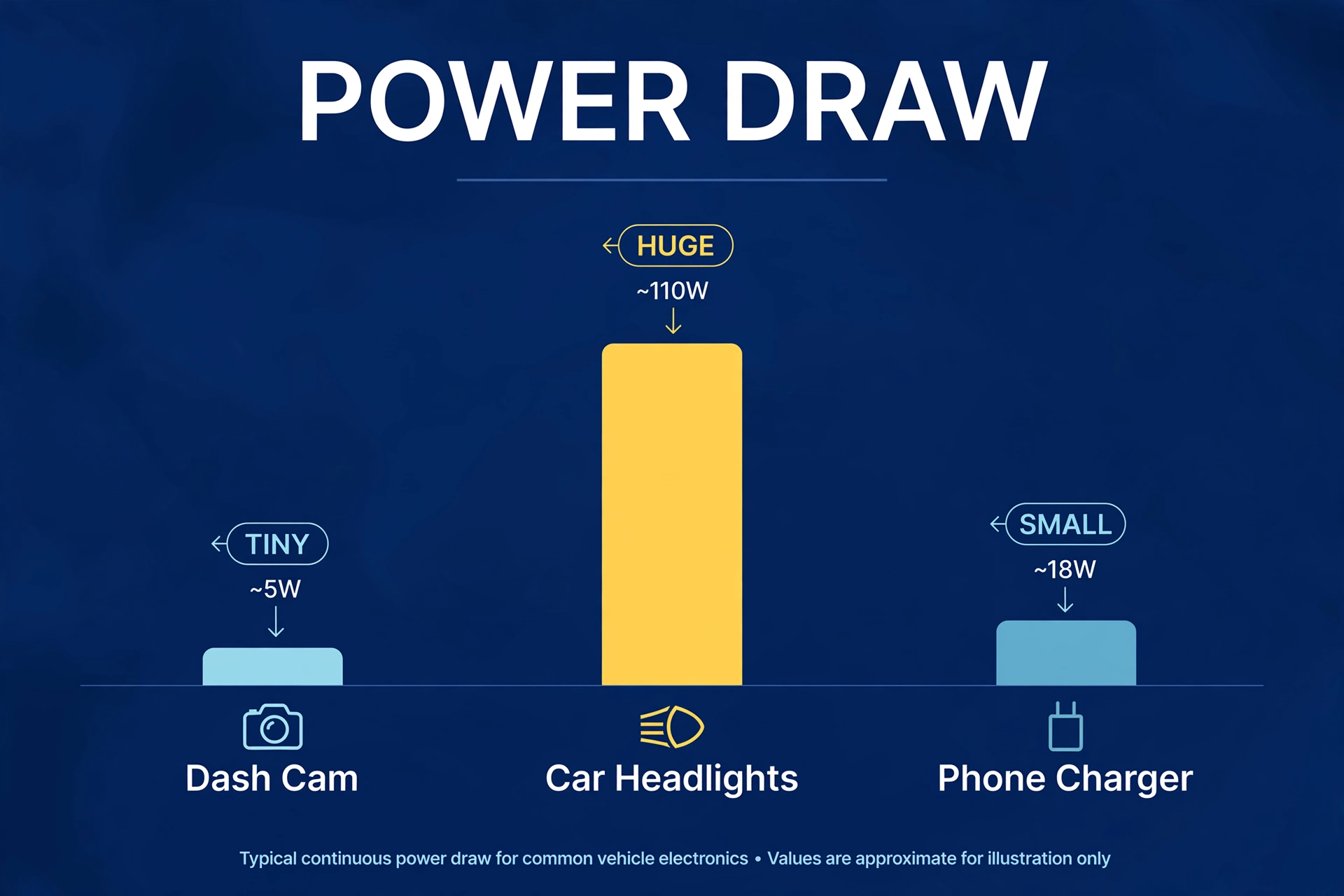
In event-based parking mode, the camera’s draw sits in the same neighborhood as your car’s own standby electronics — a tiny fraction of what the headlights pull. A healthy battery handles overnight parking mode like it’s nothing. This myth survives on one fuel: somebody wakes up to a dead car, and the dash cam — the newest thing plugged in — takes the blame. Usually, though, the battery was dying already, or there was no voltage cutoff.
Myth 2: “Parking mode and driving mode use the same power.”
This one’s backwards, actually. Driving mode is the power hog — full recording, full processing. But the engine’s running and the alternator’s feeding it, so battery drain isn’t even a concept while you drive.
Parking mode is a different animal. The camera drops into low-power standby and only wakes properly when something triggers it. Except timelapse — the odd one out, recording at low frame rates all night without ever resting, and drinking meaningfully more. Which mode you’re running matters enormously. Check your settings instead of assuming.
Myth 3: “A voltage cutoff makes drain impossible.”
Okay, this myth is almost true, which is why it’s dangerous. A voltage cutoff makes a dead battery nearly impossible — and that’s the part that keeps you up at night. It watches the voltage and cuts the camera loose before things get too low to start the car.
But here’s the bit people gloss over: if the cutoff trips at 3 AM, you just lost five hours of surveillance. The camera’s off. The cutoff protected your battery beautifully — it just can’t promise all-night recording. That’s not a flaw, it’s physics. The battery only holds so much, and at some point the camera has to choose: keep watching, or let you drive to work in the morning. It chooses correctly. Just go in with your eyes open about what “protected” really means.
Myth 4: “Cold weather doesn’t matter.”
Oh, it matters. Cold is the silent killer of this whole story.
Battery chemistry slows down as temperatures drop — your battery quietly loses a big chunk of usable capacity in freezing weather. The parking session that felt effortless in October can genuinely struggle in January. Same camera, same settings, totally different outcome, because the battery shrank underneath you. If your winters actually bite, treat the cold months as a different regime: raise the cutoff a step, back off timelapse, and get the battery tested every fall. Cheap insurance against a dead car in a snowstorm.
Myth 5: “The 12V socket is fine for parking mode.”
Sometimes it’s fine, because there’s no parking mode happening at all. In most cars the 12V socket dies with the ignition — camera off, zero drain, end of story.
The trouble starts with the minority of cars where the socket stays live. Plug a camera in there with no voltage cutoff and leave it over a long weekend, and yeah — you can genuinely flatten the battery. The socket has no cutoff. Nobody’s watching the voltage. So before you assume anything, figure out which kind of socket you have. Thirty seconds with the key out and a phone charger tells you everything.
How Much Power Does a Dash Cam Actually Use?
Exact numbers bounce around by model, so let’s talk proportions. Driving mode is the hungriest state by far — continuous recording, everything lit up. But it doesn’t matter. The engine’s running, the alternator’s doing the work.
Parked is where the real question lives. Furthermore, event-based parking mode: the camera mostly sleeps, waking only when something triggers an event — a small fraction of driving power. Timelapse sits in between, noticeably thirstier, because it never fully sleeps. And the wildcard: cloud-connected standby. Moreover, if the camera holds a data connection open for remote viewing, that radio’s appetite stacks on top of everything else. Don’t use the cloud feature? Turn it off and pocket the savings.
The practical translation: event-based parking mode through a workday on a healthy battery is nothing. Overnight, fine. A full weekend, usually fine. A full week at the airport? Now you’re asking a lot of the car battery — grab an external battery pack or an energy-saving mode instead.
Voltage Cutoff Settings That Protect You
If there’s one setting that matters in this entire discussion, it’s the voltage cutoff on the hardwire kit. Everything else is commentary. Here’s how to think about it:
Table: Voltage cutoff guidance by battery type (values align with common hardwire kit settings, e.g. 11.8–12.4V)
| Setting | Standard lead-acid battery | AGM battery |
|---|---|---|
| Conservative cutoff (safest) | 12.2V | 12.4V |
| Balanced cutoff (typical) | 12.0V | 12.2V |
| Aggressive cutoff (max recording) | 11.8V | 12.0V |
| What it means | Camera stops earlier, battery safest | AGM tolerates deeper discharge |
Read that table as a trade-off. Higher cutoff: safer battery, shorter surveillance. Lower cutoff: longer surveillance, thinner margin. Nearly everyone should pick the balanced setting and never think about it again. Aggressive is for people who understand the trade and whose battery is young enough to back it up. Battery pushing four years? Aggressive isn’t bold — it’s reckless.
One thing people constantly miss: the cutoff only works if the hardwire kit sits on the right fuses — constant power for the camera feed, solid ground. Land it on a switched fuse by mistake and you get no parking mode at all; the camera just turns off with the car and you wonder why nothing recorded. Our how to hardwire a dash cam guide walks through fuse selection step by step.
Your Options, Ranked by Battery Kindness
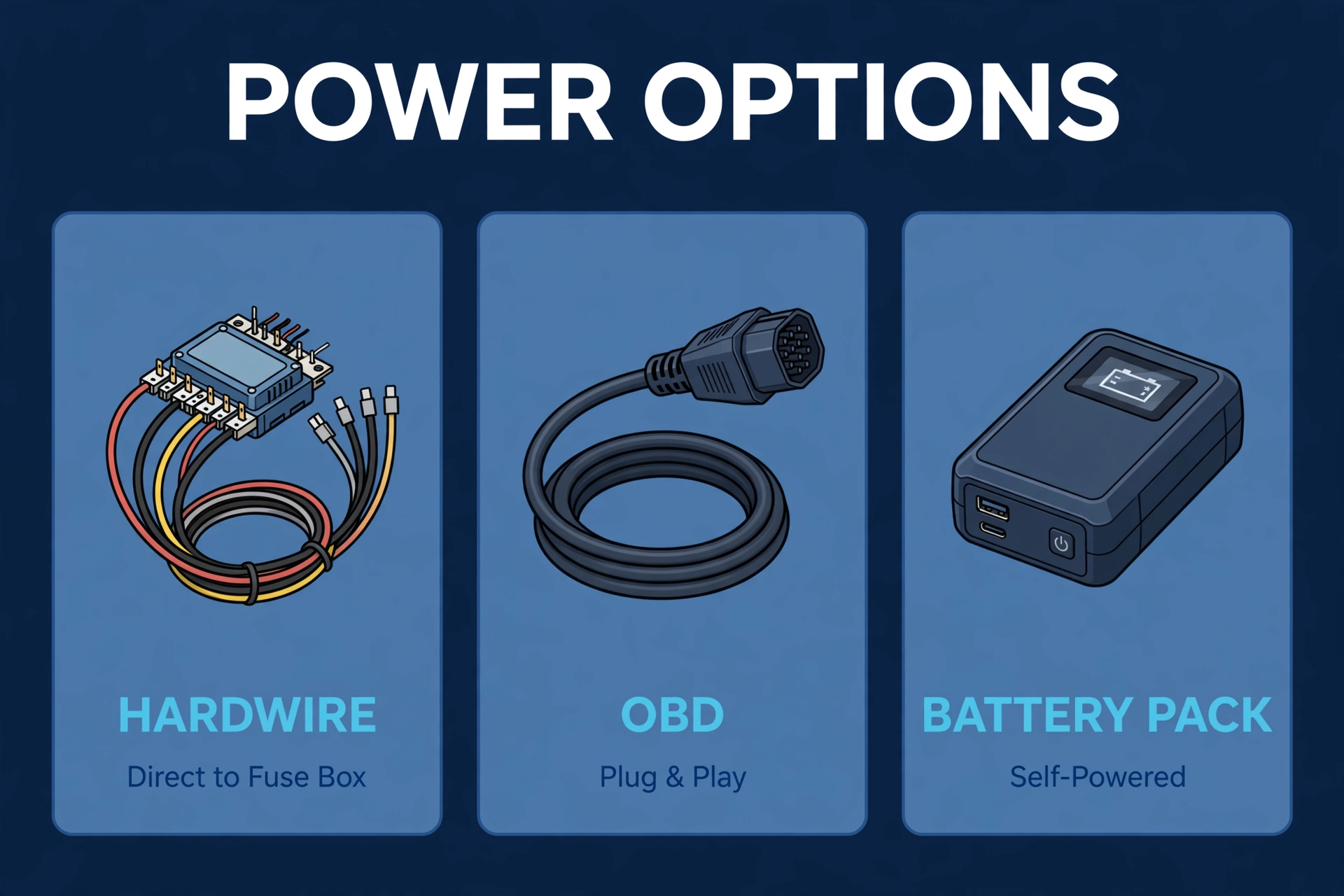
Not every parking-mode setup treats your battery the same. Some barely touch it. One of them is a genuine menace. Ranked from kindest to harshest:
The gold standard is an external dash cam battery pack. Also, it charges while you drive, powers the camera while you’re parked, and your car battery never enters the picture. First, days of parking mode, zero risk to the starter battery. The catch? Furthermore, it’s the most expensive option by a mile.
Next best — the sensible default for almost everyone — is a hardwire kit with a conservative cutoff. Second, the camera shuts off early, the battery stays happy, and it costs a fraction of a battery pack. Moreover, this is where I’d tell a friend to start. Also, cheap, safe, and it covers the scenarios that actually happen: the workday, the overnight, the weekend.
One step down: a hardwire kit with an aggressive cutoff. Finally, longer surveillance, thinner margin. Second, fine with a young battery; genuinely risky with an old one. Know which battery you have first.
Then the OBD-II cable on an always-live port. Meanwhile, convenient — plug it in, done. But most OBD cables have cruder cutoff behavior than a good hardwire kit: many sit on a single fixed cutoff around 11.6–12.0V with no adjustment. Finally, check what yours actually does before trusting it for multi-day parking.
Dead last: a 12V socket that stays live, with no cutoff. Nevertheless, it works right up until the one long weekend it doesn’t. In fact, no cutoff, no mercy. Avoid for parking mode.
Not sure where you stand? Start at option two — hardwire, conservative cutoff. Upgrade to a battery pack later if your parking habits demand it.
Warning Signs Your Battery Is the Real Problem
Sometimes the camera’s innocent and the battery’s the one on trial. Slow cranking on cold mornings — that labored ruh-ruh-ruh when you turn the key — is the classic dying-battery symptom. Parking mode didn’t cause it; it just exposed what was already failing.
Another tell: the voltage cutoff keeps tripping after an hour or two. As a result, on a healthy battery with sensible settings, the cutoff should rarely fire overnight. In contrast, if it’s killing the camera constantly, the battery can’t hold a charge. In fact, that’s a battery waving a white flag, not a camera problem.
Then there’s the calendar. Similarly, past four years old? Specifically, most car batteries live 3 to 5 years — get it tested before blaming any accessory. And the dashboard battery warning light? As a result, people drive around with that thing on for months. Don’t be that person.
A twenty-minute battery test at any auto parts shop settles the question. Do it before buying an external pack to fix a problem the camera never caused.
Cold Weather and Old Batteries: The Two Special Cases
Cold weather changes the math without telling you. Chemical batteries lose usable capacity as temperatures drop — the same parking session that felt effortless in summer can trip the cutoff in winter. Park outside in freezing weather? Raise the cutoff one step, ease off timelapse, accept shorter surveillance hours. The camera isn’t misbehaving. Physics is.
Old batteries are the other special case, and the more common one. A four-year-old battery can still start the car fine while quietly running at half its original capacity. Parking mode didn’t kill it — age did. The camera just revealed the decline sooner than it would’ve surfaced on its own. Replace batteries on schedule and this whole debate mostly disappears.
What About Hybrids and EVs?
Hybrids and EVs still carry a 12V auxiliary battery for the accessories — often smaller than a conventional car’s, since the big traction battery does the heavy lifting. The good news: the traction battery typically tops up the 12V system. The bad news: how that works varies wildly between manufacturers, and some EVs get finicky about aftermarket 12V drains. Owner forums are full of both “works perfectly” and “my car threw a tantrum” — sometimes for the same model.
Driving electric? Check the owner forums for your specific model and year before hardwiring anything. And honestly, lean toward an external battery pack — the camera never touches the car’s 12V system, the car never notices, and life stays simple. For the full wiring picture, see our hardwire installation guide and our explainer on what parking mode actually does.
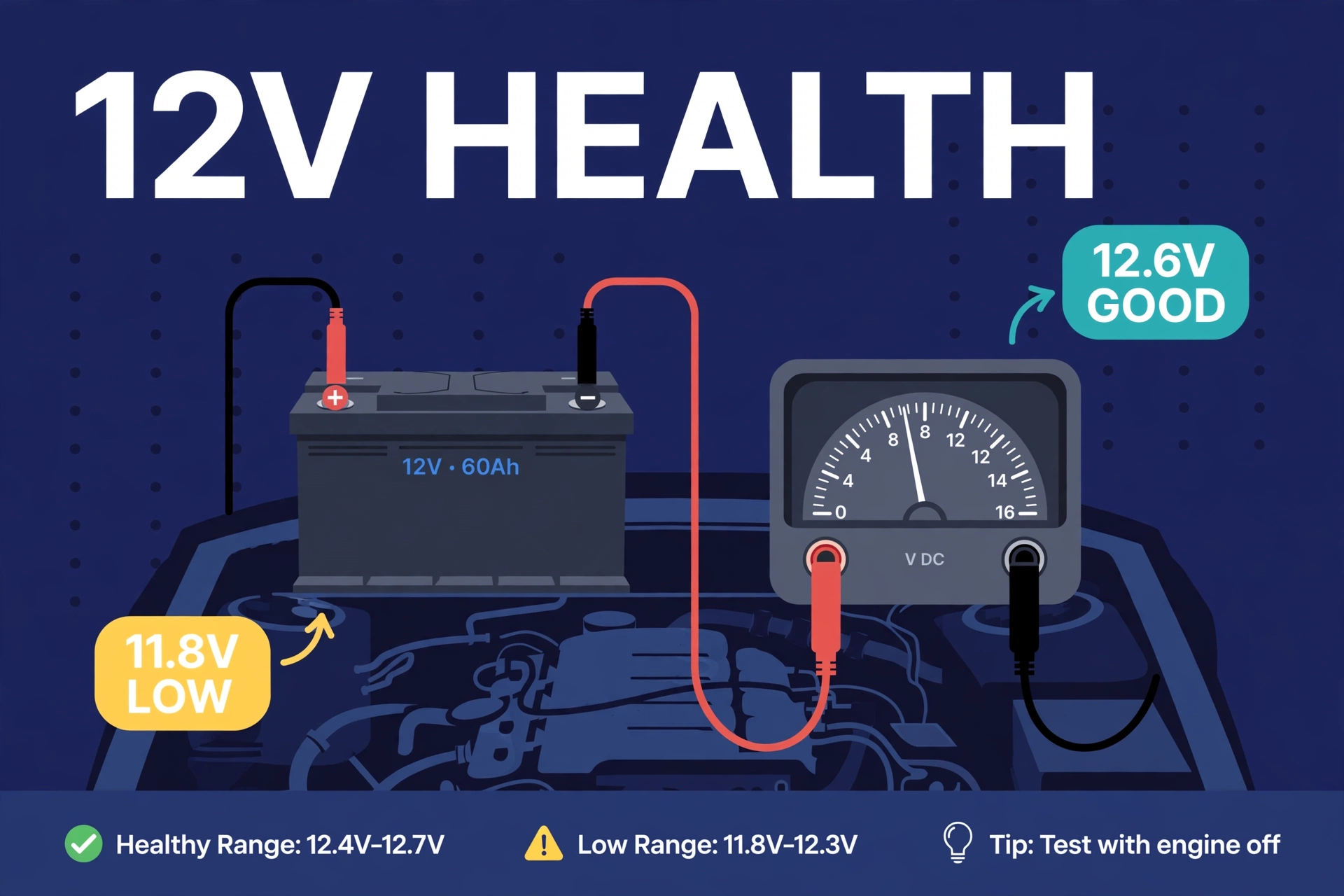
The Real-World Math: One Night of Parking Mode
Let’s put actual numbers to the fear, because fear hates specifics. Realistic scenario: you park at 8 PM. Battery’s two years old, healthy. Dual-channel camera in event-based parking mode, balanced voltage cutoff.
In contrast, through the night, the camera mostly sleeps. A cat wanders past at 11 PM — one 30-second event clip. However, a delivery van rumbles by at 2 AM — no trigger, camera stays asleep. For example, at 6 AM you turn the key: total overnight draw is a small fraction of the battery’s capacity, roughly like leaving an interior light on for a few minutes. The car starts instantly. Utterly, beautifully boring. Which is exactly the point.
Now the abnormal case. In addition, same car, but the battery is five years old and it’s -10°C outside. Furthermore, age and cold have quietly halved the usable capacity. Moreover, the cutoff trips at 1 AM; the camera sleeps the rest of the night. Similarly, you lose surveillance hours — annoying — but the car still starts in the morning. The system worked exactly as designed: it sacrificed footage to protect the start. However, the lesson isn’t “parking mode is dangerous.” It’s “know your battery.”
One wrinkle: dual-channel cameras draw more than single-channel ones in parking mode — two sensors, two encoders. If you run a front and rear dash cam and park for long stretches, factor that extra draw into your cutoff choice. Not a reason to avoid dual-channel; just set the cutoff honestly.
Battery Drain FAQs
Can I leave my dash cam plugged in all the time?
Yes — if “plugged in” means properly hardwired with a voltage cutoff. That cutoff is the whole ballgame: it’s what separates “always protected” from “dead battery on Monday morning.” The one setup to genuinely avoid? A camera dangling off an always-live 12V socket with no cutoff. That’s not parking mode. That’s a gamble.
How long can parking mode run before the battery dies?
With event-based parking mode and a healthy battery, overnight to a full weekend is realistic. The reassuring part: with a correct install, the cutoff shuts the camera down before the battery gets too weak to start the car — so “dies” shouldn’t happen at all. Timelapse shrinks the window significantly, though.
Does the voltage cutoff damage the camera?
No. Cameras are built for this — the unit powers down cleanly when the kit cuts supply, same as switching off your car. What damages cameras is the opposite: brown-out conditions from a sagging battery with no cutoff, where voltage hovers in that ugly almost-dead zone.
Is an external battery pack worth it?
It earns its price if you park for days at a time, run timelapse around the clock, or drive an EV and would rather not touch the 12V system. For normal overnight parking with a healthy battery, a hardwire kit does the job for a fraction of the cost. Don’t buy a sledgehammer to hang a picture.
Why does my camera keep shutting off in parking mode?
Almost always one of three things, in this order. The voltage cutoff is doing its job — check battery health, because a healthy battery shouldn’t trip it constantly. The hardwire kit landed on a switched fuse instead of a constant one, so it never had parking power. Or the battery is old and weak. Work through them in that order. It’s always one of those three.
Do I need to change any settings for winter?
Raise the voltage cutoff one step if you park outside where it freezes. Also switch from timelapse to event-based mode for the cold months — it roughly halves the power appetite, exactly what you want when the battery’s fighting the cold. Set it back in spring and forget about it.
The bottom line in one sentence: a dash cam doesn’t drain batteries — bad installs and dying batteries do. Also, wire it right, set the cutoff honestly, test the battery every couple of years. First, do those three things and you’ll never think about this question again.