

Picking the best mini PC for Home Assistant is one of the smartest upgrades you can make to your smart home in 2026. A tiny box the size of a sandwich can run your entire home — lights, automations, cameras, dashboards — faster and more reliably than a Raspberry Pi ever could. And the best part? It only sips a little power while doing it.
I know the options can feel overwhelming. Dozens of brands, confusing model numbers, and chips with names like N100 and N305 that all look the same. So in this guide, I cut through the noise. You will learn exactly what to look for, and I will walk you through seven proven mini PCs that the Home Assistant community trusts right now. Let us find the right one for your home.
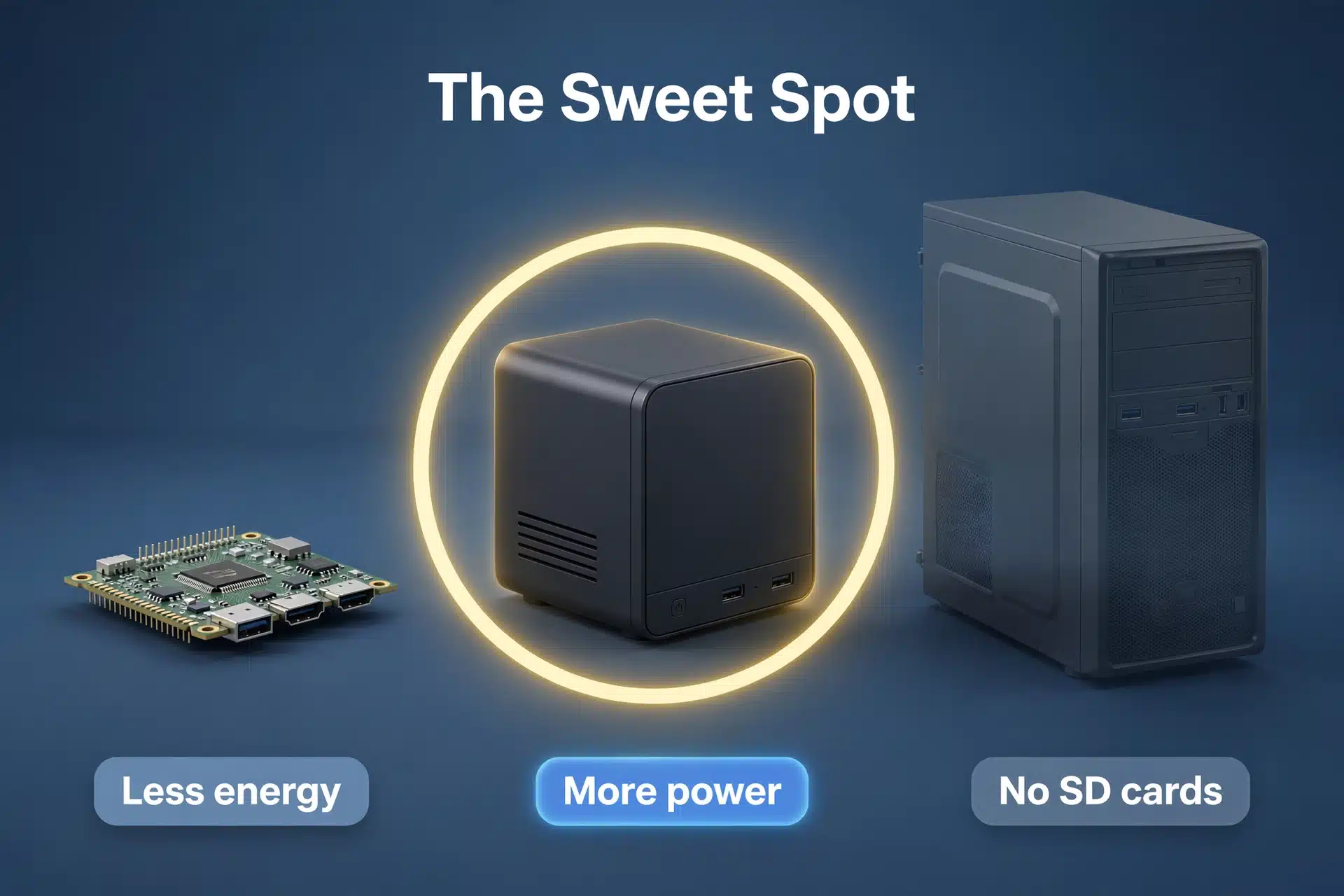
Why a Mini PC Is the Sweet Spot for Home Assistant in 2026
For years, the Raspberry Pi was the default way to run Home Assistant. It was cheap, small, and everywhere. But things have changed. SD cards corrupt. Pi prices stayed high after the shortages. And as your smart home grows — more devices, more automations, add-ons like a camera system or a voice assistant — a Pi starts to feel sluggish.
A mini PC fixes all of that in one move. First, you get real x86 power. An Intel N100 chip, for example, runs circles around a Pi 4 or 5 for Home Assistant workloads. Second, you get proper NVMe storage, which is far more durable than an SD card. No more waking up to a dead smart home because a card gave up overnight.
Third, there is headroom. A mini PC with 16 GB of RAM can run Home Assistant plus a media server, a network-wide ad blocker, or even a local AI voice assistant at the same time. Meanwhile, it draws barely more power than a night light — most of these boxes idle around 10 to 15 watts. As a result, your electricity bill barely notices it.
Finally, the price is hard to argue with. For roughly what a Pi 5 kit costs with a case, power supply, and SSD, you can buy a complete mini PC that is faster in every way. That is why so many people are migrating to mini PCs in 2026.
What to Look for When Buying a Mini PC for Home Assistant
Before we get to the picks, let us talk about what actually matters. Mini PCs come with pages of specs, but only a handful make a real difference for Home Assistant. Here is what to focus on.
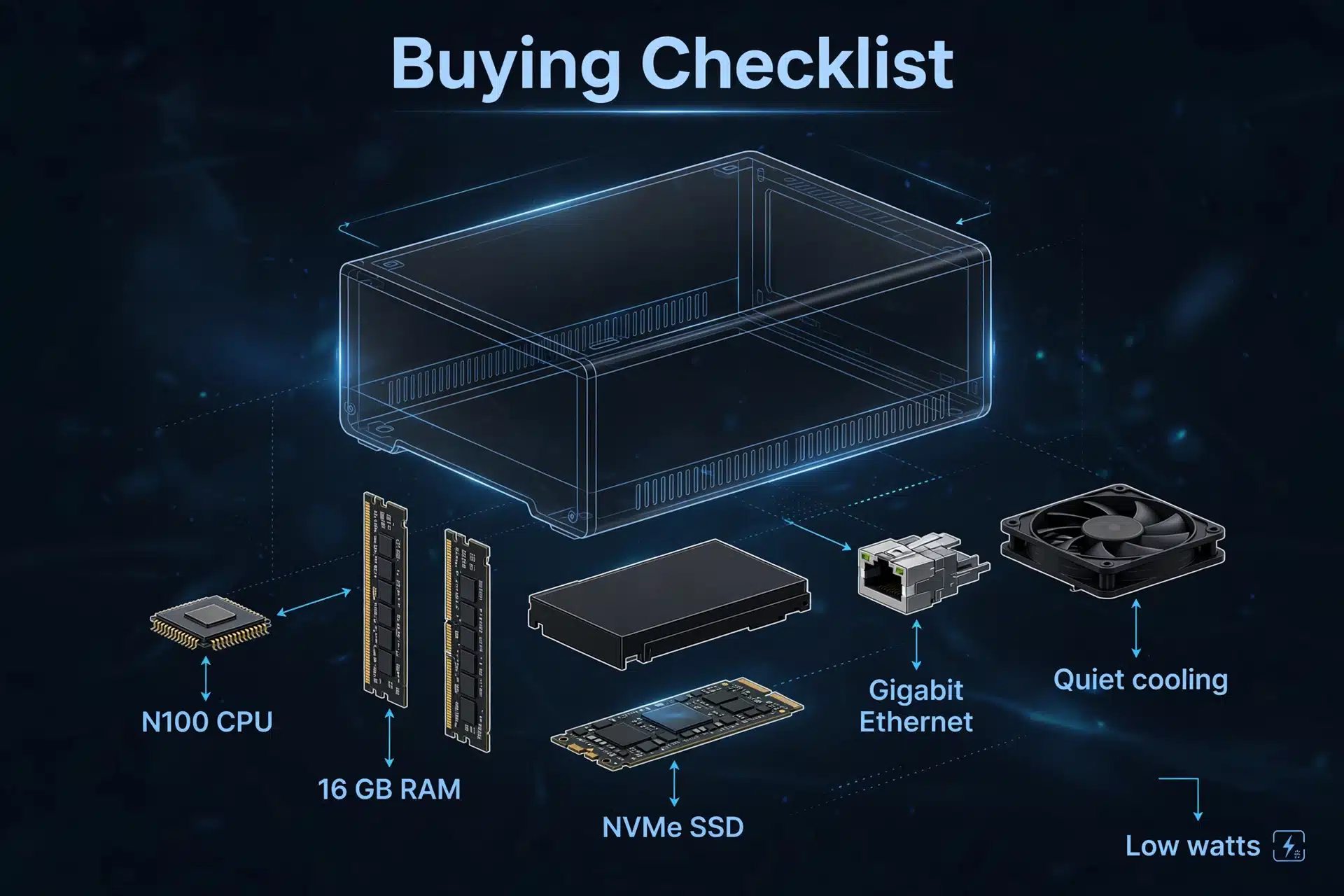
Processor: Intel N-series is the sweet spot. The Intel N100 (and its newer sibling the N150) is the chip you will see everywhere. It is a 4-core, 6-watt processor that is more than fast enough for Home Assistant and several add-ons. Stepping up to the N305 gets you 8 cores if you plan to run virtual machines or heavier workloads, but most homes never need it. Older chips like the N95 or N97 work fine too, especially on a tight budget.
RAM: 8 GB is the minimum, 16 GB is the comfort zone. Home Assistant itself is light. But add-ons add up — cameras, voice pipelines, databases, and dashboards all eat memory. Eight gigabytes works for a basic setup. Sixteen gives you room to grow without thinking about it. And unlike soldered memory in some devices, many mini PCs let you upgrade the RAM later.
Storage: an NVMe SSD of 256 GB or more. Almost every modern mini PC ships with an NVMe SSD, and that is exactly what you want. It is fast, reliable, and far more durable than an SD card. A 256 GB drive is plenty for Home Assistant; 512 GB gives you space for camera recordings or backups.
Ports: Ethernet first, then USB. Home Assistant loves a wired connection, so a gigabit (or better, 2.5-gigabit) Ethernet port is a must. You will also want several USB ports for Zigbee and Z-Wave dongles, a Bluetooth adapter, or an external drive. Some boxes offer dual Ethernet, which is handy if you ever want to run a firewall or network tools alongside Home Assistant.
Cooling: fanless means silent, but fanned is fine. Fanless mini PCs make zero noise, which is perfect if the box sits in your living room. They can run warm, though, so give them some airflow. Actively cooled models are usually whisper-quiet anyway, and they handle sustained loads better.
Power draw: low is the whole point. These machines are meant to run 24/7, so efficiency matters. N100-class boxes typically idle between 5 and 15 watts. Even at that level, a mini PC uses far less power than an old desktop or laptop doing the same job.
Best Mini PC for Home Assistant in 2026: Our 7 Top Picks
Every machine below is a real, widely available mini PC that runs Home Assistant OS beautifully. I left out anything exotic, discontinued, or impossible to find. Prices change constantly with sales and stock, so I will not quote numbers — check current listings and pick the configuration with 16 GB of RAM when you can.
1. Beelink EQ12 — Best Overall
The Beelink EQ12 is the community favorite, and it is easy to see why. It packs the Intel N100, up to 16 GB of DDR5 memory, an NVMe SSD, and dual 2.5-gigabit Ethernet ports — all in a box small enough to hide behind a router. It handles Home Assistant, several add-ons, and even light virtualization without breaking a sweat. If you just want one answer, this is it.
2. Beelink MINI S12 Pro — Best Budget Pick
The MINI S12 Pro is the EQ12’s smaller, cheaper sibling, also built around the Intel N100 with 16 GB of RAM and an NVMe SSD. It has a single gigabit Ethernet port instead of dual 2.5-gigabit, which honestly makes no difference for a standard Home Assistant setup. If you want the best performance per dollar, start here.
3. GMKtec NucBox G3 — Best Value Entry Point
GMKtec’s NucBox line is one of the best-known names in budget mini PCs, and the G3 with its Intel N100 is a fantastic Home Assistant host. It is compact, efficient, and routinely one of the most affordable ways to get N100 performance. For a first smart home hub that just needs to work, this is a very safe bet.
4. ASUS PN42 — Best Fanless Option
If silence matters, the ASUS PN42 is built for you. It is completely fanless, so it makes zero noise and has no fan to collect dust or fail. The N100 version pairs that silence with solid performance, a 2.5-gigabit Ethernet port, and ASUS’s famously good build quality. Just give it a little breathing room on a shelf, since fanless boxes like airflow.
5. Beelink EQ12 Pro — Best for Power Users
The EQ12 Pro takes everything good about the EQ12 and turns it up: a faster Intel N305 processor with 8 cores, dual 2.5-gigabit Ethernet, and generous RAM options. If you plan to run Home Assistant alongside a media server, a NAS, or multiple virtual machines, the extra cores are worth it. For most people, it is overkill — but it is nice to know the ceiling is high.
6. MeLE Overclock 4C — Best Fanless Workhorse
MeLE has been making fanless mini PCs for years, and the Overclock 4C with the Intel N100 is purpose-built for always-on duty. No moving parts means nothing to wear out, and the N100 sips power at idle. It is a popular choice for people who want to set up Home Assistant once and never think about the hardware again.
7. Minisforum UN300 — Best Upgrade Path
The Minisforum UN300 steps up to the Intel N300 with 8 cores and 16 GB of RAM, plus dual 2.5-gigabit Ethernet. It is a little more capable than the N100 boxes, which makes it a great pick if your smart home keeps growing or you want to experiment with heavier add-ons later. Think of it as the “buy once, grow into it” option.
Table: Mini PCs for Home Assistant compared
| Product | Processor | RAM | Storage | Ethernet | Cooling | Best For |
|---|---|---|---|---|---|---|
| Beelink EQ12 | Intel N100 | Up to 16 GB | NVMe SSD | Dual 2.5 GbE | Fan | Best overall |
| Beelink MINI S12 Pro | Intel N100 | 16 GB | NVMe SSD | Gigabit | Fan | Best budget |
| GMKtec NucBox G3 | Intel N100 | 8–16 GB | NVMe SSD | Gigabit | Fan | Best value entry |
| ASUS PN42 | Intel N100 | Up to 16 GB | NVMe SSD | 2.5 GbE | Fanless | Silent rooms |
| Beelink EQ12 Pro | Intel N305 | Up to 32 GB | NVMe SSD | Dual 2.5 GbE | Fan | Power users |
| MeLE Overclock 4C | Intel N100 | 16 GB | NVMe SSD | Gigabit | Fanless | Always-on duty |
| Minisforum UN300 | Intel N300 | 16 GB | NVMe SSD | Dual 2.5 GbE | Fan | Room to grow |
How to Set Up Home Assistant on a Mini PC
Buying the box is the hard part. Installing Home Assistant on it takes about twenty minutes, and you do not need to be a Linux expert. The official project maintains a step-by-step guide for installing Home Assistant OS on generic x86-64 hardware — the same kind of machine every mini PC on this list is. You can find the full walkthrough in the official generic x86-64 installation guide on the Home Assistant website.
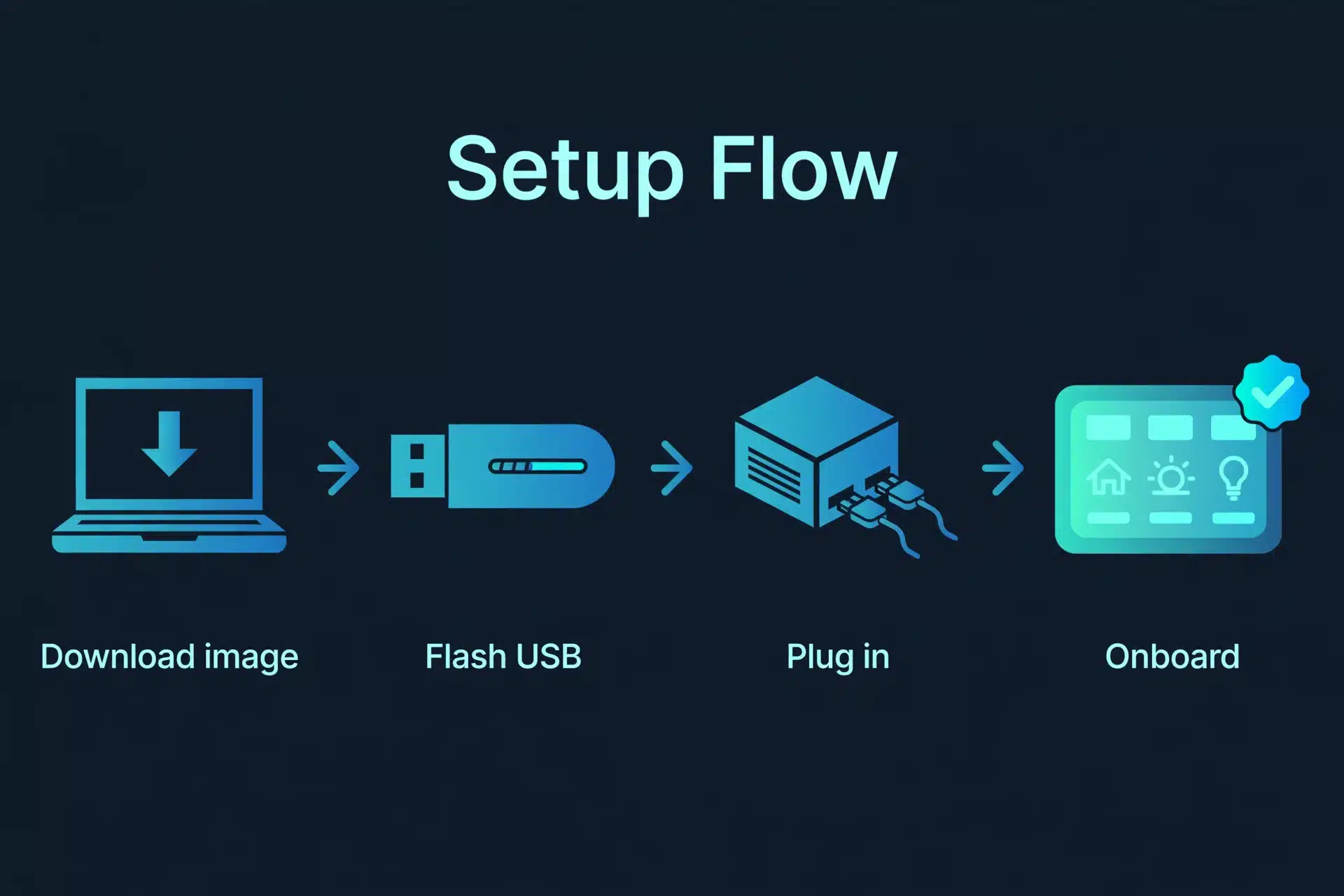
Here is the short version of the process:
- Download the Home Assistant OS image for generic x86-64 computers from the official installation page.
- Flash the image onto the mini PC’s SSD using a USB drive and a tool like Balena Etcher.
- Plug in an Ethernet cable, connect a monitor for the first boot, and power the mini PC on.
- Wait a few minutes, then open
http://homeassistant.local:8123in your browser. If that address does not resolve on your network, use the mini PC’s IP address followed by:8123instead. - Complete the onboarding wizard: create your account, set your location, and let Home Assistant discover your devices.
- Restore a backup if you are migrating from a Raspberry Pi, or start adding integrations and automations fresh.
Once it is running, plug in your Zigbee or Z-Wave USB dongle, and you are off to the races. And since the whole system lives on a durable NVMe drive, you can finally stop worrying about SD card corruption.
Mini PC vs Home Assistant Green and Yellow
You might be wondering how a mini PC compares to Home Assistant’s own hardware. It is a fair question, and we cover it in depth in our comparison of Home Assistant Green vs Yellow. The short version: Green and Yellow are beautifully simple, purpose-built devices that work out of the box with zero setup. A mini PC, on the other hand, gives you dramatically more power and flexibility for about the same money.
If you want the easiest possible start, dedicated hardware wins. But if you want one machine that can grow with you — cameras, voice, media, and dozens of add-ons — the mini PC is the better long-term investment. It also fits naturally into a bigger plan, so it helps to think about where Home Assistant sits in the best home automation system for your needs before you commit.
Frequently Asked Questions
Is 8 GB of RAM enough to run Home Assistant on a mini PC?
Yes, 8 GB is enough for a typical Home Assistant setup with a handful of add-ons. However, memory usage grows as you add cameras, voice assistants, and other services. If your budget allows, 16 GB is the safer choice, and it is the configuration most people in the community recommend.
Can I run Home Assistant on any mini PC, or only specific models?
Almost any modern mini PC with an Intel or AMD x86-64 processor can run Home Assistant OS, since the official installation supports generic x86-64 hardware. The key requirements are a 64-bit processor, a few gigabytes of RAM, and a bootable SSD. ARM-based mini PCs are the main exception — stick with Intel or AMD for a smooth experience.
How much power does a mini PC use running Home Assistant 24/7?
Very little. N100-class mini PCs typically idle between 5 and 15 watts, which works out to roughly the same as leaving a couple of LED bulbs on around the clock. Over a year, that is only a few dollars of electricity in most regions. Older desktop PCs used for the same job can easily draw five to ten times as much.
Do I need dual Ethernet ports for Home Assistant?
No. A single gigabit Ethernet port is completely fine for Home Assistant. Dual ports only matter if you plan to run extra network software on the same box, like a firewall or a router operating system in a virtual machine. Do not pay extra for dual Ethernet unless you have that specific plan in mind.
Can a mini PC also run a local voice assistant for Home Assistant?
Absolutely — and this is one of the best reasons to choose a mini PC over a Raspberry Pi. With 16 GB of RAM, an N100 box can comfortably run Home Assistant plus a local voice pipeline, so your voice commands never leave your home. If that sounds appealing, read our guide to building a local voice assistant with Home Assistant once your mini PC is up and running.
Which Mini PC Should You Buy?
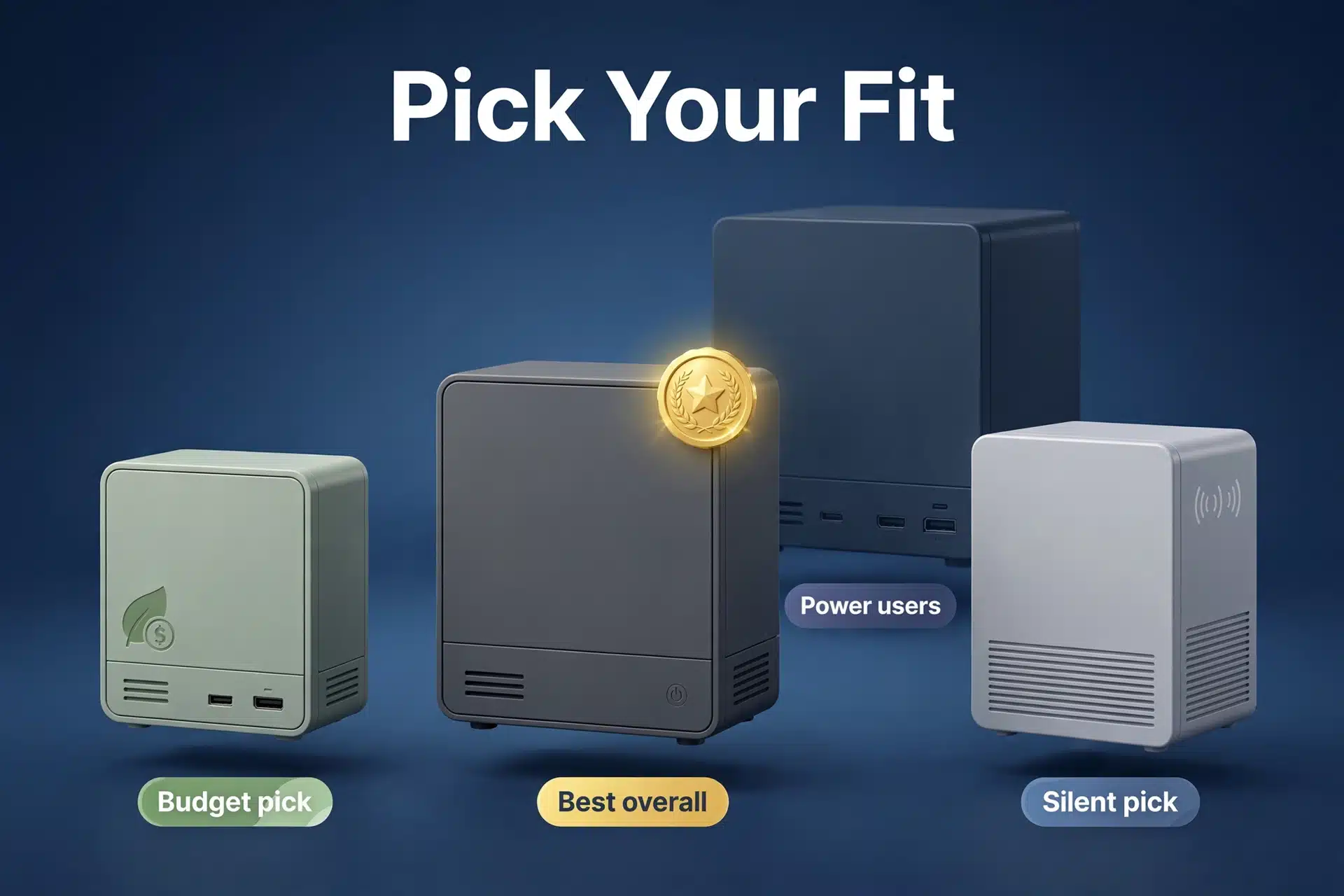
If you want the short answer: grab the Beelink EQ12 (or the MINI S12 Pro if it is cheaper where you live) with 16 GB of RAM. It is the best mini PC for Home Assistant for most people in 2026 — fast, efficient, affordable, and proven by thousands of smart home owners.
Choose the ASUS PN42 or MeLE Overclock 4C if silence is a priority. Pick the EQ12 Pro or Minisforum UN300 if you know you will push the machine hard with extra services. And whichever box you choose, pair it with a solid Zigbee coordinator and a good backup strategy, because your smart home is only as reliable as the hardware it runs on. Happy automating!
Curious how all of this fits into the bigger picture? Our primer on what smart technology actually means is a great place to start if you are new to the connected-home world.
