

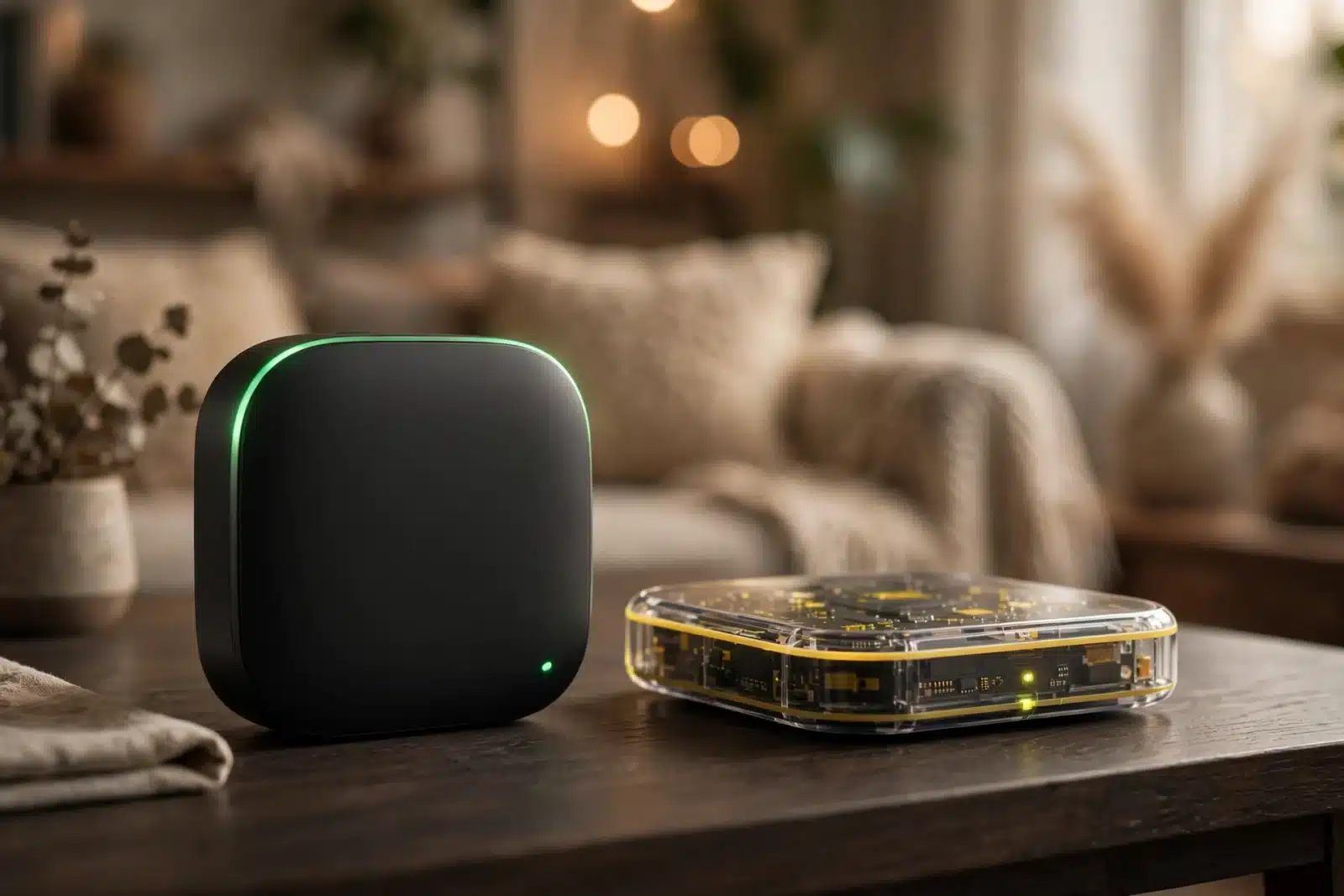
Choosing between Home Assistant Green vs Yellow feels harder than it should. Both run the exact same smart-home software, both come from the team behind Home Assistant, and both promise a quiet hub that sits next to your router for years.
So which one deserves your money? Here is the honest answer: most beginners should buy the Green. It is simpler, everything arrives in one box, and setup takes minutes. The Yellow, however, has hardware tricks the Green cannot match — a built-in Zigbee and Thread radio, an NVMe slot, and Power over Ethernet. If you know you will need those, the Yellow is the better long-term pick.
This guide compares the two side by side — specs, radios, storage, and setup effort — in plain English. Just what each box does, who it suits, and which one to buy.
The Short Answer on Home Assistant Green vs Yellow
If you only have thirty seconds, here it is:
- Buy the Green for the easiest start: plug it in, follow the app’s setup, and you are done. Perfect for Wi-Fi and cloud devices, smaller homes, and anyone who wants Home Assistant without a project.
- Buy the Yellow for a serious Zigbee or Thread network, NVMe storage, or Power over Ethernet. It takes a little more effort to set up, but it grows with you.
One more thing: the software on both is identical — same dashboards, automations, and 2,500+ integrations. You are not choosing between a “lite” and a “pro” Home Assistant, just between two pieces of hardware. That makes the decision simpler than it looks.
Now, the details.
Table: Home Assistant Green vs Yellow — key differences
| Feature | Home Assistant Green | Home Assistant Yellow |
|---|---|---|
| Processor | Rockchip RK3566 — quad-core Cortex-A55 at 1.8 GHz | Broadcom BCM2711 (Raspberry Pi CM4) — quad-core Cortex-A72 at 1.5 GHz |
| RAM | 4 GB LPDDR4X, fixed | Depends on the CM4 you choose — up to 8 GB |
| Storage | 32 GB eMMC, fixed (microSD slot for recovery only) | Depends on the CM4 — up to 32 GB eMMC, plus an M.2 slot for NVMe SSD |
| Smart-home radios | None built in — add Zigbee/Thread with a USB stick | Built in — Zigbee 3.0 and Thread via a Silicon Labs radio module |
| Networking | Gigabit Ethernet | Gigabit Ethernet, with an optional Power over Ethernet variant |
| Expansion | 2x USB 2.0 ports | M.2 M-key slot for NVMe SSD, 2x USB 2.0 ports, USB-C debug port, GPIO header |
| Power | 12V power supply included in the box | 12V power supply, or single-cable PoE+ on the PoE variant |
| Setup | Plug-and-play — pre-installed, no assembly | Kit version needs your own CM4; Standard version ships with one installed |
| Case | Semi-transparent polycarbonate with an aluminum heatsink base | Semi-transparent polycarbonate, tool-free assembly |
| Best for | Beginners and simple, reliable setups | Tinkerers, Zigbee/Thread-heavy homes, and expandable builds |
What Is Home Assistant Green?
The Green is the “just works” box: an official Home Assistant hub built by Nabu Casa (the company behind Home Assistant) together with Seeed Studio. Home Assistant OS comes pre-installed — nothing to flash, nothing to assemble. You plug in the power and network cables, open the app, and it walks you through the rest.
Everything you need is in the box: hub, universal power supply, Ethernet cable, and quick-start guide. The project itself calls the Green the recommended option for most people — and it is easy to see why.
Under the hood sits a Rockchip RK3566 chip — a quad-core Cortex-A55 processor at 1.8 GHz — with 4 GB of LPDDR4X RAM and 32 GB of eMMC storage. That is plenty for a typical home: dozens of devices, everyday automations, and history graphs all run smoothly. The storage is fixed, though — the microSD slot is for recovery only. You also get Gigabit Ethernet, two USB 2.0 ports, and an HDMI port for diagnostics.
The case is semi-transparent polycarbonate with an aluminum base that doubles as a silent heatsink — no fan, no noise. And it sips power: about 1.7 watts idle and 3 watts under load, so it costs almost nothing to run 24/7.
The one thing the Green does not have is a built-in smart-home radio. Out of the box it handles Wi-Fi devices and cloud integrations beautifully, but Zigbee and Thread need a USB stick — such as the official Connect ZBT-1 — in one of the USB ports. That is a small extra purchase, but worth knowing before you buy. Full details are on the official Home Assistant Green page.
What Is Home Assistant Yellow?
The Yellow is the tinker’s box: a carrier board built around a Raspberry Pi Compute Module 4 — the same processor family behind millions of Pi projects. That is the whole point of the design: you pick the CM4 variant that fits, with up to 8 GB of RAM and up to 32 GB of eMMC depending on the module.
It comes in a few flavors. The Kit includes board, case, and accessories — you supply your own CM4, handy if one is lying around. The Standard ships with a CM4 pre-installed and works straight away. Finally, the PoE variant draws power through the Ethernet cable — more on that below.
The headline feature is the built-in radio: a Silicon Labs MGM210P module that speaks Zigbee 3.0 out of the box and supports Thread too — which covers Matter-over-Thread devices as well. No USB dongle, no extra purchase, no occupied USB port. If your plans involve sensors, buttons, and bulbs in every room, this single feature can decide the whole contest.
Then there is storage. An M.2 M-key slot takes NVMe SSDs in every common size, from 2230 to 2280. That matters more than it sounds. After all, Home Assistant writes to its database constantly, and fast, durable storage means quicker boots, snappier history graphs, and a system that survives years of heavy writing far better than eMMC alone.
Around that core: Gigabit Ethernet, two USB 2.0 ports, a USB-C debug port, a quality 3.5 mm audio output, and a real-time clock with a CR2032 backup battery so it keeps time through power cuts. The case matches the Green’s semi-transparent style, and assembly is tool-free.
One honest note: availability has been patchy, and official channels have at times listed the Yellow as out of production — check the official Home Assistant Yellow page for the current situation before making plans. If you cannot buy one new, the Green plus a USB Zigbee stick gets you most of the way there.
Home Assistant Green vs Yellow: The Full Comparison
The table above gives you the numbers. But numbers do not tell you what it feels like to live with each box. Here are the differences that actually matter day to day.
Setup and ease of use
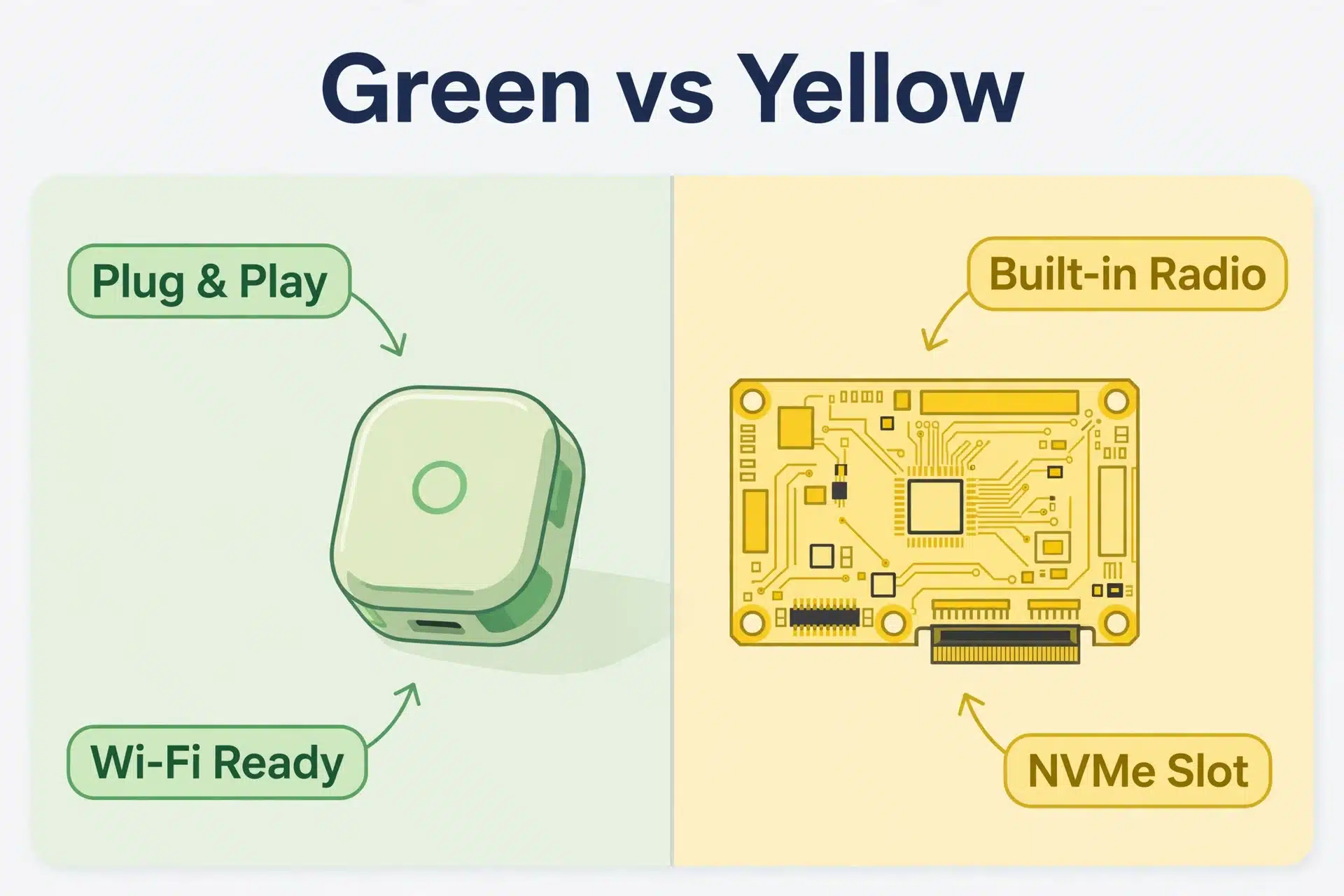
This is the Green’s home turf, and it wins by a mile. Unbox it, plug in two cables, and the mobile app guides you through onboarding. Home Assistant even detects many of your existing devices automatically. Total time from box to dashboard: minutes.
The Yellow asks a little more. The Standard version ships with the CM4 installed, so it is close to the Green experience. The Kit, however, means seating a compute module, possibly adding an NVMe drive, and installing Home Assistant OS yourself. None of this is hard — the case is tool-free and the docs are good — but it is a small project, not an appliance. If the words “flash an image” make you nervous, that tells you something.
Zigbee, Thread, and Matter support
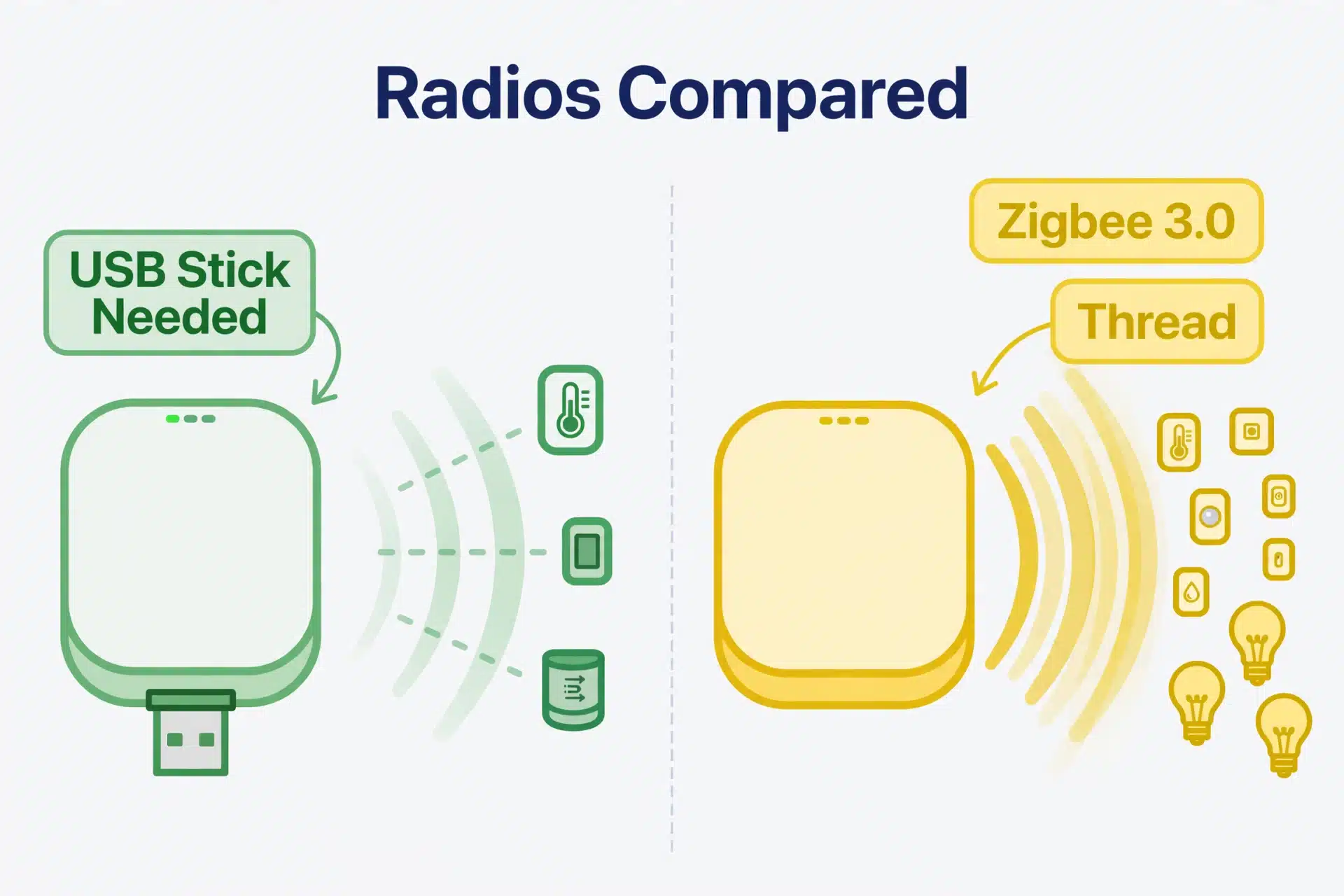
Here the Yellow shines. Its built-in radio handles Zigbee 3.0 today and Thread as well, covering the two mesh protocols most new smart-home devices use. Pairing sensors and bulbs feels native because it is.
The Green can do all of this too — but only after you add a USB radio stick. That means an extra purchase, an occupied USB port, and one more thing sticking out of the box. It works fine (thousands of people run exactly this setup), yet it is undeniably less elegant. If you already know you want Zigbee sensors in every room, the Yellow saves you the trouble.
Confused about what Zigbee, Thread, and Matter actually are? We explain all three in plain English in our beginner’s guide to Matter and Thread — worth a read before you choose.
Storage and expansion
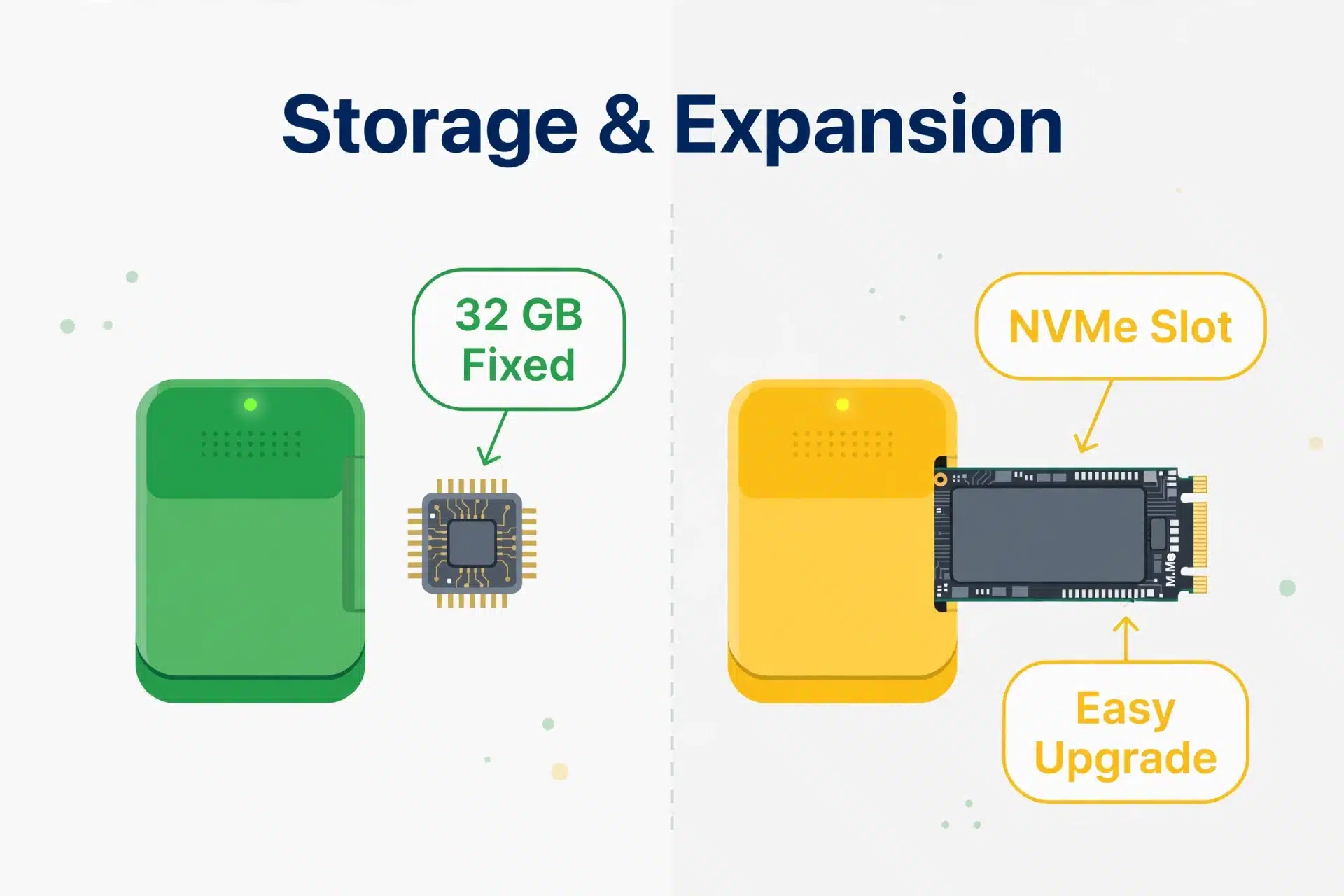
The Green gives you 32 GB of eMMC and that is the end of the story. For most homes that is genuinely enough — Home Assistant itself is small, and 32 GB holds a lot of history. But you cannot upgrade it later — a huge database will eventually hit the ceiling.
The Yellow, meanwhile, was built for growing. Slot in an NVMe SSD and you get far more space, far more speed, and far more write endurance — the three things a busy Home Assistant database loves most. You can also choose a beefier CM4 with more RAM. In short: the Green is fixed, the Yellow is flexible.
Power, placement, and PoE
Both sip power, so neither will show up on your electricity bill. The difference is how they get it. The Green needs its 12V supply plugged into a wall socket near your router. The Yellow’s PoE variant receives power and network through a single Ethernet cable.
Why does that matter? The best spot for a Zigbee coordinator is central in your home — not crammed behind the router in a corner. With PoE, for example, you can mount the Yellow wherever the cable reaches: a hallway shelf, a utility closet, a central ceiling. One cable, no socket hunting. For Zigbee mesh performance, placement is half the battle, and PoE is a quiet superpower.
So what about value?
The Green is the cheaper buy: one box, one price, everything included. The Yellow costs more once you add it all up — the unit itself, a CM4 if you go the kit route, and possibly an NVMe drive. Whether the extra spend is worth it depends on whether you will use what it buys: the radio, the storage slot, the flexibility. In other words: do not pay for expansion you will never touch.
Which One Should You Buy?
Enough theory — find yourself below:
- The total beginner. You have never used Home Assistant and just want your lights, thermostat, and a few plugs in one app. Get the Green. You will be up and running tonight.
- The Zigbee planner. You already know you want door sensors, temperature sensors, smart buttons, and bulbs all over the house. Get the Yellow (if you can find one) — the built-in radio and central PoE placement will pay off every day.
- The grower. You are starting small but planning big: cameras, presence sensors, a wall dashboard. Get the Yellow for the NVMe slot and RAM headroom — or at least know the Green’s limits.
- The “I just want it to work” household. Nobody in the house wants a project; they just want the porch light on at sunset. Get the Green — reliability beats flexibility when others depend on it.
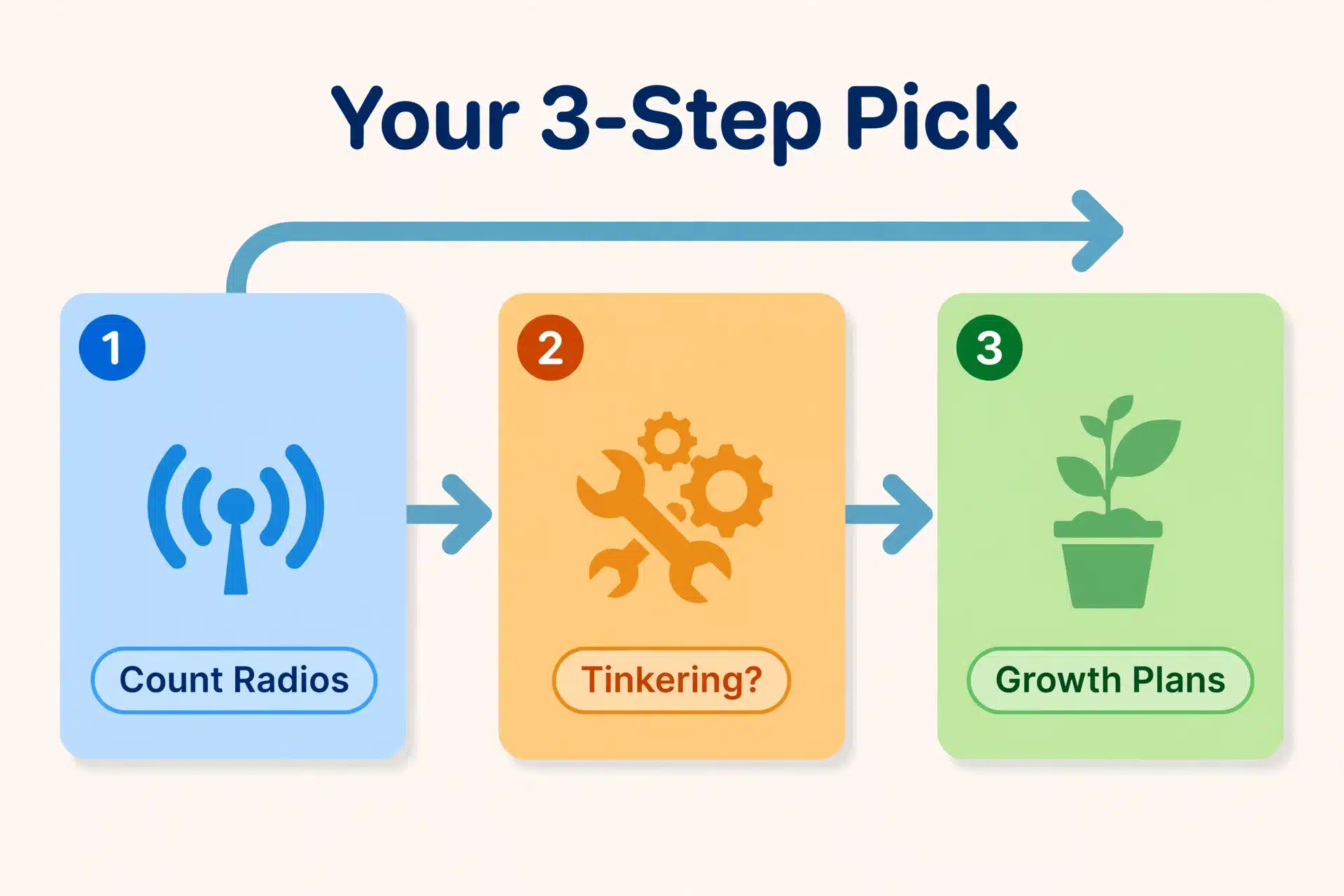
Decide in three steps:
- Count your radios. Lots of Zigbee or Thread devices planned? Lean Yellow. Mostly Wi-Fi and cloud gadgets? Green.
- Be honest about tinkering. Love a small weekend project? Yellow. Want an appliance? Green.
- Think about growth. Big database, years of history, cameras later? The Yellow’s NVMe slot wins. Happy with a fixed, simple box? Green.
Meanwhile, notice what is missing: performance anxiety. For typical use — even fairly large typical use — both boxes run Home Assistant beautifully. People agonize over the processor difference, but your automations will not feel different. So choose based on radios, storage, and how much tinkering you enjoy.
One More Option: A Mini PC
Before you click buy, know that Green and Yellow are not the only paths. A small mini PC — a tiny desktop that fits in your palm — runs Home Assistant with far more CPU power and a big internal SSD. That muscle matters for camera software with object detection, or for hosting other services alongside Home Assistant.
On the other hand, the trade-off is the usual one: more power, more complexity, more electricity, and still no built-in Zigbee radio (you will want a USB stick). For most smart-home-only setups it is overkill — but if your ambitions go beyond lights and sensors, take a look at our guide to the best mini PCs for Home Assistant before deciding.
FAQs About Home Assistant Green vs Yellow
Can Home Assistant Green do Zigbee without extra hardware?
No. The Green has no built-in smart-home radio, so Zigbee and Thread devices need a USB stick such as the official Connect ZBT-1 in one of its USB ports. Still, setup takes about five minutes. If you want Zigbee with zero extras, the Yellow’s built-in radio is the cleaner answer.
Can I add an SSD to Home Assistant Green later?
Not internally — there is no M.2 slot, and the 32 GB of eMMC is soldered in. Like any Home Assistant OS machine you can attach external USB storage, but the system itself lives on the eMMC. Ultimately, if expandable fast storage is a priority, that is exactly what the Yellow’s NVMe slot is for.
Does the Yellow support Matter?
Yes. The built-in radio supports Zigbee 3.0 and Thread, and Matter-over-Thread devices use that Thread radio. Matter-over-Wi-Fi devices work on both boxes equally. Either way you are covered; the only difference is built-in radio versus USB stick.
I already own a Raspberry Pi. Should I still consider these?
Honestly? Maybe not. A Raspberry Pi 4 or 5 you already own runs Home Assistant very well — especially with an SSD instead of an SD card. The Green and Yellow make most sense when you are starting from zero and want official, purpose-built hardware. If the Pi is sitting in a drawer, put it to work first.
Which is better for a large smart home with 100+ devices?
Both can handle it — remember, the software is identical. But at that scale the Yellow’s advantages start to matter: the built-in radio keeps a big Zigbee mesh tidy, and an NVMe drive keeps a large database fast. And if “large” includes several cameras with detection, skip both and look at a mini PC instead.
The Bottom Line
There is no wrong answer here, only a wrong answer for you. The Green is the friendly front door: unbox it, plug it in, and join the Home Assistant world tonight. The Yellow is the workshop: a built-in Zigbee and Thread radio, an NVMe slot, PoE placement freedom, and room to grow.
So ask yourself one question: do I want the simplest thing that works, or the most flexible thing I can tinker with? Answer that honestly and the choice makes itself. And whichever box you bring home, you run the same excellent system — which is exactly why Home Assistant tops our best home automation system roundup.
