


Here’s the short version: Plex hardware transcoding means your server uses a dedicated video chip. In fact, on the CPU or GPU — to convert video files, instead of making the main processor do all the heavy lifting. However, faster. Way less power. And you need it whenever a device can’t play a video file as-is.
One catch, though, and it’s a big one: Plex only unlocks hardware transcoding if you pay for Plex Pass. For example, free users transcode in software or not at all. That single fact reshapes a lot of buying decisions.
That covers the two questions everyone actually asks — what is it, and do I have to pay. The question underneath is the interesting one: what CPU do you need for a Plex server? Probably less than you think. As long as it has the right built-in video engine, a cheap chip will embarrass an expensive one. This guide explains it all in plain terms: what transcoding is, when it happens, when hardware help matters, which CPUs handle it well, and how the Plex Pass paywall changes the math.
What Is Transcoding, Anyway?
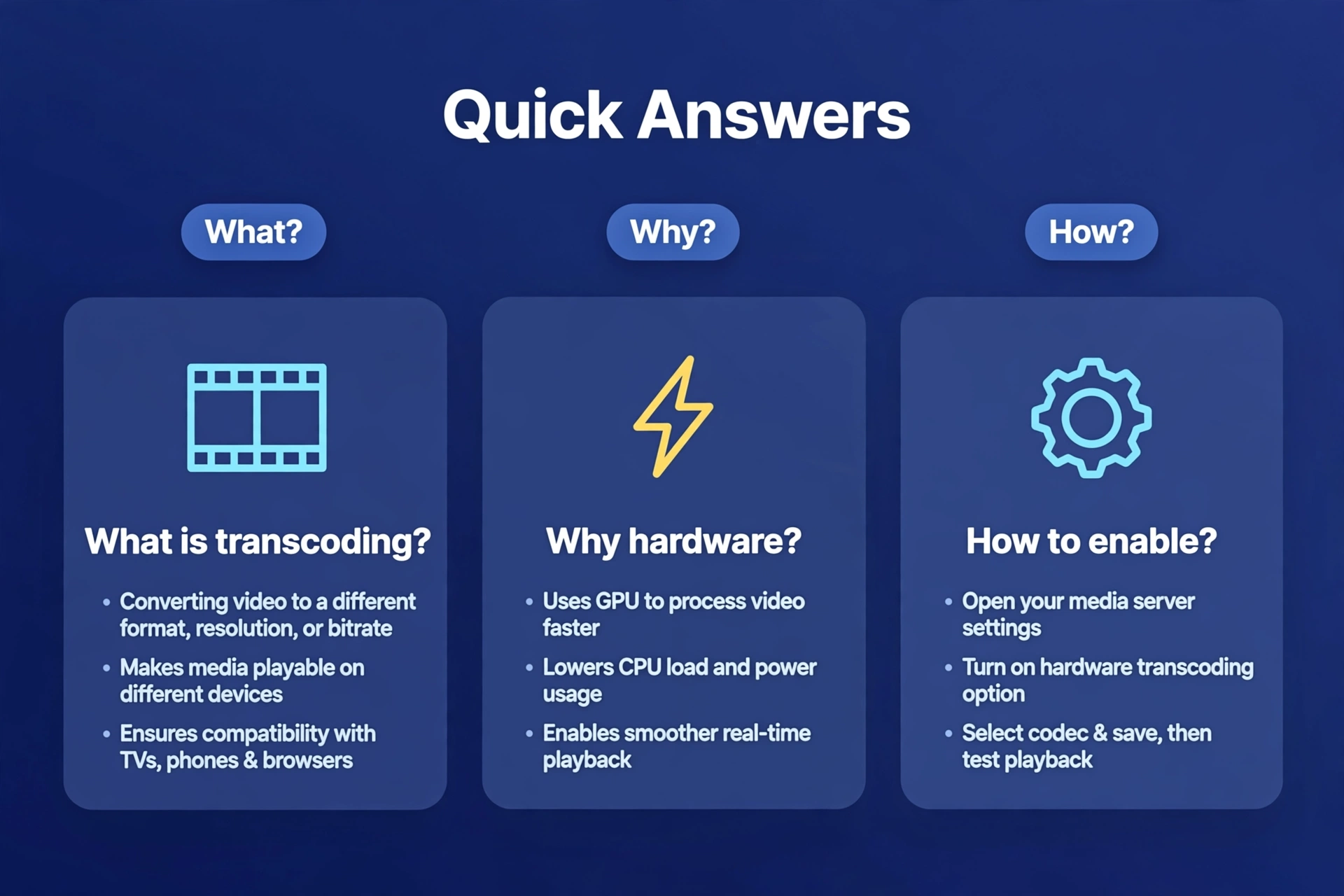
Press play on a movie in Plex and one of two things happens. The file streams to your device exactly as it is — direct play, the dream scenario — or Plex converts it into something your device can handle first. That conversion is transcoding. Direct play always wins: costs almost nothing, quality untouched, starts instantly. Transcoding is the fallback for when direct play isn’t possible.
When Does Plex Transcode?
Plex transcodes when something about the video doesn’t match what the player can handle. Three triggers account for the vast majority of cases.
The file’s codec is not supported by the player
Video files come in codecs — H.264, HEVC (also called H.265), AV1. Your phone or TV supports the codec? Direct play, no conversion. Does your device support it?supportde. Most modern devices handle H.264 fine. HEVC is common on newer TVs but spotty on older ones. And AV1 is new enough that plenty of devices choke on it — which makes it a frequent transcoding trigger these days.
The bitrate is too high for the connection
A 4K Blu-ray rip can run 40–80 Mbps or more. Your home Wi-Fi might shrug that off. A hotel connection to your phone? Not a chance. So Plex transcodes the video down to a lower bitrate and it plays smoothly. This one is extremely common with remote streaming — watching your home library while traveling is basically a bitrate-transcode machine.
Subtitles need burning in
This one surprises people. Some subtitle formats — PGS subtitles on Blu-ray rips are the classic example — can’t be sent separately to certain players. So Plex burns them into the video picture, and that forces a full video transcode. A perfectly compatible file, transcoded, just because you turned on subtitles. The fix is usually simple: switch to SRT subtitles, which avoid this in most cases.
Hardware Transcoding vs Software Transcoding
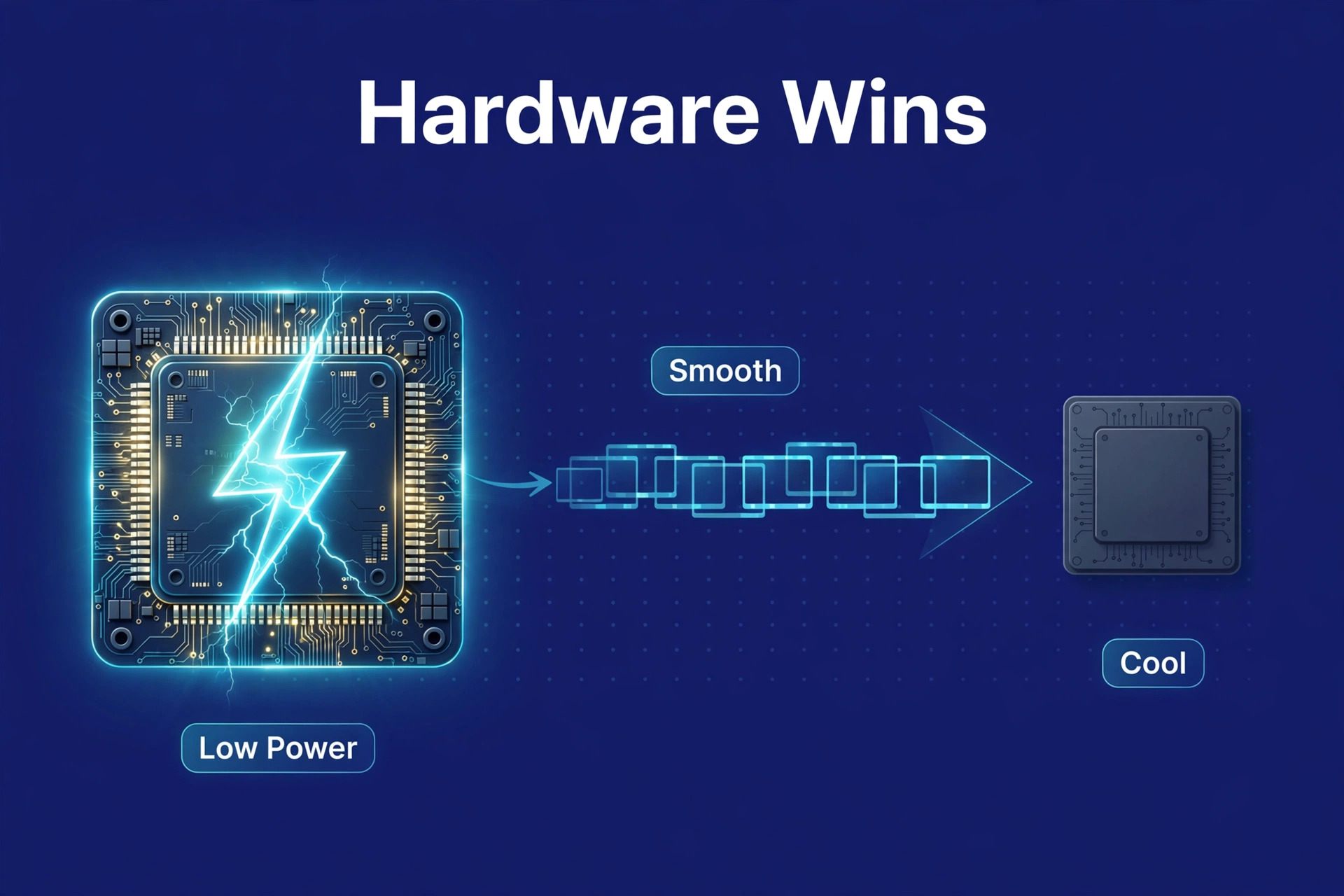
When a transcode does happen, Plex can do the work two ways. Software transcoding throws the CPU’s general-purpose cores at the problem. Hardware transcoding hands it to a dedicated video engine in the chip — Quick Sync Video on Intel, NVENC on NVIDIA cards, AMF on AMD. For a 24/7 home server, the difference is enormous:
- Power use. Software-transcoding one 1080p stream can push a CPU hard and drink watts. Hardware-transcoding the same stream typically sips power — often just a few watts over idle. Multiply by 24/7 and it adds up fast.
- Fan noise and heat. A CPU doing software transcodes spins up its fan and runs hot. A small NAS or mini PC doing hardware transcodes? Quiet. Cool. Forgotten on a shelf.
- Simultaneous streams. Software transcoding is capped by raw CPU muscle — one or two 1080p transcodes can saturate a modest CPU. A modern Intel chip with Quick Sync often handles several 1080p transcodes, even one or two 4K ones, while the CPU itself barely wakes up.
One honest trade-off: software encoding (the x264 encoder, typically) can squeeze slightly better quality out of a given bitrate than hardware encoders. But Plex’s hardware transcoding quality has improved a lot over the years, and for home streaming the difference is genuinely hard to notice. Power, heat, and stream count win this fight.
Intel Quick Sync: The Home Server’s Secret Weapon
If you remember exactly one thing from this article, make it this: for a Plex server, an Intel CPU with Quick Sync is the single best thing you can buy. Nearly every recommendation in this guide flows from that fact.
Quick Sync Video is a dedicated video engine inside Intel processors — it encodes and decodes common formats in hardware. In addition, intel has shipped some version of it in nearly all consumer CPUs for over a decade, including the low-power chips in budget NAS boxes. Furthermore, it’s everywhere. That’s the beauty of it.
Generation matters, though. Moreover, each Intel generation improved Quick Sync: older ones handled H.264 well but stumbled on HEVC. Newer generations — roughly 7th generation and later, with 10th through 12th generation and the newer N-series chips being particularly good — handle HEVC (H.265) in hardware, including 10-bit HEVC. Is what most 4K HDR content uses. Some recent chips even add AV1 hardware decoding.
And here’s the practical upshot that flips people’s assumptions: a cheap, low-power Intel chip like the N100 — the kind inside affordable NAS boxes and mini PCs — can hardware-transcode several 1080p streams and even handle 4K HDR tone mapping in Plex. A far more expensive CPU without usable Quick Sync would wheeze through the same job in software. You’re not buying raw power. You’re buying the right feature. That’s the whole game.
How Much CPU Do You Actually Need?
Depends on your worst case: how many simultaneous transcodes, at what resolution. Here’s guidance that covers nearly every home user — find your row and stop worrying.
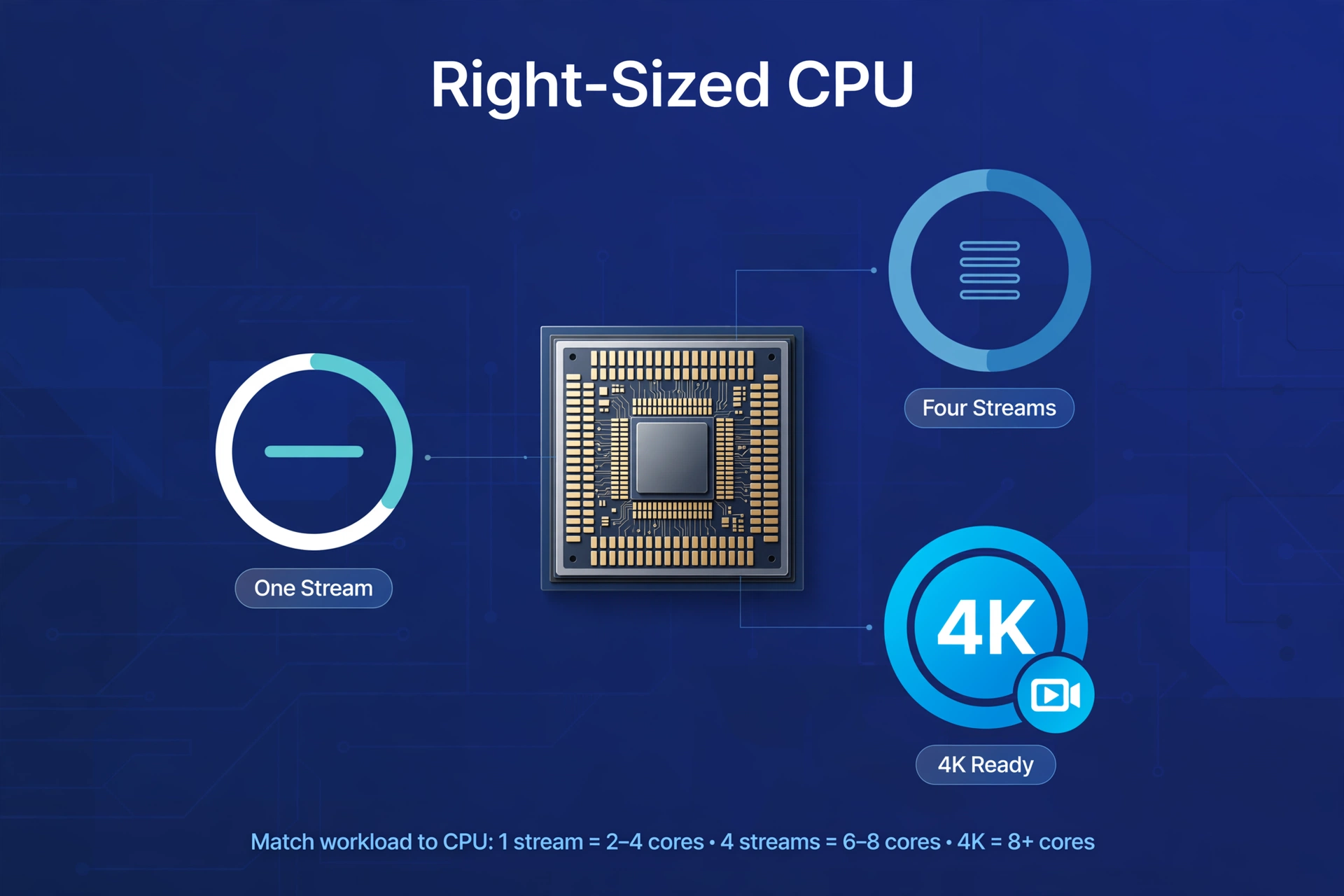
One or two 1080p streams
The most common situation by far: you, maybe one family member, possibly one person streaming remotely. Almost any modern Intel CPU with Quick Sync handles this without breaking a sweat — including the low-power chips in budget NAS devices. And that old community rule of roughly 2,000 PassMark points per 1080p transcode? That applies to software transcoding. With hardware transcoding, the rule goes straight out the window.
Four or more simultaneous streams
Busy households. People who share their library with friends. You need more headroom — but still not a monster CPU. A mid-range Intel chip with Quick Sync — a recent i3/i5, or a capable N-series part — typically handles a handful of 1080p hardware transcodes easily. You don’t need a gaming processor. You need Quick Sync plus a bit of headroom.
4K transcoding
Avoid transcoding 4K whenever possible. Full stop. It’s demanding even with hardware help, and it throws away the quality you bought the 4K file for. HDR files add another wrinkle: Plex must tone-map HDR down to SDR for most displays, an extra step only certain hardware handles well.
However, the smarter strategy: let 4K files direct-play on devices that support them. In addition, keep separate 1080p versions for remote streaming or weaker devices — Plex can generate these optimized versions for you. Also, if you truly must transcode 4K, a recent Intel chip with Quick Sync (10th generation or newer is a commonly cited floor) can generally handle one or two such streams in hardware. For reference:
Caption: General guidance for home Plex transcoding needs
| Scenario | Software Transcoding (no HW help) | Hardware Transcoding (Intel Quick Sync) |
|---|---|---|
| 1–2 1080p streams | Modest CPU with decent PassMark score | Any recent Intel CPU with Quick Sync, incl. low-power chips |
| 4+ 1080p streams | Strong desktop-class CPU | Recent i3/i5 or capable N-series with Quick Sync |
| 1–2 4K transcodes | Very high-end CPU, still not ideal | Recent Intel (10th gen+ recommended) with Quick Sync |
| 4K HDR tone mapping | Extremely demanding | Recent Intel with Quick Sync; support varies by generation |
See the pattern? Hardware transcoding dramatically lowers the CPU you need. A small, quiet box with the right Intel chip outperforms a much beefier machine doing software transcodes — while using a fraction of the electricity. It’s not even close.
The Plex Pass Paywall
Here’s the part that catches new users completely off guard. Plex itself is free — but hardware transcoding is a Plex Pass feature. No Plex Pass? Your server transcodes in software only. Doesn’t matter how good your CPU’s Quick Sync engine is; Plex won’t touch it.
Plex Pass comes as a paid subscription — monthly, yearly, and lifetime options. Now, if every device you own direct-plays everything, you may never transcode at all, and Plex Pass buys you little here. But stream remotely, or share your library with family? Hardware transcoding suddenly becomes much more valuable. Our guide to is Plex Pass worth it runs the full cost breakdown.
Jellyfin: Hardware Transcoding Without the Paywall
Jellyfin — the main free, open-source Plex alternative — does not lock hardware transcoding behind a subscription. Install it, enable hardware acceleration, and your Intel Quick Sync engine just works. No paid tier. No checkout page. No upsell.
That single difference rewrites the math for budget builds. First, a cheap NAS or mini PC with a Quick Sync-capable Intel chip becomes a fully capable media server with Jellyfin at zero software cost. Second, the exact same hardware, running Plex, needs Plex Pass to unlock its transcoding potential. Same silicon, different business model.
It’s not a perfect swap for everyone — Plex has more polished client apps and easier remote access. But if your priority is a free, private media server and you’re comfortable with a little more setup, Jellyfin’s free hardware transcoding is a genuine advantage. Our full jellyfin vs plex comparison goes through every difference in detail.
What This Means for Choosing a NAS
Most people reading this are really asking “what server should I buy,” so let’s connect the dots. If you want Plex or Jellyfin on a NAS, the CPU inside the box matters more than almost anything else — you want an Intel CPU with Quick Sync. The current sweet spot: boxes built around Intel’s N-series chips (like the N100) or 12th-generation Core chips. They hardware-transcode efficiently, sip power, and cost far less than they used to. QNAP, UGREEN, and TerraMaster all sell NAS models with Intel chips that include Quick Sync — from N100-class N-series parts to 12th-generation Core chips (verified against current lineups at the time of writing: the QNAP TS-x64 series, UGREEN DXP2800 and DXP4800 Plus, and TerraMaster F4-425).
For example, one notable exception, and it matters: current-generation Synology NAS models have moved away from Intel CPUs with usable Quick Sync in several product lines. Finally, still excellent for storage, backups, and direct play — just weaker for transcoding. We cover this in our best NAS for Plex guide.
A few more buying pointers, quickly:
- 8 GB of RAM is the comfortable minimum for a NAS running Plex plus other apps. Many boxes ship with less and let you upgrade — often cheaper than buying the higher-tier SKU.
- Bays are about storage growth, not speed. Two bays are fine to start; four give you room to grow. Don’t overthink this one.
- Drives are sold separately. Almost every NAS ships diskless — budget for NAS-rated hard drives on top of the box price. This surprises everyone exactly once.
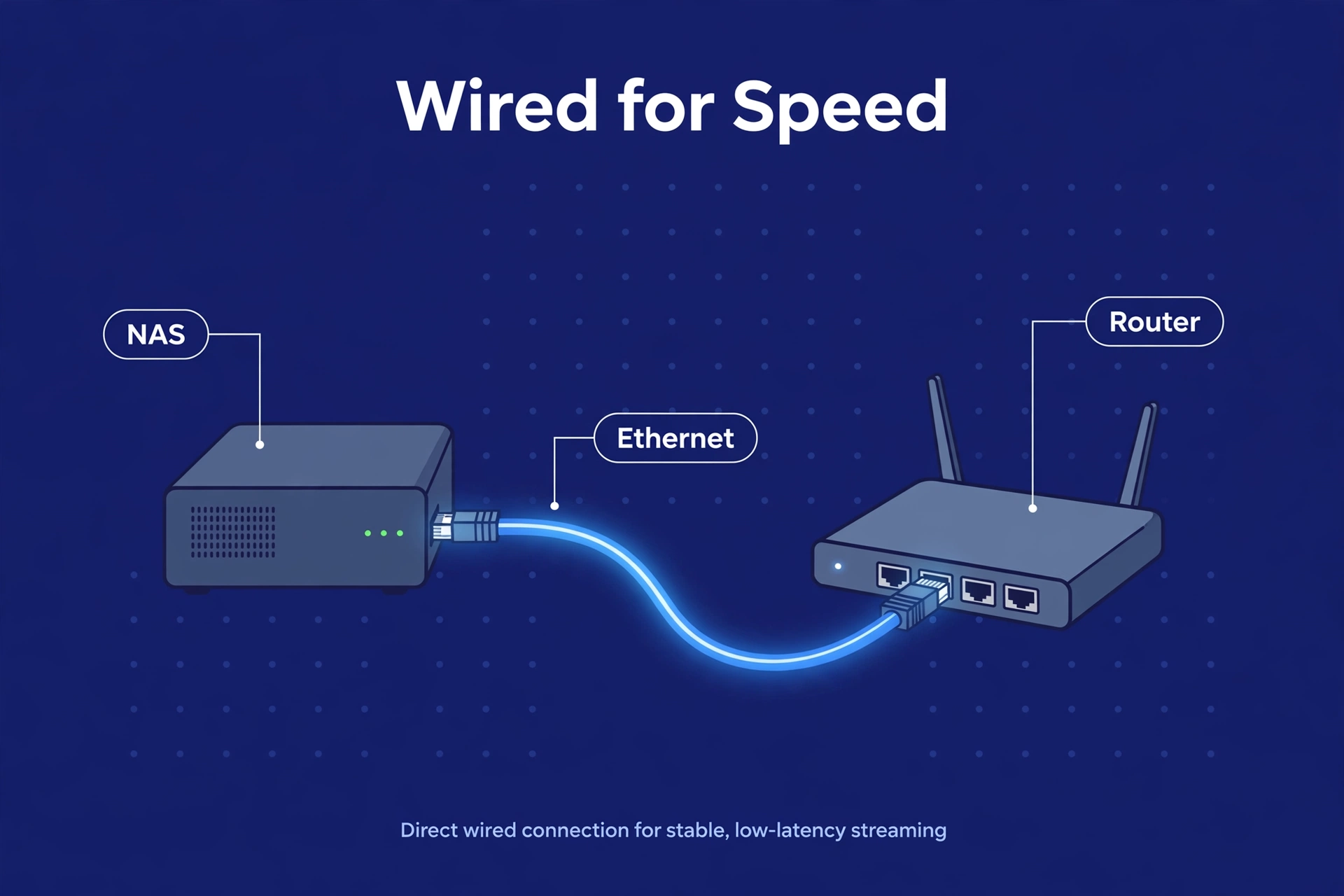
- Wired beats wireless. For 4K direct play, ethernet-cable your NAS and main TV. Wi-Fi is the bottleneck in most “Plex keeps buffering” complaints. Almost always.
Steps to Enable Hardware Transcoding in Plex
Right hardware, Plex Pass in hand? Flipping the switch takes about a minute. Here’s the whole procedure:
- Open Plex Web and head to Settings > Transcoder.
- Check “Use hardware acceleration when available” — and while you’re there, “Use hardware-accelerated video encoding” too. Both. Don’t leave one off.
- Watch a lot of HDR? Check “Enable HDR tone mapping” as well — needs a supported Intel generation, which you have if you followed this guide’s advice.
- Save. Done. Plex now uses the hardware engine whenever a transcode is needed — the dashboard shows “hw” next to hardware-transcoded streams. See “hw” and you’re golden.
FAQ
Do I need hardware transcoding if all my devices direct play?
Probably not — and that’s a perfectly good place to be. Compatible formats, fast network, no subtitle-forced transcodes? Your server may never transcode at all. Hardware transcoding only helps when a transcode actually happens. Think of it as cheap insurance for the day someone streams remotely.
Can Plex transcode without Plex Pass?
Yes, but software-only. Free Plex transcodes on your CPU’s general cores — slower, hotter, fewer simultaneous streams. Hardware transcoding (Quick Sync, NVENC, and friends) needs Plex Pass. Jellyfin, for the record, has no such restriction.
Is Intel Quick Sync better than an NVIDIA GPU for Plex?
For most home users? Yes. Quick Sync is built into the CPU, sips power, handles several streams, and costs nothing extra. A dedicated NVIDIA GPU can transcode more simultaneous streams — but it adds cost, power draw, heat, and noise, and consumer NVIDIA cards have driver-level limits on simultaneous encode sessions. Unless you’re running a large shared server, Quick Sync is plenty.
Does 4K transcoding work on a NAS?
It can — on a NAS with a recent Intel CPU and Quick Sync. But avoid it when you can. Transcoding 4K is demanding and wastes the file’s quality; direct-play 4K on capable devices and keep 1080p copies for remote or weaker devices instead. If you do need it, one or two 4K hardware transcodes are realistic on recent Intel hardware.
Why does turning on subtitles cause buffering?
Some subtitle formats — PGS subtitles from Blu-ray rips especially — can’t be passed through to certain players. Plex burns them into the video image, forcing a full video transcode even when the video itself would have direct-played. Switching to SRT subtitles avoids the problem in most cases. Tiny fix, big difference.
Is hardware transcoding quality worse than software transcoding?
Slightly, in theory. Software encoders like x264 can eke out marginally better quality at the same bitrate. In practice, for home streaming, the difference is very hard to spot. The power, heat, and multi-stream advantages of hardware transcoding outweigh the tiny quality gap by a mile.
The Bottom Line
Plex hardware transcoding lets a modest, low-power server punch absurdly far above its weight. Intel CPU with Quick Sync, hardware transcoding enabled (with Plex Pass), and you’re serving several 1080p streams — plus the occasional 4K transcode — from a box that sips power and stays silent. That’s the whole trick.
The classic mistake? Nevertheless, buying too much CPU and too little of the right feature. In fact, a cheap chip with Quick Sync runs circles around an older, hotter processor doing software transcodes. And if the Plex Pass paywall sticks in your craw, Jellyfin hands you the same hardware transcoding for free. Furthermore, buy the feature, not the gigahertz.
