

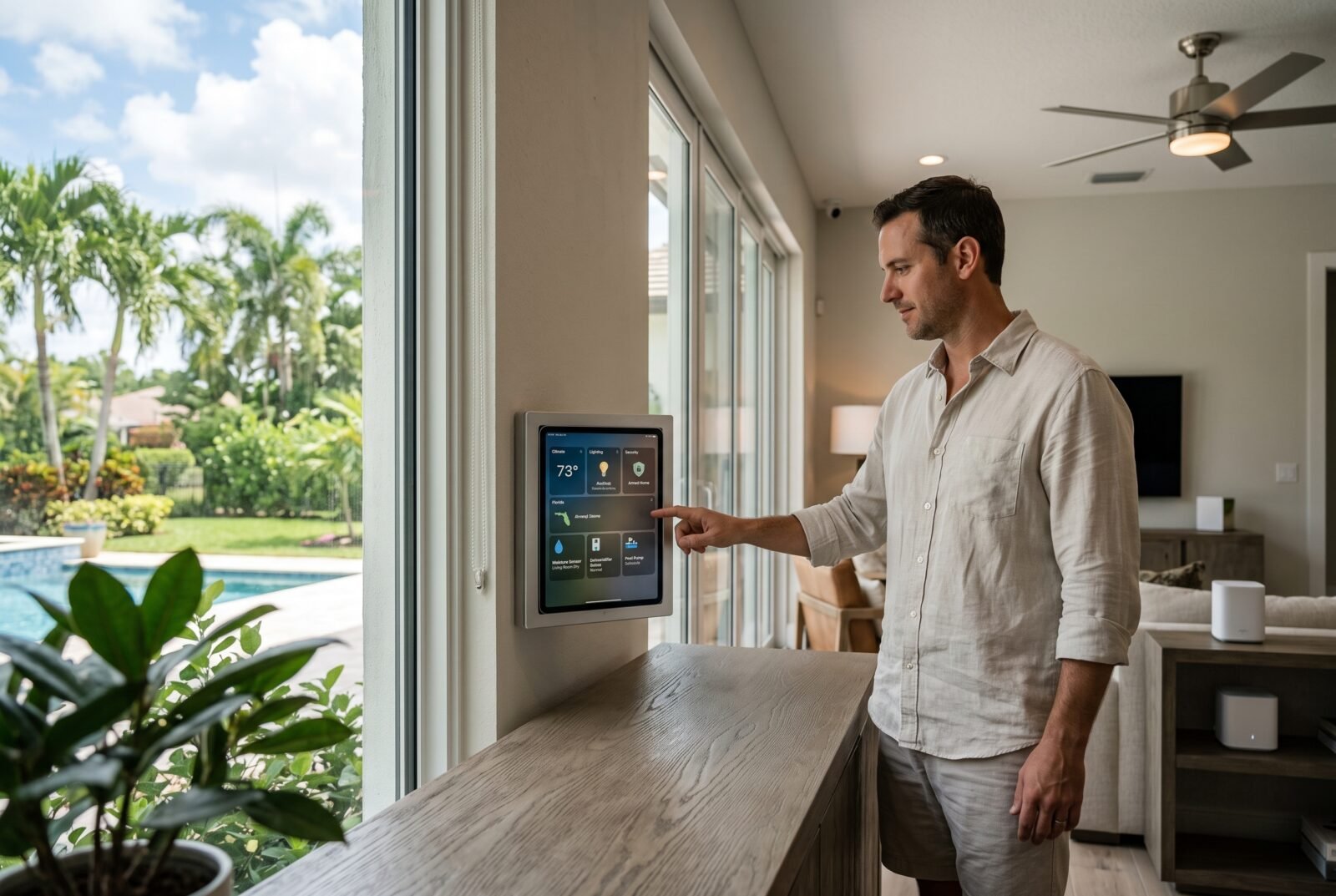
Choosing home automation in Florida starts with a practical question: what should your house handle automatically, and what should happen when something goes wrong? Adjusting lights from your phone is convenient. Knowing that your seasonal home has developed a water leak or a humidity problem may matter much more.
For Florida homeowners, a sensible system combines compatible controls, dependable networking, temperature and moisture monitoring, and clear backup arrangements. The right setup depends on your property, existing equipment, and willingness to maintain it. This guide explains what to prioritize, how to compare installation proposals, and where professional help belongs.
What does home automation include?
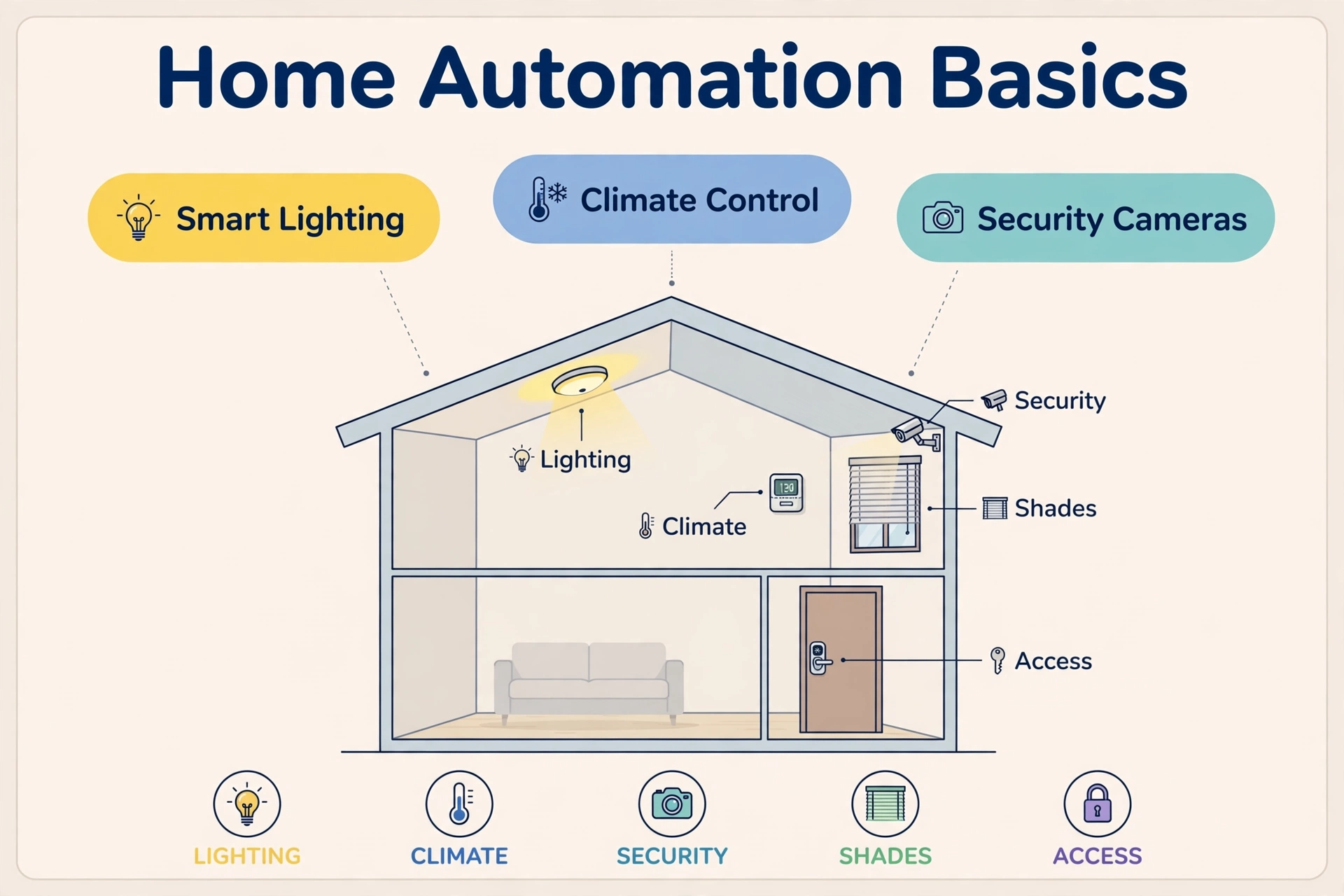
Home automation connects devices so they respond to schedules, sensors, or commands. It can coordinate lighting, thermostats, shades, locks, cameras, and water monitoring. In a Florida home, its most useful applications often involve managing comfort, checking an unoccupied property, and responding promptly to problems.
Remote control and automation are different. Opening an app to turn off a lamp is remote control. Having that lamp switch off at a scheduled time is an example of automation. A “leaving home” routine might adjust selected lights and send a reminder if a door remains open.
Before buying equipment, write down three outcomes you want. “Warn me about a leak,” “make evening lighting easier,” and “let a caretaker enter without a permanent shared code” are clearer requirements than “make everything smart.” They also give installers something concrete to price and demonstrate.
Prioritize Florida’s practical needs
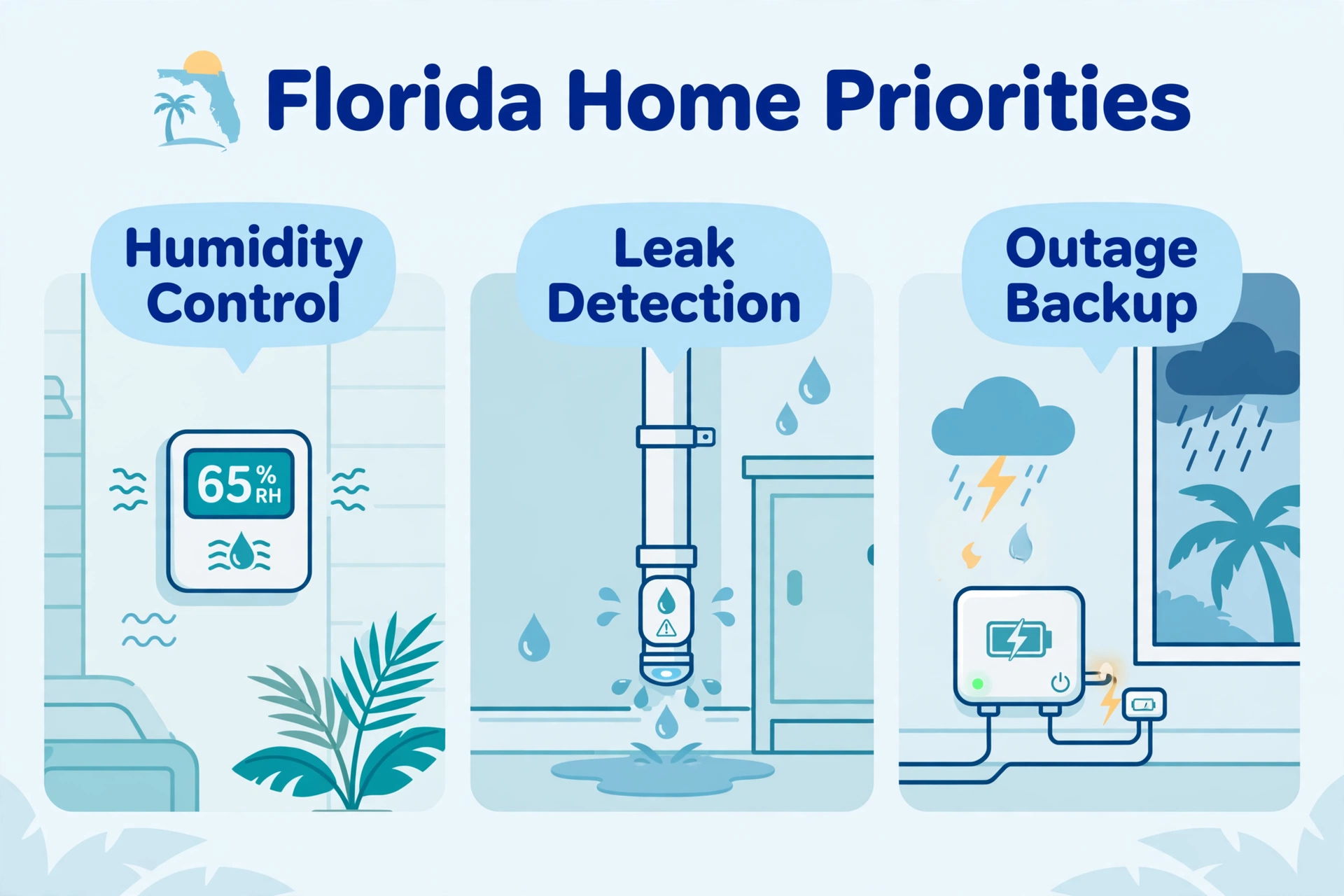
Temperature control and humidity monitoring
A comfortable temperature does not necessarily mean moisture is under control. The Department of Energy’s work on hot, humid climates explains that cooling and moisture removal can be mismatched, leaving a home cool but clammy. Lowering the thermostat further may not solve the underlying problem. Department of Energy
Start by monitoring temperature and relative humidity, particularly if the house sits empty. The EPA’s moisture-control guidance recommends keeping indoor relative humidity below 60%, ideally between 30% and 50% where possible. These are moisture-management guidelines, not a guarantee against mold or a substitute for fixing leaks.
Configure a sustained high-humidity alert rather than reacting to every brief fluctuation. Ask your HVAC contractor to choose appropriate settings for your equipment and building. Persistent elevated readings, condensation, or a musty smell warrant investigation; an app cannot diagnose an oversized air conditioner, drainage problem, or hidden water intrusion.
Thermostat compatibility matters more than appearance. Have the installer verify the HVAC model, wiring, heating and cooling stages, and any dehumidification controls. ENERGY STAR notes that variable-capacity systems generally perform best with manufacturer-recommended thermostats. Replacing one purely to gain a preferred app can sacrifice useful system functionality. ENERGY STAR
Leak detection with a response plan
Consider water sensors near washing machines, water heaters, sinks, and other plausible leak locations. Placement should follow the device instructions and keep the sensor accessible for testing and battery replacement.
Distinguish an alert-only sensor from a system that can close a water valve. Automatic shutoff requires suitable hardware and a supported connection. For example, Moen documents an optional relationship between its Flo Detector and Flo Shutoff that can shut off the water supply when the detector senses water. That capability should never be assumed across unrelated products. Moen Solutions
Have a qualified plumber assess valve location, installation, and any shared or special water services. Ask what still works without internet or electricity, how to operate the valve manually, and who will inspect the house after an alert.
A supply shutoff addresses water passing through that supply. It cannot stop storm surge, roof leaks, or rain entering a damaged opening. For a seasonal home, pair monitoring with a local contact who can respond when travel is impossible.
Lighting, shades, and access
Lighting schedules, bedside controls, and shades can make everyday routines easier without requiring extensive automation. Start with the rooms and entrances you use most, and retain straightforward physical controls.
Ask for a demonstration of dimming with your actual bulbs and fixtures. For motorized shades, confirm measurements, power arrangements, manual operation, and access for servicing. Treat any predicted cooling savings as dependent on the windows, shading, schedule, and building rather than a guaranteed return.
For locks, look for appropriate access permissions and a documented method for backup entry. Give a caretaker an individual code where supported, and remove access when it is no longer needed. Avoid making a phone location signal the sole condition for automatically unlocking an exterior door.
Choose an installation approach you can maintain
There are three practical ways to build the system. None is automatically best for every Florida property.
Comparing home automation installation approaches: DIY, mixed, and professionally integrated
| Approach | Suitable starting point | Main trade-off |
|---|---|---|
| DIY setup | A few lamps, sensors, and straightforward routines | You handle compatibility, setup, and troubleshooting |
| Mixed installation | Professionally installed wiring or plumbing, with owner-managed routines | Responsibility must be clear when systems interact |
| Professionally integrated system | Many rooms, coordinated controls, or an owner who wants ongoing support | Programming, service access, and future changes need written terms |
An occupied home with a few convenience features may suit DIY management. An absentee owner may value dependable support more than elaborate customization. During construction or renovation, discuss wiring routes and equipment locations before walls close; adding access later can complicate the work.
“Professional installation” should include more than mounting devices. Ask whether the proposal covers network assessment, configuration, testing, account handover, household training, and documentation. A system that only its installer understands can become inconvenient when a password changes or a component fails.
Check compatibility before choosing brands
Choose your main control platform before filling a shopping cart. Options include ecosystems such as Apple Home, Google Home, Amazon Alexa, and SmartThings, alongside other owner-managed and professionally integrated systems. The useful question is whether your exact devices and required functions work together.
Matter is a connectivity standard, while Thread is a networking technology. Matter devices can communicate over supported Wi-Fi, Ethernet, or Thread networks. Thread devices use a Thread border router to connect with the wider home network; a border router and a Matter controller perform different roles, even when one product contains both. The Connectivity Standards Alliance’s explanation describes these distinctions.
Before purchasing, check the exact model’s documentation for:
- Required hubs, bridges, controllers, or subscriptions.
- Features available in your chosen app.
- Functions that continue when internet service fails.
- Whether schedules and sensor-triggered routines run locally.
- Access for other household members and future account transfer.
Request a demonstration of important combinations. “Compatible thermostat” is too vague if the feature you need is humidity reporting. Likewise, seeing a camera in an app does not establish which recording or notification features are included.
Plan for outages before installation
Separate an internet outage from a power outage. A locally processed routine may continue without the internet if its devices, controller, and necessary networking remain powered. Cloud-dependent services may not. During a power failure, each relevant component needs its own supported power arrangement.
An uninterruptible power supply, or UPS, can provide temporary backup for selected network equipment. Include the broadband modem or fiber terminal, router, and any essential controller in the design. Schneider Electric’s UPS troubleshooting guidance specifically identifies an unpowered broadband modem as a reason connectivity can disappear during an outage. Schneider Electric USA
Ask the installer to document expected runtime at the actual connected load. Backup power at home does not guarantee that the internet provider’s network remains available, and a small networking UPS is not backup power for central air conditioning.
Have an electrician assess appropriate surge protection. Discuss cellular backup if remote monitoring is important, including coverage, fees, and exactly which services use it. A security panel’s cellular connection should not be assumed to provide internet backup for the entire house.
Keep storm preparation separate from convenience routines. Florida’s home preparedness guidance emphasizes protection of the building’s roof, windows, doors, and other vulnerable areas. Automated interior shades do not provide hurricane protection, and remote monitoring should never influence whether you follow evacuation instructions.
How much does home automation in Florida cost?
There is no useful single price for projects ranging from a few connected devices to an integrated whole-home installation. The sources reviewed did not establish a reliable statewide average for a consistently defined package. An itemized local proposal is more useful than a broad figure that hides major differences in scope.
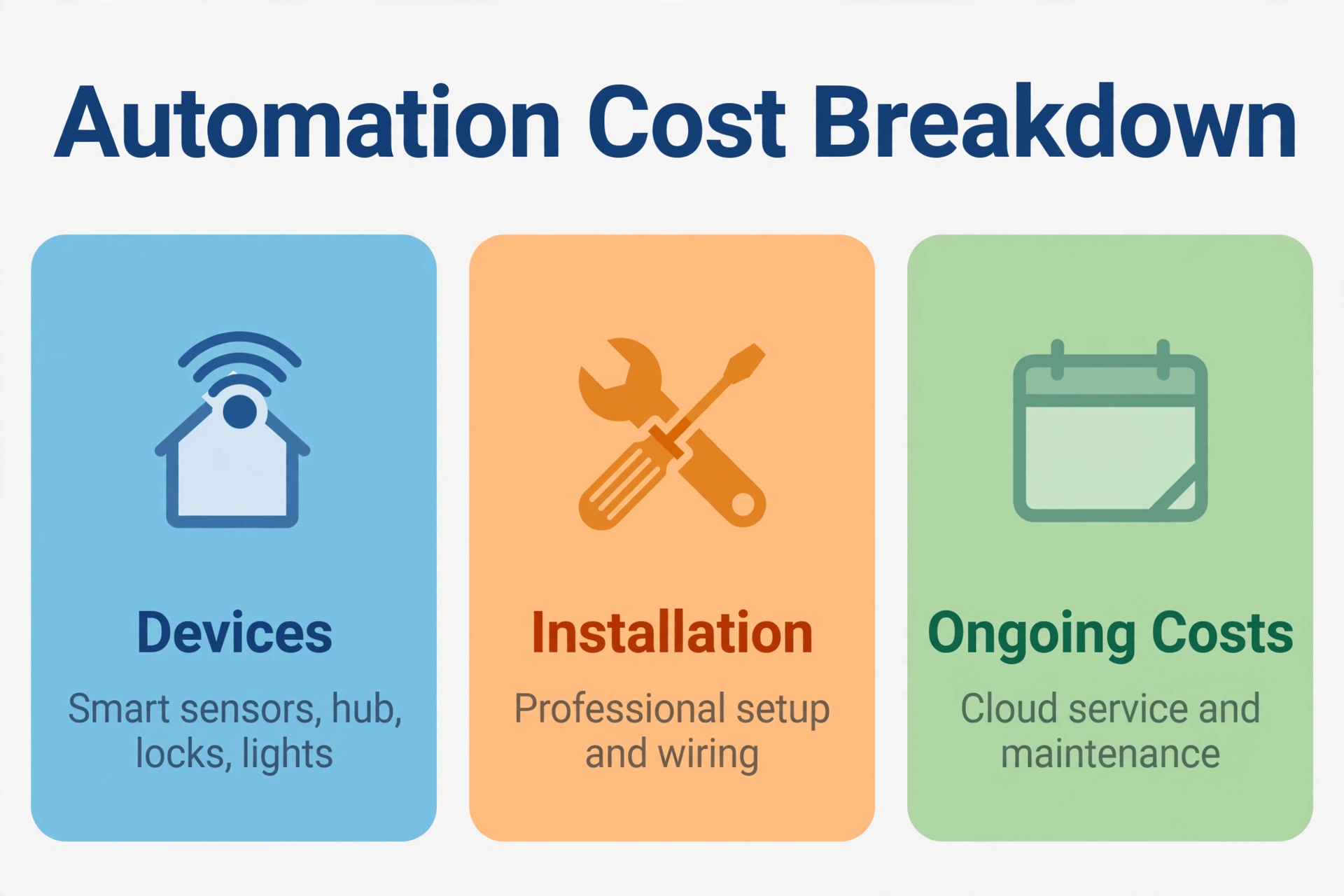
The main cost categories to request are:
- Equipment: devices, controllers, network hardware, mounts, and accessories.
- Installation: wiring, plumbing, electrical work, access, and finish repairs.
- Configuration: scenes, integrations, testing, documentation, and training.
- Ongoing services: monitoring, recording, cloud features, and support.
- Future maintenance: batteries, replacement components, and programming changes.
Give competing installers the same written scope. Specify rooms, device quantities, existing equipment, required routines, and expected outage behavior. Ask them to separate essential work from optional upgrades so you can reduce the budget without accidentally removing a dependency.
For example, a proposal for automated lighting in several rooms should identify the controlled circuits, compatible dimmers, required bridge or controller, and setup labor. A lower total may simply omit some of those items.
Compare ownership costs as well as installation totals. Ask for annual recurring charges and rates for later service visits. If savings are part of the pitch, request the assumptions; reduced cooling use depends on equipment, occupancy, settings, and the building, not merely owning a smart thermostat.
How to choose a Florida home automation installer
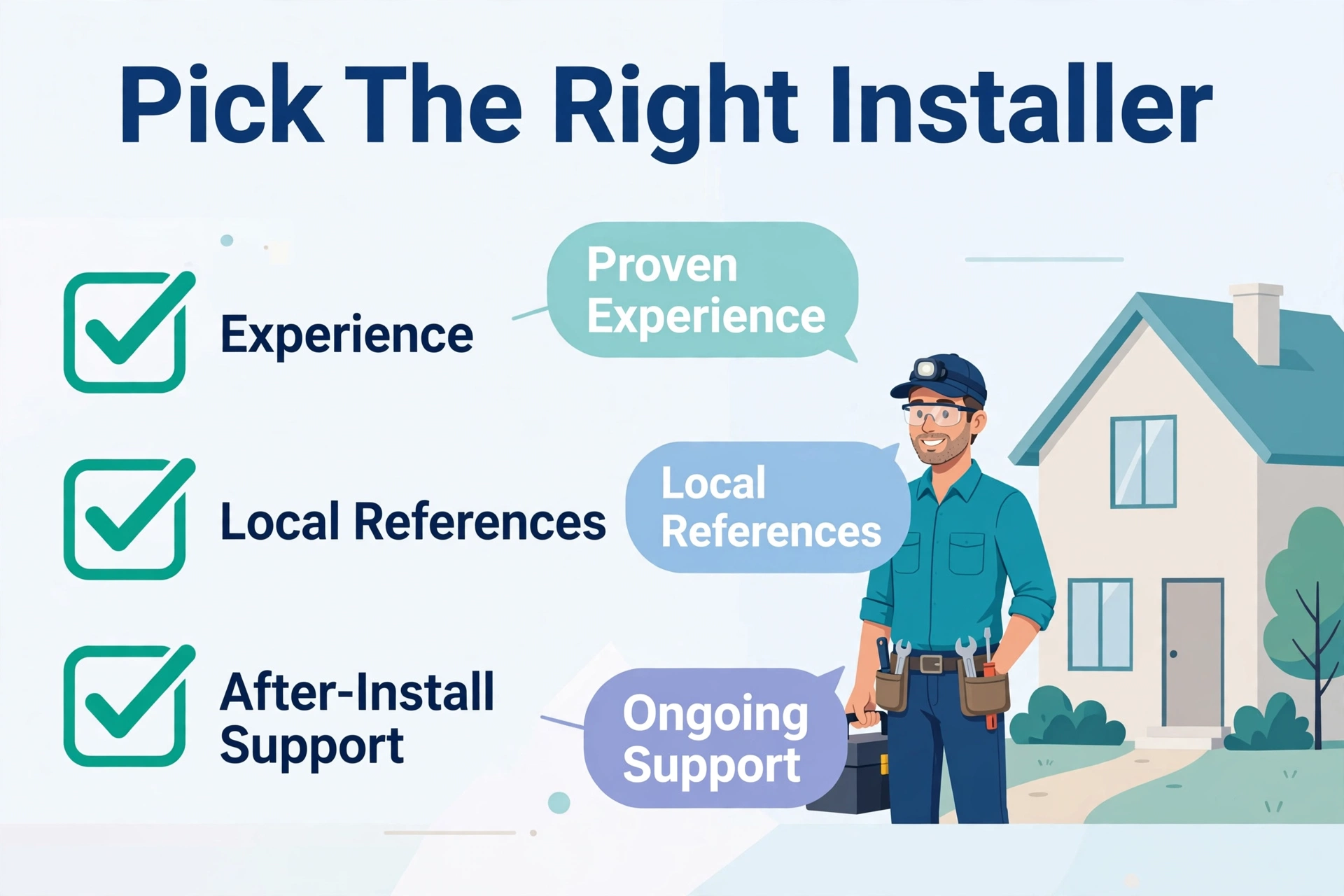
Start with companies that serve your specific location and support the proposed equipment. A business covering one part of South Florida may not offer practical service elsewhere in the state. Confirm who will attend a fault, how quickly, and at what charge.
For electrical or alarm work, verify the relevant license and business relationship through Florida’s official license search. DBPR explains that electrical and alarm businesses must be qualified by properly licensed individual contractors. Manufacturer training and dealer status do not replace checking the applicable trade credentials. Business Information
Ask which tasks require permits and confirm the scope with your local building department. Have the proposal identify any electrical, HVAC, plumbing, or alarm subcontractors and their responsibilities. For a condo, check association requirements before planning work involving shared systems or exterior surfaces.
Use these questions to assess the handover:
- Will the system and subscriptions be registered to accounts I control?
- Which changes can I make myself, and which require paid programming?
- What documentation and configuration backups will I receive?
- What happens if I change installers or sell the property?
- Which failures are covered by equipment warranties, labor warranties, or support agreements?
Ask for references from projects similar in size and complexity. A polished demonstration is useful, but so is evidence that the company explains limitations and responds after installation.
Secure the system and test everyday use
Set unique passwords, enable multifactor authentication where available, and keep supported software updated. Review who can view cameras, unlock doors, and change routines. The FTC’s connected-device guidance also recommends securing the router and reviewing device settings.
For cameras, decide what needs recording, who can access footage, and how long it should be retained. Aim them at relevant areas of your property and consider neighbors’ and guests’ privacy. Avoid sharing a single administrator login with everyone who needs occasional access.
Before accepting the installation, test ordinary use and plausible failures with the installer. Check physical switches, backup entry, sensor alerts, recovery after a router restart, and the agreed functions during an internet interruption. Test leak sensors using their manufacturer’s procedure rather than creating a real leak.
Have another household member operate the system without coaching. If they cannot turn on a light or adjust comfort easily, simplify the controls. Arrange a review after you have lived with the routines, and document battery checks and other maintenance according to manufacturer instructions.
Frequently asked questions
Can I automate an older Florida home without rewiring everything?
Often, you can start with plug-in devices and battery-powered sensors. However, hardwired switches, thermostats, cameras, and other equipment need assessment of existing wiring and power. Have the relevant installer inspect those requirements before buying a complete package.
Is home automation worthwhile for a seasonal property?
It can be particularly useful for checking temperature, humidity, leaks, and access while you are away. Its value depends on reliable alerts and someone being able to act. Schedule physical inspections too; a normal dashboard does not confirm that every part of the property is sound.
Do I need a monthly subscription?
That depends on the products and features. Ask for a written distinction between included functions and paid services, particularly remote access, video storage, professional monitoring, and support. Confirm what remains usable if you cancel each subscription.
Can I expand the system later?
Usually, expansion is possible within the system’s capabilities, but request a plan. Identify spare network and controller capacity, likely wiring needs, and compatibility constraints. Start with a working first phase rather than buying equipment solely because a future integration has been promised.
Start with a small, dependable system
The strongest home automation plan for a Florida property begins with clear priorities: comfortable conditions, useful alerts, simple controls, and a realistic response to failures. List your essential outcomes, inspect existing equipment, and obtain comparable proposals. Expand once the first phase works reliably for the people who use the home.
