

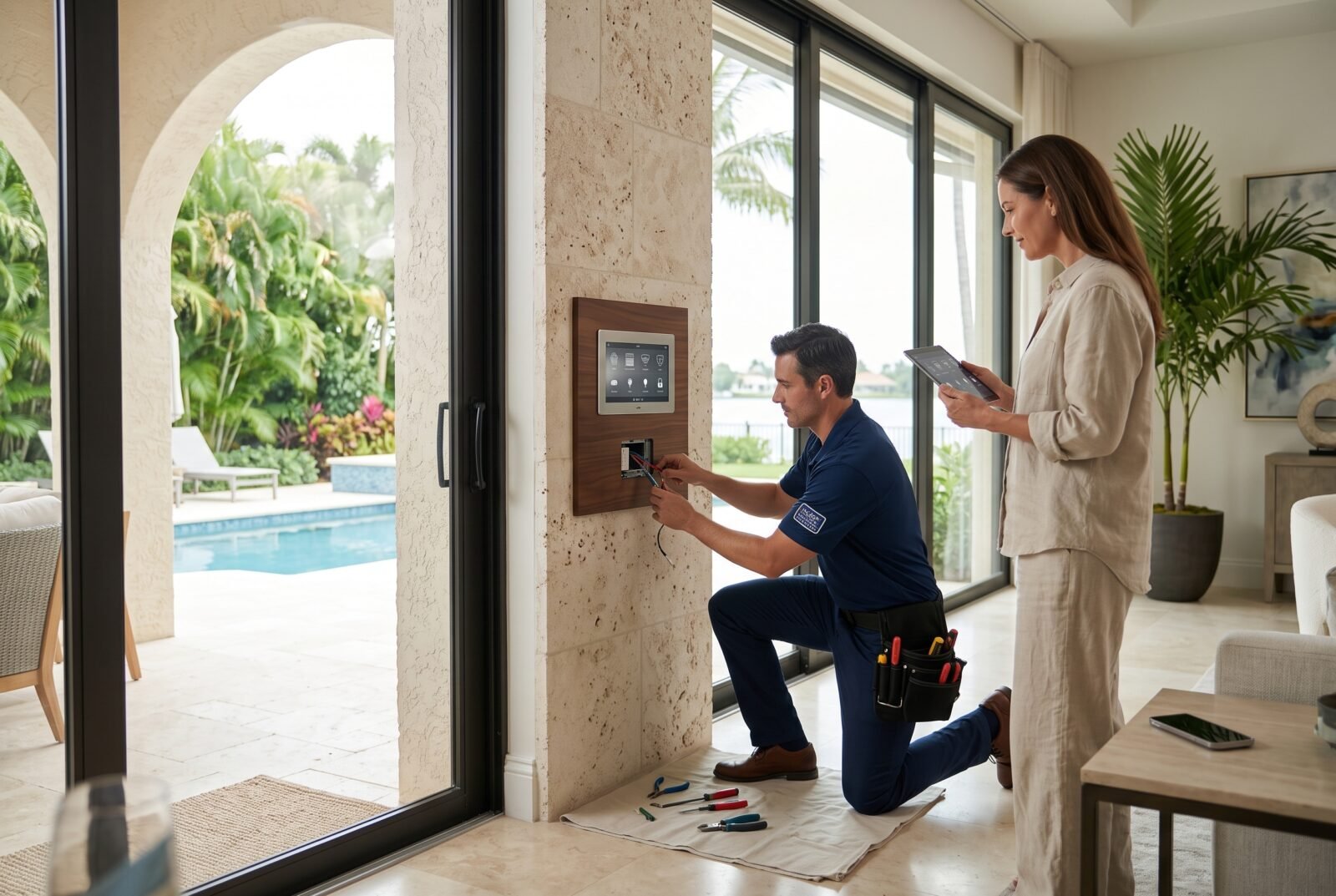
Choosing home automation in Naples starts with a practical question: what do you need your home to handle when you are busy, asleep, or somewhere else? A useful system might flag rising humidity, manage lighting and shades, or let a trusted person enter without sharing your permanent door code.
This guide focuses on Naples, Florida, the dominant location in relevant search results. Local services range from individual device setup to professionally integrated whole-home systems. The right choice depends on your property, the routines you want, and who will maintain everything afterward.
Before requesting estimates, separate essential functions from optional conveniences. That makes it easier to compare proposals and avoid paying for impressive features you rarely use.
What does home automation include?
Home automation connects compatible devices so they can respond to schedules, sensors, or shared commands. In a Naples home, that can include lighting, motorized shades, thermostats, locks, cameras, leak sensors, and entertainment. A complete installation also addresses network coverage, account access, testing, and ongoing support.
A remotely controlled device is not necessarily an automated system. Switching a lamp off through an app is remote control. Having selected lights turn off when you activate an “Away” scene is automation.
You also do not need to connect everything. A small, dependable arrangement can be more useful than a comprehensive system that requires constant troubleshooting. Begin with a few clear outcomes, such as receiving an alert when indoor conditions need attention or controlling evening lighting from an ordinary wall keypad.
Priorities for a Naples smart home
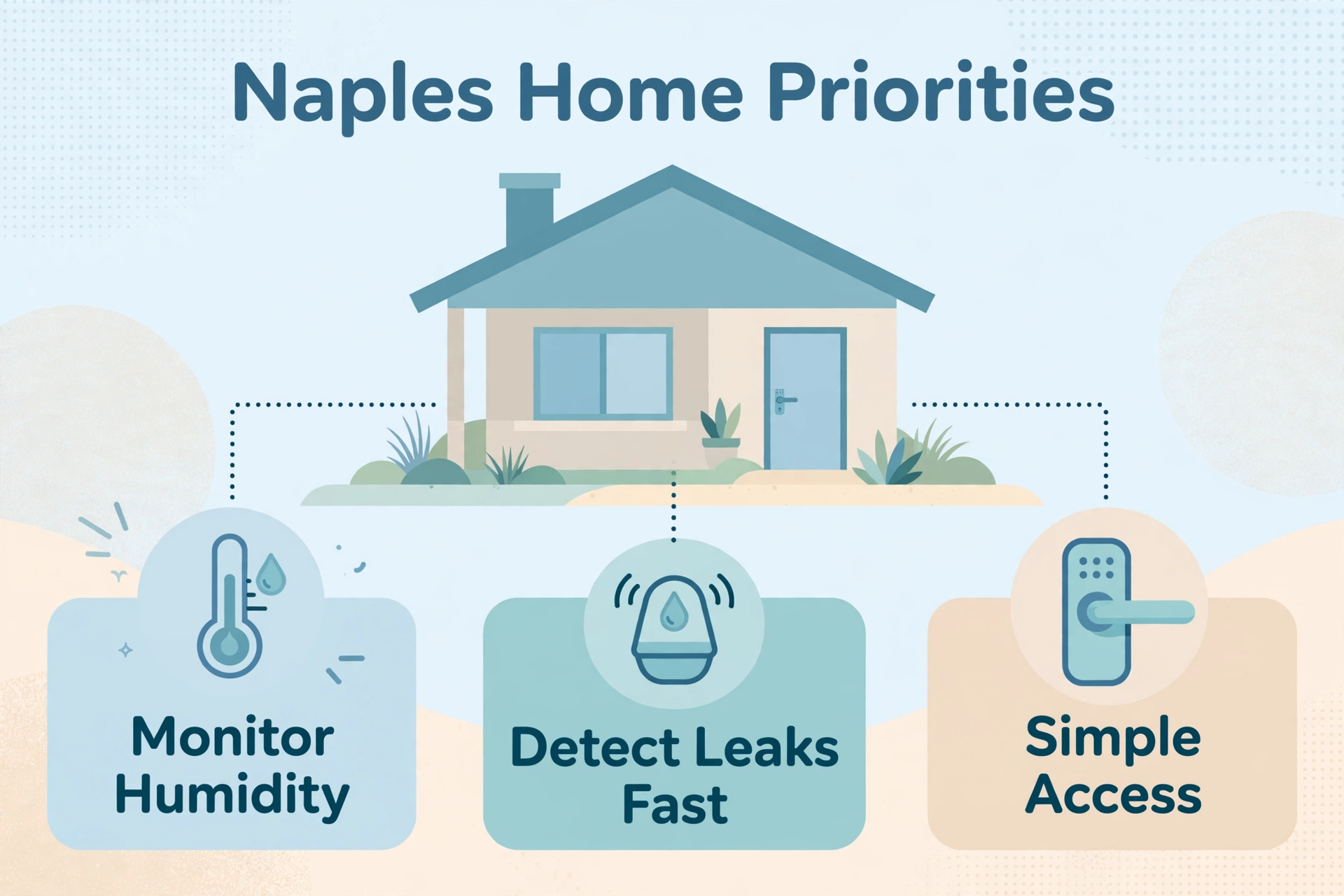
Monitor humidity as well as temperature
For a property that sits empty for extended periods, temperature alone does not tell the whole story. Include humidity readings in the monitoring plan, and decide who will investigate sustained changes.
The EPA’s moisture-control guidance recommends keeping relative humidity below 60%, ideally between 30% and 50% where possible. These are general moisture-management guidelines, not a guarantee against mold or a universal thermostat setting. US EPA
FPL’s guidance for seasonal residents also emphasizes maintaining air conditioning and managing humidity during long absences. Have an HVAC professional determine the appropriate settings for your equipment and building, rather than copying another homeowner’s schedule. A/C Tips
Specify what a humidity alert actually does. It should identify the room, show a recent reading, and reach someone able to respond. A notification that nobody checks provides little practical protection.
Pair leak detection with a response plan
Discuss sensor locations near likely plumbing leak points, including washing machines, water heaters, and sink cabinets. Ask the installer to demonstrate how each sensor reports a problem and how you will know when its battery needs attention.
If you want automatic water shutoff, have a qualified plumbing professional evaluate the proposed valve and installation. Ask which events trigger closure, whether that decision requires an internet connection, and how to operate the valve manually.
Keep the limits clear: shutting off a domestic water supply does not stop rainwater intrusion or storm surge. Monitoring should complement inspections and maintenance, with a designated local contact for investigation.
Make access straightforward
A useful access plan distinguishes household members, visitors, cleaners, and property managers. Where supported, assign individual codes with appropriate time limits instead of giving everyone the same permanent code.
Before selecting a lock, confirm the door fit, battery warnings, and the manufacturer’s backup entry method. Ask for a demonstration with the internet unavailable. You should know how an authorized person gets inside if an app, account, or connection fails.
For exterior equipment, request documentation showing suitability for its actual location. A sheltered entry and an exposed coastal installation present different conditions; an “outdoor” label alone is not a complete specification.
Choose the installation approach before choosing devices
There are three useful ways to organize a project. None is automatically best for every property.
Choosing an installation approach for a Naples home
| Approach | Suitable situation | Main trade-off |
| Individual smart devices | A few clearly defined tasks | Separate apps and uneven integration may remain |
| Shared smart-home platform | Coordinated routines across compatible devices | Compatibility and maintenance need an owner |
| Professionally integrated system | Extensive lighting, shading, climate, and entertainment control | Greater reliance on installation, programming, and service support |
For a modest upgrade, professional help with a few devices may be sufficient. A larger renovation may justify coordinated controls, planned wiring, and one company responsible for integration.
Ask to see the proposed system performing your actual routines. For example, can a guest adjust the lights without a phone? Can you change a schedule yourself? Which changes require a paid service visit?
Those answers reveal more than a long list of supported brands.
Understand what Matter does—and does not—solve
Matter is a smart-home interoperability standard, not a replacement for your chosen control platform. It can help compatible products communicate across supported ecosystems, but you still need to verify the exact device, controller, and functions you intend to use.
The Connectivity Standards Alliance’s Matter FAQ explains that Matter uses local connectivity, with remote access requiring an appropriate internet-connected controller or a device’s separate internet service. Do not assume a Matter logo means every advanced feature appears in every app. Frequently Asked Questions – CSA-IOT
Request a compatibility list using model numbers. “Works with your system” should mean the promised functions work today, not that a manufacturer might add them later.
Plan the network and outage behavior
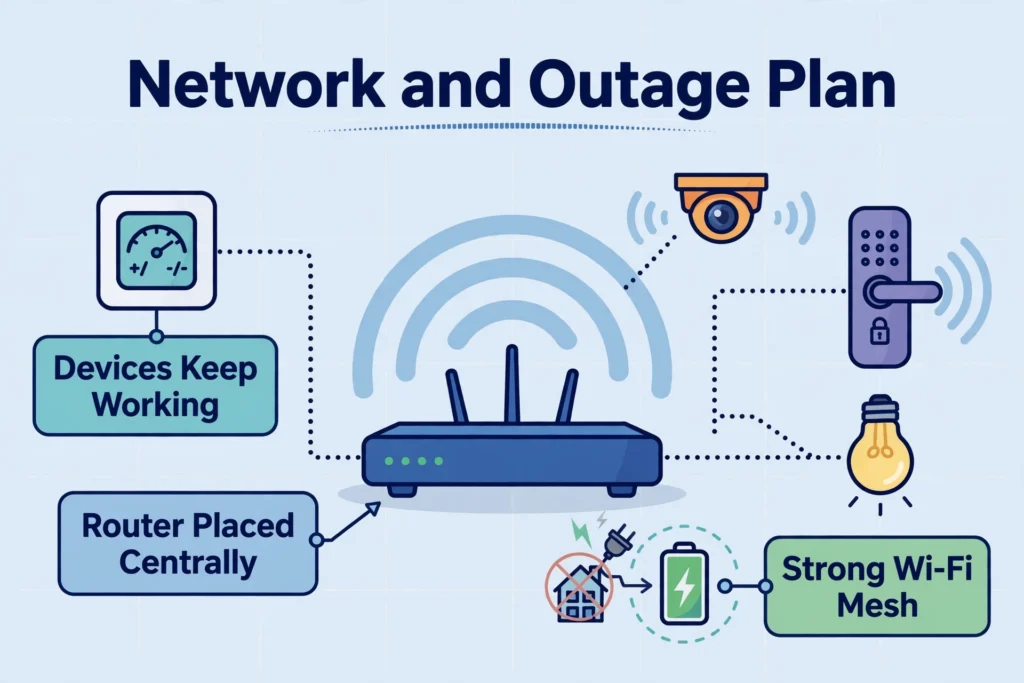
Treat the network as part of the installation scope. Ask for coverage checks at the intended device locations, including entrances, garages, and outdoor living areas where applicable. A speed test beside the router cannot demonstrate reliable operation throughout the property.
For new construction or remodeling, ask the designer to identify cable routes, equipment locations, and future expansion options before walls close. For an existing home, request a clear explanation of any necessary drilling, cable concealment, and finish repairs.
Separate three situations during planning: an internet interruption, a local network failure, and a power outage. They can affect different functions.
Have the installer document which controls and routines remain available in each case. If backup power is proposed, require the quote to identify the equipment it supports and its estimated runtime under the expected load. Avoid accepting a vague promise that the home will “stay connected.”
Also request a recovery demonstration. After a normal restart, do devices reconnect automatically? Do schedules resume correctly? Does an offline warning clear? These details matter particularly when nobody is home to restart equipment manually.
How much does home automation in Naples cost?
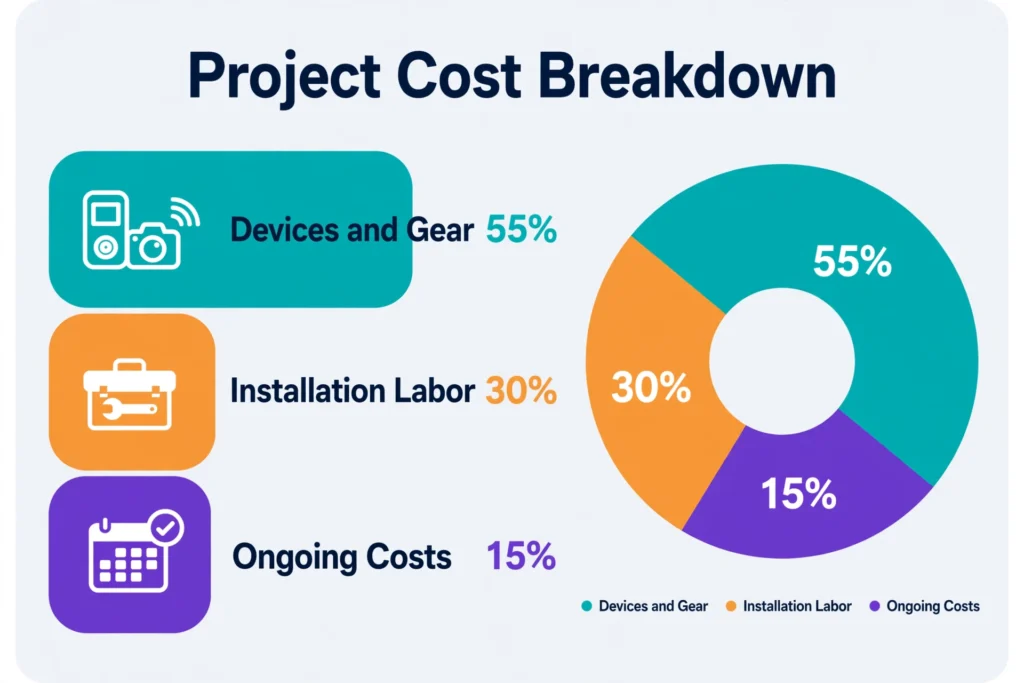
There is no single dependable price for “home automation” because proposals can describe very different jobs. The local service pages reviewed did not establish a comparable Naples-wide price range. A meaningful estimate needs a defined scope, equipment list, and site assessment.
The main cost drivers are:
- Device and control counts: Specify switches, shade openings, climate zones, cameras, and access points individually.
- Installation conditions: Existing wiring, access, mounting requirements, and repairs affect labor.
- Integration work: Custom routines, interfaces, and connections between systems require configuration and testing.
- Network improvements: Include the infrastructure needed to support the planned equipment.
- Continuing charges: Identify subscriptions, monitoring, remote support, and service-plan fees.
Compare itemized proposals for the same outcomes. One estimate might include programming, training, and follow-up adjustments; another may cover only hardware installation. A lower total is not necessarily better value if essential work appears later as an extra.
Ask each bidder to separate the initial installation from optional upgrades and recurring expenses. A phased proposal can protect the budget: complete essential monitoring and dependable controls first, then add entertainment or additional shading once the core system works well.
Avoid assuming the system will pay for itself through energy savings. Any savings depend on your previous habits, equipment, settings, and actual operation. Convenience and remote visibility may be the main reasons to buy.
How to compare Naples home automation installers
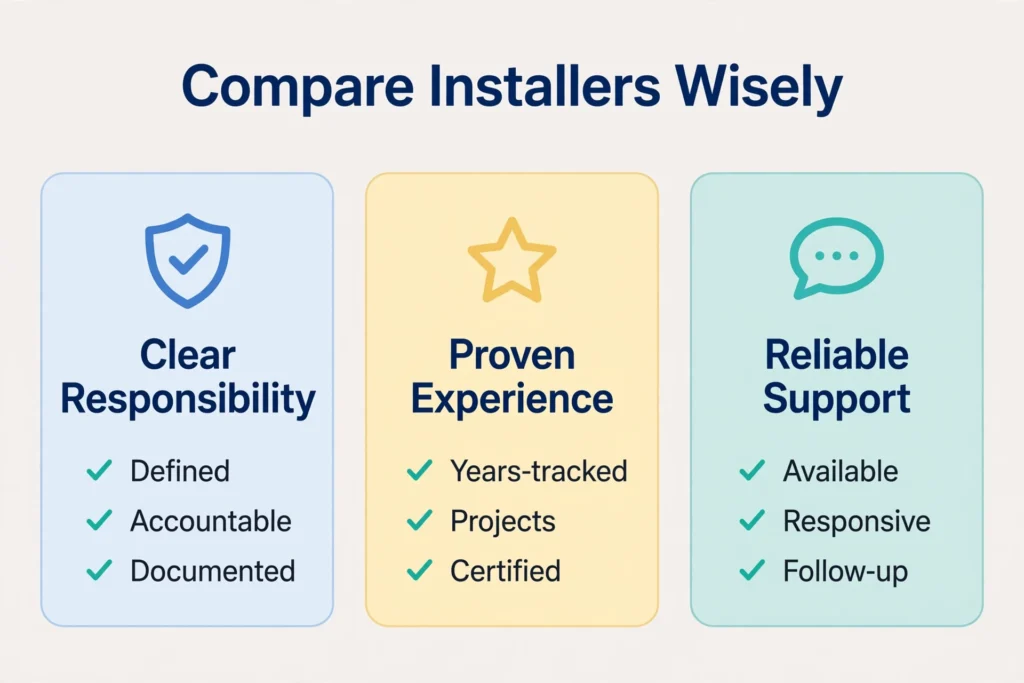
Start by matching the company’s stated service scope to your project. A device-setup specialist and a whole-home integrator may both be capable, but they are quoting different kinds of work.
For example, Smartlink Florida describes device setup, account configuration, network readiness, and troubleshooting. Tech Department advertises smart-home design and Control4 integration. AVL PRO lists broader design, installation, programming, and maintenance services spanning automation, lighting, shading, and audiovisual systems. Smartlink Florida
These are examples of advertised local services, not a ranking or an independent endorsement. Confirm current capabilities, availability, qualifications, and support terms directly before choosing a provider.
Verify responsibility for regulated work
Ask who performs electrical, plumbing, HVAC, and alarm-related work within the proposal. A brand certification should not be treated as proof of the applicable trade license.
Use Florida’s official license search to check the relevant contractor and business details. Obtain insurance information and clarify responsibility for subcontracted work. Business Information
Have the installer establish the permitting authority for your address and identify required permits before work begins. Do not assume all Naples mailing addresses share the same jurisdiction or that every low-voltage project follows one process. For example, Collier County’s low-voltage/alarm application guidance distinguishes security-only work from work requiring an electrical permit application. Collier County, FL
For a condominium or association-managed property, also check approval requirements for exterior devices, shared areas, wiring routes, and contractor access.
Ask about support before signing
Request written answers about response times, service hours, remote troubleshooting, and on-site charges. “Ongoing support” is too broad to be useful without those details.
Find out what happens if your original installer stops trading or you want another provider. Ask which configuration records, backups, and system documentation you receive, and whether another qualified company can maintain the installation.
References are most useful when the projects resemble yours. A recently installed home theater does not establish how well a company supports remote monitoring for a seasonally occupied condo.
Protect accounts and make the system easy to live with
Create homeowner accounts using contact details you control. Where possible, give installers separate, revocable access rather than sharing your primary login. Document who has access to cameras, locks, recordings, and remote administration.
The FTC’s connected-device security guidance recommends changing default credentials, using unique passwords, enabling two-factor authentication where available, and keeping devices updated. Include responsibility for updates in the handover rather than assuming somebody will handle them. Consumer Advice
Privacy also deserves a practical conversation. Decide where cameras are appropriate, who can view recordings, and how long footage is retained. Review settings with household members so they understand what the system captures.
Finally, preserve simple everyday controls. Visitors should not need your personal phone to turn on a light. Clear labels, sensible room names, and a short operating guide can make an elaborate installation much easier to use.
Test the finished installation against your brief
Before accepting the completed work, walk through the promised outcomes with the installer. Treat this as a demonstration, not merely a tour of the app.
- Run each scene. Check every included light, shade, or other device rather than assuming a successful command reached everything.
- Test notifications. Use manufacturer-approved test methods and confirm alerts reach the intended people.
- Demonstrate fallback controls. Verify the agreed behavior during an internet interruption without interfering with essential systems.
- Review access. Check user permissions and remove temporary installation access that is no longer needed.
- Collect documentation. Obtain model numbers, warranty details, configuration information, and support contacts.
Arrange a follow-up after you have lived with the system. Timing adjustments often become obvious only through normal use: a shade closes too early, an alert is too sensitive, or an evening scene misses a frequently used light.
For a seasonal home, complete testing while someone can still attend the property. Avoid making the first unattended week the first real trial.
Frequently asked questions
Can I automate an older Naples home without a full renovation?
Often, a selective upgrade is possible. Feasibility depends on the devices, existing wiring, network coverage, and mounting locations. Ask for a survey before buying hardware, especially for switches, thermostats, and powered shades. A mixed approach may avoid unnecessary changes while preserving useful existing equipment.
Should I replace smart devices that already work?
Not automatically. Give the installer an inventory with exact model numbers and explain which functions you value. Request separate prices for retaining and replacing equipment, with a clear account of any limitations. Replacement should solve an identified problem, not simply make the proposal easier to standardize.
Does remote monitoring replace a home-watch service?
No. Sensors report particular conditions at particular locations; they do not perform a complete property inspection. Remote alerts are most useful when a trusted local person can investigate. Agree on access and escalation arrangements before you leave, including what happens if you cannot be reached.
What if I am buying a home with automation already installed?
Request an equipment inventory, support history, subscription details, and a working demonstration before treating the system as an asset. Arrange a documented transfer of accounts and removal of previous access. Budget for an assessment if nobody can explain how the installation is configured or maintained.
Start with a clear project brief
The most useful home automation in Naples is built around the property and the people using it. Write down your essential routines, absence patterns, and support expectations, then ask suitable installers to quote the same scope. Choose the proposal that makes operation, costs, ownership, and maintenance clear—not simply the one with the longest equipment list.
