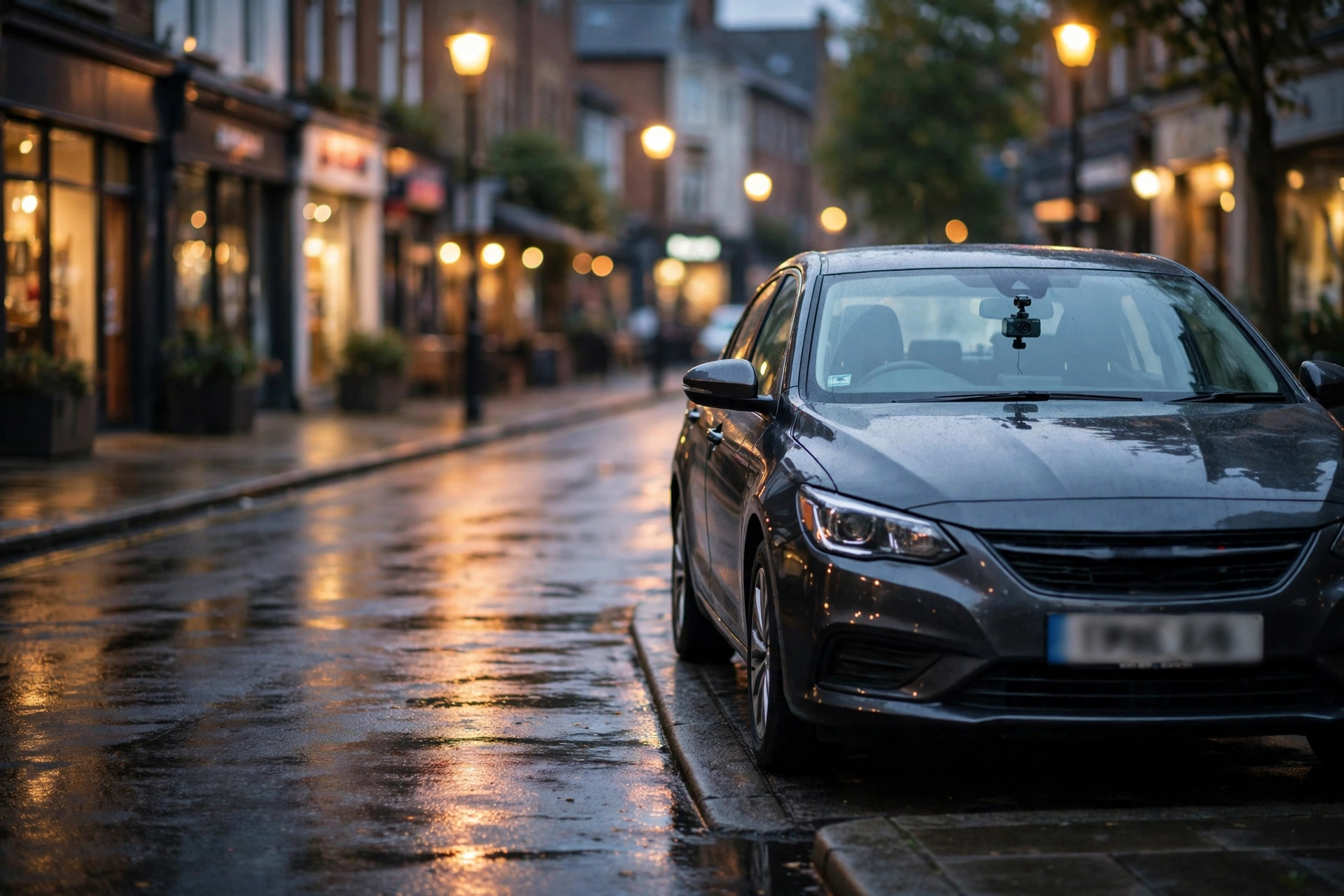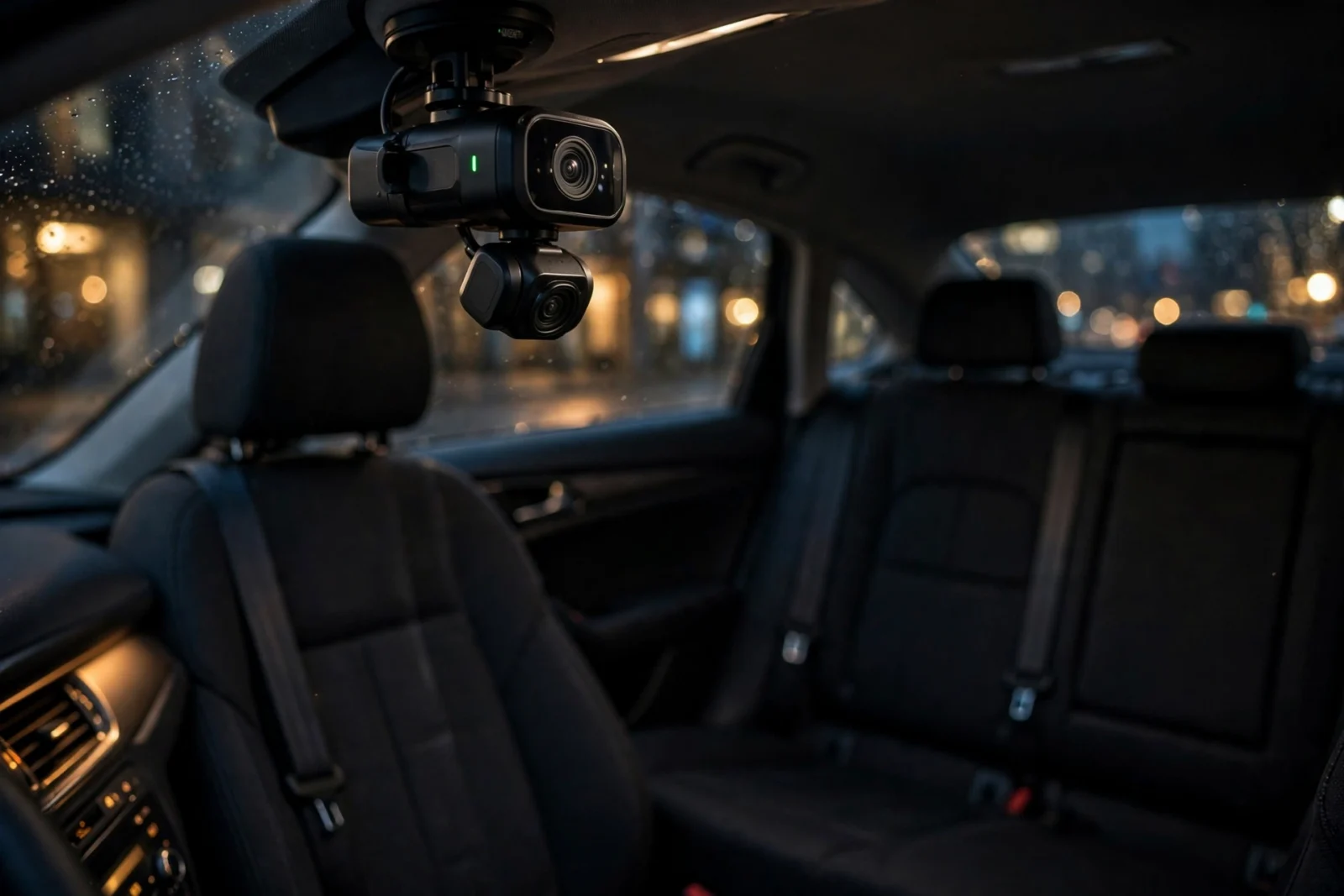
Here’s the thing most new rideshare drivers get wrong: the best dash cam for Uber drivers isn’t the one with the sharpest road footage. However, it’s the one recording three channels — front, rear, and cabin. For example, a road-facing camera covers you in traffic, sure. But your real exposure is the back seat: false claims, damage disputes, safety incidents with passengers. That’s where rideshare drivers actually lose money and accounts. A cabin-facing camera with infrared night vision is the decisive feature. In fact, and it’s what separates a rideshare dash cam from a regular one.
Your car is your office and your paycheck. One disputed incident, no footage — that’s genuinely all it takes to get deactivated. This guide walks through what makes a rideshare setup different from a normal one: the 3-channel models drivers actually run, the legal side of recording passengers (the part most guides skip), and how to set the whole thing up for round-the-clock protection.
Best Dash Cam for Uber Drivers: Why Rideshare Needs More
A regular driver worries about crashes. You worry about crashes plus everything happening behind you — the passenger who claims you were rude, the one who scuffs the interior and swears it was already there, or worse. And here’s the uncomfortable truth: when it’s your word against a passenger’s, platforms tend to side with the passenger. Unless you’ve got video.
However, that’s why the standard advice — “get a front and rear dash cam” — only gets you two-thirds of a rideshare setup. Our best front and rear dash cam guide covers the road-facing side properly. This one’s about the third channel: the cabin.
Do the math and it’s not close. A 3-channel setup costs more than a basic dash cam, no question — but a single deactivation or disputed damage claim costs far more. For full-time drivers, this is honestly the cheapest insurance policy in the car.
The Cabin Camera: The Feature That Decides Everything
Not all cabin cameras are created equal, though. Here’s how to tell a genuinely useful one from a checkbox feature:
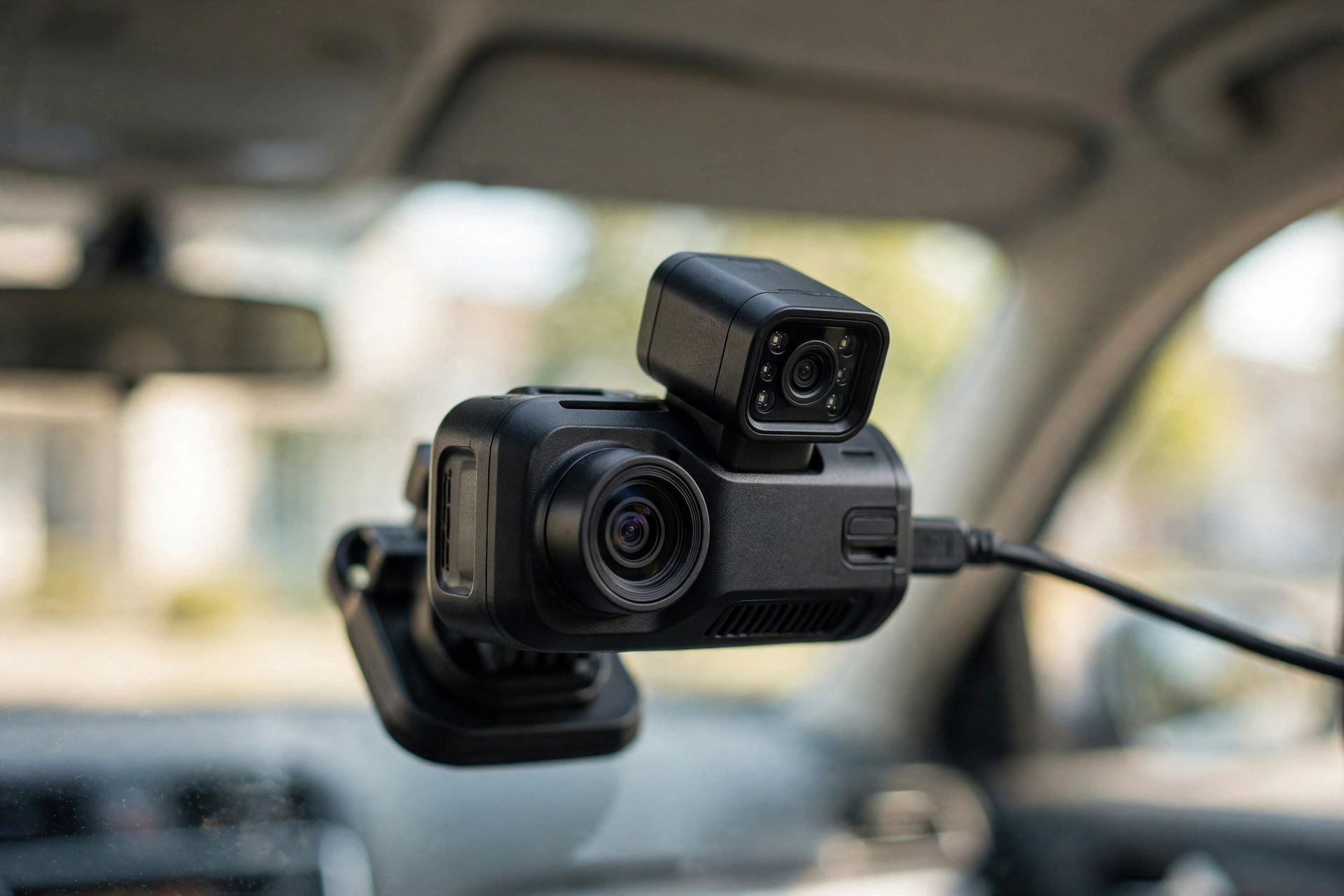
- Infrared night vision. Non-negotiable. Most of your rides happen after dark, and a cabin at night is pitch black — without IR LEDs, the camera sees nothing. A cabin cam without IR isn’t a cabin cam. It’s decoration.
- Audio recording. Here’s the thing: video shows what happened, but audio shows what was said. And disputes are almost always about words, not actions. (Legal note on this below — recording laws differ.)
- A wide enough angle. It has to cover both rear seats — ideally the front passenger seat too. Don’t trust marketing renders for this; check the field of view in real owner footage instead.
- True simultaneous recording. Some “3-channel” cameras quietly drop resolution or frame rate when all three channels run. Verify it actually records all three at usable quality at the same time — not just on the spec sheet.
One more thing most buyers miss: where the cabin camera points when the car is empty. The good ones cover the rear seats with the driver visible at the frame’s edge — which matters if a dispute is about something you did. A badly aimed one films your headliner all night. When you install, sit in the back seat yourself, have someone trigger a manual recording, and check the framing on your phone before you lock the mount down. Five minutes now, or a useless angle forever.
And think about your off-duty hours too. The best rideshare setups let you kill the cabin channel — or just its audio — with one tap when you’re driving for yourself. Because nobody wants the family road trip recorded. Check for per-channel toggling before you buy; it’s a small feature you’ll use every weekend.
What to Look For in a Rideshare Dash Cam
Caption: Rideshare dash cam checklist — the features that matter for Uber/Lyft driving.
| Feature | Look for | Why it matters |
|---|---|---|
| Channels | 3 (front + rear + cabin) | Covers traffic and passenger incidents |
| Cabin night vision | Infrared LEDs on the cabin cam | Most rides are after dark |
| Audio | Clear cabin microphone | Disputes are usually verbal |
| Parking mode | Buffered, with voltage cutoff | Protects the car between rides and overnight |
| Power | Supercapacitor | Survives heat; a rideshare car bakes all day |
| Storage | 256GB+ high-endurance microSD | Three channels fill cards fast |
| Discreetness | Compact, no bright screen | Passengers shouldn’t feel surveilled |
The Picks Drivers Actually Use
Straightforward disclaimer: these are community-recommended, not lab-tested by us. They’re the 3-channel models that come up most in rideshare driver forums. Verify current specs before buying.
Vantrue N4 — the rideshare default
Ask around and one name keeps coming up: the N4. Front, rear, and an IR cabin camera in a single unit, with a reputation built over years of driver reports. Is it the newest? No. The prettiest? Also no. But it’s the known quantity — and for a work tool, known quantities win. Owners single out the cabin night vision specifically, which is, conveniently, the exact feature you’re buying it for.
Vantrue N2X — the newer alternative
The N2X is the newer take on the same formula — newer processing, better low-light performance. Most drivers choosing between these two cross-shop both. Honestly? Compare current pricing and real sample footage before you decide. The “better” pick flips with sales and firmware updates.
Adding a cabin camera to a dual-channel setup
There’s a third route some drivers take: a quality dual-channel cam (like the Viofo models in our front-and-rear guide) plus a separate small cabin camera. It costs more, and you’re managing two SD cards — but you get to pick best-in-class for each job. If you already own a good dual-channel unit, this is worth a look.
Recording Passengers: The Legal Side
Most guides skip this section. Honestly, it’s the most important one here. Recording video of passengers is broadly permitted in most places — there’s limited expectation of privacy inside a car you’re operating commercially. Recording audio is where it gets complicated.
In the US, states split into one-party and two-party (all-party) consent regimes for audio recording. Furthermore, one-party state? Moreover, you can record conversations you’re part of. Also, two-party state? Everyone being recorded generally has to consent. Plenty of drivers handle this with visible signage — “Audio and video recording in progress” — which doubles as a behavioral deterrent. Bonus.
Standard caveat: this is general information, not legal advice. And rideshare adds its own layer — Uber and Lyft have their own recording policies, and outside the US, local rules vary wildly. So before you lean on cabin audio: check your state’s recording law, check your platform’s current policy, and honestly, put up the sign regardless. Passengers who know they’re being recorded behave better. That’s half the point.
Setup Tips for Rideshare Driving
- Hardwire it. Your car sits between rides and overnight in lots. Parking mode is how you catch door dings and lot hits — and it needs a hardwire kit with voltage cutoff to work. Our how to hardwire a dash cam guide walks through both methods.
- Get parking mode right. Not all parking modes are equal — buffered recording captures the seconds before an impact, which is what you actually want. See what parking mode is for the full explainer.
- Size storage for three channels. Three streams fill cards roughly 50% faster than two. Go 256GB minimum, high-endurance only, and format monthly.
- Aim the cabin cam at faces, not the roof. Angle it to cover both rear seats. A camera pointed at the headliner records nothing useful.
- Build the footage habit now. Know how to lock and pull clips before you need to. After an incident, save the files immediately — loop recording overwrites.
- Put up the sign. A small notice isn’t just legally prudent in some states — it stops most incidents from happening at all.
A Night in the Life: When the Cabin Camera Earns Its Keep
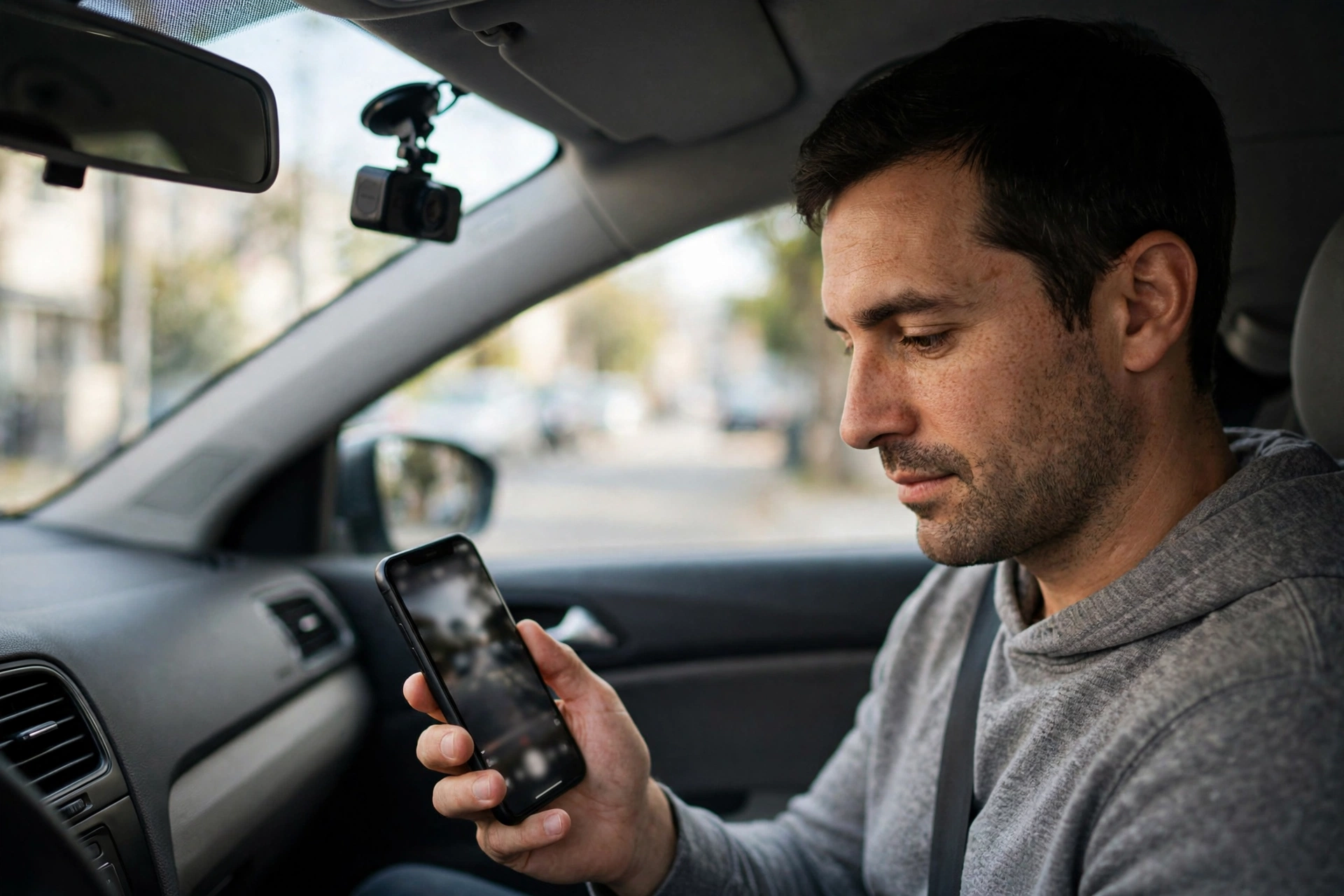
It’s 1:40 AM. You drop off your last passenger of the night, and the app pings: a damage complaint. A stain on the back seat that wasn’t there — allegedly — when they got in. Without footage, this is your word against theirs. And platforms don’t gamble on drivers.
With a cabin camera, it’s a two-minute job. First, you pull the clip, timestamped, showing the seat clean at drop-off. Dispute closed. Drivers who’ve been through this describe the feeling as the moment the camera paid for itself. In fact, usually within the first few months of full-time driving.
The less dramatic cases add up too. Second, a passenger claims you took the long way; GPS-stamped footage shows the road. Finally, someone says you were rude; the audio shows a perfectly normal ride. A bag left behind gets returned because you can see exactly where it slid. None of these make good stories. All of them protect your rating — which is your livelihood.
This is why experienced rideshare drivers talk about the cabin camera differently than any other feature. Front cameras are about crashes — rare, hopefully. The cabin camera is about the weekly friction of the job. It earns its keep constantly, quietly, in the background of every shift.
Managing Footage as a Full-Time Driver
Three channels, eight hours a day, six days a week — that’s a mountain of video. Without some kind of system, you’ll be drowning in it on the exact day you need something fast.
Start with the card. Meanwhile, a 256GB high-endurance card is the floor for 3-channel full-time use. In addition, plenty of drivers run 512GB just to keep several days on hand before loop overwrite kicks in. Standard cards will die under this workload — high-endurance isn’t a nice-to-have here, it’s part of the job description.
Then learn the lock button before you ever need it. Every decent dash cam has one. In fact, a physical button, a voice command, an app tap — something that protects the current clip from being overwritten. Practice it until it’s muscle memory. The rule: after any incident, lock first, think later.
Offload weekly. Nevertheless, once a week, pull the card (or connect through the app) and archive anything worth keeping to your phone or cloud. In fact, ten minutes, tops — and it means you’re never digging through a full card in a panic.
Format monthly. As a result, flash memory gets flaky under constant rewriting, and a monthly format in the camera’s own menu keeps the filesystem healthy. In contrast, it prevents exactly those “corrupted file” failures that always strike at the worst possible moment.
And know your retention window. Do the math once: card size ÷ daily recording volume = days before overwrite. Stick it on a Post-it if you have to. Because when a passenger complaint lands three days later, you need to know whether that footage still exists before you promise it does.
Frequently Asked Questions
Can Uber drivers record passengers?
Video recording is broadly permitted in most jurisdictions, but audio recording laws vary — US states split between one-party and two-party consent. Check your state’s law plus Uber’s current policy, and consider visible signage. General information here, not legal advice.
Is a 3-channel dash cam better than front and rear for rideshare?
For rideshare, yes. Front and rear covers traffic; only the cabin channel covers passenger disputes — the incidents unique to driving strangers around. That cabin IR camera is the whole reason to upgrade.
Do I need parking mode as a rideshare driver?
Strongly recommended, honestly. Your car sits parked between rides and overnight, often in lots you’ve never seen before. A hardwired parking mode is what covers those hours.
Will passengers mind the camera?
Most don’t — especially with a discreet unit and a small notice sign. And here’s the part drivers love: visible cameras tend to improve passenger behavior. Plenty of drivers count that as a feature, not a drawback.
How much storage do I need for 3 channels?
More than your gut says. Three simultaneous streams eat cards fast — a 256GB high-endurance card is the practical minimum, 512GB if you want multi-day retention before loop overwrite.
Can I use my regular dash cam for Uber?
You can, but a road-only camera misses the incidents unique to rideshare. Already own a good dual-channel cam? Adding a dedicated cabin camera is a solid middle path.
Does a dash cam affect my Uber rating?
Not directly — riders don’t rate your electronics. But indirectly? The false claims and damage disagreements a cabin camera settles are exactly the incidents that tank ratings and risk deactivation.