

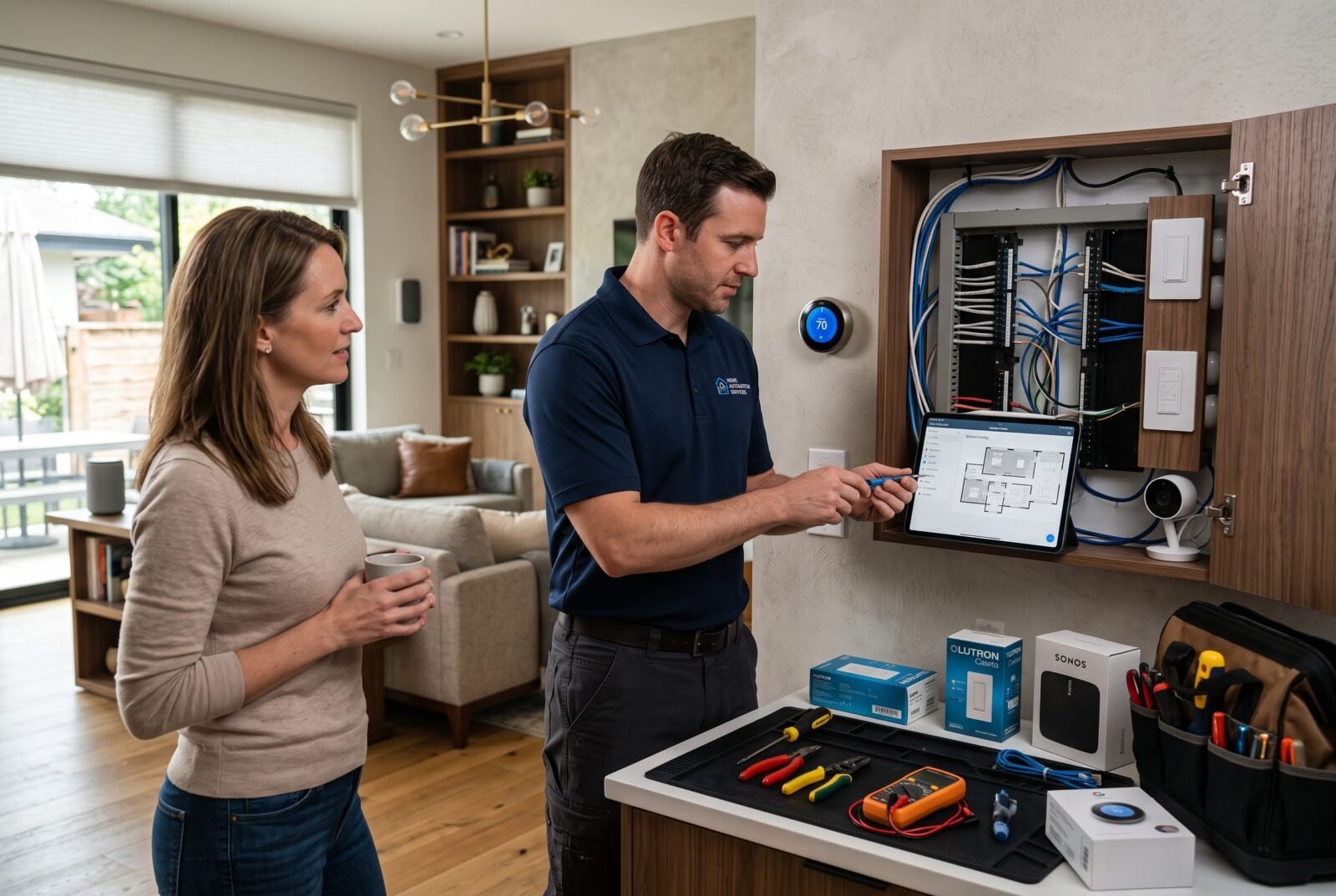
A smart home should make everyday tasks easier, but choosing an installer can be harder than choosing the devices. One company may offer basic setup, while another proposes new wiring, a central controller, and an ongoing support contract.
Home automation installation services cover the planning, fitting, configuration, and testing of connected household systems. Depending on the contract, they can bring lighting, heating, blinds, access control, and other equipment into a coordinated setup. The right service depends on what you need automated, your property’s existing infrastructure, and the support you expect afterward.
Before requesting quotes, define the result you want. “Turn off selected lights from a bedside button” gives an installer a clearer brief than “make the house smart.”
What do home automation installation services include?
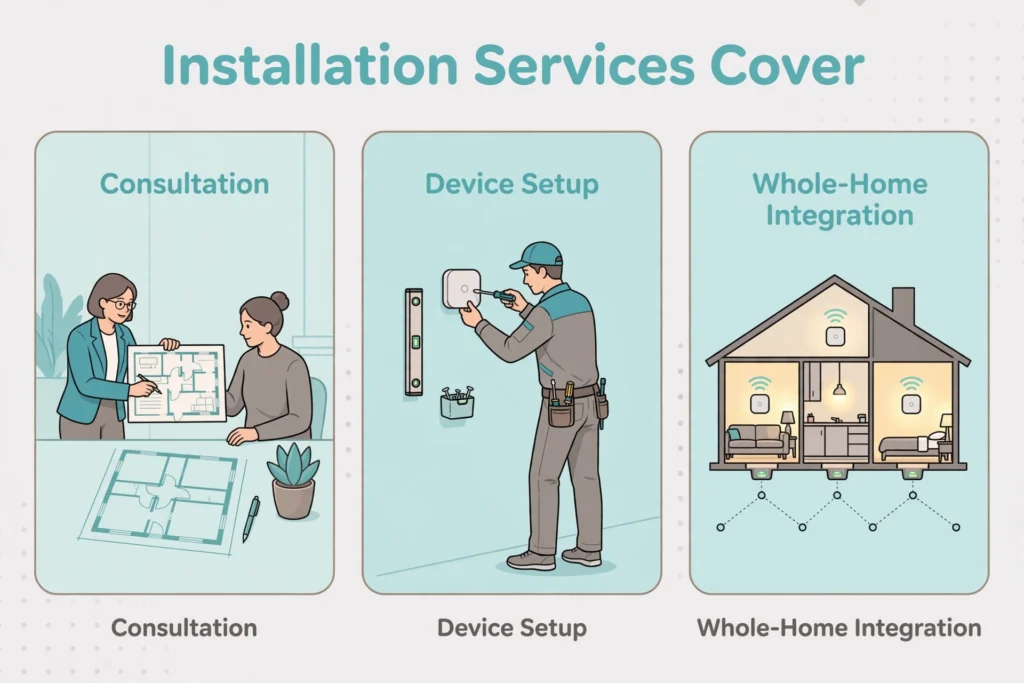
The scope can range from connecting a few devices to designing an integrated system throughout the property. Do not assume that every company includes electrical work, network improvements, programming, and aftercare in its advertised installation price.
A useful proposal should separate these services:
What home automation installation services include
| Service | What to expect |
|---|---|
| Consultation and survey | Review of your goals, existing equipment, property layout, and installation constraints |
| System design | A device schedule, control approach, compatibility checks, and proposed automations |
| Infrastructure and fitting | Agreed cabling, network equipment, device mounting, and coordination with relevant trades |
| Configuration | Device pairing, room names, user permissions, schedules, and routines |
| Commissioning | Tests showing that devices and automations perform as specified |
| Handover and support | Training, documentation, account access, warranty details, and support arrangements |
These are items to specify in the contract, not a promise that every service package contains them.
The distinction between installation and integration matters. Installing a motorized blind makes it usable. Integrating it could make it close alongside selected lights when you start a movie. That second outcome requires compatible equipment, programming, and testing.
Start with the tasks you want the home to handle
Write down a small set of practical outcomes and identify who will use them. Include children, visitors, and anyone who cannot comfortably operate a phone app.
For example, a household might request a clearly labeled “Leaving” button that switches off selected lighting, adjusts an approved temperature setting, and closes designated blinds. The brief should also state what must remain untouched, such as a refrigerator or equipment that needs continuous power.
For each task, describe the trigger, action, and exception. A hallway light might come on after movement is detected, but only after dark and at reduced brightness overnight. This helps prevent a technically functional installation from becoming irritating in daily use.
Separate essential features from optional ones. Ask installers to price them separately so you can postpone decorative lighting or extra room controls without weakening the core installation.
Also decide how much adjustment you want to make yourself. Changing a lighting schedule should not unexpectedly require a paid service visit.
Choose the right level of professional help
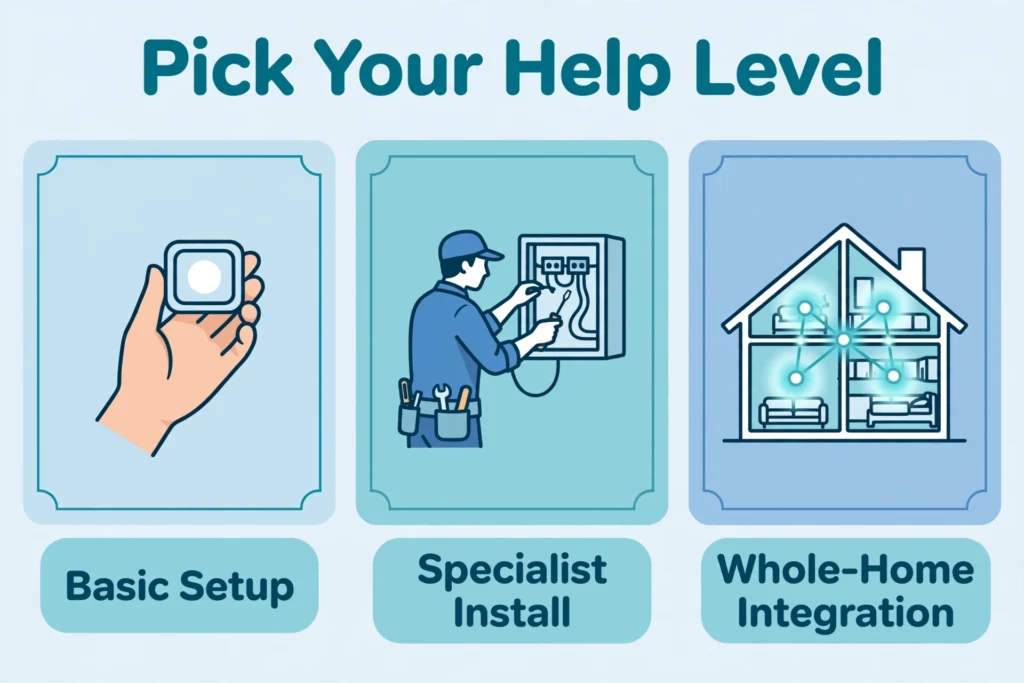
Basic device setup
This suits a small project involving a few compatible, user-installable products, such as plug-in lamps or battery-powered sensors. The work may involve pairing, app setup, and a simple routine.
Confirm whether the appointment includes troubleshooting existing devices and teaching you how to use them. A fixed setup fee may cover only the named equipment.
Electrical or specialist installation
Hardwired equipment needs a different assessment. Smart switches, heating controls, powered blinds, and water shutoff systems may require an electrician, heating specialist, plumber, or another suitably qualified trade.
An automation specialist is not automatically qualified to perform every part of that work. Ask who will do each task and verify the qualifications and permissions applicable locally. Electrical Safety First recommends using a skilled, competent electrician familiar with the technology where professional electrical installation is required.
Whole-home integration
Consider a system integrator when multiple rooms or technologies need coordinated control. This role covers how the network, controller, devices, and user interfaces work together.
Professional design becomes particularly useful during renovation, when decisions about controls and cable routes can be made before surfaces are finished. CEDIA similarly advises considering the controller alongside wiring, networking, equipment, and everyday operation.
Check compatibility before buying equipment
“Compatible” needs to describe a particular function, not just a logo on a box. A device might appear in your chosen app while keeping some advanced settings in its manufacturer’s app.
Ask the installer to confirm the exact model, supported functions, required accessories, and relevant software requirements. If dimming, energy reporting, or a particular sensor trigger is essential, include that feature in the written specification.
Matter is an interoperability standard that uses networking technologies including Wi-Fi, Ethernet, and Thread. It can simplify connections between supported devices and platforms, but it does not eliminate feature checks or automatically upgrade existing products.
Matter and ZigBee are different protocols. Some devices using other protocols can connect through a compatible bridge; this requires explicit support rather than simply buying another hub.
For Thread-based equipment, the installer should identify the required Thread border router and assess coverage. A border router connects the Thread network with the wider IP network. It is a different function from managing your automations, although one product may perform several roles.
Physical compatibility deserves equal attention. A thermostat must match the heating and cooling system, not merely your preferred voice assistant. Google’s Nest documentation, for example, identifies model-specific power requirements and systems requiring professional configuration. Use the documentation for the exact product and regional version being installed.
Avoid buying a complete device bundle before the survey. Ask the installer to assess what can be retained, what needs an adapter, and what genuinely requires replacement.
Plan the network and offline behavior
Ask for network assessment where devices will actually operate: near an entrance, upstairs, behind substantial walls, or in an outbuilding. A successful connection beside the router does not demonstrate reliable performance at the final installation point.
Request an explanation of any proposed access points, wired connections, or other network improvements. Each item should solve an identified requirement.
Discuss internet failure separately from a power cut. Local control means some commands can operate within the home without an external cloud service, but the actual behavior depends on the system and automation.
Matter provides local connectivity; remote access generally requires an internet-connected controller or a manufacturer’s supported remote service. That does not mean every associated app feature, voice command, or routine works offline.
Have the installer document the expected behavior of essential functions during internet loss. Ask for a controlled demonstration at handover rather than accepting “works offline” as a blanket assurance.
Keep straightforward manual controls wherever practical. A guest should be able to switch on a room light without downloading an app. For locks and other essential systems, require an explanation of the manufacturer’s backup access method and limitations.
How much do home automation installation services cost?
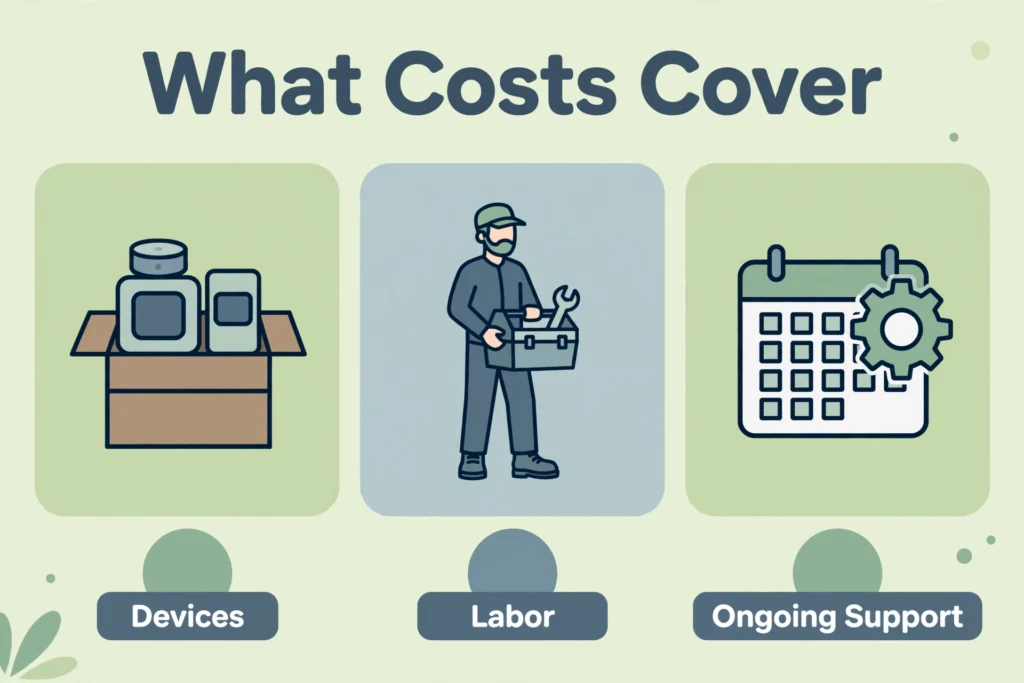
There is no useful universal price for an unspecified international project. Local labor rates, taxes, property conditions, equipment choices, and the amount of programming can change the total substantially. A few device installations and a rewired whole-home system are different services.
For a regional example, see how home automation in Florida breaks down system and installation costs.
The most useful budget separates five categories:
- Equipment: Devices, controllers, network hardware, power supplies, and accessories.
- Installation: Cabling, mounting, trade labor, and any agreed repair of disturbed surfaces.
- Design and programming: Surveys, drawings, integrations, scenes, and revisions.
- Testing and handover: Commissioning, training, and documentation.
- Ongoing charges: Subscriptions, monitoring, service plans, callouts, and future changes.
Ask whether quoted figures include taxes, travel, permits where applicable, and disposal of replaced equipment. Clarify whether customer-supplied products receive the same installation warranty and troubleshooting support.
Existing homes can involve access and finishing work that is difficult to estimate remotely. A site survey should identify known constraints, while the contract should explain how unforeseen work is approved and charged.
For illustration, two quotes might list the same number of lighting controls. One could include network improvements, scene programming, and a return visit; the other might cover fitting alone. The lower equipment total would not establish which proposal offers better value.
Compare total ownership costs over a period you choose, including recurring fees. Treat promised energy savings cautiously unless the installer explains the assumptions and how results would be measured in your home.
How to choose a home automation installer
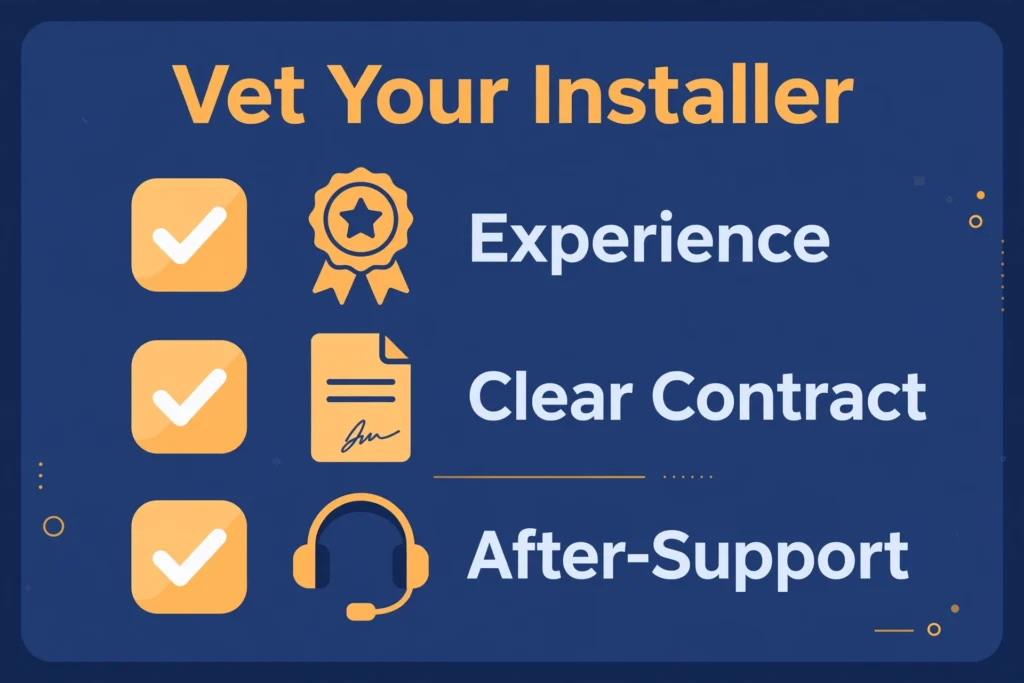
Shortlist companies that can demonstrate work similar to your project. Experience with entertainment systems does not, by itself, establish competence in heating integration or access control.
A professional directory such as CEDIA’s installer finder can be a starting point. Directory membership should still be followed by checks on the proposed team’s experience, qualifications, insurance, references, and service coverage.
Send each candidate the same brief. This makes differences in scope easier to identify and reduces the chance of comparing unrelated packages.
Ask prospective installers:
- Who designs, installs, programs, and supports the system?
- Can you demonstrate the specific functions I am requesting?
- Which tasks require other trades, and who coordinates them?
- What can I change myself after installation?
- Which features require a subscription or cloud connection?
- What happens if I move, change providers, or need a replacement controller?
Request references for comparable completed work, and ask about support after payment. Clear communication about limitations is more useful than an assurance that everything will work with everything.
Check the written exclusions carefully. Decoration, scaffolding, network repairs, subscriptions, and later programming changes should not remain ambiguous until work begins.
Agree on staged payments tied to understandable milestones. Make sure the contract explains acceptance, unfinished items, cancellations, and ownership of purchased equipment.
Set privacy, account ownership, and support rules
Create the main household accounts under an email address you control. If professional access is necessary, ask for a separate, revocable access arrangement where the platform supports it.
Use unique passwords and multifactor authentication where available. Establish who maintains software updates and how you will learn when devices no longer receive security support. NIST’s consumer guidance emphasizes these precautions and encourages considering network separation for connected household devices.
If a separate device network is proposed, require testing that the intended controls and integrations still operate correctly.
For cameras and microphones, ask what is recorded, where it is stored, who can access it, and how recordings are deleted. Discuss device placement with household members and check applicable local privacy requirements before recording shared or neighboring areas.
If cameras or access control are part of the project, work through how to upgrade home security before you choose devices.
Remote support needs boundaries. Ask when technicians can connect, what they can see, whether access is logged, and how you can revoke it.
Put response hours and charges in writing. “Ongoing support” might mean weekday email assistance rather than urgent attendance. Also distinguish the manufacturer’s product warranty from the installer’s workmanship cover and any separate maintenance agreement.
What should happen before you sign off?
Commissioning should show that the agreed outcomes work in normal use, including relevant exceptions.
Walk through the home with the installer and test each control from its intended location. Try routines using the accounts and phones that household members will actually use. Confirm that a manual adjustment does not create confusing behavior when the next scheduled action runs.
For example, ask what happens if someone manually reopens a blind after an evening routine closes it. The answer should match the household’s preference, rather than be discovered through repeated frustration.
Check agreed offline behavior, notification delivery, and recovery procedures. Have the installer demonstrate any safe failure tests; do not disconnect essential equipment or interrupt safety systems yourself.
Before acceptance, obtain:
- An inventory of installed models and their locations.
- A readable description of automations and controls.
- Owner account access and securely stored recovery information.
- Relevant drawings, configuration backups, and restoration instructions where available.
- Warranty records, support contacts, and maintenance responsibilities.
Agree how remaining defects will be recorded and resolved. A short follow-up after normal household use can help address settings that looked sensible during a demonstration but need adjustment.
Frequently asked questions
Can I automate an older home without major rewiring?
Often, some functions can be added using wireless or battery-powered products. Whether that meets your goals depends on coverage, available power, existing equipment, and the controls you want. Have the installer identify necessary building work before agreeing to a “no rewiring” package.
How long does installation take?
The schedule depends on scope, access, equipment availability, and coordination with other trades. Ask for separate dates for survey, design approval, physical work, programming, and handover. A promised fitting date alone does not tell you when the full system will be ready.
Can I expand the system gradually?
Yes, if the initial design allows it. Tell the installer which rooms or functions might come later and ask what capacity or infrastructure should be provided now. Get the likely expansion requirements in writing rather than relying on a general “future-proof” claim.
Can another installer take over the system?
Possibly, but access, documentation, licensing, and platform arrangements can affect the process. Before signing, ask what files and permissions can be transferred, whether another provider can maintain the installation, and what takeover fees or restrictions might apply.
Choose a service you can understand and maintain
Start with a short list of household tasks, then compare written proposals against those outcomes. Prioritize compatible equipment, practical controls, transparent costs, and a clear handover.
Good home automation installation services should leave you knowing how the home works, what happens when something fails, and who can help. That clarity is worth securing before the first device is purchased.
