

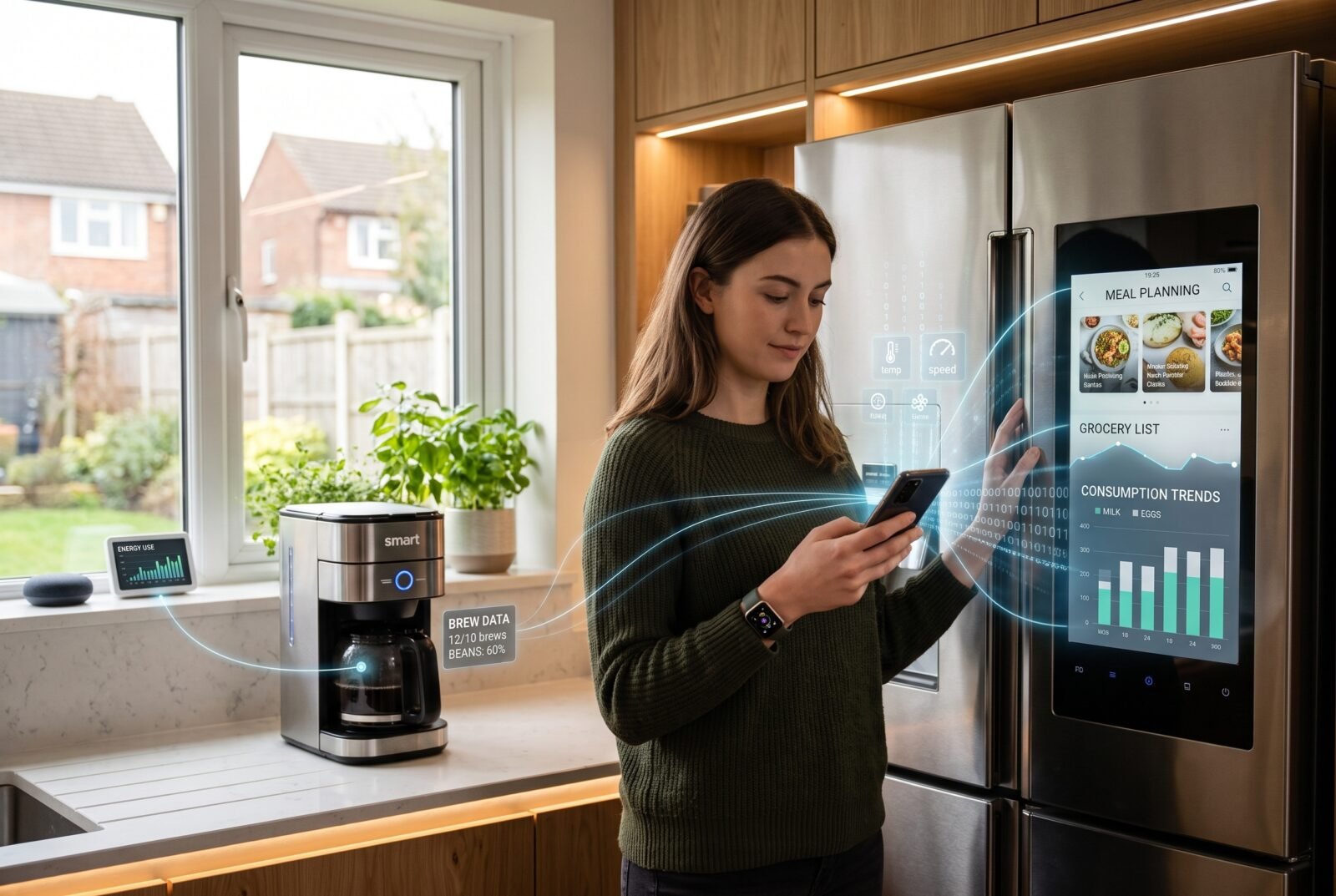
A watch that tracks activity, a light controlled from a phone, and a machine that warns of a developing fault can all be called “smart.” Yet their capabilities are very different. So, what is smart technology, and what does the label actually tell you?
Smart technology describes devices and systems that use software and data to provide functions such as monitoring, remote control, automation, or adaptive responses. Many combine sensors and network connections; some also use artificial intelligence. The useful question is what those capabilities help you do.
This guide covers the everyday meaning of smart technology across personal devices, homes, workplaces, and public services.
What makes technology smart?
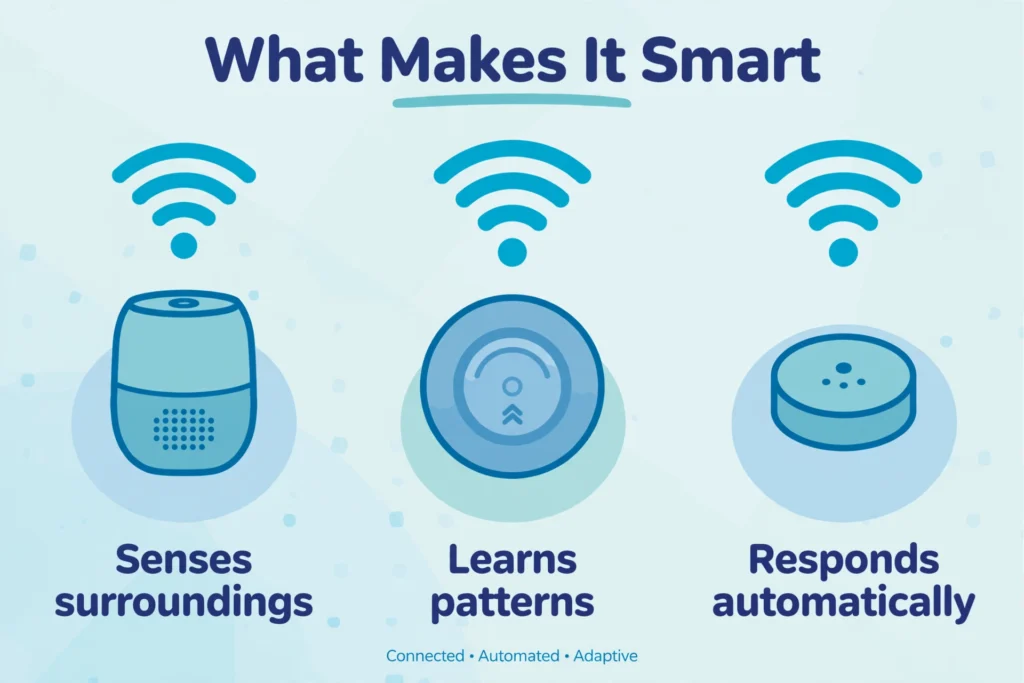
Think of “smart” as an umbrella description, rather than a promise that a product can think or learn. A useful way to understand a particular device is to ask which of these abilities it has:
- Sensing: detecting something, such as movement, temperature, or location.
- Processing: turning incoming information into a reading, recommendation, or decision.
- Connecting: exchanging information with an app, another device, or an online service.
- Acting: sending an alert, changing a setting, or controlling equipment.
These capabilities appear in different combinations. A connected plug might simply follow commands from your phone. A more advanced heating system might combine temperature readings, schedules, and occupancy information to adjust operation.
Neither example requires human-like understanding. Even a useful automatic response can come from a straightforward rule: if a room becomes too warm, reduce the heating.
Also, conventional technology is not necessarily unaware of its surroundings. An ordinary thermostat already responds to temperature. Its smart counterpart might add remote access, usage reports, more flexible controls, or coordination with other equipment.
That distinction matters because the label alone tells you little about the improvement you will actually experience.
How does smart technology work?
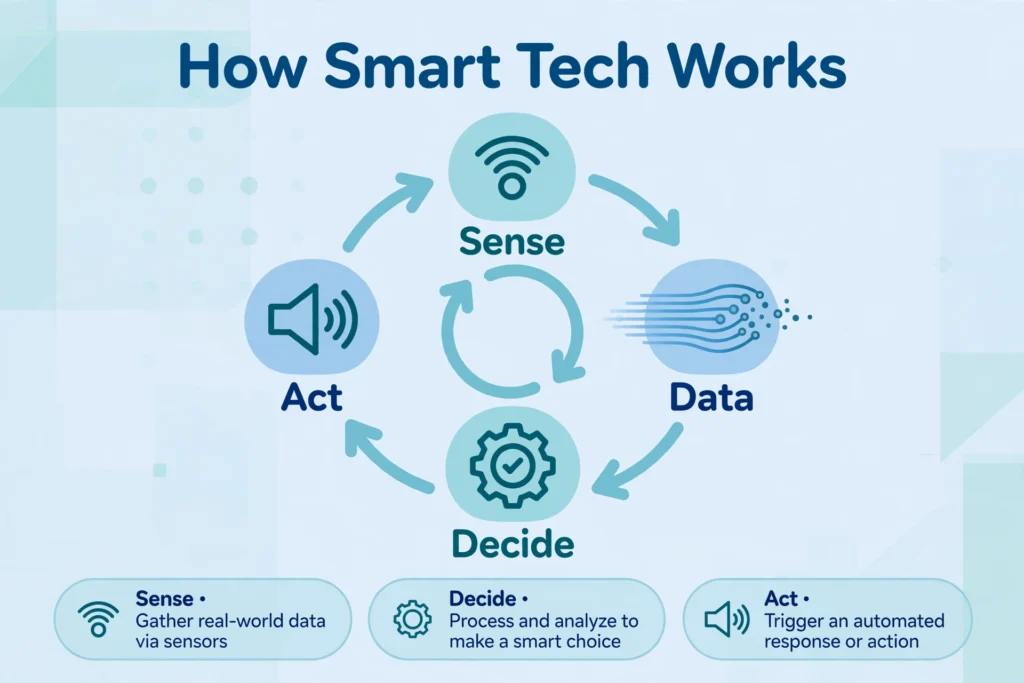
Many smart systems follow a repeating process: collect information, process it, produce an output, and check what happens next.
Imagine a hypothetical irrigation system designed to avoid watering already-wet soil.
First, a sensor measures soil moisture. Software compares that reading with a chosen threshold and, if supported, other information such as a weather forecast. A controller then decides whether watering should run. A valve opens or stays closed, and later readings help determine the next action.
The individual parts have different jobs:
How smart technology works: main components, what they do, and an irrigation example
| Component | What it does | Irrigation example |
|---|---|---|
| Sensor | Measures a condition | Checks soil moisture |
| Processor and software | Interprets information and applies rules | Decides whether watering is needed |
| Network connection | Exchanges readings or commands | Sends status to an app |
| Actuator | Creates a physical change | Opens or closes a valve |
| User interface | Lets someone view and adjust the system | Shows readings and watering settings |
Sensors measure conditions; actuators cause physical changes. These are common building blocks of connected systems, although a device that only reports information does not necessarily need an actuator.
The quality of the result depends on the whole chain. A badly placed sensor can produce misleading information, while a poorly chosen rule can trigger an unwanted action. More technology does not automatically correct a weak setup.
Smart technology, IoT, automation, and AI: what is the difference?
These terms overlap, but they describe different things.
The Internet of Things, or IoT, concerns connected physical objects that collect and exchange data. Examples include networked meters, tracking sensors, and connected appliances. It describes the connection between objects and digital systems, rather than proving that each object is intelligent.
Automation means a task happens without someone carrying out every step. A timer that switches equipment off each evening is a simple example. Automation can work without an internet connection and without learning anything.
Artificial intelligence, or AI, covers systems that perform capabilities such as recognizing patterns, interpreting language, or making predictions. Machine learning is one approach within AI: it develops models from data rather than relying only on explicitly written rules.
Smart technology is the broader everyday label. A product may combine connectivity, automation, and AI, or offer only some of those capabilities.
For example, consider three hypothetical cameras:
- One lets you view live footage remotely.
- Another sends an alert whenever a motion rule is triggered.
- A third uses an AI model to distinguish people from other movement.
All three could be marketed as smart cameras. Only the third example explicitly includes AI-based recognition, and that recognition can still make mistakes.
Understanding these differences helps you avoid paying for “intelligence” when the feature you need is simply a reliable notification.
Examples of smart technology in everyday life
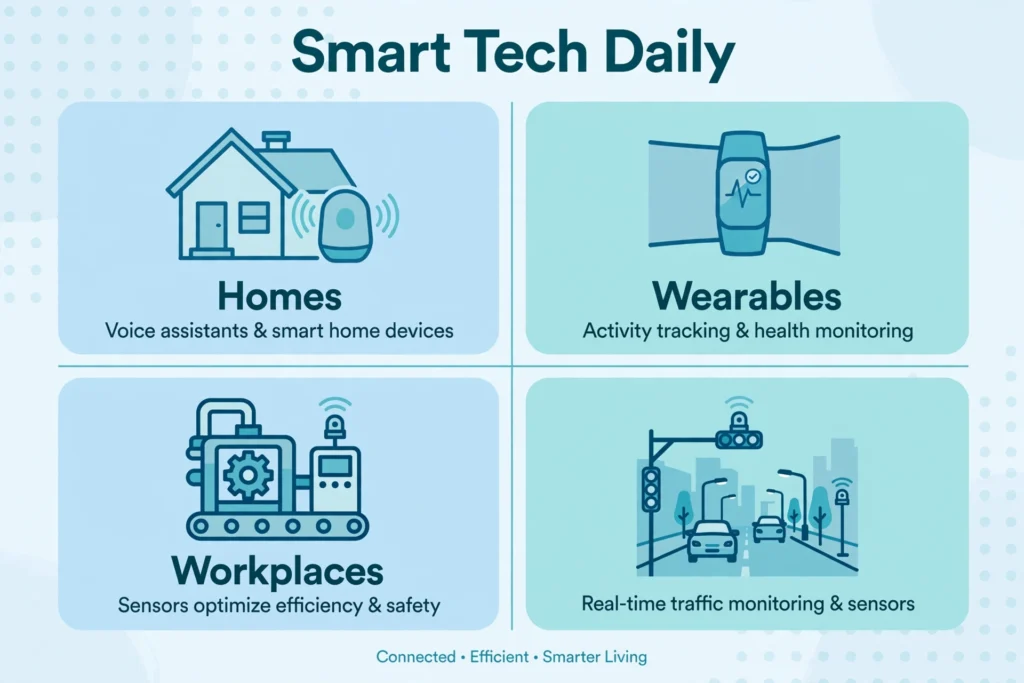
Smart technology extends well beyond voice-controlled homes. Its value depends on the task and the people using it.
Personal devices and wearables
A smartwatch can combine motion sensors, software, and a phone connection to display activity trends and notifications. Smartphones bring together location services, cameras, apps, and network access, making them both smart devices and common controllers for other products.
The important distinction is between collecting information and interpreting it correctly. A wellness feature should not automatically be treated as a medical diagnostic tool. For example, U.S. FDA guidance distinguishes certain general wellness software functions from functions related to diagnosing or treating disease; requirements and authorized uses depend on the feature and market. FDA
Homes and shared buildings
Connected lighting can offer remote controls and schedules. Leak sensors can notify someone when water is detected. Building controls can coordinate heating, cooling, and occupancy information.
Consider a hypothetical leak alert sent while a resident is away. Its value depends on what happens afterward: whether someone notices the notification, can enter the property, and can address the problem. Detection alone does not stop the water.
This is a useful test for any smart feature: does it complete the task, or merely tell you that a task needs attention?
Workplaces and equipment maintenance
Equipment monitoring can help teams spot changes in performance before a complete breakdown. Instead of inspecting everything on a fixed calendar alone, staff can also use measurements to decide what needs attention.
For instance, building maintenance systems can analyze pressure across an air filter to help identify when replacement is needed. This is a concrete application of condition-based maintenance, described in U.S. Department of Energy guidance. Department of Energy
A warning still needs interpretation and follow-through. A dashboard becomes useful when someone has responsibility for responding to it.
Agriculture and public infrastructure
Connected agricultural systems can combine field measurements with software to support irrigation decisions. Public infrastructure can use networked sensors to monitor conditions and guide operations. These are established categories of IoT applications, although individual deployments vary widely.
At this scale, ask who maintains the equipment, checks data quality, and responds when readings are wrong. A system serving an entire community needs more than an impressive demonstration.
What are the benefits of smart technology?
The strongest benefits come from solving a specific problem.
Less repetitive work. A well-designed routine can remove repeated adjustments or checks. The savings are meaningful when the routine stays dependable, and exceptions are easy to handle.
Better visibility. Readings, histories, and alerts can reveal something that was previously difficult to see. You might discover that equipment runs outside working hours or that one room regularly becomes uncomfortable.
More convenient access. Remote control can help when you are away or when reaching a physical control is difficult. Voice control and accessible apps may support some users, provided setup and everyday operation fit their needs.
More responsive operation. Equipment can respond to changing conditions rather than following the same schedule regardless of what is happening.
However, an available feature is not the same as a delivered benefit. A notification that nobody reads adds little. An automatic routine that needs frequent correction may create more work than it removes.
Define the desired result first: fewer missed checks, easier access, improved comfort, or less unnecessary operation. Then judge whether the technology delivers it.
What are the drawbacks and risks?
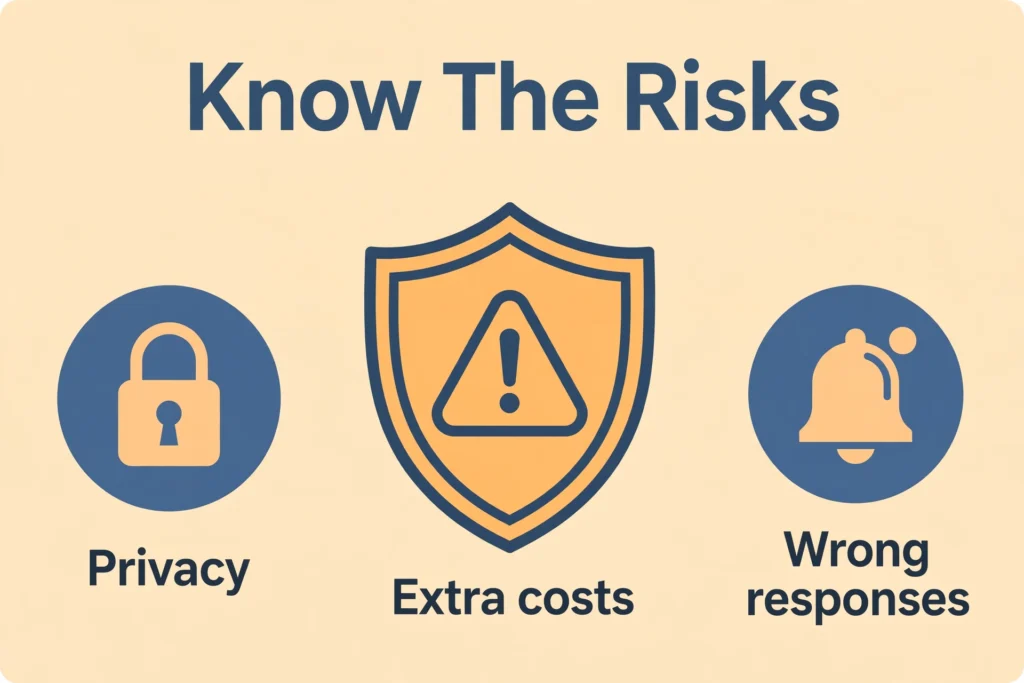
The main trade-offs are additional complexity, dependence on software, ongoing costs, and the collection of data.
Privacy and security
A connected device may generate information about routines, presence, location, or activity. Before enabling a feature, check what it records, where that information goes, and who can access it.
Security and privacy are related but different. Security concerns unauthorized access or interference. Privacy also concerns permitted collection and use: a service can protect stored information while still collecting more than you want.
Assess the full product, including its app and supporting service. NIST’s consumer IoT cybersecurity baseline similarly considers outcomes for the entire IoT product, rather than only the physical device. NIST
Extra costs and maintenance
The purchase price may exclude subscriptions, additional controllers, installation, batteries, or paid storage. Features included initially may also depend on an ongoing service.
There is a time cost, too. Someone must manage accounts, permissions, software changes, and occasional troubleshooting. Consider that burden alongside the advertised convenience.
Incorrect or unwanted responses
Sensors can be obstructed or badly positioned. Rules can conflict. Predictions can be wrong.
Imagine an office lighting routine that interprets a person sitting still as an empty room. The system has followed its inputs, but the result is frustrating. Useful controls need sensible exceptions and an easy override.
For consequential tasks, ask what happens if the device misses an event or acts incorrectly. The acceptable failure rate for a decorative lamp is very different from that for equipment protecting people or property.
Does smart technology need the internet?
Not every smart function needs continuous internet access. The answer depends on where processing happens and how commands travel.
Local processing happens on the device or nearby equipment. A locally stored schedule or supported sensor routine may continue during an internet outage.
Cloud processing uses a provider’s remote servers. Features relying on those servers may become unavailable if the internet connection or service fails.
Many products use both. A device could keep basic physical controls while losing remote access, online history, or certain voice features.
Matter provides a useful smart-home example. It supports local communication between compatible products, while control from outside the home requires an internet-connected route, such as a suitable controller. Local operation and remote access are separate capabilities. Frequently Asked Questions – CSA-IOT
Read the documentation for the exact functions you need. Ask separately about internet loss, router failure, power loss, and service shutdown. “Works offline” may describe only part of the product.
How to decide whether smart technology is worth using
Start with the problem rather than the product category. If you cannot describe the improvement in one sentence, the feature may not justify added complexity.
Use these five checks:
- Identify the useful action. Specify what should become easier, more reliable, or more visible. “Notify me if this space becomes too cold” is clearer than “make the building smart.”
- Check the complete requirements. Confirm compatible phones, controllers, networks, operating systems, and any subscription. Two products using Wi-Fi are not necessarily able to work together.
- Verify the exact integration. Look for support for the action you want, not just a familiar compatibility logo. Matter can support communication across participating platforms, but advanced manufacturer features may still need the manufacturer’s app. Frequently Asked Questions – CSA-IOT
- Compare the ongoing burden. Include fees, maintenance, account management, and the effort needed to teach other users. Compare these with a simpler alternative.
- Plan for failure and replacement. Check manual controls, support information, data export or deletion options, and what remains usable if the service ends.
Start with a small, reversible use case where possible. Review whether it improves the actual task before expanding.
For a shared home or workplace, include everyone affected. A system is not convenient if only one person knows how to operate it.
How can you use smart devices more securely?
Begin with the manufacturer’s setup instructions, then address the account and software settings that are easy to overlook.
Use a unique password for the associated account, change any default device password, and enable multifactor authentication where offered. Keep device software and apps updated, preferably through automatic updates when available.
Check how long the manufacturer promises security support. Also disable remote access if you do not need it. These measures reflect the UK National Cyber Security Centre’s guidance for using smart devices safely. National Cyber Security Centre
Review shared access when household members, employees, or service providers change. Avoid placing sensitive devices under an account that only a departing user controls.
Before selling or giving away a device, follow its factory-reset instructions and check how to unlink it from the associated service. Resetting hardware and deleting an online account are different actions.
Frequently asked questions
Can an older device be made smart?
Sometimes. An add-on sensor or compatible controller can provide monitoring or control without replacing the entire device. Check whether the accessory supports the exact equipment and intended function; adding remote power control, for example, does not add all the capabilities of a purpose-built connected appliance.
Does smart technology always save energy?
No. Savings depend on what changes in actual use. Reducing unnecessary operation may help, but extra devices also consume energy. Compare consumption under similar conditions and include subscriptions and equipment costs before assuming a financial benefit.
Is a smart device better than an ordinary one?
Only if the added functions serve your needs. For a rarely adjusted item, physical controls may be sufficient. Smart features become more useful when remote access, monitoring, or coordinated operation solves a recurring problem without creating disproportionate upkeep.
Choose the function that earns its place
Smart technology is most useful when you can explain its value plainly: it notices something useful, makes a task easier, or responds appropriately to changing conditions.
Choose one clear need, check the device’s dependencies, and keep an understandable fallback. The best result is technology that makes everyday life easier without demanding more attention than the problem it solves.
