

Video Doorbell Battery Dying Fast? 9 Fixes That Work
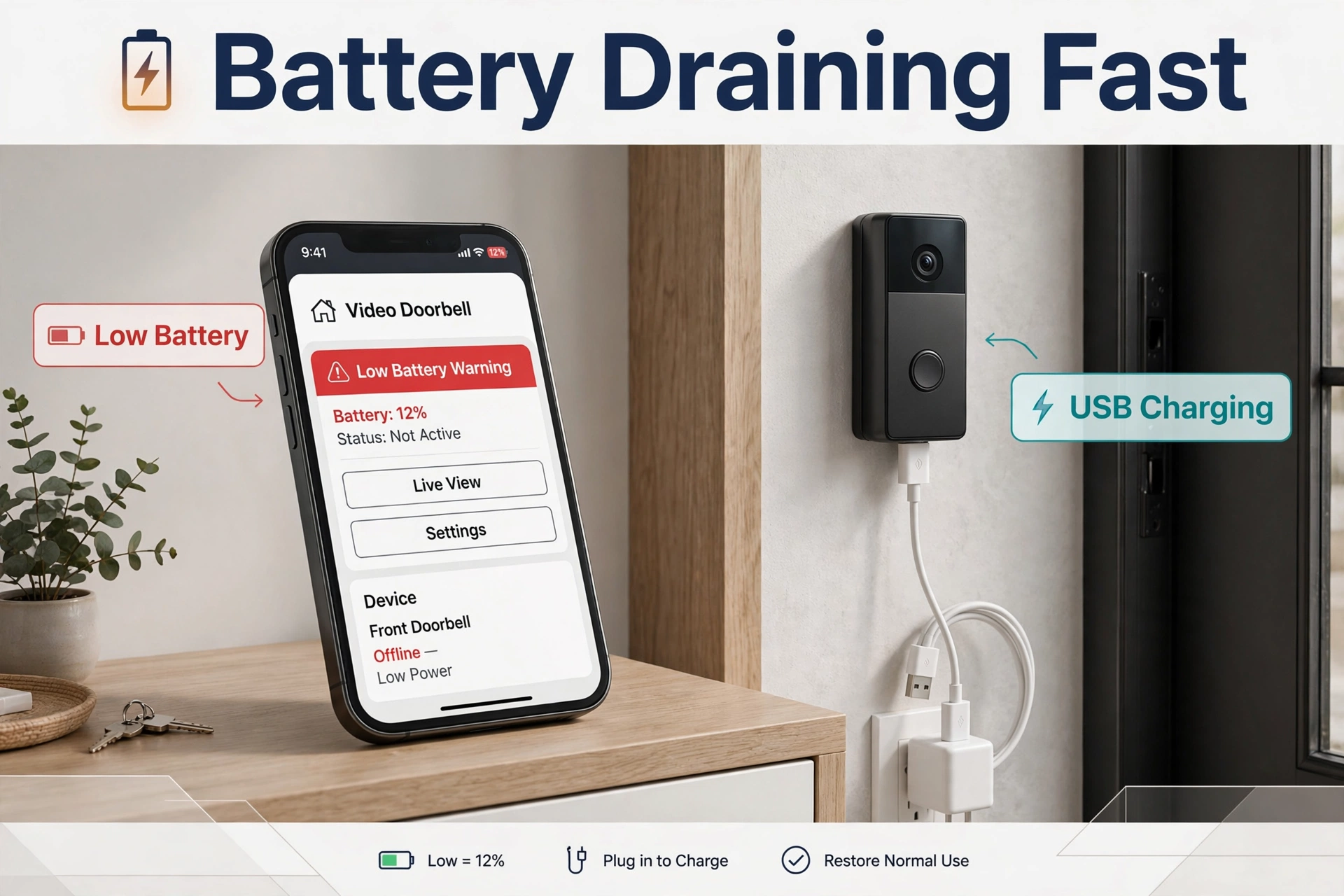
You charged it last month. Or was it last week? Either way, the app says 22% again, and you are tired of climbing up with a USB cable. A video doorbell battery dying fast is one of the most common smart home complaints — and the good news is that the battery is rarely the real problem. In most homes, a setting, a weak signal, or a busy street is quietly draining it.
This guide works through the nine fixes that actually solve it, in the order you should try them. They apply to Ring, Eufy, Reolink, and Blink battery doorbells alike, because all of them drain for the same handful of reasons. Work down the list and most people find their fix in the first three.
How Long Should a Video Doorbell Battery Actually Last?
First, a reality check, because the numbers on the box mislead almost everyone.
Brands rate battery life using a quiet test door: only a few motion events a day. Ring, for example, has historically based its ratings on roughly a thousand total activations — motion events, doorbell presses, and live view sessions combined. At three or four events a day, that maths stretches to six months or more. At thirty events a day, the same battery is done in about a month. Neither number is a lie; they just describe different doors.
So before you decide your battery is faulty, count your events. Open the app’s event history and look at yesterday. If the doorbell woke up 40 times for passing cars, dog walkers, and a flag waving in the wind, your battery is not broken — it is busy. Every fix below either cuts the number of wake-ups or makes each wake-up cheaper.
Typical real-world results, once a doorbell is set up well:
- Quiet door, few events: several months between charges
- Average family door: roughly one to three months
- Busy street door, untuned settings: as little as two to four weeks
If you are in that last group, do not despair. That is the group these fixes help most.
The 9 Fixes for a Video Doorbell Battery Dying Fast
Fix 1: Strengthen the Wi-Fi Signal at the Door
This is the most underrated cause of fast drain, and the one nobody suspects. When the Wi-Fi signal at your front door is weak, the doorbell works much harder. It shouts instead of talking. It reconnects again and again. Every reconnection and every struggling upload burns power a strong signal would not.
Check the signal in your doorbell app — most show it as an RSSI number or a signal quality reading in device health. As a rough guide, anything around -55 dBm or better is healthy; weaker than about -65 dBm and the doorbell is straining. The front door is often the worst spot in the house: far from the router, behind brick, metal doors, and security screens.
To fix it, move the router closer to the front of the house, add a Wi-Fi extender or mesh node near the entry, and make sure the doorbell is on the band it prefers. Small change, big battery gains — this fix alone doubles some people’s time between charges.
Fix 2: Lower the Motion Sensitivity
Motion sensitivity controls how much movement it takes to wake the camera. On the highest setting, many doorbells react to shadows sliding across the porch, trees moving, and headlights sweeping the wall at night. Each reaction is a wake-up, a recording, an upload, and a chunk of battery.
Drop the sensitivity one step at a time. After each change, live with it for a day and check two things: are you still catching every real visitor, and has the event count fallen? Most homes end up comfortable in the middle of the range. You lose nothing that matters and cut the pointless events.
Fix 3: Draw Tighter Motion Zones
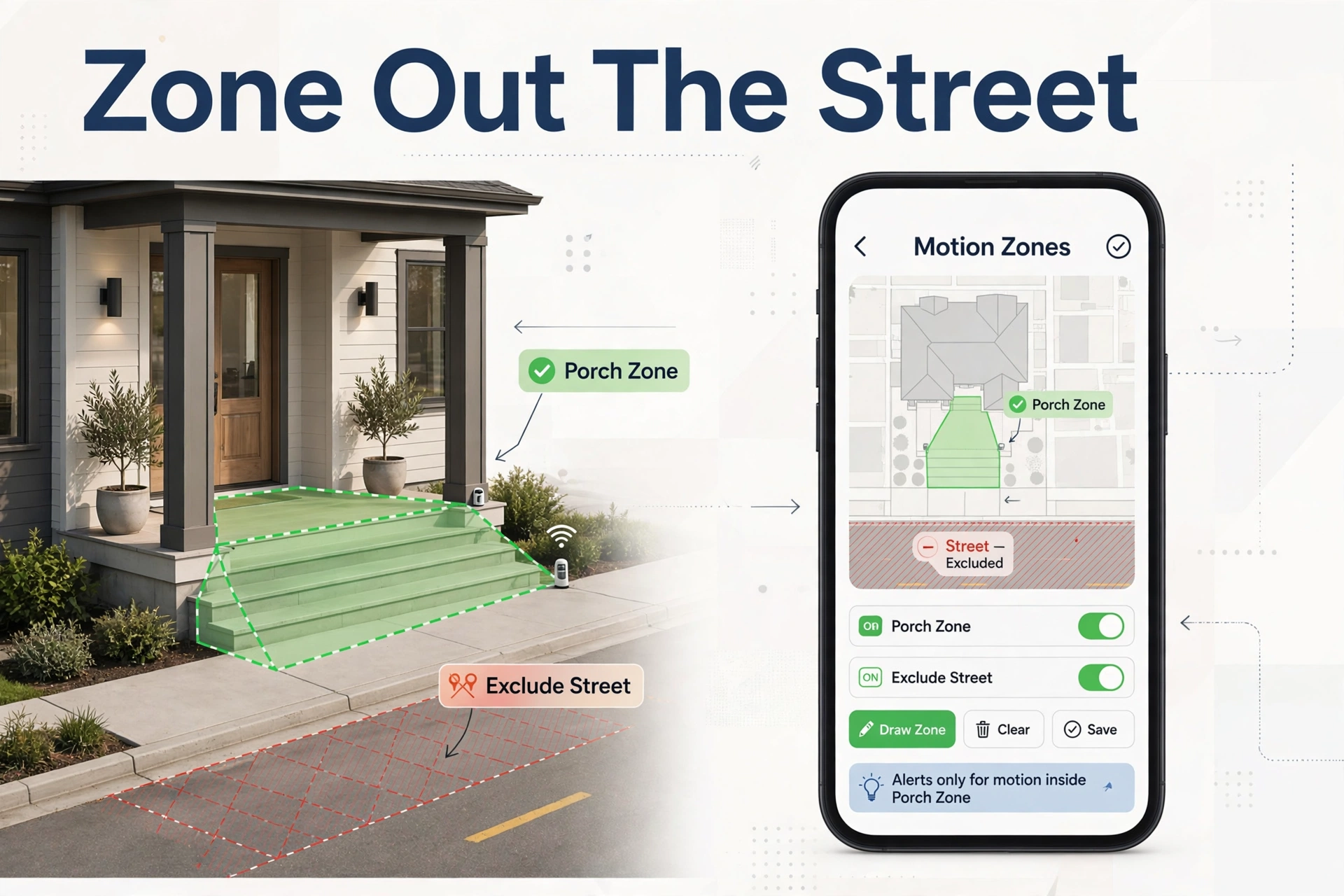
Motion zones tell the doorbell which parts of the picture to care about. If your camera can see the street, the pavement, and your neighbour’s driveway, all of it is waking your battery up all day.
Redraw the zones so they cover only your porch, steps, and the path a visitor actually walks. Cut out the road completely, even if it is only a sliver at the edge of the frame. On busy streets this is often the single biggest fix of the nine. Where your doorbell supports person-only detection, turn that on too, so cars and animals stop triggering recordings.
Fix 4: Reduce How Often Motion Can Trigger
Many doorbells have a motion frequency or retrigger setting. It decides how soon after one event the camera will wake for the next. On the most eager setting, a delivery driver who stands at your door for a minute can trigger recording after recording — sometimes dozens of clips of the same person.
Set a sensible pause between events, often called something like “periodically” checking instead of “frequently.” You still get the first alert instantly, which is the one that matters. What you lose is the pile of duplicate clips, and what you gain is days of battery.
Fix 5: Shorten the Recording Length
Recording length is easy maths: a 60-second clip costs roughly twice the power of a 30-second one, because the camera, Wi-Fi radio, and upload all run twice as long. If your clips are set to the maximum, trim them. Twenty to thirty seconds captures a full doorstep visit in almost every case — the person arrives, rings, waits, and leaves.
While you are in the video settings, look for pre-roll or advanced motion features that keep the camera half-awake. They are genuinely useful on wired doorbells, but on battery models they sip power around the clock. Try a week with them off and compare.
Fix 6: Use Live View Sparingly
Every live view session is a full-power event: camera on, microphone on, Wi-Fi streaming at full tilt. Checking the door “just to see” ten times a day can quietly cost more battery than all your real visitors combined. Some doorbells also take periodic snapshot photos between events, which adds up the same way.
You do not have to give live view up — it is half the fun of owning the thing. Just be honest about how often you open it, and turn off automatic snapshots if your model offers them. If someone at home is checking the feed constantly, consider whether a wired model or a plug-in transformer (Fix 9’s cousin, below) suits your door better.
Fix 7: Update the Firmware and Reboot the Doorbell
Sometimes the drain is a bug, not a setting. Doorbell makers regularly ship battery improvements in software updates — better sleep behaviour, fewer false wakes, smarter radios. If your doorbell is several updates behind, it may be running the thirsty old version of itself.
Update the firmware in the app, then reboot the doorbell once. A reboot also clears the strange state devices fall into after a router outage, where they keep hunting for a network that changed its name or password. If the battery fell off a cliff suddenly after months of good behaviour, this fix and Fix 1 solve it between them most of the time.
Fix 8: Check the Transformer Voltage on Wired-Battery Hybrids
This one applies if your battery doorbell is also connected to doorbell wires — a common setup where the wiring trickle-charges the battery. When the transformer is too weak, the doorbell slowly spends more battery than the wires replace, and the charge slides downhill week after week even though it is “wired.”
Most battery doorbells want a transformer in the 16 to 24 VAC range (Ring specifies 8 to 24 VAC for many models). Old transformers are often only 10 or 12 volts, which is not enough. The app usually shows whether the doorbell is getting power — look for a power status or a battery that drops despite being connected. An electrician can swap a weak transformer in under an hour, or you can sidestep the issue with a plug-in transformer, which our guide on how to install a video doorbell without existing wiring explains step by step.
Fix 9: Accept When the Battery Itself Is Worn Out
Rechargeable batteries wear out. After a few hundred charges, or a few years of service, a pack simply holds less than it used to. Cold weather makes a tired battery look even worse, because batteries genuinely deliver less power when cold — a doorbell that was fine in September can seem to fall apart in January.
Signs the battery itself is the problem:
- It charges to 100% but drops far faster than it did when new, on the same settings
- The last 20% vanishes in a day
- The pack feels swollen, runs hot while charging, or will not hold a full charge overnight
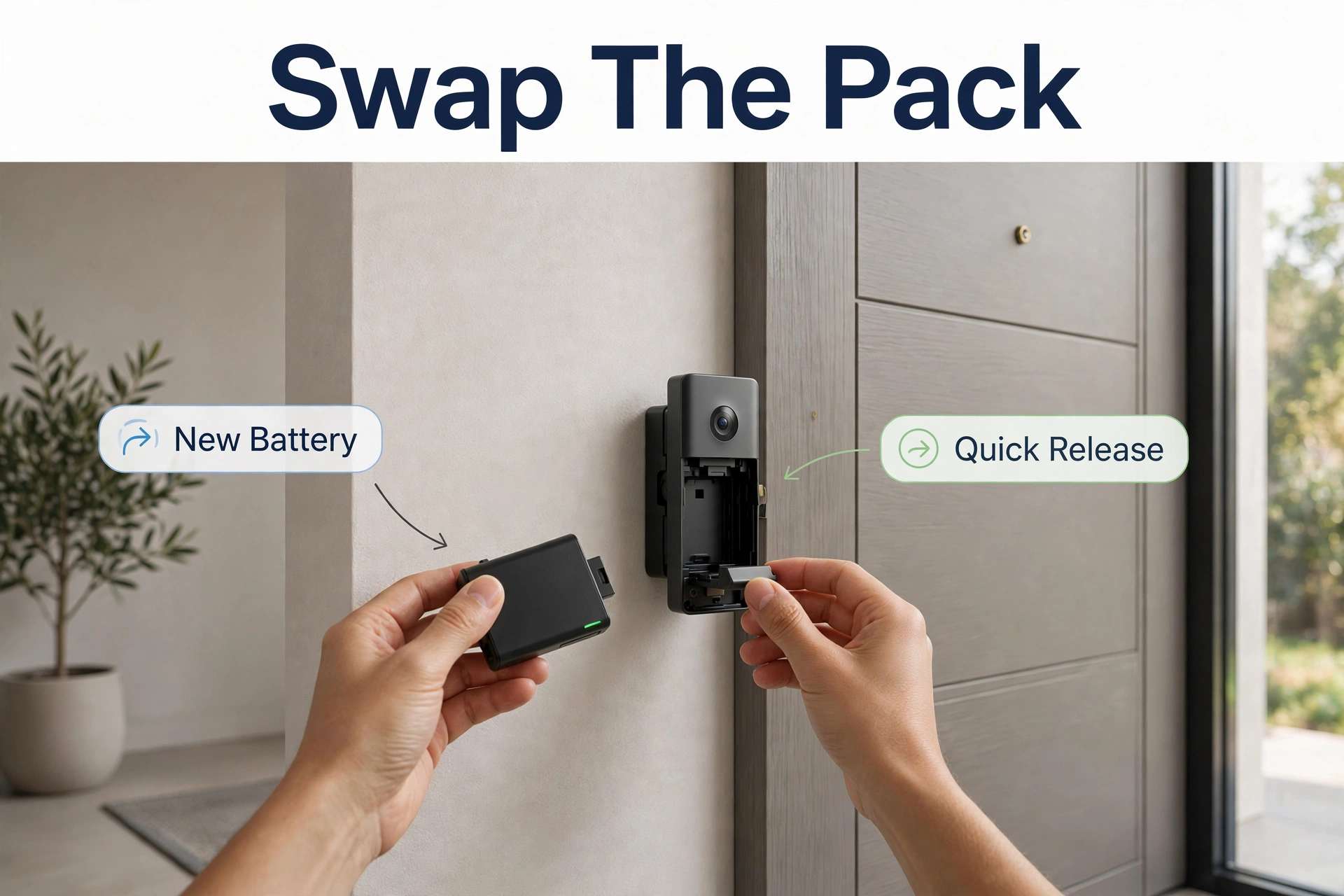
If your doorbell has a removable pack, a fresh battery is a cheap reset — and owning a spare means you can swap in seconds instead of taking the doorbell down for hours. If the battery is built in and clearly worn, that is a genuine reason to replace the doorbell. When you reach that point, models with local storage save you money every month after; our roundup of video doorbells with no subscription is the place to compare them.
A Quick Word on Cold Weather
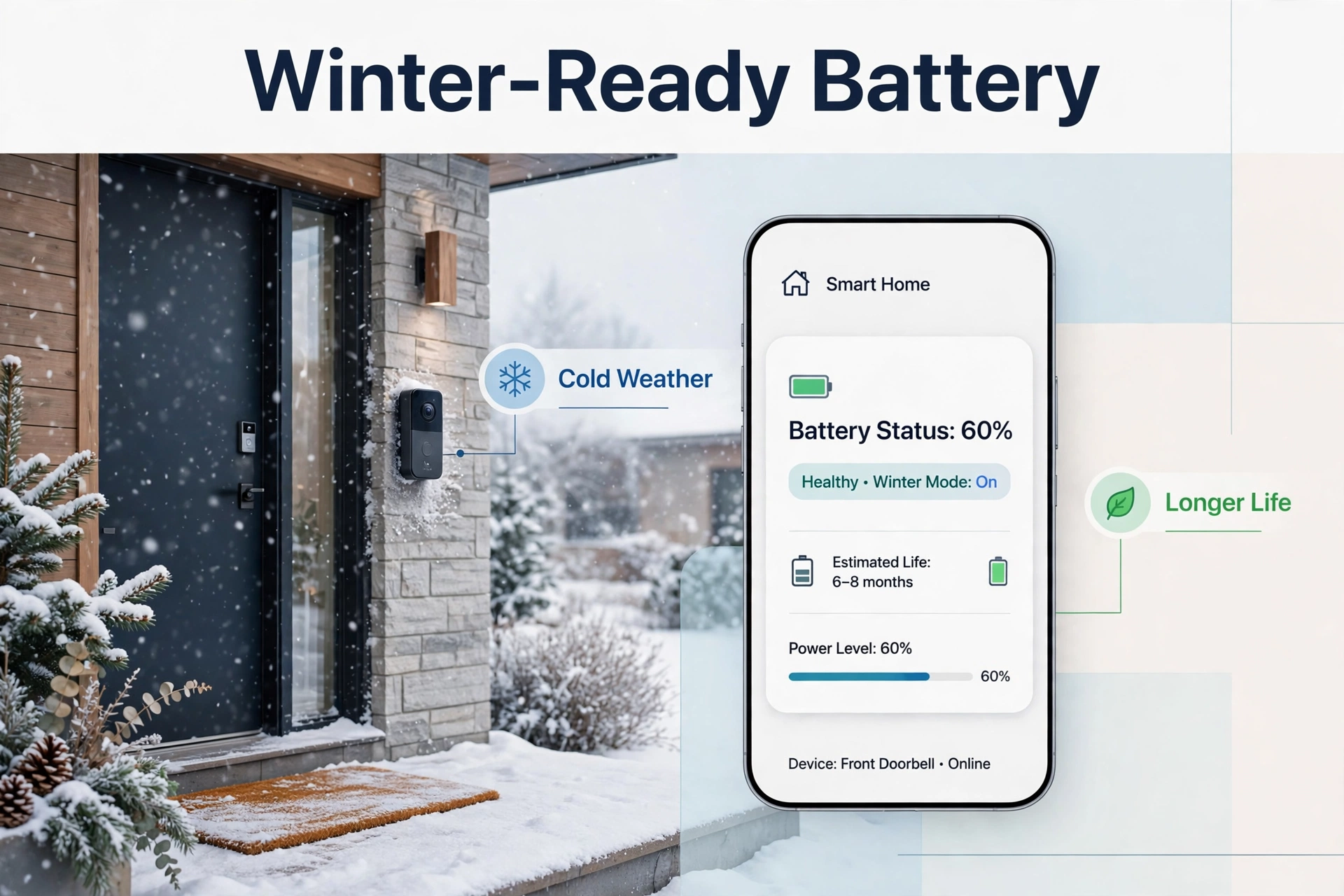
Cold deserves its own mention because it confuses so many owners. Lithium batteries slow down in the cold. Below freezing, your doorbell may report a lower charge than it really holds, charge slowly, or refuse to charge at all until it warms up. This is chemistry, not damage.
If winter is when your battery “dies fast,” bring the pack indoors to charge fully, keep events trimmed with the fixes above, and expect shorter runs until spring. A doorbell that recovers in warm weather was never broken.
Frequently Asked Questions
Why is my video doorbell battery dying so fast all of a sudden?
A sudden change usually means something changed around the doorbell: a new router or Wi-Fi password causing reconnection loops, a firmware bug, a new motion trigger like a construction site or a growing tree in view, or the arrival of cold weather. Check the event count and Wi-Fi signal first — Fixes 1 and 7 catch most sudden cases.
Does live view really drain the battery that much?
Yes. Streaming live video is the hardest work a battery doorbell does. A handful of long live-view sessions a day can rival dozens of motion events. Occasional checks are fine; constant checking is a wired doorbell’s job.
My doorbell is wired, so why is the battery still draining?
Because “wired” battery doorbells only trickle-charge. If the transformer is weak, or motion activity is very high, the doorbell spends battery faster than the wires replace it. Check the voltage against Fix 8, and confirm the app shows a healthy power status.
Should I bring the battery inside during very cold weather?
Charging indoors in winter is smart: the pack charges faster and fuller at room temperature. The doorbell can stay mounted if it has power from wires; if it is battery-only, brief indoor charging trips are simply part of winter ownership in cold climates.
When is it time to replace the whole doorbell instead of fixing settings?
When a healthy battery, strong Wi-Fi, and tuned settings still give you poor life, or the built-in battery is worn and not replaceable. At that point, compare modern options — our Ring vs Eufy vs Reolink doorbell comparison shows how the three biggest brands differ on battery design and storage costs.
The Bottom Line
A video doorbell battery dying fast is almost never a reason to throw the doorbell away. Strengthen the Wi-Fi, calm the motion settings, tighten the zones, and keep the firmware current. Those four habits fix the large majority of cases. Deal with the transformer if you are wired, respect the cold, and only blame the battery itself when a fresh pack behaves the same way.
Do the fixes in order, give each change a day, and watch the event count fall. Your reward is a doorbell you charge a few times a year — which is what you bought in the first place.
