


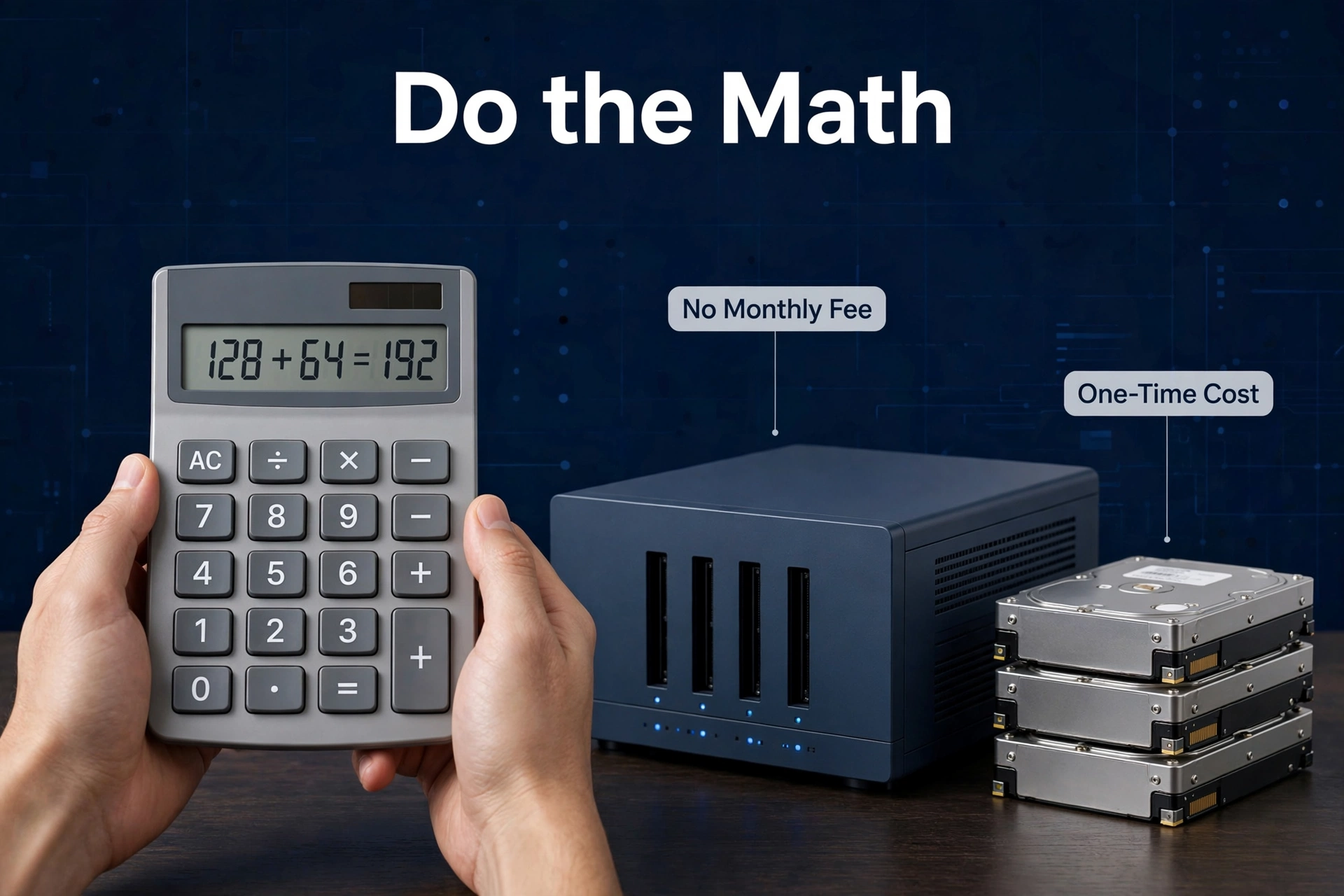
Storing several terabytes? However, a NAS is cheaper than cloud storage within about two to three years — and after that the gap just keeps widening. Roughly $1,100–$1,200 all-in for a home NAS over five years, versus around $3,000 for 10TB on Google One over the same stretch. But — and this matters — under a terabyte or two, the cloud wins on price and simplicity. In addition, there’s no slogan here, just a break-even calculation. So let’s do the math properly.
Money isn’t the whole story, and we’ll get to the rest: control, privacy, speed, convenience. They all pull in different directions. But cost is where most people start, and it’s where the two options diverge most dramatically. A NAS is a purchase. Cloud storage is a subscription. Everything else follows from that one difference — including the psychological part. Subscriptions are designed to be forgotten. You sign up once, the charge blends into the background, and three years later you’ve paid for the same terabytes twice over without ever making a conscious decision. A NAS forces the decision upfront, which is exactly why it usually wins.
The Real Cost of Cloud Storage
Cloud storage feels cheap. Ten, twenty bucks a month — barely registers. But that’s rent, not a mortgage. It never ends. And the price only moves one direction as your data grows.
The tier structure is what gets you. The first couple of terabytes? Furthermore, genuinely affordable. Then you hit the higher tiers and the monthly fee multiplies. A family with a few terabytes of photos and video lands on a plan costing tens of dollars a month without even noticing — until you multiply by 60. Five years of 10TB on Google One: around $3,000 at current tier pricing ($49.99/month). Cloud plans change, so treat that as a snapshot — but the pattern holds at any price. It always does.
Then there’s the ratchet effect. Moreover, once your photos, documents, and backups live in somebody’s cloud, leaving means downloading terabytes and rebuilding your digital life from scratch. Providers know this perfectly well. Price hikes on captive customers aren’t an accident — they’re the business model.
None of which makes cloud storage bad. Modest needs? It’s the rational choice: zero upfront, zero maintenance, access from anywhere. The mistake is assuming it stays cheap at every scale. It really doesn’t. I’ve seen people paying for 2TB plans for years — “just in case” space they never fill — because downgrading feels like losing something. That’s the subscription trap working exactly as designed.
The Real Cost of a NAS
A NAS costs money in three places. Beginners count one.
- The enclosure. The box — processor, RAM, bays, network port. The advertised price. Typically a few hundred dollars for a good 2- or 4-bay home unit.
- The drives. Sold separately, and they can cost as much as the enclosure itself. Two to four NAS-rated hard drives — capacity is what moves the total up or down.
- Running costs. Electricity (a small NAS sips power, tens of watts) plus eventual drive replacements. Plan on replacing at least one drive over five years. They’re mechanical. They wear out.
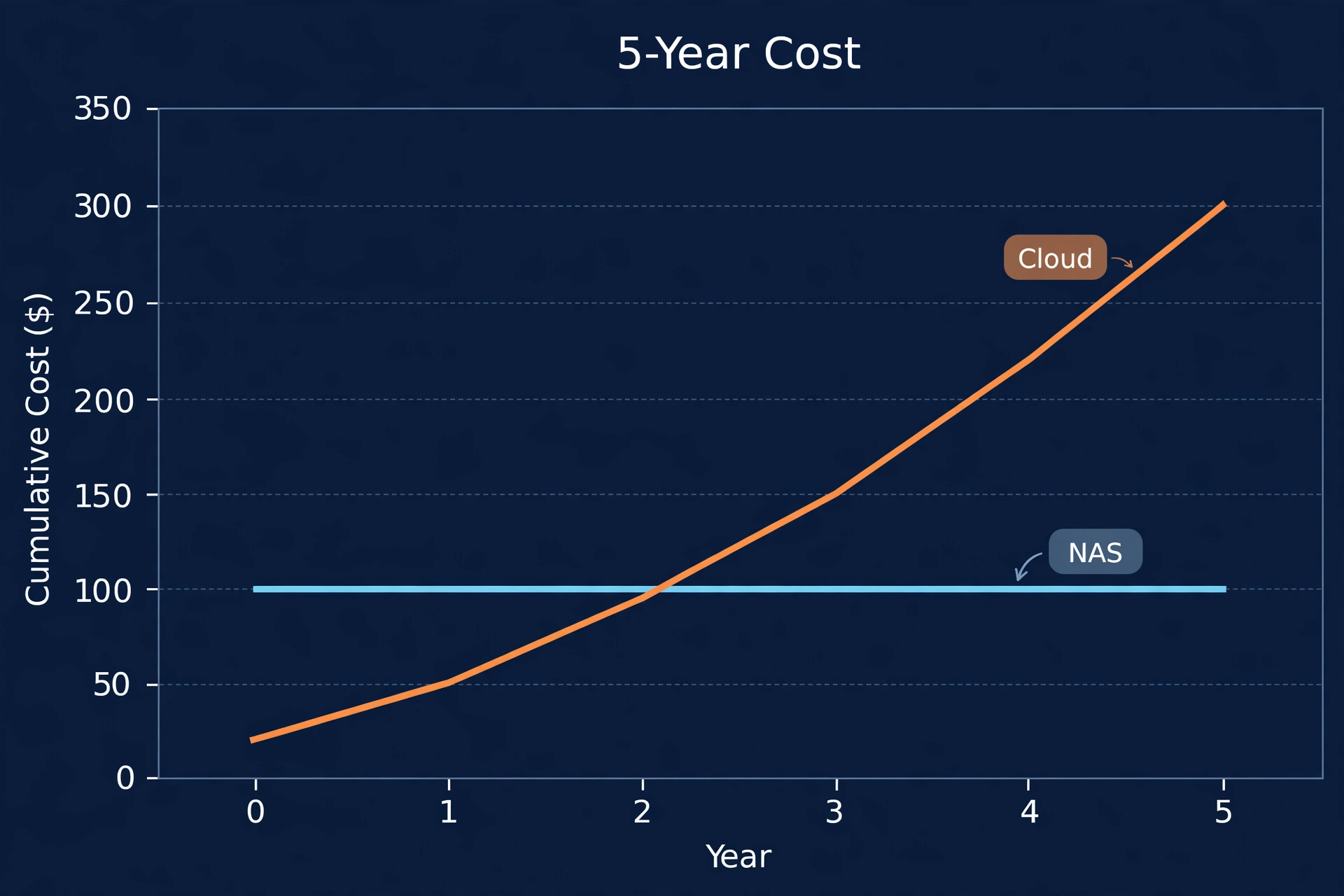
Total it up for a typical 4-bay home setup: roughly $1,100–$1,200 over five years, all-in — enclosure, drives, power, one replacement drive. And here’s the kicker: after that, ongoing cost drops to almost nothing. A few dollars a month in electricity. The cloud bill? Still coming at full price in year six. Year seven. Year eight.
New to the whole concept? Start with our plain-English explainer on what a NAS is before drowning in numbers.
Five-Year Cost Comparison
Side by side: a 4-bay home NAS against 10TB of Google One. Approximate figures — always check current pricing before you shop.
5-year cost — home NAS vs 10TB cloud storage (approximate)
| Feature | 4-Bay Home NAS | Google One 10TB |
|---|---|---|
| Upfront hardware | ~$400 (enclosure) | $0 |
| Drives (initial) | ~$480 (4× 4TB NAS drives) | $0 |
| Electricity (5 years) | ~$130 | $0 |
| Replacement drive | ~$120 | $0 |
| Subscription (5 years) | $0 | ~$2,997 |
| 5-year total | ~$1,130–$1,185 | ~$2,997 |
| Year 6+ annual cost | ~$25 (power) | ~$600 (full price continues) |
The NAS wins by roughly $1,800 over five years at this data size — and the lead compounds every year after. But look at the shape of that table, not just the totals: the NAS wants ~$900 upfront, the cloud wants $0. Cash flow is real, and it’s a completely legitimate reason to pick the cloud even when the long-term math favors owning. Don’t let anyone tell you otherwise.
Where’s the Break-Even Point?
Depends how much you store. Roughly:
- Under ~1TB: Cloud, clearly. Cheap tiers cover you; a NAS is overkill.
- 1–2TB: The gray zone. Cloud still reasonable; a NAS starts looking sensible if your data’s growing fast.
- 2–5TB: NAS usually wins within two to three years. Most photo-heavy families live right here.
- 5TB+: NAS wins decisively. Cloud pricing at this scale is brutal.
Want your own number? Take your cloud plan’s monthly price, multiply by 36, and compare against an enclosure plus drives sized for your data. NAS total lower? You’ll break even before year three — and everything after is pure savings.
One more thing: redo this math every year or two. Cloud providers raise prices, drive prices fall, your data keeps growing — all three trends favor the NAS over time. Today’s break-even looks even better in eighteen months. Set a calendar reminder. Future you says thanks.
What Money Doesn’t Capture
The spreadsheet settles cost. But four other things deserve a vote:
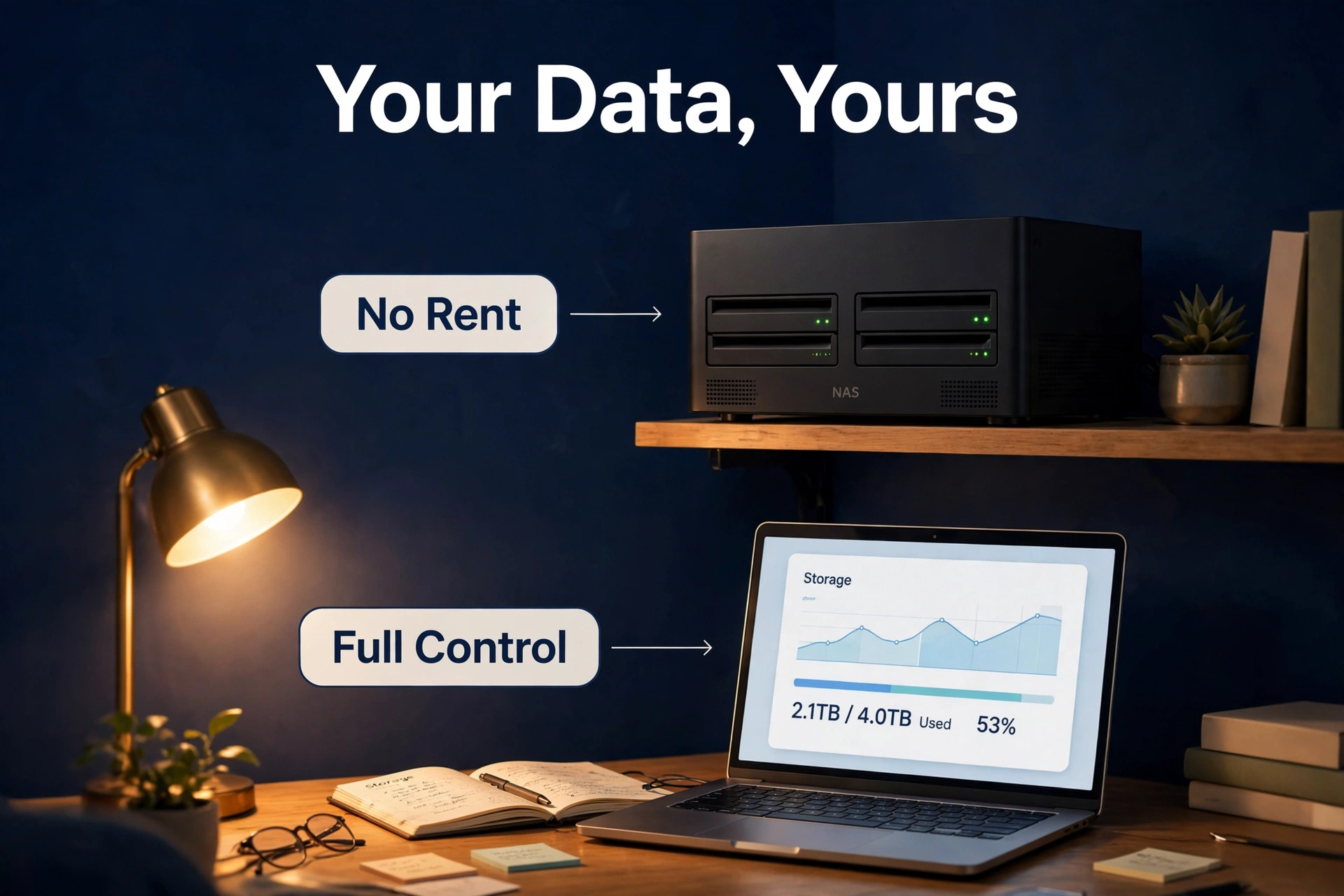
Control. Also, on a NAS, your files are yours. First, no terms-of-service rewrites, no surprise price hikes, no account lockout freezing you out of your own photos. For example, on the cloud you’re a tenant in someone else’s building. In addition, fine most of the time — until the one time it isn’t.
Privacy. Second, a NAS keeps your data inside your house. Finally, cloud providers scan, index, and analyze stored content to varying degrees — their own privacy policies say so. Furthermore, if that bothers you, local storage is the only complete answer. Full stop.
Speed. Meanwhile, on your home network, a NAS moves files at network speed — way faster than shoving everything up to the cloud and back down, especially with a slow upload connection. And most home connections are brutally asymmetric. Nevertheless, editing video off a NAS feels local. In fact, off the cloud? Feels like 2012.
Convenience. As a result, this round goes to the cloud, honestly. In contrast, no hardware to babysit, no firmware to update, access from anywhere with zero setup. Moreover, a NAS asks a little IT administration of you. Also, if “set up a storage pool” sounds like homework, weigh this one heavily.
Longevity. A NAS enclosure routinely lasts the better part of a decade — no moving parts in the box itself. So your five-year math keeps paying off in years six through ten, while the cloud bill never drops a cent. Buy once, benefit for a decade. That’s the quiet superpower of owning your hardware.
The Smart Compromise: Hybrid
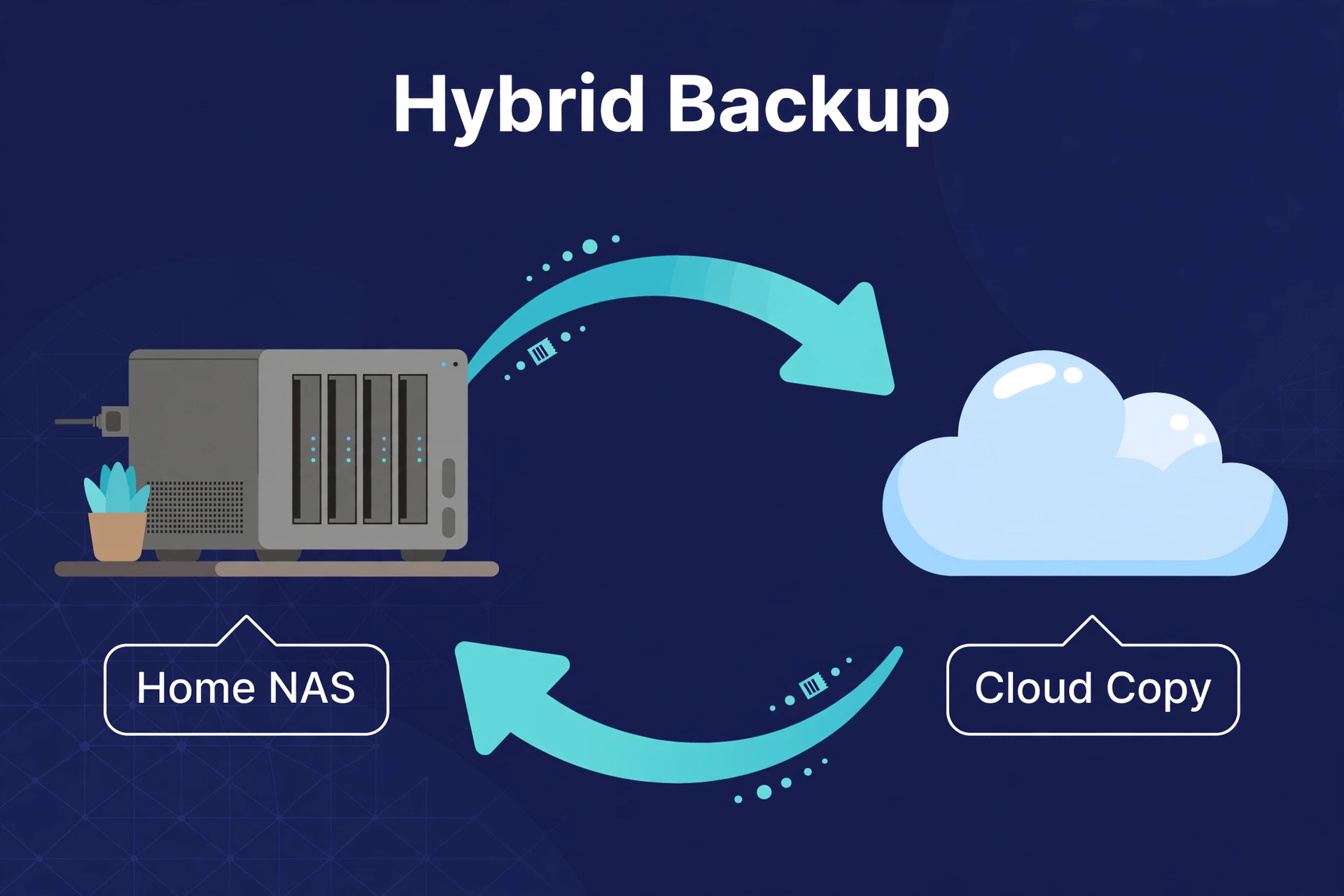
Want to know what experienced NAS owners actually do? They don’t choose. Bulk data lives on the NAS — photos, media, archives — and a small cloud plan covers offsite backup for the irreplaceable stuff.
Best of both worlds, and it follows the golden rule: 3-2-1. Similarly, three copies, two media types, one offsite. Specifically, NAS holds the main copy and the local backup; a modest cloud plan holds the offsite copy of just the irreplaceable files. NAS economics for the terabytes, cloud safety for the gigabytes that actually matter.
Our guide on how to back up your NAS walks through the setup — including which folders deserve cloud backup and which don’t.
Who Should Choose Which?
Cloud storage if: you’re under ~2TB, you want zero-maintenance convenience, your internet is fast and reliable, or the NAS upfront cost doesn’t fit the budget right now.
A NAS if: you’re at multiple terabytes and climbing, you’re sick of subscription fees creeping up, you want full control of your data, or you need fast local access — video editing, media streaming, that kind of thing.
Hybrid if: you want NAS economics with cloud-grade safety. However, which, frankly, is where most serious home setups end up eventually.
NAS column win you over? Next step: pick the right box. Our best NAS for home guide has the 2026 picks by scenario.
The Hidden Costs People Forget to Count
The spreadsheet nails the big line items. But a few smaller costs ambush first-time buyers. None flip the verdict — still, know they exist before you commit.
Replacement drives. For example, we budgeted one over five years — realistic for a 4-bay box, but it’s an average, not a promise. Second, some owners replace zero drives in five years. Some replace two. Keeping one spare on the shelf (a “cold spare”) turns a failure into an afternoon’s work instead of a week of degraded-array anxiety waiting on shipping.
A UPS. In addition, uninterruptible power supply — a battery box the NAS plugs into. Furthermore, not strictly required. But sudden power loss is one of the few things that can corrupt a NAS mid-write, and a small UPS costs way less than data recovery. Finally, most experienced owners call it essential, especially where the power’s flaky.
Your time. Moreover, the NAS wants occasional attention: updates, drive-health checks, the odd weird error. Also, an hour or two a month once you’re rolling. Meanwhile, not much — but not zero, either, and it’s a cost cloud subscribers never pay. Nevertheless, be honest with yourself: will you enjoy it or resent it?
The offsite backup plan. First, going hybrid (and you should)? Second, that small cloud backup plan is a real monthly cost — just dramatically smaller than storing everything in the cloud. In fact, a few bucks a month for the irreplaceable core. As a result, cheapest insurance in this entire comparison.
Add it all and the realistic NAS total creeps up a few hundred dollars over five years. Cloud still costs roughly double at 10TB scale. Verdict holds — just with honest margins instead of brochure math.
Frequently Asked Questions
Is NAS cheaper than Google Drive in the long run?
Yes — once you’re past a couple of terabytes. A home NAS breaks even against cloud storage in roughly two to three years at multi-terabyte scale, and every year after is nearly free next to a continuing subscription. Under ~1TB, though, cloud stays cheaper. The key variable most people miss is growth: if your photo library doubles every two years (and phone cameras keep making that likely), today’s 2TB gray zone becomes tomorrow’s clear NAS win. Buy for the trajectory, not the snapshot.
How much does it cost to run a NAS per month?
After the upfront purchase? Very little — mostly electricity, a few dollars a month for a small 2- or 4-bay unit. The real ongoing cost is aging drives: figure one replacement every few years, averaged out.
Can I access my NAS files when I’m not home?
Yes. Every major brand ships a secure remote-access app — no router fiddling required. Not quite as snappy as cloud on a slow connection, but for grabbing a file or showing someone a photo, it works well.
What happens to my cloud files if I stop paying?
Usually a grace period — often around 30 days depending on the provider — to download everything or resubscribe. After that, files may be deleted. That lock-in is one of the strongest arguments for keeping your primary copy on hardware you own.
Is a NAS safe from hackers?
A home-network NAS with strong passwords and regular updates is reasonably safe — especially using the manufacturer’s remote-access service instead of opening router ports yourself. Nothing connected is perfectly safe, though, which is exactly why the hybrid offsite backup matters.
Do I still need cloud storage if I have a NAS?
For 3-2-1 backup purposes, yes — a small cloud plan covering irreplaceable files is the standard recommendation. Just a much smaller, cheaper plan than you’d need if the cloud held everything.
Will a NAS increase my electricity bill noticeably?
Barely. A typical 2- or 4-bay home NAS draws tens of watts — like leaving an LED bulb on around the clock. Most regions: single-digit dollars a month.
