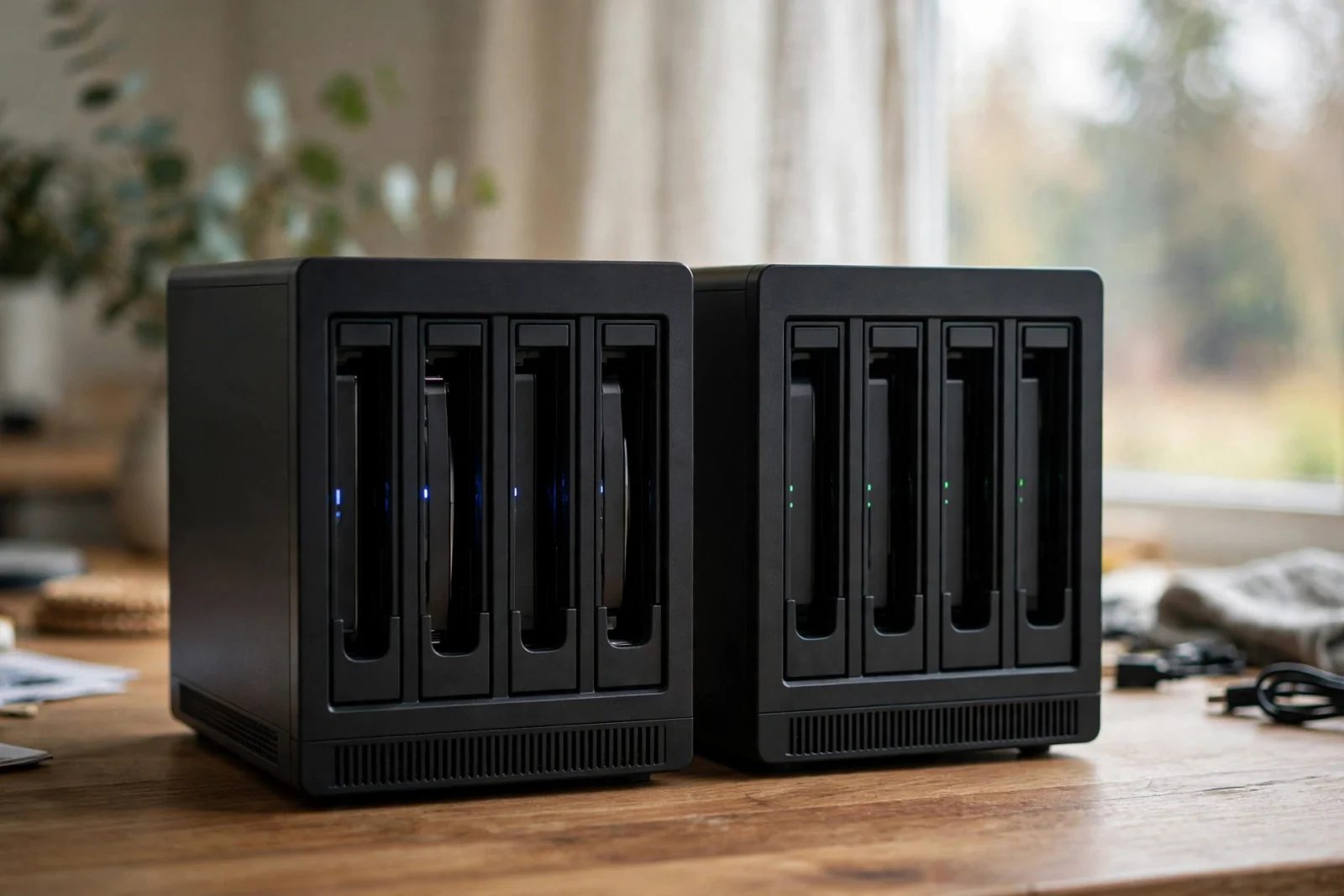
I was halfway through a biryani at my desk when the camera club group chat exploded. However, raza, in full caps: “SYNOLOGY OR QNAP? For example, dECIDE FOR ME.” (His Google Drive had just hit 96%.) Not Canon vs Nikon — settled years ago, badly. In addition, it’s the NAS question. It never dies. Four years on a Synology, two on a QNAP — and I still catch myself missing the old one.
Twelve words: Synology for polish, QNAP for power-per-dollar. Furthermore, that’s the whole debate — until the fine print starts screaming. So consider this the message I’d pin in that chat.
Where do I stand? Moreover, my photo library — fifteen years of weddings, birthdays. In addition, one very patient dog — started on a Synology, moved to a QNAP when I got serious about Plex. Also, the migration taught me more than any review. (Ever restore terabytes of family photos on a deadline? I have. Twice.) What follows is what touches your daily life, not the spec sheet.
Fair warning: this isn’t a review. Reviews measure things in labs; I measured in my living room, usually after the kids were asleep, usually annoyed. You’ll get opinions, not benchmarks.
Synology vs QNAP: The Short Answer
First NAS ever? Buy the Synology. I tell every new club member the same thing. DSM — that’s Synology’s software — coaches you through everything, the apps feel finished, and when something breaks the fix is usually one menu deep. My brother-in-law got his first NAS last spring and never called me once. For a man who calls me about his printer, that’s a miracle.
Buy the QNAP if you already know you want muscle. First, that’s why mine left Synology: movie night, the whole family on the couch, and my old box choking on a 4K transcode — spinning, buffering, my daughter asking why the movie froze. Second, the QNAP I replaced it with just plays. Finally, no list of specs will tell you how that feels. The trade? For example, the software won’t hold your hand. In addition, you figure things out, or you Google them at midnight like I did.
Honestly? You can’t really blow this. Both boxes will hum away for years. The mistake people make — I watched a club friend make it — is buying the hardware they admire and the software they hate. Pick the software you’ll actually live with. Everything else is details.
How They Compare at a Glance
Sunday afternoon, cricket-club parking lot — my son’s team was batting — and I spent twenty minutes walking a friend through the whole Synology-vs-QNAP thing. At the end I tell him: forget my rambling, I’ll send a comparison. Parking lots don’t buy NAS boxes. People do.
Snapshot: how the two brands stack up on the things that actually matter at home.
| Feature | Synology | QNAP |
|---|---|---|
| Software polish | Excellent — DSM is the easiest NAS software to learn | Good — QTS is powerful but busier and less guided |
| Hardware for the money | Conservative; you pay a premium for the brand | Strong; faster CPUs and more ports per dollar |
| Drive compatibility | Relaxed after DSM 7.3; premium features still Synology-drive-only | Open; accepts most standard NAS drives |
| Photo backup app | Synology Photos — excellent face recognition on-device | QuMagie — decent, less refined |
| Advanced file systems | Btrfs on most models (snapshots, checksums) | ZFS on QuTS hero models (self-healing pools) |
| Security reputation | Fewer mass incidents historically | Hit by widely reported ransomware waves a few years ago; improved since |
| Best for | Beginners, families, photo backup | Tinkerers, Plex servers, virtualization |
See the split? Synology sweeps the software rows; QNAP sweeps the hardware rows. Suspiciously clean. That’s why the argument never dies — everyone’s right about the half that matters to them. He bought the QNAP for the hardware, then used it like a Synology for a year before admitting it. Don’t be my parking-lot friend.
Software: DSM vs QTS Is the Real Difference
Okay, confession time. I switched to QNAP for the hardware and spent my first month quietly grieving DSM.
Furthermore, you’ll forget the processor model within a week. Meanwhile, you touch the software every day — and there, Synology wins by a lot. DSM — Synology‘s operating system — feels built by people who watched beginners get lost, then fixed the screens. Nevertheless, setting it up, I kept waiting for the confusing part. It never arrived. Moreover, my wife — zero patience for my tech projects — opened Synology Photos, found our dog’s face already tagged, and just… used it. Never asked me a thing. That’s the whole review.
QTS — QNAP‘s system — is capable, genuinely. In fact, in some corners more capable than DSM: deeper virtualization, Docker done properly. But the interface wears its engineering roots openly: deep menus, unexplained terms like LUN and Qtier. Confident users shrug; beginners Google every third screen.
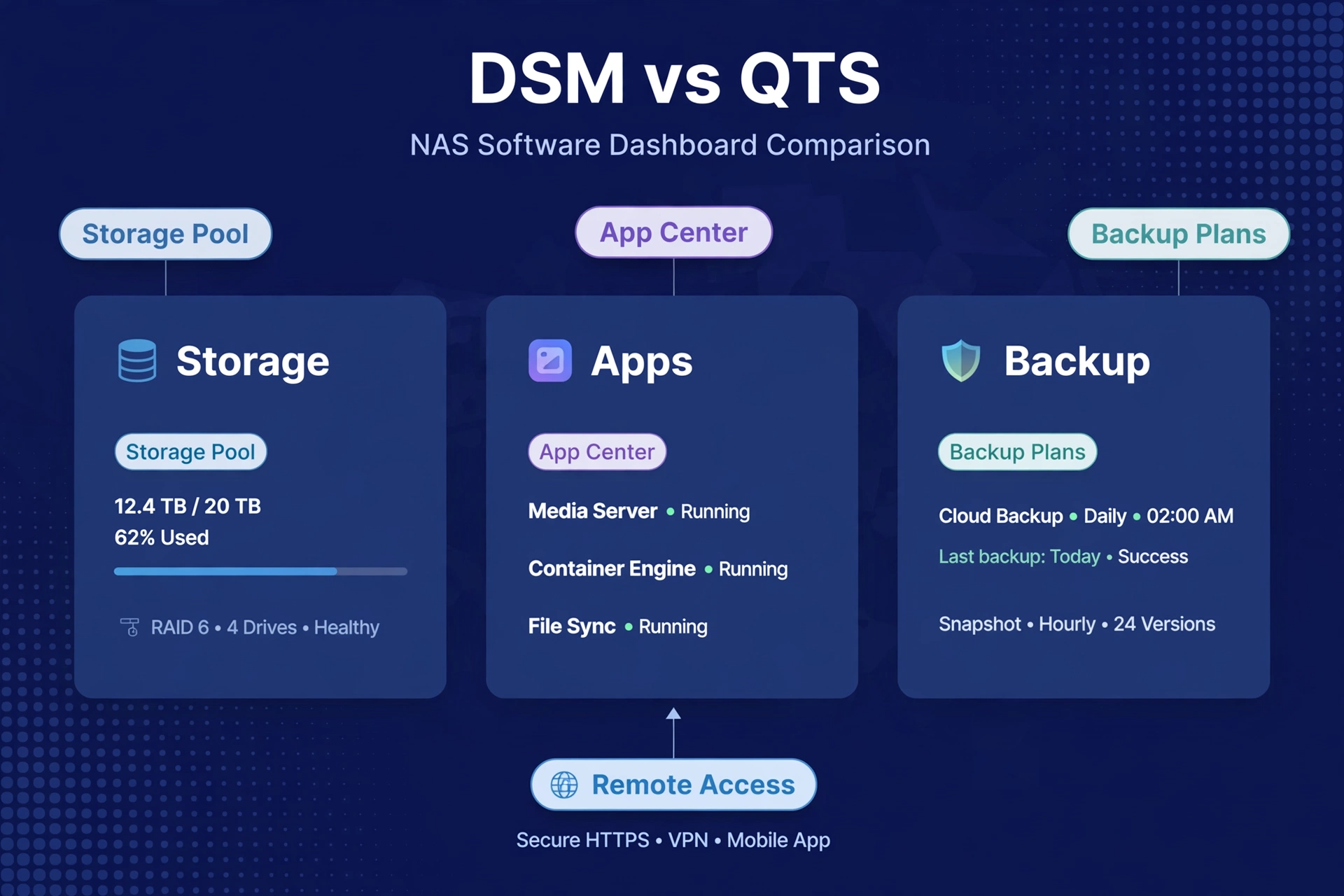
As a result, the analogy: DSM is a labeled, organized kitchen. In contrast, qTS is a bigger kitchen with pro equipment — more capable, but it assumes you already know how to cook. Know which person you are. I told myself I was a pro-equipment guy. Some days I am. The night a QNAP firmware update broke my photo indexing and I spent three hours in a forum at midnight? Very much a labeled-kitchen guy.
If software experience is your top priority, our best NAS for home overall guide is worth a read.
Hardware: What Your Money Actually Buys
Now flip the whole comparison upside down — this is where I eat my words.
Also, dollar for dollar, a QNAP box ships a faster processor, more memory. In addition, better networking than its Synology equivalent. 2.5-gigabit Ethernet shows up on cheaper QNAP models; Synology still ships 1GbE on boxes where QNAP moved on years ago. Similarly, i mean — picture this: Saturday night, 800 RAW files, client expecting previews Sunday. Specifically, old box? Still copying at midnight. QNAP? Done before dinner. First, that headroom is the whole game.
Two jobs where the gap genuinely bites. First: Plex transcoding — this is literally why I switched. Converting 4K on the fly is brutally CPU-hungry, and QNAP’s stronger chips handle it with fewer stutters. (My daughter noticed first. Kids notice everything.) Planning a media server? Skim our best NAS for Plex picks first. Second: virtualization. VMs and Docker stacks want RAM and cores — QNAP gives you more of both per dollar. Simple math, really.
To be fair — the group chat keeps score — Synology’s hardware isn’t bad. However, it’s conservative. For example, for file storage, backups, and photo libraries, it’s plenty; you only feel the gap when you push the box hard. In addition, the real question: will you? I used to say no. Reader, I was wrong. (The group chat has the screenshots.)
One more hardware note: QNAP makes a wider spread of shapes — compact 2-bay units to rackmount models. Synology? Mostly the same few boxes, year after year. Fine. Boring. Fine.
Drive Compatibility: Read the Fine Print
Christmas 2023. My brother-in-law’s living room. The NAS box is open on the coffee table, two hard drives still in their static bags, and he’s asking me — asking me — whether the drives he bought on Black Friday will actually work. I didn’t know. That’s when I learned: the drive fine print matters more than the NAS fine print.
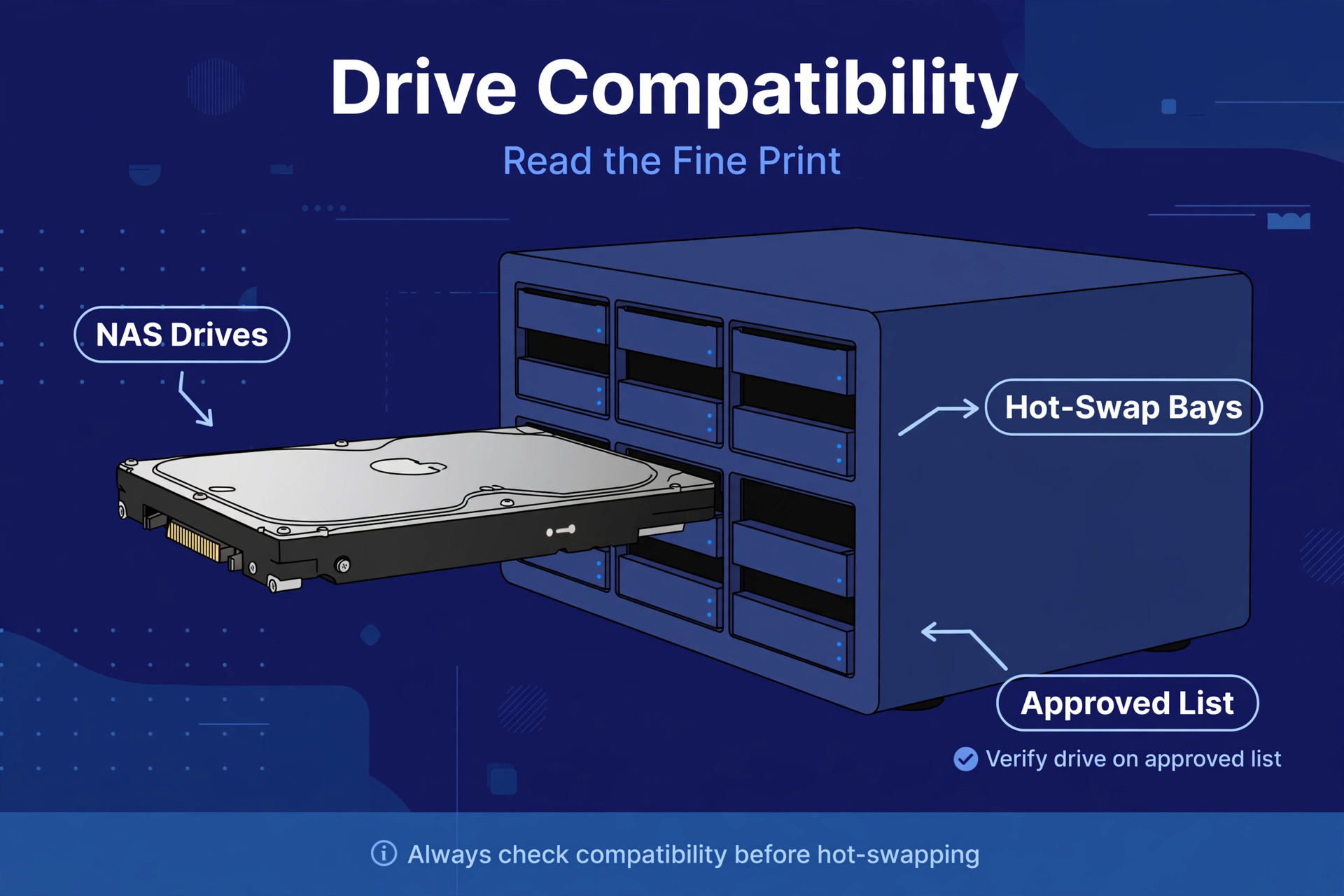
Baseline: both brands take standard 3.5-inch NAS hard drives — the WD Red and Seagate IronWolf families. Our best NAS hard drives guide covers which to pick and why CMR matters.
The asterisk — a proper one, the kind with lawyers attached. In 2025 Synology briefly required its own or certified drives on new Plus models, then walked it back in a DSM update after everyone (me included) lost their minds. Current state: third-party drives can create storage pools again, but firmware updates and deep health telemetry stay exclusive to Synology drives. In addition, m.2 SSD pools still need listed drives. Check the compatibility list for your exact model — I nearly ordered the wrong drives for a friend’s DS225+ mid-strict-phase. Close call.
QNAP is refreshingly boring here: standard NAS drives slot in without warnings. If you hunt drive deals, that’s a real QNAP advantage.
Security Track Record
Your NAS holds your photos, your documents, your backups — your entire digital life. My fifteen years of client weddings live on mine. So this section is personal — it cost me actual sleep.
The honest history, friend to friend: QNAP took a real beating a few years back. In fact, widely reported ransomware campaigns aimed at internet-exposed devices. The company has hardened its software since, and those attacks mostly landed on boxes with weak passwords. Moreover, am I telling you QNAP is unsafe? No. Be boring about it: behind the router, strong unique passwords, two-factor auth, firmware updates the day they drop.
Synology has the cleaner record — fewer mass incidents. Also, not magic, not immunity. First, same rules: no direct internet exposure unless you know what you’re doing, updates on time, 2FA on.
A NAS is safest when it’s boring. On your home network, updated, backed up, invisible to the internet. Do that and either brand is fine. Get lazy and neither is. Boring is the whole strategy.
File Systems: Does ZFS Matter for Home Use?
Nobody in our camera club has ever said “ZFS” out loud. But since you’ll Google it at 1 AM anyway — here’s the two-minute photographer edition.
Synology runs Btrfs on most Plus-series models: snapshots (instant restore points), checksums that catch silent corruption. Second, for home use it’s excellent — you’ll never think about it, the highest praise a file system can earn. Finally, my Synology years: zero file-system thoughts.
QNAP’s higher-end models run QuTS hero, built on ZFS — the gold standard for data integrity, self-healing pools, stronger bit-rot protection. Meanwhile, the trade-off: ZFS is RAM-hungry, so it only lives on QNAP’s bigger, pricier boxes. Nevertheless, unnecessary for most people.
Should this decide your purchase? For most homes, no. Btrfs guards against the corruption you’re actually likely to meet; ZFS matters for six-bay-plus arrays or professional use. A genuine QNAP advantage, but not a reason to flip your decision alone.
Setup and Everyday Admin: What Life With Each Brand Feels Like
Spec sheets won’t tell you what a Tuesday evening with your NAS feels like. Four years on one brand, two on the other — I could write this section in my sleep.
Setting up a Synology is like assembling furniture with good instructions. In fact, plug it in, open a browser, and DSM’s wizard walks you through storage, accounts, and apps in plain language. As a result, remote access via QuickConnect works without touching your router. In contrast, the whole thing takes an afternoon — mostly waiting for drives. Boring. Wonderful.
Setting up a QNAP asks more questions. Similarly, storage pools, snapshot schedules, network settings — every screen offers choices you didn’t know existed. Specifically, experienced users read that as control; beginners read it as homework. Budget a weekend.
Ask me how I know.
The memory that sticks: October 2024, my living room floor, eleven at night. However, QNAP box open beside me, chai gone cold. The setup asked me to pick between thick and thin volume provisioning. In fact, and I, a grown man who photographs weddings for a living, had to Google it. On Synology, that question never even reached me.
Day-to-day follows the same pattern. Adding a family member takes a minute on DSM; more tabs on QTS. A USB backup is guided on Synology, more manual on QNAP. Neither is hard — one holds your hand more. Be honest about which one you are. I thought I was a knobs guy. Turns out I’m a weekend-knobs guy.
So Which Should You Buy?
Enough theory. Here’s how this shakes out — find yourself in here, and be honest about which one you really are.
First NAS, mostly backups and photos, want it to just work? For example, Synology — don’t overthink it. The DS225+ class of 2-bay models is the classic starting point for a reason (it’s what I bought my brother-in-law — the printer guy — and even he managed), and DSM will hold your hand through setup without making you feel dumb about it.
Running a Plex household — 4K movies streaming to every TV? In addition, QNAP. Furthermore, compare QNAP’s transcoding-capable models against Synology’s before committing. The stronger CPU earns its keep every movie night. This was me, two years ago — one frozen screening of a film my daughter had waited all week for — and I don’t regret the switch.
The tinkerer — Docker, VMs, admin panels opened for fun? Moreover, QNAP, and you’ll never look back. You’ll actually use the headroom — I had three containers running within a week, just because I could. You’ll also be the one answering everyone else’s questions in the group chat. Congratulations and condolences. (Raza still texts me. Every week.)
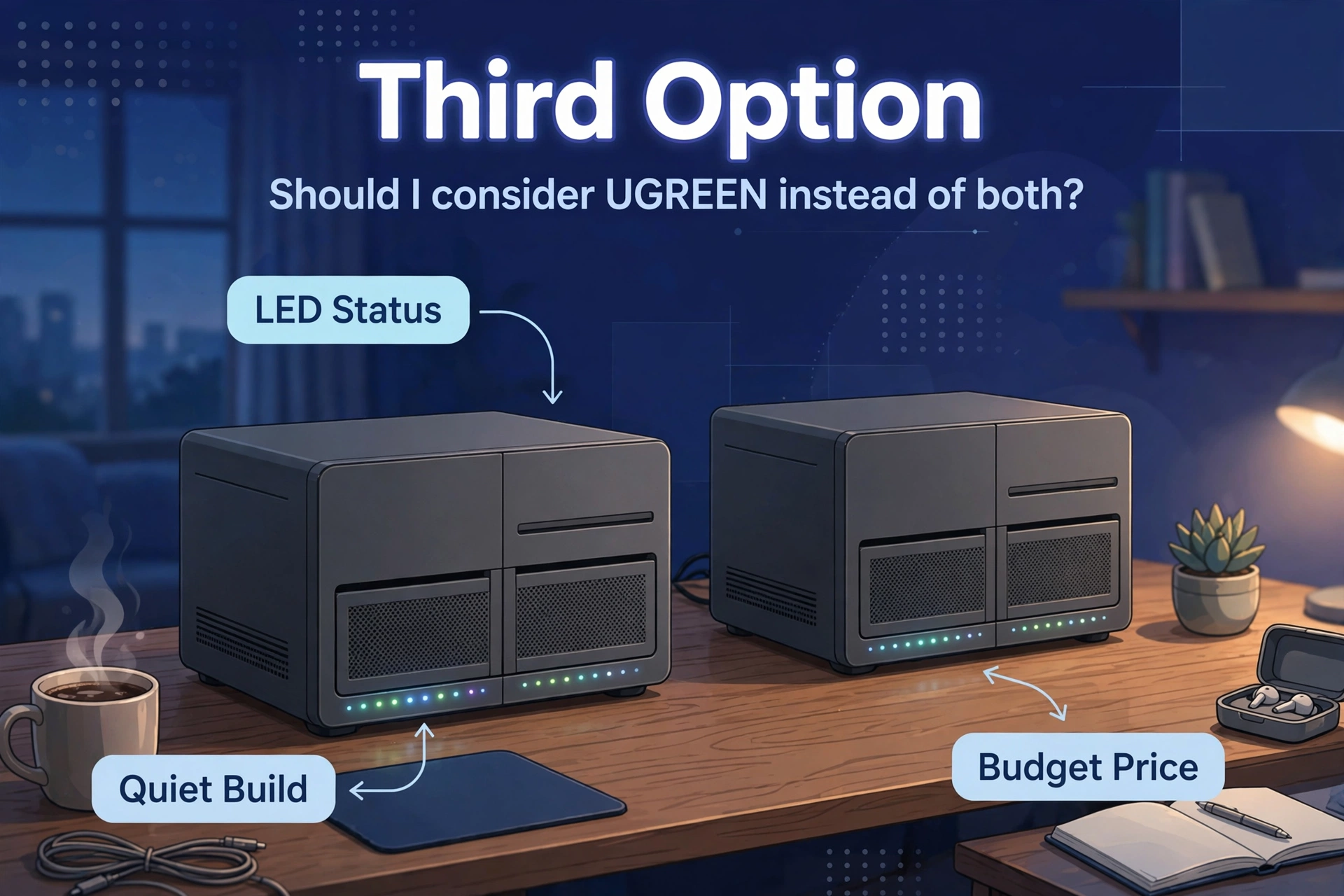
Already a Synology owner, eyeing something new? There’s a third option: UGREEN’s NASync line, with hardware muscle that embarrasses both brands at the price. Our UGREEN vs Synology comparison covers whether the newcomer is worth leaving DSM behind. (Spoiler: the leaving is the hard part.)
Frequently Asked Questions
Is Synology better than QNAP for beginners?
Yes — not particularly close. DSM is the easiest NAS software to learn; setup is guided, and the default apps handle backup and photos. QNAP is more powerful but expects more in return. First NAS? Start with Synology. Mine ran four years without a single panicked phone call — from anyone, including me.
Is QNAP cheaper than Synology?
Usually, yes — faster processors, more RAM, better ports at the same price. With Synology you’re paying for the software, not the chips. Different value proposition, not a worse one. I paid it happily for four years. (Worth every rupee. I mean dollar. Old habits.)
Can I use any hard drive in a Synology or QNAP?
QNAP accepts most standard NAS drives without fuss. Synology’s rules shifted: after a strict phase on 2025 Plus models, a DSM update restored third-party pool support. Check the compatibility list for your exact model first. Learn from my near-miss.
Which is better for Plex: Synology or QNAP?
QNAP, in most cases. Plex transcoding lives and dies on CPU power, and QNAP ships stronger chips at each price point. See our best NAS for Plex guide for model-specific picks. This is the reason my library moved brands — one stutter-free movie night, and I never looked back.
Is QNAP safe to buy after the ransomware attacks?
Yes, with normal precautions. The attacks targeted internet-exposed devices with weak credentials. Keep the NAS behind your router, strong passwords plus 2FA, updates promptly. I run mine locked down and sleep fine. Mostly. (The first month? Not so much.)
Should I consider UGREEN instead of both?
Maybe. UGREEN’s NASync boxes offer strong hardware for the money, but UGOS Pro is younger and less proven than DSM or QTS. Read our UGREEN vs Synology breakdown if the specs tempt you — eyes open about the software gap. It’s real. I think about DSM more than I’d like to admit. (Don’t tell my QNAP.)