

What Happens When a Smart Lock Battery Dies? (And How to Get In)
When a smart lock battery dies, the lock does not swing open or trap you outside forever. The deadbolt stays exactly where it was, usually locked, and the keypad simply stops responding. The good news: almost every smart lock gives you a backup way in, and this guide shows you each one, lock type by lock type, so a flat battery never ruins your day.
You will learn what actually happens at the moment the battery gives up, how to get in today using physical keys, 9V jump contacts, or inside access, and how to set things up so it never becomes an emergency again. Nothing here needs special tools, and most of it takes under five minutes.
The Short Answer (If You Are Standing at the Door Right Now)
Your home is still secure and you are not locked out for good. A dead battery kills the electronics only. The door stays locked, your saved codes are not erased, and at least one of these will get you in:
- Use the physical backup key, if your lock has a key cylinder.
- Hold a 9V battery to the emergency contacts under the keypad, if your lock has them, then type your normal code while holding it there.
- Enter through another door and replace the batteries from inside.
- Use the app only if the lock still has a flicker of power — a fully dead lock cannot hear it.
Once you are in, swap all the batteries at once and you are done. Read on for the details behind each step, plus the setup that stops this happening again.
What Actually Happens When the Battery Runs Out
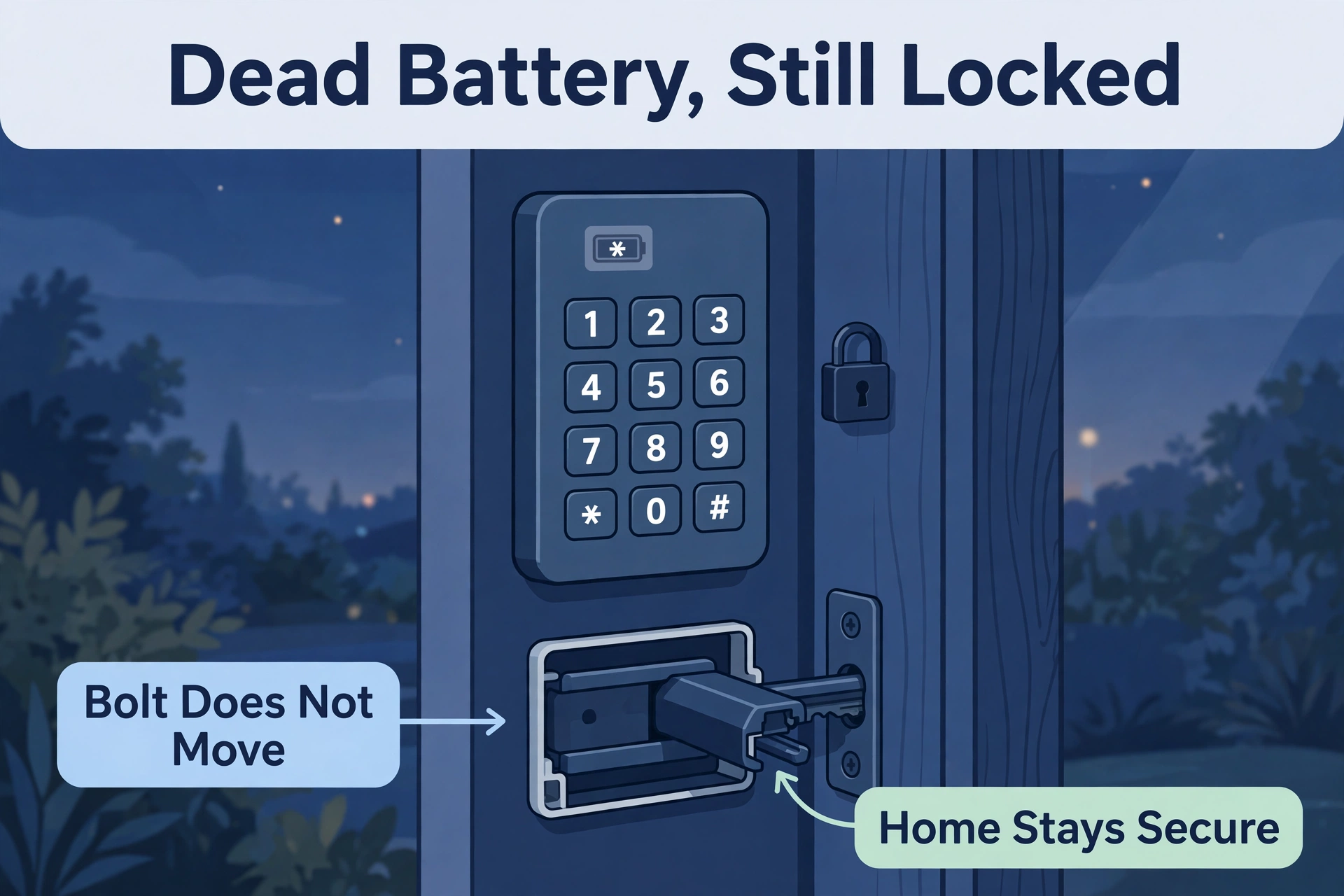
A smart lock is two machines in one: an electronic keypad and brain, and a plain mechanical deadbolt. The battery powers only the electronics. So when it finally dies, there is no dramatic failure. The keypad goes dark, buttons stop beeping, and the motor cannot turn.
The bolt itself does not move. If the door was locked, it stays locked. If it was unlocked, it stays unlocked. Nothing springs open and nothing extra slams shut. Your codes, fingerprints, and settings sit in memory that does not need power to survive, so they are all still there when you fit fresh batteries.
How a lock dies: gradually, then suddenly
Most locks warn you for weeks first: a flashing light, a different beep, or a low-battery notice in the app. Yale describes this behaviour in the official Yale Assure Lock manual, which pairs the low-battery indicator with the lock’s mechanical key backup. Ignore the warnings long enough and one cold morning the motor turns too weakly to move the bolt, and that is the end. This is why the real fix is acting on the first warning: if your lock keeps chewing through batteries far faster than it should, work through the causes in our guide to smart lock battery draining fast before you blame the lock.
What still works with a dead battery
- The physical key, if your lock has a cylinder. It never needed power.
- The thumb turn inside. Anyone already indoors can lock and unlock by hand.
- A 9V jump start, on locks that have the two small contacts under the keypad.
- Your saved codes and users. They return exactly as they were after a battery swap.
What stops working
- The keypad, fingerprint reader, and any code or card entry.
- The app, Bluetooth, and Wi-Fi control. The lock cannot hear any of them.
- Auto-lock and door alerts, since both need the motor and radio.
Lock Type by Lock Type: Your Backup Way In
Not every lock gives you the same escape route. Here is what to expect from each common design, and the backup to reach for first.
| Lock type | What happens when the battery dies | Your backup way in |
|---|---|---|
| Keypad deadbolt with key cylinder | Keypad dies, bolt stays locked | Physical backup key, then swap batteries |
| Keyless touchscreen (no cylinder) | Screen dies, bolt stays locked | 9V battery held to the contacts under the keypad, then your code |
| Retrofit lock (smart inside, original lock outside) | Smart side dies, outside lock unchanged | Your original house key, exactly as before |
| Lever lock with keypad | Keypad dies, lever stays locked from outside | Physical key if fitted, or 9V jump if keyless |
Keypad deadbolts with a key cylinder
This is the friendliest design when power runs out. Locks like this carry a normal keyhole alongside the keypad, so a dead battery is a mild annoyance, not a crisis. Use the backup key, get inside, and change the batteries. Keep that key somewhere you can actually reach: a lockbox, a trusted neighbour, or your car. A backup key inside the house it protects is no backup at all.
Keyless touchscreen locks
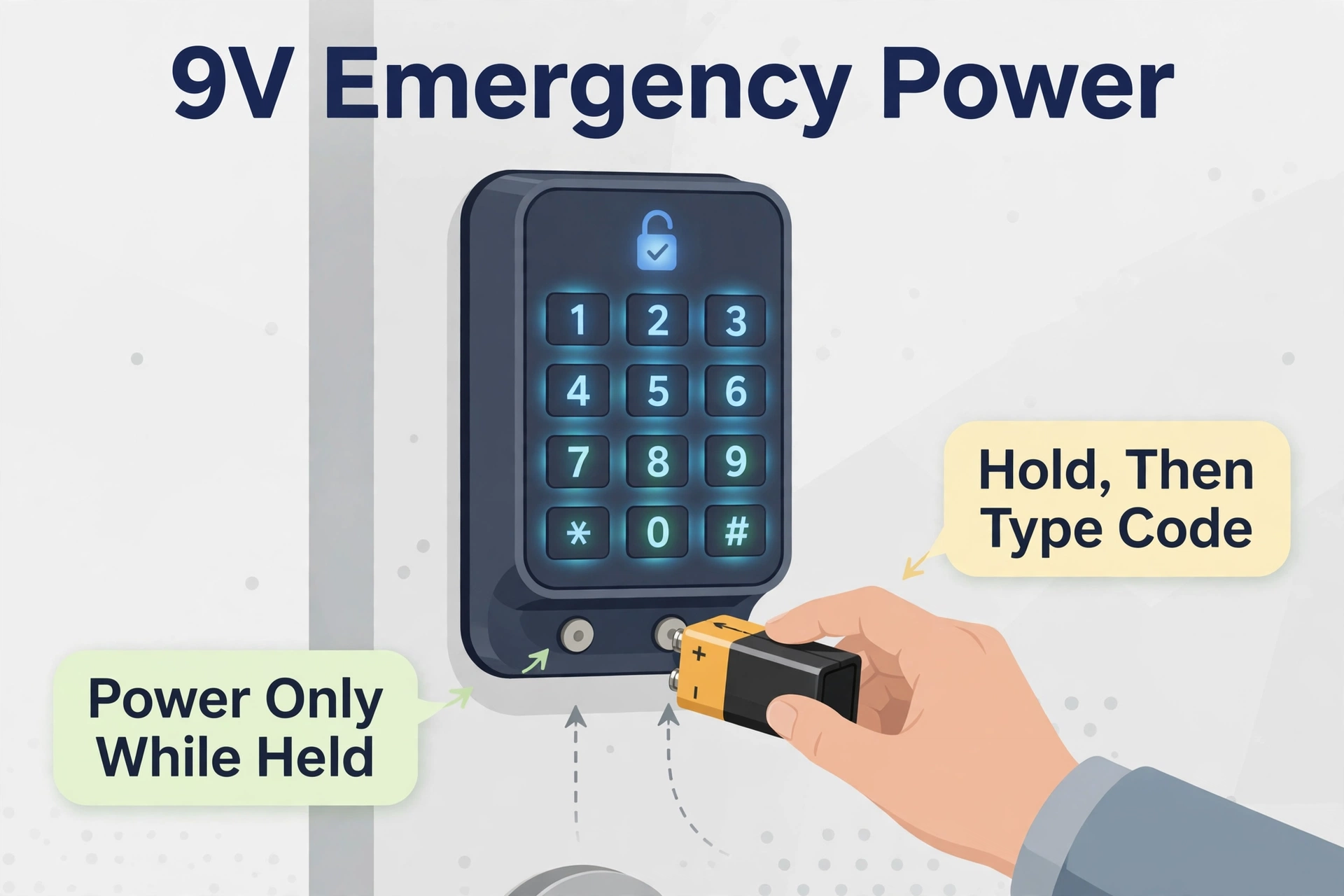
Sleeker locks skip the keyhole entirely. Instead, many hide two small metal contacts on the underside of the keypad. Hold the terminals of a standard 9V battery against them and the keypad wakes up just long enough to accept your code. Keep holding the battery in place while you type and while the bolt turns. Let go too early and it dies mid-throw.
Retrofit locks
A retrofit lock replaces only the inside half of your existing deadbolt, so from the street your door looks and works exactly as it always did, original key included. If its batteries die, nothing outside changes at all. Let yourself in with your normal key and swap the batteries from inside. This is the calmest dead-battery experience of any smart lock type.
Lever locks
Lever-style smart locks follow the same rule: electronics die, mechanics stay put. Models with a key cylinder take their backup key. Keyless lever models rely on the same 9V jump contacts as keyless deadbolts. Either way, the door stays locked from outside and opens from inside with the lever or thumb turn as usual.
Method 1: Get In With the Physical Key
If your lock has a key cylinder, this is the whole rescue. Find the backup key, unlock the door by hand, and you are in. Then:
- Open the battery cover on the inside half of the lock.
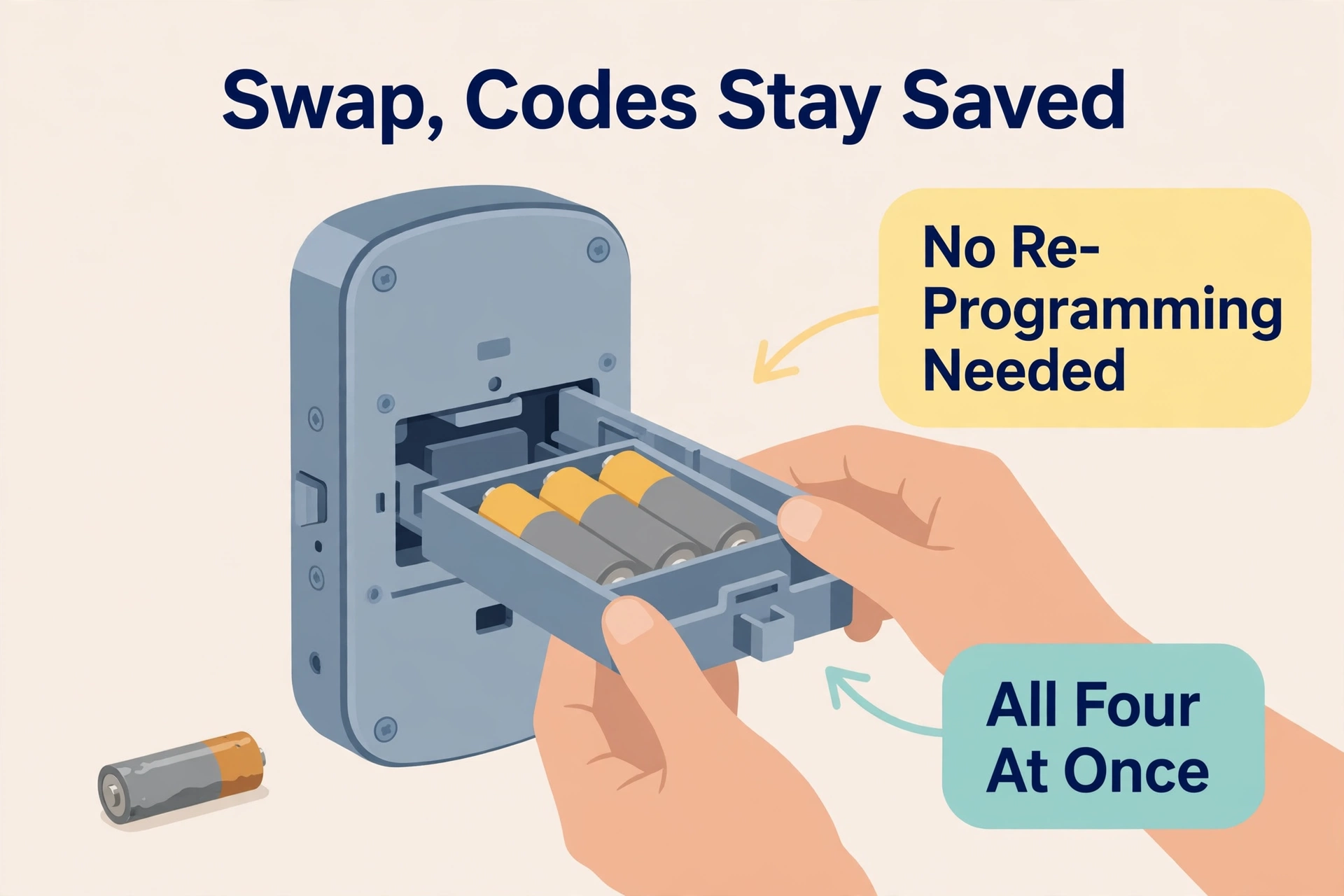
- Replace all the batteries at once with fresh alkaline cells. Mixing old and new leaves the weakest cell in charge.
- Test the keypad and run the lock twice from the app or code.
- Note the date somewhere, so next time you know how long the set lasted.
One caution: on some locks the key cylinder is hidden under a cover or a swivelling logo plate. If you cannot see a keyhole, check before the emergency, not during it.
Method 2: Jump Start With a 9V Battery
No keyhole? This is your move, on any lock that has the two jump contacts under the keypad. You need one standard 9V battery, the rectangular kind with both terminals on top. Borrowing one from a neighbour or buying one at any corner shop beats calling a locksmith.
- Find the two small metal contacts on the underside of the outside keypad.
- Press the 9V battery’s terminals firmly against them. The keypad should light up.
- Keeping the battery held in place, type your normal user code.
- Let the bolt finish turning before you let go of the battery.
- Go inside and replace the lock’s batteries immediately. The 9V trick borrows seconds, not days.
If the keypad does not wake up, check you have the terminals the right way round and press harder. Contacts that have lived outdoors can be dull with grime; a quick wipe helps.
Method 3: Get In Another Way and Fix It From Inside
Sometimes the smartest rescue is a different door. A back door, garage entry, or a family member already home solves everything: the thumb turn works without power, so anyone inside can let you in or simply replace the batteries.
This method matters more than people think, because it is the one option that works on every lock ever made. It is also a quiet argument for not putting a smart lock on literally every entrance at once. One ordinary door with an ordinary key is a fine emergency plan.
Renters and hosts, note: if you manage a property for guests, a dead lock mid-stay is the nightmare scenario. Our guide to setting up temporary guest codes on a smart lock covers the code side, but pair it with a key lockbox outside and fresh batteries on a schedule, and this never becomes a midnight phone call.
After You Are In: Battery Swap Rules
Getting in is only half the job. Swap the batteries properly and the same scare will not repeat next month.
- Replace every cell at once, even if only one looks weak.
- Use fresh standard alkaline batteries, all the same brand and type.
- Skip rechargeables: their lower voltage confuses the lock’s battery gauge.
- Check the bolt moves freely by hand. A stiff bolt makes the motor strain and shortens battery life.
- Test your code and the app before you close the battery cover for good.
Never Again: Set Up So a Dead Battery Is a Non-Event
Five habits turn this emergency into a shrug:
- Act on the first warning. A flashing low-battery light means this week, not someday.
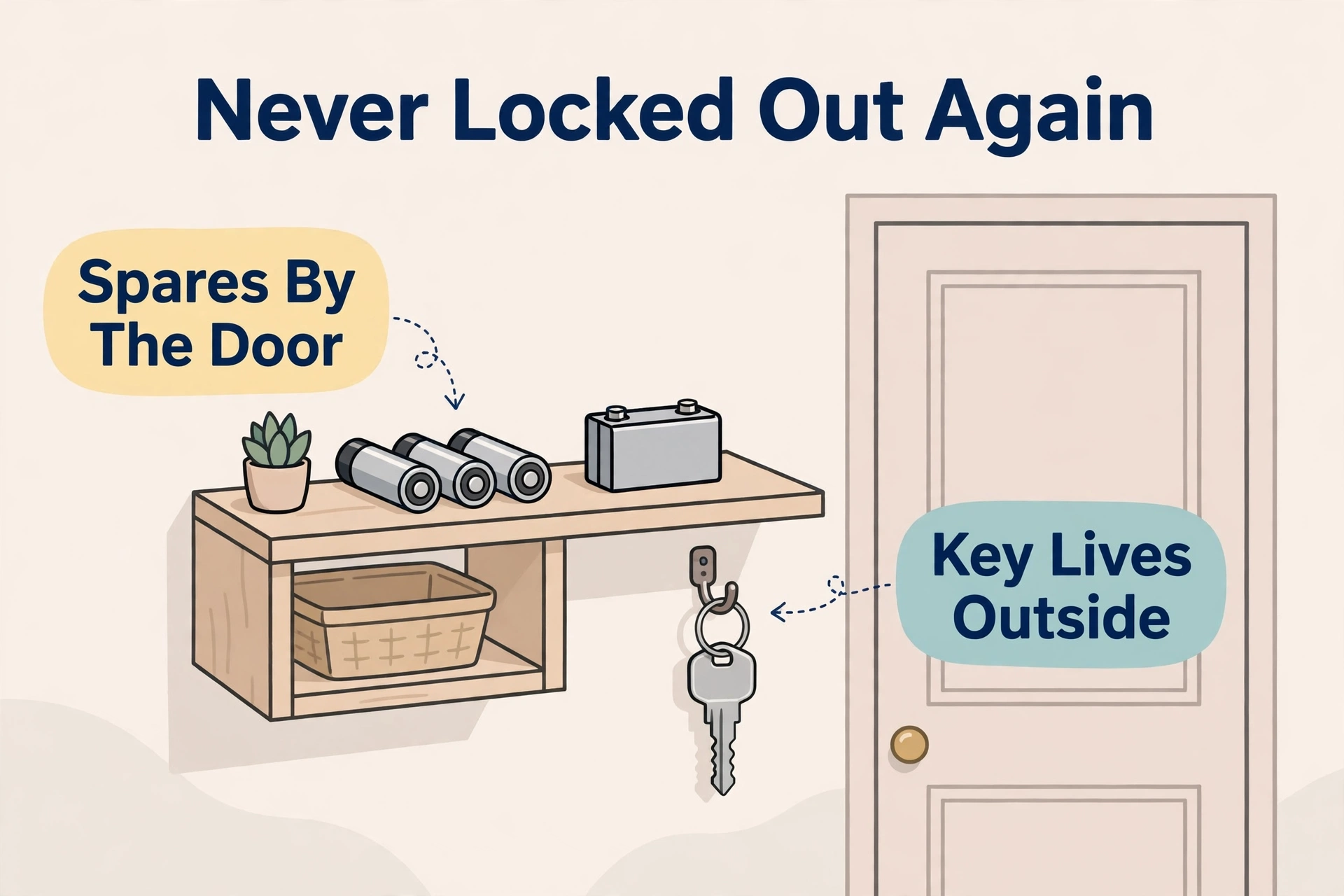
- Keep spares by the door. One fresh set in a drawer near the entrance.
- Store a backup key outside the house. Lockbox, neighbour, or family nearby.
- Keep a 9V battery in the car if your lock is keyless, for the jump-start trick.
- Replace on a schedule if your lock gets heavy use: before winter, and before busy hosting seasons.
Hosts choosing a lock today should weigh dead-battery behaviour before buying: the locks in our best smart lock for Airbnb roundup earn their place partly because a flat battery never locks a guest out for long.
Frequently Asked Questions
Will my door unlock by itself when the battery dies?
No. The bolt stays wherever it was when power ran out, which is locked in almost every real case. A dead battery removes the electronics, not the lock. Your home is exactly as secure as it was the moment before.
Do I lose my codes and settings after changing batteries?
No. Codes, fingerprints, and settings are stored in memory that keeps them without power. Fit fresh batteries and everything is back exactly as it was, no reprogramming needed.
Can I unlock a dead smart lock with the app?
Not once it is fully dead. The app talks to the radio, and the radio needs power. If the battery is only nearly dead, a Bluetooth unlock from close range sometimes still works, which is worth one try before you fetch a key.
Does every smart lock have the 9V jump-start contacts?
No. Many keyless locks do, but not all, and locks with a key cylinder often skip them since the key is the backup. Check your model’s underside and manual now, while it is not an emergency, so you know which rescue your lock supports.
How long do I have after the first low-battery warning?
It depends on use and temperature, but warnings typically start weeks before the lock actually dies. Treat the first warning as a seven-day deadline and you will never meet a dead keypad. Cold weather shortens the grace period, so move faster in winter.
Should I call a locksmith if my smart lock battery dies?
Almost never for the battery alone. Between the backup key, the 9V jump start, and another entrance, one option nearly always works. Save the locksmith for a genuinely jammed or broken lock, which is a different problem with different sounds: grinding, a bolt that will not move by hand, or a key that will not turn.
So: a flat battery is a pause, not a lockout. Know your lock’s backup, keep fresh cells and a key within reach, and it will never be more than a two-minute story.
