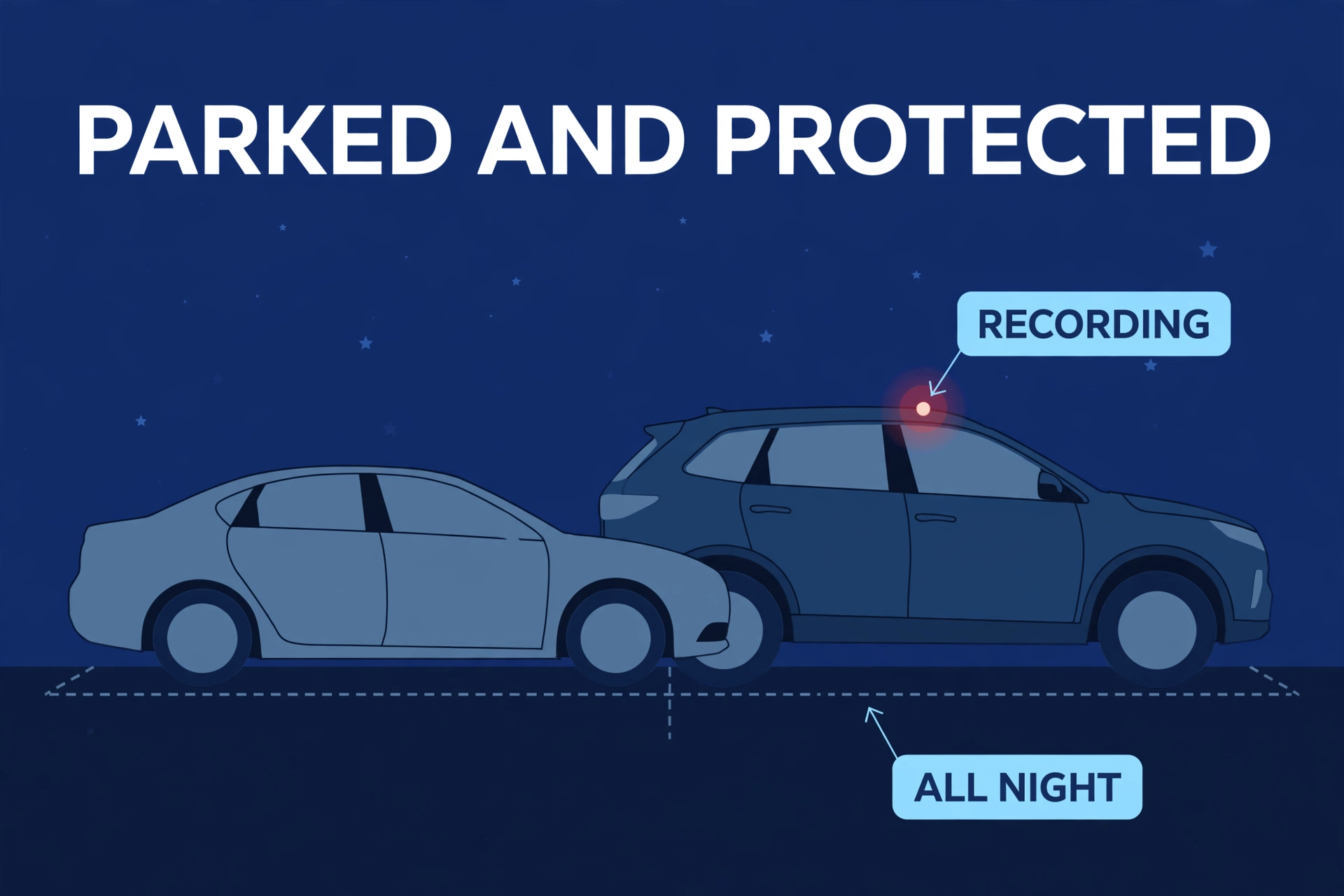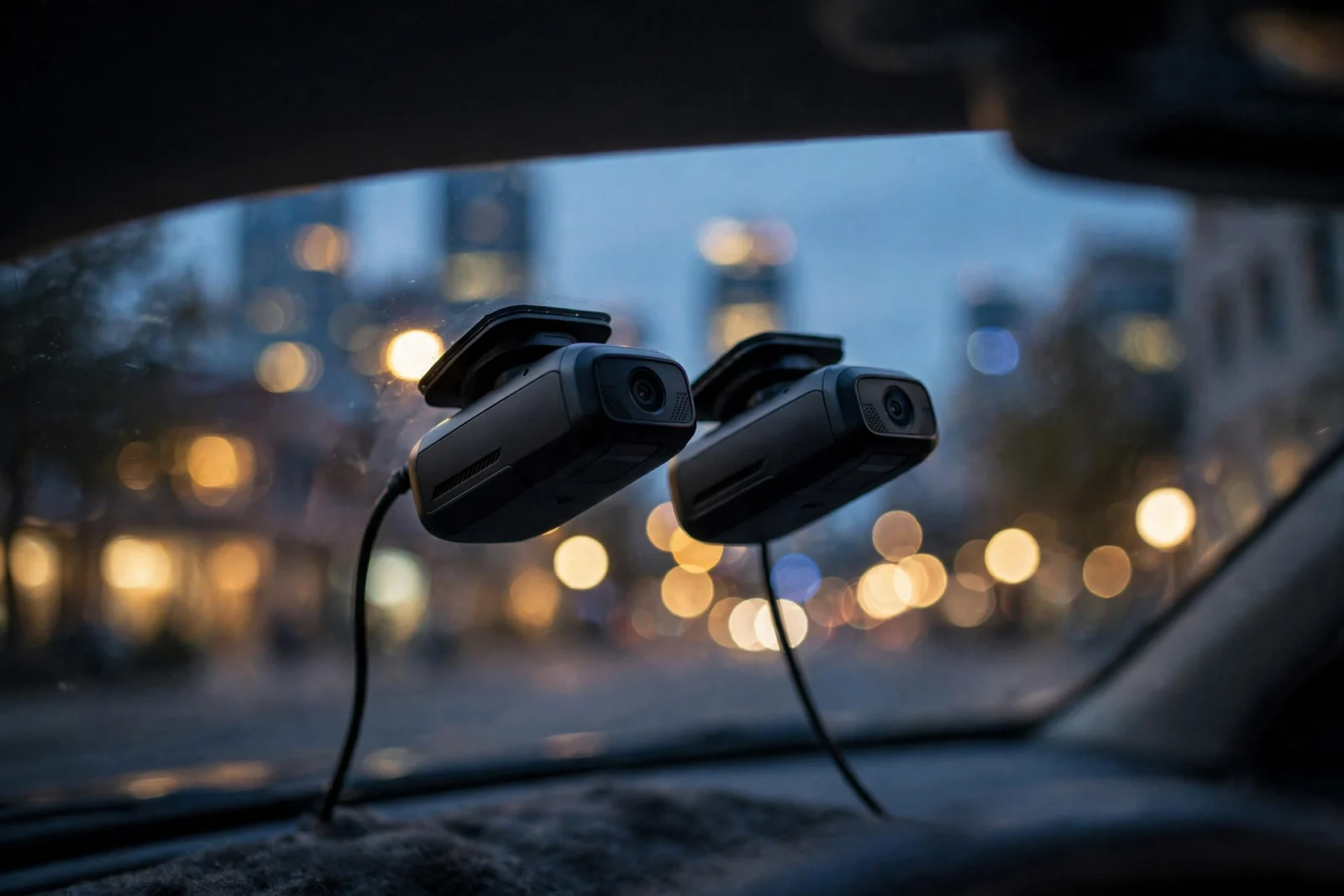
Two Korean brands. Both expensive. Both obsessed with what happens to your car when you’re not in it. And somehow, asking “Thinkware or BlackVue?” starts arguments that never quite resolve — because the owners are arguing about different things entirely. One bought a remote security camera that happens to record driving. The other bought a parking-lot bodyguard that happens to have an app. So here’s the decision in one sentence: BlackVue is the cloud king — live remote viewing, push alerts on your phone. Thinkware is the parking-mode king — radar-triggered recording and genuinely superior night footage. This Thinkware vs BlackVue breakdown goes feature by feature, so you compare real life, not spec sheets.
The Two Brands in One Paragraph Each
BlackVue comes from Pittasoft, and honestly, connectivity is in the company’s DNA. These were among the first cameras with real remote live viewing — phone out, anywhere on earth, watching your parked car. Push alerts when someone brushes the bumper. Clips uploading themselves. BlackVue basically invented the connected-car-camera category, then spent a decade refining it.
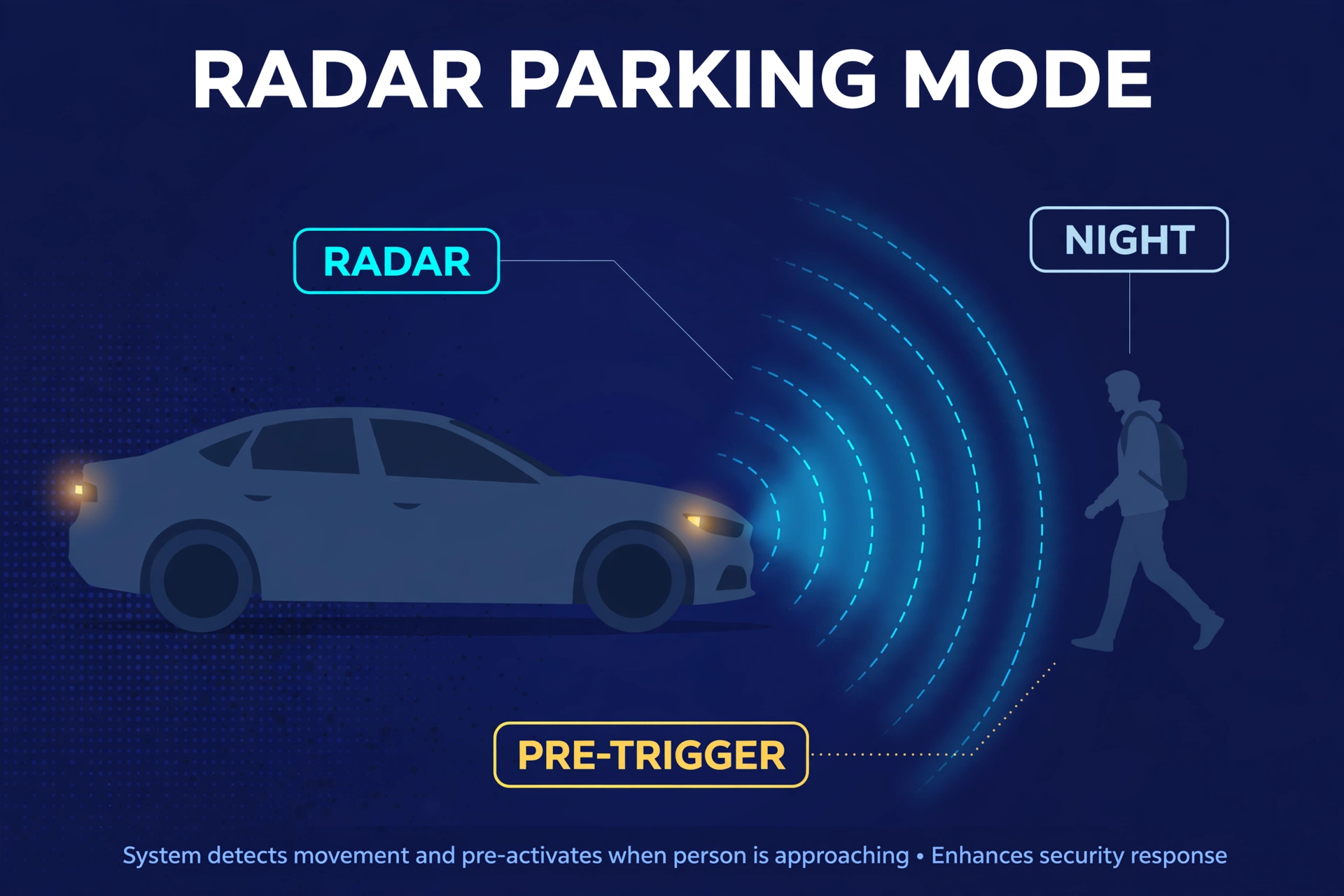
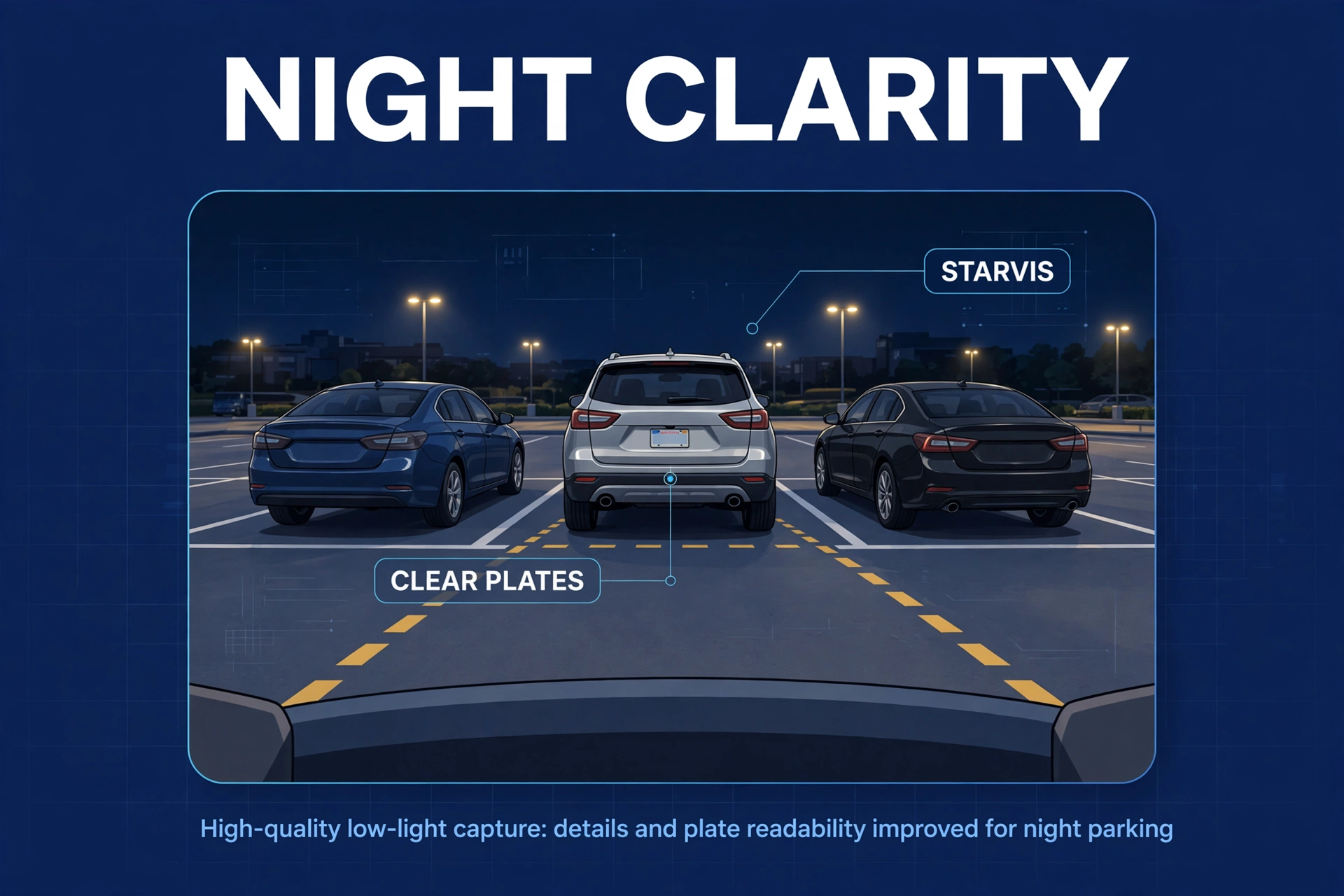
Thinkware, also Korean, took the opposite road: image quality first, parking surveillance second, cloud a distant third. However, its flagship parking mode uses actual radar to sense someone approaching before they enter the frame — the camera wakes and catches the lead-up, not just the aftermath. And its Super Night Vision keeps testing as the best low-light image in the business. Different religion, same price bracket.
The uncomfortable truth: the premium only pays off if you use what you’re paying for. Fancy radar on a garaged car? Wasted. Cloud alerts with no data plan? Same. So let’s match the engineering to your life.
Thinkware vs BlackVue: Head-to-Head
Table: Thinkware vs BlackVue flagship comparison
| Feature | Thinkware (flagship) | BlackVue (flagship) |
|---|---|---|
| Signature strength | Radar parking mode + night vision | Cloud connectivity + remote viewing |
| Front resolution | 4K UHD (U3000) | 4K UHD (DR970X) |
| Parking mode trigger | Radar + motion + impact + timelapse | Motion + impact + timelapse |
| Buffered recording | Yes — radar wakes camera before motion | Yes — on motion/impact detection |
| Cloud / remote live view | Connected features (varies by model) | BlackVue Cloud: live view, alerts, uploads |
| Night vision reputation | Excellent (Super Night Vision) | Very good |
| Power/heat design | Supercapacitor; thermal protection | Supercapacitor; thermal protection |
| Best for | Parked-car protection, night drivers | Remote monitoring, fleet/family oversight |
Parking Mode: Where Thinkware Pulls Ahead
Parking mode is the whole reason premium exists. So let’s start where the money goes.
Thinkware’s radar advantage
Normal motion detection is a bouncer who notices trouble after it’s inside. Radar is the bouncer watching the sidewalk. Thinkware’s flagship pairs a radar sensor with the camera — it picks up movement before it enters the frame, so the camera wakes and records the lead-up. The person walking toward your car, not just the shoulder-check against your fender.
Pixel systems physically can’t do this — they react to image changes, so the action has started by the time recording does. For example, Thinkware gets the approach, the hesitation, the whole story. Fewer missed events, and fewer false alarms from rain or swaying shadows, since radar doesn’t get fooled by weather.
Then there’s the energy-saving parking mode — the camera mostly sleeps, waking on radar checks, stretching surveillance across days. Leaving the car at the airport for a week? That’s not an edge case. That’s the entire point.
BlackVue’s answer
Don’t mistake second place for bad. BlackVue’s parking mode is excellent — motion, impact, timelapse, all buffered to catch the seconds before an impact. The missing piece is just the radar pre-trigger.
But detection is only half the battle. What happens after? Furthermore, a clip on a memory card helps you tomorrow; a push alert on your phone helps you now. However, that’s the cloud’s job — and it’s a strong one.
New to how parked-car surveillance actually works? Our beginner’s guide to what parking mode on a dash cam is covers the mechanics before you decide how much of it you need.
Cloud Features: Where BlackVue Pulls Ahead
This is BlackVue’s home turf. Honestly? Not a contest.
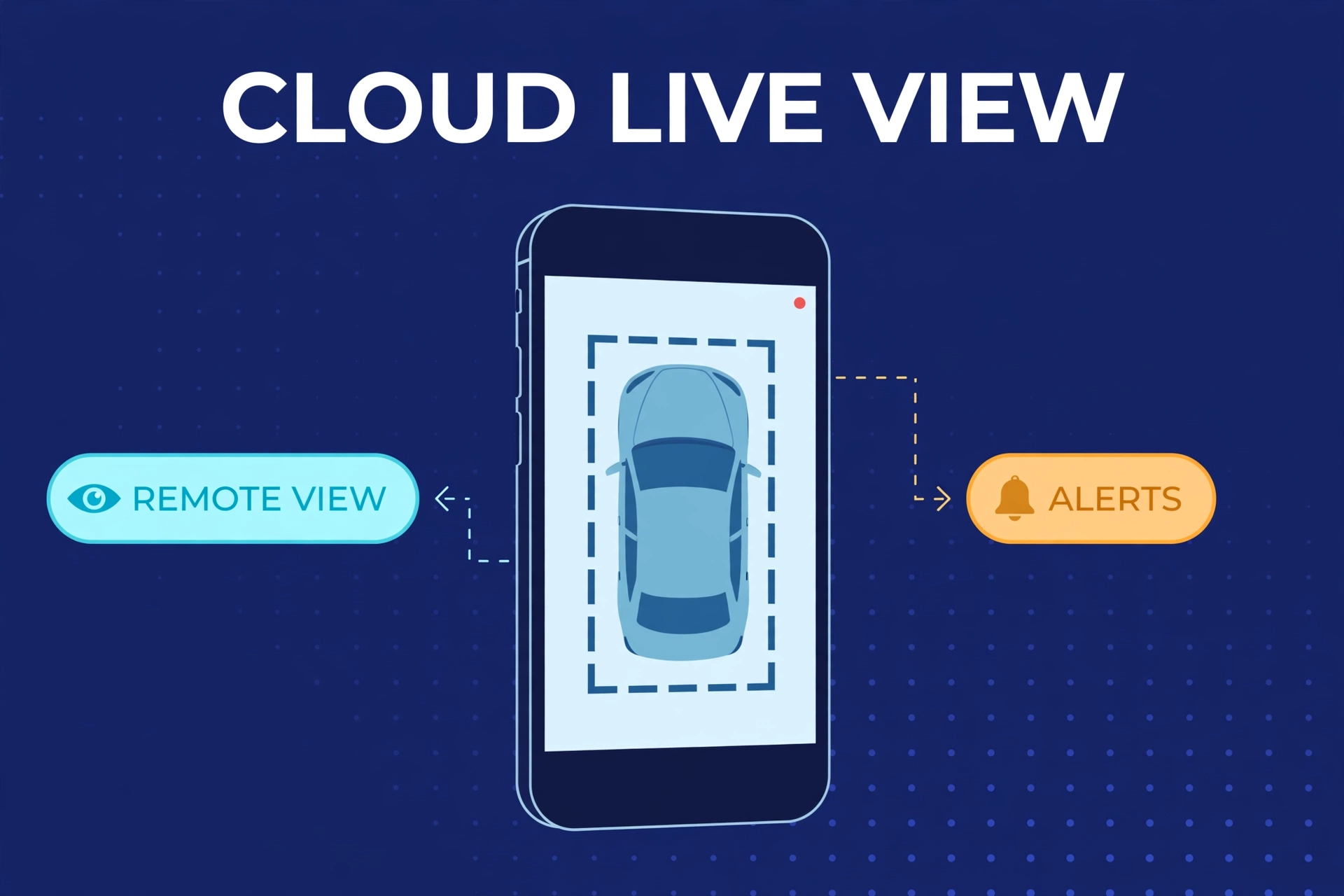
With BlackVue Cloud running through a Wi-Fi hotspot or mobile router, your car becomes a remote security camera. Moreover, phone out, anywhere in the world: live view. Also, bumper tagged in a parking garage — push notification within moments, clip uploading itself. First, location tracking, remote footage review, shared family access. In addition, for a parent with a teen driver, this isn’t a gimmick. Furthermore, it changes what the camera is.
Thinkware isn’t cloudless — the U3000 has connected features — but the ecosystem is narrower and varies by model and region. Second, if remote live viewing is why you’re spending premium money, stop deliberating. Finally, it’s BlackVue.
The honest caveat: cloud needs constant connectivity — a hotspot device or data plan, with its own hardware cost, monthly bill, and battery implications. Price that out before the demo seduces you. The cloud is the best feature in dash cams and the most common source of buyer’s remorse. Sometimes both.
Night Vision and Video Quality
Daylight? Stop worrying. Both run top-tier Sony sensors, both shoot 4K, and in good light you’d need lab equipment to tell them apart. The real comparison starts at sunset — which, depending on your commute, is when you do most of your driving.
Super Night Vision is a marketing name that earned itself. Meanwhile, side by side on an unlit road, the Thinkware pulls more detail from the dark. In fact, faces near streetlights, plates under headlights — with less crawling noise. Nevertheless, not subtle once you’ve seen it. BlackVue’s night footage? Very good. Perfectly usable evidence. Most buyers would never complain.
But “very good” versus “best in class” matters if you drive dark rural roads nightly. In fact, that gap is your evidence when it counts. In fact, daytime city commuter? You’ll never see the difference. Spend the gap on anything else.
Resolution numbers lie by omission: 4K on a great sensor beats 4K on a mediocre sensor at night, every time. Sensor quality does the work after dark. Our guide to the best dash cam for night driving digs into why.
App Experience and Daily Use
You’ll open the app a hundred times more than you’ll ever compare spec sheets, so this section deserves more weight than it usually gets.
BlackVue’s app is built around the cloud. In fact, remote live view, push alert history, cloud clip management — plus local Wi-Fi for the basics. Fair warning: the interface has a learning curve. Lots of menus, slightly enterprise feel. But it pays off; after the first week, everything’s where your fingers expect it.
Thinkware’s app goes the other direction: local management — settings, firmware updates, footage downloads over Wi-Fi. As a result, simpler, more straightforward for everyday stuff. In contrast, less to get lost in.
Neither app will delight you — dash cam apps are functional, workmanlike. But neither will make you regret the purchase, which beats some budget brands whose apps feel like punishment. Hate fiddling with settings? Thinkware’s simplicity wins. Want a mission-control dashboard on your phone? BlackVue, not close.
Who Should Buy Which?
Let’s make this personal instead of tabular.
If “check on my car right now” gives you a thrill — you’re the BlackVue buyer. Similarly, remote live viewing, instant phone alerts, tabs on a car nowhere near you, a family car or small fleet with eyes on every vehicle, cloud backup so footage survives even if the camera doesn’t. Specifically, one condition: you’re fine running a hotspot month after month. If that cost makes you wince, be honest now — not after the return window closes.
If your nightmare is a dented fender with no witnesses — you’re the Thinkware buyer. However, parking-mode protection is the priority, and the radar pre-trigger is the best tool for it: it sees the event coming while everything else reacts. For example, night drivers too — most miles after dark on unlit roads? Thinkware’s low-light processing is the evidence upgrade that counts. And energy-saving parking mode stretches surveillance further per charge than anything BlackVue offers.
If neither description moved you — you just need solid front-and-rear evidence without the premium drama — consider neither. Yet. The premium tier buys parking-mode obsession and cloud tricks; dependable loop recording costs far less. Our best 4K dash cam roundup has strong picks for roughly half the money.
Common Buyer Mistakes
The most expensive mistake: buying BlackVue Cloud features and never feeding them. A cloud camera with no data connection is a very good local camera wearing a tuxedo — all dressed up, going nowhere. Price the hotspot plan before you buy, not after. Too many owners discover the monthly cost post-purchase and quietly never enable the feature they paid for.
Second: assuming radar comes on every Thinkware. In addition, it doesn’t — radar is a flagship feature, not a brand-wide birthright. Cheaper models use conventional motion detection like everyone else. Read the exact model’s spec sheet; don’t trust a 2023 forum post.
Third — and this kills parking mode on both brands equally: skipping the hardwire kit. Furthermore, neither camera’s parking mode works on a 12V socket that dies with the ignition. The kit and install aren’t optional extras; they’re the budget line that makes parking mode real. Skip it and you’ve bought an expensive regular dash cam.
Fourth: the memory card. Moreover, premium cameras write at premium bitrates, hour after hour. In fact, a cheap card will corrupt or die right when you need the footage. High-endurance card, day one, non-negotiable. Cheapest insurance in the setup, most commonly skipped.
Fifth: trust nothing with a 2022 date on it. Top-ranking comparisons still feature older models with stale specs, and both lineups move fast. A “definitive” comparison from two product generations ago is a history lesson, not buying advice.
Thinkware vs BlackVue FAQs
Which is better for parking mode, Thinkware or BlackVue?
Thinkware — it’s physics, not brand loyalty. Radar catches approaching motion before it enters the frame, so you get lead-up footage pixel systems miss, plus an energy-saving mode stretching surveillance across days. BlackVue’s parking mode is genuinely excellent. Just not radar-grade.
Does BlackVue Cloud cost extra?
The service has historically had free and paid tiers — check current plans before buying, they change. The bigger ongoing cost is connectivity: the camera needs internet via hotspot or mobile router, i.e. a data plan. That’s the line item buyers forget. Work it in before you commit.
Can I use these cameras without the app?
Absolutely. Both record to the card automatically — mount it, power it, forget it. The app handles settings, live view, clip downloads. Plenty of owners configure once and barely open it again. Exception: BlackVue Cloud users, who basically live in the app — the app is the point for them.
Do I need professional installation?
Not necessarily. The cameras mount like any dash cam — five minutes. The hardwire kit is a DIY-friendly fuse-box job; plenty of owners finish in under an hour. Fuse boxes intimidate you? Any car audio shop does it for a reasonable price. A clean professional install beats a nervous DIY one.
Which brand is more reliable long-term?
Both — that’s part of what the premium buys. Supercapacitors instead of heat-sensitive batteries, thermal protection built in, and long-term owner reports favor both over budget alternatives by a wide margin. Neither brand is secretly fragile. Choose on features, not fear.
Is the price difference over mainstream brands justified?
Yes — if you’ll actually use what you’re paying for. Radar or cloud monitoring, used daily, earns the premium back. But if you just need dependable loop recording, a good mainstream dual-channel camera delivers the vast majority of the evidence for about half the money. Be honest about which driver you are.
Total Cost of Ownership: The Math Nobody Shows You
The sticker price is the down payment, not the price. Here’s what the real first year actually costs — and I wish someone had shown me this math before my first premium purchase.
Start with the camera itself. Also, flagship dual-channel bundles from both brands sit firmly in the premium tier. In fact, expect roughly double what a good mainstream dual-channel camera costs. Street prices drift around, so check current listings rather than trusting a review’s quoted price from eight months ago.
Then the hardwire kit, which both brands sell separately and both brands effectively require. First, no hardwire, no parking mode — and parking mode is the reason you’re here. Budget it as part of the camera, not as an accessory.
The memory card comes next. Second, high-endurance, large capacity, bought on day one rather than as an afterthought. It’s the smallest line item and the one people skip most. Don’t.
Now the one that stings: connectivity, if you go BlackVue. Finally, a mobile hotspot device plus a data plan, month after month after month. Meanwhile, over two years, this can rival the camera’s own price. It’s the most-forgotten cost in the entire premium dash cam world.
Finally, installation — optional, but real. Nevertheless, dIY costs nothing but an afternoon. A professional hardwire install runs a modest one-time fee at any car audio shop.
None of this is meant to talk you out of buying. It’s meant to make sure you buy with your eyes open — because a premium camera with dead parking mode or dormant cloud is just an expensive regular dash cam wearing premium branding.
How to Decide in Five Minutes
Still stuck? Good news: this takes three questions, in order. Answer honestly — the first instinct is usually the right one.
First: will you actually check on your car remotely? In fact, not “wouldn’t it be cool” — will you. Moreover, if the thought of seeing your car right now, from your phone, genuinely excites you, buy BlackVue. Also, nothing else in the dash cam world does cloud like it. First, if your honest answer is “probably not after the novelty wears off”? Then the cloud premium is wasted on you. Move on. Second: is parked-car damage your actual fear? As a result, door dings, parking-lot hit-and-runs, vandalism? Buy Thinkware for the radar. It sees the event coming. Second, everything else just reacts to it. In fact, and in parking incidents, the seconds before impact are usually the seconds that identify who did it. Third: is it mostly about night-driving evidence? Thinkware’s night processing wins cleanly. But both are honestly excellent here — if this is your only deciding factor, don’t agonize. Spend the saved decision energy on the hardwire install instead.
And the escape hatch: if you answered “none of the above — I just want reliable footage,” save your money and smile about it. In contrast, the premium tier exists for parking-mode obsessives and cloud lovers. Everyone else gets superb evidence from mainstream dual-channel cameras — our front and rear dash cam roundup has the picks — and the money you keep buys a very nice hardwire install.