

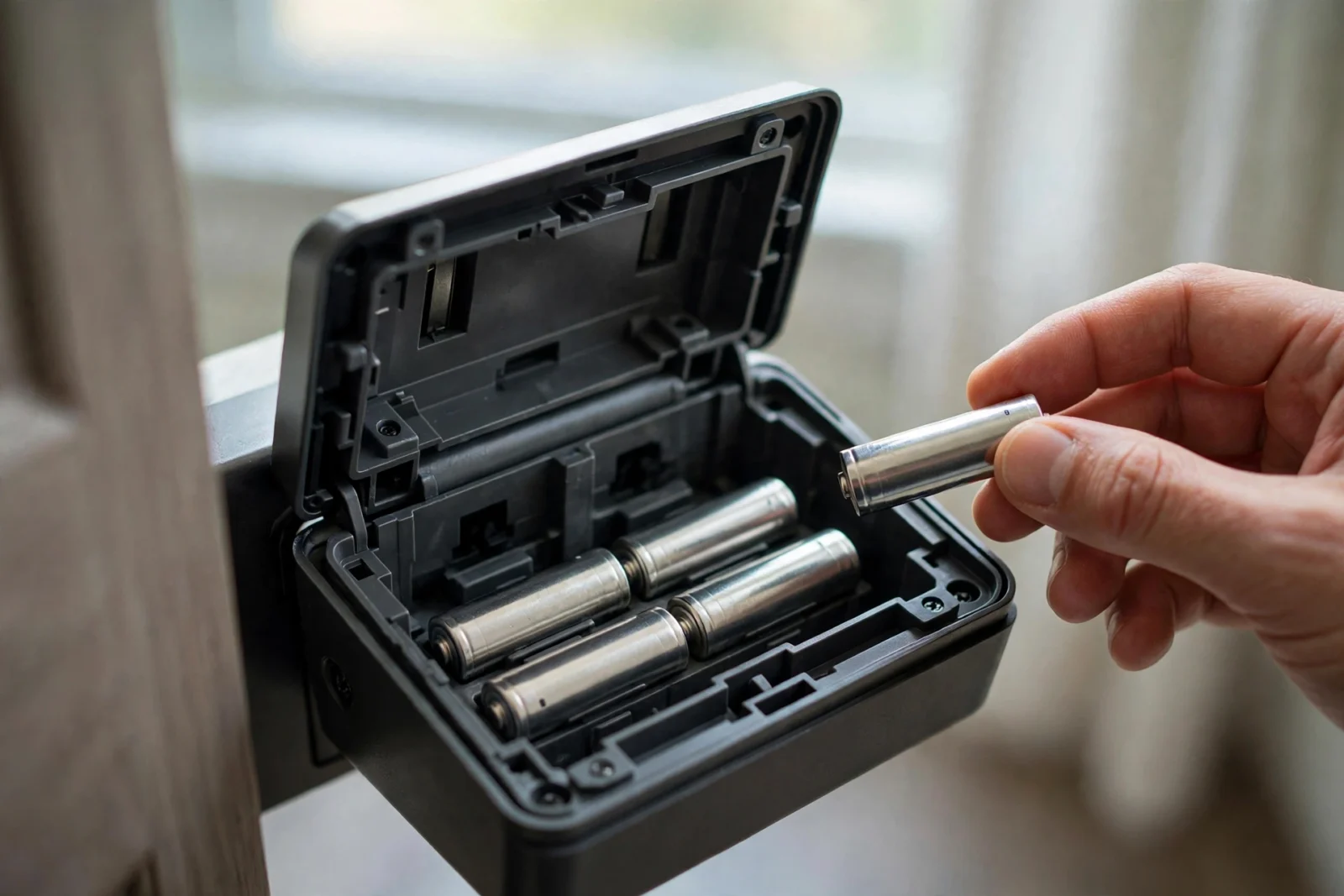
Smart Lock Battery Draining Fast? 7 Causes and Fixes
If your lock eats a fresh set of batteries in weeks instead of months, the lock itself is usually fine — something around it is making it work too hard. Radio strain, bolt friction, cold, and wrong battery chemistry account for most cases, and each has a plain fix.
This guide walks through the seven causes in the order to check them, how to confirm which one you have, and how to stop it coming back. It applies to almost all battery-powered smart locks — Schlage, Yale, August, Kwikset, and similar — because the behaviour is the same underneath.
The Short Answer: Why Smart Lock Batteries Die Early
Batteries drain early when the lock’s motor or radio does extra work. Struggling motors, weak Wi-Fi, constant searching for a signal, freezing weather, and batteries the lock was not designed for all force the lock to spend energy it should save. Fix the workload, and battery life follows.
Three quick checks catch most cases:
- Can you turn the deadbolt by hand easily, with no grinding or stiff spot?
- Does the app connect to the lock instantly, or does it spin and retry?
- Are you using standard alkaline AA batteries, not rechargeables or lithium cells?
If any answer is no, you probably already have your cause. Read on for the full list and fixes, easiest first.
What Normal Battery Life Looks Like
Every lock is rated differently, and the rating assumes gentle conditions: a clean bolt throw, strong signal, room temperature hub and router, and modest use. Schlage rates this deadbolt at up to six months of battery life under typical use, and Yale’s guidance puts its Wi-Fi locks around three to six months, with Z-Wave versions lasting longer because the radio sleeps more.
Typical ranges in normal homes:
- Wi-Fi locks: 1–6 months — the widest spread because Wi-Fi is the hungriest radio.
- Z-Wave or Zigbee locks: 6–12 months.
- Bluetooth locks: 3–12 months, helped by how little the radio wakes.
If your run time is far below your model’s published figure, something specific is wrong. If it is merely a bit shorter in winter, that may be normal cold-weather behaviour (see cause 5).
Cause 1: Weak Wi-Fi or Hub Signal
A lock that barely reaches its router or hub burns energy retrying, reconnecting, and broadcasting at full power. This is the most common cause of a sudden battery drop after moving a router, adding a mesh node, or changing a password.
How to confirm it
- The app shows the lock as intermittently offline, or connects slowly.
- Remote unlock takes several seconds or fails on the first try.
- Your phone shows one or two Wi-Fi bars beside the door.
The fix
- Move the router, hub, or bridge closer to the door, or add a mesh node in between.
- For bridge-based locks, move the bridge to an outlet near the door — line of sight if possible.
- After any router change, reconnect the lock to the network.
- If the home’s Wi-Fi is crowded, give the lock a clean 2.4 GHz path — most locks only use that band.
Cause 2: Bolt Friction and a Misaligned Strike
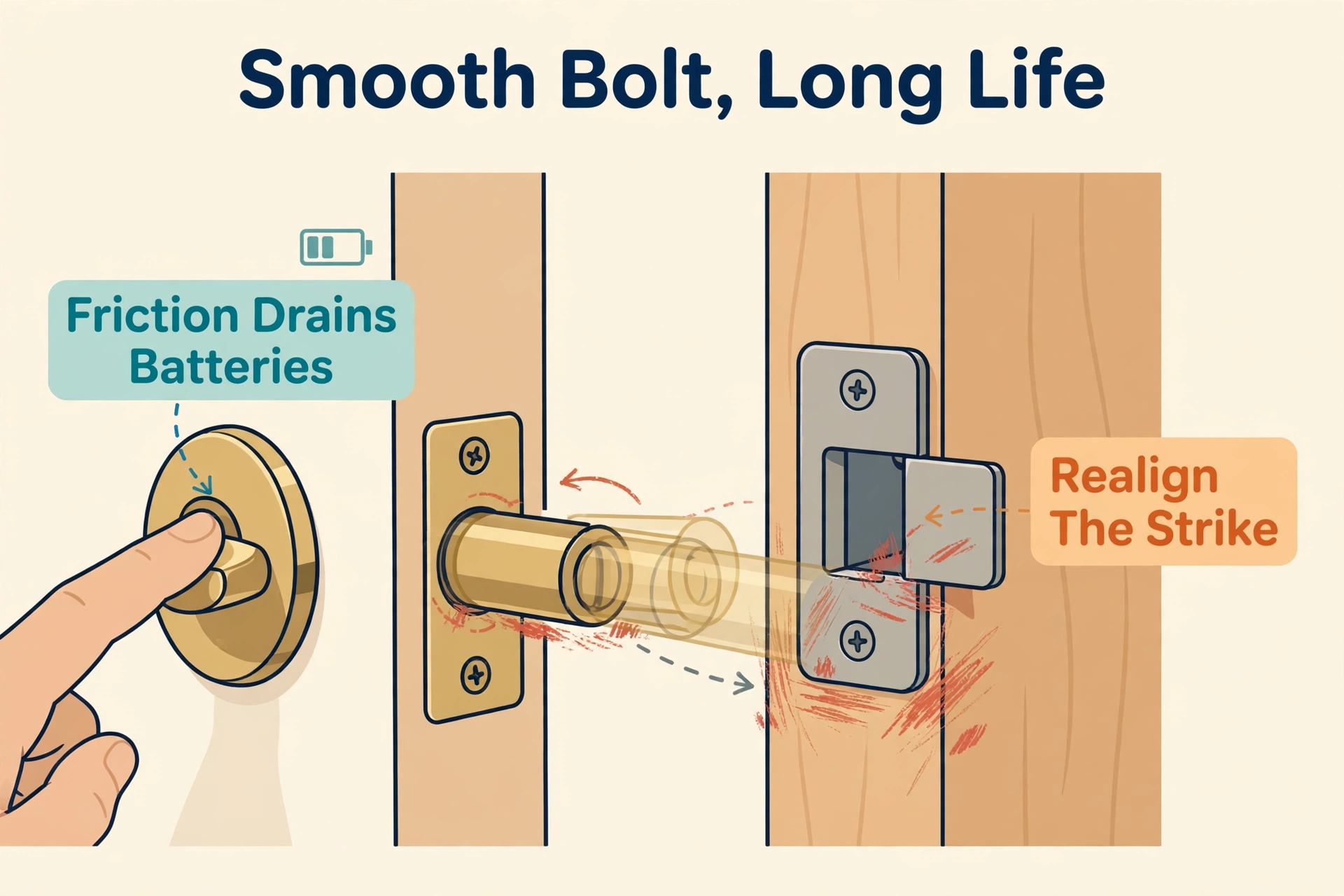
If the bolt rubs the strike plate, the motor strains on every lock cycle. A straining motor is a hungry motor, and it is the number-one mechanical cause of short battery life.
How to confirm it
- Turning the thumb turn by hand needs effort at one point, or the door must be pushed or lifted to latch.
- The lock clicks, retries, or sounds laboured at the end of a cycle.
- Fresh paint, seasonal door movement, or loose strike screws are recent.
The fix
- Tighten or reposition the strike plate so the bolt slides in without touching the edges.
- Check door hinges for sag and correct them.
- After realigning, open and close the door and run the lock by hand — it should feel boring: smooth, quiet, one motion.
Ignore this and the motor keeps straining until one day the battery dies mid-cycle — see our guide on what happens when a smart lock battery dies for your backup options.
Cause 3: Cheap, Rechargeable, or Lithium Batteries
Not all AA batteries feed a lock the same way. Most locks are designed around standard alkaline cells and measure their voltage to decide when to warn you.
How to confirm it
- You are running bargain store-brand cells, rechargeable NiMH, or lithium AAs.
- The low-battery warning arrives with almost no notice — effectively healthy one day, dead the next.
The fix
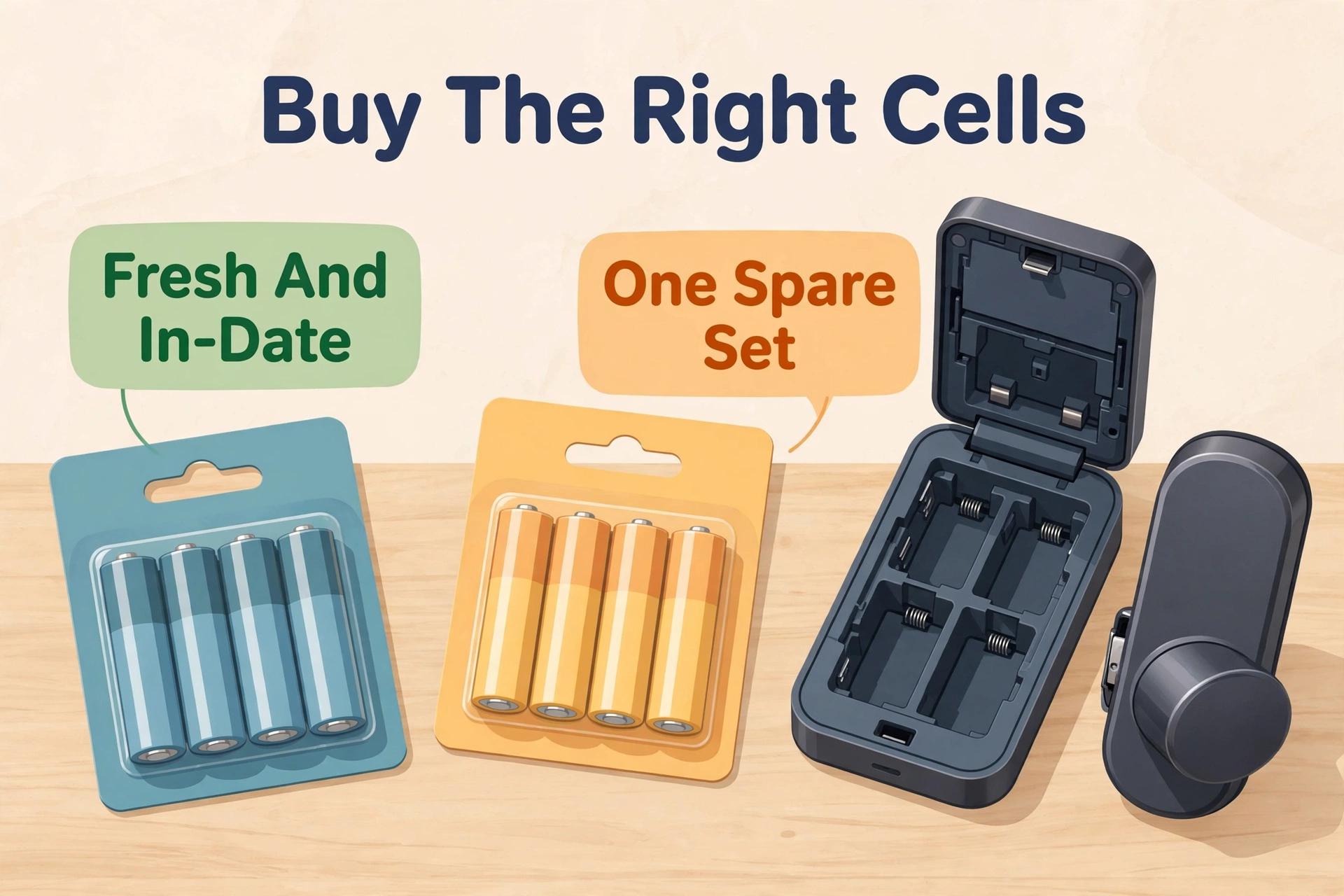
- Use fresh, brand-name alkaline AAs of a single type and change all cells at once.
- Avoid rechargeables: their lower voltage makes the lock think fresh batteries are half spent, and lithium cells hold full voltage until they drop suddenly, defeating the warning.
- Note the date you changed them — a slip of paper in the battery cover works.
For a lock that gets heavy guest traffic — like the ones in our best smart lock for Airbnb roundup — a written battery-change log is worth keeping.
Cause 4: Heavy Use and Constant Auto-Lock
Every motor cycle costs energy. A lock that auto-locks every 30 seconds, gets opened 30 times a day by a big household, or is frequently used remotely will not match its manual’s battery figure.
How to confirm it
- The activity log shows very many lock events per day.
- Auto-lock is set to a very short interval and keeps re-firing because the door is opened often.
The fix
- Lengthen the auto-lock interval or turn it off where safe.
- If your lock supports DoorSense-style status, enable it so the lock knows when the door is actually closed.
- For guests, a dated code (see our guest-code guide) avoids repeated manual unlock attempts and the retries they cause.
Cause 5: Cold Weather
Batteries deliver less power in the cold — the chemistry slows, and voltage sags under load. A lock on an unheated door in a hard winter can behave as though a healthy battery is dying.
How to confirm it
- Problems arrive with the first cold snap and ease in spring.
- The lock is sluggish early in the morning and fine by afternoon.
- Batteries removed and rested at room temperature test as good.
The fix
- Swap to a fresh set just before the coldest months.
- Improve the door seal/insulation where you can; a warmer lock is a longer-lived battery.
- Change batteries proactively before winter rather than waiting for the warning.
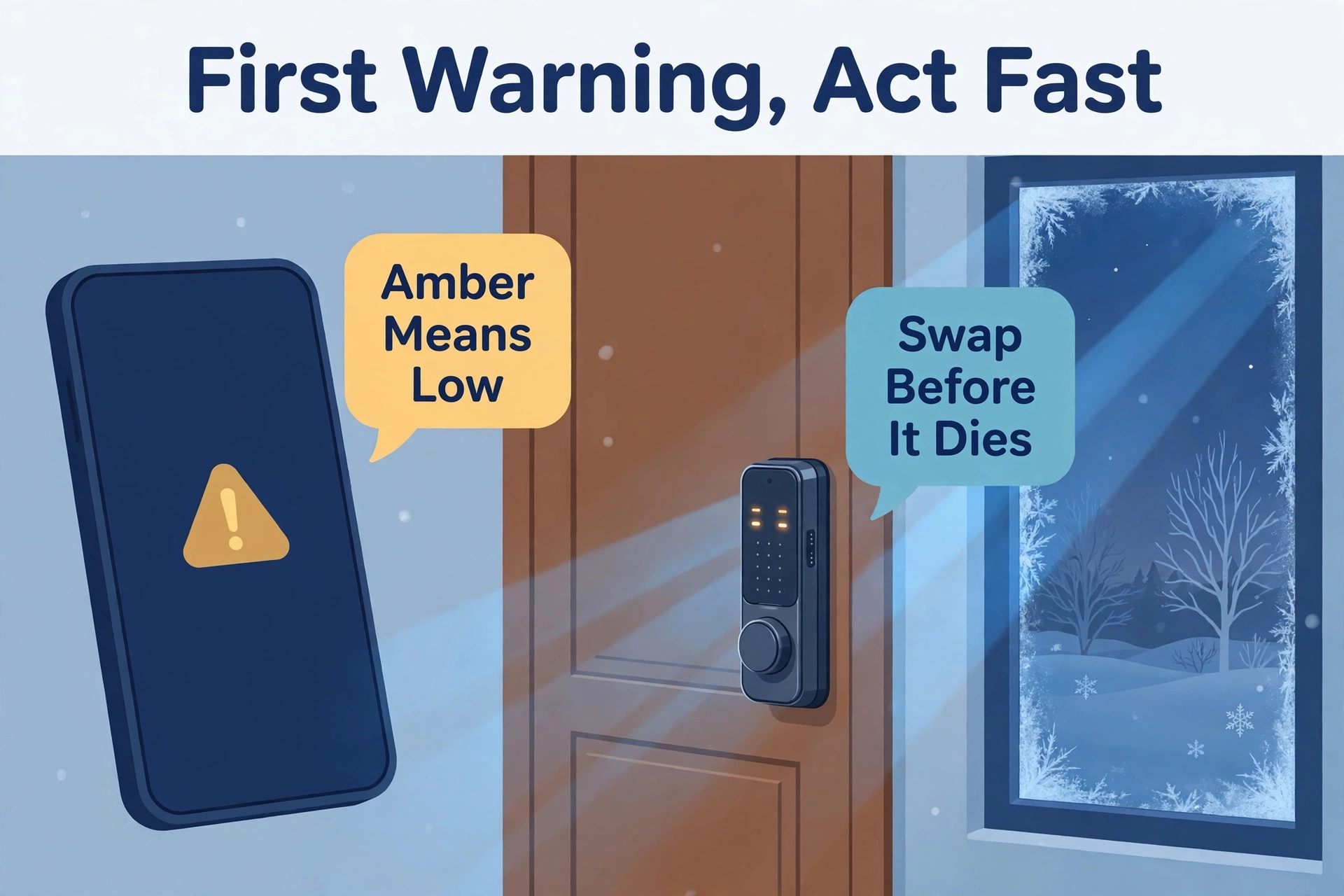
Cause 6: The Low-Battery Warning Arrives Too Late
This is not drain exactly — it is a warning mis-set or mis-measured. Rechargeables, lithium cells, or a failing motor make the lock’s voltage reading unreliable, so the first notice is a dead lock.
How to confirm it
- The lock dies with little or no advance warning.
- The app shows healthy battery percentage shortly before total failure.
The fix
- Use plain alkaline batteries so the voltage curve matches what the lock expects.
- Keep spare batteries near the door, and swap on the app’s replacement reminder rather than gambling.
- If the lock has a percentage readout, treat 25% as “change this week,” not “still fine.”
Cause 7: Firmware or App Problems
Occasionally the drain is software: a stuck firmware update, a lock caught in a retry loop, or an integration polling it too often.
How to confirm it
- Drain began right after a firmware update, a new integration, or adding the lock to a new platform.
- The lock feels warm to the touch or appears constantly busy in your hub’s logs.
The fix
- Update to the latest firmware — early bugs are often the problem and later versions fix them.
- Remove and re-add the lock from a polling integration you no longer use.
- If nothing else helps, factory reset and re-pair; note your codes first.
How to Reset the Clock: Your Battery Routine
Once you have fixed the cause, a light routine keeps the problem away. None of this takes long:
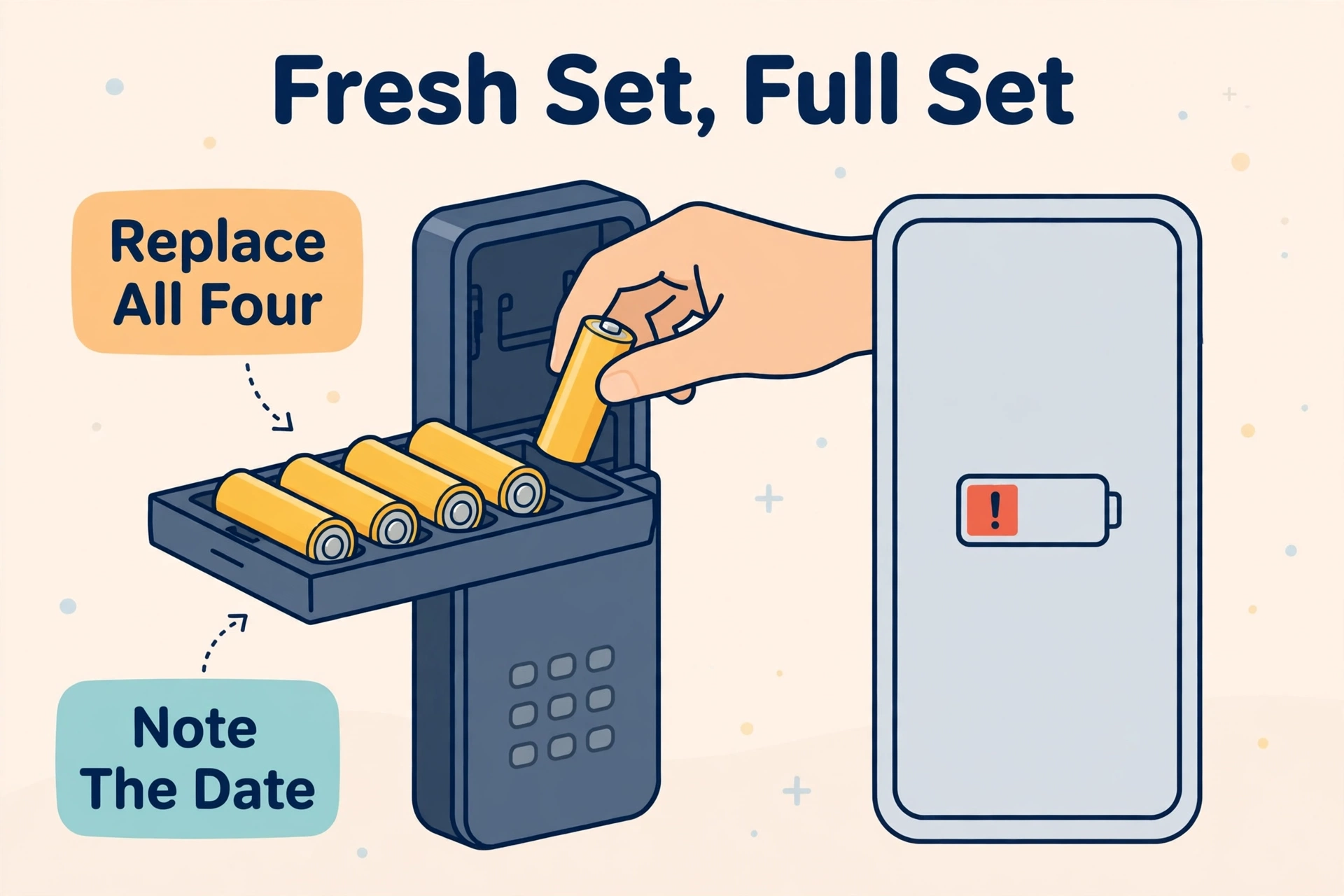
- Change all batteries together, with fresh alkalines, and note the date.
- Test the bolt by hand each change — smooth means healthy.
- Glance at the activity log monthly for offline gaps or unusual retries.
- Give high-use household members their own codes to keep the log honest.
Adding per-person codes is covered step by step in our guide on adding a guest code to a smart lock — the same routine works for family members.
At a Glance: Cause, Sign, Fix
| Cause | What you notice | First fix | Prevents recurrence |
|---|---|---|---|
| Weak Wi-Fi or hub signal | Offline gaps, slow connect | Move router/hub closer | Mesh node near door |
| Bolt friction | Grinding, retries | Realign strike plate | Hand-test each change |
| Wrong batteries | Sudden death, late warning | Fresh alkaline, all at once | One brand/type, spares |
| Heavy use/auto-lock | Huge daily event count | Lengthen auto-lock | Enable door sensor |
| Cold weather | Drain starts with frost | Fresh set before winter | Better door seal |
| Late warning | Dies at “25% healthy” | Match battery chemistry | Change on reminder |
| Firmware/app | Drain after update | Update or re-pair lock | Remove stale integrations |
Frequently Asked Questions
How long should a smart lock’s batteries actually last?
Most locks run 3–12 months per set depending on the radio type and usage. Wi-Fi locks sit at the shorter end (often 1–6 months), Z-Wave and Zigbee longer. If yours dies in weeks, a cause on this list is almost always responsible.
Why does my lock die right after I put fresh batteries in?
Usually the ‘fresh’ batteries were old stock, mixed types, or one dead cell out of four. It can also mean the motor is straining hard (cause 2) and flattening a new set quickly. Retest with a single fresh, brand-name set, changed all at once.
Should I use rechargeable batteries in my smart lock?
No, not in most locks. Rechargeables run at lower voltage, so the lock misreads their charge and may warn too late or behave as though they are old. Standard alkaline cells match the lock’s battery gauge far better. Keep rechargeables for remotes and toys.
My lock keeps going offline between working fine. Is that the battery?
Sometimes — as batteries weaken, the radio becomes the first thing to drop. But offline episodes with healthy batteries point to signal (cause 1). Fix the connection first, then judge the battery by how long it lasts afterwards.
The bolt turns fine some days and jams on others. What gives?
Doors move with temperature and humidity. A strike that clears in summer may rub in winter. Realign for the tightest season, check hinge screws, and test by hand in the evening when swelling is usually worst.
Fix the workload and the batteries follow. One cause at a time, easiest first, and your next set should last the months the manual promised.
