

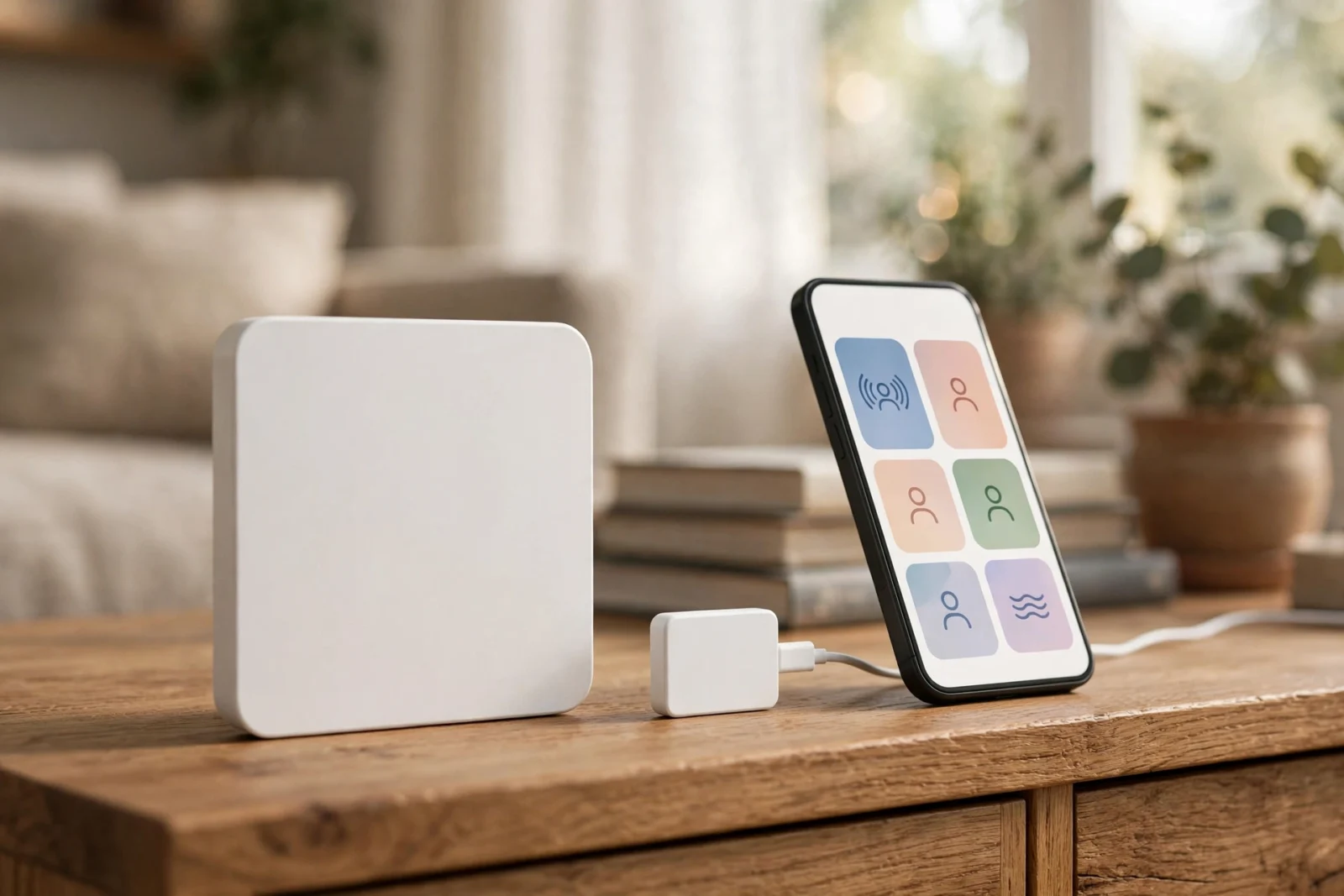
Aqara FP2 vs Apollo MSR-2: mmWave Presence Sensor Showdown
Two mmWave presence sensors sit at opposite ends of the same idea. The Aqara FP2 is the polished, big-brand option: a 60 GHz radar that splits a room into up to 30 zones and tracks several people at once. The Apollo MSR-2 is the open-source challenger: a tiny ESPHome multisensor built for Home Assistant, with radar, light, temperature, pressure, and optional CO2 sensing in one small box. This aqara fp2 vs apollo msr-2 comparison puts them head to head on detection, zones, smart home integration, and price — so you can pick the right one for your rooms the first time.
The short answer: choose the FP2 if you want positional zones, multi-person tracking, and one sensor covering a big open room. Choose the MSR-2 if you run Home Assistant, want deep tuning and extra environmental sensors, and prefer paying less per room. The long answer is below, and it matters — because these two sensors solve “is someone here?” in genuinely different ways.
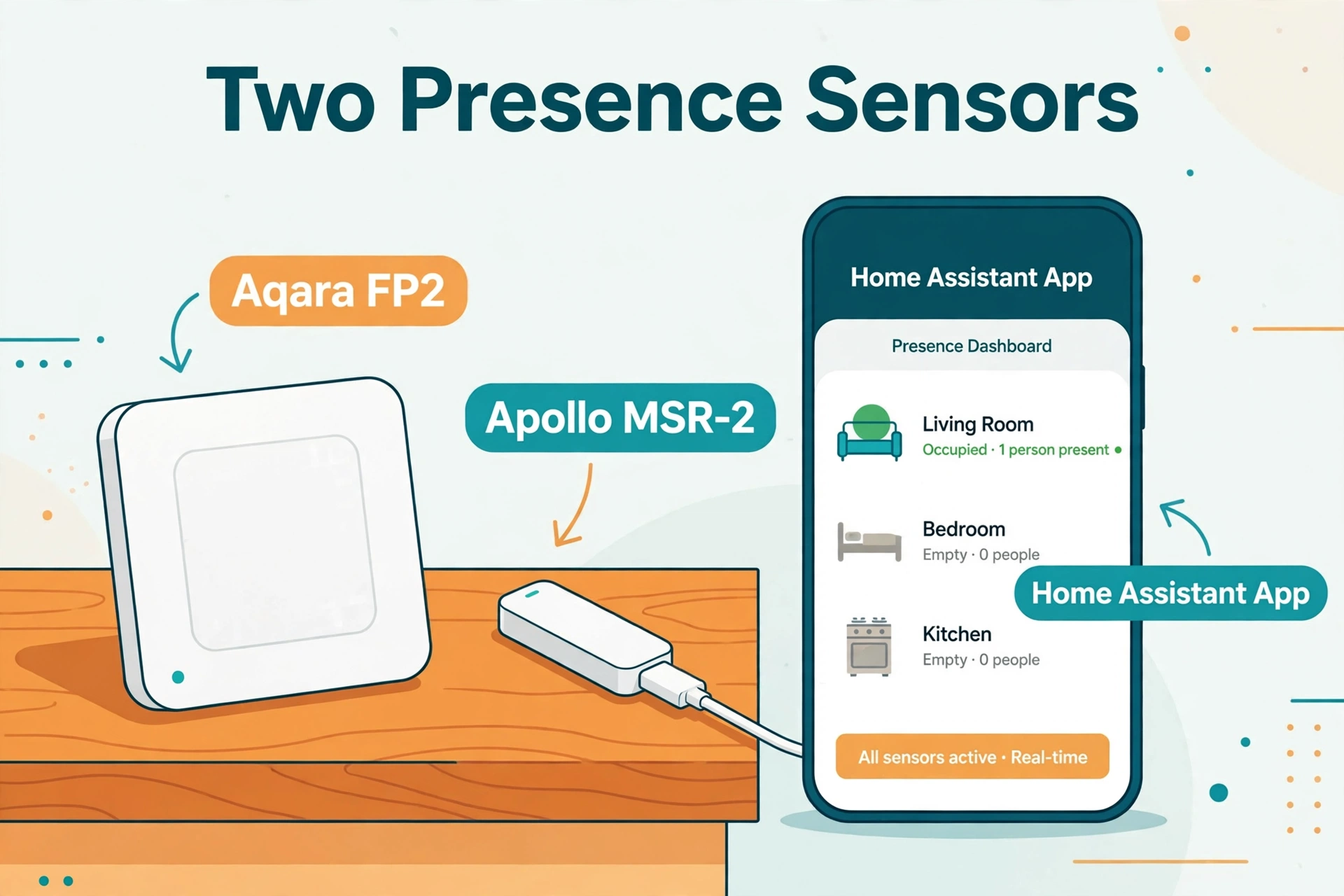
Meet the Apollo MSR-2: A Multisensor First, a Gadget Second
The MSR-2 is Apollo Automation’s second-generation presence sensor, and it replaces the earlier MSR-1 as the company’s current model. It is built around the Hi-Link LD2410B, a 24 GHz mmWave radar known for strong still-person detection. Apollo rates the radar’s reach at about 6 metres (roughly 20 feet), and because it is radar rather than a heat sensor, it keeps detecting you while you sit still, read, or sleep. Apollo’s own documentation even calls out its still detection as better than their larger zone-tracking model — which is why owners tuck MSR-2s under beds and behind sofas.
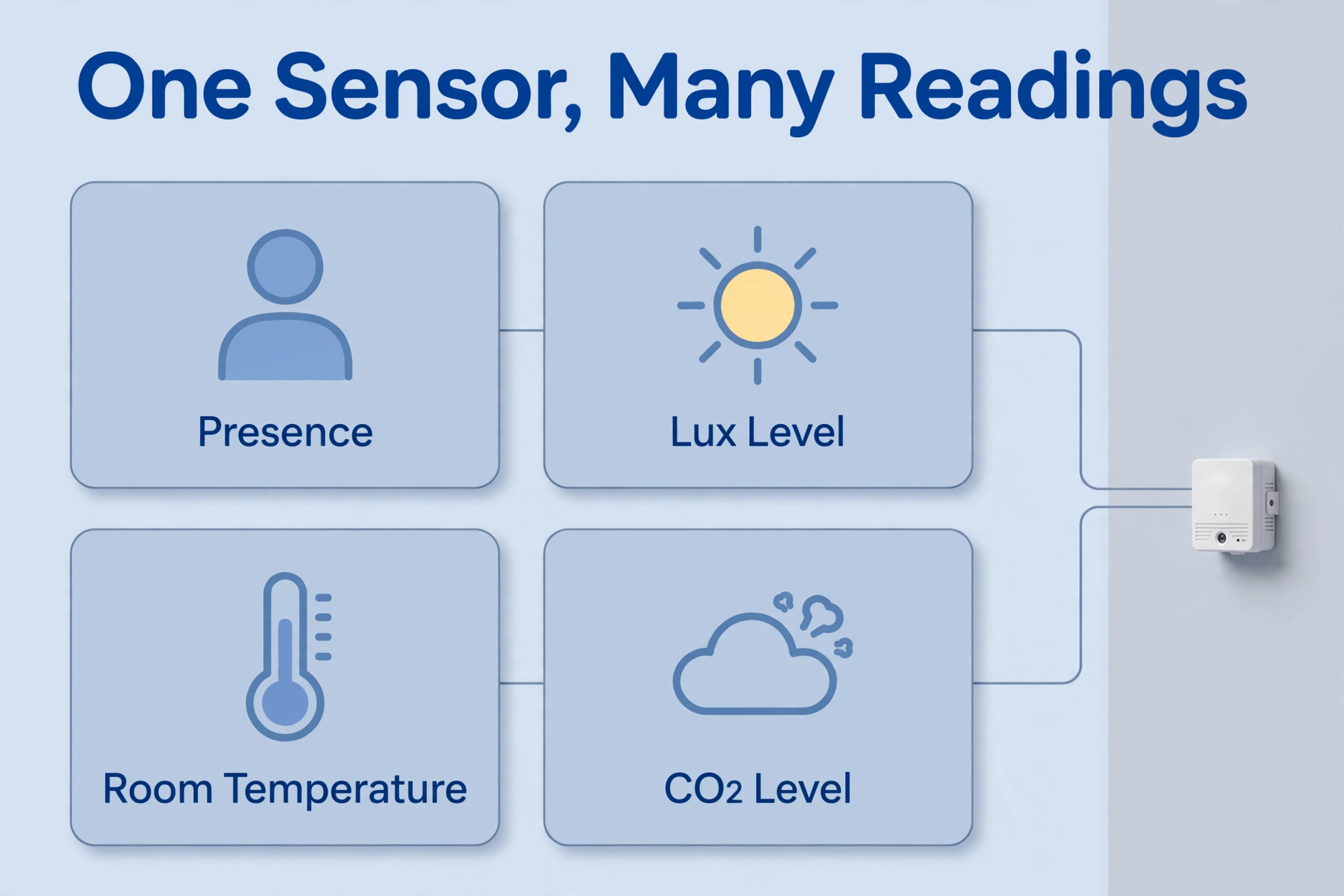
What makes the MSR-2 unusual is everything else packed around that radar. In a case measuring just 40 × 24 × 15 mm there is:
- mmWave radar (HLK-LD2410B): single-target presence with per-gate move and still sensitivity tuning
- Light and UV sensor (LTR-390UV): lux readings so lights only fire when the room is actually dark, plus a UV index
- Temperature and pressure (DPS310): room climate readings from the base model
- Optional CO2 sensor (SCD-40): true CO2 sensing on the higher variant, which also adds humidity
- RGB LED and piezo buzzer: silent visual alerts or beeps you can trigger from automations
- Bluetooth tracking: the ESP32-C3 chip can watch for known Bluetooth devices, like a phone or a pet’s beacon tag
The whole device runs ESPHome firmware on an ESP32-C3, connects over 2.4 GHz Wi-Fi, and is powered by USB-C (5V). Apollo’s firmware and CAD files are open, and the back of the unit has an expansion slot for add-ons like a GPIO header or a rear USB-C port. Apollo’s official store lists the base MSR-2 at $37.99 and the CO2 version at $57.99 — before shipping, and street prices vary, so check before you buy.
Meet the Aqara FP2: The Zone Specialist
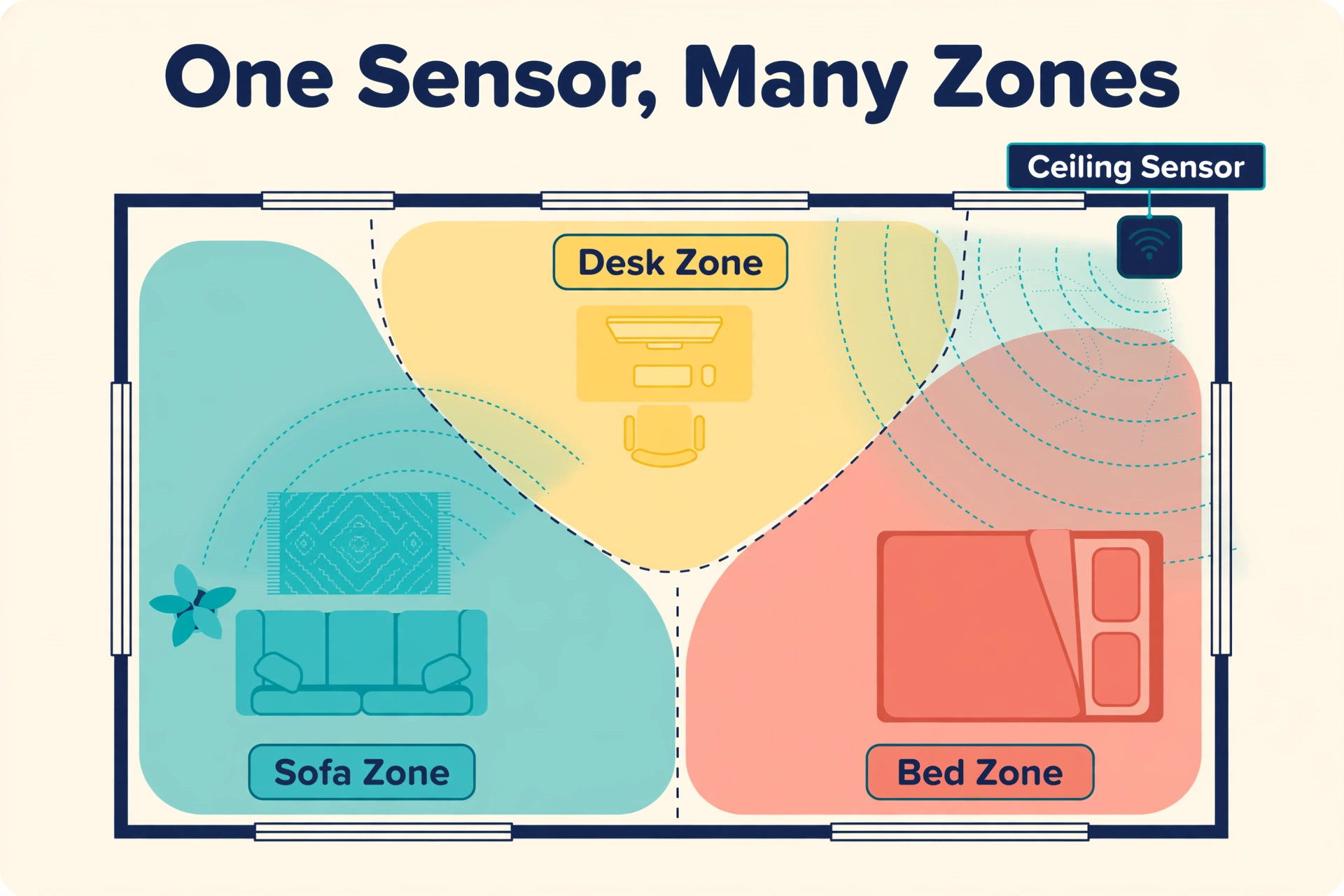
The FP2 is Aqara’s flagship presence sensor, built around a 60–64 GHz radar. Where the MSR-2 answers “is someone within this distance?”, the FP2 draws a map. One FP2 can monitor a room of up to 40 m² (about 430 sq ft) and divide it into up to 30 zones — sofa, bed, desk, doorway — each acting like its own virtual sensor. It tracks up to five people at the same time, though Aqara notes the best results come with three or fewer.
The FP2 adds two party tricks no distance-band sensor can match. Ceiling-mounted, it offers a fall detection mode that alerts you through the app — Aqara is clear it is not a medical device, but as a notification layer it is genuinely useful. And its IPX5 rating means it survives humid bathrooms where the MSR-2’s open project-board heritage would make you nervous. Aqara’s US store lists the FP2 at $82.99. If the underlying tech is new to you, our explainer on mmWave vs PIR sensors covers how radar presence differs from a classic motion sensor.
Aqara FP2 vs Apollo MSR-2: The Specs, Side by Side
Here is the whole comparison on one screen. Prices are the manufacturers’ own US store listings, checked in October 2026; street prices vary.
| Feature | Aqara FP2 | Apollo MSR-2 |
|---|---|---|
| Radar | 60–64 GHz mmWave | 24 GHz mmWave (HLK-LD2410B) |
| People tracked | Up to 5 at once (best with 3 or fewer) | 1 target |
| Zones | Up to 30 positional zones on a room map | 3 distance bands (near, mid, far) plus per-gate tuning |
| Coverage | Rooms up to 40 m² (430 sq ft) | About 6 m (20 ft) in front of the sensor |
| Still-person detection | Yes | Yes — a particular strength per Apollo |
| Fall detection | Yes, ceiling mount (not a medical device) | No |
| Light sensor | Yes (built in) | Yes — lux and UV (LTR-390UV) |
| Climate sensing | No | Temperature and pressure (DPS310); humidity only with the CO2 variant |
| CO2 sensing | No | Optional (SCD-40 variant) |
| Water resistance | IPX5 — bathroom friendly | Not rated |
| Connection | Wi-Fi 2.4 GHz, USB-C powered (5V) | Wi-Fi 2.4 GHz, USB-C powered (5V) |
| Home Assistant route | HomeKit Controller integration | Native ESPHome — local, open firmware |
| Size | 64 × 64 × 29.5 mm | 40 × 24 × 15 mm |
| Price (maker’s store) | $82.99 | $37.99 ($57.99 with CO2) |
Read the table and one pattern jumps out: the FP2 is a specialist that does presence — and only presence — at a very high level. The MSR-2 is a generalist: slightly less radar, much more sensor, at less than half the price. Which trade is right depends entirely on what your automations actually need.
Detection in Real Rooms: Zones vs Distance Bands
The FP2’s positional zones
The FP2’s party piece is knowing where in the room you are. Because it reports positions, you draw zones on a floor plan in the Aqara app: presence in the “desk” zone runs your work lights, presence in the “bed” zone keeps the wake-up routine quiet. One sensor can replace several ordinary motion sensors in an open-plan space. These are true room zones, the same concept we build by hand in our mmWave detection zones setup guide for DIY radar boards.
The MSR-2’s distance bands and gates
The MSR-2 cannot tell left from right, and it tracks one person at a time. What it offers instead is depth control. Its radar reports against distance gates, and from Home Assistant you can set three distance-band zones (Apollo’s defaults run near, mid, and far bands out to about 2.5 metres), a maximum detection distance, separate move/still distance limits, per-gate sensitivity thresholds, and a radar timeout that decides how long presence lingers after you leave. In practice this is exactly the control you need to say “watch the sofa, ignore the hallway behind it” — you just draw that line in metres instead of on a floor plan.
Still detection: the quiet tie
Both sensors detect a motionless person, which is the entire point of mmWave over PIR. Apollo is unusually confident about the MSR-2 here, rating its still detection above its own bigger zone-tracking sensor, and owners use it for bed and couch presence. The FP2 counters with precision: its higher-frequency radar and multi-target tracking keep several still people separated in one room. For a single reader on a sofa, both work. For a family spread across an open-plan room, only the FP2 knows who is where.
Home Assistant: Native ESPHome vs HomeKit Controller
Both sensors land in Home Assistant, but by very different roads. The MSR-2 is the native: it runs ESPHome, pairs over Wi-Fi, and exposes everything as entities — presence, moving target, still target, moving and still distances in centimetres, the three zone occupancies, lux, UV index, temperature, pressure, and CO2 if fitted. Tuning happens right on the device page, firmware updates arrive inside Home Assistant, and everything runs locally on open firmware you can read and modify. If you are setting up your hub from scratch, our guide to install Home Assistant on a Raspberry Pi 5 is the place to start.
The FP2 reaches Home Assistant through the HomeKit Controller integration, as Aqara’s own product page notes, and it also works with Apple Home, Alexa, Google Home, and IFTTT with no Aqara hub required. That multi-ecosystem reach is a real advantage outside Home Assistant. Inside Home Assistant, though, you get the entities Aqara chooses to expose, zone editing stays in the Aqara app, and a few features — Aqara notes the light sensor’s automation options — are limited to Aqara Home, HomeKit, and IFTTT. Local automations exist on both, with Aqara’s footnote that FP2 local routines only extend to Aqara or Apple Home-compatible devices.
Setting Up the Apollo MSR-2 in Home Assistant
Because the MSR-2 is the Home Assistant-native option, here is its setup in full. You will need:
- A running Home Assistant instance with ESPHome available
- A USB-C cable and a 5V USB power supply (not included in the box)
- Your 2.4 GHz Wi-Fi network name and password
- A phone or laptop for the first connection
Then follow these steps:
- Plug the MSR-2 into USB-C power. It starts its own temporary Wi-Fi hotspot on first boot.
- Connect to that hotspot and enter your home Wi-Fi details, or adopt the device when Home Assistant discovers it.
- Open the device in ESPHome and let it install the latest Apollo firmware. Firmware updates also appear inside Home Assistant afterwards.
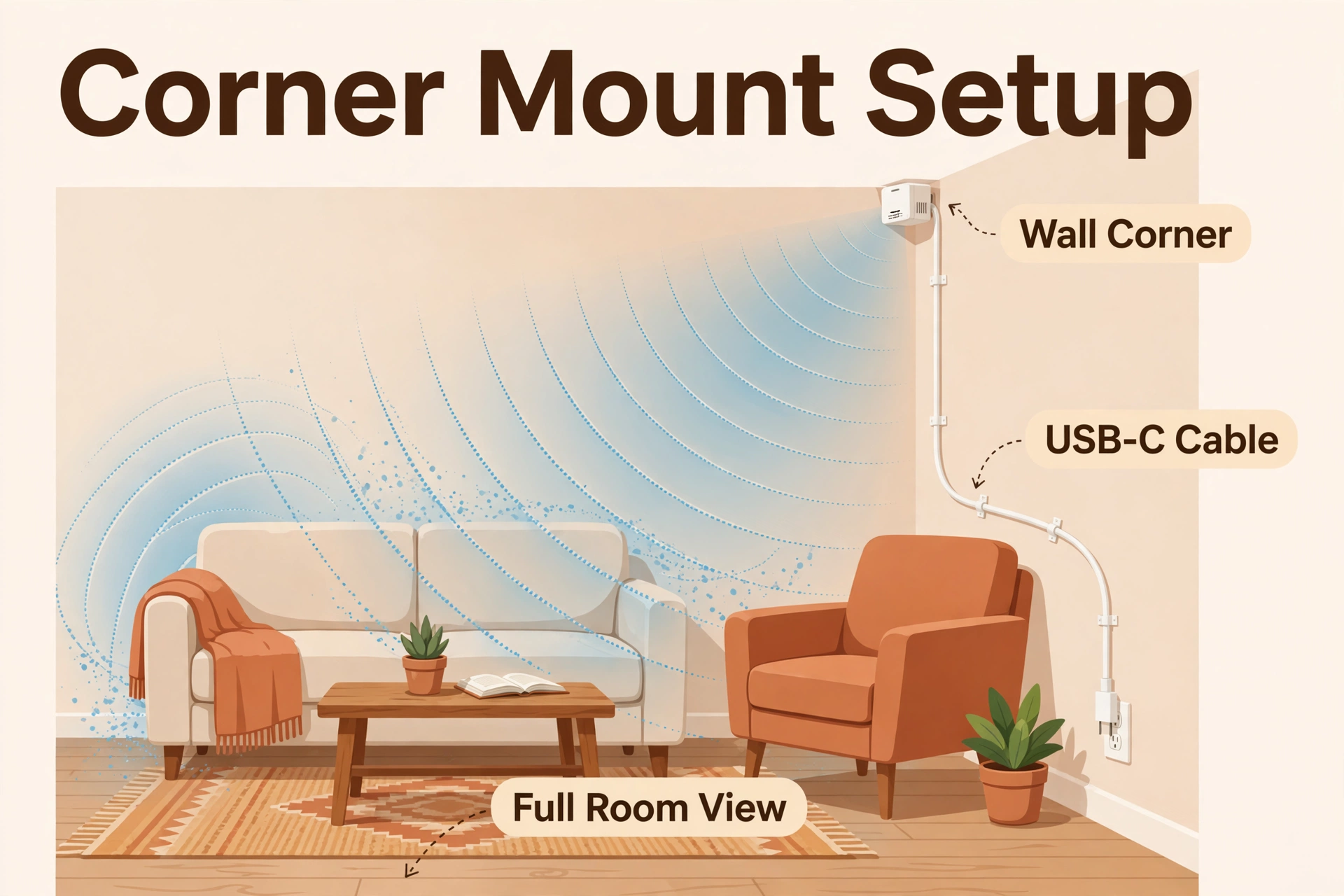
- Mount the sensor facing the area you care about — chest to head height works well for seated rooms, and tape beats screws until tuning is done.
- Set the maximum detection distance so the sensor stops at your room’s far wall, not the neighbour’s sofa.
- Walk the room, watch the moving and still distance readings, and trim the gate sensitivities until fans, curtains, and pets stop registering.
- Set the radar timeout (how long presence stays on after you leave), then build your first automation: lights on when presence is detected and lux is low.
The FP2’s setup is app-led instead: power it, add it in the Aqara Home app, draw your zones on the room map, then pair it to Home Assistant via HomeKit Controller if you want it there. Less YAML, more wizard — pick your preferred flavour of setup.
Which One Should You Buy?
Buy the Aqara FP2 if…
You have one large or open-plan room and want sofa, desk, and bed treated as separate triggers. Multi-person homes, fall-detection for an elderly relative’s room, and bathrooms (thanks to IPX5) all play to the FP2’s strengths. It is also the better choice if your home runs on Apple Home, Alexa, or Google rather than Home Assistant — see Aqara’s official FP2 page for the current platform list and price.
Buy the Apollo MSR-2 if…
You run Home Assistant and want one small, cheap, fully local sensor per room. The MSR-2’s lux sensor alone fixes the classic “lights on at noon” problem, the CO2 variant turns it into an air-quality monitor, and per-gate tuning makes it behave in tricky rooms. At $37.99 you can put one in every room for roughly the cost of two FP2s. Apollo’s own store page is the reference: Apollo’s MSR-2 product page lists both variants and the current price.
The honest middle answer
Plenty of Home Assistant homes end up with both: an FP2 mapping the big living space, MSR-2s handling bedrooms, offices, and hallways where one person’s presence plus light and temperature is all the automation needs. They are not really rivals so much as two price points of the same idea.
Frequently Asked Questions
Does the Apollo MSR-2 replace the MSR-1?
Yes. Apollo positions the MSR-2 as the MSR-1’s successor: smaller body, improved temperature and pressure sensing, and a new back expansion slot. The radar approach is the same, so MSR-1 owners gain refinement rather than a revolution, and Apollo says both models continue to receive support.
Can the MSR-2 track more than one person?
No. The MSR-2 tracks a single target and reports distance rather than position. If two people are in the room it still reports presence correctly — it just cannot tell them apart or say who is where. Multi-person separation is the FP2’s job.
Does either sensor need a hub or subscription?
Neither. The FP2 connects directly over Wi-Fi with no Aqara hub required, and the MSR-2 talks straight to Home Assistant through ESPHome. There are no subscriptions on either side.
Which sensor is better for a bedroom?
For most bedrooms, the MSR-2. Its still detection is built for exactly the “person lying motionless in bed” case, the optional CO2 sensor watches overnight air quality, and it costs half as much. Choose the FP2 instead if you want ceiling-mounted fall detection or separate bed and doorway zones.
Can the MSR-2 see through walls?
Through light materials like drywall and thin wood, yes — Apollo says so themselves, and it cuts both ways. It lets you hide the sensor, but it can also catch movement in the next room. The fix is the distance tuning in the setup steps: cap the range at your wall, and the neighbours disappear.
The Bottom Line
The aqara fp2 vs apollo msr-2 choice is really a choice of philosophy. The FP2 is the finished consumer product: positional zones, multi-person tracking, fall detection, and a price that reflects all three. The MSR-2 is the Home Assistant native: cheaper, smaller, openly hackable, and quietly the better still-person sensor, with light, climate, and optional CO2 sensing thrown in. Neither needs a hub, a subscription, or a camera. Pick the FP2 for the one big room that needs a map; pick the MSR-2 for every other room — and enjoy lights that finally stay on while you read.
