

I bill by the hour. So when a client asks me to “make Plex work” and I walk in to find a $900 NAS choking on a single 4K stream, I do the math fast: they paid for the wrong chip. However, best NAS for Plex in 2026? For example, whatever Intel-based box has Quick Sync hardware transcoding — the UGREEN DXP4800 Plus, the QNAP TS-464, the TerraMaster F4-425. And the part that costs my clients real money: Synology’s 2025 Plus refresh put AMD Ryzen chips with no Quick Sync in its higher-end models (DS725+, DS925+, DS1525+, DS1825+). In addition, lovely file servers. Mediocre Plex boxes.
I’ve deployed Plex for dozens of small businesses and households. Furthermore, every single painful install traced back to the same mistake — wrong CPU. So this is the guide I wish my clients read before they bought.
Quick primer if you’re new: transcoding is Plex converting video on the fly when the player can’t handle the original file, and it’s the hardest thing your NAS will ever do. For the technical deep-dive, see our plex hardware transcoding explained guide.
Why the CPU Matters More Than Anything for Plex
A client — call him Dave, because that’s his name — bought a handsome ARM-based NAS for his Plex library. Worked great. Until his kid tried streaming from college. The dashboard flipped to “Transcoding,” the little fan screamed, and the movie dissolved into a slideshow. Dave called me at 11 pm. I charged him for the call, and I was right to.
However, here’s what I told Dave: transcoding is the whole job. Moreover, everything else Plex does — the pretty posters, the libraries, the remote access — is decoration around this one brutal workload. Also, it decides how many streams you can serve and whether your server hums or howls. Two ways it happens. First, software transcoding — the CPU’s general cores doing the work — is slow, hot, miserable. Moreover, one or two 1080p transcodes can pin a modest chip. Second, hardware transcoding hands the job to a dedicated video engine. For example, on Intel, that’s Quick Sync Video. In addition, night and day: several 1080p streams at once, 4K with HDR tone mapping, and the CPU barely stirs. So. Furthermore, one question decides the entire purchase.
Does it have an Intel CPU with Quick Sync? Yes — you’re in business. No — you’ve bought an expensive paperweight for the exact workload you purchased it for, and you’ll be calling someone like me.
The 2026 Landscape: Synology’s Transcoding Problem
And this is where it gets awkward, because I like Synology. I deploy their boxes for backups constantly. But facts are facts: their 2025 Plus refresh moved the higher-end lines — DS725+, DS925+, DS1525+, DS1825+ — to AMD Ryzen chips with no integrated GPU and no Quick Sync. Only the entry DS225+ and DS425+ kept the old Intel Celeron J4125.
Now, those Ryzen chips? Finally, fine processors. But Plex doesn’t grade on general CPU strength — it grades on the video engine, and there isn’t one. So a brand-new, premium-priced Synology can be a wonderful file server… and a lousy Plex server. Meanwhile, same box.
Without hardware transcoding, Plex falls back to software: fewer streams, more heat, more noise, more power. Nevertheless, direct play is a different story — a Synology serves those beautifully. The problem is transcodes don’t ask permission. A phone on the road, a tablet in bed, subtitles that need burning in. In fact, they show up uninvited, usually when someone you like is visiting.
Which is why the 2026 recommendations point at Intel-based boxes from UGREEN, QNAP, and TerraMaster. Not because those brands are better at everything — they’re not — but because they ship the one chip feature that matters here.
What to Look for in a Plex NAS
Here’s where I get heated. A client walks in with a spreadsheet — cores, gigahertz, whatever the box screamed about — and not one line about the video engine. The only part that matters! Forget spec-sheet bingo. This is the actual checklist from every consult, in the order that counts.
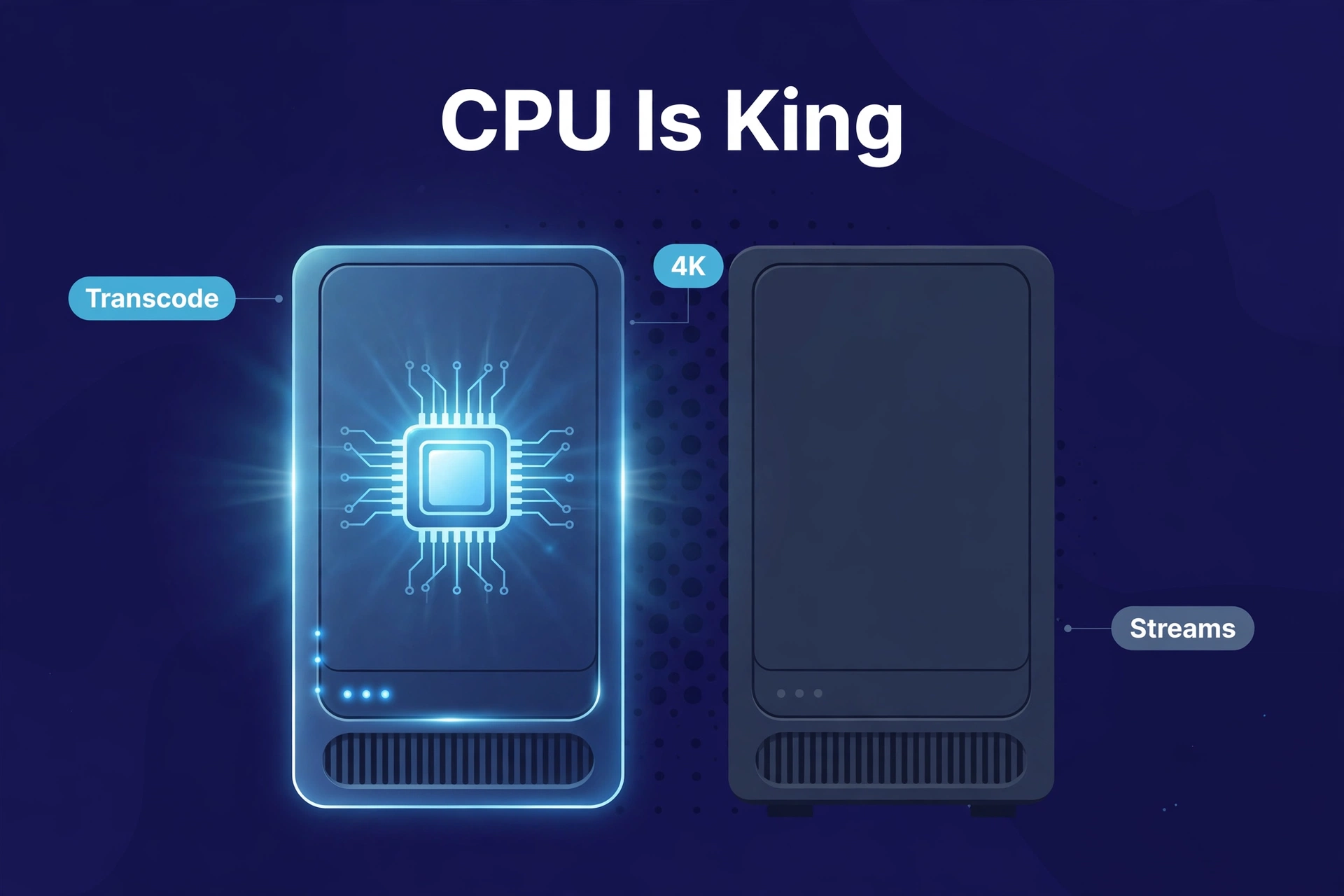
Intel CPU with Quick Sync (non-negotiable for transcoding)
The whole game, full stop. Intel N-series (the N100 shows up everywhere now), recent Core i3/i5 — and actually read the spec sheet, because marketing copy loves “quad-core processor” the way a used-car ad loves “runs great.” I once spent twenty minutes digging through a manufacturer’s page before they admitted which chip was inside. Twenty minutes of my life. An ARM chip with no video engine for Plex? Walk away.
8 GB of RAM (or upgradeable to it)
Secondary, honestly — transcoding happens on the Quick Sync engine, not in RAM. But a box running Plex plus photo indexing plus backups plus a few apps sits comfortably at 8 GB. Most units ship with 4 GB and a free slot, and here’s a freebie from someone who bills for this: popping in your own stick takes ten minutes with a screwdriver and is almost always cheaper than buying the higher SKU. I charge $75 for that house call. You don’t have to pay it.
Two bays minimum, four for a real library
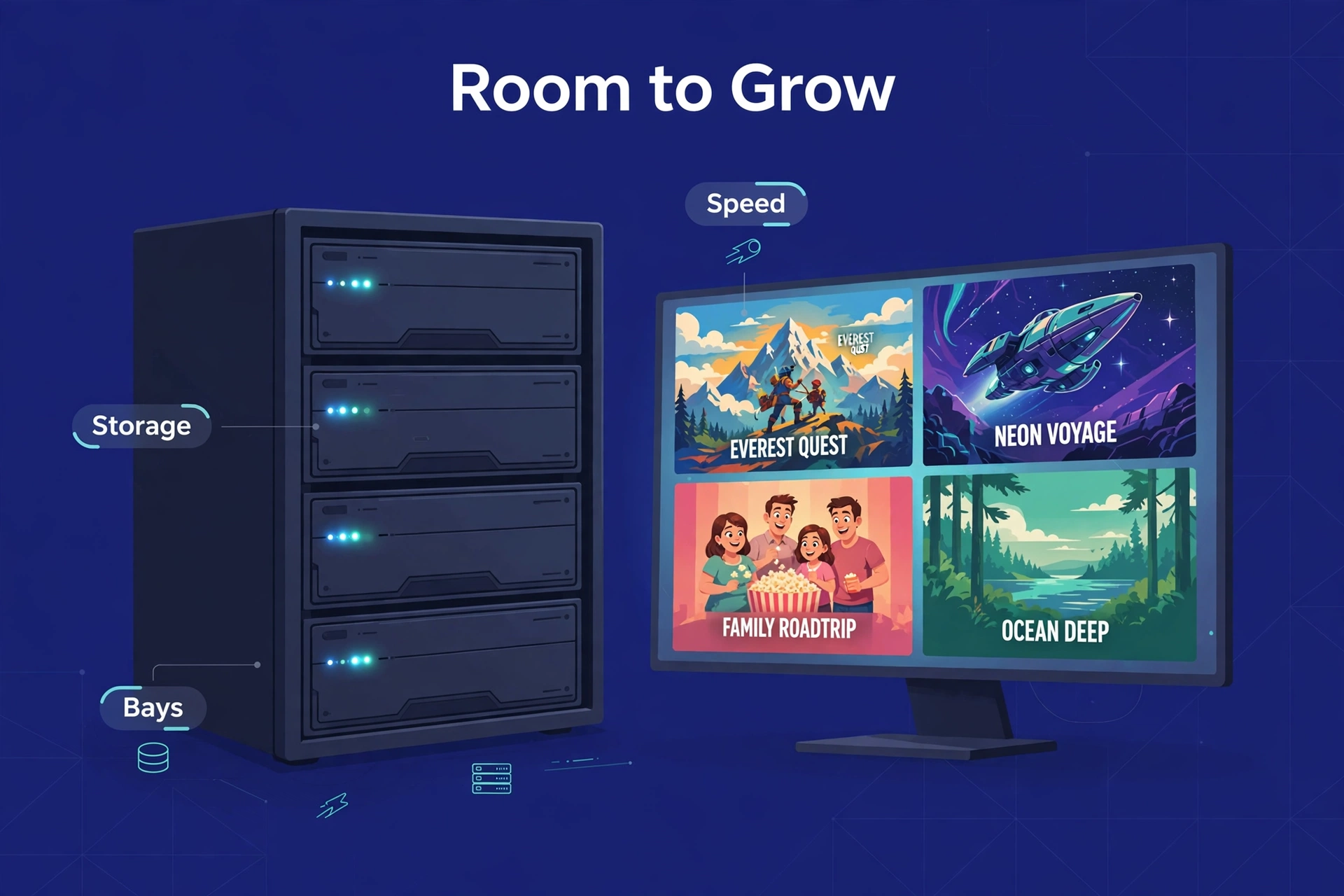
Two bays gets you in the door — mirror a pair of drives, survive a failure, done. But 4K movies run 50–80 GB apiece, and libraries only grow. Four bays means adding drives later instead of replacing them. A client of mine filled two bays in fourteen months and paid me to migrate everything. Don’t be that client.
2.5 GbE networking
Gigabit’s fine. 2.5 GbE is nicer — faster library copies, barely costs extra now. Not worth a big premium, but nice to have. (One client paid $80 extra for a 10GbE model he uses over Wi-Fi. That upgrade did literally nothing for him. Don’t be that client.)
Quiet cooling
Your server runs 24/7, usually where people watch TV. One of my early client installs had a fan with a whine at exactly mosquito frequency — I heard about it for two years. Every quiet scene. Until we replaced the box.
Intel N-series chips run cool, which means slow fans and silence. Check reviews for noise complaints before buying. A whiny fan will cost you more goodwill than a slower CPU ever will.
Plex Pass for hardware transcoding
The catch nobody mentions at checkout: Plex locks hardware transcoding behind a Plex Pass subscription. No Pass, no Quick Sync — your perfect Intel chip transcodes in software, slowly and loudly, and the advantage you paid for sits there unused. Budget it with the box. Non-negotiable for anyone who transcodes.
Best Overall for Plex: UGREEN DXP4800 Plus
If a client asked me to spend their money today — and they do, that’s the job — I’d point at the UGREEN DXP4800 Plus. Four bays, an Intel Pentium Gold 8505 with Quick Sync, and enough general muscle to run Plex alongside everything else without breaking a sweat.
The case for it: four bays for a library that never shrinks, Quick Sync for multiple 1080p hardware transcodes, smooth 4K direct play. In fact, strong hardware for the price — not a box you’ll outgrow in eighteen months.
The caveats, because I bill for honesty: UGREEN is the young brand here, so the software ecosystem and community are thinner than the old guard.
Best 2-Bay for Plex: QNAP TS-264
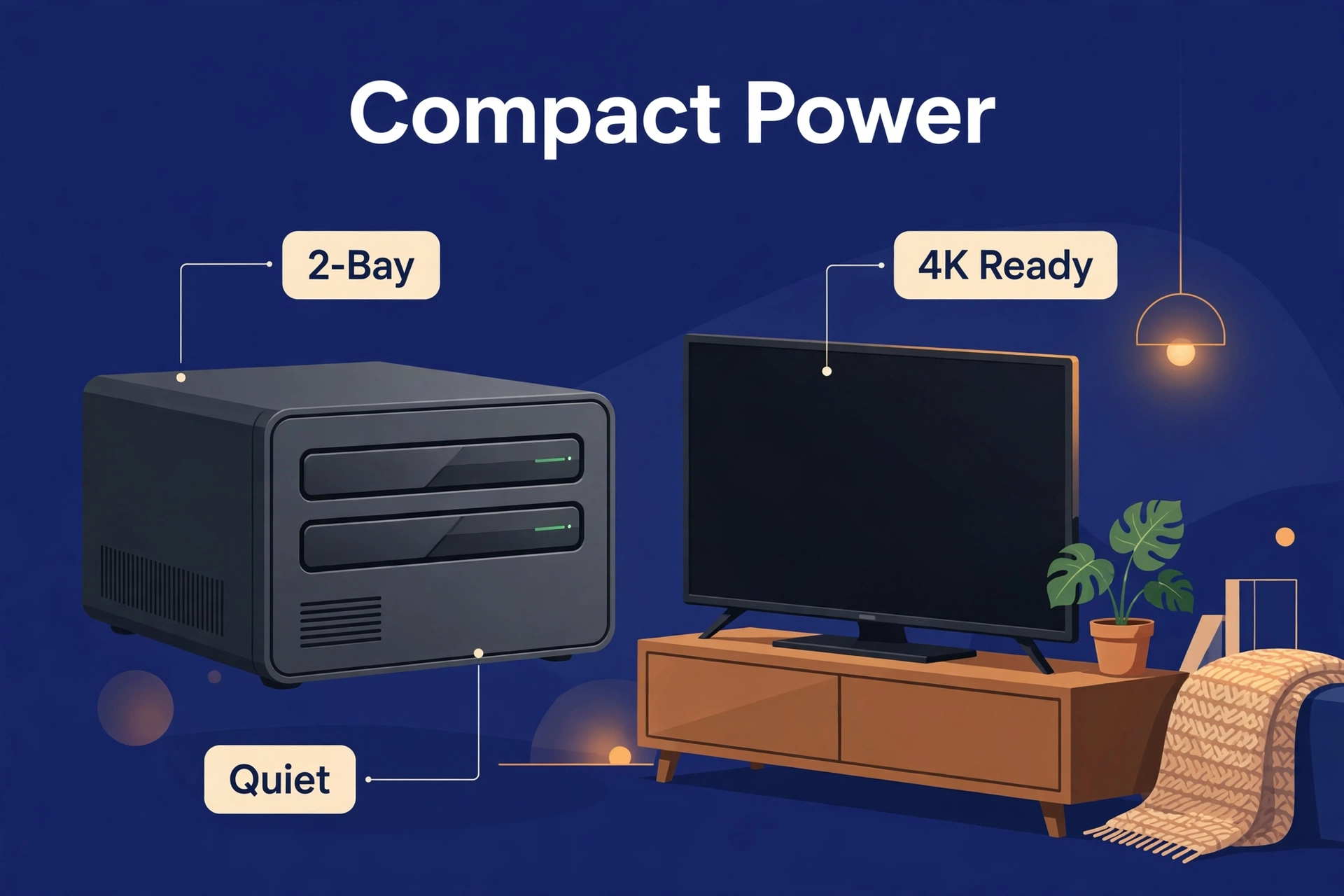
True story: I’ve put the QNAP TS-264 in two home offices now, and both owners forgot the things exist. That’s the highest praise hardware gets. It’s a compact 2-bay box with Intel Quick Sync transcoding (Celeron N5095) — small footprint, serious video engine. Smaller library? A few hundred movies, the essentials, nothing crazy? This is your box.
What you’re really buying is the QNAP ecosystem — deep OS, huge app library, 2.5 GbE, and a community so large that someone solved your exact problem in 2019 and the thread is still there. Plex installs natively. Then the box vanishes onto a shelf and does its job for years. The trade-off is capacity, obviously: two bays means growing by replacing drives, not adding them. For a lot of households that’s fine — 2× 8 TB mirrored is 8 TB usable, and that’s a mountain of movies. But heavy on 4K remuxes? Think four bays.
Best 4-Bay Alternative: QNAP TS-464 / TerraMaster F4-425
Two more four-bay options, and the differences here are philosophy, not silicon. Worth thirty seconds of your time.
The QNAP TS-464 is the TS-264’s bigger sibling — Intel Celeron N5095 with Quick Sync, 2.5 GbE, QNAP’s mature software, four bays. As a result, it usually costs more than the UGREEN equivalent; you’re paying for maturity and support depth. In contrast, my risk-averse clients sleep better.
The TerraMaster F4-425 is the value play — four bays, Intel Celeron N5095, often priced under both the QNAP and UGREEN options. Straight talk: TerraMaster’s software (TOS) is the least polished of the three. But if Plex is the main job and you’ve got some DIY in you, the hardware-per-dollar is hard to argue with. I’ve set up two; both needed a bit more hand-holding, both worked fine after.
Best Budget Plex NAS: UGREEN DXP2800 / TerraMaster F2-423
Starting out? The UGREEN DXP2800 — a 2-bay Intel N100 box — brings Quick Sync hardware transcoding down to entry level. The TerraMaster F2-423 (Intel Celeron N5105) does the same job from the value corner. This is the tier I point friends at — the ones who text me “what’s the cheapest thing that actually works?” And you know what? It’s a good question. Cheapest that works beats expensive that doesn’t, every time.
What you get: hardware transcoding for a few simultaneous 1080p streams, 4K direct play, a box that sips power and stays quiet. Similarly, what you give up: less RAM (check it’s upgradeable before you buy), two bays only, simpler software. Specifically, for one person or a couple with a modest library, genuinely enough.
Reality check, the kind I give before anyone swipes a card: drives cost extra. A cheap enclosure plus drives can creep toward mid-range money. Price the full package first — our best NAS for home guide runs the complete budget math.
What About Synology for Plex?
Fair question — Synology tops our general best NAS for home recommendations, and I’d still put them there for everything else. Backups, photos, file serving: superb. And if your Plex life is entirely direct play, a Synology like the DS925+ is a fine Plex server — direct play barely touches the CPU, so the transcoding weakness never enters the picture.
The Plex Pass Catch
Deep breath. The part that genuinely irritates me, and I’ve had this conversation maybe fifty times: Plex gates hardware transcoding behind Plex Pass. No Pass, no Quick Sync. Your CPU can be perfect, and Plex will still transcode in software — slowly, loudly — until you pay up.
So the real price of a Plex NAS is the enclosure, plus the drives, plus Plex Pass (monthly, yearly, or lifetime tiers).
Jellyfin: The Free Alternative Worth Knowing About
If that last section annoyed you — good, it should — meet Jellyfin. Free, open-source, hardware transcoding with no subscription on the same Intel chips. Same Quick Sync, zero gatekeeping. Install it, flip on hardware acceleration, done. I run it as a backup on my own server; transcoding performance on identical hardware is right there with Plex.
The trade-offs: less polished client apps, more remote-access fiddling. But the core — your movies, your server, hardware transcoding, no fees — is excellent. See our jellyfin vs plex comparison for the full breakdown.
Plex NAS Setup Tips
Wire everything. NAS to router with Ethernet, main TV wired too. Most “Plex keeps buffering” tickets I’ve handled were Wi-Fi tickets in disguise — especially 4K. A $15 cable fixes an astonishing number of “broken” servers.
Keep 1080p copies ready for remote streaming. However, don’t lean on 4K transcoding for phones and remote viewers — have Plex generate optimized 1080p versions ahead of time.
Use SRT subtitles. For example, pGS subtitles from Blu-ray rips force full video transcodes when burned in; SRT usually passes through clean. In addition, one setting change, shocking amount of buffering gone. (Check yours tonight. I’ll wait.)
Enable hardware transcoding in Plex’s settings — it’s off by default, which catches everyone exactly once. Furthermore, settings → Transcoder → hardware acceleration on, hardware-accelerated encoding on, HDR tone mapping on a supported chip. Moreover, day one. Before you forget and wonder why everything stutters.
And the unglamorous one: name your files properly. Plex matches metadata by filename — “Movie (2021).mkv” works, “DOWNLOAD_FINAL_v2.mkv” does not. Future you says thanks.
FAQ
Can any NAS run Plex?
Pretty much — it installs on Synology, QNAP, UGREEN, TerraMaster, the lot. Getting it running is the easy part, ten minutes. The real question is how well it transcodes: direct play, any modern NAS handles it; transcoding wants an Intel CPU with Quick Sync plus Plex Pass to unlock hardware transcoding.
How many 4K streams can a NAS handle?
Depends what you mean by “handle.” 4K direct play over a wired network? Even modest boxes do several — bandwidth’s the limit, not the NAS. 4K transcoding? A recent Intel chip with Quick Sync manages one or two streams in hardware.
Do I need Plex Pass for a NAS Plex server?
Only for hardware transcoding — Plex itself runs fine without it. But without the Pass, your Intel NAS transcodes in software, discarding the exact advantage you paid for. Picked an Intel box for transcoding? Then Plex Pass is part of the purchase.
Is 8 GB of RAM enough for Plex on a NAS?
For most households, yes — transcoding runs on the Quick Sync engine, not in RAM, so 8 GB covers Plex plus photo indexing, backups, and a handful of apps with room to spare. Running a pile of Docker containers or VMs next to Plex? Then look at 16 GB, or at least a box with an upgradeable slot.
Can I use an old PC instead of a NAS for Plex?
Absolutely — transcoding-per-dollar, an old desktop or mini PC with an Intel chip often beats a NAS outright. My own first Plex server was a retired office PC. People choose a NAS because it’s quieter, sips power, and handles backups too — but if Plex is the only job and there’s a Quick Sync-capable PC gathering dust in a closet, try that first.
The Bottom Line
The best NAS for Plex in 2026 is whichever Intel-based box fits your budget and bays: UGREEN DXP4800 Plus for most people, QNAP TS-264 for a compact 2-bay, QNAP TS-464 or TerraMaster F4-425 as 4-bay alternatives, DXP2800 or F2-423 on a budget. One thread through all of them — the only thread that matters — is Intel Quick Sync.
And the two catches, one more time, because they cost my clients money: current Synology models are weak for transcoding. In addition, Plex needs Plex Pass to unlock hardware transcoding. Also, get those right and your box serves movies happily for years. Just get the right CPU the first time.
