UGREEN sells you hardware. However, Synology sells you software. That is the entire ugreen vs synology argument compressed into eight words. In fact, muscle against polish — and everything below is the fine print, because the fine print is where switching decisions actually get made.
UGREEN crashed the NAS party with its NASync line, doing what Synology won’t: fast modern processors, generous RAM, and multi-gigabit networking at prices that undercut the established brands. For example, if Synology’s hardware ever felt stingy for the price, UGREEN looks like the answer.
But a NAS is not a graphics card. You live inside its software every day, and software is exactly where newcomers usually stumble. So this guide compares the two honestly: where the newcomer genuinely wins, where the incumbent still rules, and who should actually switch. No fanboyism — just trade-offs.
UGREEN vs Synology: The One-Paragraph Verdict
Switch to UGREEN if your priority is raw capability per dollar — 4K Plex transcoding, Docker containers, virtual machines — and you’re comfortable with software that’s still growing up. Stay with Synology if you bought into DSM: the polished apps, the phone backup that just works, and the quiet confidence the company will still be updating your box in five years.
Most people asking this question are current or prospective Synology owners getting seduced by better specs. The rest of this article is written for you.
Hardware Headroom: Where UGREEN Wins Clearly
Let us not dance around it: this category is not close. It is not a debate. It is the entire reason UGREEN’s NAS division exists.
Line up boxes at similar prices: UGREEN NASync models typically ship a newer, faster processor, more memory. In addition, faster network ports than the Synology equivalent — the DXP4800 Plus runs an Intel Pentium Gold 8505 with Quick Sync, for example. In addition, Synology charges a premium for conservative silicon; UGREEN charges less for the good stuff.
Caption: Hardware at similar price points — general positioning from the 2026 lineups.
| Feature | UGREEN NASync | Synology |
|---|---|---|
| Processor class | Modern Intel N-series or similar, built for transcoding | Conservative chips; adequate, rarely exciting |
| Memory | Generous out of the box, often expandable | Modest; upgrades can be pricey |
| Network ports | Multi-gigabit common even on smaller models | 1GbE standard on many models; faster ports cost more |
| Drive bays for the money | Aggressive pricing per bay | Premium per bay |
| NVMe cache slots | Common across the range | Available, but often on pricier models |
What does that hardware buy you? The biggest win is media transcoding: a UGREEN box with a modern Intel chip converts 4K video for Plex on the fly — the exact job where Synology’s conservative chips give up. Our best NAS for Plex picks explain why transcoding headroom decides that category. One caveat: this applies to the Intel DXP models — the ARM-based DH models (DH2300, DH4300 Plus) have no Intel Quick Sync, so don’t expect hardware transcoding there.
The second win is running more at once: Docker containers, Home Assistant, a download manager, a media server — all on one UGREEN box, all happy. Try that on an equivalent Synology and you’ll watch resource graphs climb into the red.
Software Maturity: Where Synology Still Rules
Now the other side of the coin. And it’s a heavy coin.
DSM is the product of more than a decade of refinement. In addition, it shows in a hundred small ways: setup wizards that anticipate your mistakes, a phone backup app your parents could use without calling you, notifications that make sense, a package library with real depth. Furthermore, you can’t benchmark any of it — but you feel it every day.
UGREEN’s UGOS Pro is the opposite story: capable, improving fast, but young. Core jobs — storage pools, shared folders, basic apps — work fine. The gaps show up at the edges: fewer third-party packages, a smaller community writing guides, rough edges in features you use monthly rather than daily. Early adopters report steady updates, which is encouraging — though “encouraging” and “proven” are very different words.
One honest question: how much do you enjoy troubleshooting? If a weird quirk sounds like a fun Saturday, UGREEN’s software gaps are speed bumps. If not, they’re the reason to stay with Synology. No wrong answer — just your answer.
Who Should Switch to UGREEN?
Let’s get specific. You’re a good switching candidate if most of this sounds like you.
Media is the big one: if you run Plex or Jellyfin, transcoding headroom is the single best reason to switch — real and immediate, not theoretical. Then the workload crowd: Docker or virtual machines want cores and RAM, and UGREEN gives you more of both per dollar. Moreover, Synology rations them; UGREEN feeds them.
Temperament matters too. Also, when UGOS Pro has a quirk. In fact, and it will — the fix is often a community forum thread, not a polished support article. If forums and changelogs don’t scare you, fine. And the budget angle: UGREEN’s aggressive pricing stretches a storage budget noticeably further. As a result, if price per bay matters, the math is hard to argue with.
One more, the responsible-adult one: you keep your own backups. First, young platforms deserve a healthy distrust — not paranoia, just respect. Second, with a solid backup strategy, a software hiccup is an inconvenience. Without one, it’s a tragedy. Know which camp you’re in before migrating a single terabyte.
If that’s you across the board, the switch is rational. Just go in with open eyes about the software gap — and read the trust section below before moving anything irreplaceable.
Who Should Stay With Synology?
Stay put if most of these describe you. No shame in it — staying is the right call for more people than the spec-sheet crowd admits.
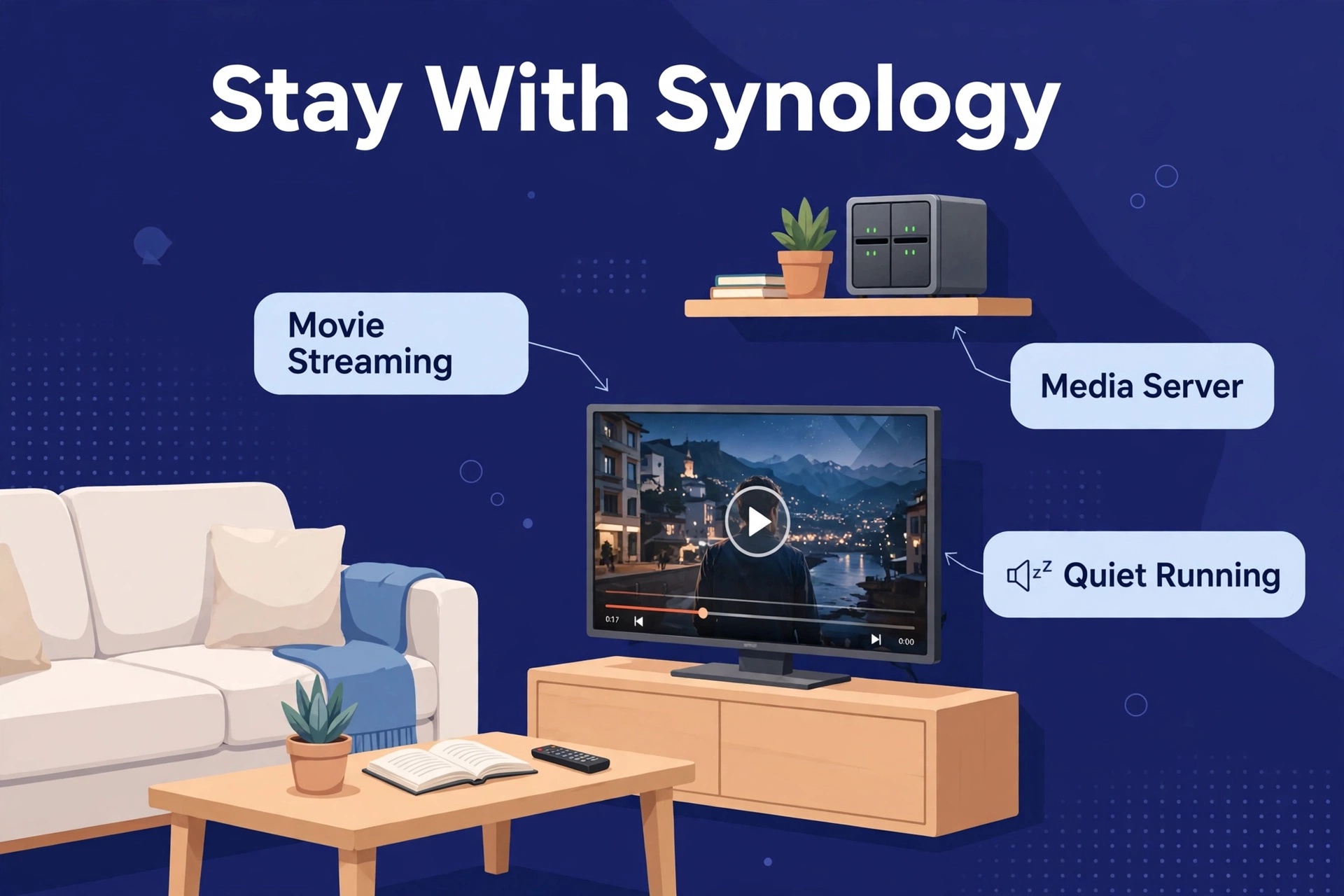
Start with the obvious: DSM is why you bought in. Finally, Synology Photos, Hyper Backup, the phone apps. In fact, if these run your digital life, don’t trade a working system for specs on paper.
Then the people factor: if others depend on your NAS. In fact, family photo backups, shared folders your partner uses — you need boring reliability, not exciting hardware. Their tolerance for “the NAS is acting weird” is zero.
Then the long game: Synology has shipped updates for old models for years. UGREEN hasn’t been around long enough to prove the same — maybe it will. However, “probably” is doing a lot of work in that sentence.
And sunk cost is real: cameras, routers. In addition, apps integrated with DSM add switching costs no spec sheet shows, but your wallet and weekends will feel.
The best NAS is the one you never have to think about. For a lot of homes, that is still a Synology. Our best NAS for home guide still ranks Synology highly for exactly this buyer — the one who’d rather live their life than administer their storage.
The App Gap in Daily Life
Software comparisons stay abstract until you translate them into a Tuesday evening. Here’s what UGOS Pro’s youth actually feels like.
Core storage tasks? Meanwhile, fine — shares, users, quotas, all present and working. Nevertheless, the gaps live in the long tail. In fact, want a mature download manager with broad tracker support? DSM’s ecosystem has years-refined options; UGOS Pro’s are newer and thinner. Want to run some niche Docker image packaged for Synology? On UGREEN, you’ll adapt it yourself. Doable — just yours to do.
The phone apps tell the same story. As a result, synology’s mobile apps — Photos backup, file access, surveillance viewing — are on their umpteenth iteration. Moreover, every bug you’ll meet has been met before. UGREEN’s apps work, but owners report rough edges — sync hiccups, UI quirks — that get sanded down over years, not months. Early adopter is a role, not just a purchase.
Trajectory matters, though. UGREEN ships updates at a genuinely fast clip, each closing the gap a little more. Buying for what the software will be in two years? Reasonable bet. Buying for today? Price the remaining roughness into your decision — it’s the discount you’re getting for being early.
The Trust Question Nobody Asks
Specs are easy to compare. Trust isn’t. And trust matters more than people admit — especially for the box holding the only copy of your kid’s baby photos.
Synology’s trust is built on time. In contrast, a decade-plus of updates. Similarly, a huge user base finding bugs before you ever meet them. A company whose entire business — not a side hustle, the business — is NAS. When a security issue appears, the response machinery is well oiled.
UGREEN’s trust is built on momentum. Specifically, fast-improving software, aggressive pricing, and a parent company with real manufacturing scale — but in phone accessories and chargers, not network storage. However, the NAS division is a new bet inside a bigger company. And new bets sometimes get deprioritized. For example, that’s not a prediction. It’s just how companies work.
Practically speaking: treat the first year as a probation period. Keep an independent backup of everything important — which you should do anyway — and watch the update cadence. The track record is encouraging: regular UGOS Pro updates since the 2024 launch, major versions through 2026, steady improvement noted by reviewers. But the company has published no multi-year support guarantee. In fact, so if updates ever slow, you’ll be glad your data was never trapped.
None of this is a prediction that UGREEN will fail. It’s the standard advice for any newcomer in infrastructure: trust, but verify — and never, ever with your only copy.
Moving Your Data: What Switching Actually Involves
Specs are the fun part of switching. Migration is the part people underestimate — usually by about half.
Switching NAS brands isn’t like swapping a phone. In addition, you can’t lift your RAID array out of a Synology, drop it in a UGREEN, and pick up where you left off. Furthermore, different operating systems, different storage layouts. Plan for a fresh start — budget for it mentally now, and you’ll be fine; expect plug-and-play, and you’ll be miserable.
The safe sequence: first, make a complete independent backup of everything on the old NAS. In fact, not a sync, a real backup you could restore from if migration went sideways. Then set up the UGREEN box from scratch: storage pool, shared folders, users. Then copy data over the network — for terabytes, start it in the evening and let it run overnight.
Then the tedious part: reconfiguring everything around the storage. Moreover, phone backup apps need re-pointing. Also, Plex or Jellyfin libraries need rebuilding and re-scanning. Shared links you’ve sent people? Broken. Scheduled tasks, download clients, Docker containers — each needs recreating in UGOS Pro. Not hard. Just a lot of small things.
Budget a full weekend for a lived-in NAS, plus re-scan time for large media libraries. That’s the honest price of admission — not a reason to stay, just the cost of moving. People who plan for it report smooth moves; people who expect plug-and-play end up frustrated. And don’t wipe the old Synology until the new setup has run cleanly for at least two weeks. That old box is your safety net.
What About QNAP?
Fair question — this isn’t a two-horse race, and pretending otherwise would be dishonest.
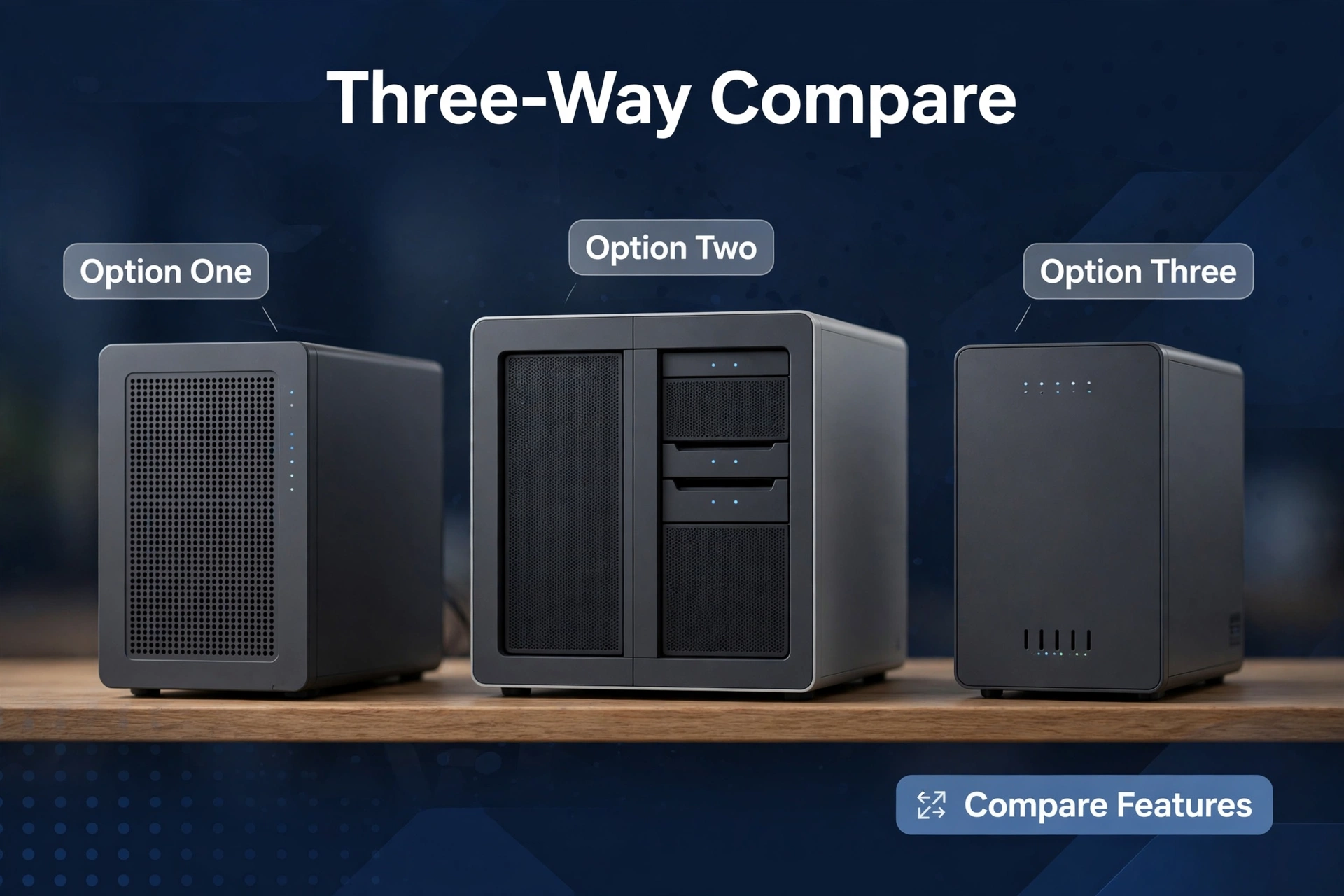
QNAP has been the “more hardware for the money” alternative to Synology for years. If you’re cross-shopping UGREEN against Synology, glance at QNAP too: similar hardware-first philosophy. However, with a much longer software track record than UGREEN. The middle path — more muscle than Synology, more maturity than UGREEN.
Our Synology vs QNAP breakdown covers that classic rivalry in full. And if you are wondering whether to skip all three brands and build your own box instead, our TrueNAS vs Synology build-or-buy guide walks through the DIY alternative — for the brave, the curious, and the stubborn.
Frequently Asked Questions
Is UGREEN NAS good for beginners?
It’s workable — but Synology is still the easier first NAS. UGREEN’s setup covers the basics well; the learning curve appears beyond storage pools and shared folders. Beginners who want hand-holding should start with Synology.
Is UGOS Pro as good as DSM?
Not yet. UGOS Pro handles core storage jobs competently and keeps improving, but DSM remains ahead on app depth, polish, and third-party ecosystem. The gap is shrinking every quarter. It’s just not closed.
Can a UGREEN NAS transcode 4K Plex?
On UGREEN’s Intel-powered DXP models, yes — hardware transcoding via Intel Quick Sync is a genuine strength, precisely where equivalent Synology boxes struggle. But the ARM-based DH models (DH2300, DH4300 Plus) have no Intel Quick Sync, so don’t expect Plex hardware transcoding there. Confirm the chip in the specific model before buying.
Should I switch from Synology to UGREEN?
Switch if you need the hardware headroom for Plex, Docker, or VMs and you’re comfortable with younger software. Stay if DSM’s apps run your household, or if others depend on your NAS working without surprises.
Is UGREEN a safe company to trust with my data?
UGREEN is an established electronics company — but its NAS division is young, and those are different things. The hardware is solid; the long-term software support story is still being written. Keep independent backups during the first year and judge the update cadence for yourself.
Which is cheaper: UGREEN or Synology?
UGREEN, usually by a clear margin at equivalent hardware levels. Just remember drives cost extra with either brand — compare enclosure prices honestly and factor in storage separately.