

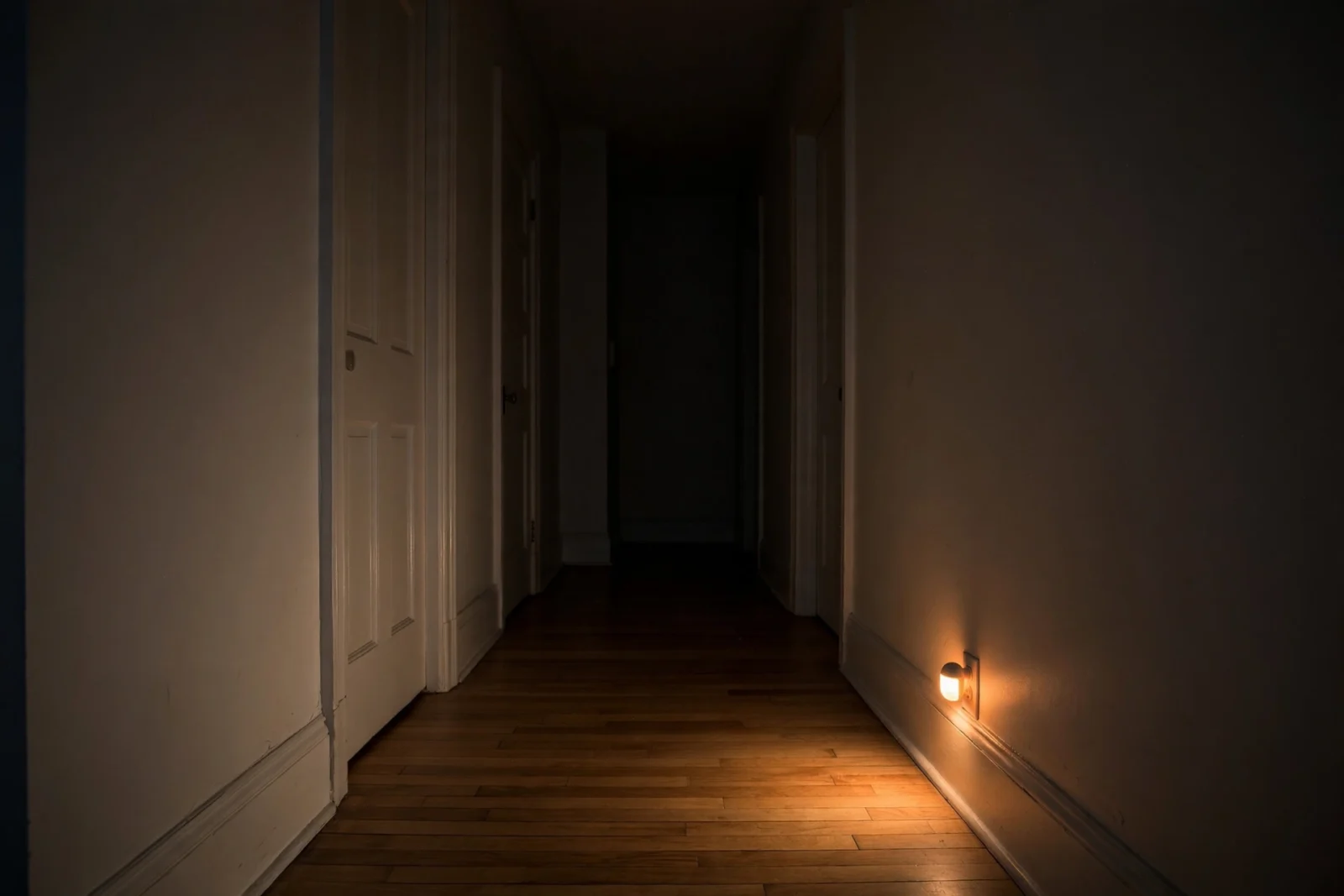
A good motion activated night light setup is simple: plug a low-wattage motion-sensing LED night light into an outlet close to the floor — a hallway baseboard, the stair landing, the bathroom — out of your direct line of sight, and let its built-in dusk-to-dawn sensor decide when to wake up. Keep it dim (5 to 40 lumens) and warm (around 2700K), and you get a soft pool of light that guides your feet without frying your night vision. This guide covers what matters: choosing the right type, placing it where it helps, and tuning it so a 3 a.m. walk to the kitchen feels calm instead of jarring.
Night lights have one job: keep you from stubbing your toe at 2 a.m. They fail at it surprisingly often — too bright, too blue, mounted too high, or blasting straight into your eyes from across a dark room. Your eyes adapt to darkness over about 20 to 30 minutes, and one burst of cold white light wipes that out in seconds. Fix the brightness, the color, and the placement, and the problem disappears.
How a Motion Activated Night Light Setup Works
Every motion-activated night light has the same basic anatomy: a motion sensor — almost always a passive infrared (PIR) sensor that detects body heat moving across its field of view — and a light sensor that checks whether the room is already bright enough. Dark room plus movement, and the LED switches on; after 30 to 90 seconds of stillness, it fades or clicks back off.
Some models add a middle ground: GE’s Motion-Boost style lights sit at a barely-there 3-lumen glow all night and boost to full brightness when motion is detected, then sink back down.
Why Night Lights Blind You (and How to Stop It)
Three variables decide whether a night light feels awful — brightness, color, and placement — and you control all of them.
Brightness: how bright is too bright?
Around 5 lumens is a gentle marker glow — enough to see a doorway. 20 to 40 lumens is a soft pool that lets you read a room layout and navigate stairs safely. Anything above that starts competing with darkness instead of complementing it. Most decent plug-in motion night lights top out around 40 lumens, and that is plenty.
Color temperature: go warm or go home
Color temperature is measured in Kelvin: lower numbers are warmer and more amber, higher numbers cooler and bluer. For night lights, aim for 2700K to 3000K — warm white, the color of a classic incandescent bulb. Blue-rich light suppresses melatonin more strongly and feels harsh when your eyes are dark-adapted. If a product does not list its color temperature, buy one that does.
Placement: keep it out of your eyeline
A night light should never sit in your direct line of sight. The classic mistake is plugging it into a chest-height outlet on the wall you face walking down the hall — every time it fires, you get a face full of LED. Use low outlets near baseboards and let the wall or floor bounce the light; reflected light is softer and lands exactly where your half-asleep eyes are looking.
Dumb, Smart, or Home Assistant: Pick Your Type
There are three honest ways to build a motion-activated night light setup: dumb plug-ins for speed, a smart sensor kit for per-time-of-day scenes, or Home Assistant for total control.
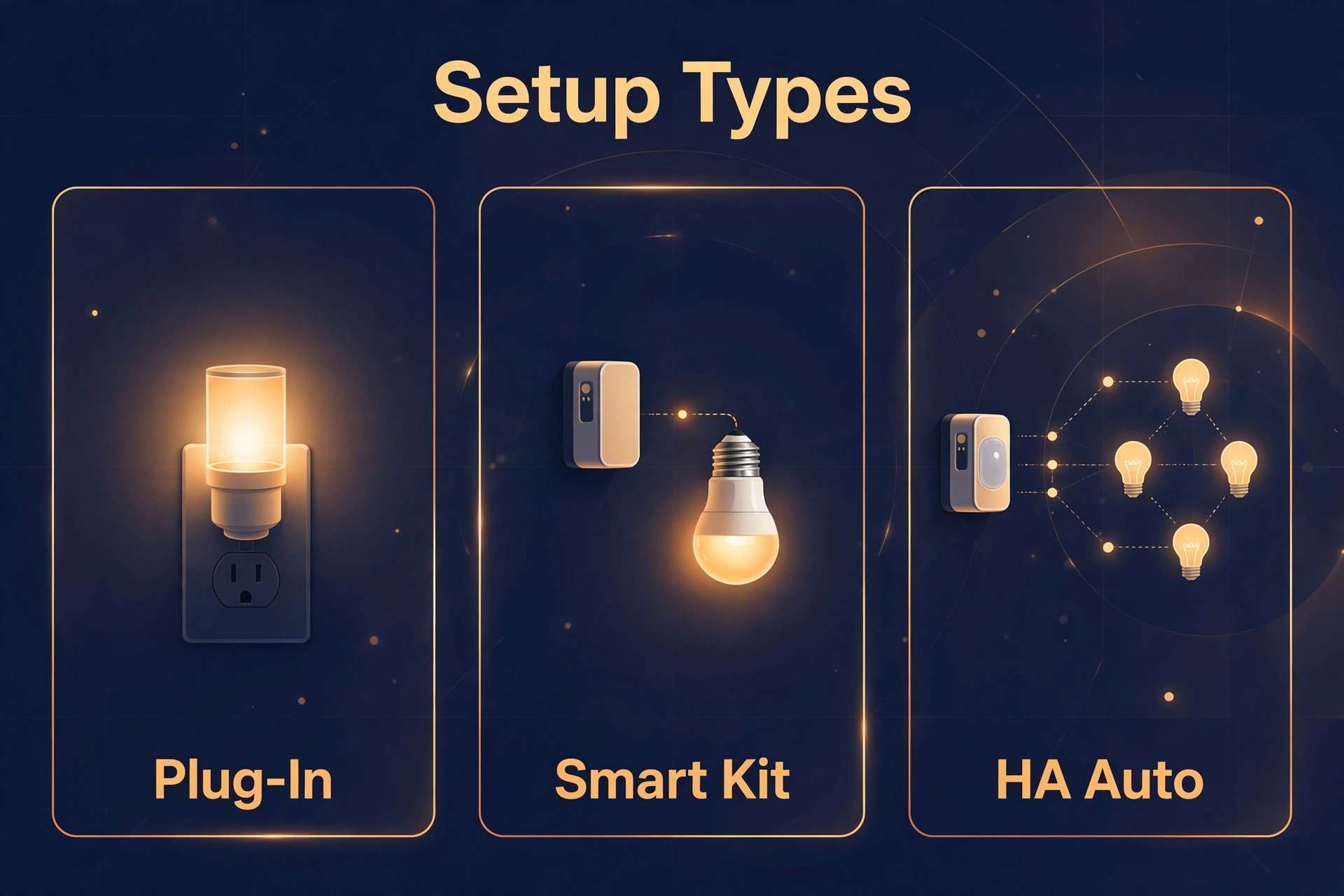
| Feature | Dumb plug-in night light | Smart motion-sensor kit | Home Assistant automation |
|---|---|---|---|
| Typical cost | $7–$20 for a 2-pack | $40–$60 per sensor, plus bulbs | $25–$35 per sensor, bulbs extra |
| Installation | Plug in, done | Mount sensor, pair in app | Pair sensor, write automation |
| Brightness control | Fixed or hi/low switch | Per-scene in app | Full control, any value |
| Color temperature | Fixed warm white | Adjustable on smart bulbs | Fully adjustable per time of night |
| Works only when dark | Yes, dusk-to-dawn sensor | Yes, daylight sensor | Yes, via sun/illuminance conditions |
| Needs a hub | No | Usually (Hue Bridge, Thread border router) | No cloud hub; needs Zigbee/Thread coordinator |
| Best for | Renters, quick fixes, hallways | Existing Hue/Aqara homes | Tinkerers who want total control |
Dumb plug-in motion night lights
The workhorses. The GE LED motion sensor night light 2-pack is the classic: 40 lumens of soft white light, motion detection up to 25 feet, a dusk-to-dawn sensor, and automatic shutoff 90 seconds after motion stops. UL listed and compact enough to leave the second outlet free, it runs about $13 to $20 for the pair; Vont offers comparable 2-packs in the same band, often with three brightness settings.
Mr. Beams and similar brands make battery-powered motion lights for spots with no outlet — closets, under stairs, garage paths. They tend to be much brighter than plug-in night lights, so point them at the floor or wall, never at eye level.
Smart motion-sensor kits
If you already have smart bulbs, a dedicated motion sensor is the clean upgrade. The Philips Hue indoor motion sensor (around $44.99 list) runs on two AAA batteries for roughly two years, sees motion across a 100-degree field up to about 16 feet, and includes a daylight sensor so bulbs only fire when the room is actually dark. In the Hue app you assign different scenes by time of day — warm dim glow late at night, brighter white in the evening. It requires a Hue Bridge; Philips publishes a step-by-step motion sensor setup guide if you want to see the pairing process before buying.
Aqara’s Motion and Light Sensor P2 is the Matter-over-Thread alternative: motion plus an independent light sensor, up to 7 meters of range with a 170-degree view, about two years of battery from a pair of CR2450 cells, no proprietary hub needed with a Thread border router. It works with Apple Home, Google Home, Alexa, SmartThings, and Home Assistant at around $30.
Home Assistant: motion sensor plus smart bulb
The enthusiast route and the most flexible: any Zigbee or Thread motion sensor can trigger any smart bulb, with rules like 2200K at 10% after 11 p.m. and 2700K at 40% before that. Hardware cost is modest, but you need a coordinator and a few minutes to build the automation. For sensor picks, see our guide to the best presence sensors for Home Assistant.
Motion after sunset turns the bulb on to a dim warm scene; two minutes of no motion turns it off. Use the sun integration’s below-horizon state or the sensor’s illuminance reading as the darkness condition, with a two-second transition so the light fades in instead of snapping on — that fade alone removes most of the startle factor. Keep the “off” delay generous for bathrooms and staircases. PIR sensors are the standard choice for hallways; our mmWave vs PIR comparison explains when presence-sensing tech is worth it instead.
Where to Put Them: Placement Rules
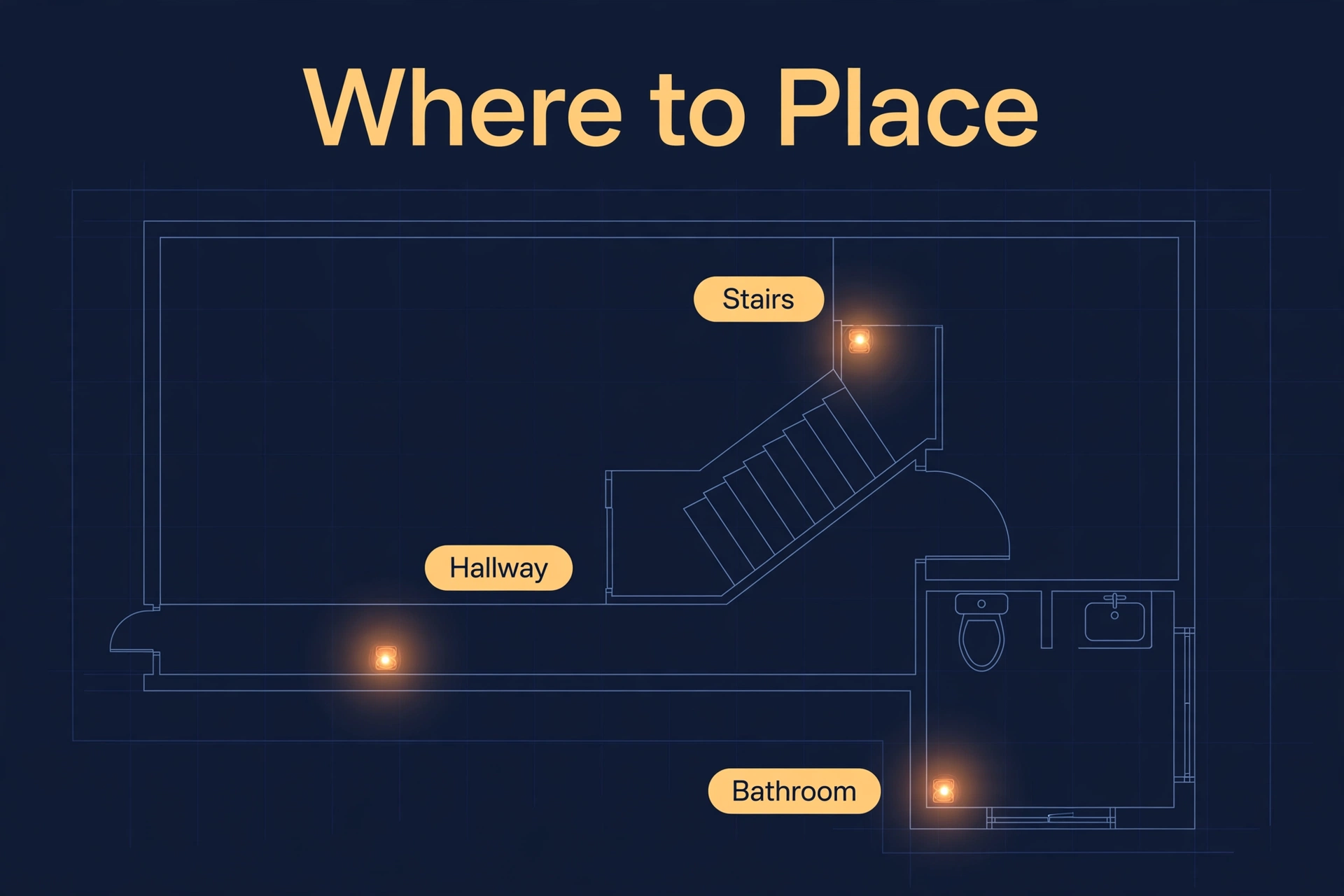
You do not need a night light in every room. You need them on the paths you walk at night — bed to bathroom to kitchen.
Hallways
The number-one spot. One light every 15 to 20 feet is plenty, since most plug-in sensors cover up to 25 feet. Place them low near the baseboard, staggered on alternating sides, so no light sits in your line of sight. With an outlet at the far end, put one there pointing back — approaching a dark hallway end is exactly when you want light.
Stairs
Stairs deserve respect — a fall here is the real safety case for night lights. One dim plug-in on the landing covers both directions. With no nearby outlet, mount a battery-powered motion light low on the landing wall, aimed down at the steps and never across them. Walk the stairs after installing and check for shadows that could hide a step edge.
Bathrooms
The bathroom is the worst place for bright light and the second most-used nighttime destination. Plug the light into the lowest available outlet, behind or beside the vanity rather than opposite the toilet where you will stare straight at it. No low outlet? Mount a battery-powered motion light near the floor behind the door.
Bedrooms and kitchens
Bedrooms are optional — total darkness is better for sleep. The case for one is the path from bed to door: a single very dim light near the door side, low and indirect. Kitchens need just one plug-in near the entry for the fridge-and-sink path.
Motion Activated Night Light Setup: Step by Step
- Pick your type. Plug-in dumb lights for speed; a smart sensor kit for per-time-of-day scenes; Home Assistant for total control. Most homes end up with a mix.
- Walk your nighttime paths. After dark, walk bed to bathroom to kitchen and back. Note where you hesitate, where outlets sit, and which walls you face. Those are your spots.
- Count the lights. One per hallway segment (every 15–20 feet), one for the stair landing, one for the bathroom, optionally one near the bedroom door. Four to six cover most homes.
- Buy warm, dim, and dusk-sensing. 2700K–3000K, under 40 lumens, with a built-in dusk-to-dawn sensor. If the listing does not state lumens and color temperature, skip it.
- Plug in low and out of sight. Use the lowest outlets. Rotate plug-in lights so the sensor faces the walking path and the LED washes the wall or floor, not your face.
- Set the mode. Motion-only for bedrooms and hallways; dusk-boost mode for staircases where a faint marker glow helps.
- Do the midnight test walk. Walk every path in the dark. If any light makes you squint, move it, dim it, or cover part of the lens with frosted tape.
- Tune the timeout. Most plug-ins shut off 60–90 seconds after motion stops — fine for hallways. For bathrooms, angle the sensor toward the room, not the hall: PIR sensors need movement, and one that only sees the doorway will time out while you are still in there.
The Anti-Glare Settings That Matter Most
Brightness: start dim, then go dimmer
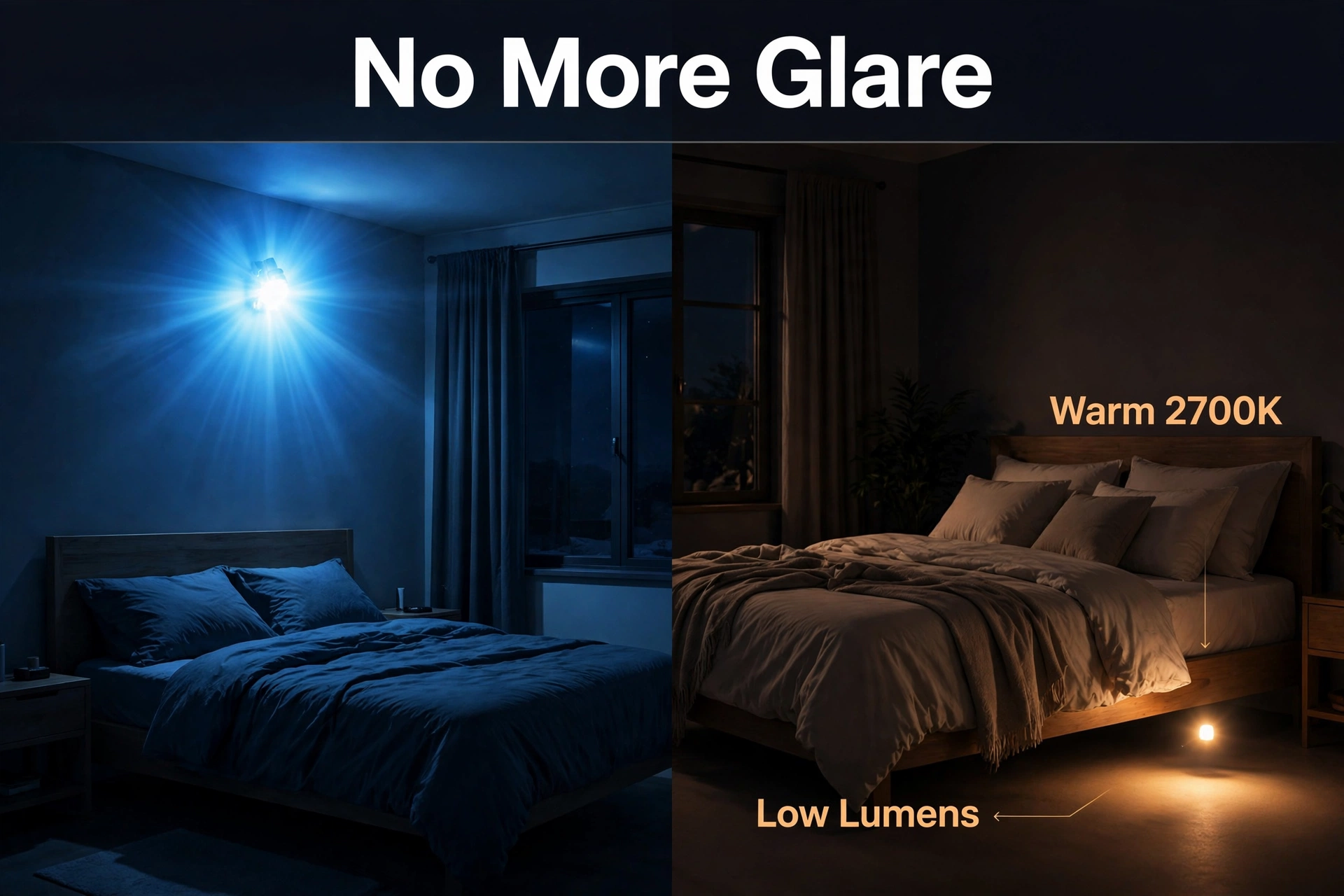
Whatever brightness you think you need, start one notch lower — dark-adapted eyes are far more sensitive than you expect. On smart bulbs, begin at 10% for night scenes; many people settle at 5% and never look back. On dumb plug-ins with a high/low switch, try low for a week before deciding you need high.
Color temperature: warm at night, always
Lock night scenes to 2700K or warmer; 2200K after midnight feels like candlelight and barely disturbs sleep. This is where smart setups beat dumb plug-ins: one bulb can be 2700K at 9 p.m. and 2200K at 3 a.m. automatically. If you are shopping with this in mind, look for a tunable white smart bulb, and our Philips Hue vs WiZ comparison breaks down the two most popular ecosystems for it.
Timing: different hours, different light
The evening is not the night. Between 8 and 11 p.m. you are still active, so brighter warm light (40–60%) feels natural. After 11 p.m., drop everything to the minimum that still lets you navigate. Time-based dimming is the biggest comfort upgrade here, and it is trivial in Home Assistant or the Hue app.
Common Mistakes That Ruin the Effect
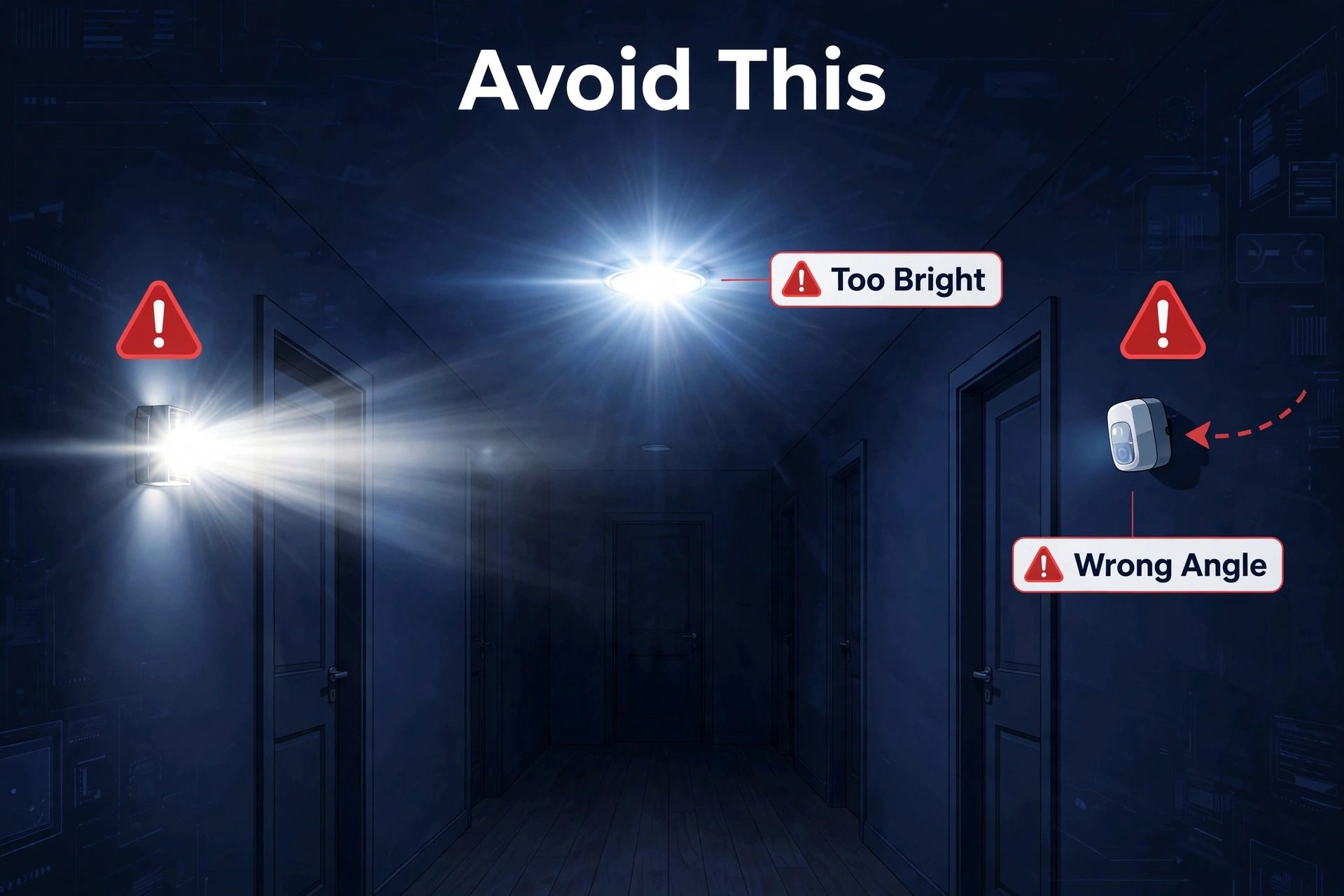
- Too many lumens. A 100-lumen motion spotlight in a hallway is the classic error. Under 40 lumens for plug-ins; single digits for bedroom paths.
- Wrong color temperature. Cool white (4000K+) at 3 a.m. feels like an interrogation. Warm white, always.
- Sensor facing the wrong way. PIR sensors detect movement across their field of view, not straight toward them. Mount it so people walk across its view.
- Sensor too high. A light at waist height fires at your torso and shines in your eyes. Keep lights low and let the glow bounce.
- No dusk sensing. Without a daylight sensor the light fires every time you walk past during the day, wasting its purpose and its batteries.
- Timeout too short in the bathroom. Sitting still defeats PIR sensors. Angle the sensor to see the room and use a longer timeout.
- Skipping the partner test. The setup has to work for everyone in the house. Walk the paths from their bedrooms too.
Motion Activated Night Light Setup FAQs
How bright should a motion-activated night light be?
Five to 40 lumens is the sweet spot. Around 5 lumens marks a doorway or path; 20 to 40 lumens lights a hallway or staircase safely. On a smart bulb, start at 10% brightness and adjust from there — dark-adapted eyes need far less light than you expect.
What color temperature is best for night lights?
2700K to 3000K (warm white) is the standard recommendation, and 2200K after midnight is even gentler on sleep. Warm light disrupts melatonin less and feels kinder to dark-adapted eyes. Avoid cool white (4000K and above) for any light that fires while you are half-asleep.
Can I build a motion activated night light setup with Home Assistant?
Yes, and it is one of the best beginner automations. Pair any Zigbee or Thread motion sensor with a dimmable smart bulb: motion after sunset turns the bulb on to a dim warm scene, and two minutes of stillness turns it off. Use the sun integration or the sensor’s illuminance reading as the darkness condition, with a transition so the light fades in gently.
Do motion sensor night lights work during the day?
They should not — that is the point of the built-in dusk-to-dawn sensor, which keeps the light off when the room is already bright. If yours fires during the day, the light sensor may be covered or the unit may sit in a permanently dark corner.
Where should I place motion sensor night lights on stairs?
One light on the landing, mounted low and aimed down at the steps, covers most staircases and catches motion in both directions. Do not place it where it shines across the steps toward your eyes — you want the treads illuminated, not your face. With no nearby outlet, use a battery-powered motion light mounted low on the landing wall.
Are plug-in motion night lights safe to leave plugged in?
Yes. LED night lights draw a fraction of a watt — pennies of electricity per year — and stay cool to the touch. Look for UL listing or the equivalent certification in your region and buy from established brands. Skip no-name plug-ins with no certification marks; the savings are not worth it on something that lives in your outlet around the clock.
The Bottom Line
Four to six warm, dim, dusk-sensing plug-in lights placed low along your nighttime paths will transform how your house feels after dark. Want more — scenes that shift with the hour, bulbs that fade instead of snap? A smart sensor kit or a Home Assistant automation gets you there with the same logic. The rules never change: keep it dim, keep it warm, keep it low, and keep it out of your eyes.
