

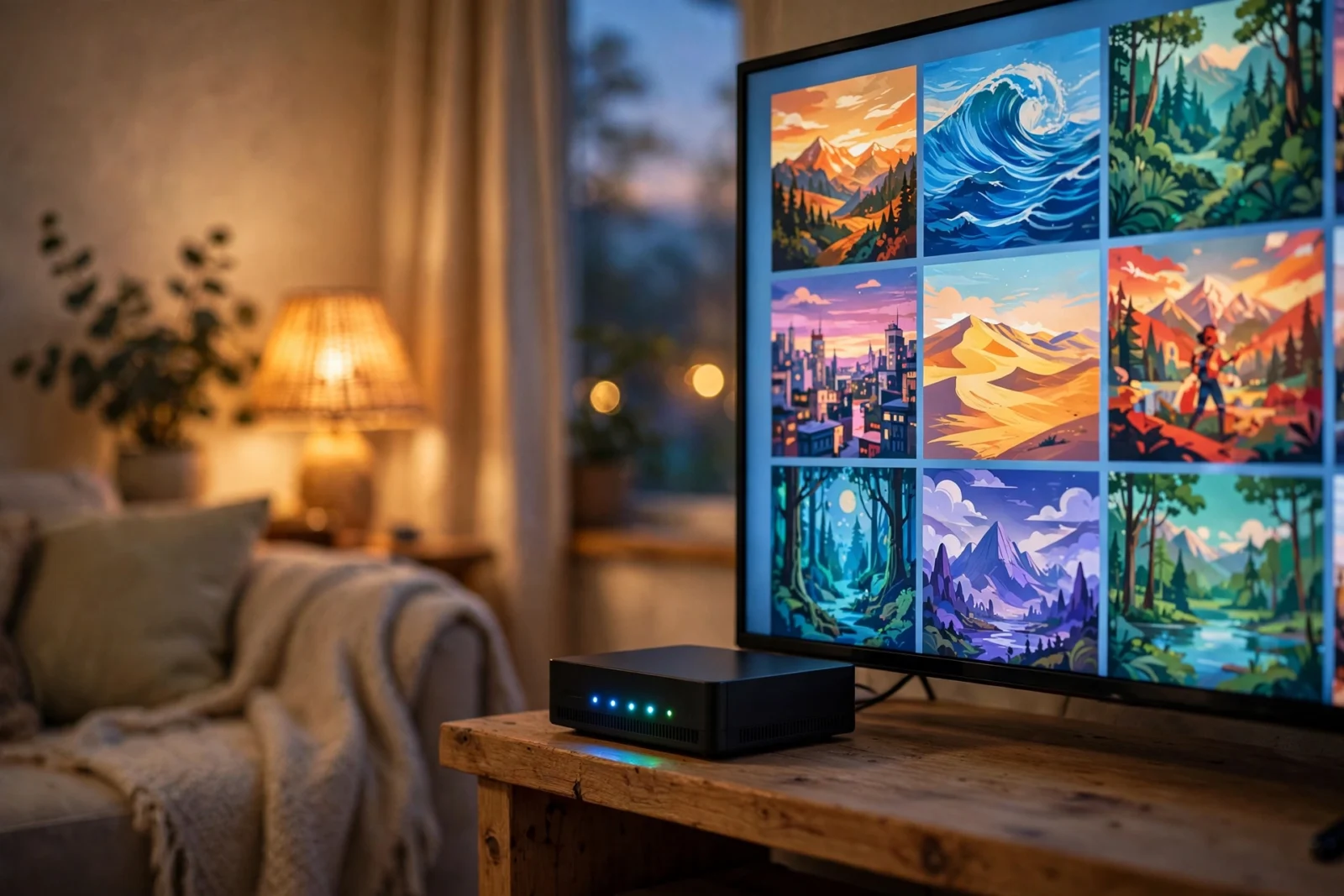
So you’re weighing Jellyfin vs Plex in 2026. However, here’s the short version, no fluff: go Jellyfin if you want a media server that’s completely free — hardware transcoding included, no asterisks. Go Plex if you want apps on everything you own and remote access that configures itself. In addition, you don’t mind paying for a Plex Pass to unlock the good stuff.
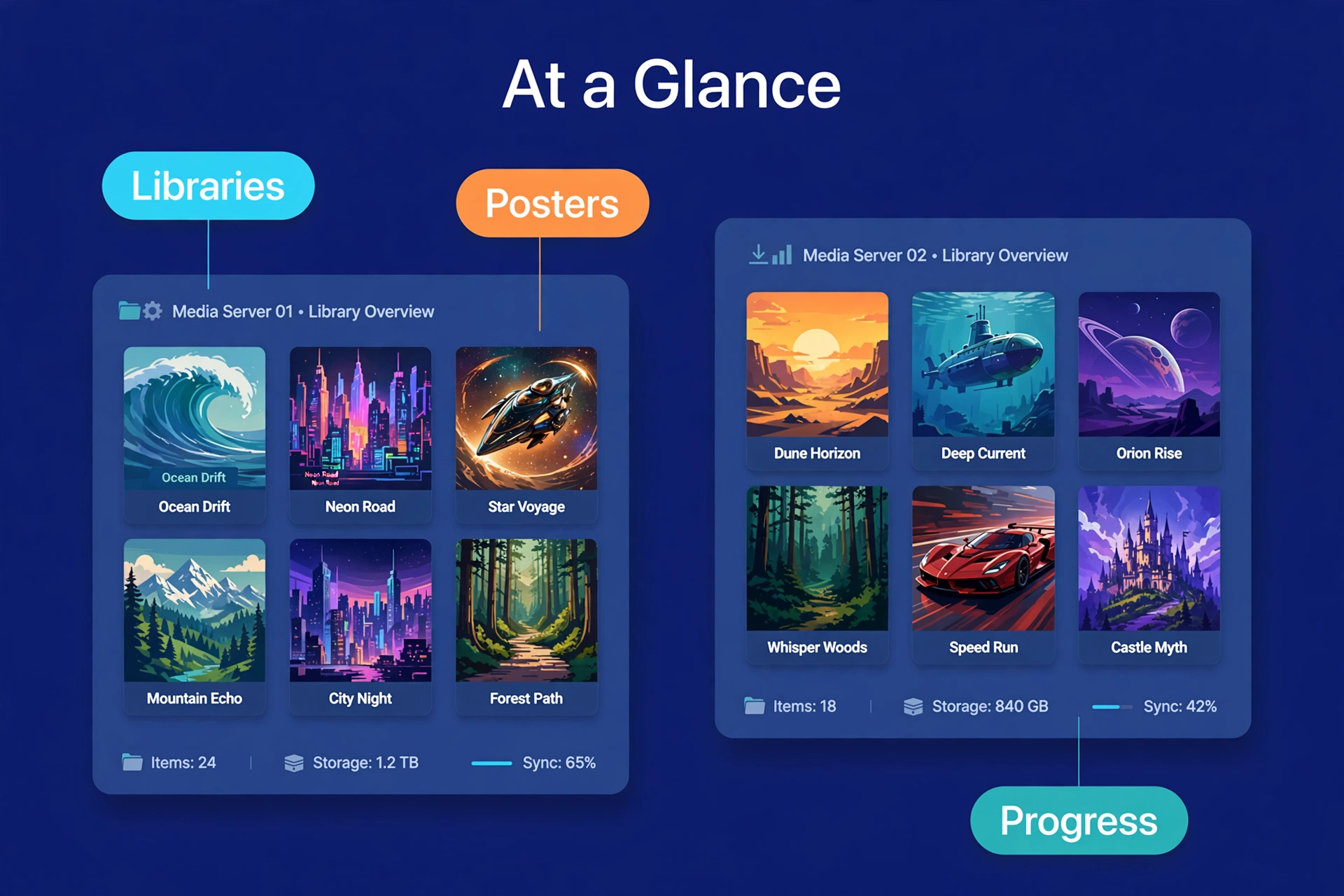
Underneath it all, they do the same job. For example, point one at a NAS, a mini PC. In fact, honestly, even that old laptop in the closet — and suddenly you’ve got your own private streaming service. In addition, movies, shows, music, one place. Phone, TV, laptop. Home or halfway across the world.
Where they split is price, apps, and transcoding. That’s what this guide is really about — plain-language answers so you can pick one tonight instead of burning a weekend testing both.
Jellyfin vs Plex at a Glance
In a hurry? This table is the whole debate in thirty seconds. The details are below if you want them.
Table 1: Jellyfin vs Plex feature comparison
| Feature | Jellyfin | Plex |
|---|---|---|
| Price | Free and open-source, no paid tier | Free tier plus paid Plex Pass |
| Hardware transcoding | Included free | Requires Plex Pass |
| Apps and devices | Good, still growing | Excellent, nearly every platform |
| Remote access | Free, needs manual setup | Mostly automatic |
| Live TV and DVR | Included free | Requires Plex Pass and tuner |
| Mobile downloads | Included free | Requires Plex Pass |
| Open source | Yes | No |
See the pattern? Jellyfin wins on price and freedom. Plex wins on polish and convenience. Honestly, everything else is just deciding which trade-off annoys you less.
Price: Free vs Freemium
Price is the easiest difference to explain. And for a lot of people? It ends the debate right here.
Let’s start with Jellyfin, because there’s not much to say — and that’s the point. Furthermore, it’s free. However, not “free with ads.” Not “free for now.” It’s open-source software kept alive by volunteers, and there is no paid tier. No premium unlock. For example, no upsell screen lurking three menus deep. In addition, run it for ten users or a hundred — every feature is yours from the moment you install it. And that won’t change, because there’s no company behind it that needs to sell you something next quarter.
Furthermore, Plex plays a different game: freemium. Moreover, the base app costs nothing, and — credit where it’s due — the free tier covers a lot. Also, stream your own media at home. First, use the apps. Even stream remotely. Pay nothing. Moreover, if your setup is simple, that might be the whole story.
The catch: Plex’s most useful features live behind Plex Pass. Second, hardware transcoding. Finally, mobile downloads for offline viewing. Live TV and DVR. A handful of convenience features. First, Plex sells it monthly, annually, or as a one-time lifetime deal. And the price history is worth knowing — the lifetime plan went from $119.99 to $249.99 in April 2025, then Plex announced another jump to $749.99 effective July 1, 2026. Second, that’s a long climb from what early users paid.
So here’s the one question that matters: do you want to pay a subscription to unlock your own media server? If that sentence annoys you — Jellyfin’s probably your answer. If you’d rather pay for convenience, keep reading. Plex might still earn it. And our full breakdown of is plex pass worth it runs the break-even math properly.
Features Compared
Day to day? They feel surprisingly similar. Open an app, browse posters and descriptions, press play. Both pull metadata automatically — proper titles, artwork, episode summaries, no manual labor. Multiple users, watch history, resume points. The basics are covered on both sides.
Plex pulls ahead on the extras, though. Meanwhile, a shared watch-together experience. A discovery feature that tracks your watchlist across streaming services. Skip-intro and skip-credits on a lot of shows. Small things, sure — but they stack up into a smoother evening on the couch.
Jellyfin covers the essentials well, and it keeps getting better. Nevertheless, user profiles. In fact, parental controls. As a result, live TV with a tuner. A community-built plugin system that adds subtitle downloads, library stats, integrations with other tools. The plugin shelf is smaller than Plex’s feature list, and setup can take more fiddling. But nothing — nothing — sits behind a paywall. If you’ve ever hit an “upgrade” prompt mid-evening, you know why that matters.
One more thing worth knowing. Plex ties your server to a Plex account — which makes setup and remote access easy, but means you’re depending on Plex’s servers every time you sign in. Jellyfin? No accounts at all. You create local users on your own box. It’s fully yours. For a lot of self-hosters, that’s the entire point.
Apps and Device Support
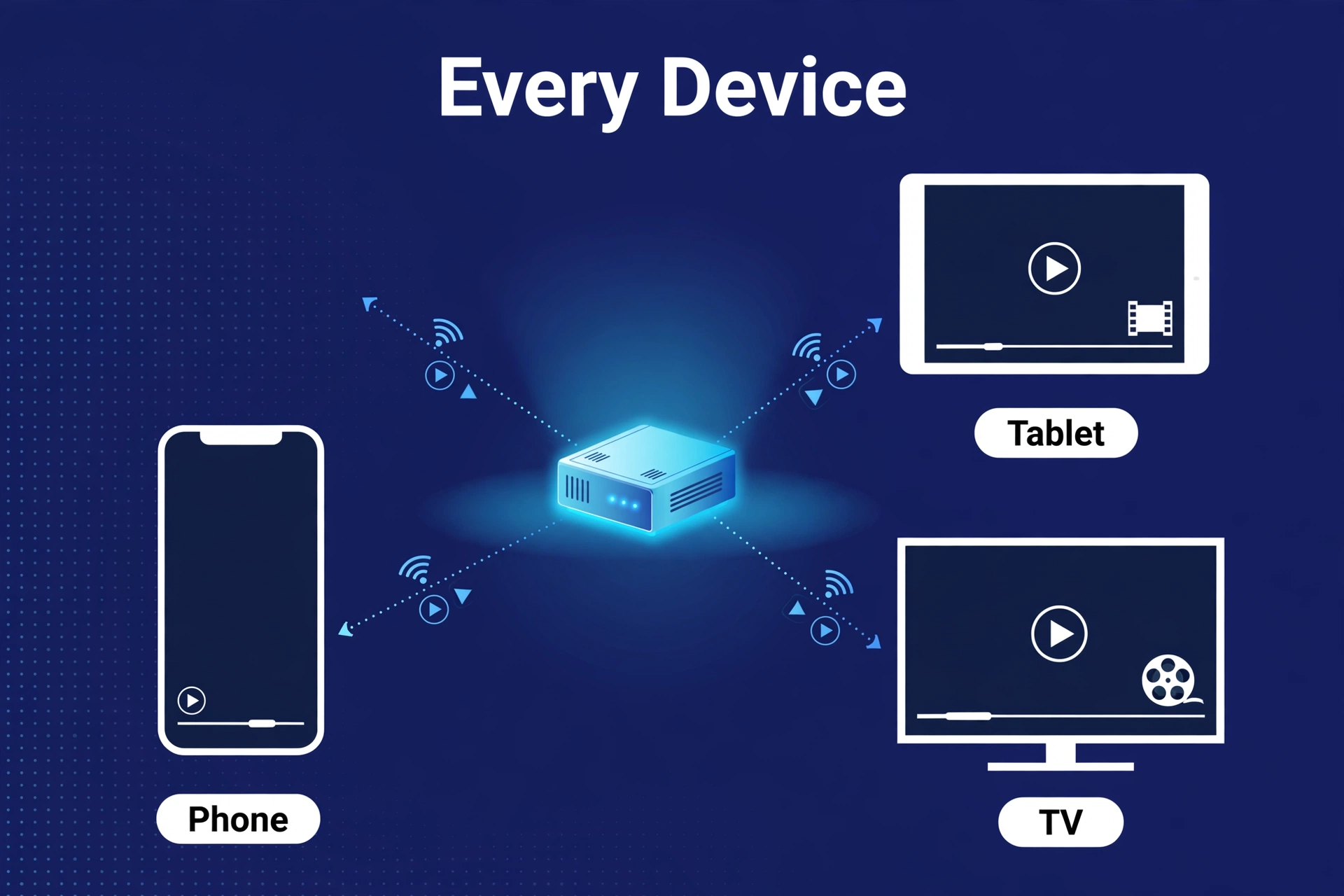
This is Plex’s strongest card, full stop. There’s an app for nearly everything — smart TVs from the big brands, Roku, Fire TV, Apple TV, Android TV, game consoles, phones, tablets, plain web browsers. Got a house full of mismatched devices? Plex probably already runs on every single one.
Finally, jellyfin’s app situation is good and improving — but not complete. Meanwhile, official clients for Android, iOS, Android TV, Fire TV, Roku, and the web. Third-party clients patch some holes. Game consoles and certain smart TV platforms are thinner, though, and the apps can feel a little less refined than Plex’s.
Before you decide, do the two-minute test: open your TV’s app store and search for Jellyfin. There, with decent reviews? You lose nothing by going free. Missing — and you don’t want to buy a streaming stick? Then Plex’s wider support might be worth paying for.
Hardware Transcoding: The Biggest Difference
Transcoding is the quiet dealbreaker — the feature that decides how happy you’ll be six months from now. Simple version: when a device can’t play a video file directly, the server converts it on the fly. That conversion is brutal on a CPU. Brutal-er with 4K. Hardware transcoding hands the job to the GPU (or the chip’s built-in video engine), which chews through it faster and barely breaks a sweat.
On a NAS, this matters enormously. In contrast, most home NAS boxes run modest processors. Similarly, one 4K stream without hardware transcoding can bring the whole box to its knees. With it? Same box, several streams, no drama.
Jellyfin includes hardware transcoding free. Specifically, intel Quick Sync, NVIDIA NVENC, AMD VAAPI — all supported on compatible hardware. And turning it on is a settings page. However, not a checkout page.
Plex supports it too — with one big asterisk. For example, hardware transcoding needs an active Plex Pass. The free tier gets software transcoding on the CPU, period. For a lot of NAS owners, this single paywall is the whole reason they switched. It’s also why your hardware matters so much: weak CPU plus software-only transcoding is a genuinely painful combination.
Bottom line: weak CPU, plus streaming to phones or away from home? Jellyfin saves you a subscription. Beefy PC that direct-plays everything anyway? This difference barely registers.
Ease of Setup
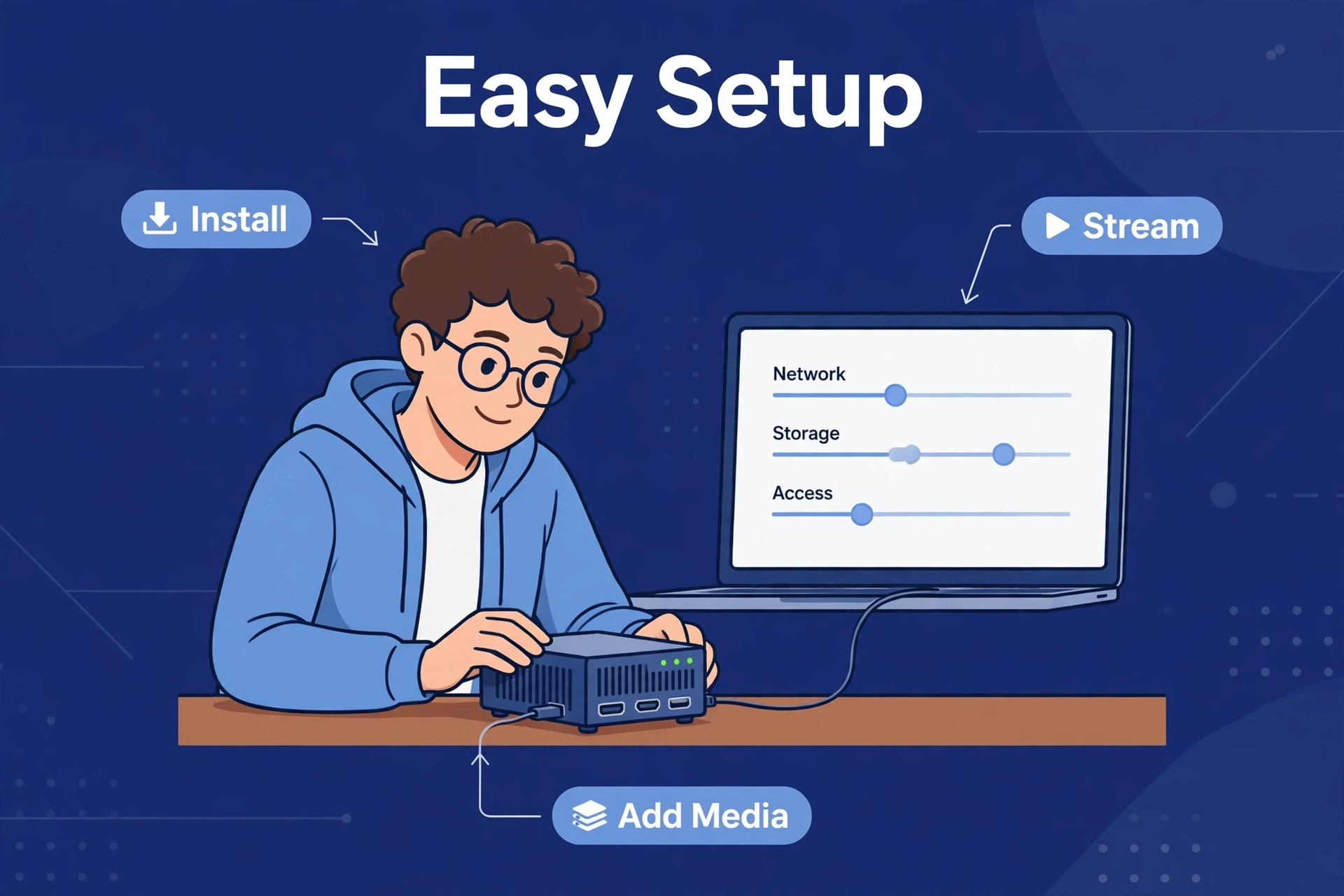
Plex wins on setup, no contest. Install it. Sign in. Point it at your media folders. Done — mostly. Remote access usually configures itself. Want a media server running tonight with minimal fuss? Plex is the friendlier choice.
Nevertheless, jellyfin asks a little more of you. In addition, no account smoothing things over — users, permissions, remote access, that’s all yours to handle. Furthermore, on a NAS that usually means Docker, which sounds scarier than it is. Honestly it’s a few steps. Our jellyfin setup guide walks through the whole thing for Synology, QNAP, and plain Docker.
Be honest about your comfort level here. If the words “port forwarding” make you nervous, Plex saves you an afternoon. Already running a NAS and fine following a guide? Jellyfin’s setup is a one-time cost for a lifetime of free.
Who Should Pick Which?
Choose Jellyfin if…
- You want everything free — no subscriptions, no paywalled features.
- You need hardware transcoding but won’t pay for Plex Pass.
- You like open-source software and owning your setup end to end.
- You’re fine following a setup guide once.
Choose Plex if…
- You want apps on every device in the house, consoles and odd smart TVs included.
- You want remote access and sharing to “just work” with minimal setup.
- You value polish — skip intro, watch together, a refined interface.
- You’re fine paying for a Plex Pass, or your hardware doesn’t need transcoding anyway.
Still torn? Look at your server hardware. A low-power NAS pushes most people toward Jellyfin — free hardware transcoding is genuinely hard to argue with. A powerful PC, or a house full of weird and varied devices, pushes toward Plex. Buying hardware for this job? Our guide to the best nas for plex covers what actually matters.
What About Emby?
You’ll see a third name in every “jellyfin vs plex” thread: Emby. Here’s the short version, so you don’t have to research it separately.
Fun fact with actual consequences: Jellyfin started as a fork of Emby, back when Emby moved parts of its code behind closed doors. Moreover, today Emby works a lot like Plex. In fact, free base tier, paid “Premiere” plan unlocking hardware transcoding, downloads, and the other premium features.
So Emby sits in the middle. Also, polished apps and interface — plenty of people find it nicer than Jellyfin’s — but the same freemium shape as Plex, key features behind a paywall. Smaller community than either rival, too, and fewer third-party tools.
For most people, Emby doesn’t change the decision. Want free and open? Jellyfin already does that. Want maximum polish and app support? Plex still leads. Emby’s worth a look only if you specifically dislike Plex but still want a commercial, supported product.
The Bottom Line
Here’s the thing: Jellyfin vs Plex isn’t really a fight about quality. Both play your media beautifully. It’s a fight about philosophy — free and self-owned versus polished and paid.
In 2026, Jellyfin is the better default for most home server owners. First, costs nothing. Second, includes hardware transcoding. Keeps improving every year. Plex stays the better pick if you want the widest device support and the smoothest setup. In fact, and you’re willing to pay for Plex Pass to get the full experience.
Already on Plex and thinking of switching? It’s easier than you think — our guide on how to switch from plex to jellyfin moves your library without starting over.
Frequently Asked Questions
Is Jellyfin completely free?
Yes. Jellyfin is open-source — no paid tier, no premium features, no ads. Hardware transcoding, mobile downloads, all of it, available to everyone. Volunteers maintain it; donations fund it. Not subscriptions.
Can I migrate from Plex to Jellyfin without losing my library?
Yes. Your media files stay exactly where they are — just point Jellyfin at the same folders and let it scan. Watch history and playlists need extra steps, usually a sync tool. Our guide on how to switch from Plex to Jellyfin covers the full process.
Which uses less CPU, Jellyfin or Plex?
About the same when direct-playing — the server barely lifts a finger either way. The gap shows up during transcoding: Jellyfin hands you hardware transcoding free, Plex reserves it for Plex Pass. On weak hardware, that makes Jellyfin the lighter option in practice.
Does Jellyfin work on smart TVs?
Depends on the TV. Jellyfin has official apps for Android TV, Fire TV, and Roku, plus a web client that runs anywhere. Some TV brands and game consoles have no native app. Check your TV’s app store before committing — or budget for a cheap streaming stick.
Do I need a Plex Pass for remote streaming?
No. Basic remote streaming of your own media is free on Plex. Plex Pass adds hardware transcoding, mobile downloads, live TV and DVR, and some convenience features. If you mostly stream at home on a solid network, the free tier may be all you ever need.
Jellyfin vs Plex vs Emby — which is best on a NAS?
For most NAS owners it’s Jellyfin vs Plex, full stop. Jellyfin wins on a weak CPU, because free hardware transcoding is a real, tangible difference. Plex wins on setup ease and app coverage. Emby’s a fine middle ground that rarely wins on either priority.
