

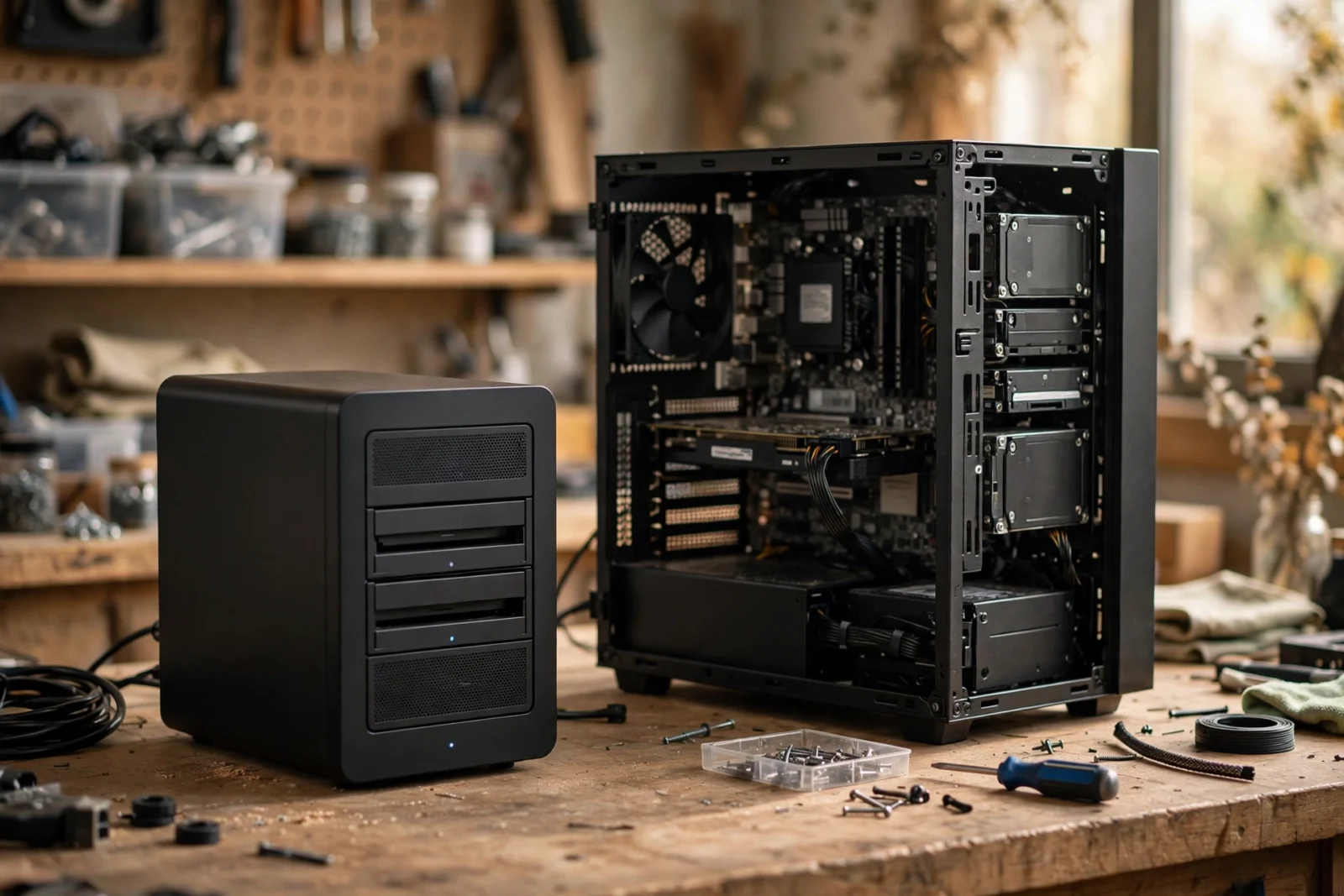
Synology: buy it, plug it in, it works. However, polished software, dead-simple setup, an actual support line when things break. For example, TrueNAS? The build-it-yourself powerhouse — free, open-source software on your own hardware, with way more performance and flexibility per dollar. If you’re willing to earn it, anyway. And then there’s Unraid, hanging out in the middle, splitting the difference. So which one’s for you? Honestly, it all comes down to one question: do you want an appliance, or a project?
Arguments about this topic have probably ended friendships. Or at least ruined dinner parties. And most comparisons pick a side way too early — here’s my attempt not to. Both are genuinely excellent at what they’re designed for. They just weren’t designed for the same person. So let’s walk through what each path actually involves, what it really costs, and — the important part — how to figure out which camp you’re in.
What Each Option Actually Is
Synology: The Appliance
Synology sells finished products. You buy the box, slide in drives, follow the wizard. DiskStation Manager (DSM) — the operating system — is the reason people pay the premium: polished, consistent, and packed with genuinely useful apps for backup, photos, media, surveillance. Something breaks? There’s a company to call. For most home users, that’s the whole pitch, right there. It just works.
Now, the trade-offs: cost and control. You pay more per terabyte than any DIY build, the hardware is modest for the money (current models famously skip hardware transcoding), and drive compatibility has been a bit of a moving target — Synology briefly tightened the rules on its 2025 Plus models, then relaxed them again in a DSM update. Check the compatibility list for your exact model before buying drives. Seriously, do. You’re buying into an ecosystem: comfort and constraints, bundled together.
TrueNAS: The DIY Powerhouse
TrueNAS is free, open-source NAS software you install on your own hardware. An old PC, a purpose-built server, whatever’s lying around gathering dust. Under the hood, it’s ZFS — the most respected file system in storage — which means best-in-class data integrity: checksums on everything, snapshots, self-healing when corruption shows up. The current version, TrueNAS SCALE, runs on Linux and folds Docker-style apps and virtual machines into the mix too.
The upside? Far more performance per dollar. Total hardware freedom. Zero vendor lock-in. And ZFS integrity that nothing in the consumer space can touch. The price is the hand-holding — or rather, the lack of it. You’re the administrator now. And the support contract. And the person Googling error messages at midnight. All three are you.
Unraid: The Third Way
Unraid lives between the two. Like TrueNAS, it’s software on your own hardware — but it’s a paid product with a much friendlier face, and one killer feature: mix drive sizes freely. Add a 4TB drive today, an 8TB next year. Unraid handles it gracefully, where traditional RAID would just waste the difference. Media-server builders adore it for exactly this reason.
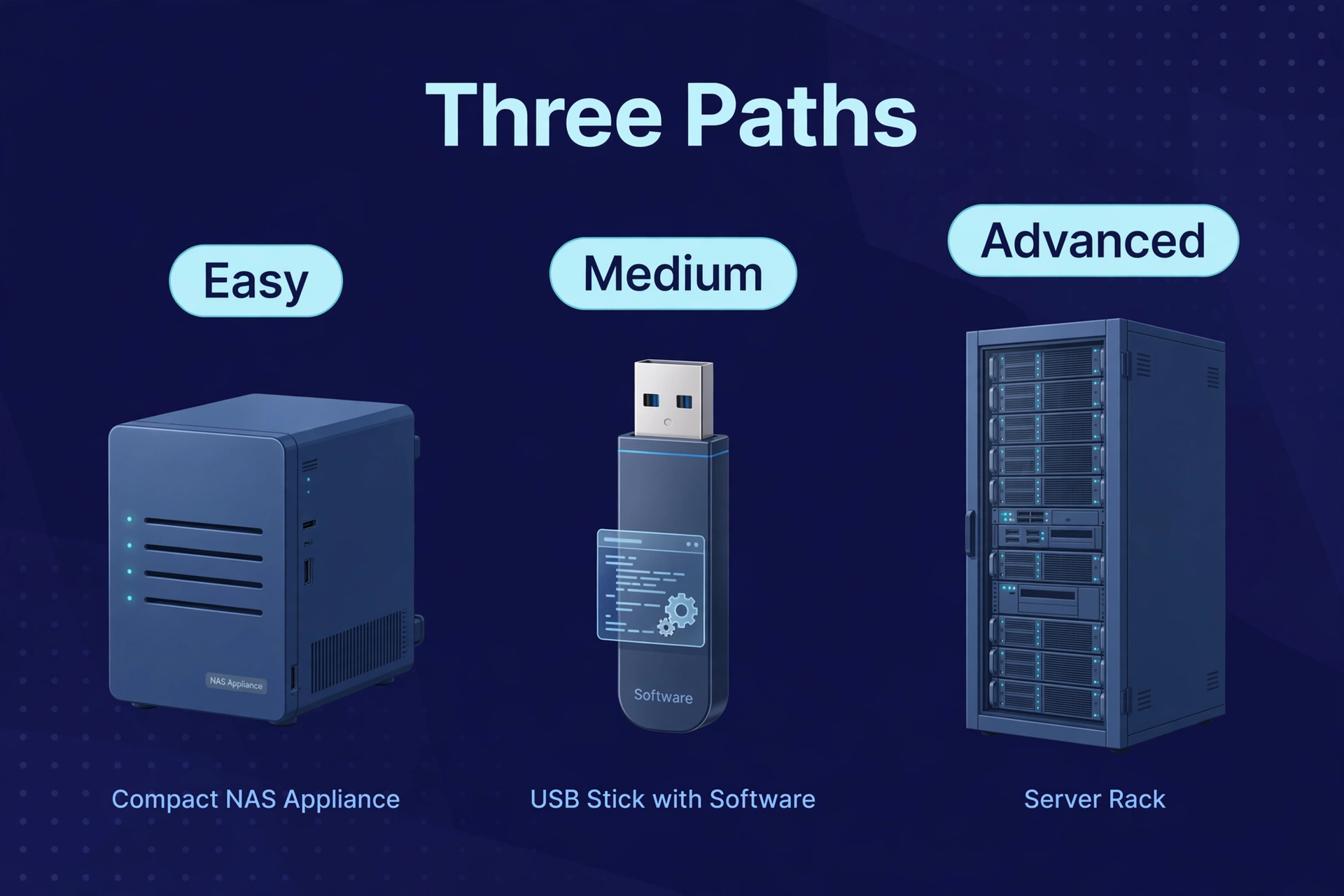
Roughly, the spectrum looks like this: Synology (easiest, priciest per TB) → Unraid (middle ground, paid license, flexible) → TrueNAS (most powerful, free, steepest learning curve). Your job is just picking your position on it.
TrueNAS vs Synology: Head-to-Head
TrueNAS vs Synology vs Unraid, at a glance
| Feature | Synology (buy) | TrueNAS SCALE (build) | Unraid (build) |
|---|---|---|---|
| Software cost | Included in box price | Free, open source | Paid license |
| Hardware | Fixed appliance | Your choice, fully open | Your choice, fully open |
| File system | Btrfs / ext4 | ZFS (checksums, self-healing) | XFS/Btrfs + parity |
| Mixed drive sizes | Yes (SHR) | No — vdevs want matched drives | Yes — the standout feature |
| Ease of setup | Wizard-driven, ~1 hour | Manual, hours to days | Guided, a few hours |
| Performance per dollar | Lowest | Highest | High |
| Support | Manufacturer support | Community / forums | Community + paid options |
| Best for | Set-and-forget homes | Tinkerers, ZFS believers | Media servers, gradual expanders |
The Real Cost: Build vs Buy
On paper, DIY looks dramatically cheaper. And it is — up to a point. A TrueNAS build on a used office PC with new NAS drives can run half the cost of an equivalent Synology setup. The hardware’s yours to choose, so every dollar goes where it matters most: more RAM for ZFS, a beefier CPU for transcoding, a proper case with hot-swap bays.
But honest accounting includes the costs nobody puts in the spreadsheet. Your time has value — and a first TrueNAS build will eat a weekend. In addition, researching compatible parts. Furthermore, installing. Moreover, configuring storage pools. Wrapping your head around ZFS basics. Unraid gets running faster, sure, but it still wants you comfortable with BIOS settings, USB boot drives, network shares. And when something breaks at 11 p.m.? No support line. There’s you, a forum, and coffee.
Here’s the thing about Synology’s premium: to a large extent, it’s a convenience fee. Also, the wizard. First, the tested hardware. Second, the app store that just works. Someone to call. For a household where the NAS just needs to back up laptops and serve movies, that fee is often money well spent. No shame in it. Really.
If budget’s the deciding factor either way, our best NAS for home guide covers the current prebuilt picks — budget-friendly options included.
The Skills Question: Be Honest With Yourself
Quick self-test. Being real with yourself here matters more than anything else in this article, because building with TrueNAS or Unraid comfortably takes:
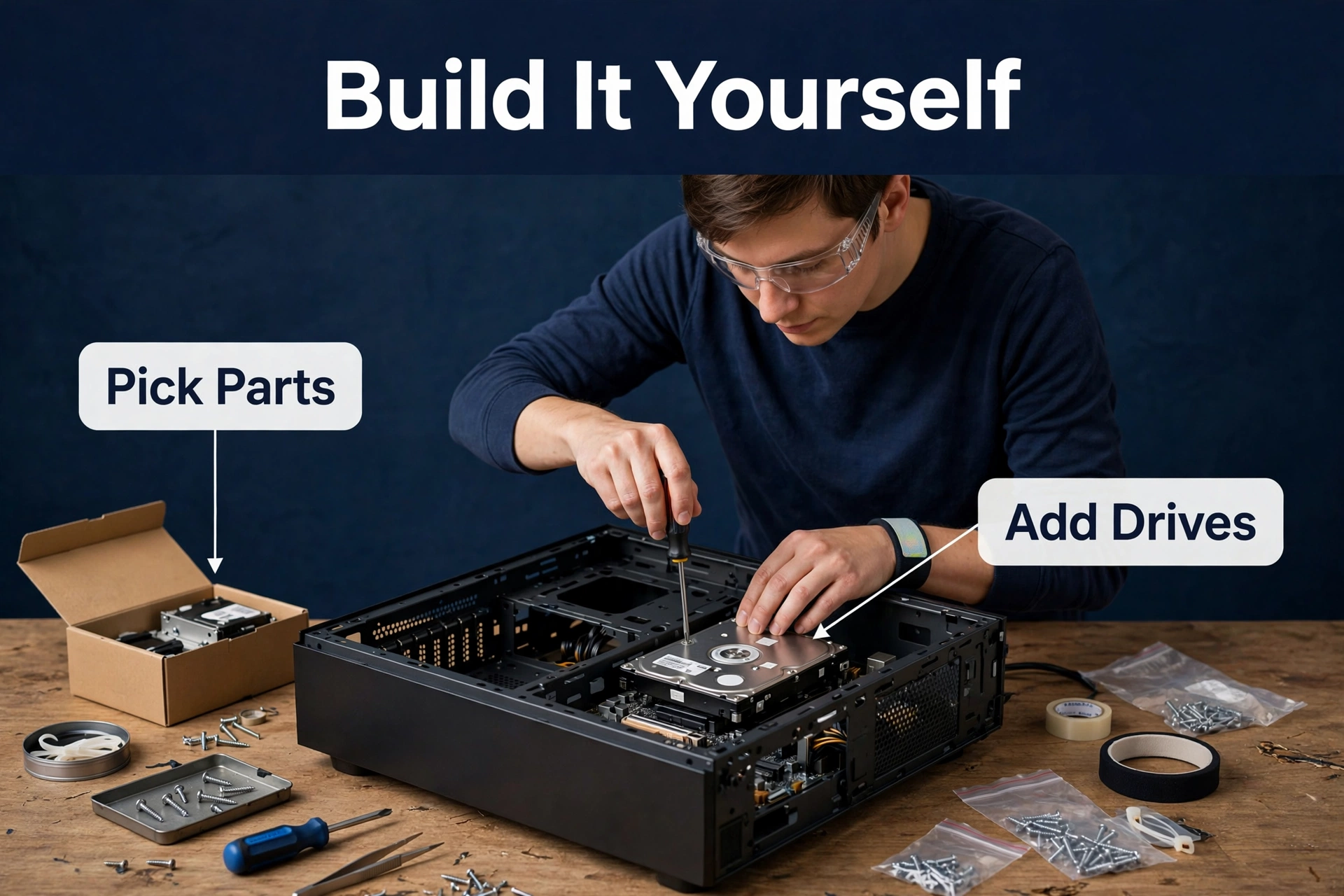
- Basic PC building. Drives, RAM, a boot drive — the physical stuff. Never opened a PC case? Budget learning time.
- BIOS/UEFI comfort. Boot order, virtualization features. Not hard, just unfamiliar the first time.
- Networking basics. Static IPs, SMB shares, maybe VLANs down the road. A NAS lives or dies by its network config.
- Troubleshooting patience. Something will not work the first time. The fix is always findable — docs, forums — but it takes persistence.
- Ongoing maintenance. Updates, SMART monitoring, scrub schedules. A DIY NAS is a pet, not cattle. It needs feeding.
Does that list sound like a fun weekend? You’ll probably love TrueNAS. Sounds like a chore? Then buy the Synology and spend the weekend doing literally anything else. Neither answer is wrong — they’re just different hobbies.
When to Build (TrueNAS or Unraid)
- You enjoy tinkering and want to learn — the build is the point, not just the means.
- You need performance Synology can’t touch at your budget: 10GbE networking, heavy virtualization, big ZFS pools.
- Spare hardware’s already sitting around — an old gaming PC makes a fantastic TrueNAS box.
- You’re building a serious Plex server and want real transcoding muscle. Our best NAS for Plex picks cover the prebuilt side of that call.
- You want ZFS data integrity specifically. Nothing else in the home space offers it.
- You plan to expand gradually with whatever drives are cheapest — Unraid’s mixed-size flexibility shines brightest here.
When to Buy (Synology)
- The NAS is a tool, not a hobby. Backups and file sharing, minimum fuss.
- Other family members have to use it. DSM’s interface is the most non-technical-person-friendly in the business, full stop.
- You want a support contract and a warranty on the whole box — not just parts.
- Your time’s worth more than the premium. (Do the math: your hourly rate times a weekend. Seriously, do it.)
- You need the ecosystem apps — Synology Photos, Hyper Backup, Surveillance Station — working out of the box, day one.

Can You Switch Later?
Yes — with effort. Jumping from Synology to TrueNAS (or back) means moving your data off somewhere, rebuilding, and moving it all back. You’ll need temporary storage equal to your data for the transition. It’s a weekend project, not a disaster — but it’s friction enough that choosing right the first time pays off. Running both systems in parallel for a week during the move? Safest migration you’ll ever do.
One practical note: whichever you pick, the drives matter more than the platform. Good CMR NAS drives in a Synology will outlive cheap drives in a TrueNAS box. Every single time. Start with our 2-bay vs 4-bay NAS guide to size the hardware, then choose your platform with confidence.

Why TrueNAS Fans Won’t Stop Talking About ZFS
Ask a TrueNAS user why they bother. Within ninety seconds — you’ll hear “ZFS.” It’s the file system TrueNAS is built on, and its fans talk about it with unusual devotion. Why? Because it does something most file systems simply don’t: it verifies your data.
Every block ZFS writes gets a checksum. Finally, a fingerprint. And every time that block gets read, the fingerprint gets checked. So a drive returns corrupted data. In fact, a flipped bit, a dying sector, silent corruption no LED ever warns you about — and ZFS notices. Meanwhile, got redundancy? Nevertheless, it heals the bad block from the good copies automatically. Traditional RAID never notices a thing. It’ll happily serve you corrupted files with a straight face.
Then there are snapshots: instant, space-efficient frozen moments of your file system. In fact, deleted a folder by accident? Roll back to yesterday’s snapshot in seconds. Ransomware got everything? Roll back to before it happened. Snapshots are the closest thing to a time machine in home storage. In fact, and a huge reason people put up with TrueNAS’s learning curve.
The price is RAM (ZFS loves memory) and the learning curve of pools, vdevs, datasets. But for anyone who’s lost data to silent corruption they never saw coming? Worth every bit of it.
What About Used Enterprise Hardware?
There’s a thriving secondhand market in decommissioned office PCs and servers. Tempting — serious hardware for a fraction of new prices. And a used small-form-factor business PC makes a genuinely great TrueNAS or Unraid box: quiet, efficient, cheap. Honestly, it’s one of the best-value doors into DIY NAS — if you’re comfortable buying used.
Full-size rack servers, though? As a result, different story. In contrast, they’re loud. Datacenter loud, not living-room loud. And they drink power. That cheap rack server can add real money to your electricity bill and real decibels to your house. Unless you’ve got a basement or garage where noise doesn’t matter, stick to tower or small-form-factor used gear.
Whatever used hardware you buy, though: put new NAS drives in it. Used drives are a gamble with your data. Used chassis are a bargain. That’s the line — don’t cross it.
Frequently Asked Questions
Is TrueNAS really free?
Yes. TrueNAS SCALE (and CORE) are free and open source — no capacity limits, no feature paywalls. You pay for hardware only. There’s a commercial side (TrueNAS Enterprise with support contracts), but home users never need it.
Is TrueNAS hard for beginners?
Steepest learning curve of the three, no question — but it’s not experts-only. Comfortable building a PC and following documentation? You can get it running. The ZFS concepts (pools, vdevs, datasets) take the most study. Budget real time for those.
Can I install TrueNAS on a Synology box?
Sometimes technically possible on some models — but it’s unsupported, fiddly, and it defeats the whole point of buying an appliance. Want TrueNAS? Build or buy generic hardware. Bought a Synology? Enjoy DSM.
Unraid vs TrueNAS: which is better for Plex?
Both work well. Unraid’s often the easier Plex pick — simpler setup, easy GPU passthrough for transcoding, painless expansion as the library grows. TrueNAS wins on raw data integrity (ZFS) and costs nothing. Media-server builders are Unraid’s happiest customers, and it’s not close.
How much RAM does TrueNAS need?
The old rule of thumb says 1GB of RAM per terabyte of ZFS storage — but modern home-use guidance is more relaxed. 16GB is a comfortable starting point for most home builds; more if you run virtual machines. ECC RAM is recommended by ZFS purists but not required at home, and TrueNAS itself asks for a minimum of 8GB.
Can a DIY NAS be as reliable as a Synology?
Yes — often more so, since you pick every component. Reliability comes from quality parts, proper configuration, and monitoring. Not a brand badge. What Synology buys you isn’t reliability; it’s convenience. Tested combinations, and someone to call.
Do I need ECC RAM for TrueNAS?
ZFS purists say yes, and for business use they’re right. Home NAS? Nice to have, not required — plenty of home TrueNAS builds run happily on regular RAM for years. Motherboard supports ECC affordably? Take it. Doesn’t? Don’t let that stop you.
Should I build a NAS from an old PC?
Often yes. A retired desktop with a decent CPU makes an excellent TrueNAS or Unraid box. Check three things: enough SATA ports (or add an HBA card), enough drive bays or room for them, and sane power consumption. Old power-hungry gaming rigs can cost more in electricity over time than they’re worth — efficient office PCs are the sweet spot.
