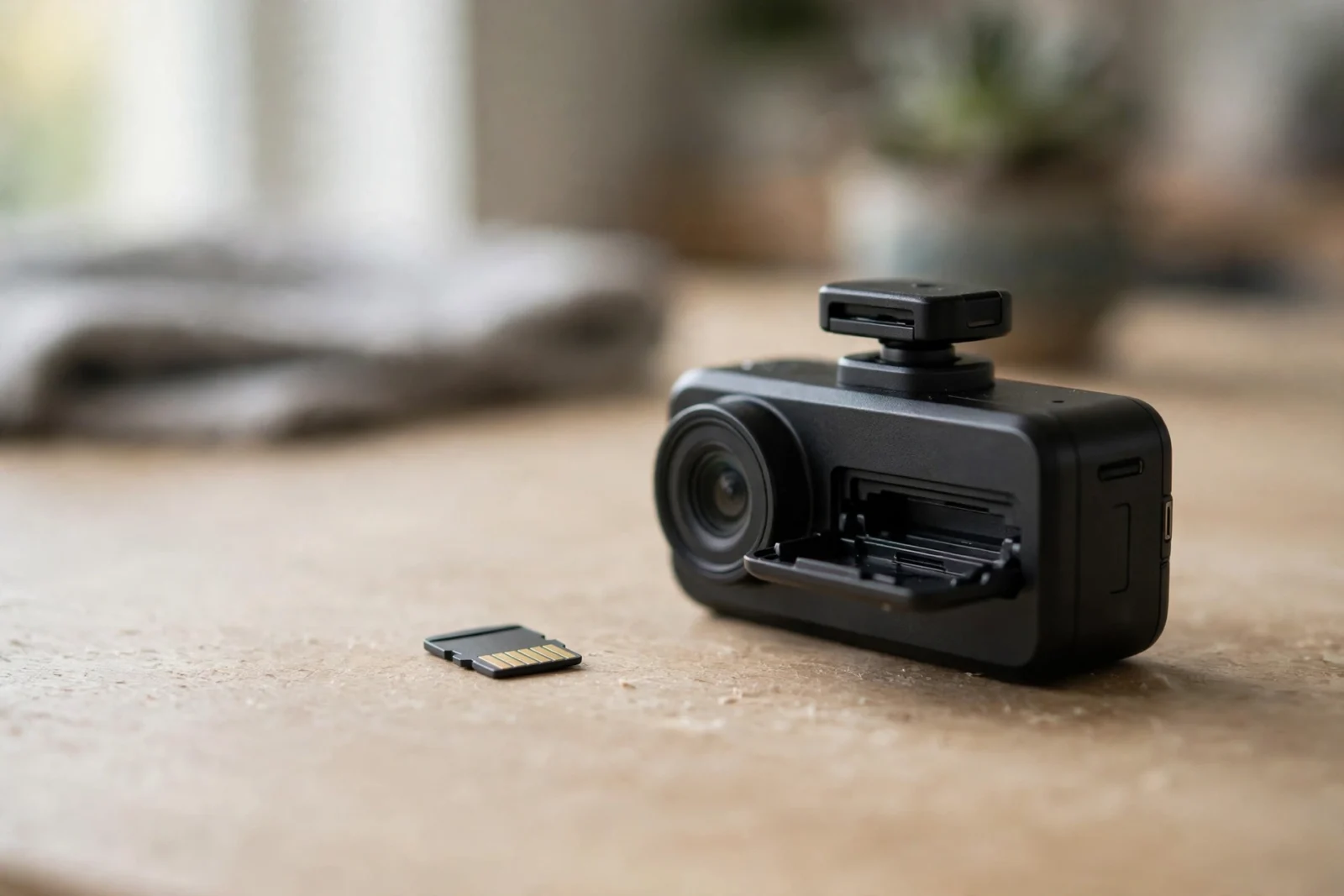
However, if you buy exactly one accessory for your dash cam, make it the memory card. However, not the mount, not the hardwire kit — the card. Here’s the uncomfortable truth nobody tells you at checkout: a regular microSD card will die in a dash cam. In addition, usually within months. And it usually dies silently. In addition, the camera keeps blinking like everything’s fine while saving nothing. Furthermore, you discover the problem when you need the footage — after the fender-bender — and it isn’t there. Months of nothing.
The fix is almost offensively simple. The best SD card for a dash cam is always a high-endurance card from a reputable brand, U3 speed class or better. That’s it. That’s the whole buying decision. Everything below is the why — why regular cards die, which high-endurance cards are worth your money, what size to buy, and the maintenance habits that keep them alive.
Why Regular SD Cards Die in Dash Cams
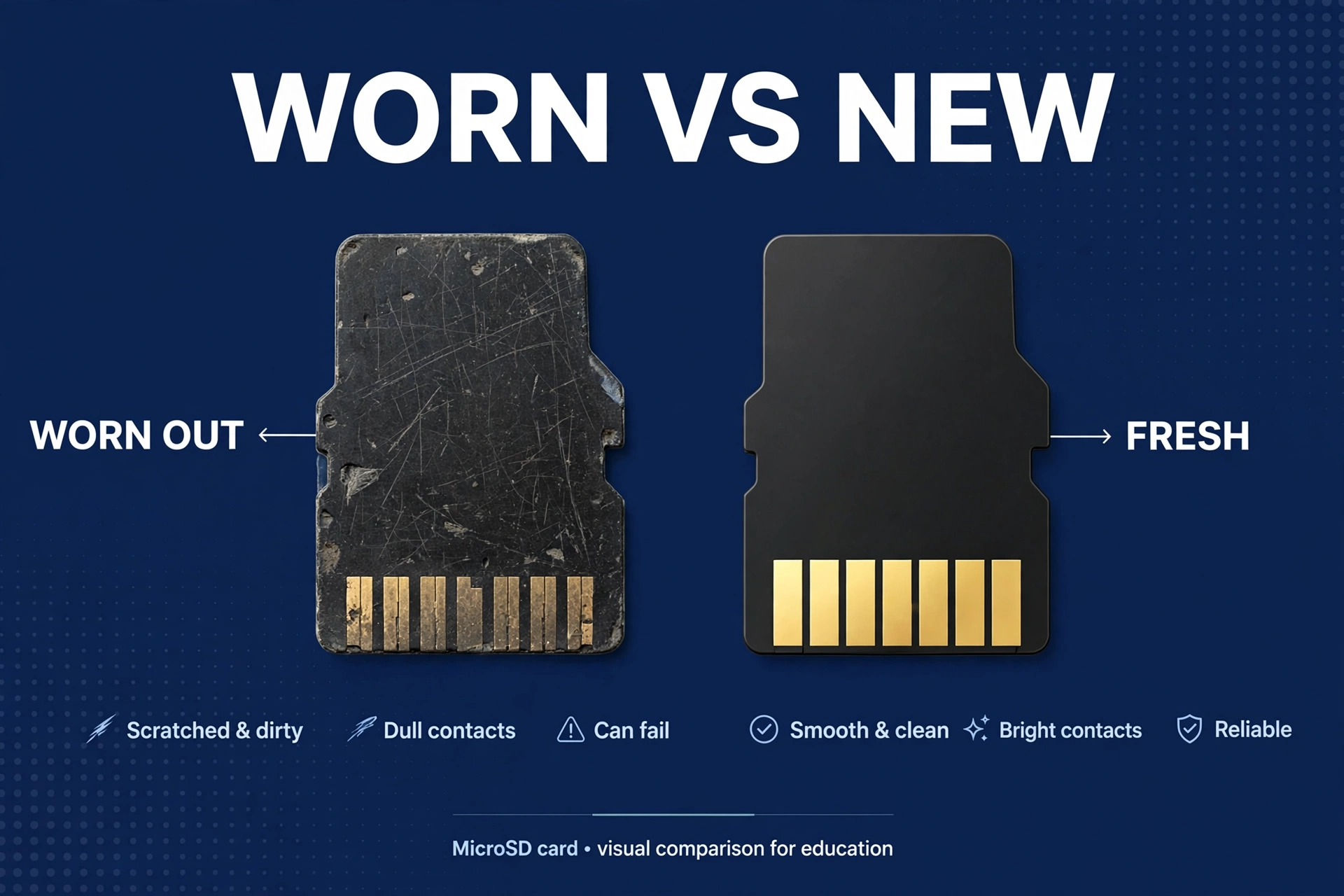
A dash cam is, no exaggeration, the hardest job a memory card will ever have. Your phone’s card gets a photo here, a video there. A dash cam writes video constantly — hours every day — then overwrites the same cells over and over. The industry calls this a high write-cycle workload. Engineer-speak for “absolute punishment.”
Moreover, every flash memory cell can only be rewritten so many times — that’s physics, not a defect. Furthermore, a regular card’s cells just aren’t built for this kind of punishment, so they wear out fast. And here’s the part that still makes my jaw clench: they die silent. Moreover, mine had been dying for weeks, maybe months, and the camera never said a word — little red light blinking away like everything was fine. Then came the fender-bender, the adjuster asking for footage, and me pulling a card with three months of nothing on it. That’s how you find out. When it matters most.
High-endurance cards are built for exactly this workload — tougher memory, rated for far more write cycles. Yeah, they run a few bucks more than a regular card the same size. I used to cheap out on that difference too. Never again. That small premium is the cheapest insurance in my entire setup — skip the fancy mount, skip the hardwire kit, don’t skip this.
High-Endurance vs Regular Cards: What Actually Differs
Table: High-endurance vs regular microSD cards for dash cam use
| Feature | High-endurance card | Regular card |
|---|---|---|
| Designed for constant rewriting | Yes | No |
| Typical lifespan in a dash cam | 1–3 years (real-world, daily use) | Months |
| Failure behavior | Usually gradual, often detectable | Often sudden and silent |
| Speed class needed | U3 / V30 for 4K | Varies (often too slow for 4K) |
| Price difference | Slightly more | Cheaper upfront, expensive when it fails |
| Warranty for dash cam use | Often explicitly covered | Often explicitly excluded |
That last row — the warranty one — is the industry telling on itself. (I found this out reading warranty fine print at 1 AM, long before any forum told me.) Several big manufacturers exclude dash cam use from their regular cards’ warranties while explicitly covering it on high-endurance lines. The people who make the cards are flat-out telling you which one to buy. When the manufacturer draws you a map, follow it.
Samsung PRO Endurance vs SanDisk Max Endurance
Two cards show up in every serious recommendation thread. Honestly? You can’t go far wrong with either. But since you’re here, let’s compare.
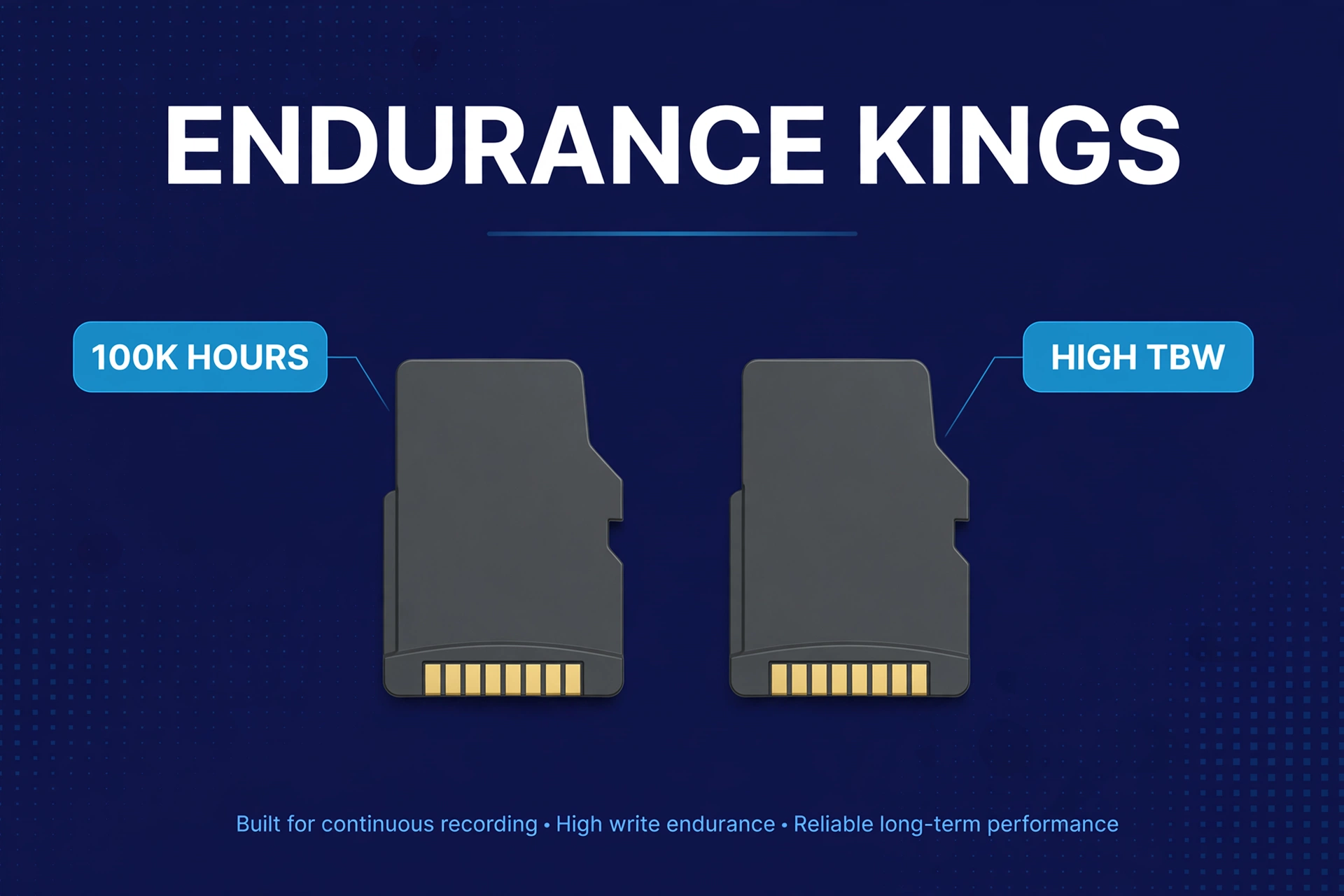
Samsung PRO Endurance is the longtime default in the dash cam community, and it’s earned that spot. Also, samsung rates the 256GB model for up to 140,160 hours of Full HD recording (scaling down with smaller capacities, per Samsung’s own endurance figures), with up to a five-year warranty covering dash cam use. First, the safe choice — the one nobody regrets.
SanDisk Max Endurance is SanDisk’s answer: similarly huge endurance ratings (up to 120,000 hours on the 256GB model) and explicit dash cam warranty coverage. First, different logo, same job done well.
So which one? Buy whichever is cheaper at the capacity you need, from a reputable seller. The gap between these two is tiny compared to the Grand Canyon between either of them and a regular card. One thing matters more than brand: buying genuine stock. I’ll be honest — I was one click away from a marketplace “deal” myself, half the price of everywhere else, before something in my gut said no. A buddy of mine took the deal. His card looked perfect, the packaging looked perfect, and it was dead in six weeks. Buy from the manufacturer or an authorized retailer — a seller you’d trust with court evidence.
What Size Card Do You Need?
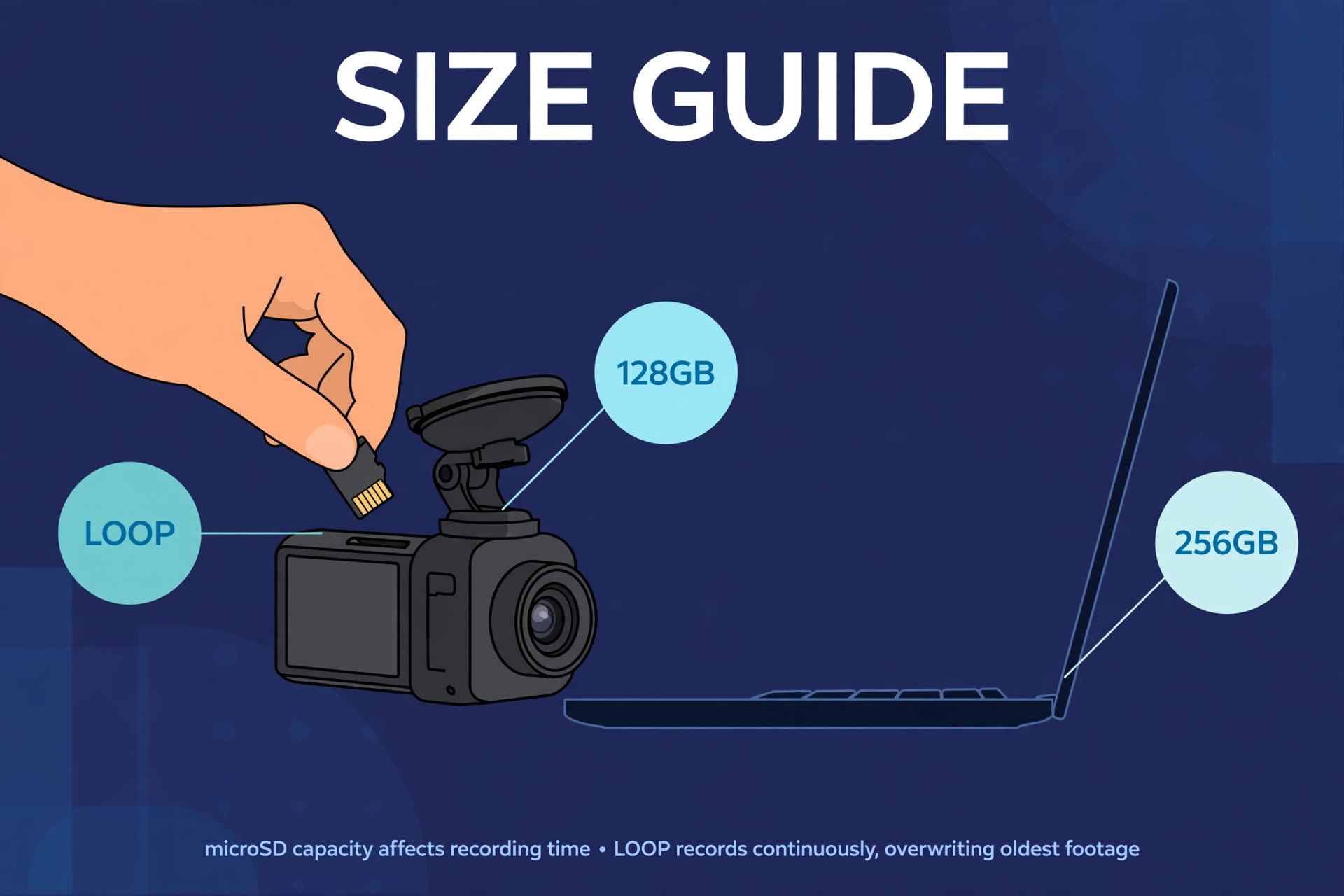
My advice, friend to friend: buy the biggest card your camera supports. I run 256GB in mine — wish I’d gone 512. Check your camera’s max first (some older models top out at 128GB; most modern ones take 256 or 512), then buy the largest high-endurance card that fits your budget. More days of history before loop recording eats it — and as a bonus, the bigger card genuinely lasts longer too.
And the part most guides skip: capacity quietly buys you lifespan too. Second, a bigger card spreads writes across more cells, so each cell gets rewritten less often. Finally, you’re not just buying storage — you’re buying years.
As a rough guide to recording time (single front channel, approximate):
Table: Approximate loop-recording hours by resolution and card size
| Resolution | 64GB | 128GB | 256GB | 512GB |
|---|---|---|---|---|
| 1080P | ~8 hrs | ~16 hrs | ~32 hrs | ~64 hrs |
| 2K / 1440P | ~5 hrs | ~10 hrs | ~20 hrs | ~40 hrs |
| 4K | ~3 hrs | ~6 hrs | ~12 hrs | ~24 hrs |
Running front and rear? Those numbers roughly halve — two streams writing at once. And honestly, the question isn’t hours, it’s days back: a bigger card means last Tuesday’s incident is still there on Friday. For 4K cameras especially, the storage math in our best 4K dash cam guide shows why 256GB is the sensible floor.
How to Format Your Dash Cam SD Card (and How Often)
Took me way too long to learn this: formatting is maintenance, not setup. Like an oil change — routine, scheduled, non-negotiable. I do mine on the first of the month, phone reminder and everything.
Two rules, both learned the hard way: format in the camera, not on your computer. Meanwhile, the camera sets up exactly the file system and allocation size it expects. And do the first format before your first drive — cards sometimes ship with weird partitioning, and one fresh format clears out surprises.
Then the habit that actually matters: reformat monthly. I set a phone reminder — first of every month, no exceptions. (Skipped it once. That’s the month I nearly lost a clip I actually needed.) Before you hit format, save important clips first — formatting wipes everything unlocked, and “I forgot to pull that clip” is a terrible feeling. Finally, use the camera’s own format function; a quick PC format can leave the wrong allocation unit size behind.
Card errors? The order never changes: save what you can, full format in the camera, watch. Errors back within days means the card is dying. Replace it — don’t argue with it. A dying card is a lying card.
Cards Fail Silently — Replace Them on Schedule
Here’s the habit that separates protected drivers from sorry ones: replace your dash cam card on a schedule, not on failure. High-endurance cards don’t last forever — just far longer than regular ones. Every 1 to 2 years for a daily-driven car is sensible; sooner with 24/7 parking mode, since parking hours are write hours too.
Think of it like tires. You don’t wait for a blowout; you replace them when the tread wears, because the cost of being wrong is catastrophic. Nevertheless, a memory card costs a fraction of a tank of fuel. Budget it as a consumable and you’ll never lose footage to a worn-out card.
Between replacements, a monthly spot-check: pull a random recent clip and confirm it plays. Thirty seconds, once a month. That tiny habit catches the rare early failure before it matters.
Spotting Counterfeit Cards
Counterfeit memory cards are one of the most common scams in tech retail, and dash cam owners are prime targets — when a fake fails, it looks exactly like bad luck. Nobody suspects the card. Meanwhile the “512GB high-endurance” card was a 32GB regular card with a convincing label all along.
Buy from authorized sellers — manufacturer stores and major authorized retailers. In fact, a price dramatically below everyone else’s isn’t a deal; it’s a warning siren. Then test every new card: free tools like h2testw (Windows) or F3 (Mac/Linux) write the full capacity and verify it. Nevertheless, a fake 512GB that’s really 32GB fails instantly. In fact, it takes a while on large cards — run it overnight.
Check the packaging skeptically: blurry printing, misspellings, missing serials, flimsy packaging — all red flags. And register the product if the manufacturer offers it; counterfeit serials usually fail registration, settling the question in thirty seconds.
A genuine high-endurance card from a good seller, tested once, is a solved problem. A suspiciously cheap card from a random marketplace seller? A footage disaster waiting for its moment — and it always picks the worst one.
Common SD Card Mistakes
Most dash cam card failures aren’t mysteries — they’re the same avoidable mistakes, over and over.
Mine was the first one on this list.
Reusing an old phone card is the big one. Already tired from years of phone duty, then straight into the hardest workload in consumer electronics. As a result, don’t. Start fresh.
Buying on capacity alone is the trap: a 512GB regular card is worse than a 128GB high-endurance card for dash cam duty. Endurance first, size second. In contrast, always. Then ignoring the speed class for 4K — a 4K camera needs U3/V30 minimum, and a slower card drops frames or corrupts files. The cruel part? Specifically, it looks fine until the moment it matters.
Never formatting — “it worked for a year” is not a maintenance strategy. Keeping the card forever — cards are consumables, put the replacement on your schedule. And forgetting the dual-channel math: two cameras, twice the writes, half the history. Size accordingly — this one matters for every front and rear dash cam owner.
Which Card for Which Camera?
A quick decision guide, so you don’t overthink this into paralysis.
1080P single-channel? 128GB high-endurance U3 is plenty. Cheap, lasts ages, done. 2K dual-channel? 256GB high-endurance U3 — the sweet spot for price, history, and lifespan. 4K dual-channel is where you stop economizing: 256GB minimum, 512GB if supported, and the best-regarded high-endurance line you can get. High bitrates punish weak cards hardest, and owners of popular 4K dual-channel models like the ones in our Viofo A229 Plus vs Pro comparison consistently say card quality matters as much as camera choice at 4K. Believe them.
Running parking mode 24/7? However, go one size up from the above. For example, parking hours are write hours — your card doesn’t care that the car was parked.
Torn between two sizes? Take the bigger one. Nobody has ever complained their dash cam kept footage too long.
SD Card FAQs
Can I use a regular SanDisk or Samsung card in my dash cam?
You can, but don’t — and that’s me talking as someone who did exactly this. Regular lines aren’t rated for constant rewriting, warranties often exclude dash cam use, and they fail silently within months. The high-endurance version from the same brand costs a little more. Built for exactly this job.
What does U3 or V30 mean?
Speed classes guaranteeing minimum sustained write speeds — 30 MB/s for both. Sustained, not peak: that’s what continuous video needs. U3/V30 is the minimum for 4K; for 1080P, U1 is technically enough, but buy U3 anyway. The price difference is trivial.
How do I know if my card is dying?
Warning signs, when you get them: card errors, unexplained gaps, files that won’t play, or a camera that “records” while the card comes up empty. Me? I got none of those. Mine just quietly died — no drama, no warning, nothing. That’s why monthly spot-checks and scheduled replacement beat watching for symptoms. The card won’t tell you. Don’t wait for it to.
Does a bigger card really last longer?
Yes — twice over. More days of footage before overwriting, and the wear spreads across more cells so each one gets rewritten less often. Within your camera’s maximum, bigger is genuinely better. Ask my 256GB — it’s outlasted every smaller card I’ve owned.
Can I use the same card in a new dash cam?
If it’s high-endurance and healthy — but format it in the new camera first. Better yet, start fresh: the new camera gets a new card, the old one becomes your glovebox spare. Never move a card with errors into a new camera and hope. Hope isn’t a strategy.
Why does my 4K footage stutter but 1080P is fine?
Almost always the card — I blamed my camera for a month before figuring this one out. 4K bitrates overwhelm slow or worn cards while 1080P stays within their limits. Upgrade to a genuine high-endurance U3/V30 card before blaming the camera — nine times out of ten, that fixes it.
A memory card is the cheapest part of your dash cam setup, and the one most likely to betray you. In addition, buy high-endurance. Furthermore, buy genuine. Moreover, buy bigger than you think. Format monthly, replace on schedule. Do that and your card becomes something you never think about — invisible, boring, reliable. Exactly what a memory card should be.