

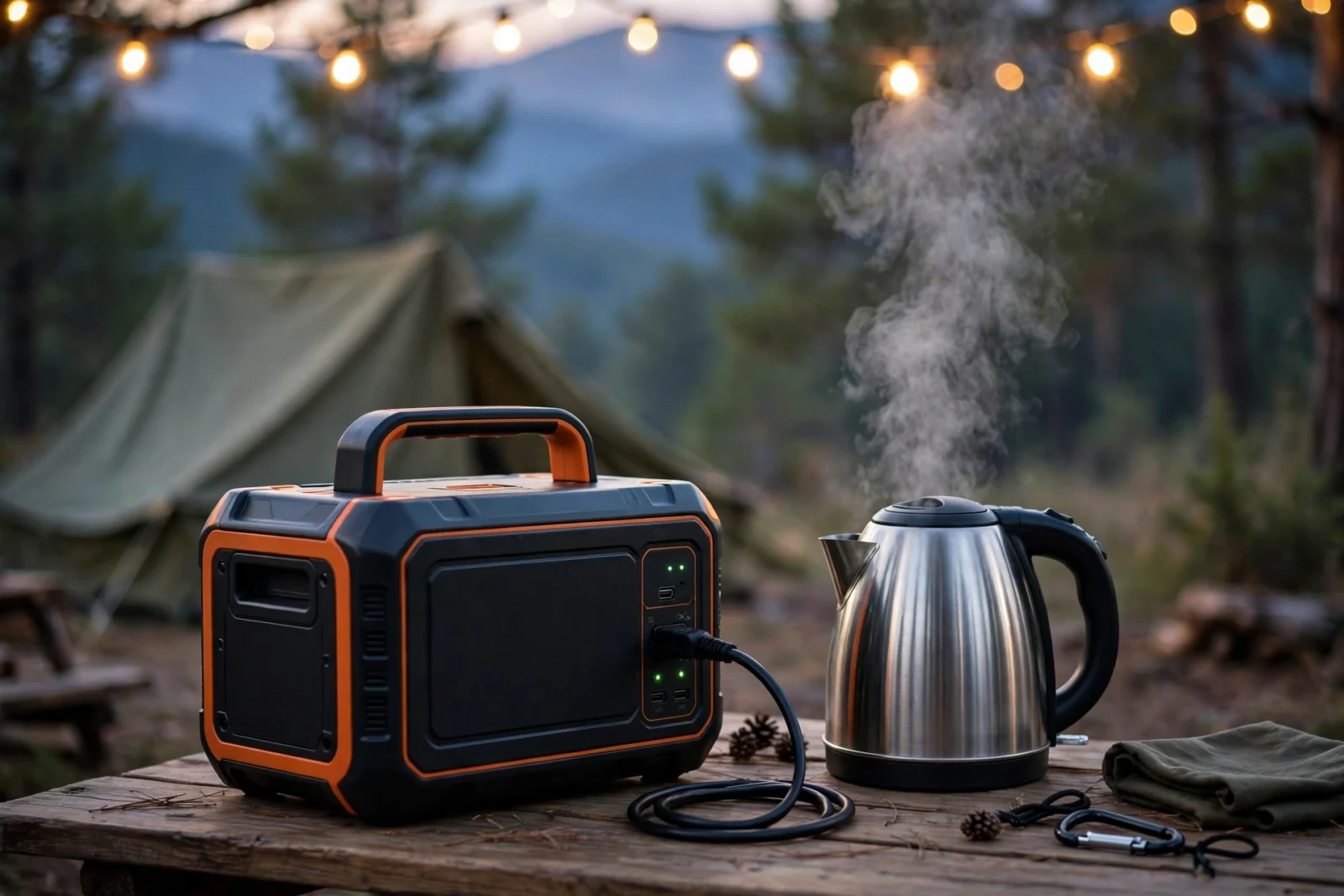
The Jackery Explorer 1000 v2 is a 1,070Wh LiFePO4 portable power station with 1,500W of AC output, and it is one of the best mid-size power stations you can buy in 2026. The short verdict: it hits the sweet spot of capacity, output, weight, and price for campers, RVers, and light home backup. It charges fast, runs real appliances like kettles and microwaves, and typically sells for around $500–$700 — check current price. Skip it only if you need whole-home backup or expandable capacity, because the 1000 v2 cannot add extra batteries. This review breaks down the specs, real-world runtimes, charging, and honest drawbacks.
Jackery Explorer 1000 v2: Key Specs
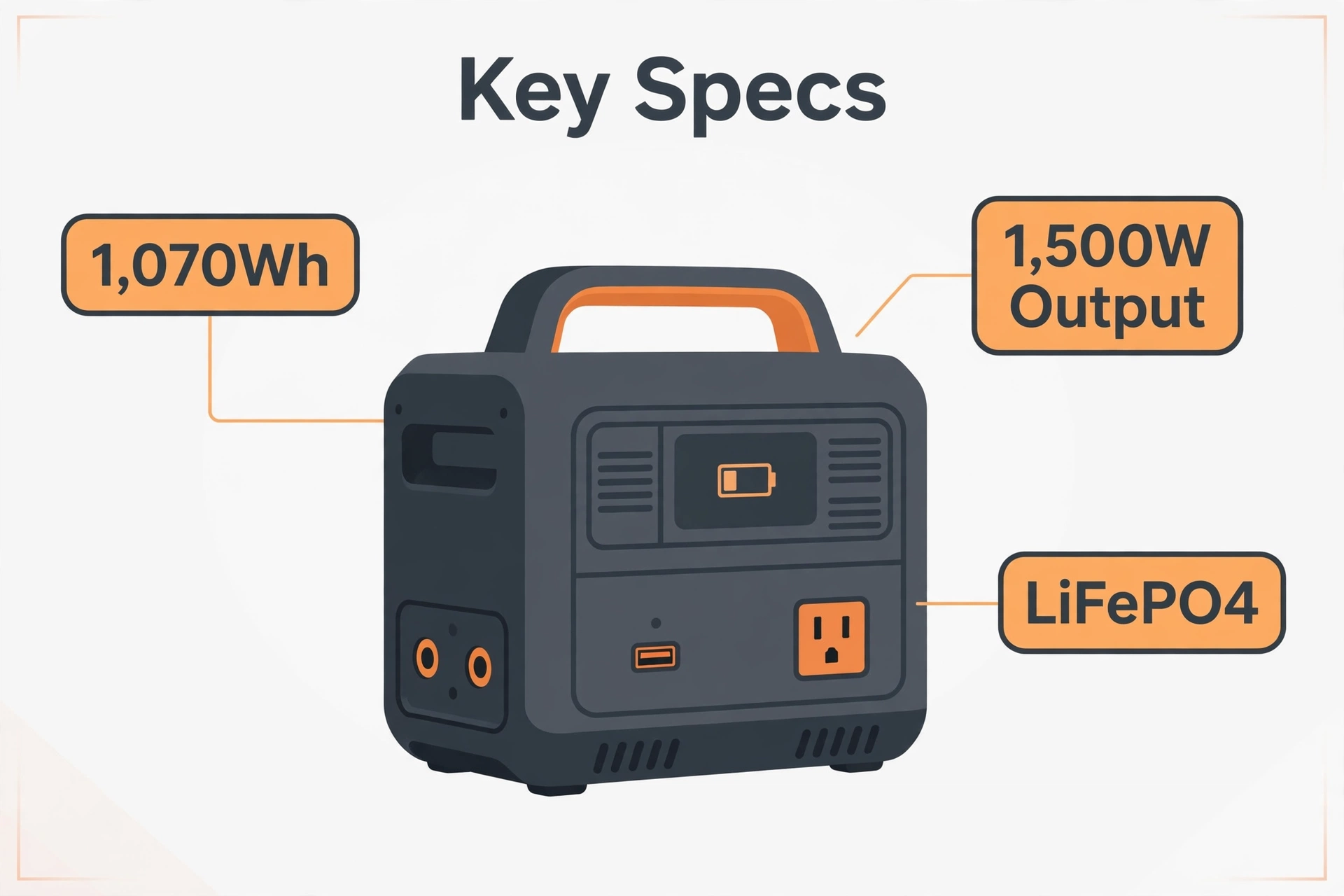
Before the opinions, the facts. These are Jackery’s published specifications for the 1000 v2, and they are the numbers every claim in this review rests on.
Table: Jackery Explorer 1000 v2 specifications
| Feature | Specification |
|---|---|
| Capacity | 1,070Wh (30.4Ah / 35.2V) |
| Battery chemistry | LiFePO4 (lithium iron phosphate) |
| Cycle life | 4,000 cycles to 70%+ capacity |
| AC output | 1,500W continuous, 3,000W surge (3 outlets) |
| USB-C ports | 2 ports: 100W and 30W |
| USB-A port | 1 port: 18W |
| Car port | 12V / 10A |
| AC charging | ~1.7 hours standard; ~1 hour emergency mode (via app) |
| Solar input | 400W max |
| UPS mode | Yes, 20ms switchover |
| App control | Yes, Wi-Fi + Bluetooth |
| Weight | 23.8 lbs (10.8 kg) |
| Warranty | 3 years + 2 extra years via official channels |
The headline upgrades over the original Explorer 1000 are the LiFePO4 battery, the jump from 1,000W to 1,500W output, and dramatically faster charging — all in a smaller box. For where it sits in the family, see our Jackery portable power station lineup guide.
What the 1000 v2 Gets Right
A Battery Built for a Decade
The switch to LiFePO4 is the single most important change. The original Explorer 1000 used NMC chemistry rated for roughly 800 cycles; the v2’s LiFePO4 cells are rated for 4,000 cycles to 70% capacity, which Jackery describes as 10+ years of regular use. In plain terms: you can drain and refill this thing daily for years before the battery shows its age. For a product in this price class, that longevity is the real value story — the purchase price spread over a decade of use.
1,500W Output Runs Real Appliances
Output wattage decides what you can plug in, and 1,500W crosses an important line. The old 1,000W model would trip on many kettles, microwaves, and space heaters. The v2 handles them all, with a 3,000W surge allowance for motor startup spikes (think portable fridges and power tools kicking on). Pure sine wave output means sensitive electronics — laptops, CPAP machines, camera chargers — run safely. If your use case includes anything with a heating element, this output bump is the reason to choose the v2 over older or smaller models.
Fast Charging That Actually Matters
Jackery rates a full wall charge at about 1.7 hours in standard mode, and an app-activated emergency mode pushes that to roughly 1 hour. Fast charging matters more than it sounds: when a storm warning gives you two hours’ notice, the difference between a full battery and a half-empty one is the difference between a powered fridge and spoiled food. The 400W solar input is respectable for the class, refilling the unit in a few hours of strong sun with two 200W panels.
Thoughtful Ports and Quiet Operation
Six outputs cover the realistic device mix: three AC outlets for appliances, a 100W USB-C that fast-charges modern laptops without a brick, a second 30W USB-C, an 18W USB-A for legacy gear, and a 12V car port for portable fridges. Owner reviews consistently praise the low fan noise — Jackery rates it around 22dB at low loads, which is library-quiet. A 20ms UPS mode keeps a router or desktop alive through brief blips, and the app gives you remote monitoring plus charge-speed controls.
Jackery Explorer 1000 v2: What It Can Run
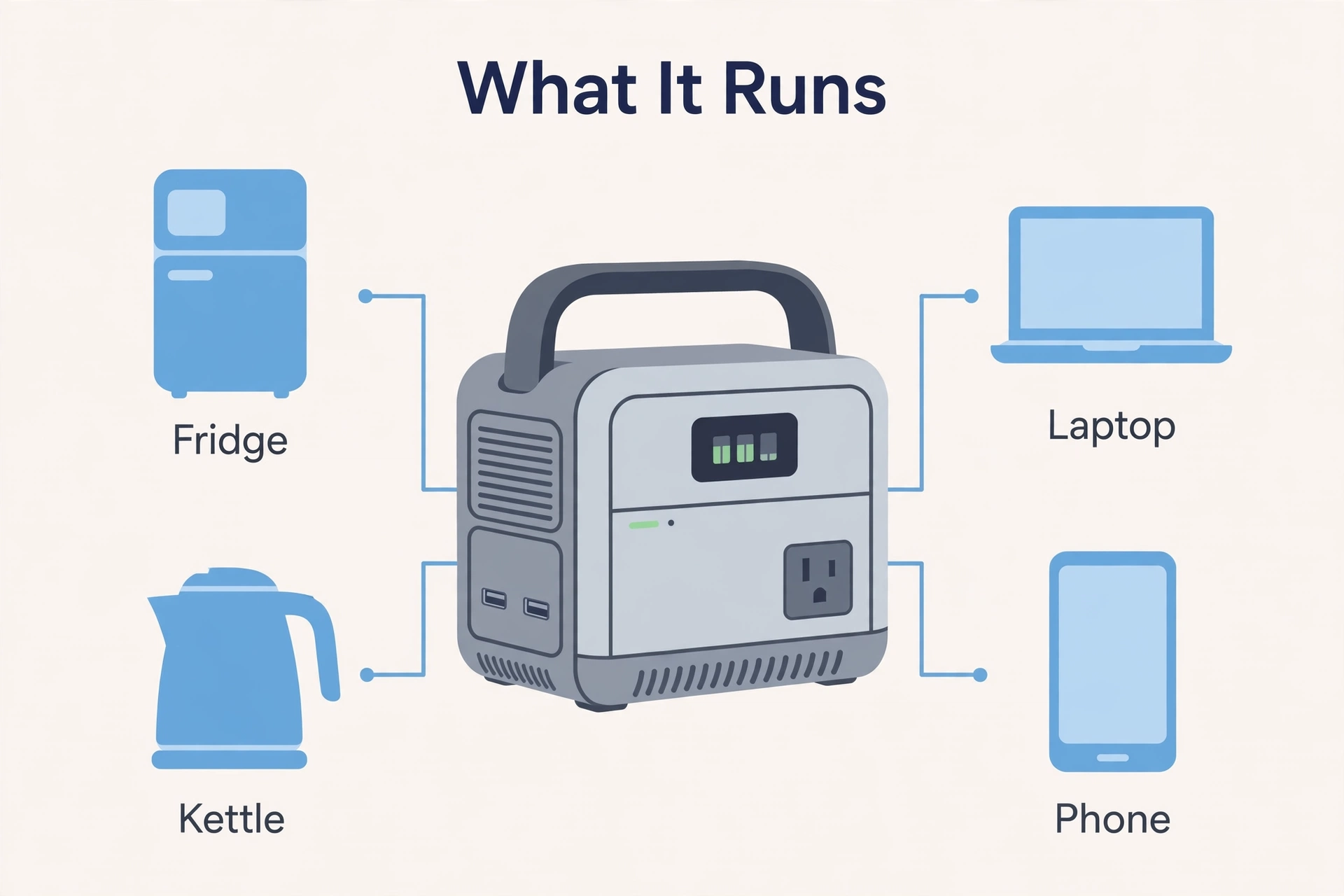
Capacity (1,070Wh) decides how long things run. The table below shows realistic estimates: they combine Jackery’s published runtime figures with standard efficiency math (inverters lose roughly 10–15% converting DC to AC), so treat them as practical guides, not lab measurements.
Table: Estimated runtimes on a full charge
| Device | Typical Draw | Estimated Runtime |
|---|---|---|
| Portable 12V fridge | ~60W | ~15 hours |
| Full-size refrigerator | ~150W (cycling) | ~6–8 hours |
| Laptop | ~60W | ~10–14 full charges |
| Electric kettle | ~1,200W | ~45 minutes of boiling |
| Microwave | ~1,160W | ~45–50 minutes |
| Coffee maker | ~550W | ~1.5 hours |
| Wi-Fi router | ~10W | ~3–4 days |
| CPAP (no humidifier) | ~40W | ~20+ hours |
| Phone | ~15Wh per charge | ~50+ charges |
The pattern is clear: all-day runtime for electronics and small appliances, hours for heating appliances. One kilowatt-hour covers a full day of camping comfort or a day of outage essentials (fridge + phones + router + lights) with margin to spare.
Keeping Your Smart Home Alive in an Outage
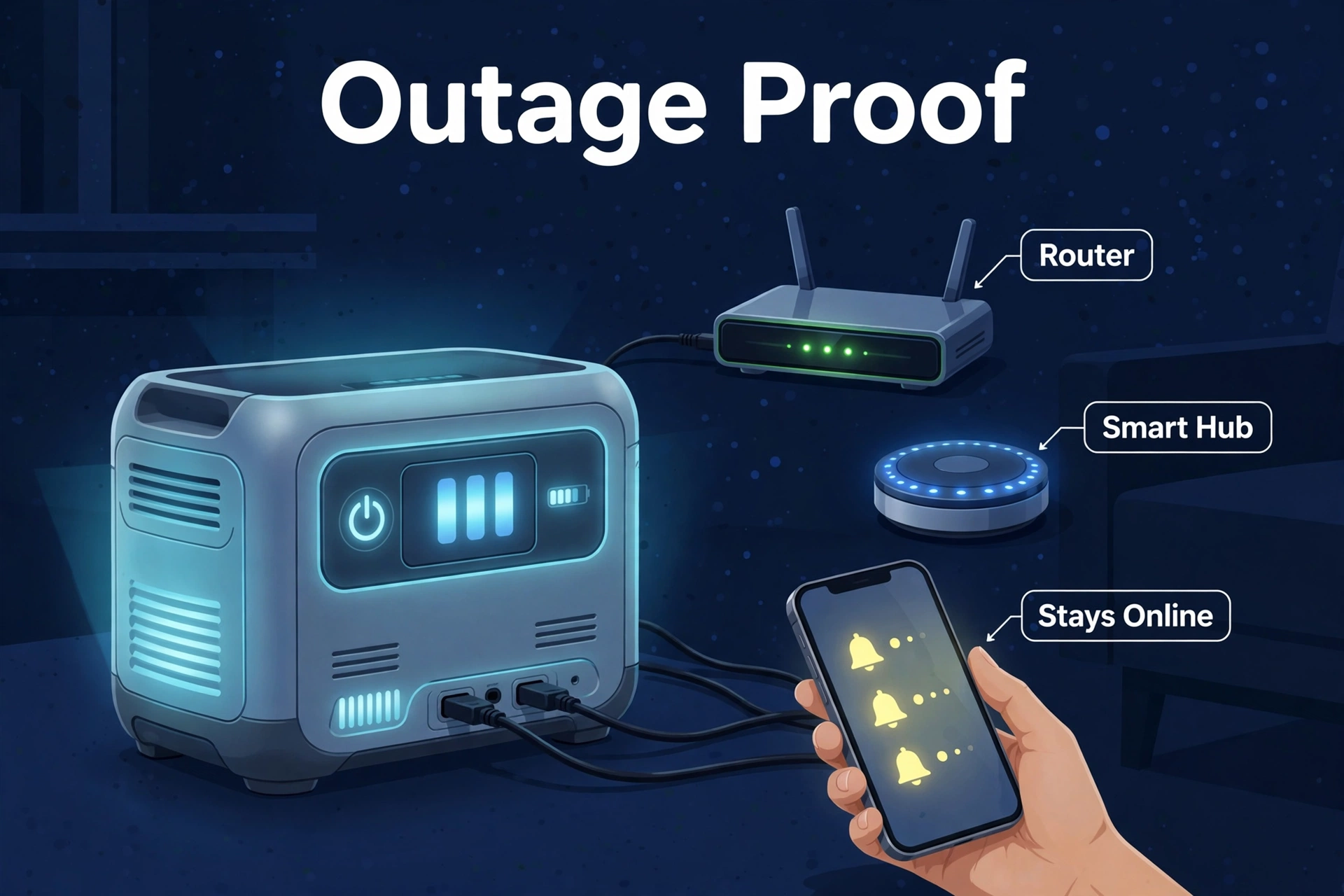
This is a smart home blog, so here is the angle that matters to our readers: the 1000 v2 is an excellent “network continuity” box. A typical home network stack — fiber ONT or modem (~10W), Wi-Fi router (~10–15W), and a smart home hub like Home Assistant on a Raspberry Pi (~5–10W) — draws roughly 25–35W combined. On 1,070Wh, that stack runs for well over a day, and the 20ms UPS mode means your automations never even notice the grid dropped.
Why does that matter? Because a smart home without power is just a house, but a smart home without internet during an outage is a blind house. Keeping the network alive means your cameras keep recording to local storage, your leak and smoke sensors keep reporting, and you keep getting phone alerts while the power is out. Plug the network stack into the 1000 v2’s UPS-protected outlets, plug the station into the wall, and you have a set-and-forget resilience layer.
One practical tip: put the station itself somewhere ventilated but out of the way — a utility closet shelf works — and check the app monthly to confirm it is holding charge. LiFePO4 self-discharges slowly, but a quick glance every few weeks beats discovering a dead battery mid-storm.
Charging Options Explained
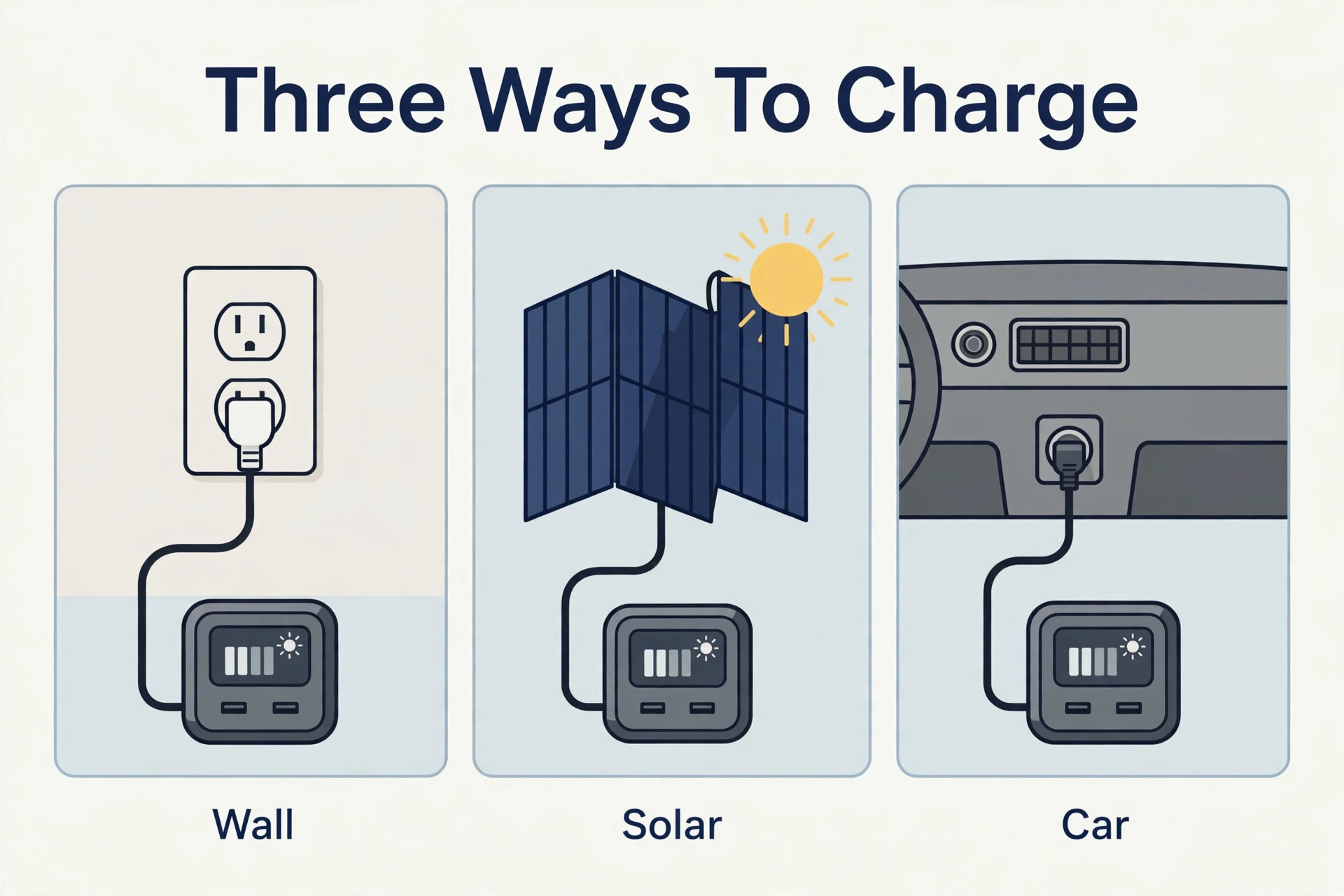
Wall Outlet: The Fast Lane
Plug into any standard outlet and Jackery rates the 0–100% charge at about 1.7 hours. Emergency Super Charge mode, toggled in the app, pushes that to roughly 1 hour by running the battery harder — Jackery presents it as an occasional-use feature rather than the daily default, which is the right call for battery longevity.
Solar Panels: The Off-Grid Fuel
The 1000 v2 accepts up to 400W of solar through dual DC inputs, and it pairs naturally with Jackery’s SolarSaga 100W and 200W panels. Two 200W panels max out the input and refill the station in roughly 4–6 hours of strong midday sun. Real-world solar is always slower than the brochure: panel angle, clouds, and heat all cut output, so plan on a full sunny day for a complete solar refill.
Car Charging: The Slow Trickle
A 12V car port refill takes around 12 hours — fine for topping up on a long road trip, useless as a primary charging method. Jackery also sells a DC-DC alternator charger accessory that speeds this up significantly for van lifers. For most buyers, car charging is a backup option, not a strategy.
What Could Be Better
No product is perfect, and an honest review says so. First, the 1000 v2 is not expandable: what you buy is what you get. If your needs grow past 1,070Wh, you buy a second unit or a bigger model — there is no add-on battery like EcoFlow and Bluetti offer. Second, the 400W solar cap trails some rivals that accept 500–800W at this size, so solar refills take a bit longer.
Third, the fastest charging mode lives behind the app. That is fine for tech-comfortable buyers, but it adds friction in an actual emergency when you just want to plug in and go. Fourth, at 23.8 pounds it is carryable but not light — fine for car camping, less fun on a long hike to the campsite. None of these are dealbreakers at this price, but they are the reasons to consider stepping up to the 2kWh class if any of them describe you.
1000 v2 vs EcoFlow DELTA 2: Head to Head
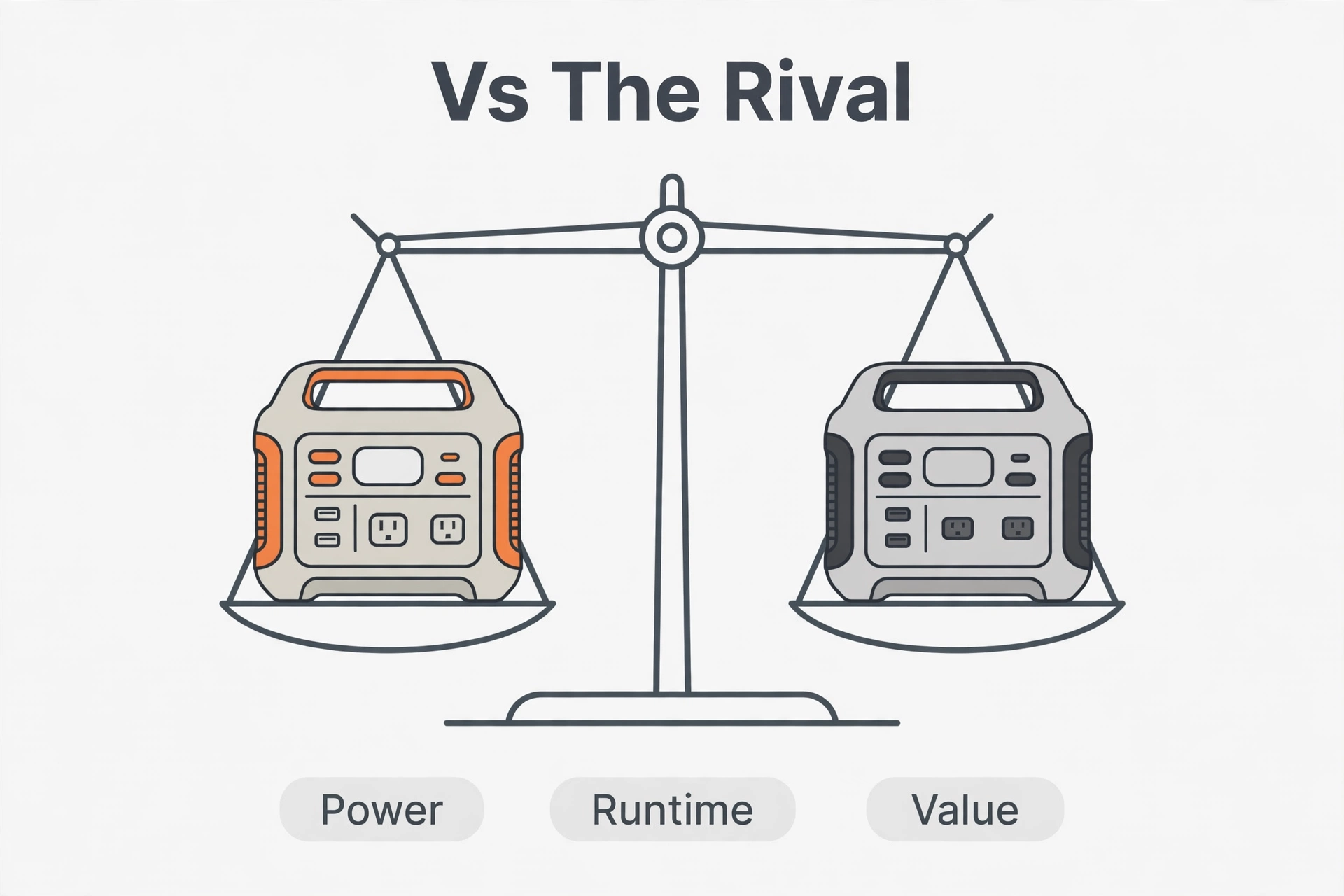
The DELTA 2 is the 1000 v2’s natural rival: similar size, similar price, same buyer. Here is how the two compare on the numbers that matter.
Table: Explorer 1000 v2 vs EcoFlow DELTA 2
| Feature | Jackery Explorer 1000 v2 | EcoFlow DELTA 2 |
|---|---|---|
| Capacity | 1,070Wh | 1,024Wh |
| AC output | 1,500W | 1,800W (2,700W X-Boost) |
| Battery | LiFePO4, 4,000 cycles | LiFePO4, 3,000 cycles |
| AC charge time | ~1.7 hours | ~80 minutes |
| Solar input | 400W max | 500W max |
| Expandable | No | Yes (up to 3kWh) |
| Weight | 23.8 lbs | ~27 lbs |
EcoFlow wins on charging speed, output, and expandability; Jackery wins on cycle life, weight, and usually price. If you want the fastest refill and room to grow, the DELTA 2 has the edge — and its bigger sibling is covered in our EcoFlow DELTA 2 Max review. If you want the longest-lasting battery and the quietest operation for the money, the 1000 v2 is hard to beat.
Who Should Buy It — and Who Should Skip It
Buy it if you camp, road-trip, or want outage insurance
This is the core audience. Car campers get a silent power source for cooking and comfort; road-trippers get laptop and camera charging without idling the engine; homeowners get a day of essentials during an outage. At around $500–$700 — check current price — it is the cheapest way to get 1,500W of clean, long-life power from a major brand.
Skip it if you need whole-home backup or room to grow
One kilowatt-hour will not run a home through a multi-day outage, and the lack of expandability means you cannot fix that later with an add-on battery. If that is your goal, look at the 2kWh class in our best portable power station roundup instead. Also skip it if every device you own charges over USB-C and you never run appliances — a smaller, lighter station will serve you better for less money.
Frequently Asked Questions
Is it worth it in 2026?
Yes, for its target buyer. It delivers 1,070Wh of long-life LiFePO4 storage and 1,500W of output at a street price that undercuts most rivals, with fast charging and a 5-year warranty backing it. It is the value pick of the 1kWh class, not the spec-sheet champion — and for most people, value wins.
How long does the Explorer 1000 v2 battery last?
Jackery rates the LiFePO4 battery for 4,000 charge cycles to 70%+ capacity, described as 10+ years of regular use. That is roughly five times the cycle life of the original Explorer 1000’s older battery chemistry. Even with heavy use, the battery will likely outlast the electronics around it.
Can the Explorer 1000 v2 run a refrigerator?
Yes. A portable 12V fridge (~60W) runs an estimated 15 hours per Jackery’s own runtime guide, and a full-size fridge (~150W cycling) runs roughly 6–8 hours. For keeping food safe through a day-long outage, it is plenty; for multi-day outages, you need a bigger station.
Does the Explorer 1000 v2 work as a UPS?
It has a 20ms UPS mode, which keeps computers, routers, and similar gear running through brief power blips. It is not a true online UPS with zero transfer time, so do not trust it with life-critical medical equipment — but for home office continuity, it does the job.
What is the difference between the Explorer 1000 v2 and the DELTA 2?
The v2 offers slightly more capacity (1,070Wh vs 1,024Wh) and longer cycle life (4,000 vs 3,000 cycles) at a lower weight; the DELTA 2 offers higher output (1,800W), faster charging (~80 minutes), and expandable capacity. Choose the Jackery for longevity and value, the EcoFlow for speed and growth room.
The Verdict
The Jackery Explorer 1000 v2 earns its popularity. It takes everything people liked about the original — simplicity, reliability, honest capacity — and fixes the three things that mattered: battery longevity, output power, and charging speed. Around $500–$700 — check current price — it is the 1kWh-class station we recommend first to campers and outage planners alike. Just go in knowing its limits: no expandability, 400W solar cap, and one kilowatt-hour of total energy. If those limits fit your life, check the official Jackery Explorer 1000 v2 page for current bundles — sale prices shift often, and the solar bundles are usually the best value.
