

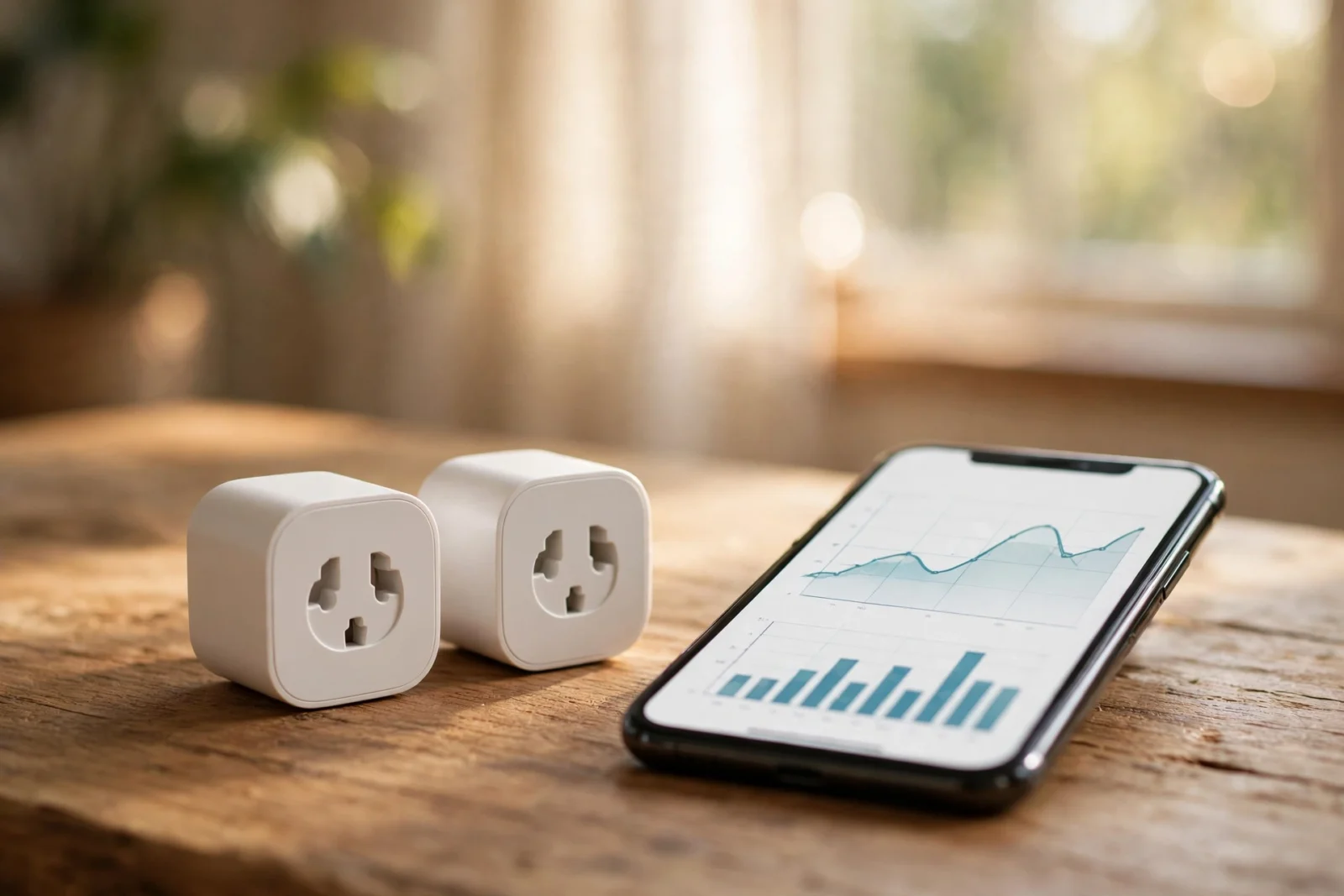
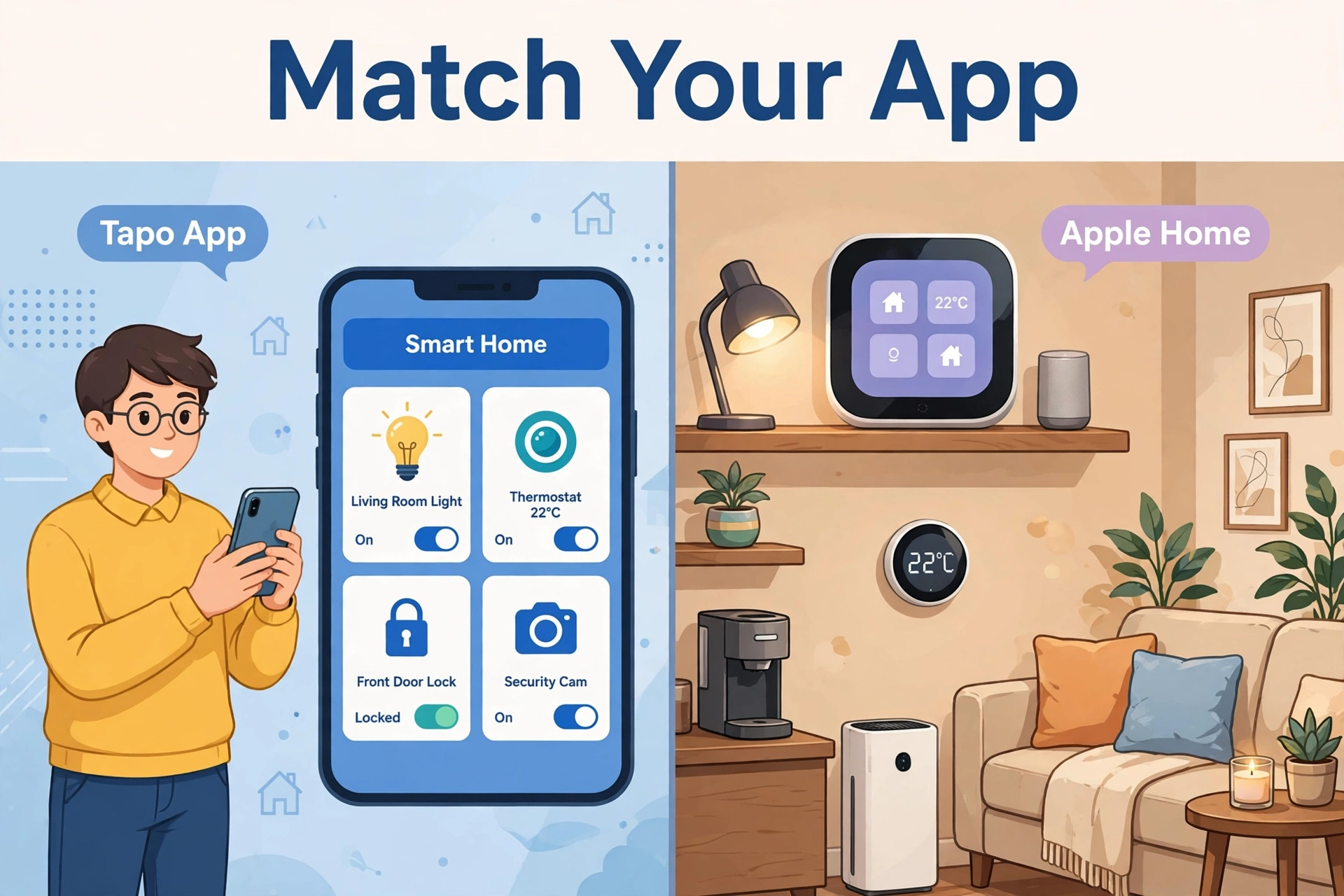
The Tapo P115 vs Kasa EP25 energy monitoring debate is simpler than it looks: both are TP-Link plugs. The Tapo P115 uses the newer Tapo app and skips HomeKit. The Kasa EP25 uses the older Kasa app and adds HomeKit. Both are 15A budget plugs — pick the one matching your app.
One honest note up front: no rigorous independent head-to-head test of these two plugs’ energy-monitoring accuracy exists publicly. What follows compares their documented features, apps, and platform support — the things that actually decide which one you should buy — and flags clearly where the data runs thin.
Two Plugs, One Company: Kasa vs Tapo Explained
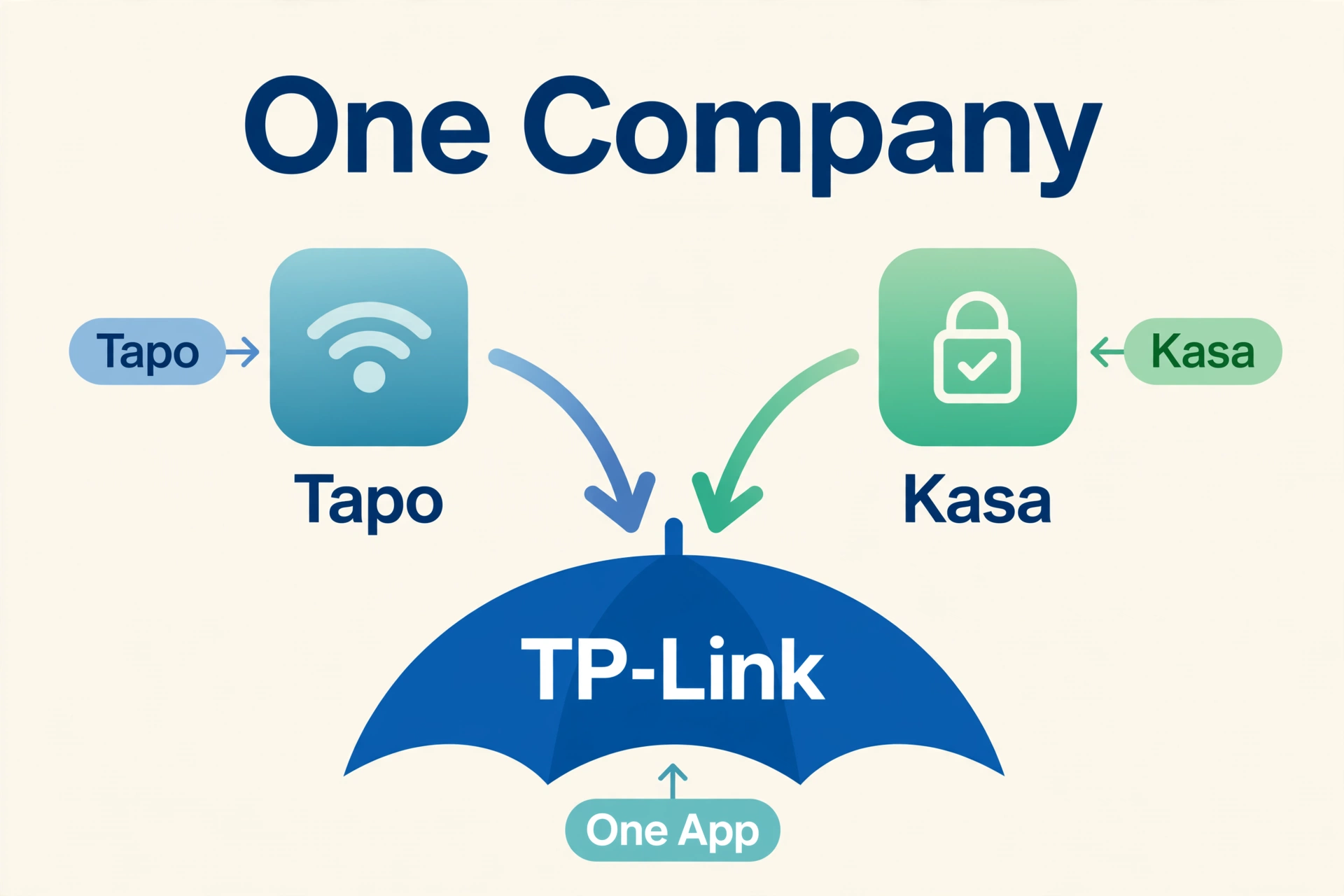
TP-Link sells smart home gear under two brand names, and it confuses everyone. Kasa is the older line — the one your friend probably recommended five years ago. Tapo is the newer line, where TP-Link puts its latest hardware and app development. The P115 is Tapo’s energy-monitoring plug; the EP25 is Kasa’s equivalent.
Here is the good news: the wall between them is crumbling. TP-Link now lets you manage both Kasa and Tapo devices from the Tapo app under one TP-Link account, so buying into “the wrong one” is less punishing than it used to be. Your automations and schedules carry over, and voice assistants see every device regardless of which app set it up. But the apps still differ, the feature sets are not identical, and one key platform difference remains. Let us go piece by piece.
Tapo P115 vs Kasa EP25 Energy Monitoring Compared
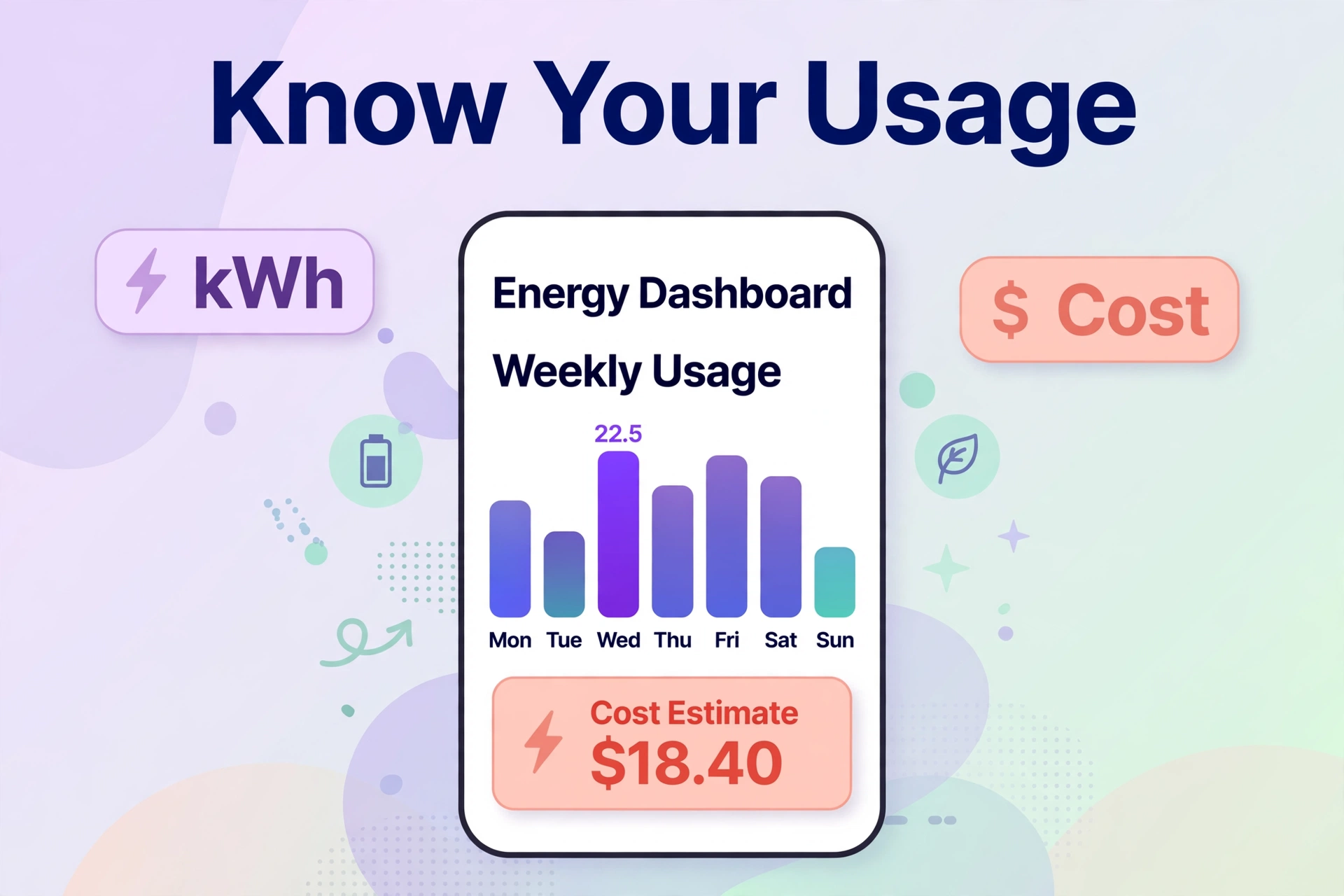
Both plugs do the core job: they report how much power whatever is plugged into them is using, in real time, plus historical charts by day, week, and month. The Tapo app goes one step further and converts usage into estimated electricity cost, which makes the numbers actionable — seeing that your old space heater costs $1.40 a day is more motivating than seeing “1.2 kWh.”
Now the honesty part. These are $10–15 consumer plugs, not calibrated measurement instruments. Their energy readings are useful for spotting which appliance is the hog and roughly how much it costs to run, but treat the numbers as estimates, not lab data. If you need genuinely accurate whole-home numbers, that is a job for a dedicated monitor, not a smart plug — our best energy-monitoring smart plugs roundup explains where plugs shine and where they hit their limits.
Neither manufacturer publishes a formal accuracy specification (like ±1% or ±2%) for these models, and no independent lab comparison of the P115 against the EP25 exists. Anyone claiming one is “more accurate” than the other is guessing. Buy on ecosystem and features, not on imagined measurement superiority.
What Energy Data Can (and Cannot) Tell You
It helps to set expectations before you buy four plugs and a spreadsheet habit. What energy monitoring does brilliantly is ranking: it tells you the space heater dwarfs the TV, the old fridge cycles too often, the gaming PC idles hotter than you thought. Those rankings are reliable even with estimate-grade hardware, because the errors are small compared to the differences between appliances.
What it does less well is absolute billing math. A plug reading 3% high on a 1500W heater for six hours a day creates a noticeable dollar error over a month — fine for decisions, bad for arguments with your utility. Time-of-use rates complicate things further: neither plug knows your rate plan changes at 9 PM, so the Tapo app’s cost estimates assume a flat rate unless you do the time math yourself.
The practical workflow that works: monitor for two weeks, rank your loads, then act on the top two — usually scheduling, a smarter appliance, or simply unplugging the vampire loads. Most households find one shocking discovery (the “always-on” home office, the ancient second fridge) that pays for all four plugs within months.
How to Set Up Monitoring You Will Actually Keep Using
The graveyard of smart home projects is full of energy plugs whose apps were opened twice. The setup that sticks is boring on purpose. First, put plugs on your three biggest suspects — usually the entertainment center, the home office, and whatever heats or cools. Name each plug by appliance, not by room (“Space Heater” beats “Living Room Plug 2” when you are reading charts six months later).
Second, check the weekly view, not the daily one. Daily numbers jump around with weather and habits; weekly trends reveal the truth. Third, set one automation per plug on day one — a schedule that kills the entertainment center at 1 AM, a timer on the heater — so the plug earns its keep even in weeks you never open the app. Data you never look at is decoration; one automation is a return on investment.
App Experience: Tapo vs Kasa
The Tapo app is TP-Link’s current focus: cleaner interface, faster feature updates, and as noted, it can now manage Kasa devices too. The P115 in the Tapo app gets energy dashboards with cost estimates, scheduling, away mode (randomly toggles lights to fake occupancy), and countdown timers. Setup is the standard 2.4GHz WiFi flow and takes a few minutes.
The Kasa app is older and shows it — the interface feels dated — but it is stable, familiar to millions of users, and does everything the P115’s app does except the cost-estimate layer on energy reports. If you already have six Kasa devices, staying in the Kasa app is perfectly reasonable, and you can still see both brands’ devices in the Tapo app if you migrate later.
Both apps support the same automations basics: schedules, timers, away mode, and grouping multiple plugs. Neither requires a subscription for any feature. One habit worth building: turn on firmware auto-updates if the app offers them. TP-Link has shipped meaningful fixes through firmware — including the cross-brand management that makes this whole comparison friendlier — and an outdated plug is the most common cause of flaky behavior people blame on the hardware.
Smart Home Platform Support
This is where the two actually differ. Both plugs work with Amazon Alexa and Google Assistant for voice control and routines, with no hub required — just 2.4GHz WiFi.
The difference is Apple HomeKit: the Kasa EP25 supports HomeKit; the Tapo P115 does not. If your household runs on Apple Home and you want the plug visible in the Home app with Siri control, the EP25 is the only choice of the two. (TP-Link’s Matter-compatible Tapo P110M is the newer cross-platform option with energy monitoring — worth a look if Matter matters more to you than the Kasa-vs-Tapo question. And if you are building out Matter over Thread elsewhere in the home, check our best Thread border router picks for the hub side of that setup.)
For Home Assistant users, both plugs integrate through TP-Link’s integrations. Expect cloud-dependent setup with local control options depending on firmware — as with all WiFi plugs, keep the firmware updated and give them a solid 2.4GHz signal. Speaking of signal: smart plugs live on 2.4GHz, which reaches far but gets congested. If a plug in a distant room keeps dropping, the problem is usually WiFi coverage, not the plug — our best mesh WiFi for smart home guide fixes exactly that.

Hardware and Price
Physically, the two are near-twins: compact 15A plugs rated for 1800W at 120V, small enough that two can usually share a duplex outlet without blocking each other. Both need 2.4GHz WiFi (no 5GHz — standard for smart plugs) and no hub.
Price is a wash. Both sell in single packs and money-saving 4-packs, typically in the budget tier — expect roughly $10–15 per plug depending on pack size and sales, but check the current price since both are discounted constantly. Buy the 4-pack if you are serious about energy monitoring: one plug tells you about one appliance, four plugs start to tell you about your home. Skip the single plug unless you have exactly one mystery load to investigate — the per-plug price in a 4-pack is almost always dramatically lower.
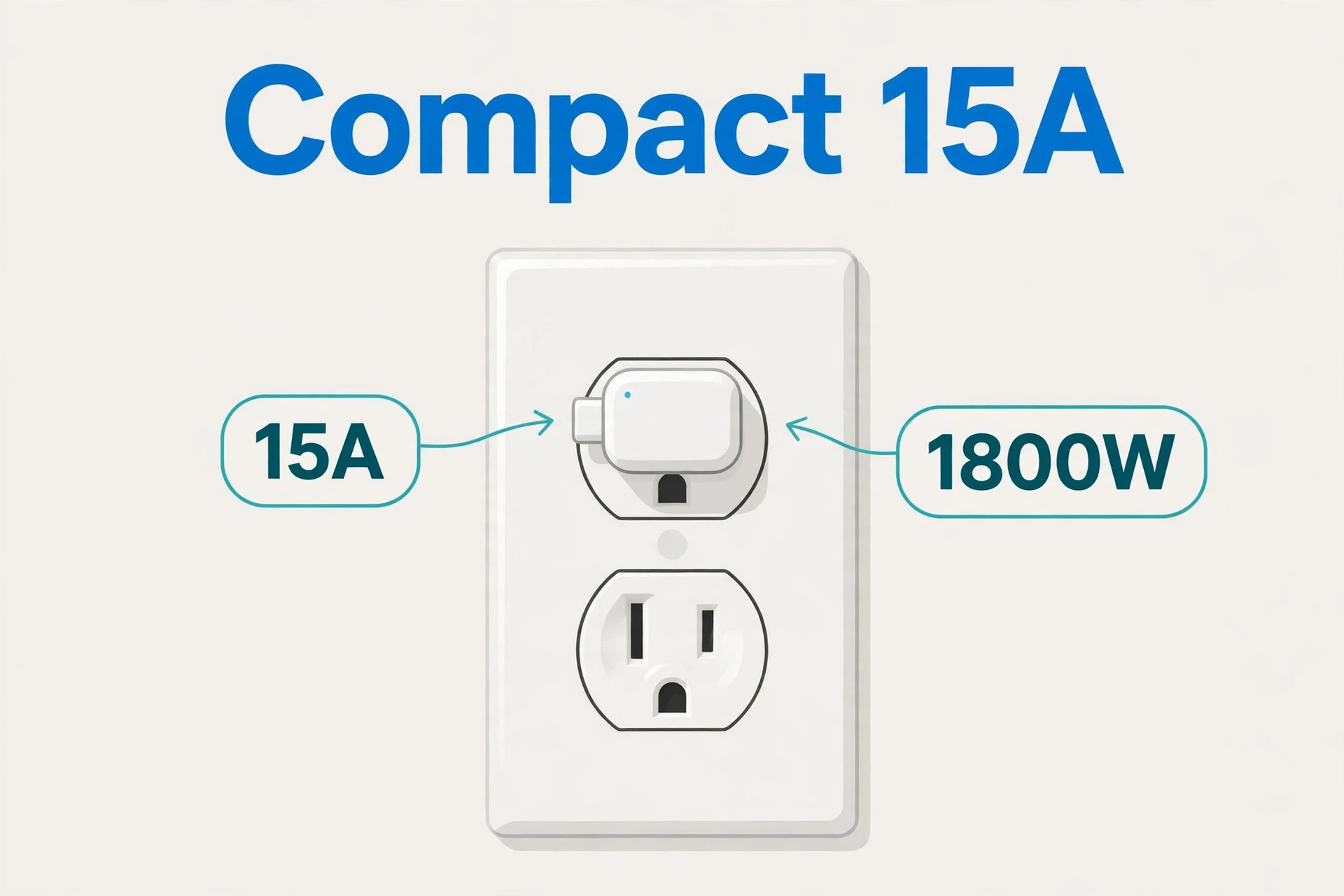
Table: Tapo P115 vs Kasa EP25 energy monitoring compared (2026)
| Feature | Tapo P115 | Kasa EP25 |
|---|---|---|
| Energy monitoring | Yes, + cost estimates | Yes |
| Accuracy spec published | No (estimate-grade) | No (estimate-grade) |
| App | Tapo (newer) | Kasa (older, stable) |
| Apple HomeKit | No | Yes |
| Alexa / Google Assistant | Yes / Yes | Yes / Yes |
| Matter support | No (see Tapo P110M) | No |
| Max rating | 15A / 1800W | 15A / 1800W |
| WiFi | 2.4GHz only | 2.4GHz only |
| Hub required | No | No |
| Typical price | Budget — check current price | Budget — check current price |
| Best for | Tapo app users, cost estimates | Apple Home households |
Who Should Buy Which
Buy the Tapo P115 if…
- You use (or plan to use) the Tapo app — it is TP-Link’s current platform.
- You want cost estimates on top of raw energy numbers.
- You do not need Apple HomeKit.
- You are buying fresh with no existing Kasa investment.
Buy the Kasa EP25 if…
- Your household runs on Apple Home — it is the only one of the two with HomeKit.
- You already have Kasa devices and like the Kasa app.
- You want the most broadly compatible option of the pair.
Consider the Tapo P110M instead if…
- Matter compatibility matters more than the Tapo-vs-Kasa debate — it has energy monitoring plus Matter support, making it the most future-proof of the three for mixed-platform homes.
Frequently Asked Questions
Which is more accurate: Tapo P115 or Kasa EP25 energy monitoring?
Unknown — and anyone who tells you otherwise is guessing. Neither TP-Link brand publishes an accuracy specification for these plugs, and no independent lab has tested them head-to-head. Treat both as estimate-grade: great for finding energy hogs, not for billing disputes.
Can I use the Tapo app with Kasa devices?
Yes. TP-Link now supports managing both Kasa and Tapo devices from the Tapo app under a single TP-Link account. This means buying a P115 does not strand your existing Kasa gear, and vice versa.
Does the Tapo P115 work with Apple HomeKit?
No. The P115 lacks HomeKit support — that is the Kasa EP25’s advantage. If you need HomeKit plus energy monitoring from TP-Link, the EP25 (or the Matter-compatible Tapo P110M) is the way to go.
Do these plugs work with Home Assistant?
Yes, both integrate with Home Assistant through TP-Link’s integrations. Expect cloud-assisted setup; local control behavior varies by firmware version, so keep firmware updated. Give them a strong 2.4GHz signal for reliable operation.
Can a smart plug really lower my electricity bill?
Indirectly, yes. The plug itself does not save energy — the data does. Finding that a space heater costs $40 a month to run is what changes behavior. Pair the data with scheduling (run heavy loads off-peak) and you can cut real money. The biggest wins usually come from the first two discoveries: the always-on entertainment center and the ancient garage fridge nobody thinks about.
Why does my smart plug keep going offline?
Almost always WiFi, not the plug. These are 2.4GHz-only devices, and a weak or congested signal at the outlet drops them. Move the plug closer to the router as a test; if it stabilizes, improve coverage at that spot rather than replacing the plug. Also check for IP conflicts after power outages — a router reboot usually clears those, and assigning the plug a reserved IP in the router settings prevents repeats.
Conclusion
Tapo P115 vs Kasa EP25 is a rare comparison with no wrong answer: same company, same 15A hardware class, same budget price, both with energy monitoring. Buy the P115 if you live in the Tapo app and want cost estimates; buy the EP25 if you need Apple HomeKit or already run Kasa. Do not agonize over monitoring accuracy — no public data separates them, and both are estimate-grade by design. If Matter is your priority, skip both for the Tapo P110M. Whichever you choose, buy the 4-pack: energy monitoring only gets interesting when you can compare appliances against each other, and a single plug rarely tells the full story of a home.
