

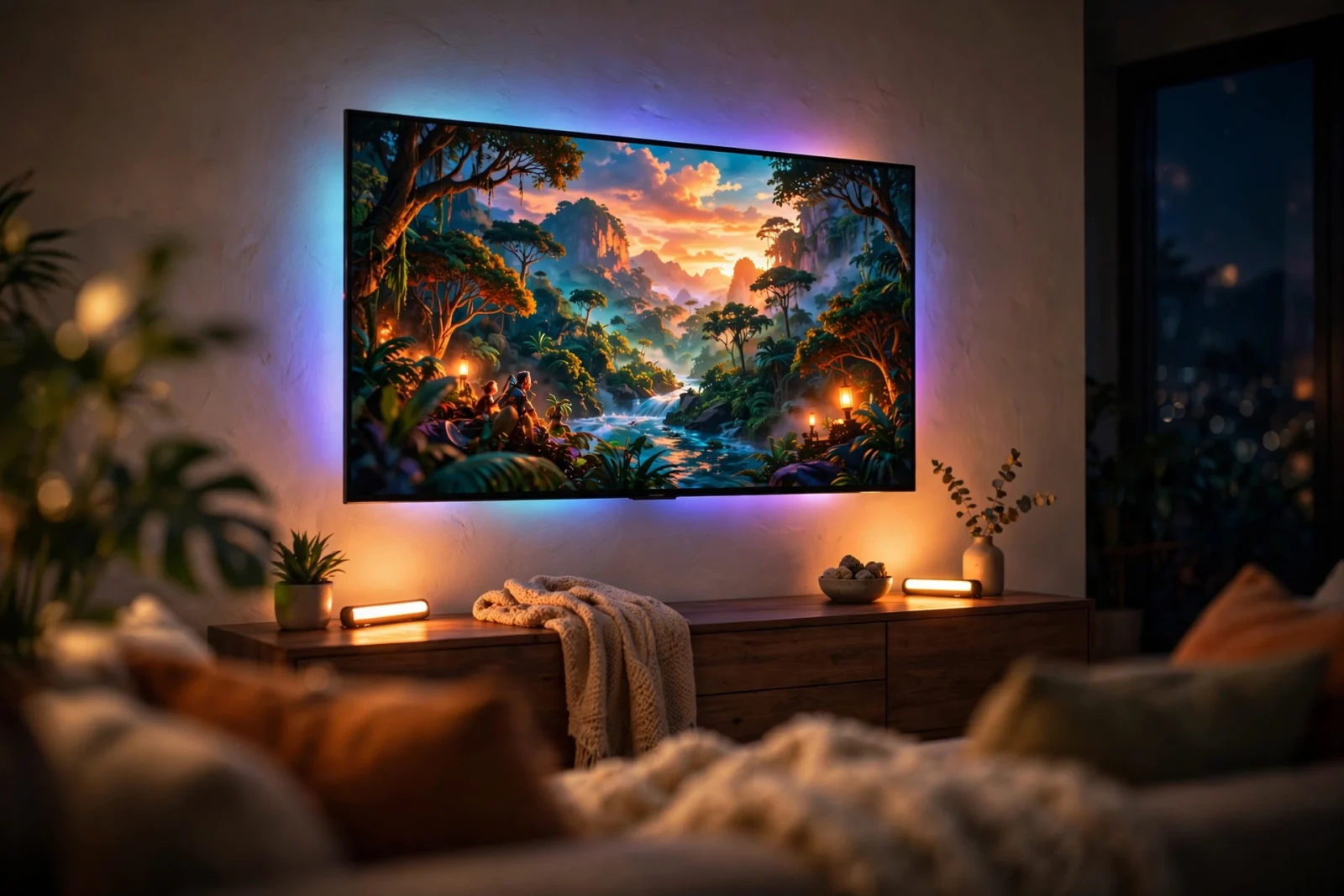
The Govee vs Hue sync box race has a clear winner for most people: the Govee AI Sync Box 2. At around $260 it includes lights in the box and four HDMI 2.1 inputs. The Philips Hue Play HDMI Sync Box 8K (around $350, no lights, Bridge extra) only wins if your home already runs on Hue.
Both boxes do the same job: they sit between your game console or streaming box and your TV, read the video signal, and drive your room lights to match what is on screen. Movies feel bigger, games feel more alive. The difference is price, what comes in the box, and which smart home ecosystem you already own. Here is how they compare in 2026.
How an HDMI Sync Box Works
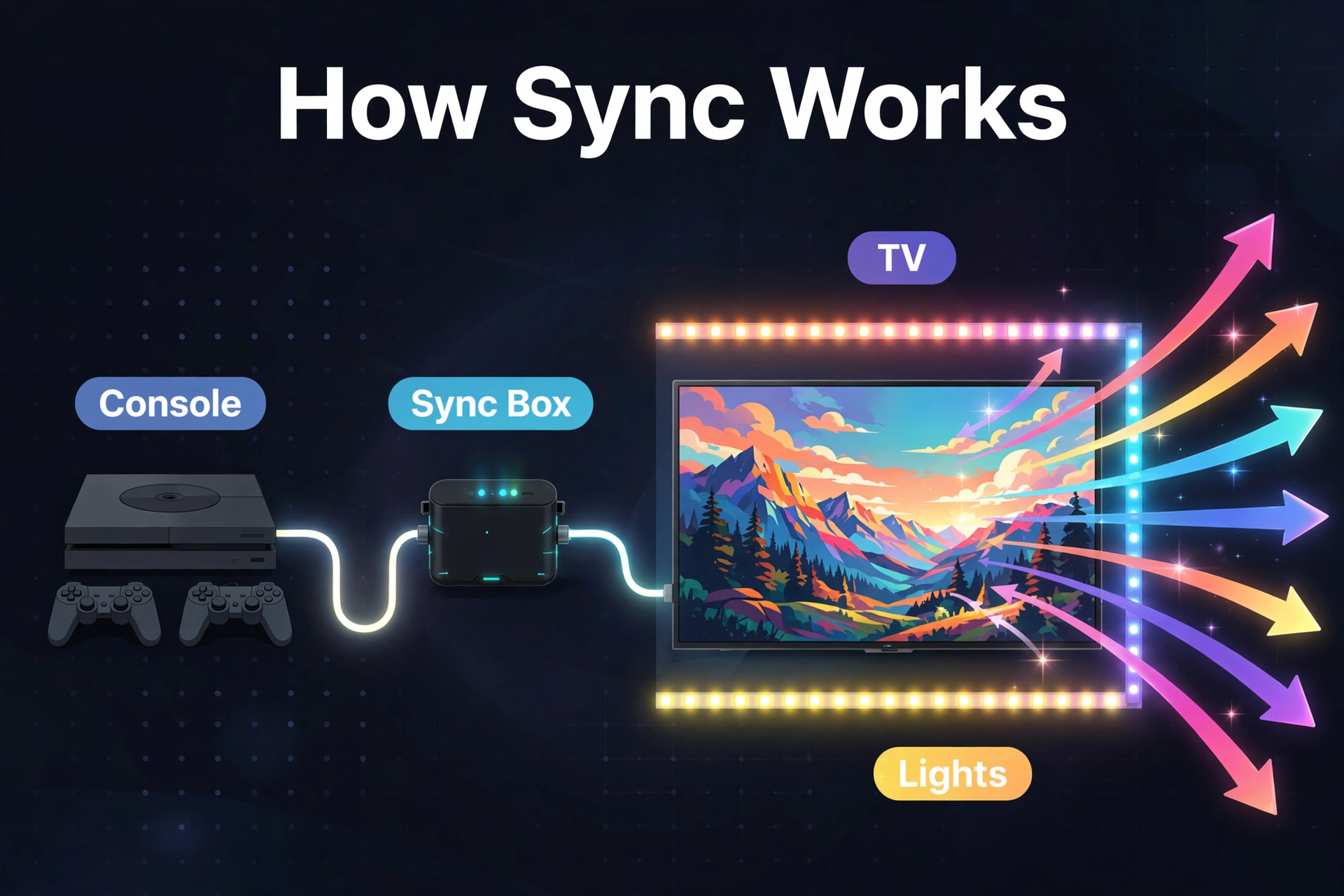
A sync box is a small hub with HDMI inputs on one side and an HDMI output to your TV on the other. You plug your PlayStation, Xbox, Apple TV, or streaming stick into the box instead of directly into the TV. The box watches the video passing through, picks out the dominant colors at the edges of the frame many times per second, and tells your smart lights to glow in matching colors.
This is different from camera-based kits, where a small camera sits on top of your TV and literally watches the screen. HDMI sync is more accurate because it reads the digital signal itself — room lighting, screen glare, and camera calibration never get in the way. Both the Govee AI Sync Box 2 and the Hue Play HDMI Sync Box 8K use the HDMI method, so this comparison is apples to apples.
Govee vs Hue Sync Box: Side-by-Side
Price and What Is in the Box
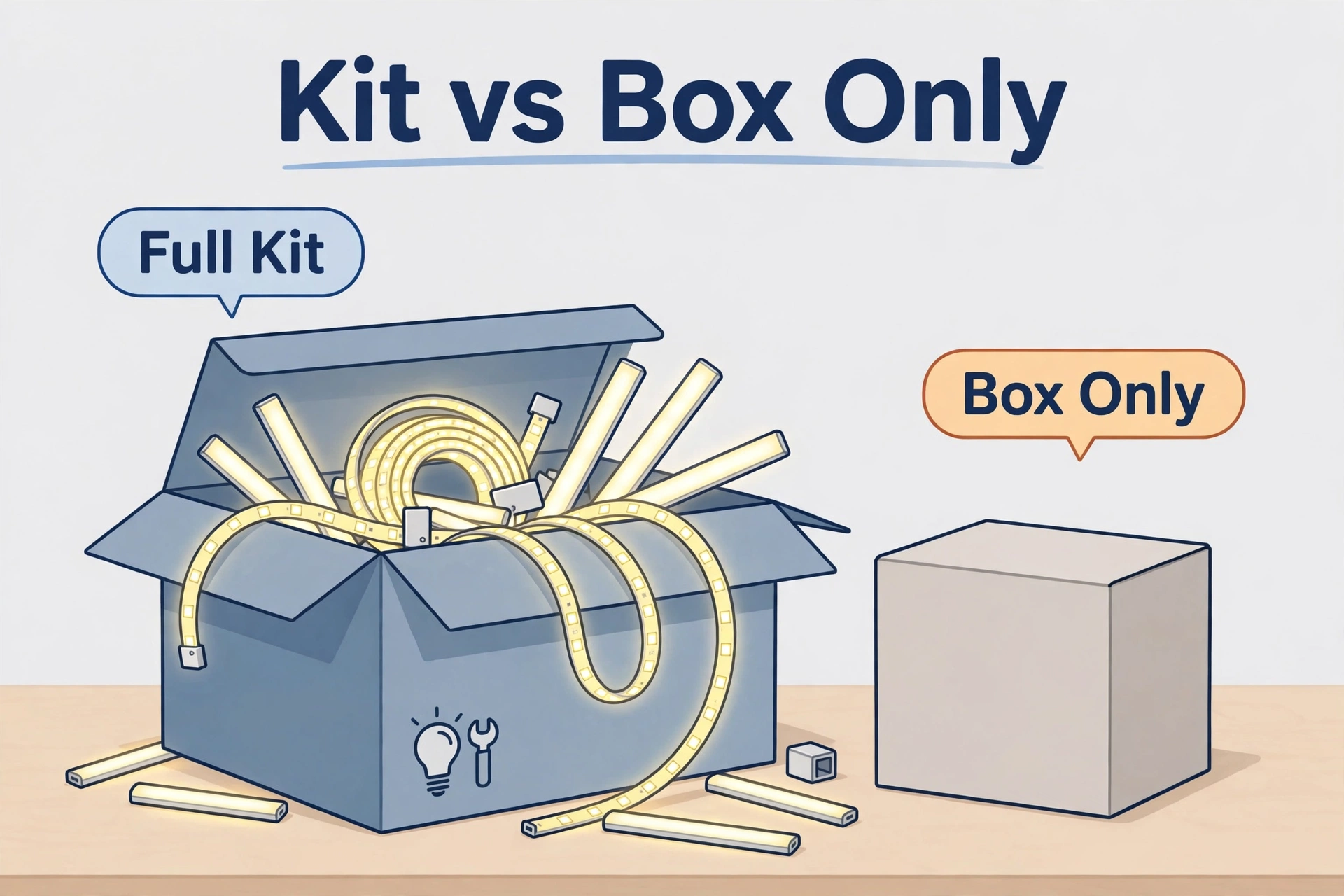
Price is where the two diverge hardest. The Govee AI Sync Box 2 kit sells for around $260 and includes everything you need to start: the sync box itself, an RGB light strip sized for your TV, and light bars for the sides of the room. You unbox it, wire it up, and you have a working light show the same evening.
The Philips Hue Play HDMI Sync Box 8K costs around $350 and includes exactly zero lights. It also requires a Hue Bridge (sold separately) to work at all. If you already own Hue bulbs, strips, and a Bridge, that is fine — the box slots into your setup. If you are starting from nothing, the real entry cost is the box plus the Bridge plus several hundred dollars of Hue lights, which easily pushes the total past $600. Always check the current price before buying, since both brands run frequent sales.
HDMI Ports and Video Support
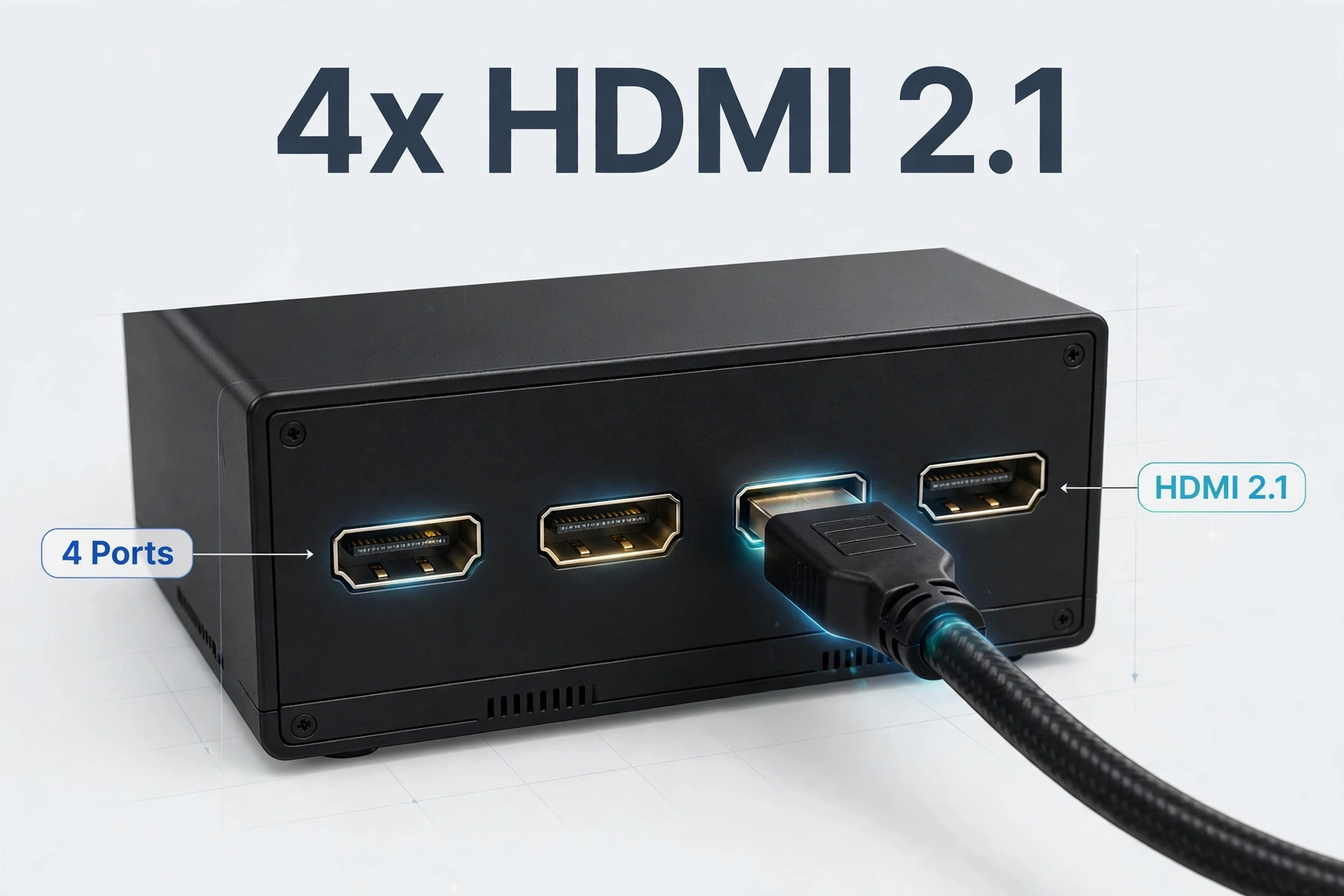
Both boxes give you four HDMI 2.1 inputs and one HDMI 2.1 output to the TV, so you can connect a console, a streaming box, a Blu-ray player, and a PC without swapping cables. That is a genuine upgrade over older sync boxes, and a nice side benefit is that either box doubles as an HDMI switch.
On paper, Hue edges ahead for future-proofing: the Sync Box 8K supports 8K at 60Hz and 4K at 120Hz with Dolby Vision passthrough. The Govee AI Sync Box 2 supports 8K at 30Hz and 4K at 144Hz. In practice, almost nobody owns an 8K source device in 2026, and both handle 4K at 120Hz gaming — the spec that actually matters for PS5 and Xbox Series X owners. If you stream a lot of 4K content, make sure your home network can keep up; our best mesh WiFi for smart home picks keep 4K streams stutter-free in every room.
Lights and Ecosystem
Govee’s kit is self-contained: the included strip and bars are designed for the box, and they pair through the Govee Home app. You can add more Govee lights later — floor lamps, more strips, bulbs — and they all join the same sync show. The trade-off is that you are buying into Govee’s ecosystem, which is broad and affordable but less premium-feeling than Hue’s hardware.
Hue takes the opposite approach. The sync box drives any Hue lights you already own: Play bars behind the TV, a gradient light strip, ceiling lights, even the whole room if you want it. Hue’s build quality and color accuracy are excellent, and the Bridge that runs it all now doubles as a Thread border router for Matter devices — see our best Thread border router roundup for why that matters going forward. The catch, again, is cost: every light is a separate purchase at Hue prices.
One more ecosystem note for the tinkerers: Hue bulbs speak Zigbee under the hood. If you run Home Assistant and prefer local control over the Hue cloud, a dedicated Zigbee coordinator lets you drive Hue bulbs directly — though you lose the official sync-box integration that way, so most people should stick with the Bridge.
Sync Accuracy and Gaming Features
Because both boxes read the HDMI signal directly, both are accurate — far more so than any camera kit. Colors track the screen with no visible delay, and dark scenes stay dark instead of glowing gray the way camera systems sometimes do in a lit room.
Govee adds one differentiator: an AI engine with game-specific effects. In supported titles it can trigger custom light events — a flash when you score, a pulse on certain on-screen moments — on top of the standard color matching. Reviews note it works well as ambient color sync and that the custom triggers are hit-or-miss depending on the game. Hue offers no gaming-specific tricks, but its sync is rock solid and its app gives finer control over brightness, intensity zones, and which lights participate.
Which Has Lower Latency for Gaming?
For gamers, latency is the spec that matters most after refresh rate — and both boxes pass the test. Because each reads the HDMI signal directly rather than watching the screen through a camera, the delay between on-screen action and light response is effectively zero. Reviewers of the Govee box specifically call out the zero-lag color effects while gaming, and Hue’s sync is equally immediate.
One practical difference: input switching. With four inputs each, both boxes let you leave every device plugged in and switch sources from the app instead of reaching behind the TV. If you are the type who hot-swaps between a PS5, a Switch dock, and a streaming stick daily, that convenience adds up fast — and either box handles it.
App and Setup
Govee’s setup is the simpler of the two for a beginner: plug in your HDMI sources, stick the strip to the TV, place the bars, and follow the Govee Home app. One app, one purchase, done. The Govee app is feature-packed to the point of being busy, but the sync-box controls are straightforward.
Hue’s setup assumes you already speak Hue: Bridge on the network, lights added in the Hue app, then the sync box added as an Entertainment area. If that sentence made sense to you, setup takes twenty minutes. If you have never owned a Hue product, expect an afternoon of learning the ecosystem — plus the cost of everything.
Table: Govee AI Sync Box 2 vs Philips Hue Play HDMI Sync Box 8K (2026)
| Feature | Govee AI Sync Box 2 | Philips Hue Play HDMI Sync Box 8K |
|---|---|---|
| Price (box only) | Around $260 (kit) | Around $350 (box only) |
| Lights included | Yes — strip + light bars | No — bring your own Hue lights |
| Bridge/hub required | No | Yes — Hue Bridge (extra cost) |
| HDMI inputs | 4 × HDMI 2.1 | 4 × HDMI 2.1 |
| Max resolution | 8K/30Hz, 4K/144Hz | 8K/60Hz, 4K/120Hz, Dolby Vision |
| Sync method | HDMI signal reading | HDMI signal reading |
| Gaming extras | AI game effects | None specific |
| Ecosystem | Govee (affordable, broad) | Hue (premium, Zigbee/Thread) |
| Best for | First sync setup, gamers | Existing Hue households |
The Cheaper Third Option: Camera Kits
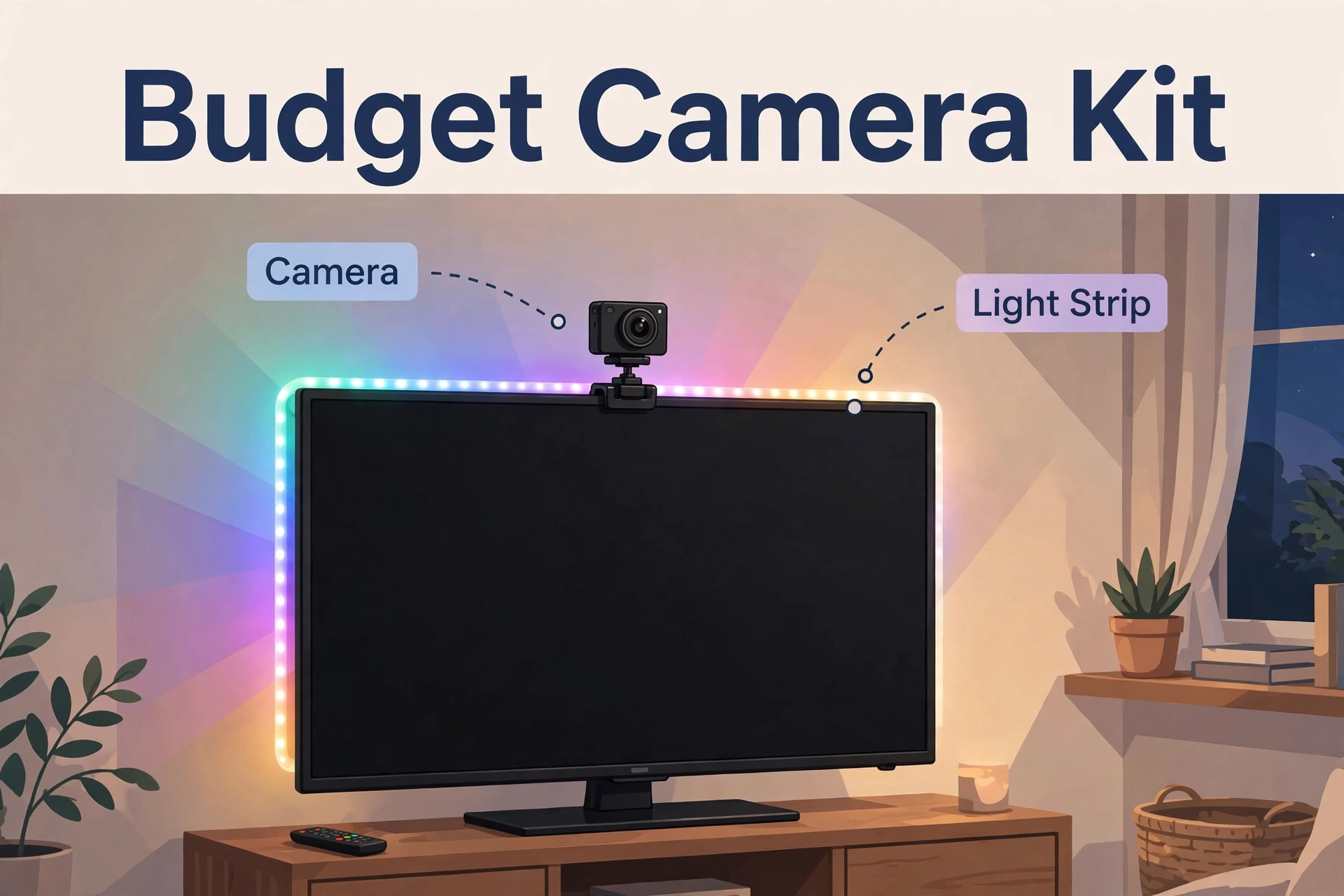
If both of these prices make you wince, the honest alternative is a camera-based kit. Govee’s own TV Backlight 3 costs around $110: a camera mounts on top of your TV, watches the screen, and drives the included strip. It works with any source — even broadcast TV apps built into the television, which HDMI boxes cannot see — and setup is just sticking things on.
The compromise is accuracy. Camera kits need calibration, they can be fooled by bright room lighting, and there is a small but noticeable delay compared to HDMI reading. For casual movie nights they are great value. For competitive gaming or a dedicated home theater, the HDMI boxes above are worth the step up. Nanoleaf’s 4D kit (around $120, camera mounts above or below the TV) is another camera option reviewers found easy to calibrate, though its included strip runs short on very large screens.
Who Should Buy Which
Buy the Govee AI Sync Box 2 if…
- This is your first light-sync setup and you want everything in one box.
- You are a console or PC gamer who wants 4K/120Hz+ passthrough and fun AI effects.
- You want the lowest total cost for a complete, working system.
- You like Govee’s wide, affordable light catalog for expanding later.
Buy the Philips Hue Play HDMI Sync Box 8K if…
- You already own Hue lights and a Bridge — the box just completes the setup.
- You want the best video spec sheet (8K/60Hz, Dolby Vision) for future-proofing.
- You prefer Hue’s build quality, color accuracy, and polished app.
- Your smart home is standardized on Hue/Thread and you want one ecosystem.
Frequently Asked Questions
Do I need a Hue Bridge for the Hue sync box?
Yes. The Philips Hue Play HDMI Sync Box requires a Hue Bridge on your network to function, and the Bridge is sold separately. Factor its cost into the total before comparing prices with Govee’s all-in-one kit.
Can a sync box work with apps built into my smart TV?
No — and this is the biggest limitation of HDMI sync boxes. They only see devices plugged into their HDMI inputs. Netflix or YouTube running as built-in TV apps never pass through the box, so the lights will not react. Camera-based kits do not have this problem since the camera watches the screen itself.
Is the Govee AI Sync Box 2 good for PS5 and Xbox Series X?
Yes. Its HDMI 2.1 ports support 4K at up to 144Hz passthrough, which covers everything current consoles output, including 4K/120Hz gaming modes. Connect the console to the box, the box to the TV, and enable the console’s 120Hz mode as normal.
Does the Hue sync box work without Hue lights?
No. The Hue Play HDMI Sync Box drives Philips Hue lights only — it includes none itself. You need at least a Bridge and one or more Hue lights (a gradient strip or Play bars behind the TV are the classic starter set).
Camera kit vs HDMI box — which sync is more accurate?
HDMI boxes are more accurate. They read the digital video signal directly, so there is no calibration, no interference from room lighting, and effectively no delay. Camera kits are cheaper and work with any source including built-in TV apps, but they trade away some accuracy and responsiveness.
Can I use a sync box as just an HDMI switch?
Yes. With four HDMI 2.1 inputs and one output, either box works as a competent HDMI switch for a console, streaming box, Blu-ray player, and PC — the light sync is a bonus on top.
Conclusion
In the Govee vs Hue sync box matchup, the Govee AI Sync Box 2 is the smarter buy for most people: around $260 gets you the box, the lights, and four HDMI 2.1 inputs in one purchase, with gaming-friendly 4K/144Hz passthrough. The Philips Hue Play HDMI Sync Box 8K justifies its higher price only if you are already invested in Hue — then it is the obvious finishing piece, with the best spec sheet of any sync box. On a tight budget, Govee’s $110 camera kit delivers most of the fun for less than half the money. Check current prices before you buy; both brands discount often.
