

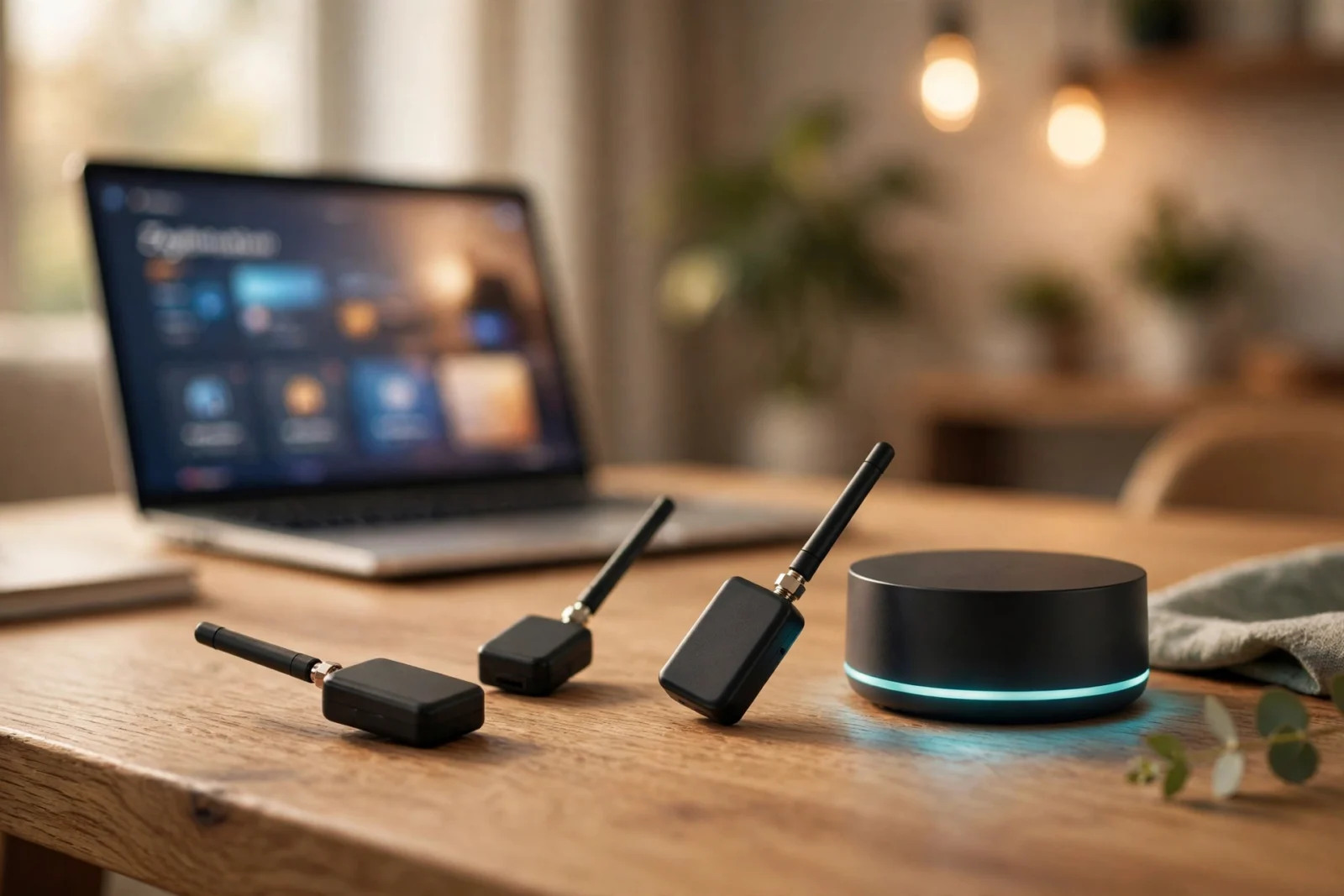
Picking the best Zigbee coordinator for Home Assistant is one of those small decisions that quietly shapes your whole smart home. Get it right and your Zigbee sensors, switches, and bulbs just work — fast, local, and reliable. Get it wrong and you end up with drop-offs, weak range, and firmware headaches you really did not sign up for.
The good news? You do not need to spend a fortune or decode a mountain of jargon. A solid Zigbee coordinator dongle costs about the same as a pizza, plugs into your Home Assistant machine over USB (or your network), and lets you skip brand hubs entirely. Your IKEA sensors, Aqara buttons, and Philips Hue bulbs can all live on one local network that you control.
In this guide we will walk through the five coordinators that are actually worth buying right now, explain how to choose between them, and cover the setup tips that make the biggest difference. No fluff, no mystery models — just real hardware that works.
What Is a Zigbee Coordinator, and Why Does It Matter?
Think of a Zigbee coordinator as the conductor of your Zigbee orchestra. Every Zigbee network has exactly one coordinator, and its job is to form the network, hand out addresses to new devices, and route messages between them.
Without a coordinator, your Zigbee devices cannot talk to Home Assistant at all. With a good one, they respond in milliseconds — entirely locally, with no cloud and no hub from a manufacturer that might change its pricing, its app, or its mind next year.
The coordinator also affects three things people underestimate: range, device capacity, and firmware longevity. A well-designed coordinator with a strong radio and an external antenna will carry your signal much further than a tiny stubby stick. And one that is still receiving firmware updates will keep working as the Zigbee standard evolves.
How to Choose the Best Zigbee Coordinator
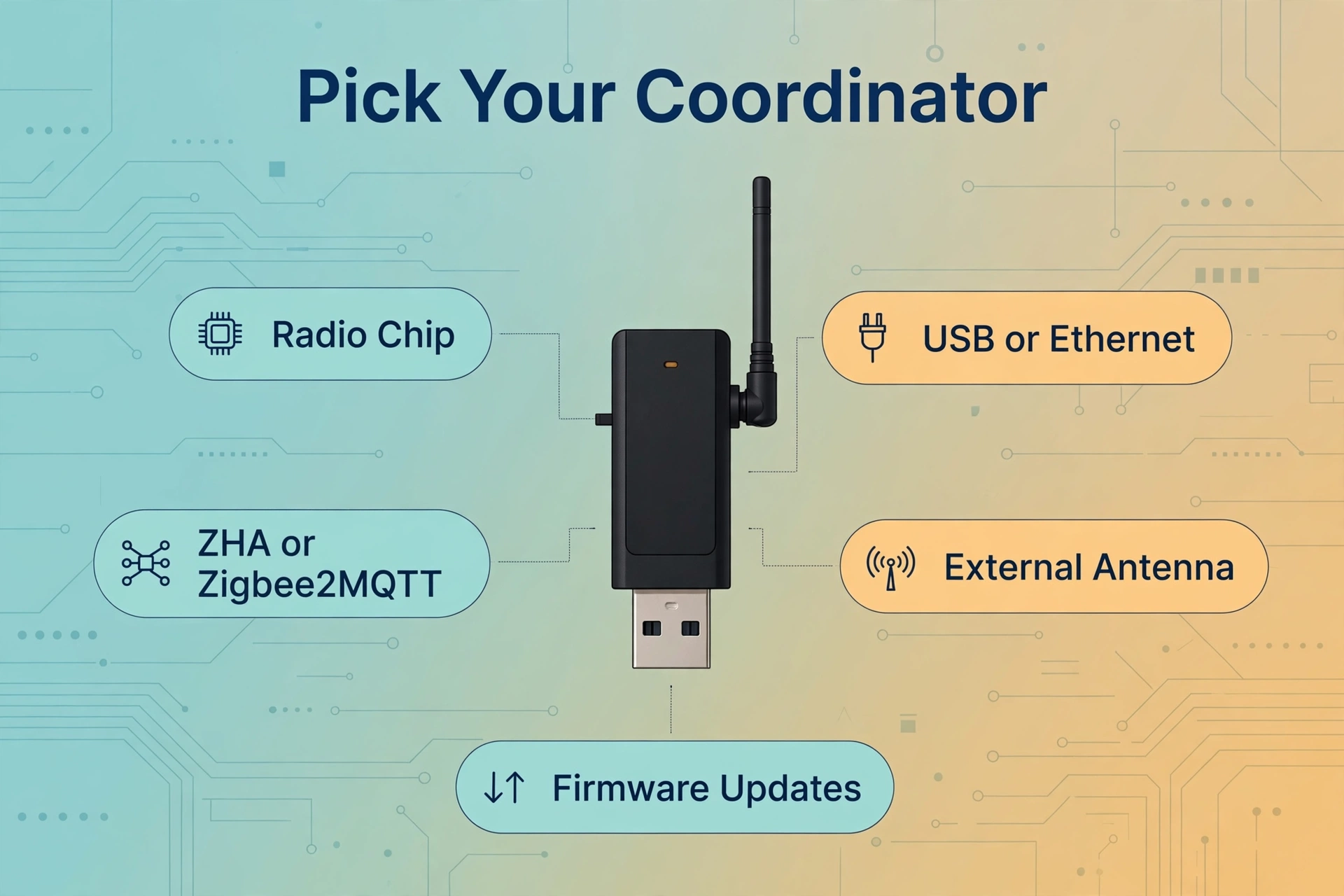
Before you look at specific models, lock in these five criteria. Honestly, any coordinator on this list clears them — but they explain why these models made the cut and why the cheap no-name stick you found on a marketplace listing probably should not.
1. The radio chip matters most
Every coordinator is built around a radio chip, and two families dominate: Texas Instruments’ CC2652P series and Silicon Labs’ EFR32 series. Both are excellent, and both are explicitly supported by Home Assistant’s Zigbee integrations. The CC2652P is the veteran workhorse with the broadest compatibility, while the EFR32MG21 and newer EFR32MG24 chips are the current favorites for the official ZHA integration.
2. USB or network-attached?
Most coordinators plug straight into your Home Assistant machine over USB — simple, cheap, and reliable. But if your server lives in a closet on the other end of the house, a network-attached coordinator (Ethernet, and sometimes Wi-Fi or PoE) lets you place the radio right in the middle of your home, where your devices actually are. Radio placement often matters more than raw transmit power.
3. Pick your software first: ZHA or Zigbee2MQTT
Home Assistant offers two Zigbee solutions: the built-in ZHA (Zigbee Home Automation) integration and the Zigbee2MQTT add-on. All five coordinators on this list work with both, but some pair more naturally with one or the other. If you have not decided yet, our breakdown of the two options will help you choose between Zigbee2MQTT and ZHA before you buy.
4. Antenna design and transmit power
Look for an external antenna rather than a tiny PCB antenna. The difference in real-world range is significant — especially in homes with brick or concrete walls. All of the coordinators below include an external antenna and solid transmit power.
5. Active firmware support
Zigbee coordinator firmware gets updates: bug fixes, new features, and sometimes Matter-over-Thread support. A coordinator from a manufacturer that publishes firmware updates — and makes them easy to install — will serve you far longer than a fire-and-forget stick.
The 5 Best Zigbee Coordinator Dongles for Home Assistant
Every model below is real, widely available, and tested by the Home Assistant community at scale. They all work with ZHA and Zigbee2MQTT, and none of them will become a paperweight in a year.
1. Sonoff ZBDongle-P — Best budget all-rounder
If you want one safe recommendation, this is it. The Sonoff ZBDongle-P (the “P” stands for its Texas Instruments CC2652P chip) is the classic community favorite: affordable, widely stocked, and supported by just about everything.
Its CC2652P radio is the same chip family found in some of the most battle-tested coordinators on the market, and it works beautifully with both ZHA and Zigbee2MQTT. It ships with a chunky external antenna, solid transmit power, and pre-flashed coordinator firmware, so you can plug it in and pair devices within minutes. For a first Zigbee setup — or a second one — it is very hard to beat on value.
2. Sonoff ZBDongle-E — Best plug-and-play pick for beginners
The ZBDongle-E is the sibling of the model above, built around Silicon Labs’ EFR32MG21 chip instead. In practice, this makes it a particularly smooth match for ZHA: it ships with EmberZNet firmware that the ZHA integration talks to natively, so setup is essentially plug-and-play with no flashing required.
It also works with Zigbee2MQTT via the modern ember adapter, and its EFR32 chip can additionally serve as a Thread radio for Matter-over-Thread devices if your setup grows in that direction. If you plan to start with ZHA and want the smoothest possible first hour, this is the one.
3. SMLIGHT SLZB-06 — Best network-attached coordinator
The SMLIGHT SLZB-06 takes a different approach: instead of plugging into your Home Assistant machine, it connects over your network via Ethernet (with PoE), Wi-Fi, or USB. That means you can park it in the center of your home — where your devices are — while your server sits wherever it is convenient.
Under the hood, the standard SLZB-06 runs the same trusted CC2652P chip as our budget pick, so compatibility with ZHA and Zigbee2MQTT is rock solid. SMLIGHT also offers variants with different radio chips (like the EFR32-based SLZB-06M, which adds experimental Matter-over-Thread support). Standout perks include a clean web interface, one-click firmware updates over the air, and the ability to switch between coordinator and router firmware.
A quick practical note: connect it over Ethernet (or PoE) rather than Wi-Fi where possible. A wired connection to your coordinator is more stable, and stability is everything for a Zigbee radio. For USB simplicity, any of the USB dongles on this list is the easier path.
4. Home Assistant Connect ZBT-2 — Best official option
This is the official adapter from the Home Assistant team (Nabu Casa), and it is the obvious choice if you want first-party support. The Connect ZBT-2 is the successor to the original ZBT-1 (formerly SkyConnect), and it is built around the newer Silicon Labs EFR32MG24 chip.
It connects over USB, works with both ZHA and Zigbee2MQTT, and can act as either a Zigbee coordinator or a Thread border router — you choose during setup and can switch later if your plans change. Firmware updates come through official tools, and because it is designed alongside Home Assistant itself, compatibility is never a question. You can read more on the official Connect ZBT-2 product page.
5. Tube’s Zigbee Coordinator — Best enthusiast pick
Tube’s (tubezb) coordinators are the community’s open-enthusiast favorite: thoughtfully designed hardware sold by a well-known maker, available in both USB and network (Ethernet/PoE) versions. They run the trusted CC2652-series chips and are fully compatible with ZHA and Zigbee2MQTT.
Why choose it? Excellent build quality, sensible defaults, and firmware that is kept current. If you are the kind of person who reads release notes — or who simply wants hardware built by someone who obsesses over Zigbee — this is your pick. Availability can vary since it is a smaller operation, so check stock before you plan around it.
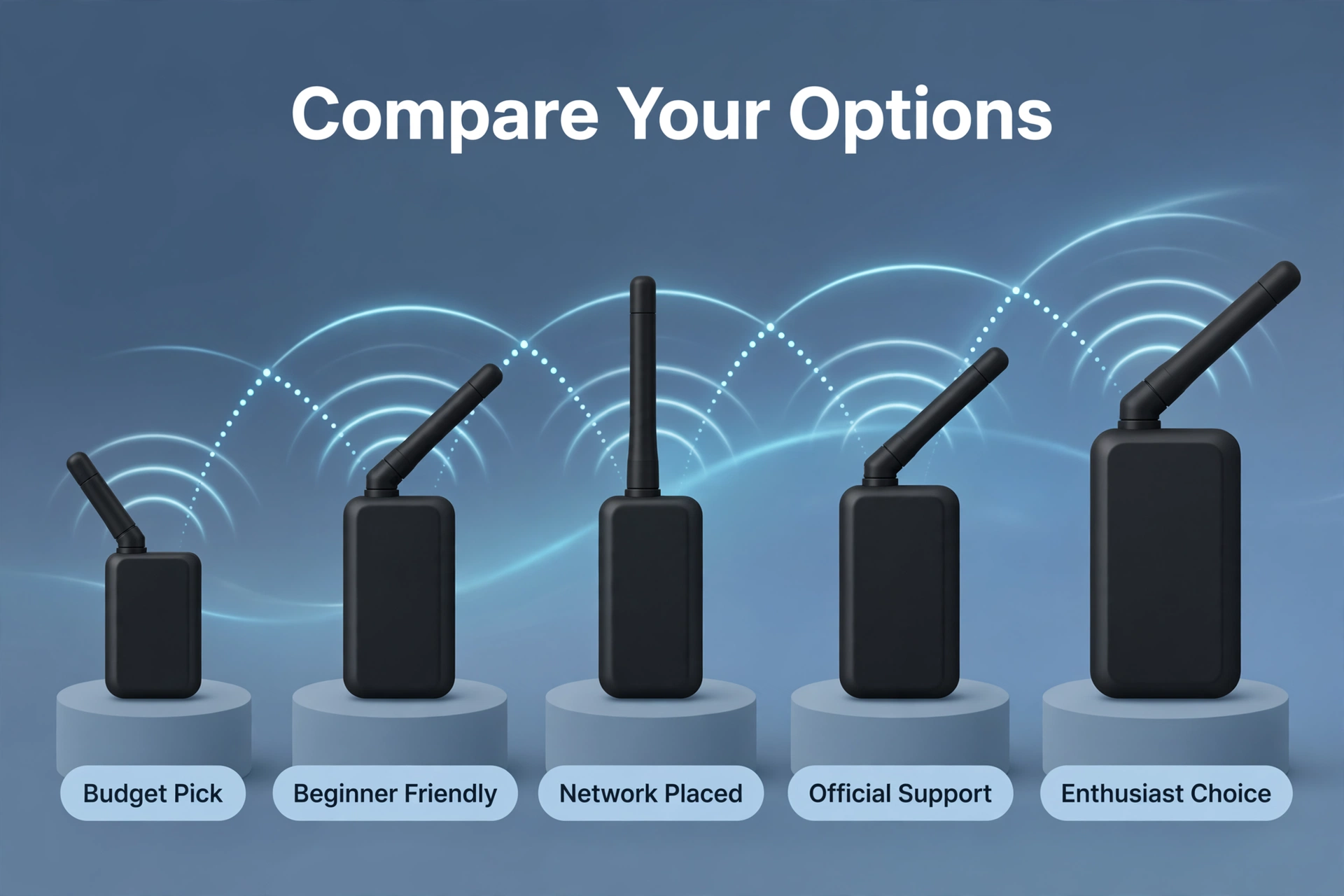
Quick Comparison: All 5 Coordinators Side by Side
Short on time? Here is the whole shortlist in one glance:
| Product | Radio chip | Connection | Works with ZHA | Works with Zigbee2MQTT | Best for |
|---|---|---|---|---|---|
| Sonoff ZBDongle-P | Texas Instruments CC2652P | USB | Yes | Yes | Budget all-rounder |
| Sonoff ZBDongle-E | Silicon Labs EFR32MG21 | USB | Yes | Yes | Beginners using ZHA |
| SMLIGHT SLZB-06 | Texas Instruments CC2652P | Ethernet / PoE / Wi-Fi / USB | Yes | Yes | Network-attached placement |
| Home Assistant Connect ZBT-2 | Silicon Labs EFR32MG24 | USB | Yes | Yes | Official support |
| Tube’s Zigbee Coordinator | Texas Instruments CC2652 series | USB / Ethernet | Yes | Yes | Enthusiasts |
ZHA or Zigbee2MQTT: Pick Your Software Before You Buy
Here is the honest truth: for most people, the coordinator matters less than the software you run on top of it. ZHA is built into Home Assistant, configured from the UI, and the fastest path from unboxing to working automations. Zigbee2MQTT runs as an add-on, supports a staggering range of devices, and gives power users more control — at the cost of a steeper learning curve.
Our detailed comparison walks through the trade-offs device by device, so you can decide between Zigbee2MQTT and ZHA with confidence. Whichever you choose, all five coordinators above will serve you well.
Setup Tips: Get the Most Out of Your Coordinator
A great coordinator can still underperform if it is set up badly. These five habits separate smooth Zigbee networks from flaky ones, and they apply no matter which model you buy:
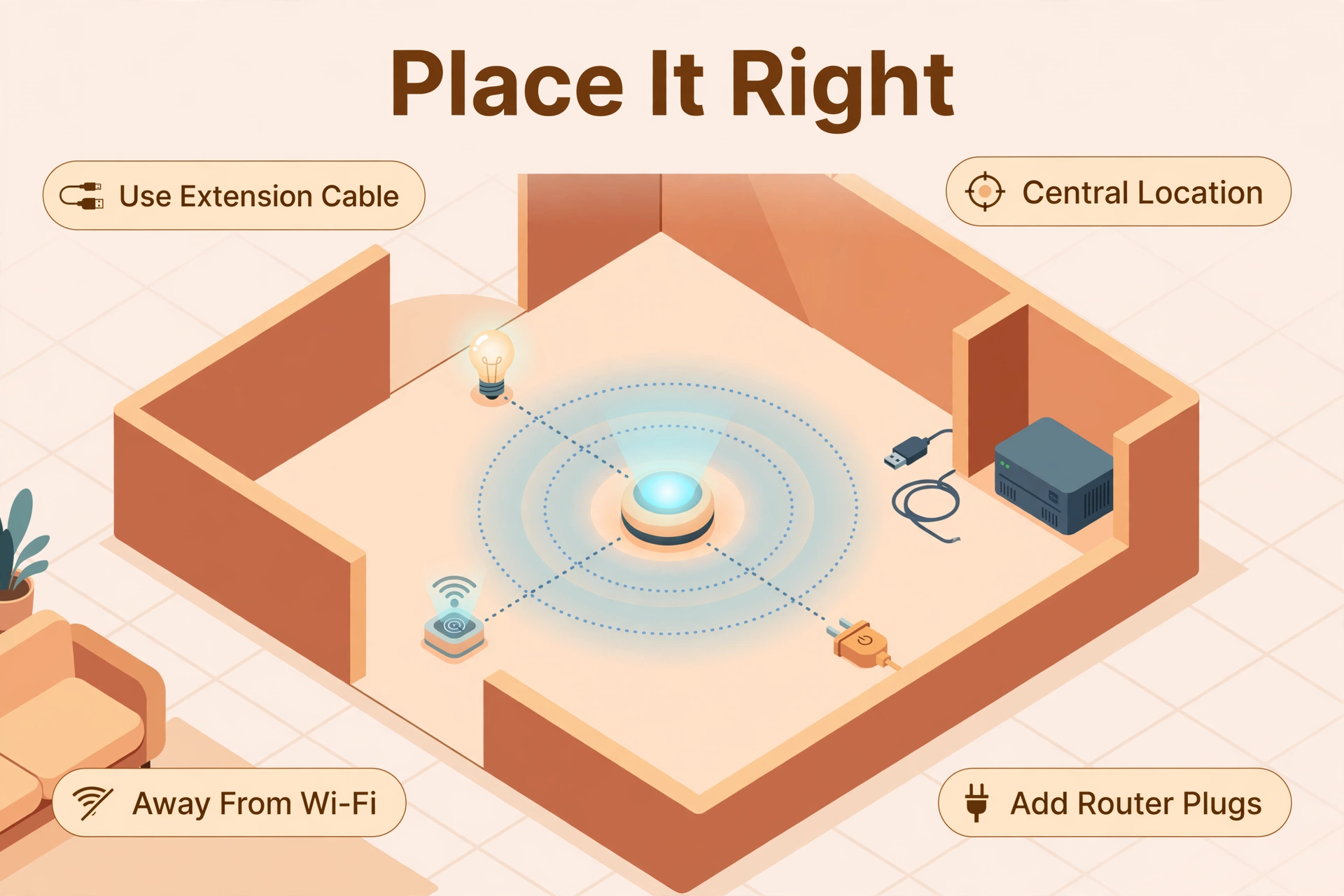
- Use a USB extension cable. Plug a USB dongle directly into your server and it sits right next to noisy USB 3.0 ports and electronics. Even a short extension cable — half a meter is plenty — dramatically reduces interference.
- Place the radio centrally. Zigbee is a mesh network, but the mesh can only do so much. The coordinator should be as central as possible, away from metal objects, microwaves, and your Wi-Fi router. Network-attached coordinators like the SLZB-06 make this easy.
- Add router devices. Mains-powered Zigbee devices — smart plugs, bulbs, wired switches — act as routers that extend your mesh. A handful of well-placed plugs can double your effective coverage. Coordinator choice matters here too: if devices keep dropping off, the fixes for Zigbee devices going offline start with the coordinator.
- Pick a calm Zigbee channel. Zigbee shares the 2.4 GHz band with Wi-Fi. If your Wi-Fi uses channel 1, 6, or 11, choose a Zigbee channel that overlaps as little as possible (channels 11, 15, 20, or 25 are common picks). You can change it after setup.
- Keep firmware current. Check your manufacturer’s firmware page once or twice a year. Coordinator firmware updates fix real bugs, and the official ZHA documentation lists which adapters are tested and recommended.
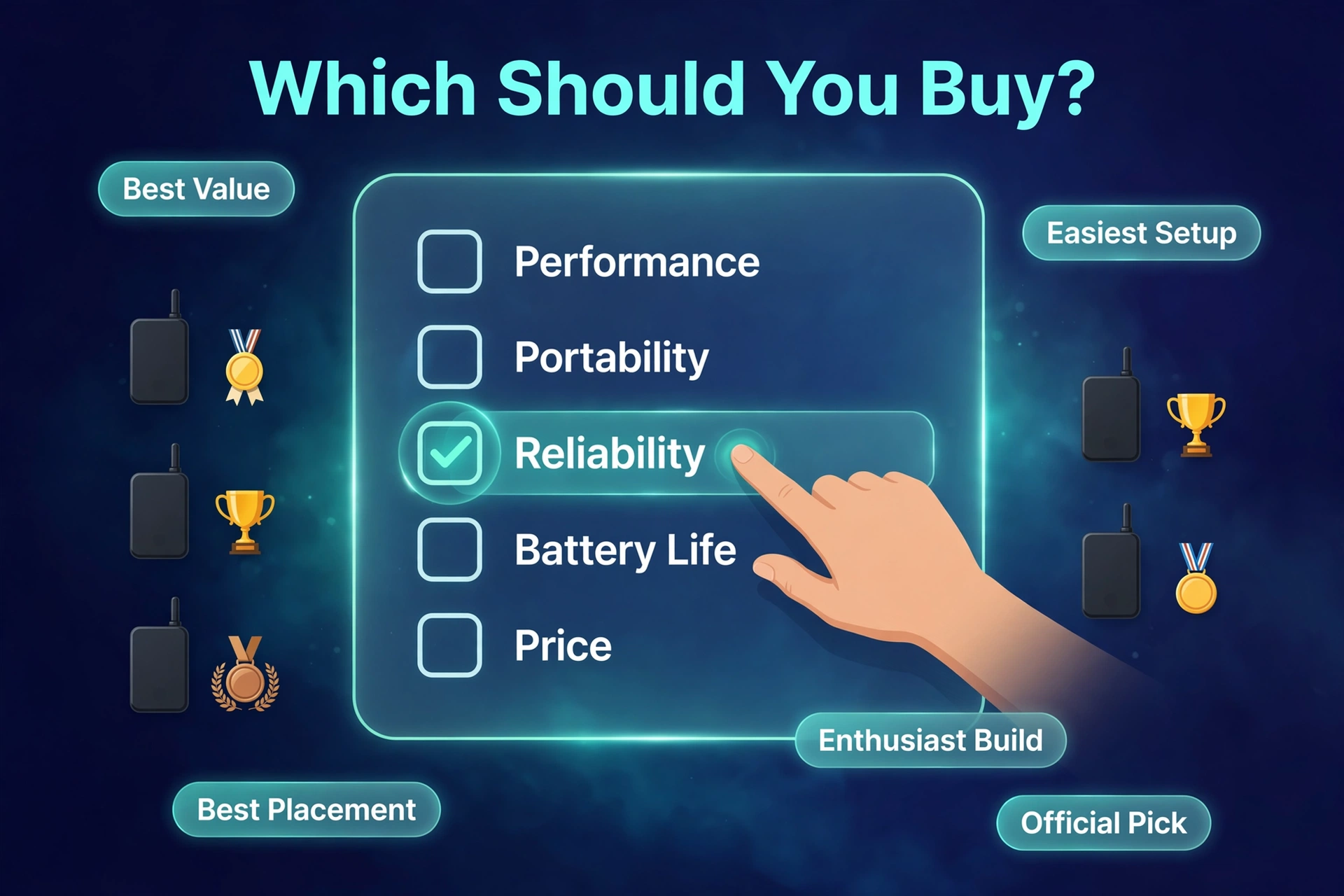
Which Zigbee Coordinator Should You Actually Buy?
Still torn? Here is the short version:
- Just tell me what to buy: Sonoff ZBDongle-P. Cheap, proven, works with everything.
- I want the smoothest ZHA setup: Sonoff ZBDongle-E or Home Assistant Connect ZBT-2.
- My server is far from my devices: SMLIGHT SLZB-06 over Ethernet/PoE.
- I want official support and future Thread options: Home Assistant Connect ZBT-2.
- I am building a serious, long-term network: Tube’s Zigbee Coordinator.
And if you are still assembling the rest of your setup, our guide to the best home automation system puts Zigbee in context alongside the other platforms worth considering.
Frequently Asked Questions
Do I need a Zigbee coordinator if I already have a smart home hub?
It depends on the hub. Manufacturer hubs (like IKEA’s DIRIGERA or Philips Hue’s bridge) are coordinators for their own ecosystem, but they keep your devices siloed in their app and cloud. A dedicated coordinator dongle with Home Assistant brings devices from all brands onto one local network, so an IKEA sensor can trigger a Sonoff switch directly. If you want Home Assistant to be the brain of your smart home — locally, with no cloud dependency — then yes, you need your own coordinator.
Can one Zigbee coordinator work with devices from different brands?
Yes — that is one of Zigbee’s biggest strengths. Unlike Wi-Fi gadgets locked to vendor apps, most Zigbee devices speak the same standard. A single coordinator can mix Aqara sensors, IKEA bulbs, Sonoff plugs, and Third Reality switches on one mesh. There are occasional quirks with certain brands (Aqara devices, for example, are famously picky about which routers they use), but broadly, one coordinator handles the whole lot.
How many devices can a Zigbee coordinator handle?
Far more than most homes need. The coordinators on this list comfortably support dozens to well over a hundred devices — the CC2652P-based models, for example, support up to around 200 end devices in coordinator firmware. Remember that mains-powered devices act as routers and extend capacity, so you will run out of rooms long before you run out of coordinator capacity.
Can I use a Zigbee coordinator for Thread/Matter too?
Some can, with caveats. The EFR32-based models (like the ZBDongle-E, the SMLIGHT SLZB-06M, and the Home Assistant Connect ZBT-2) have radio hardware capable of Thread, and some can be switched between Zigbee and Thread firmware. However, a single radio generally cannot run both protocols at once — you need a separate adapter for each. If you plan to run Zigbee and Thread/Matter side by side, budget for two radios.
Is USB or Ethernet better for a Zigbee coordinator?
Both are excellent when done right. USB is simpler: plug the dongle into your Home Assistant machine (with an extension cable to avoid interference) and you are done. Ethernet/PoE wins when your server is badly located, because you can place the coordinator in the center of your home for much better coverage. Avoid Wi-Fi connections to network coordinators if you can — a wired coordinator is a stable coordinator.
The Bottom Line
You cannot really go wrong with any of the five coordinators above — they are all proven, supported, and affordable. The best Zigbee coordinator for you is the one that fits your setup: the ZBDongle-P for unbeatable value, the ZBDongle-E for the easiest ZHA start, the SLZB-06 for ideal radio placement, the Connect ZBT-2 for official peace of mind, or Tube’s coordinator for enthusiast-grade quality.
Buy the coordinator, grab a USB extension cable, add a few Zigbee smart plugs as mesh routers, and your local smart home network will be up and running the same afternoon. Your future self — the one with automations that respond in milliseconds and devices that never phone home to a cloud — will thank you.
