

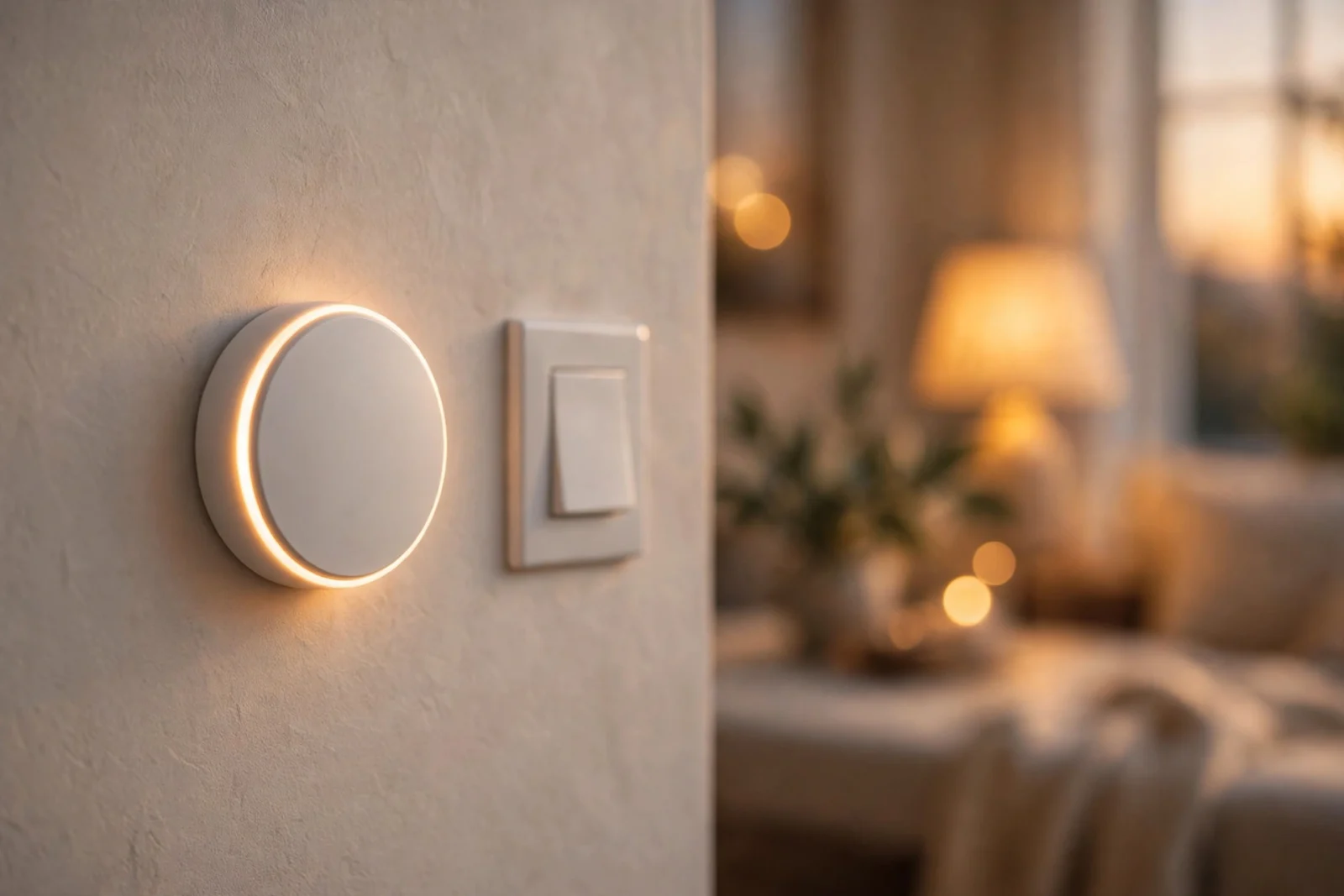
The best wireless smart button is the one that fits the ecosystem you already own. However, that sounds like a dodge, but it is honestly how this category works: a button is only as good as the scenes it can trigger. For example, for a Philips Hue household, that is the Hue Dimmer Switch. In addition, for a Zigbee and Home Assistant setup, it is the Aqara Mini Switch T1. For example, for Lutron Caseta, nothing beats a Pico remote. In addition, if you are building on a budget, the IKEA SOMRIG is hard to argue with, and if your devices are a mix of everything, the Flic 2 ties it all together.
They all solve the same everyday problem: reaching for your phone every time you walk into a room is slow. In addition, voice control is not always welcome. Furthermore, a small button on the wall gives guests, kids, and grandparents light control without an app or a twenty-minute explanation.
This guide covers what to look for before you buy, a mini-review of each pick with real watch-outs, a side-by-side comparison, and how to mount and pair them with your scenes.
Best Wireless Smart Button at a Glance
The short version:
- Philips Hue Dimmer Switch v2 — best for Hue households. Four buttons, scene cycling, magnetic wall plate. About $27.99.
- Aqara Wireless Mini Switch T1 — best Zigbee button for Home Assistant. One button, three press actions, ~$19.99.
- Lutron Pico Smart Remote — best for Caseta dimmers and no-neutral homes. Ten-year battery, $24.95.
- IKEA SOMRIG Shortcut Button — best budget pick. Two buttons, up to six scenes, $9.99 (DIRIGERA hub required).
- Flic 2 Smart Button — best all-rounder for mixed ecosystems. Push, double-push, and hold, ~$35.
What to Look for in a Wireless Smart Button
Four things decide whether a button feels effortless or becomes a quiet frustration:
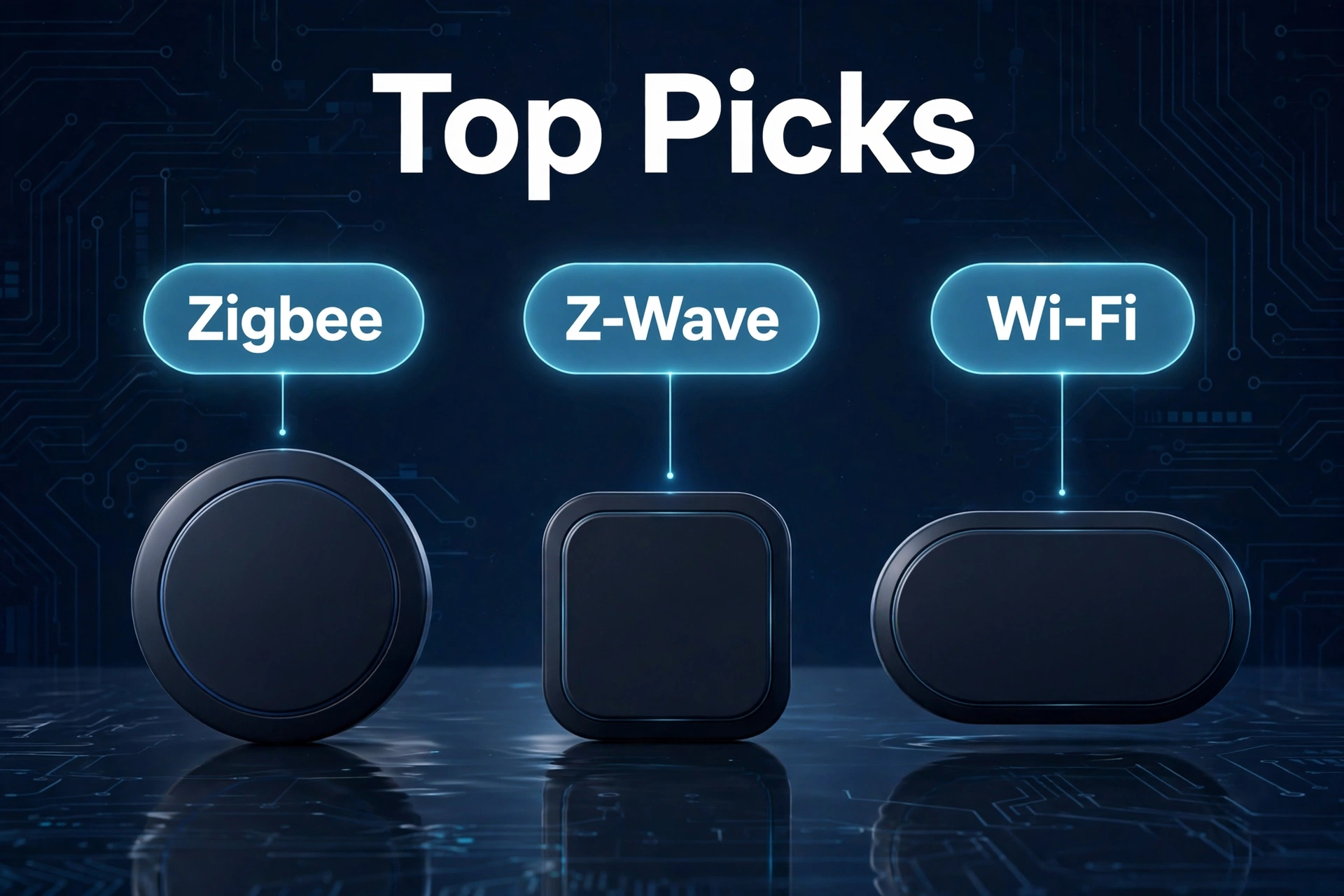
- Protocol and hub. The button must speak the same radio as your lights. Zigbee buttons (Hue, Aqara, IKEA) need a Zigbee coordinator — an Aqara hub, Hue Bridge, DIRIGERA hub, or a Zigbee stick on Home Assistant. The Lutron Pico speaks Lutron’s own Clear Connect RF and only talks to Caseta. The Flic 2 uses Bluetooth through the Flic app or a Flic Hub.
- Battery life. Most run on a CR2032 or CR2450 coin cell and sleep until pressed. Lutron claims up to ten years for the Pico, Flic up to three years, Aqara up to two. The IKEA SOMRIG takes a single AAA instead — bulkier, but rechargeable.
- Mounting. The Hue Dimmer and Pico come with wall plates for switch height. The Aqara and Flic stick anywhere and suit nightstands. The SOMRIG is chunkier and happiest on a shelf.
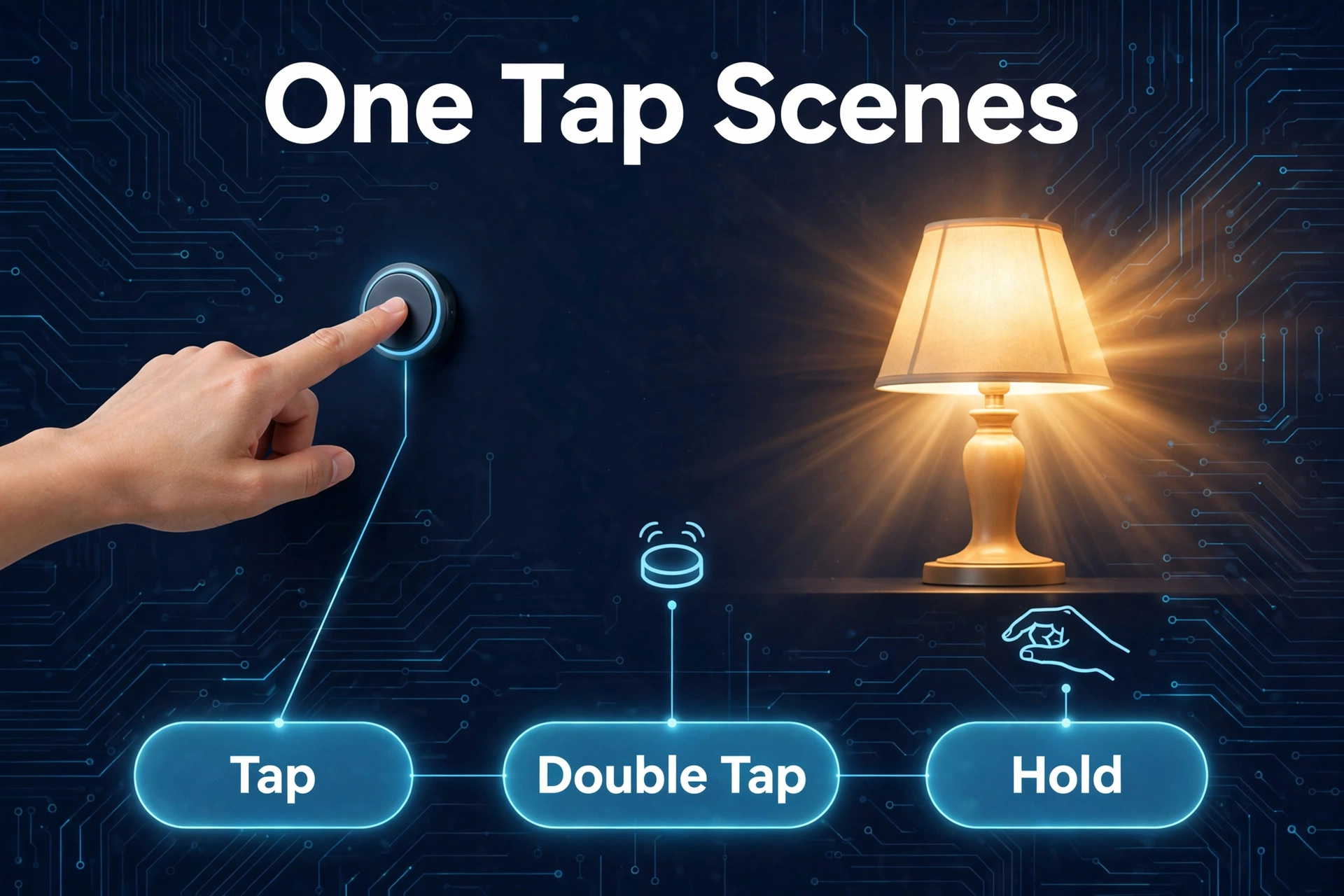
- Press actions. Single, double, and long press are the standard three — one button, three scenes. The Hue Dimmer adds scene cycling, and the SOMRIG maps six scenes across two buttons.
The 5 Best Wireless Smart Buttons for Lighting Scenes
1. Philips Hue Dimmer Switch v2 — Best for Hue Households
If your bulbs are Hue, stop reading and buy this. The Dimmer Switch v2 is the official companion remote: the middle Hue button cycles through up to four scenes you set in the app, and you can make the on-press behavior change with the time of day — energizing daylight in the morning, dim warm glow at night.
- Four buttons: on, Hue (scene cycle), dim up, dim down
- Zigbee and Bluetooth; pairs with or without a Hue Bridge
- Magnetic backing — pops off the wall plate to use as a handheld remote
- CR2450 battery included; wall plate with adhesive included
- Typical price: about $27.99 at full retail, often less on sale
The watch-outs: dimming and scene control are tuned for Hue lights, so mixed-brand rooms will feel the edges. Power users who want every button fully remapped usually pair it with Home Assistant instead. If you are still deciding between Hue and a cheaper ecosystem, our guide on how Hue compares to cheaper WiZ lighting lays out the trade-offs.
2. Aqara Wireless Mini Switch T1 — Best Zigbee Button for Home Assistant
The Mini Switch T1 is our most-recommended button for Zigbee users. It is tiny — 45 by 45 millimeters, about the size of a matchbox — runs Zigbee 3.0, and supports single, double, and long press: three triggers from one button. The T1 revision adds OTA firmware updates, which the original lacked.
- Single, double, and long press: three actions from one button
- Zigbee 3.0; pairs with an Aqara hub or directly with Home Assistant via Zigbee2MQTT/ZHA
- CR2032 battery rated up to two years; supports up to 50,000 presses
- Exposes to Apple Home and Matter when bound to an Aqara hub; native SmartThings support
- Typical price: about $19.99
The watch-out: you need a Zigbee coordinator — an Aqara hub (like the M1S Gen 2) or your own Zigbee stick. Without one, it is a paperweight. It is also a single button, so if you want a labeled row of scene buttons you will need several of them, which is where a multi-button option like the Hue Dimmer pulls ahead.
3. Lutron Pico Smart Remote — Best for Caseta Dimmers and No-Neutral Homes
The Pico exists for one ecosystem: Lutron Caseta (and RA2 Select). If your dimmers are Caseta, this is the button to get. The three-button version with raise/lower gives you on, off, a preset favorite, and dimming paddles, with a tactile feel that makes guests use it correctly on the first try.
- Three buttons plus raise/lower paddles; also available as a 2-button on/off version
- Works as a handheld remote, wall control, or tabletop control (wall plate and pedestal sold separately)
- CR2032 battery included, rated up to ten years
- Typical price: about $24.95 for the 3-button dimming version
The watch-out is ecosystem lock-in: a Pico cannot control anything outside Lutron’s world, and it cannot trigger arbitrary scenes on other platforms the way a Flic 2 can. But for what it does — controlling Caseta dimmers from anywhere in the room — it is boringly reliable, which is exactly what you want from a light switch. Pico remotes pair especially well with Caseta dimmers in older homes; if you are unsure about your wiring, start by checking whether your switch box has a neutral wire.
4. IKEA SOMRIG Shortcut Button — Best Budget Pick
At $9.99, the SOMRIG is the cheapest way to put a physical scene button in your home, and it is more capable than the price suggests. Two buttons, each with short, double, and long press, give you up to six scene triggers. Setup happens in the IKEA Home smart app.
- Two buttons × three press types = up to six scenes
- Zigbee; requires the DIRIGERA hub (sold separately)
- Runs on one AAA battery (sold separately — IKEA recommends its LADDA rechargeable)
- Typical price: $9.99
The watch-outs: the DIRIGERA hub requirement is real, so factor that into the budget if you do not have one. The AAA battery makes it chunkier than the coin-cell buttons, and scenes are limited to what the IKEA Home app offers unless you bridge it into a bigger platform. For the full product details, see IKEA’s official SOMRIG page.
5. Flic 2 Smart Button — Best All-Rounder for Mixed Ecosystems
Every other pick on this list belongs to one ecosystem. The Flic 2 does not. It is a Bluetooth button that can trigger Philips Hue, LIFX, Sonos, Spotify, IFTTT, HomeKit scenes, Home Assistant, and more through the Flic app or a Flic Hub. Push, double push, and hold are the three core triggers, with sequences and conditional logic on top.
- Push, double push, and hold, plus advanced sequences through the Flic app
- Bluetooth 5 LE; works with a phone app or a Flic Hub for always-on automation
- CR2032 battery rated up to three years; reusable adhesive backing sticks anywhere
- Typical price: about $35 for a single button
The watch-out is cost: at $35 a button, one in every room adds up fast, and the fanciest integrations want a Flic Hub, which is an extra purchase. It is also a general-purpose button rather than a lighting remote, so it lacks the dimming paddles and scene-cycle feel of the Hue Dimmer or Pico. But if your home is a mix of brands that refuse to talk to each other, this is the button that ties them together.
Best Wireless Smart Button: The Five Compared
The five buttons compared. Prices checked 2026-10-02.
| Feature | Hue Dimmer v2 | Aqara Mini Switch T1 | Lutron Pico | IKEA SOMRIG | Flic 2 |
|---|---|---|---|---|---|
| Best for | Hue households | Zigbee / Home Assistant | Caseta dimmers | Budget scene control | Mixed ecosystems |
| Typical price | ~$27.99 | ~$19.99 | ~$24.95 | ~$9.99 | ~$35 |
| Protocol | Zigbee / Bluetooth | Zigbee 3.0 | Clear Connect RF | Zigbee | Bluetooth 5 LE |
| Buttons / actions | 4 buttons, scene cycle, time-of-day | 1 button, single/double/long press | 3 buttons + dim paddles | 2 buttons, up to 6 scenes | Push / double push / hold + sequences |
| Battery | CR2450 (included) | CR2032, up to 2 years | CR2032, up to 10 years | 1× AAA (sold separately) | CR2032, up to 3 years |
| Hub required | Optional (Bridge unlocks more) | Yes — Aqara hub or Zigbee stick | Caseta Bridge for full features | Yes — DIRIGERA hub | Phone app; Hub for always-on |
| Mounting | Wall plate with adhesive, magnetic | Sticker anywhere | Wall plate / pedestal (sold separately) | Sits on shelf; wall-mountable | Reusable adhesive anywhere |
How to Mount and Place Your Buttons
Placement decides whether a button becomes part of your routine or a decoration. Five rules of thumb:
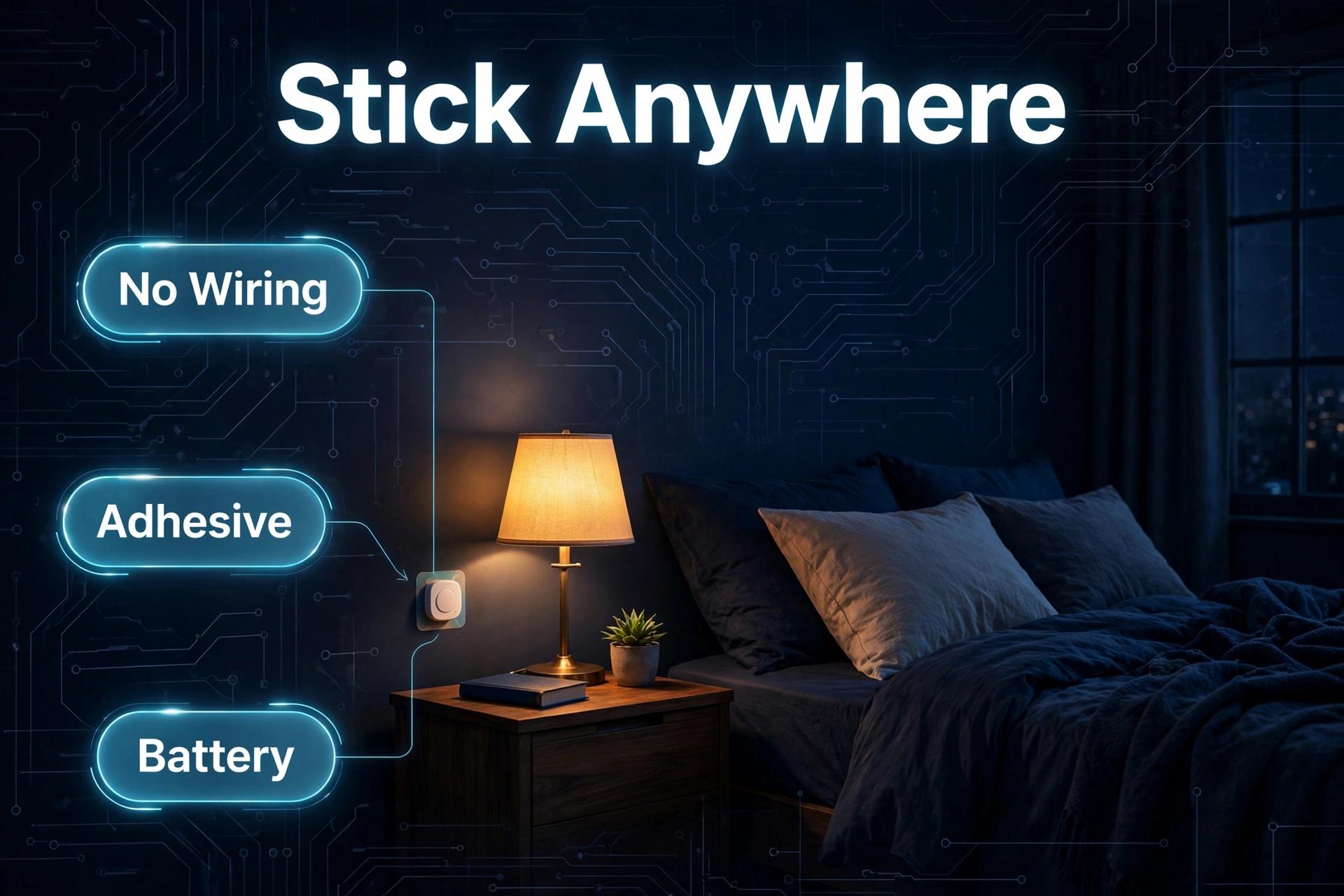
- Put one where a switch used to make sense. Beside the bed, next to the front door, at the top and bottom of stairs — that is where your hand reaches out of habit.
- Mount the Hue Dimmer and Pico on wall plates at switch height. Both come with plates designed for this. Guests will treat them like real switches, which is the point.
- Keep tiny buttons near where you sit. The Aqara and Flic are small enough to live on a nightstand, coffee table, or desk without looking like clutter.
- Map buttons to scenes, not bulbs. “Movie night,” “all off,” “bedtime” — not individual lamps. A button that dims one lamp is a remote; a button that sets the whole room is automation.
- Label nothing; teach once. Consistent placement plus one short demo (“this one turns everything off”) beats labels that peel off in six months.
Pairing Buttons With Scenes and Automations
A button is only half the setup. The other half is what each press does. Start with the scenes you already use every day: a bright morning scene, a relaxed evening scene, a movie scene, and an “all off.” Assign those to the easiest presses — single press for the most common one — and put the rarer ones on double or long press.
Furthermore, if you run Home Assistant, buttons become triggers for full automations. The Aqara Mini Switch is a favorite here because it pairs directly through Zigbee2MQTT or ZHA, and each press type fires a distinct event. That is also where adaptive lighting in Home Assistant shines: instead of static scenes, your lights shift color temperature through the day, and the button simply turns that whole system on or off.
For rooms with color-tunable bulbs, think about what each scene should do — bedtime drops brightness and shifts warm, work does the opposite. Our guide to the best tunable white smart bulbs covers the options that pair well with scene buttons like these.
FAQs About Wireless Smart Buttons
Do wireless smart buttons need a hub?
Most do, but it depends. Zigbee buttons need a Zigbee coordinator — an Aqara hub, a Hue Bridge, a DIRIGERA hub, or a Zigbee stick on Home Assistant. The Pico needs a Caseta Bridge for full features. The Flic 2 is the exception: it runs off the phone app with no hub, though a Flic Hub keeps it working when your phone is away. The Hue Dimmer can even pair directly to Hue bulbs over Bluetooth with no hub, at the cost of some features.
How long do the batteries last?
Longer than you would expect, because the button sleeps until you press it. Lutron rates the Pico at up to ten years on one CR2032. Flic advertises up to three years for the Flic 2, and Aqara advertises up to two years for the Mini Switch T1. The IKEA SOMRIG takes a AAA battery instead of a coin cell — bulkier, but rechargeable. Press frequency matters: a bedside button pressed twice a day will outlast a hallway button pressed twenty times.
Can one button control multiple scenes?
Yes — that is the whole trick. Almost every button here supports at least three press types (single, double, long): three scenes from one button. The SOMRIG goes further with six across its two buttons, and the Hue Dimmer cycles up to four scenes from its dedicated scene button.
Do smart buttons work if the internet goes down?
Mostly yes — one of their advantages over voice control. Zigbee buttons paired to a local hub keep working when the internet drops, because the commands never leave your house. The same goes for the Pico and the Hue Dimmer on a local bridge. Buttons that depend on a cloud service or your phone’s app may pause until the connection returns.
Will a Zigbee button work without that brand’s hub?
Sometimes. The Aqara Mini Switch T1 and the IKEA SOMRIG can pair with a third-party Zigbee coordinator — a Zigbee stick running Zigbee2MQTT or ZHA in Home Assistant — instead of the brand’s own hub. You lose the brand’s app, but you gain full control. The Hue Dimmer is the same story. The Pico is the exception: it only speaks to Lutron.
Are smart buttons better than motion sensors for lighting scenes?
They solve different problems. Motion sensors are great for hands-free areas — hallways, bathrooms, closets — where “walk in, light on” is always right. Buttons are better wherever intent matters: the living room, where walking through should not trigger movie mode, or the bedroom, where you want dim light at midnight but full light at 7 a.m. Many homes end up with both, and the button is the manual override for the sensor.
Bottom Line
There is no single best wireless smart button — there is the best one for your setup. Hue owners: the Hue Dimmer Switch v2. Zigbee and Home Assistant users: the Aqara Mini Switch T1. Caseta dimmers: the Lutron Pico. Budget buyers with a DIRIGERA hub: the IKEA SOMRIG. A mix of brands that refuse to talk to each other: the Flic 2.
Moreover, start with one button and two or three scenes you actually use daily. Moreover, it is a cheap experiment — under $35 either way — and it will teach you more about how your household uses lighting than any amount of planning.
