

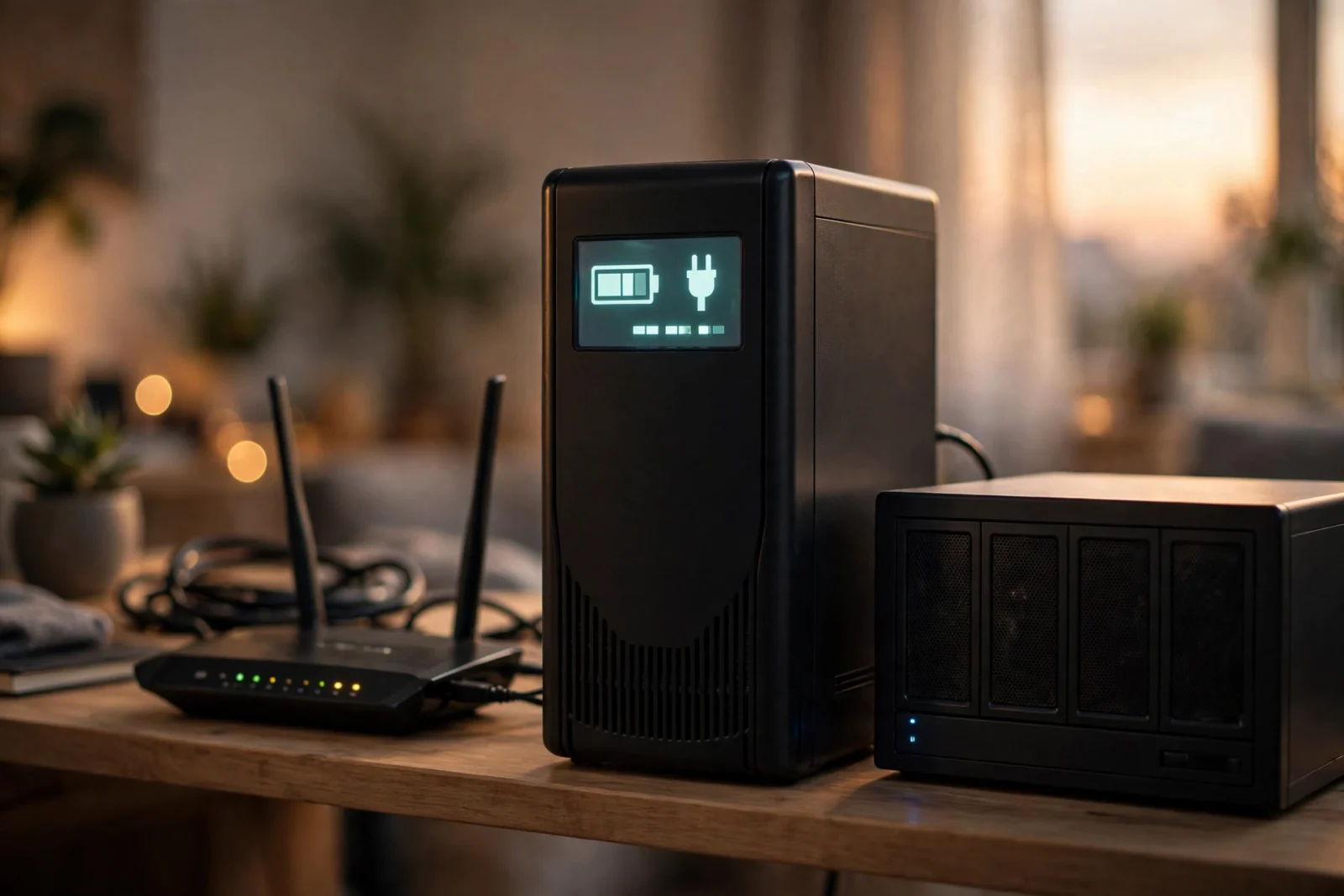
The APC Back-UPS Pro 1500VA (BR1500MS2) is the best-known UPS for home network backup, and after years of wide use in homes and small offices, the reputation is earned. It combines 1500VA / 900W of capacity with pure sine wave output, automatic voltage regulation, ten outlets, and a replaceable battery — everything a router, modem, smart hub, and NAS need to ride through outages. It is not the cheapest 1500VA UPS you can buy, and it is heavy, but for a full home network stack it remains the safest recommendation. This review covers its specs, real-world strengths, honest weaknesses, and who should buy it.
APC Back-UPS Pro 1500VA: Key Specs at a Glance
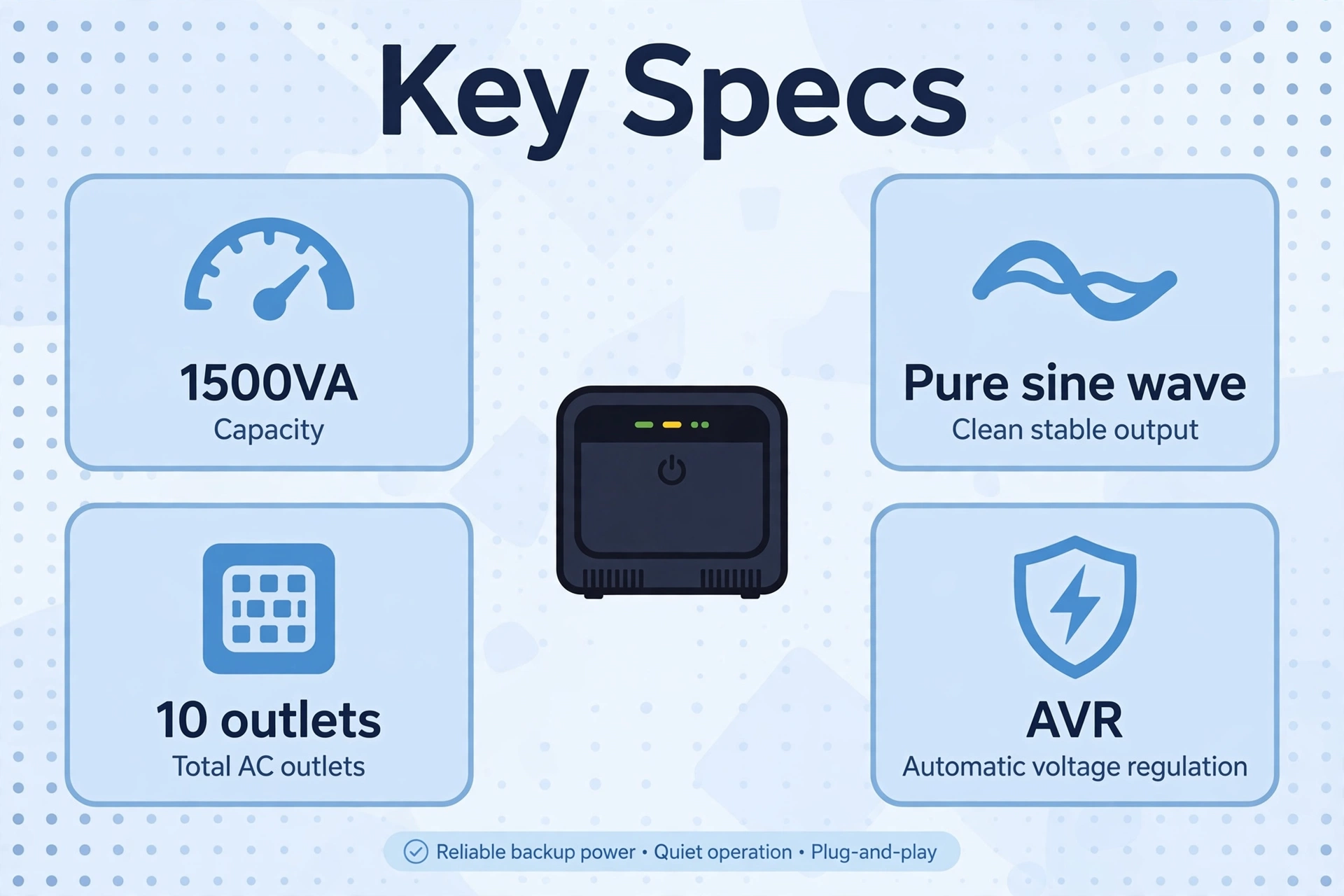
Before the details, here are the manufacturer-stated specifications that matter for home network use. APC publishes these on the official product page; nothing here is a guess.
Table: APC Back-UPS Pro 1500VA (BR1500MS2) specifications
| Feature | Specification |
|---|---|
| Model | APC Back-UPS Pro BR1500MS2 |
| Capacity | 1500VA / 900W |
| Output waveform | Pure sine wave |
| UPS topology | Line-interactive with AVR |
| Total outlets | 10 (6 battery backup + surge, 4 surge-only) |
| USB charging ports | 2 (USB-A and USB-C) |
| Data / monitoring port | USB (for NAS auto-shutdown and PowerChute software) |
| Display | LCD (load, battery charge, estimated runtime) |
| Battery | Sealed lead-acid, user-replaceable |
| Typical price | Around $220–$280 — check current price |
Design and Build Quality
The BR1500MS2 is a tower-style unit — a tall black box that sits on the floor or a low shelf. It is not small, and at roughly 24–25 pounds it is not something you will move around often. That weight is mostly battery, and it is the price of long runtime. The build quality is exactly what you would expect from APC: thick plastic housing, a solid feel, and a front LCD panel that is easy to read without bending down.
The outlets live on the back of the unit, clearly divided into battery-backed and surge-only groups. Six outlets get battery power; four get surge protection only. The labeling is molded into the case, so it will not rub off over time. On the front you will find the LCD display, a power button, a mute button for the alarm, and the two USB charging ports — a genuinely useful touch for topping up a phone during an outage without hunting for a charger.
One practical note: the outlets are standard spaced, which means bulky power bricks can block neighboring outlets. If your router, modem, and hub all use wall-wart adapters, plan your outlet layout before you plug everything in, or use short extension cords for the worst offenders. This is a common complaint across all UPS brands, not just APC — but it is worth knowing before setup day.
Power Delivery: Pure Sine Wave and AVR
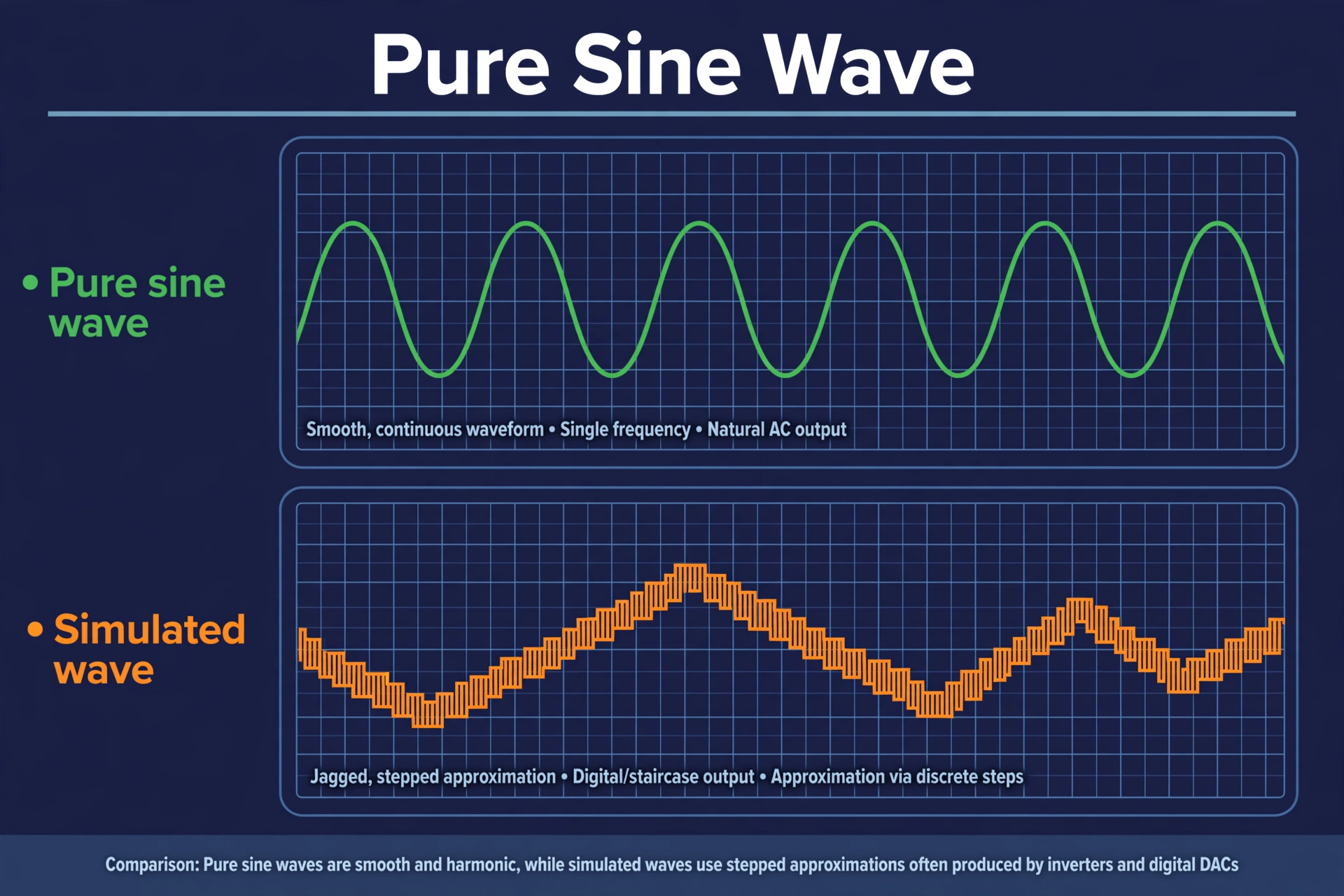
The two headline power features of the APC Back-UPS Pro 1500VA are its pure sine wave output and its automatic voltage regulation, and both matter more for network gear than most buyers realize.
Pure sine wave means the power the UPS produces on battery is as clean as what comes from the wall. This matters for any device with a sensitive power supply — most notably a NAS, but also some high-end routers and computers with active PFC power supplies. Cheaper simulated-sine-wave UPS units can cause those devices to buzz, refuse to transfer to battery, or shut down unexpectedly. With pure sine wave, that entire category of problem disappears. If a NAS is part of your backup plan, this feature alone justifies the price difference over budget units.
Automatic voltage regulation handles the in-between cases: the brownouts, sags, and over-voltage events that are too small to trigger a full battery switchover but still stress your electronics. The UPS boosts low voltage and trims high voltage automatically, without touching the battery. In neighborhoods with unstable power, AVR is what keeps the battery fresh for the outages that actually matter — and it is a key reason line-interactive models like this one outlast standby UPS units in real homes. Our UPS battery backup guide explains how AVR fits into the bigger picture of UPS types.
With 900 watts of real power capacity, the BR1500MS2 is over-provisioned for a home network in the best way. A typical stack — router (15W), modem (10W), smart hub (10W), NAS (35W), plus a couple of cameras — draws under 100 watts. Running at roughly 10% of capacity means the unit stays cool, the battery lasts longer per outage, and you have headroom to add devices later without buying a bigger UPS.
Battery, Runtime, and Replacement
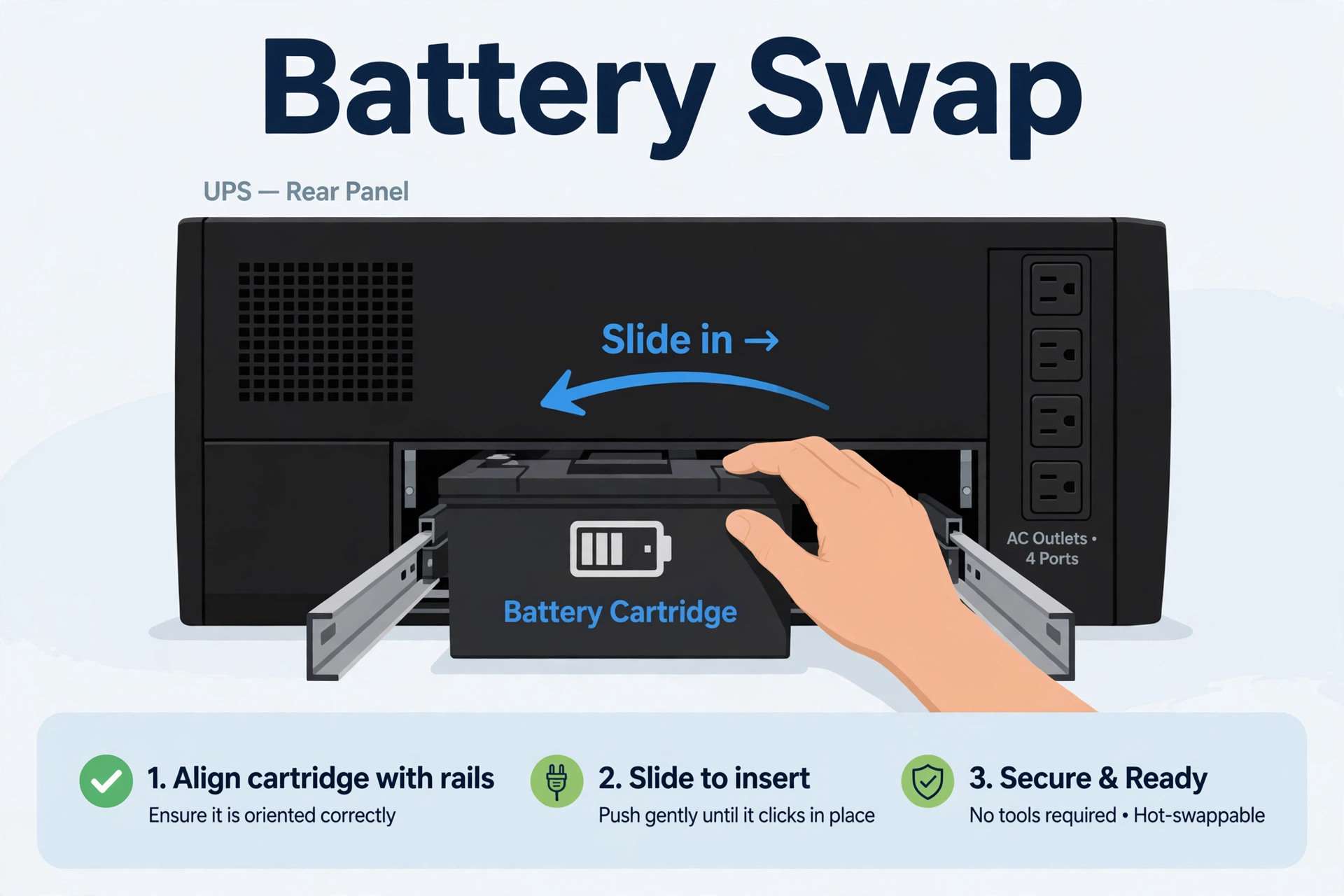
The BR1500MS2 runs on a sealed lead-acid battery cartridge that APC rates for a typical lifespan of 3–5 years. Heat is the main enemy — a UPS baking in a hot garage will need a new battery sooner than one in a cool closet. The unit runs periodic self-tests and will warn you on the LCD and with an audible alarm when the battery starts to weaken, so you are not caught by surprise.
Runtime depends entirely on load, and this is where a 1500VA unit shines for network gear. APC’s own runtime estimates (and widely reported user experience) put a 50-watt load at well over an hour and a 100-watt load at roughly 45–75 minutes. For the short outages and flickers that make up the vast majority of power events, that is generous coverage — your network simply never goes down.
When the battery does wear out, replacement is a five-minute job: open the rear panel, slide out the old cartridge, slide in the new one. APC sells official replacement batteries (usually around $60–$90), and compatible third-party batteries cost less. This is a meaningful advantage over sealed units you have to throw away. A $70 battery every four years beats a $250 replacement UPS, and it keeps a working unit out of the landfill.
One honest caveat: replacement batteries are a real ongoing cost that budget buyers sometimes forget. If you keep the UPS for eight years, you will likely buy one replacement battery, adding roughly a third to the total cost of ownership. It is still cheaper than replacing the unit — but budget for it.
Software and Monitoring: PowerChute and NAS Shutdown
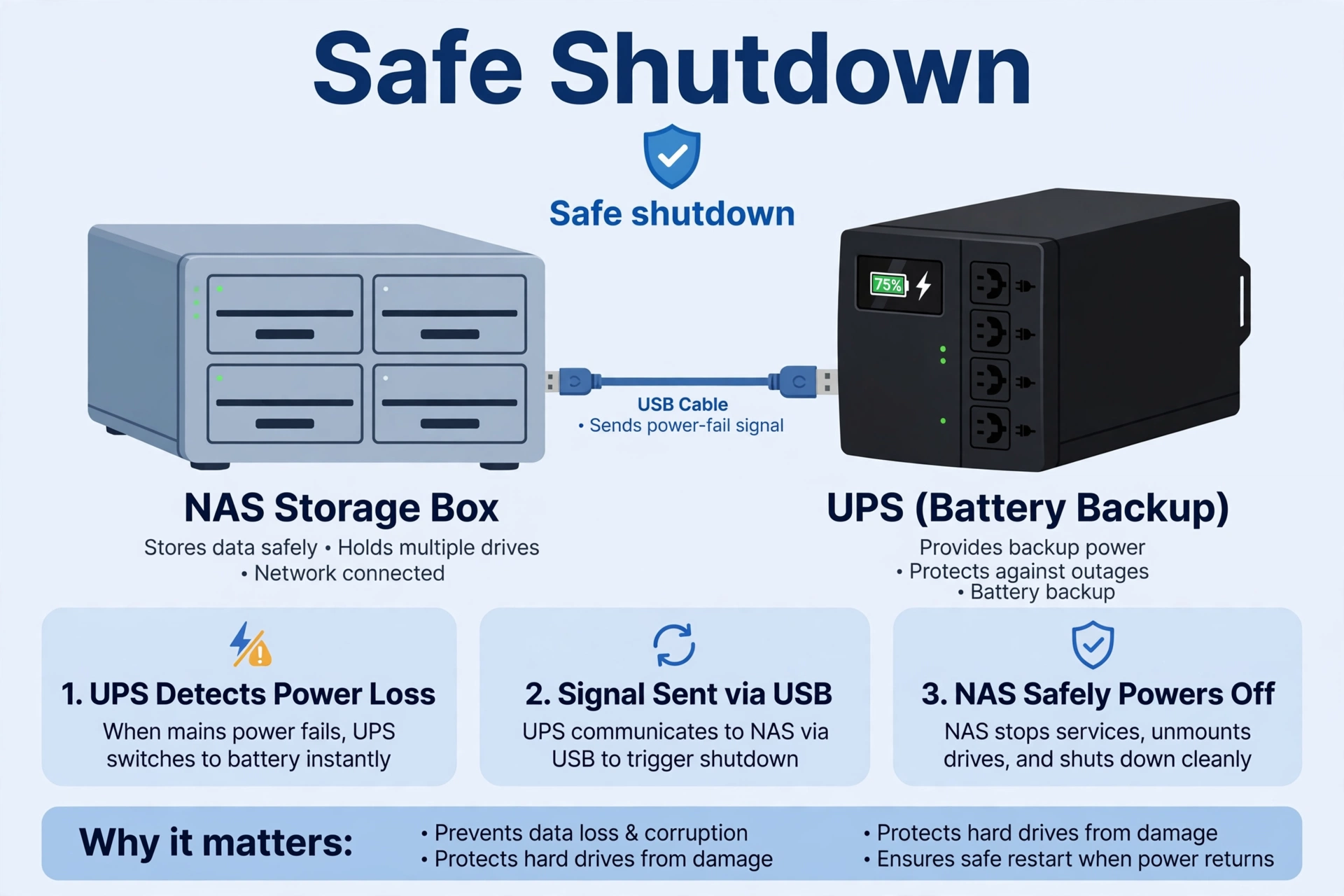
The USB data port on the back of the BR1500MS2 connects to a computer or NAS, and this is where the UPS earns its keep for storage users. APC’s free PowerChute software (for Windows and Mac) shows live load, battery status, and power-event history, and it can shut the computer down automatically when the battery runs low.
For NAS users, the more important integration is direct: most major NAS systems (Synology, QNAP, and others) recognize APC UPS units over USB natively. Plug in the cable, enable the UPS settings in the NAS control panel, and the NAS will shut itself down cleanly when the battery drops to a threshold you choose. This is the single most valuable software feature on any home UPS — it turns a potential data-corruption event into a graceful, automatic shutdown. If you run a NAS, set this up on day one; it takes five minutes.
The LCD display deserves a mention too. It cycles through input voltage, output voltage, load percentage, battery charge, and estimated runtime remaining. During an outage, a glance tells you exactly how much time you have left — far more useful than a row of blinking LEDs. The audible alarm can be muted with the front-panel button, which you will appreciate during a 3 a.m. storm.
What We Like and What Could Be Better
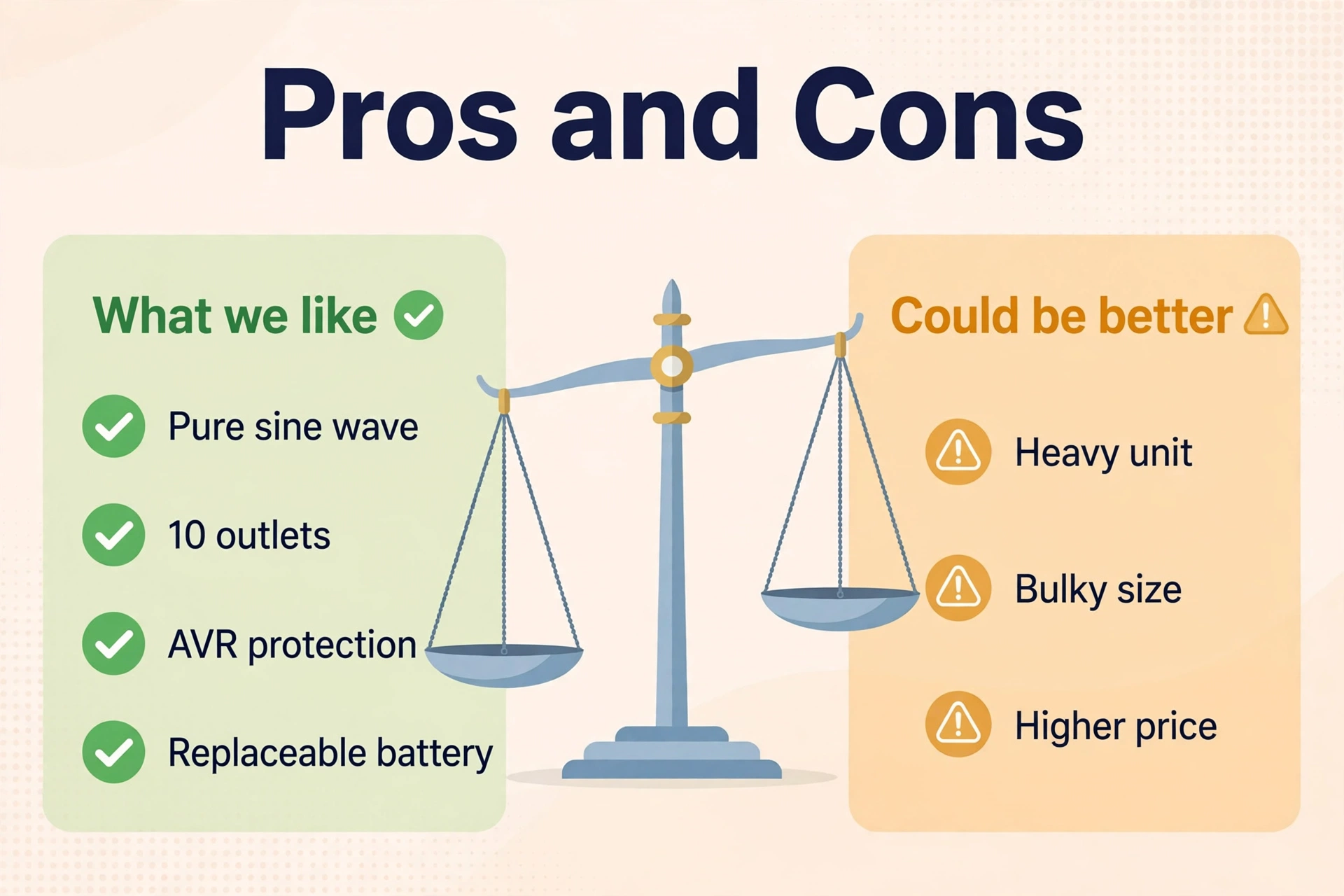
No product is perfect, and an honest review says so. Here is the balanced view.
What we like: Pure sine wave output makes it safe for every device in a home network stack, including a NAS. The 1500VA / 900W capacity gives long runtimes at network loads with plenty of expansion headroom. Ten outlets (six battery-backed) cover a full stack without daisy-chaining. The user-replaceable battery keeps the total cost of ownership reasonable over a decade. AVR protects against brownouts without draining the battery. And APC’s reliability record and support network are the best in the business — when something goes wrong in year three, you want a company that answers the phone.
What could be better: The price is the obvious one — at around $220–$280 it costs roughly twice what a basic 600VA unit costs, so check the current price and make sure you need the capacity. It is big and heavy, which matters on a crowded networking shelf. Bulky power bricks can block adjacent outlets, a layout issue APC has never fully solved. The PowerChute software works but feels dated compared to modern alternatives. And like every lead-acid UPS, the battery is a consumable you will replace every few years.
Who Should Buy the APC Back-UPS Pro 1500VA
This UPS is for anyone whose home network has grown beyond a router and modem: a smart home hub running automations, a NAS holding files and camera footage, a mesh system with multiple nodes, or a home office where dropped calls cost money. If that describes your setup, the BR1500MS2 is the right size and the right feature set, and the pure sine wave output future-proofs it for anything you add later.
Who should skip it? If your only goal is surviving two-minute power flickers on a single router and modem, this is overkill — a smaller unit saves you money, weight, and shelf space. Our roundup of the best UPS battery backup picks covers the smaller options, including a compact CyberPower and a budget APC 600VA that handle basic setups well.
One more sizing note: if you run a mesh WiFi system, the main mesh node and any wired satellites deserve battery backup too — which may push you toward the 1500VA class anyway. Our mesh WiFi guide pairs well with this review when planning coverage for every node.
Frequently Asked Questions
Is it good for a NAS?
Yes — it is one of the best choices for a NAS. The pure sine wave output is safe for NAS power supplies, the USB port enables automatic graceful shutdown, and the 1500VA capacity gives long runtimes at NAS power draws. Just make sure to connect the USB cable and configure the shutdown settings in your NAS control panel.
How long will it keep my router and modem online?
At a typical router-plus-modem load of 25–40 watts, expect well over an hour of runtime — often 90 minutes or more on a fresh battery. Add a smart hub and NAS (roughly 100 watts total) and you are looking at roughly 45–75 minutes. Actual runtime varies with battery age and temperature.
Can I replace the battery myself?
Yes. The battery cartridge slides out from the rear panel with no tools required. APC sells official replacement batteries, and compatible third-party options are widely available. Expect to replace the battery every 3–5 years depending on heat and outage frequency.
BR1500MS2 vs BX1500M — what is the difference?
Both are APC Back-UPS Pro 1500VA models, and buyers often confuse them. The BR1500MS2 (the “MS” series) is the newer design with pure sine wave output, an LCD display, and USB charging ports. The BX1500M is an older, usually cheaper variant with a simulated sine wave output. For network gear — especially a NAS — the BR1500MS2’s pure sine wave output makes it the better pick. Make sure you are comparing the right model when you check the current price.
Does it work during a brownout, or only a full outage?
Both. The automatic voltage regulation corrects brownouts and over-voltage without switching to battery, and the battery takes over instantly during a full outage. Your connected devices see stable power either way.
The Bottom Line
The APC Back-UPS Pro 1500VA (BR1500MS2) earns its reputation: pure sine wave power, 1500VA of capacity, ten outlets, AVR, a clear LCD, NAS-friendly USB shutdown, and a replaceable battery — all from the most trusted name in the category. It is bigger, heavier, and pricier than the basics, but for a full home network stack with a smart hub and NAS, it is the UPS we recommend first. Buy it once, replace the battery every few years, and your network will stay online through every outage that matters.
