

Best Security Cameras With Local Storage and No Subscription
The best security cameras with local storage and no subscription record your video onto a memory card, a hub, or a hard drive inside your home, so you never pay a monthly fee to watch your own footage. The strongest options right now are the eufyCam S3 Pro kit for wire-free 4K recording, Reolink’s Home Hub systems for flexible local storage, the Wyze Cam v4 as the budget pick, and a wired Lorex NVR kit for non-stop recording.
This matters because many popular cameras record only short clips unless you pay every month. However, local storage flips that deal. However, you buy the hardware once, your footage stays in your house, and recording keeps working even if the internet goes down. It is the same idea behind the cameras in our guide to the best video doorbell with no subscription: own your recordings, skip the monthly bill.
What “No Subscription” Really Means
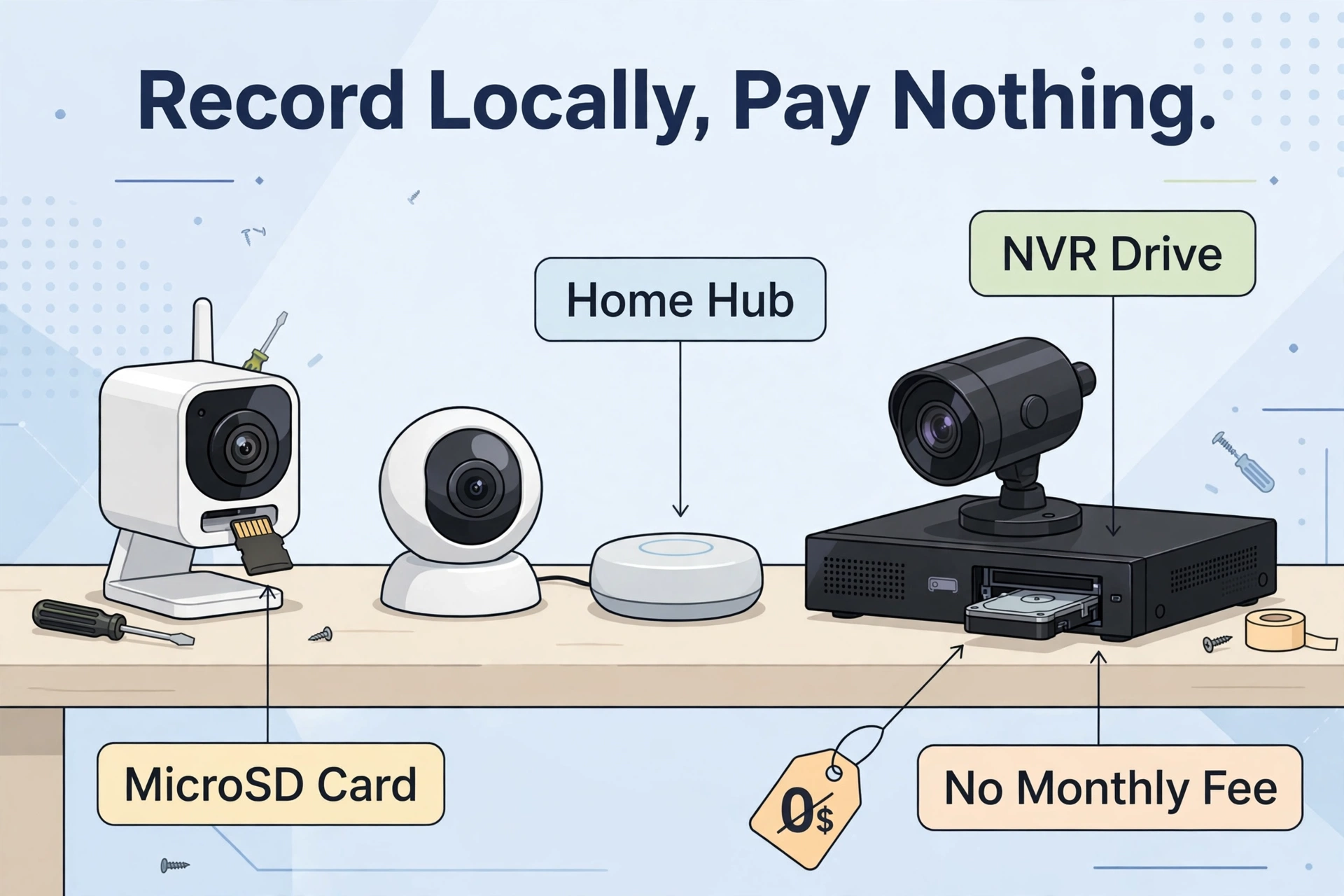
A camera with local storage saves video on hardware you own instead of on the company’s servers. When something moves, the clip lands on a microSD card in the camera, on a hub box plugged into your router, or on a hard drive inside a recorder. You open the app, scroll back, and watch. No plan, no monthly charge, no locked features.
Be honest with yourself about one thing, though: “no subscription” describes recording, not every smart extra. Some brands keep their best tricks behind a paid plan even when local recording is free. Wyze is the clearest example. Its cameras record to a microSD card for free, but person, pet, package. In addition, vehicle detection sit inside its paid Cam Plus plan. eufy and Reolink take the other path and run their people and vehicle detection on the device itself, so the smart alerts stay free.
There is also a quiet middle ground. Some free systems still send small pieces of data to the cloud for convenience features, like a photo thumbnail inside a phone notification. eufy states this plainly in its own product notes: if you turn on cloud-based extras such as thumbnail previews, those images travel to the cloud to make the feature work. The recording itself stays local. Read the fine print before you buy, and turn off any cloud extra you do not want.
The Three Ways Cameras Store Video Locally
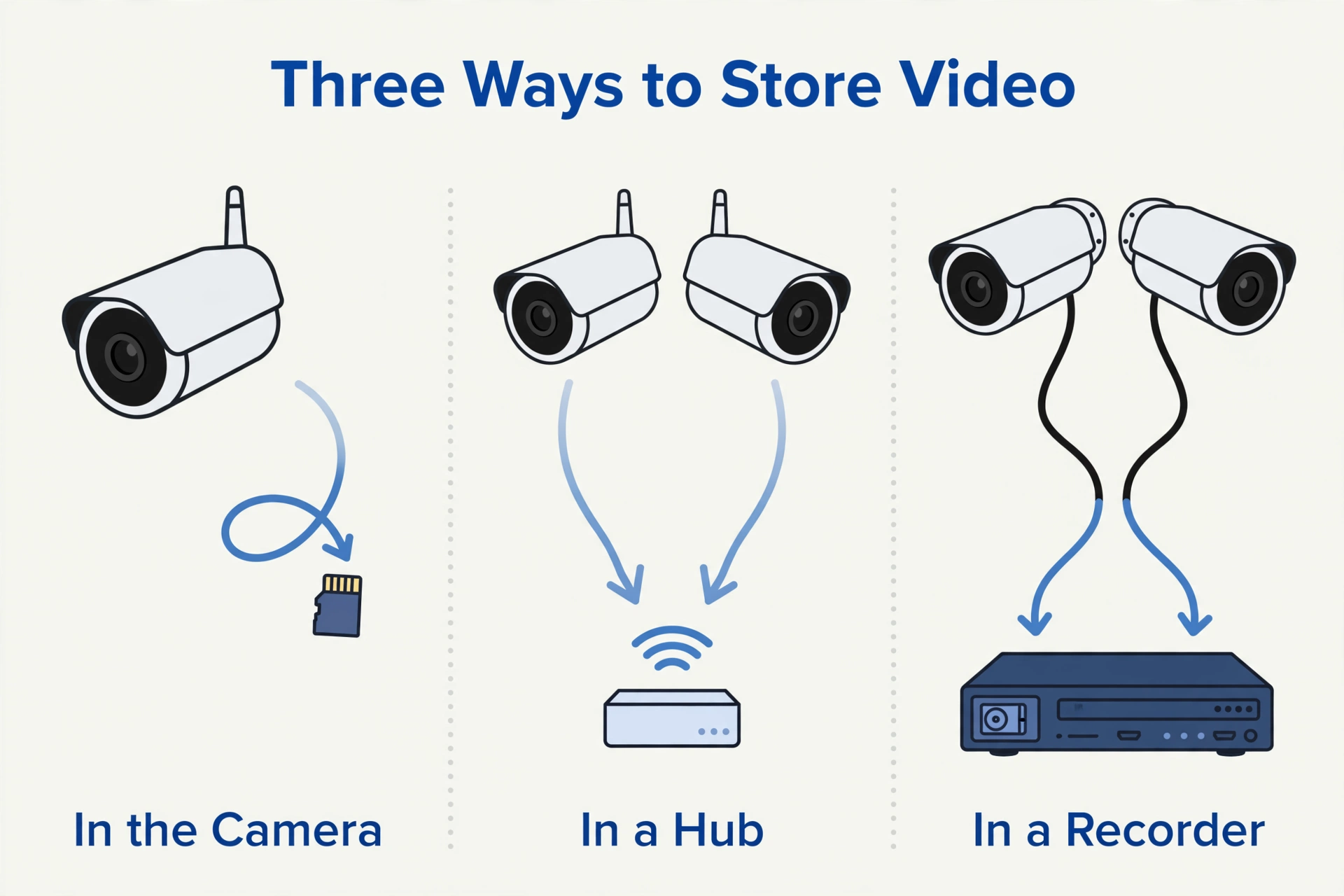
Every no-subscription system uses one of three storage styles. Each one suits a different home, budget, and patience level for installation.
MicroSD Card Inside the Camera
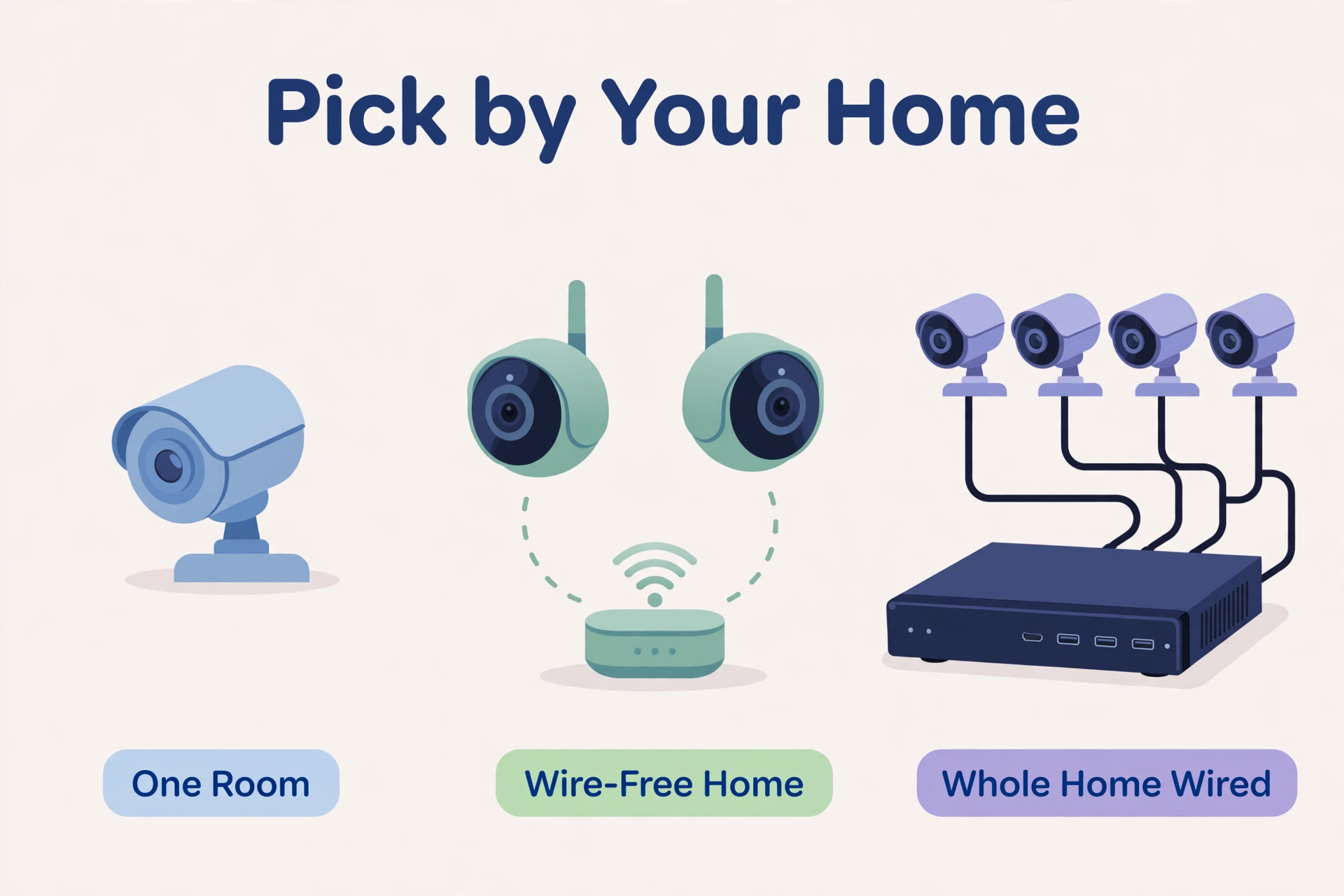
The simplest setup is a small memory card that slides into the camera itself. The Wyze Cam v4 works this way and accepts cards up to 256 GB. There is no extra box to buy and nothing to wire up beyond power. The trade-off is capacity: a card fills up in days if the camera records non-stop, and if someone steals the camera, the footage goes with it. For one or two cameras in a flat or small home, though, nothing is easier or cheaper.
A Local Hub or Base Station
Hub systems move the storage indoors. Cameras send their video wirelessly to a small box near your router, and the footage lives there instead of on the camera. eufy’s HomeBase 3 starts with 16 GB of built-in storage and expands up to 16 TB if you add a 2.5-inch hard drive. Reolink’s Home Hub includes a 64 GB microSD card and accepts two cards up to 512 GB each, so up to about 1 TB in total. Because the hub sits safely inside, a stolen camera does not take your evidence with it. This is the sweet spot for most homes.
An NVR or DVR Recorder
The traditional route is a recorder box with a big surveillance hard drive, wired to cameras over Ethernet cables. A Lorex NVR kit, for example, ships with a 2 TB drive and records every camera around the clock. Storage is measured in terabytes, not gigabytes, and the system does not depend on Wi-Fi at all. The cost is effort: you need to run cables, and the kit costs more up front. For whole-home coverage that never sleeps, it is still the most reliable option.
How Long Will Your Footage Last?
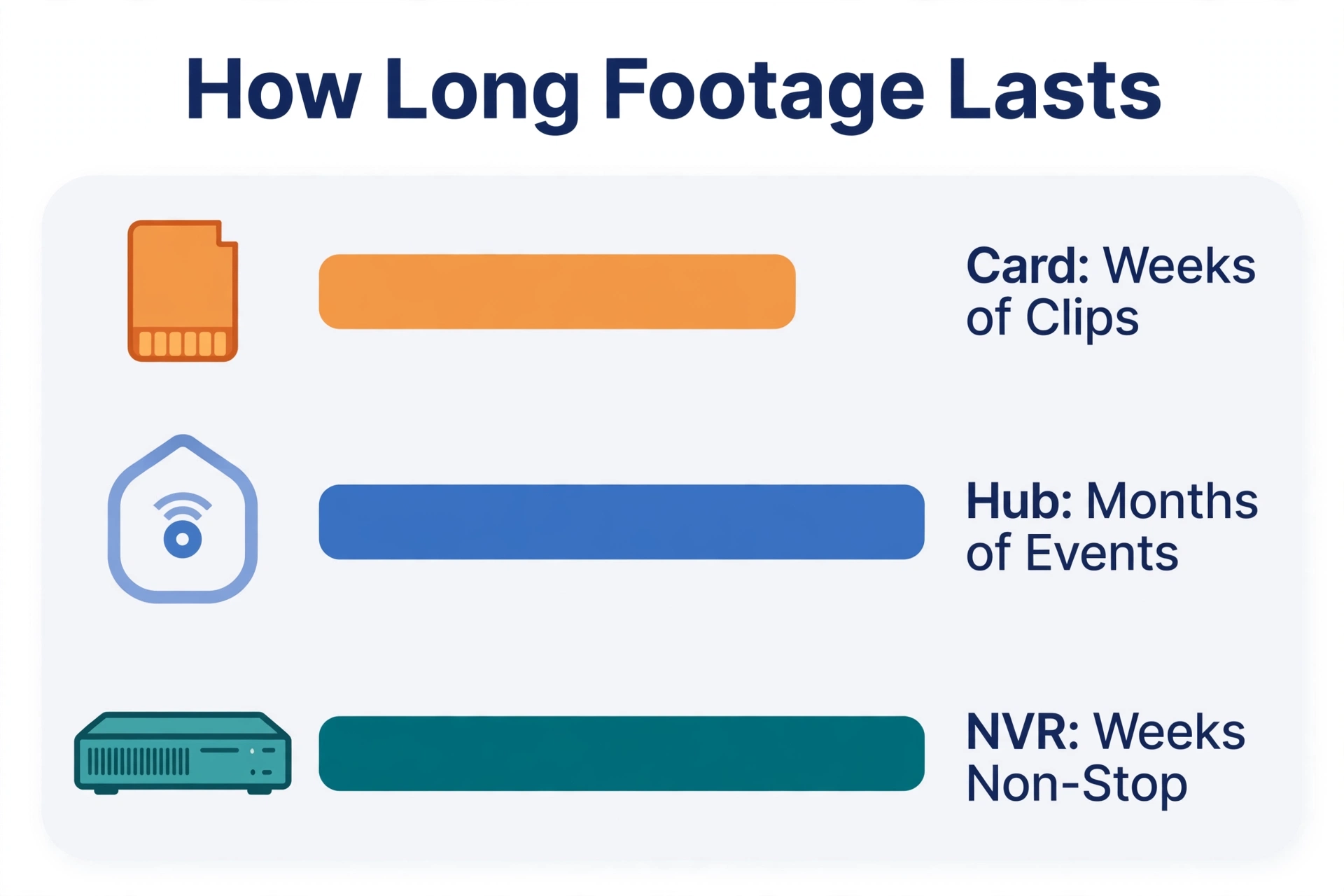
Local storage is not endless. When the card or drive fills up, the system deletes the oldest footage and keeps recording. How long you can scroll back depends on three things: how much storage you have, the video quality, and whether the camera records all day or only when it sees motion.
Reolink publishes useful real-world estimates in its official storage guidance, and they match what owners see in practice:
- A 128 GB to 512 GB microSD card recording motion events only typically keeps about 2 to 6 weeks of clips.
- The same size card recording 24/7 in high resolution fills in roughly 2 to 7 days.
- A 2 TB NVR drive recording four 4K cameras non-stop lasts about 10 to 14 days before overwriting.
- Reolink estimates its 64 GB Home Hub can hold up to a year of short motion clips from two 4K cameras, based on 20 events a day at 15 seconds each.
Treat these numbers as honest estimates, not promises. A busy street creates far more motion clips than a quiet garden, and higher bitrates eat space faster. The simple rule: motion-only recording stretches a small card for weeks, while continuous recording needs a hub or an NVR. If you need a guaranteed two weeks of non-stop video from several cameras, do the maths before you buy and size the drive for it, or plan to export important clips to your phone or computer before they are overwritten.
Our Picks: Security Cameras With Local Storage and No Subscription
We compared the main systems on storage type, maximum capacity, recording style, and what stays free. Every pick below records with zero monthly fee. Prices are from the brands’ own stores, checked on 2026-10-01, and they change often, so confirm the current price before you buy.
| Camera system | Storage type | Maximum local storage | Recording style | Monthly fee for recording |
|---|---|---|---|---|
| eufyCam S3 Pro 2-Cam Kit (HomeBase 3) | Local hub | 16 GB built in, expandable up to 16 TB | Motion events; 24/7 only when wired to power | None |
| Reolink Home Hub with Argus 3E | Local hub | 64 GB card included, up to 512 GB x 2 | Motion events | None |
| Wyze Cam v4 | microSD card in camera | Up to 256 GB | 24/7 continuous or motion | None |
| Lorex U Series 4K NVR Kit (4 cameras) | NVR hard drive | 2 TB included | 24/7 continuous | None |
eufyCam S3 Pro 2-Cam Kit: Best Wire-Free System
The eufyCam S3 Pro kit pairs two 4K battery cameras with the HomeBase 3 hub. The cameras carry built-in solar panels, so they mostly charge themselves, and the hub stores the footage locally: 16 GB built in, expandable up to 16 TB with a standard 2.5-inch drive. Person, face, vehicle, and pet detection run on the device, so the smart alerts are free, and eufy sells the kit on its own store with local recording and no monthly subscription as the headline promise. The kit was listed at $549.99 on eufy.com when we checked. The honest limits: battery cameras record events rather than a non-stop stream, and continuous recording only works when a camera is wired to constant power. If you enable thumbnail push notifications, those preview images pass through the cloud.
Reolink Home Hub with Argus 3E: Most Flexible Local Storage
Reolink’s Home Hub is a small central box that manages up to eight Reolink cameras and stores their footage on microSD cards, starting with a 64 GB card in the box and expanding to two 512 GB cards. The Argus 3E camera in the kit shoots 3MP video, runs on battery with an optional solar panel, and sends person, vehicle, and animal alerts with no subscription fee. Reolink also confirms the hub can keep cameras working on your local network without an internet connection, which is rare and genuinely useful during outages. Reolink did not show a US kit price on its product page when we checked, so confirm the current bundle price in its store before ordering.
Wyze Cam v4: Best Budget Camera
The Wyze Cam v4 costs $44.98 on wyze.com (checked 2026-10-01) and records 2.5K video to a microSD card up to 256 GB, sold separately. It can record 24/7 locally at no cost, which almost nothing else at this price allows. The catch is the one we flagged earlier: smart detection for people, pets, packages, and vehicles needs the paid Cam Plus plan, and so does cloud backup. If you are happy with basic motion alerts and local playback, it is the cheapest honest way into subscription-free recording. If smart alerts matter to you, budget for the plan or pick eufy or Reolink instead.
Lorex U Series 4K NVR Kit: Best for Non-Stop Recording
For driveways, shops, and larger homes, a wired NVR kit removes every battery and Wi-Fi worry. Lorex’s U Series 4K system connects four wired cameras to an 8-channel recorder with a 2 TB hard drive and records continuously, day and night. Lorex states plainly that its systems record locally with no monthly subscription, and the four-camera kit was listed at $709.99 on lorex.com when we checked. You get the longest, most reliable footage history of any pick here, at the price of running Ethernet cables during installation. If cabling a whole house sounds daunting, the same planning mindset in our guide to fitting a video doorbell without existing wiring will help you judge which spots truly need a wire.
Remote Viewing and Privacy Without the Cloud
A fair worry with local storage is whether you can still watch from your phone on holiday. With these systems, yes: the apps from eufy, Reolink, Wyze, and Lorex all stream live video and play back recordings remotely without a storage plan. Your phone connects to the camera or hub over the internet, but the recordings themselves stay on your card, hub, or drive. Some systems go further. Reolink’s Home Hub can serve cameras on your local network with no internet connection at all, so the system keeps working during an outage.
Privacy is the second win. Cloud cameras upload your clips to company servers by default; local systems keep the only copy inside your home. That does not make them perfect. Keep the apps updated, use a strong account password with two-factor sign-in where offered, and remember that convenience extras like thumbnail notifications may still touch the cloud. If you are comparing brands head to head, our Ring vs eufy vs Reolink doorbell comparison shows how differently these companies handle recording and fees at the front door.
How to Set Up Local Recording
Whichever system you choose, the setup follows the same basic path:
- Decide where each camera will watch from, and check that power or sunlight can reach it.
- Insert the microSD card, or connect the hub or NVR to your router with the cable in the box.
- Install the brand’s app, create your account, and add the hub or recorder first if your system has one.
- Add each camera, name it by its location, and let any firmware updates finish.
- Open the recording settings and confirm local storage is on and cloud recording is off.
- Set motion zones and sensitivity so passing traffic does not fill your storage with useless clips.
- Trigger a test event, then play the clip back from local storage in the app to prove it worked.
Before you start, gather the basics:
- The camera kit, hub, or NVR, with every cable from the box
- A microSD card or hard drive if your kit does not include one
- Your Wi-Fi password, and a phone with the brand’s app installed
- A drill and screwdriver for outdoor mounts
- A ladder for high mounting points
Which One Should You Buy?
Pick by how you want to record, not by the longest feature list. Choose the Wyze Cam v4 if you want one or two cheap cameras with true 24/7 local recording and can live with basic motion alerts. Choose the eufyCam S3 Pro kit if you want sharp 4K video, solar charging, and free smart alerts with storage that can grow to a hard drive. Choose Reolink’s Home Hub if you plan to mix battery, plug-in, and indoor cameras over time and want the system to keep working without internet. Choose the Lorex NVR kit if continuous recording matters most and you can run cables once for years of quiet reliability.
Every one of these systems keeps its recordings in your home and charges nothing per month to keep them. That is the whole point of the best security cameras with local storage and no subscription: you pay once, you own the footage, and the cameras keep working on your terms. For the storage maths behind these picks, Reolink’s official guide to how long cameras keep footage is the clearest free explanation we found, and the specs above come from the brands’ own product pages, including the Wyze Cam v4 page on wyze.com.
Frequently Asked Questions
Do security cameras with local storage really need no subscription?
For recording and playback, no. All four systems here save video to a card, hub, or hard drive and let you watch it free. Some brands charge only for optional extras, like Wyze’s smarter person and package detection, so check which features you care about before buying.
Can I watch local recordings when I am away from home?
Yes. Each brand’s app streams live video and plays back local recordings over the internet at no extra cost. The files stay in your home; your phone simply connects to view them.
How long does a 256 GB microSD card last in a security camera?
Recording motion events only, expect roughly 2 to 6 weeks of clips, based on Reolink’s published estimates. Recording non-stop in high resolution, the same card can fill in about 2 to 7 days. Busy locations fill faster than quiet ones.
What happens when local storage fills up?
The camera automatically overwrites the oldest footage and keeps recording. Nothing stops, but old clips are gone for good, so export anything important to your phone or computer before it is overwritten.
Is local storage safer than cloud storage?
It keeps the only copy of your video inside your home, so there is no server full of your clips to leak or breach. You still carry some responsibility: keep the app and firmware updated, and use a strong password on your camera account.
