


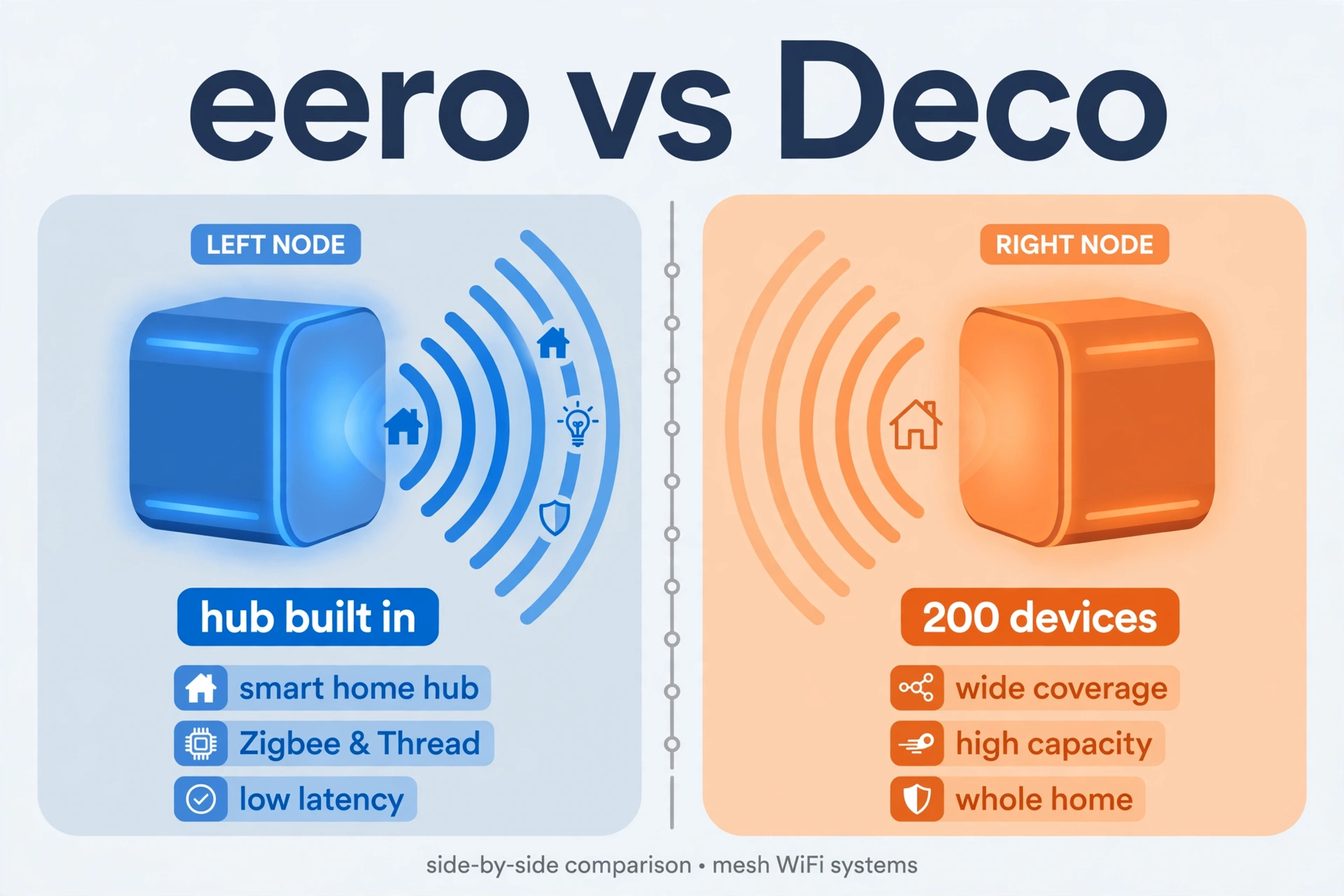
The eero vs deco mesh for smart home debate comes down to this: choose the eero Pro 6E if you want the smart home hub built into the router (Zigbee + Thread, no extra bridge), and choose the TP-Link Deco XE75 if you want maximum device capacity and coverage per dollar. Both are tri-band WiFi 6E mesh systems; eero wins on integration and simplicity, Deco wins on raw value.
Below: a side-by-side spec comparison, where each system shines for smart homes, the six differences that actually matter, the budget Deco X20 option, and a clear verdict for each type of household.
eero Pro 6E vs Deco XE75 at a Glance
Both are tri-band WiFi 6E mesh systems aimed at device-heavy homes, but they are built around different philosophies: eero sells simplicity plus smart home integration, TP-Link sells specs and capacity per dollar. For the wider field of options, see our roundup of the best mesh WiFi for smart home setups.
Table: eero Pro 6E vs TP-Link Deco XE75 compared
| Feature | Amazon eero Pro 6E | TP-Link Deco XE75 |
|---|---|---|
| WiFi standard | WiFi 6E, tri-band | WiFi 6E, tri-band (AXE5400) |
| Claimed device capacity | 100+ devices | 200 devices |
| Coverage | ~2,000 sq ft per unit | ~5,500 sq ft (2-pack) |
| Smart home radios | Zigbee + Thread + Bluetooth LE | None |
| Multi-gig port | 1 × 2.5 Gb | 1 × 2.5 Gb WAN/LAN + gigabit ports |
| Security / parental controls | Basic free; advanced via eero Plus subscription | HomeShield free (scan, parental controls, QoS) |
| Voice assistant | Alexa built in as smart home hub | Works with Alexa (voice commands) |
| Typical 2–3 pack price | Around $400 | Around $200 |
Amazon eero Pro 6E — Strengths for Smart Homes
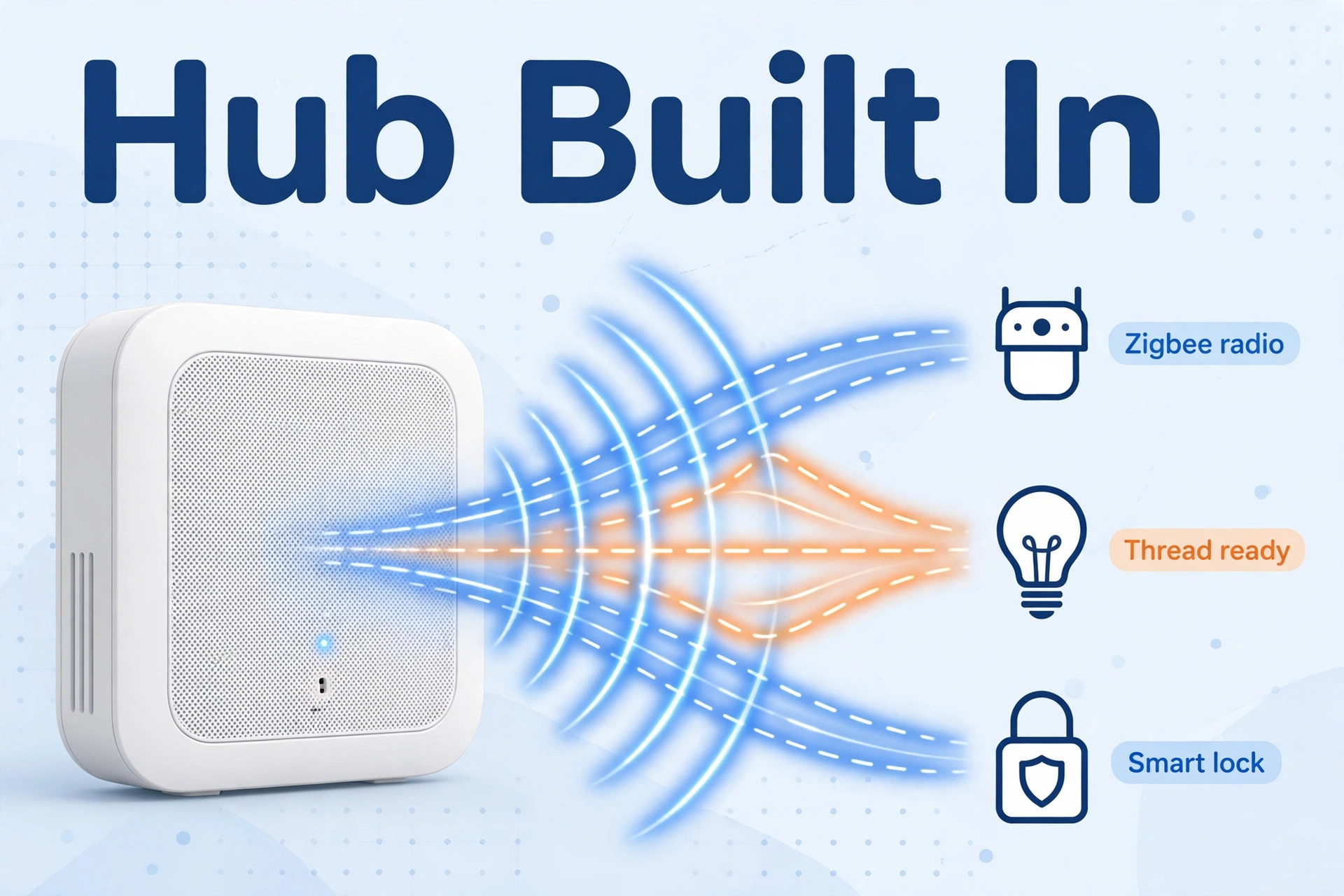
The eero Pro 6E’s standout feature is the one Deco cannot match: a built-in smart home hub. Every node carries Zigbee, Thread, and Bluetooth LE radios, so compatible bulbs, sensors, and locks pair directly with the router — no separate hub plugged into another outlet, no second app. For an Alexa household, the mesh doubles as the Alexa smart home hub, which removes a whole layer of gear.
On the WiFi side, TrueMesh routing is genuinely good at keeping dozens of low-bandwidth IoT clients stable — the exact problem that sends people mesh shopping. Setup is the easiest in the business: plug in, scan a QR code, and the app handles the rest in about ten minutes. It supports internet plans up to 2.5 Gbps and connects 100+ devices per the manufacturer.
The trade-offs: only two ethernet ports per node (plan for a switch if you wire a lot), advanced security features sit behind the eero Plus subscription, and covering a very large home means buying multiple units, which adds up. Thread border router functionality also means your Matter devices get a solid foundation — see our best Thread border router guide if you want to understand that role in depth.
TP-Link Deco XE75 — Strengths for Smart Homes
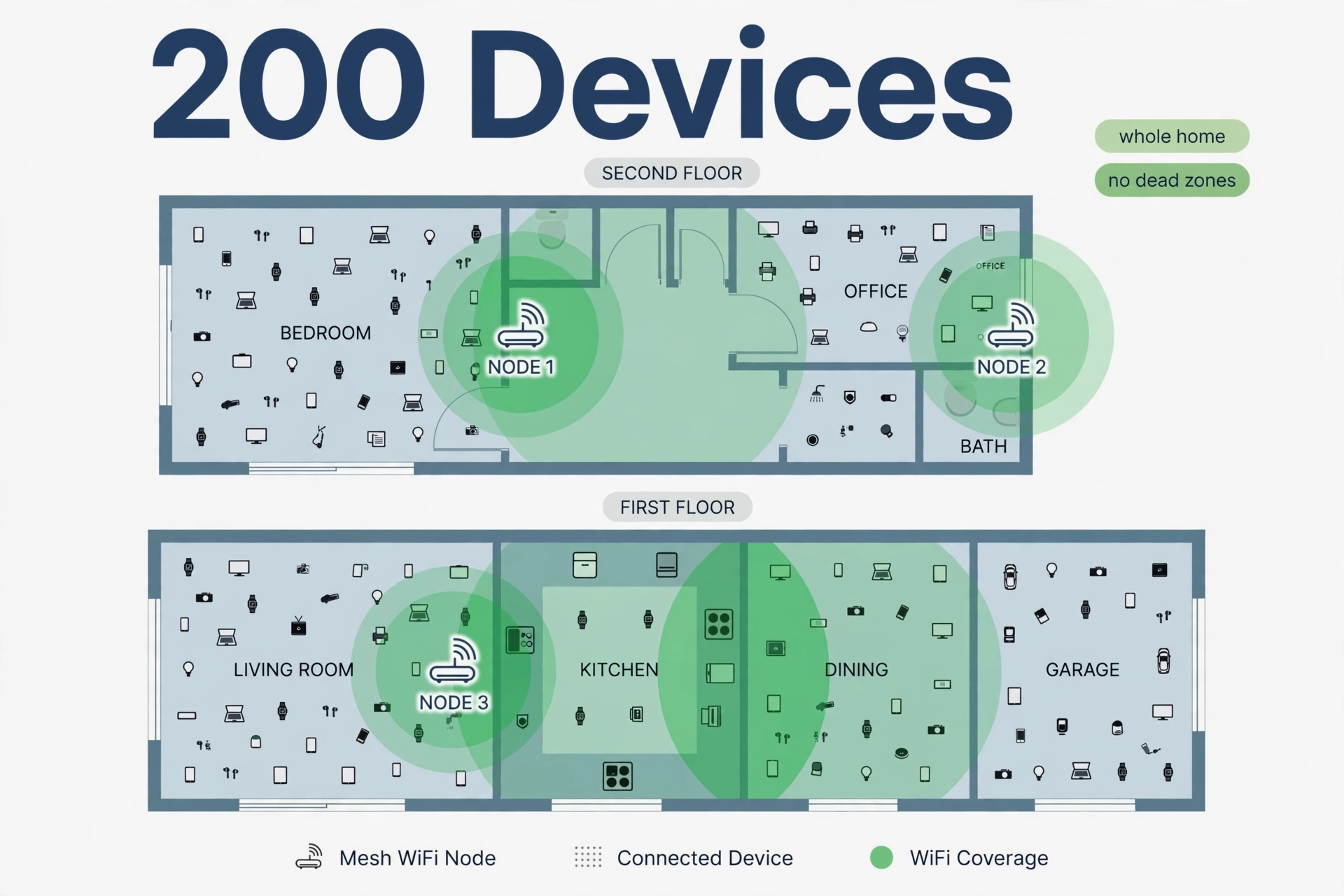
The Deco XE75’s pitch is capacity and value: 200 claimed devices, tri-band WiFi 6E with 160 MHz channels (up to 2,402 Mbps on both the 5 and 6 GHz bands), OFDMA and MU-MIMO to serve many clients simultaneously, and AI-driven mesh that optimizes itself. The 2-pack covers around 5,500 square feet — more than eero’s per-unit coverage for less money.
Hardware-wise it is arguably the better box: a 2.5 Gbps WAN/LAN port plus extra gigabit ports per unit, WPA3 security, and TP-Link HomeShield with security scanning, parental controls, and QoS included free — features eero charges a subscription for. The Deco app walks through setup in minutes and supports Alexa voice commands like “turn off the guest WiFi.”
The trade-offs: no Zigbee, Thread, or smart home hub of any kind — this is a pure WiFi play, so budget for a separate hub or coordinator for those protocols. And like most mesh systems, it needs a separate modem with most ISPs.
Head-to-Head: The 6 Differences That Matter
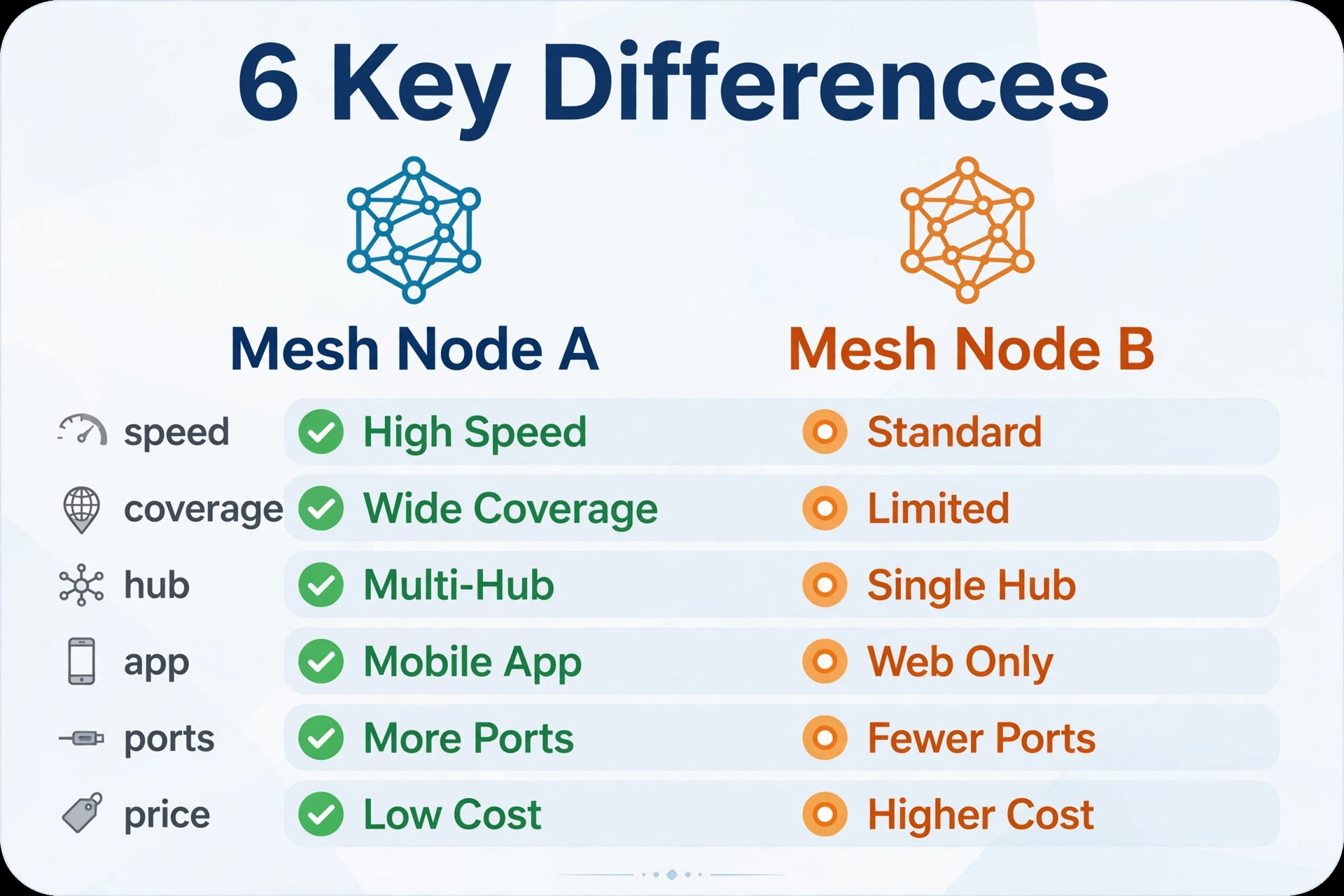
1. Smart home hub: eero wins clearly
eero Pro 6E has Zigbee, Thread, and Bluetooth LE built into every node. The Deco XE75 has none. If you want fewer boxes and direct pairing of sensors and bulbs, eero is the only choice of the two. If you already run Home Assistant with your own coordinator, this advantage shrinks to zero.
2. Device capacity: Deco wins on paper
Deco claims 200 devices vs eero’s 100+. In real homes both handle typical smart home loads (40–80 devices) comfortably; Deco simply offers more headroom for the paranoid. If your device count is already past 80 and climbing, Deco’s ceiling is reassuring — and our guide to the best router for many smart home devices explains how to count your clients and size headroom properly.
3. Coverage per dollar: Deco wins
A Deco XE75 2-pack covers around 5,500 square feet for roughly half the price of an equivalent eero Pro 6E setup. For big houses on a budget, the math is hard to argue with.
4. App and ease of use: eero wins
Both apps are good, but eero’s is the simplest mesh setup in the industry — genuinely ten minutes, no networking knowledge needed. Deco’s app is fine and offers more knobs (QoS, device prioritization), which tinkerers will prefer.
5. Security and parental controls: Deco wins on price
Deco’s HomeShield includes security scanning, parental controls, and QoS free. eero includes the basics free but puts advanced protection behind eero Plus. Over three years, the subscription narrows eero’s value proposition further.
6. Price: Deco wins big
A Deco XE75 2-pack often sells for around $200 (sometimes less on sale); an eero Pro 6E multi-pack runs around $400. You are paying roughly double for the hub radios and the simpler app. Check the current price on both — mesh prices move constantly.
Don’t Forget the Budget Deco: X20
If both flagships feel expensive, the TP-Link Deco X20 is the value trapdoor: WiFi 6 (no 6 GHz band), 150-device capacity, ~6,500 square feet from a 3-pack, and wired backhaul support — for well under half the price of the XE75. That 150-device ceiling covers the vast majority of smart homes; most households never pass 80 clients.
You lose WiFi 6E, but your IoT gadgets all use 2.4 GHz anyway, so the real-world difference for a smart home is smaller than the spec sheet suggests. The Deco app, HomeShield basics, and Alexa compatibility all carry over. Where you will feel the difference is peak speed on laptops and phones in the same room as the router — the XE75’s 6 GHz band is genuinely faster there. For everything else, the X20 is the rational pick for renters, apartments, and smaller homes.
Best for: Tight budgets with real device counts.
Watch out for: No 6 GHz band; slower peak speeds than the XE75.
Smart Home Platform Compatibility
The router is only half the story — how it plays with your platform decides how smooth daily life feels.
Alexa households: eero is the natural fit. The mesh acts as an Alexa smart home hub, Zigbee devices pair directly, and routines run without extra bridges. Deco works fine with Alexa for WiFi voice commands (“pause the internet”), but it will not absorb your Zigbee gear.
Google Home households: Neither system is Google-native the way Nest Wifi is, but both work well as the underlying network. eero’s Thread radio helps Matter-over-Thread devices; Deco’s extra capacity helps big device counts. If you are deep in Google Home, pick on WiFi merits — the platform layer sits above the router either way.
Apple HomeKit households: eero has the edge with its Thread border router support, which is what modern HomeKit-over-Matter accessories want. Deco owners can add a HomePod mini or Apple TV as the Thread border router instead and get the same result.
Home Assistant households: This is where Deco’s hub disadvantage disappears. If you run Home Assistant with your own Zigbee coordinator, eero’s built-in radios are redundant — buy on capacity, coverage, and price, which favors Deco. eero still works fine as dumb-fast WiFi under Home Assistant; you just would not pay extra for radios you will not use.
Setup Experience: eero App vs Deco App
Both systems promise ten-minute setup, and both mostly deliver — but the feel differs. eero’s app is the simplest in the industry: plug in the first node, scan a QR code, and it walks you through placement, naming, and firmware updates with almost no decisions to make. It is the system to buy for someone who never wants to think about networking again.
Deco’s app is also guided but exposes more controls: per-device QoS and prioritization, parental control schedules, HomeShield security scans, and guest network options are all a tap away. Tinkerers will prefer it; technophobes may find the extra menus mildly intimidating. Neither app requires any networking knowledge to get a working mesh — the difference is whether you want knobs afterward.
One practical note: both systems need a separate modem with most ISPs (they are routers, not modem-router combos). If you currently rent a gateway from your provider, put it in bridge mode or replace it before adding mesh — double NAT from two routers causes the exact flakiness you are trying to escape.
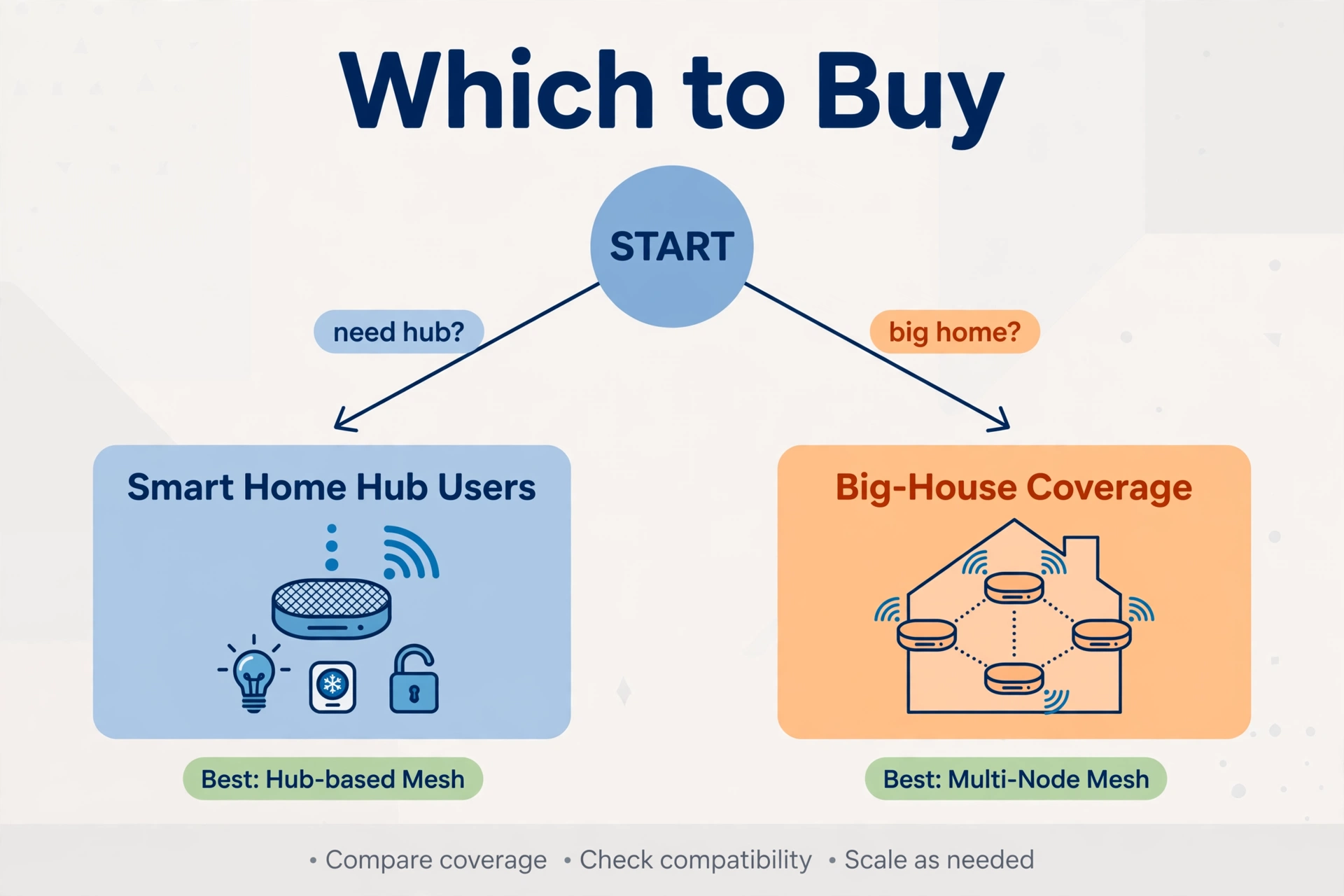
eero vs Deco Mesh for Smart Home: Which Should You Buy?
- Buy the eero Pro 6E if: you run an Alexa smart home and want the router to also be the hub; you value the simplest possible setup; you have 100 or fewer devices. See eero’s official site for current models and pricing.
- Buy the Deco XE75 if: you want maximum devices and coverage per dollar; you already have a smart home hub or run Home Assistant; you want free security features without a subscription.
- Buy the Deco X20 if: the budget is tight but the device count is not — it covers most smart homes for far less money.
Frequently Asked Questions
Can eero and Deco nodes be mixed in one mesh?
No. Mesh nodes only work within their own brand’s ecosystem. Pick one system and expand with its own nodes — you cannot add a Deco node to an eero network or vice versa.
Does the Deco XE75 work as a Zigbee hub?
No. The Deco XE75 has no Zigbee, Thread, or other smart home radios — it is WiFi only. You will need a separate hub, a smart speaker with a hub radio, or a dedicated coordinator for Zigbee and Thread devices.
Is eero’s subscription required?
No. The eero Pro 6E works fully as a router and smart home hub without eero Plus. The subscription adds advanced security (ad blocking, enhanced parental controls, VPN, password manager) — nice extras, not requirements.
Which is better for 100+ smart home devices?
On paper, the Deco XE75 with its 200-device claim. In practice, both handle 100+ typical IoT clients; eero’s TrueMesh is particularly steady with low-bandwidth devices. Past 150 devices, Deco’s headroom is the safer bet.
Do I need WiFi 6E for smart home gadgets?
No. Nearly all smart home gadgets use 2.4 GHz WiFi 6 or older. The 6 GHz band benefits phones, laptops, and VR headsets — not your light bulbs. Buy 6E for future-proofing and cleaner spectrum, not for the sensors.
eero Pro 6E vs Deco XE75 — which is easier to set up?
eero, by a clear margin. Scan a QR code and the app does the rest in about ten minutes. Deco’s setup is also guided and straightforward, but eero remains the simplest mesh system you can buy.
Conclusion
eero vs Deco for a smart home is not about which is “better” — it is about what you are paying for. The eero Pro 6E charges roughly double to fold the smart home hub into the router and make setup effortless. The Deco XE75 gives you more devices, more coverage, and free security features for the money. Alexa household that hates extra boxes? eero. Specs-per-dollar household with a hub already? Deco. Either way, check the current price before buying — the gap between them moves with every sale.
