

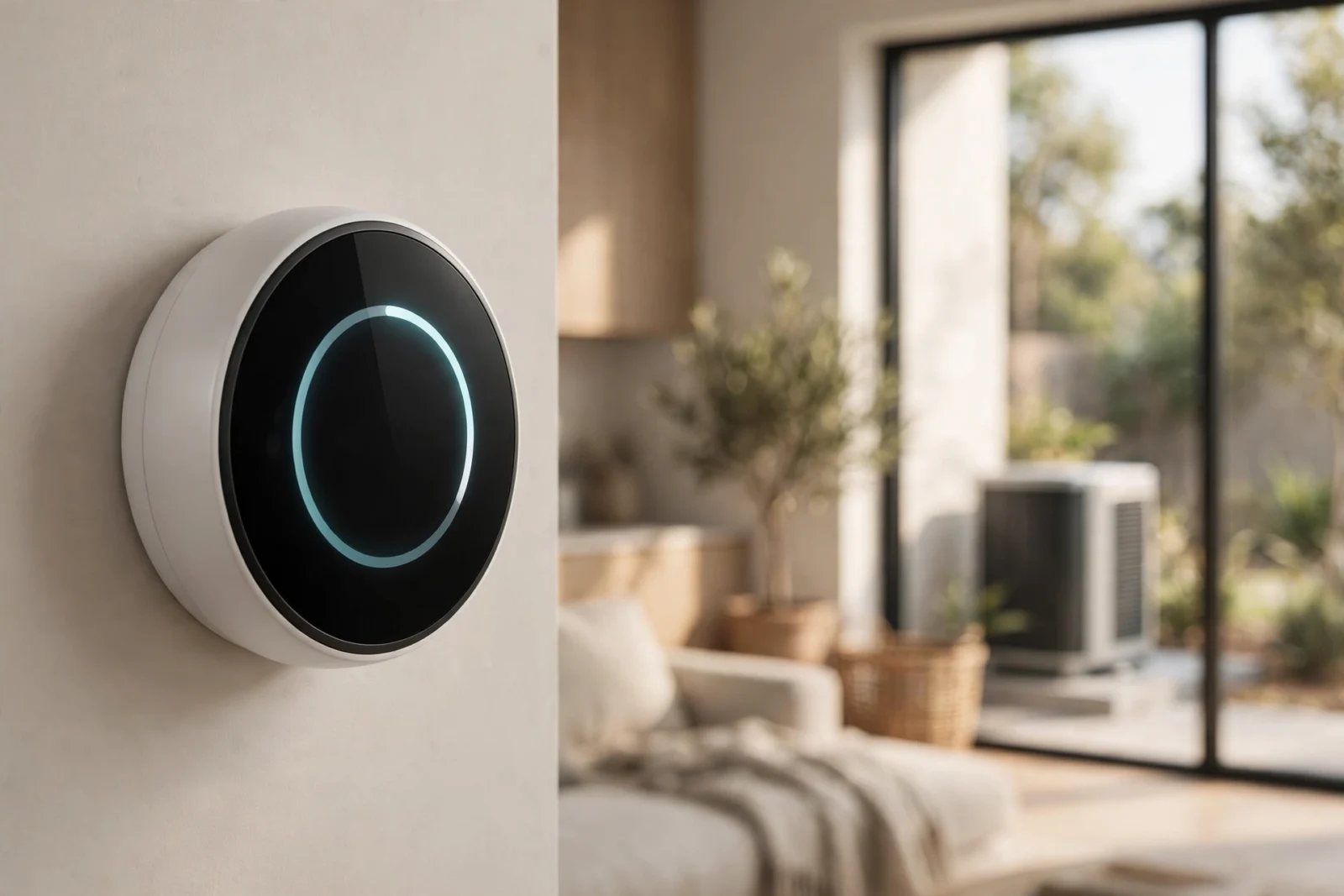
The best smart thermostat for a heat pump is the ecobee Smart Thermostat Premium. It lets you set exactly when the expensive aux heat is allowed to run, and it ships with a room sensor in the box. If you want the simplest setup instead, the Google Nest Learning Thermostat (4th Gen) with its Heat Pump Balance feature is the easiest pick — and the Honeywell Home T9 is a solid, quieter choice for homes that need room-by-room comfort.
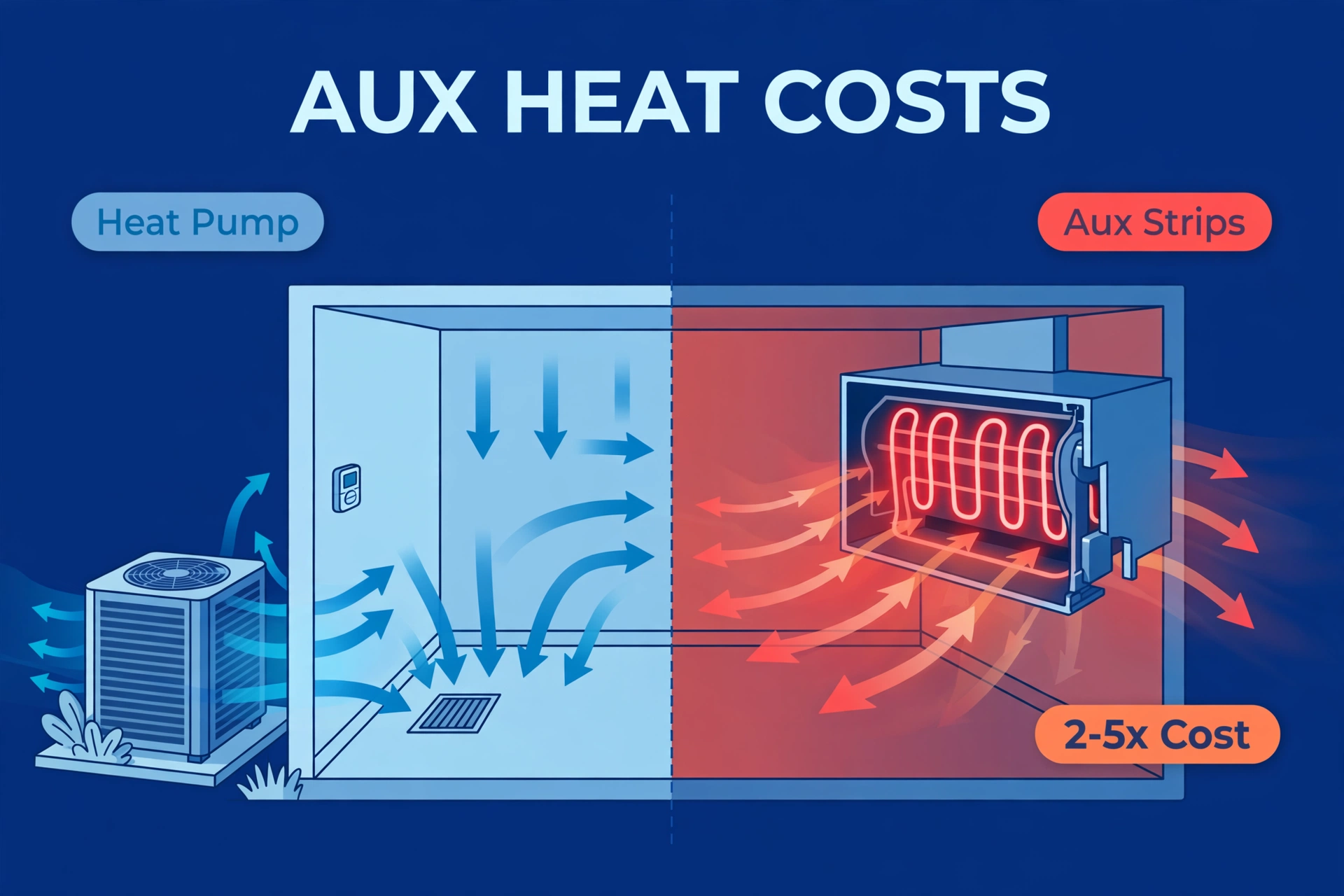
Heat pumps are wonderful for efficiency, but they are picky about their thermostat. A regular smart thermostat can technically turn the system on and off, yet still let auxiliary heat run far more often than it should — and aux heat can cost two to five times as much as running the heat pump itself. That one detail is what separates a good thermostat from the best smart thermostat for heat pump homes.
This guide compares the four thermostats that handle heat pumps properly. Prices below are US street prices checked on 2026-10-02.
Why a Heat Pump Needs a Special Thermostat
A heat pump is not a furnace. Instead of burning fuel, it moves heat from outside into your home. That works beautifully until the weather gets very cold — then the system needs backup. Understanding that backup is the key to picking the right thermostat.
Auxiliary heat is the budget killer. Most heat pump systems include electric heat strips (the AUX or W wires) that kick in when the heat pump alone cannot keep up. According to Google’s own support documentation, auxiliary heat can cost about two to five times as much as running your heat pump. A thermostat that fires up aux heat at the wrong moment quietly multiplies your winter bills.
The reversing valve needs the right wire. Heat pumps switch between heating and cooling with a reversing valve, controlled by the O/B wire on your thermostat. Any thermostat you buy must support that wire and let you configure which direction energizes it. All four picks in this guide do.
Lockout temperatures matter. Below a certain outdoor temperature, the heat pump stops being efficient and aux heat takes over. The best smart thermostat for heat pump systems lets you tune that switchover point — or manages it for you automatically. Cheap or generic smart thermostats often lack these settings entirely.
Defrost cycles are the last piece. When frost builds up on the outdoor coil, the system briefly reverses to melt it. Your thermostat does not run this process, but it should not panic when supply air feels cool for a few minutes. A thermostat with real heat-pump logic stays calm; a confused one may call for aux heat unnecessarily.
The Best Smart Thermostat for Heat Pump Systems, Compared
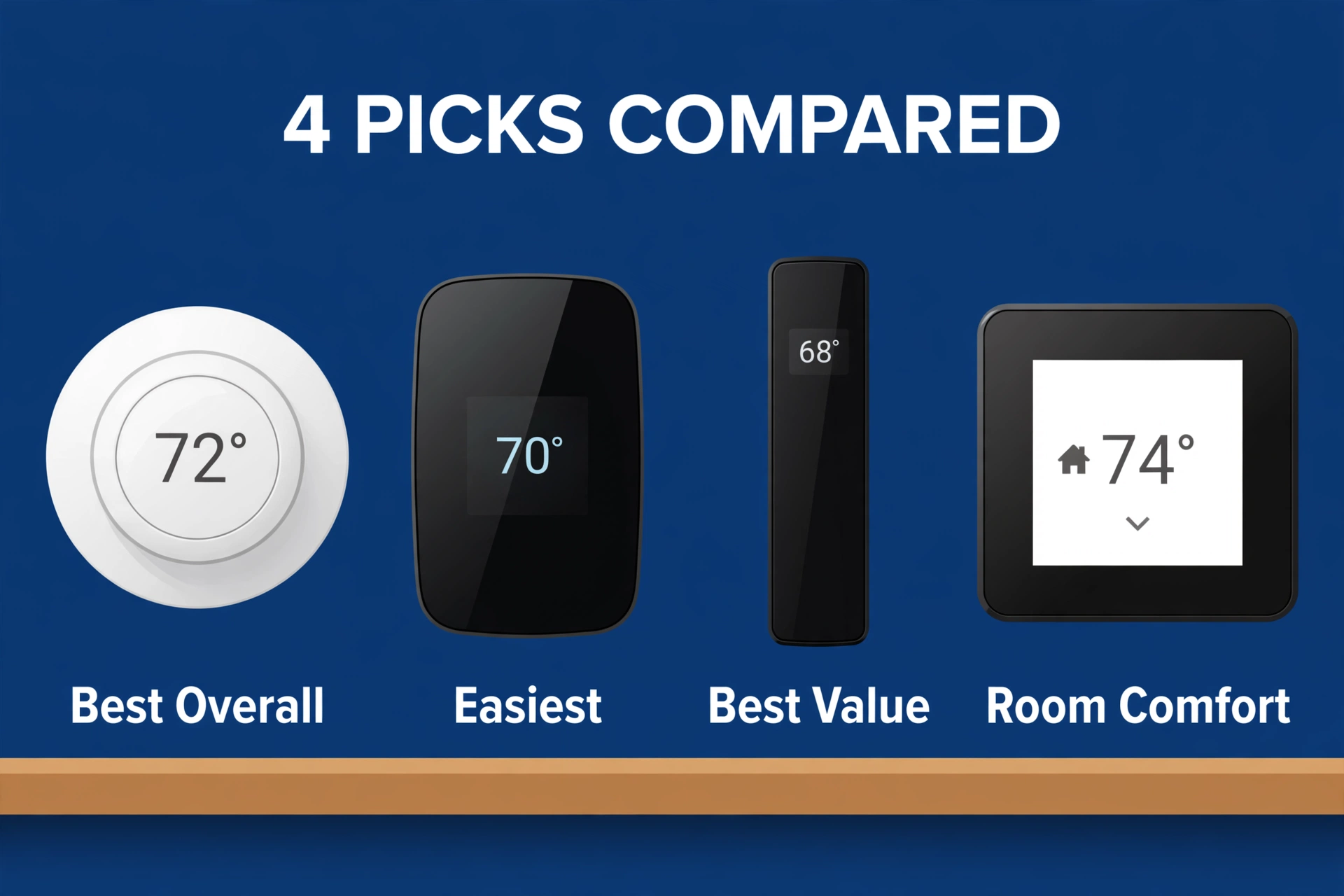
Here is how the four picks stack up before we dig into each one.
| Feature | ecobee Smart Thermostat Premium | Google Nest Learning Thermostat (4th Gen) | ecobee Smart Thermostat Enhanced | Honeywell Home T9 |
|---|---|---|---|---|
| Price (checked on 2026-10-02) | About $260 | $279.99 | About $200 | $209.99 with room sensor |
| Heat pump support | 2H/2C heat pump + 2-stage aux | Most 24V heat pump systems | Same as Premium | Heat pumps with electric backup |
| Room sensors | One SmartSensor in the box | One sensor included; supports up to 6 | Sold separately | One sensor included |
| C-wire needed | Yes, but Power Extender Kit included | Usually not required | Yes, but Power Extender Kit included | Yes, C-wire adapter included |
| Aux heat control | Configurable lockouts and staging | Heat Pump Balance (Comfort / Balanced / Savings) | Configurable lockouts and staging | Standard staging settings |
| Standout trait | Deepest HVAC settings | Simplest automatic setup | Best price for ecobee’s engine | Great room sensors, simple app |
ecobee Smart Thermostat Premium — Best Overall
The ecobee Smart Thermostat Premium is the best smart thermostat for heat pump owners who want full control. It supports two-stage heat pumps with two-stage auxiliary heat, and its settings let you fine-tune compressor lockouts and aux staging instead of trusting a black box. If your winters are cold and aux heat runs often, that control pays for itself.
It ships with a SmartSensor, includes the Power Extender Kit for C-wire-less homes, and works with Alexa, Google Assistant, Apple HomeKit, and SmartThings.
Two things to know before you buy. First, the price — about $260 (checked on 2026-10-02) — is the highest here, though the included room sensor softens that. Second, ecobee is designed for conventional multi-stage heat pumps. If you have a variable-speed inverter system or a mini-split, check with your installer first, because those usually need the manufacturer’s own controls.
Buy it if: you have a multi-stage heat pump with aux heat, cold winters, and want the deepest control over when aux heat runs.
Google Nest Learning Thermostat (4th Gen) — Easiest to Live With
The Nest Learning Thermostat (4th Gen) is the pick for people who want the thermostat to think for them. Its Heat Pump Balance feature — described on Google’s official Heat Pump Balance help page — lets you choose between Max Comfort, Balanced, and Max Savings, and the thermostat then decides how often aux heat runs on its own. You never have to learn what a lockout temperature is.
Installation is the friendliest of the four. The 12-terminal backplate works with most 24V systems, and in most homes no C-wire is required. It learns your routine, builds a schedule automatically, and the included temperature sensor helps fix hot and cold spots — and an offline voice assistant can change the temperature without sending a word to the cloud. At $279.99 (checked on 2026-10-02), it is also the priciest pick — you are paying for the learning algorithm and that big domed display.
The trade-off is depth of control. Heat Pump Balance is genuinely good, but if you are the type who wants to set exact lockout numbers, ecobee gives you more knobs. Nest is also firmly a Google product — it works with Matter, but Apple Home users get less love. For most heat pump households, though, the simplicity wins.
Buy it if: you want aux heat handled automatically, your wiring is simple or missing a C-wire, and you live in the Google ecosystem.
ecobee Smart Thermostat Enhanced — Best Value
The ecobee Smart Thermostat Enhanced is the same heat-pump brain as the Premium for about $200 (checked on 2026-10-02). Same multi-stage heat pump and aux heat support, same configurable settings, same app. What you give up is the extras: no air quality monitor, no SmartSensor in the box, a plastic frame instead of metal, and no built-in voice speaker.
For a heat pump, that is an easy trade. The parts that save you money — staging control, lockouts, eco scheduling — are all identical. If you want room sensors later, you can buy them separately; a single sensor costs far less than the Premium’s price gap. This is the pick I would recommend to most people who like ecobee’s control but flinch at the Premium’s price.
Buy it if: you want ecobee’s heat-pump settings at the lowest price and do not care about air quality monitoring or voice control.
Honeywell Home T9 — Best Room-by-Room Comfort
The Honeywell Home T9 takes a different approach: instead of the deepest HVAC settings, it focuses on comfort where you actually sit. Its room sensors are excellent — place them in bedrooms or the home office, and the T9 averages or prioritizes those rooms on a schedule. At $209.99 with a sensor (checked on 2026-10-02), it undercuts both flagships.
For heat pumps, the T9 covers the essentials: it works with heat pumps using electric backup heat and includes a C-wire adapter in the box. One caution from Honeywell’s official T9 compatibility notes: it is not meant for dual-fuel systems (heat pump plus gas furnace), so dual-fuel owners should look at ecobee or Nest instead.
For rooms that sit empty most of the day, presence sensors can drive smarter setbacks — see how mmWave sensors compare to PIR sensors.
The T9 will not win on automation smarts, but for a straightforward heat pump in a home with uneven temperatures, it is a calm, reliable, affordable pick.
Buy it if: your home has hot and cold spots, you want simple room sensors, and your system is a standard heat pump with electric backup.
How to Set Up a Smart Thermostat With a Heat Pump
Getting the wiring and settings right matters more than which brand you pick. Follow these steps in order.
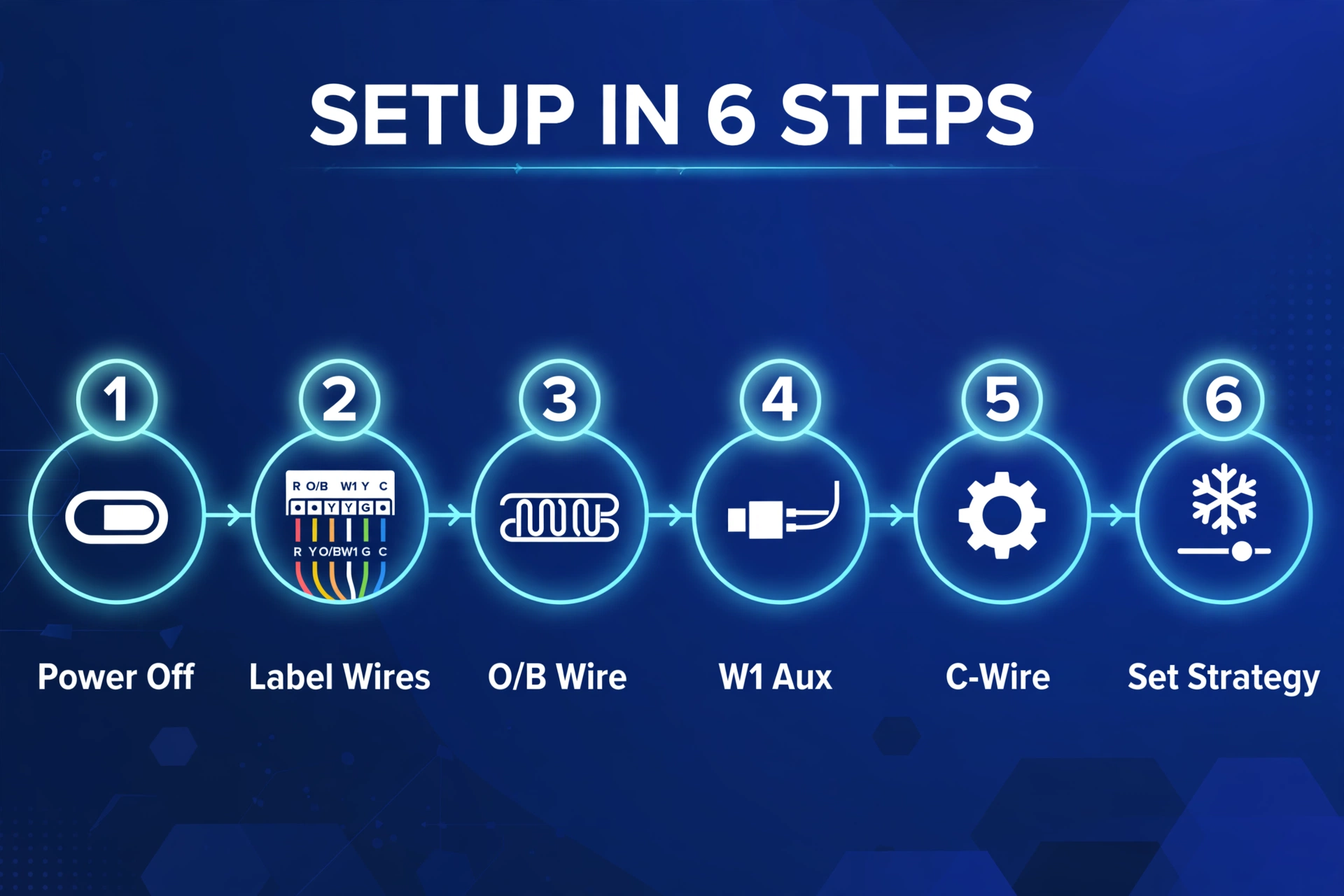
- Turn off the power. Flip the breaker for your HVAC system, not just the thermostat. Confirm it is dead before touching a wire.
- Photograph and label every wire. Take a clear photo of the old thermostat’s terminals, then label each wire with the terminal letter (R, C, Y, G, W, O/B). Heat pump wiring is easy to mix up — the O/B wire is the one that makes yours a heat pump.
- Confirm your aux heat wires. Electric backup strips usually land on W1 and sometimes W2. If you have a dual-fuel system (heat pump plus furnace), note which is which — and confirm your chosen thermostat supports it before you continue.
- Solve the C-wire question. Most smart thermostats want constant 24V power. If you have a C-wire, connect it. If not, use the Power Extender Kit that comes with both ecobee models, the adapter included with the T9, or Nest’s power-sharing design — and verify stable operation afterward.
- Configure the equipment type. During setup, tell the thermostat you have a heat pump, how many stages, and whether aux heat is present. This step is what activates heat-pump-specific features like Heat Pump Balance.
- Set your aux strategy. Choose Heat Pump Balance on Nest (start with Balanced), or set sensible lockout temperatures on ecobee and Honeywell. Then watch the first cold snap: if aux heat runs constantly on a mild night, your settings are too aggressive.
5 Features Worth Paying For on a Heat Pump Thermostat
- Aux heat staging and lockouts. The thermostat should let you limit when backup heat runs — or do it for you. This is the single biggest money feature.
- O/B reversing valve configuration. Non-negotiable. Without it, the thermostat cannot run a heat pump at all.
- Room sensors. Heat pumps run longer, gentler cycles, which makes uneven rooms more noticeable. Sensors fix the room you are actually in.
- Outdoor temperature awareness. Whether via Wi-Fi weather data or a wired sensor, the thermostat needs to know how cold it is outside to make smart aux decisions.
- Smart home integration. Geofencing, occupancy, and eco modes from your wider smart home multiply the savings. If you run Home Assistant, all four of these thermostats can join your climate dashboard — our guide to installing Home Assistant on a Raspberry Pi 5 walks through the setup.
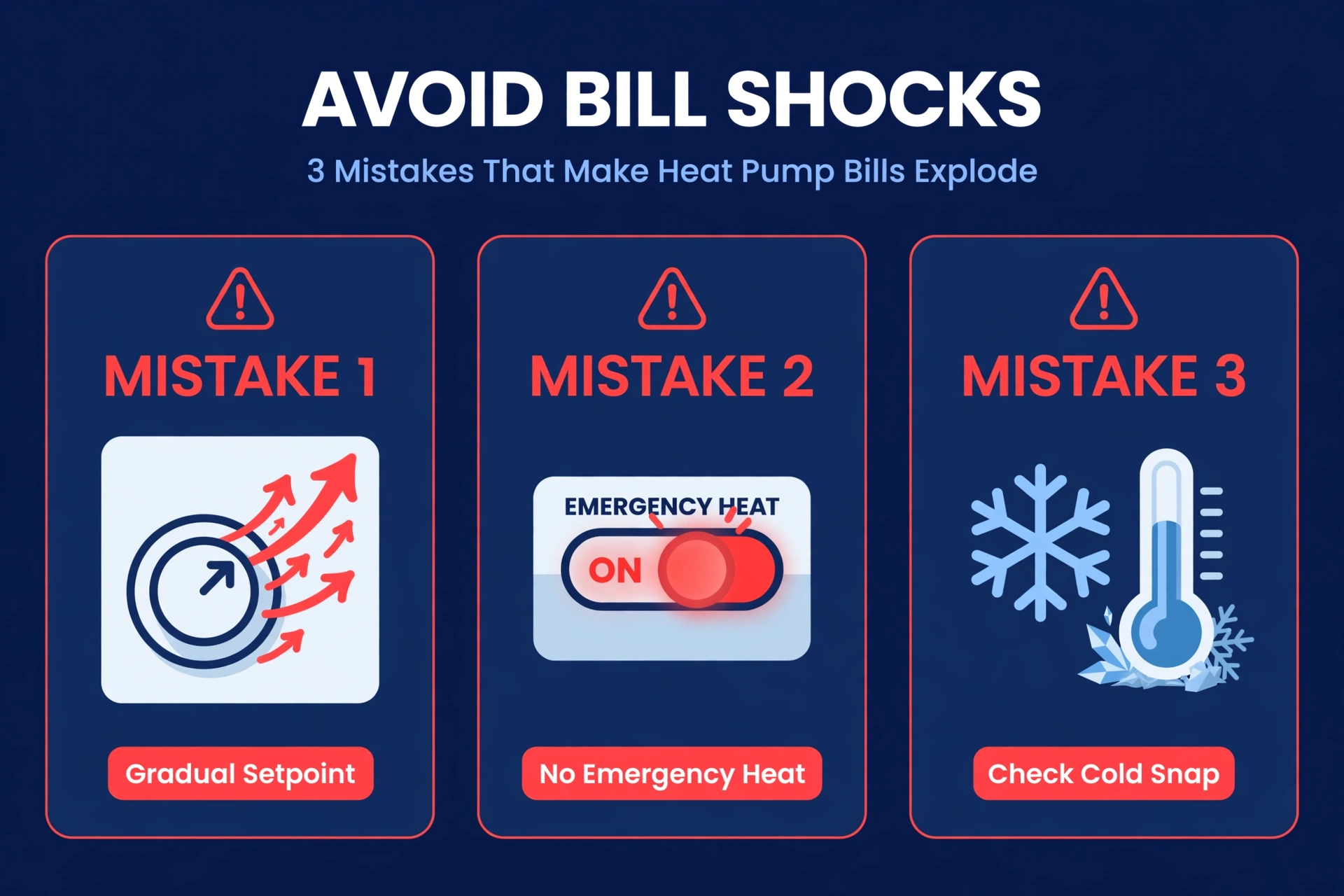
3 Mistakes That Make Heat Pump Bills Explode
- Cranking the temperature up 5 degrees at once. A big jump tells the system it cannot keep up, so it fires the aux strips. Raise the setpoint gradually — two degrees, wait, then two more.
- Using Emergency Heat as a regular setting. Emergency heat locks out the heat pump entirely and runs only the strips. It exists for breakdowns, not for Tuesday. If your thermostat shows aux or emergency heat on a mild day, something is misconfigured.
- Ignoring the first cold snap. New thermostats ship with defaults. Check the energy history after the first real cold night and confirm aux heat behaved. Five minutes of checking beats a shocking bill.
Frequently Asked Questions
Do all smart thermostats work with heat pumps?
No. A smart thermostat must support the O/B reversing valve wire and auxiliary heat staging to run a heat pump properly. Budget models sometimes lack these terminals or the settings to control them. All four thermostats in this guide support heat pumps — but always run your wiring through the manufacturer’s compatibility checker before buying.
What is the O/B wire on a heat pump thermostat?
The O/B wire controls the reversing valve that switches your heat pump between heating and cooling. During setup, the thermostat asks whether your valve energizes in cooling (O) or heating (B). Getting this wrong flips your seasons, so double-check it against your old thermostat’s wiring photo.
Why is auxiliary heat so expensive?
Auxiliary heat is usually electric resistance heat — essentially a giant space heater inside your air handler. It produces heat directly instead of moving it, which is far less efficient. Google’s support documentation notes that aux heat can cost about two to five times as much as running the heat pump, which is why limiting its use is the whole game.
Do I need a C-wire for a smart thermostat on a heat pump?
Usually yes, though it depends on the model. Both ecobee thermostats and the Honeywell T9 need constant power and include an adapter or extender kit when you do not have a C-wire. The Nest Learning Thermostat (4th Gen) can typically run without one. If your current wiring has only four wires, plan for the adapter before install day.
Is the ecobee or Nest better as a smart thermostat for a heat pump?
It depends on your style. The ecobee Smart Thermostat Premium gives you deeper manual control — exact lockouts and staging for multi-stage systems. The Nest Learning Thermostat automates those decisions with Heat Pump Balance and needs less tuning. Control freaks pick ecobee; set-and-forget households pick Nest.
Can I use emergency heat with a smart thermostat?
Yes, all of these thermostats can engage emergency heat, but it should be rare. Emergency heat bypasses the heat pump completely and heats only with the backup strips, which is the most expensive way to heat your home. Use it only if the heat pump itself has failed, then call a technician.
What temperature should I set the aux heat lockout to?
There is no universal number — it depends on your heat pump’s efficiency, your home’s insulation, and your climate. A common starting point is around 35°F (about 2°C), then adjust based on whether the heat pump keeps up. On Nest, simply choosing the Balanced or Max Savings setting handles this for you automatically.
The Bottom Line
The best smart thermostat for heat pump homes is the one that respects how expensive aux heat is. The ecobee Smart Thermostat Premium gives you the most control, the Nest Learning Thermostat (4th Gen) makes the decisions for you, the ecobee Enhanced delivers the same heat-pump smarts for less, and the Honeywell Home T9 keeps every room comfortable on a budget. Pick the one that matches your system and your patience for settings — then check it after the first cold snap. Tie any of them into Home Assistant; our Home Assistant Green vs Yellow comparison helps you pick the right hub. Your winter bills will thank you.
