

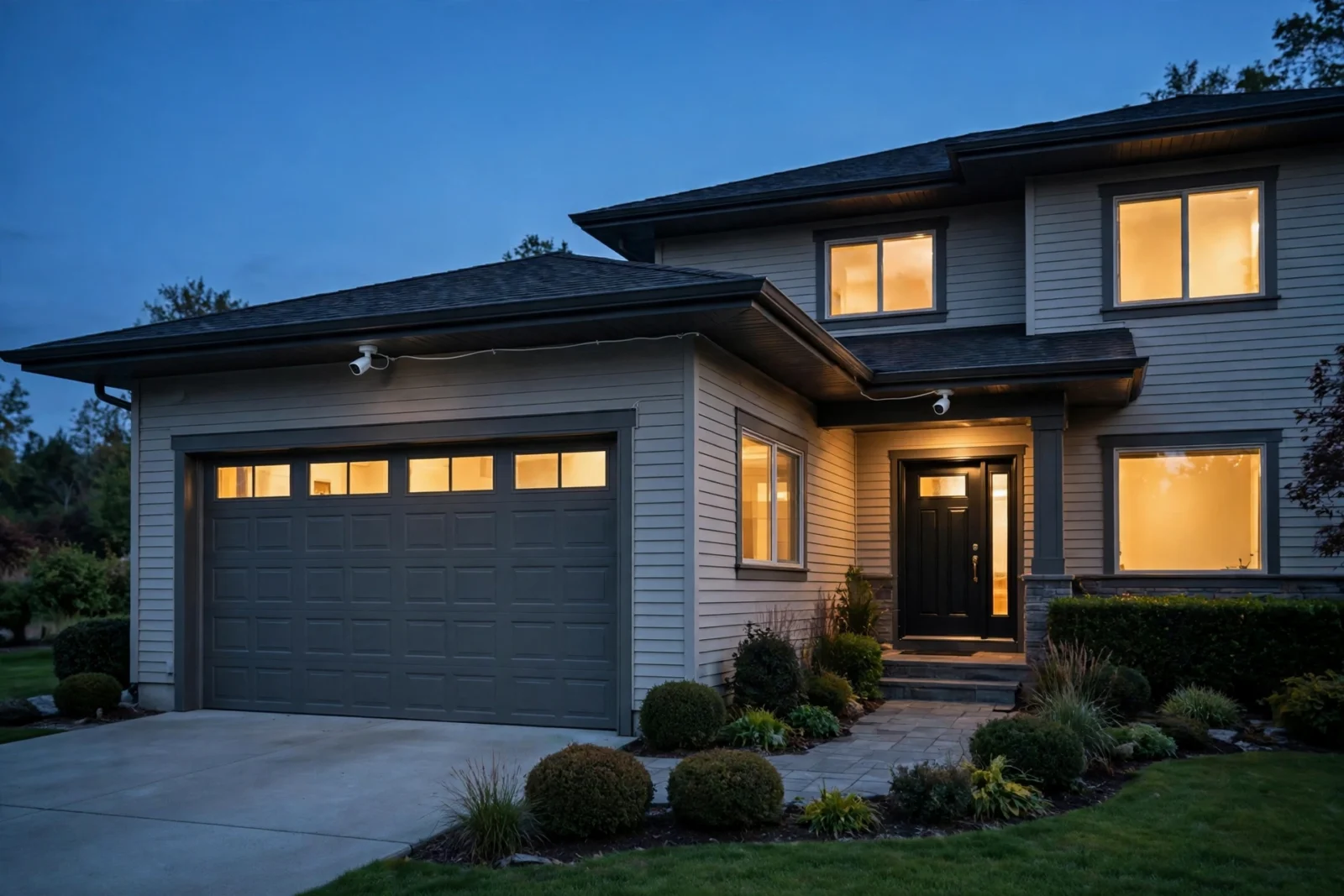
For a plug-and-play PoE camera system with no monthly fees, Reolink wins: its kits bundle 4K cameras with an NVR, the free app is genuinely good, and every camera exposes RTSP and ONVIF for Home Assistant and Frigate. Amcrest is the pick if you want maximum openness — ONVIF-compliant cameras that work with any NVR — and you do not mind a more dated app. Both record locally with zero required subscriptions.
This is a comparison for people buying wired PoE systems, not Wi-Fi doorbells. We will compare camera quality, NVR software, openness, remote access, Home Assistant and Frigate fit, and real 2026 prices — all checked on 2026-10-02, and worth rechecking before you buy since camera kit prices move with sales.
Reolink vs Amcrest: The Quick Comparison
| Feature | Reolink | Amcrest |
|---|---|---|
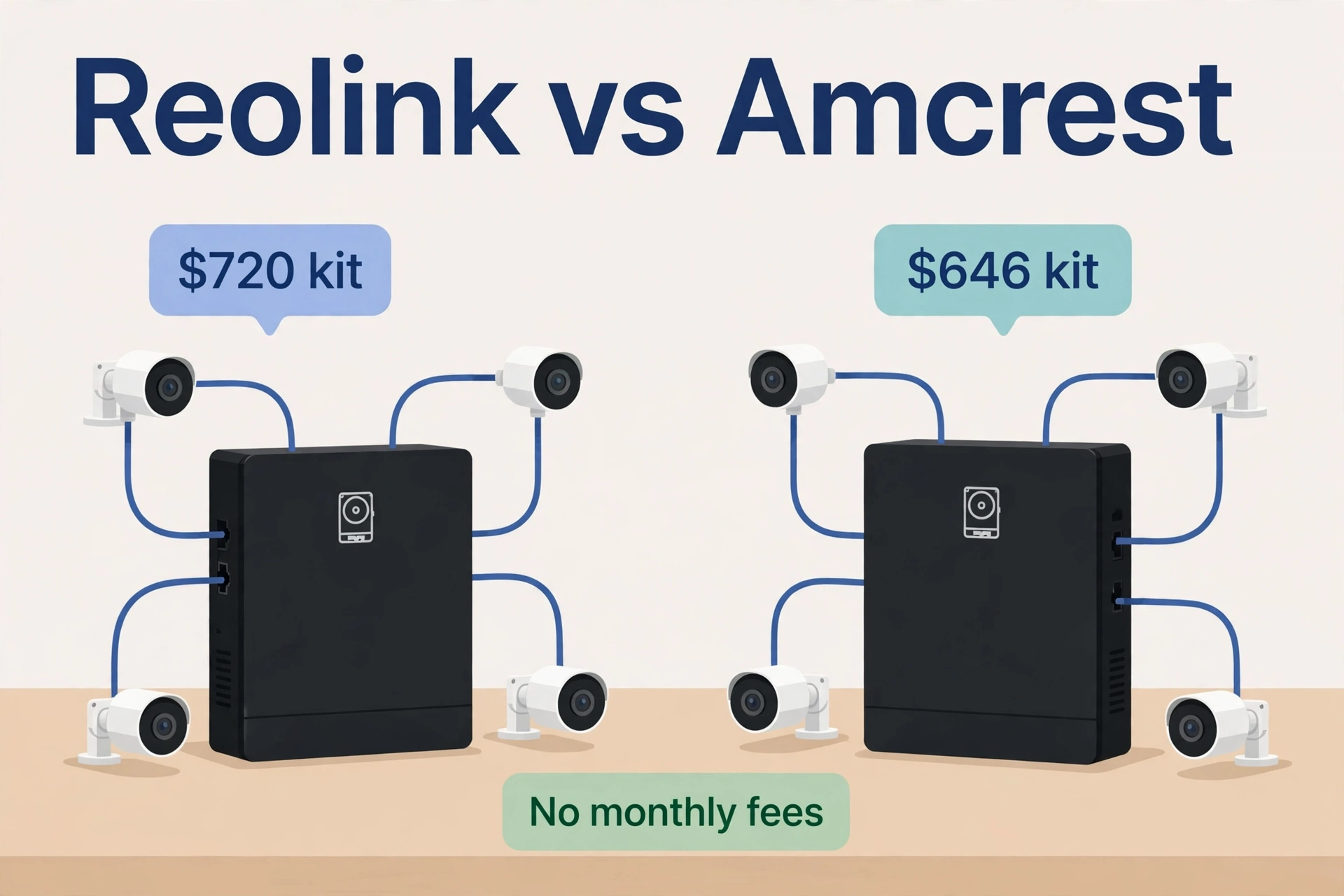
| Typical 4-camera 4K PoE kit price (checked 2026-10-02) | About $720 (RLK8-810B4-A) | About $646 (NV4108E-IP8M-2493EW4-2TB) |
| Camera resolution in kits | 4K (8MP) standard in current kits | 4K (8MP) or 5MP kits available |
| NVR in the box | Yes — 8 or 16 channel, HDD included | Yes — 8 channel, HDD included |
| Monthly fees | None — local recording, free app | None required — local recording, free app |
| Smart detection | Person, vehicle, animal — on-camera | Motion + AI detection on newer models |
| RTSP / ONVIF | Yes — both exposed | Yes — ONVIF-compliant cameras |
| Mix with third-party cameras | Reolink NVRs work with Reolink cameras only | NVR accepts ONVIF cameras from other brands |
| App experience | Modern, well reviewed | Functional but dated |
| Home Assistant / Frigate fit | Excellent — RTSP paths documented, HA integration | Excellent — RTSP + ONVIF, Frigate-listed |
Camera Quality: What You Actually Get
Both brands sell proper 4K (8MP) PoE cameras in their current kits. Reolink’s mainstream kit camera, the RLC-810A, records 3840×2160 at 25fps with H.265, has an 87° field of view, 100 feet of infrared night vision, a built-in microphone, and IP66 weatherproofing. Amcrest’s 4K turret and dome cameras hit the same 8MP mark with similar night vision ranges and IP67 ratings on most models.
Where they differ is the “smart” layer. Reolink puts person, vehicle, and animal detection directly on the camera — it analyzes shapes locally, so a swaying tree does not page your phone, and there is no cloud round trip. Amcrest’s newer AI models (the ones with “-AI” in the name) do similar object detection, but the lineup is mixed: older Amcrest cameras are plain motion detection, so check the exact model before you buy.
Both brands also include two-way audio on most current cameras — a speaker and microphone that let you talk to whoever is at the door from the app. It is a small feature until the delivery driver arrives while you are upstairs, and then it is the feature you use most.
Image quality between equivalent 4K models is close enough that you should not decide on pixels. Decide on the system around the cameras.
NVR Software: The Box That Records Everything
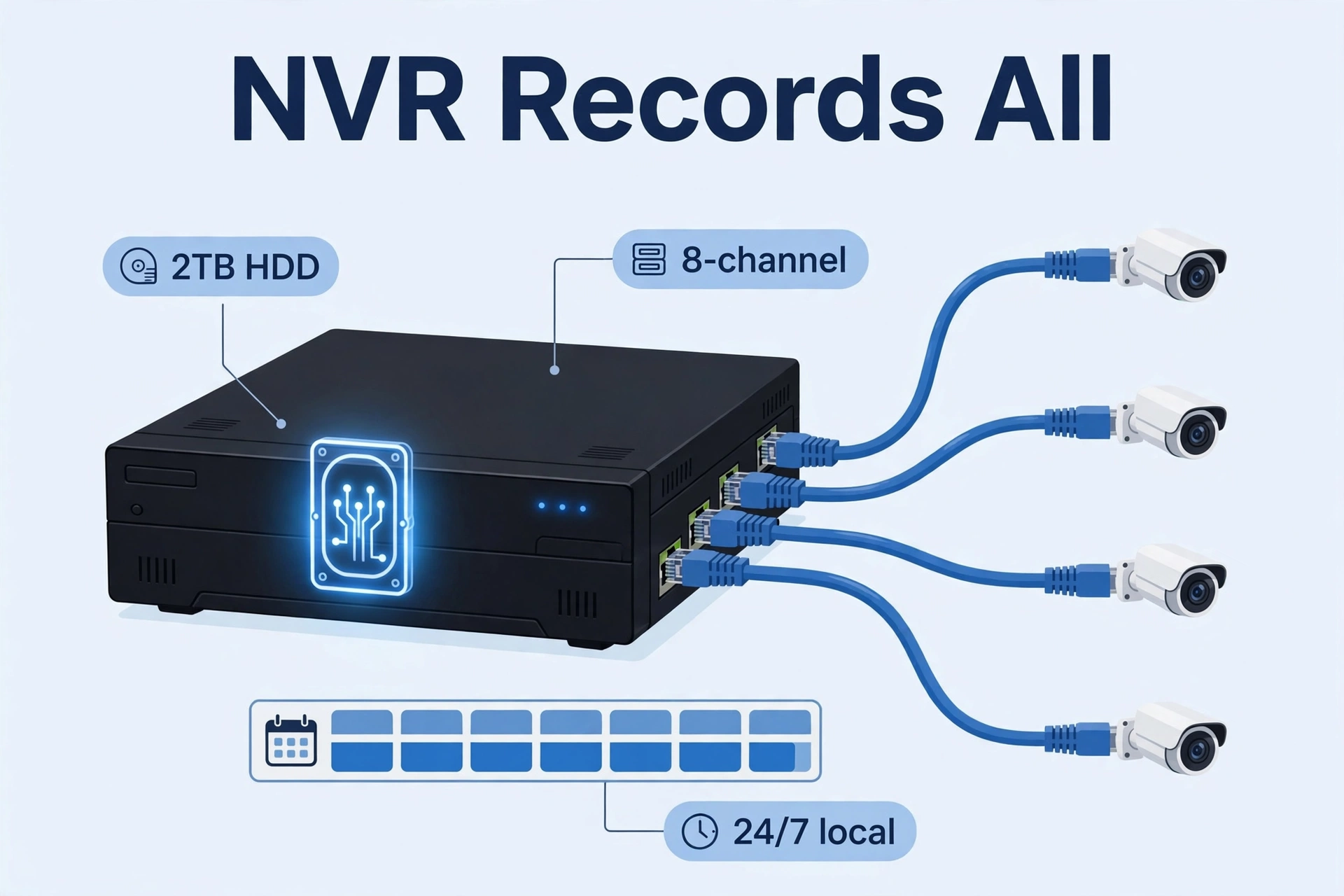
A PoE kit lives or dies by its NVR. Reolink’s 8-channel NVR (the RLN8-410 in most kits) arrives with a hard drive installed — 2TB is typical, expandable — and the setup is genuinely plug-and-play: connect the NVR to power and your router, plug each camera into the NVR’s PoE ports with the included Ethernet cables, scan a QR code in the app, and you are watching live feeds. Recording modes include 24/7 continuous and motion-triggered.
Amcrest’s NV4108E is the equivalent workhorse: 8 PoE channels, up to 6TB of storage (drive included in kits), and the same single-cable-per-camera wiring. The interface is less polished — menus that feel a decade old — but it is reliable and it exposes more pro settings if you like to tinker.
One real limitation to know: Reolink states that its NVRs work with Reolink cameras only. If you later buy a fancy third-party ONVIF camera, the Reolink NVR will not take it. Amcrest’s NVR accepts ONVIF cameras from other brands, which matters if you plan to mix and match over the years.
Openness: ONVIF, RTSP, and Escaping the App
This is the section Home Assistant users should read twice. Both brands expose their cameras to your local network — no cloud account required to get a video stream.
Reolink exposes both RTSP and ONVIF on its cameras. The standard main-stream path looks like rtsp://user:password@camera-ip:554/h264Preview_01_main, with a _sub variant for the low-resolution substream. ONVIF means auto-discovery tools and NVRs like Frigate or Blue Iris can find and configure the cameras.
Amcrest cameras are ONVIF-compliant and expose RTSP in the Dahua-style format: rtsp://user:password@camera-ip:554/cam/realmonitor?channel=1&subtype=0 (subtype=1 for the substream). Frigate’s own documentation lists Amcrest as a supported brand with notes on PTZ and autotracking for compatible models.
Bottom line: neither brand locks you into its app. Buy the kit, then point the streams wherever you want.
Remote Access Without Cloud Fees
Here is a pleasant surprise both brands share: remote viewing costs nothing. Reolink’s app connects to your NVR over its P2P service with no subscription — the smart detection runs on the camera, so nothing needs uploading. Amcrest’s View Pro app is likewise free for local and remote viewing.
Amcrest does sell an optional cloud storage plan, but it is exactly that — optional. Your NVR keeps recording locally whether you pay or not. Neither brand holds basic features hostage behind a paywall, which is more than you can say for most Wi-Fi camera brands.
The usual security advice applies to both: put cameras on your local network, use strong unique passwords, and do not port-forward the NVR to the internet. Use the vendor’s P2P app or a VPN for remote access.
Home Assistant and Frigate Fit
Both brands are first-class citizens in a Home Assistant camera setup. There are two paths, and most people end up using both.
Path one: the NVR + app. Run the kit as the maker intended — NVR records 24/7, app for viewing and alerts. Home Assistant can pull snapshots or streams from the cameras alongside. This is the low-effort path and it works fine.
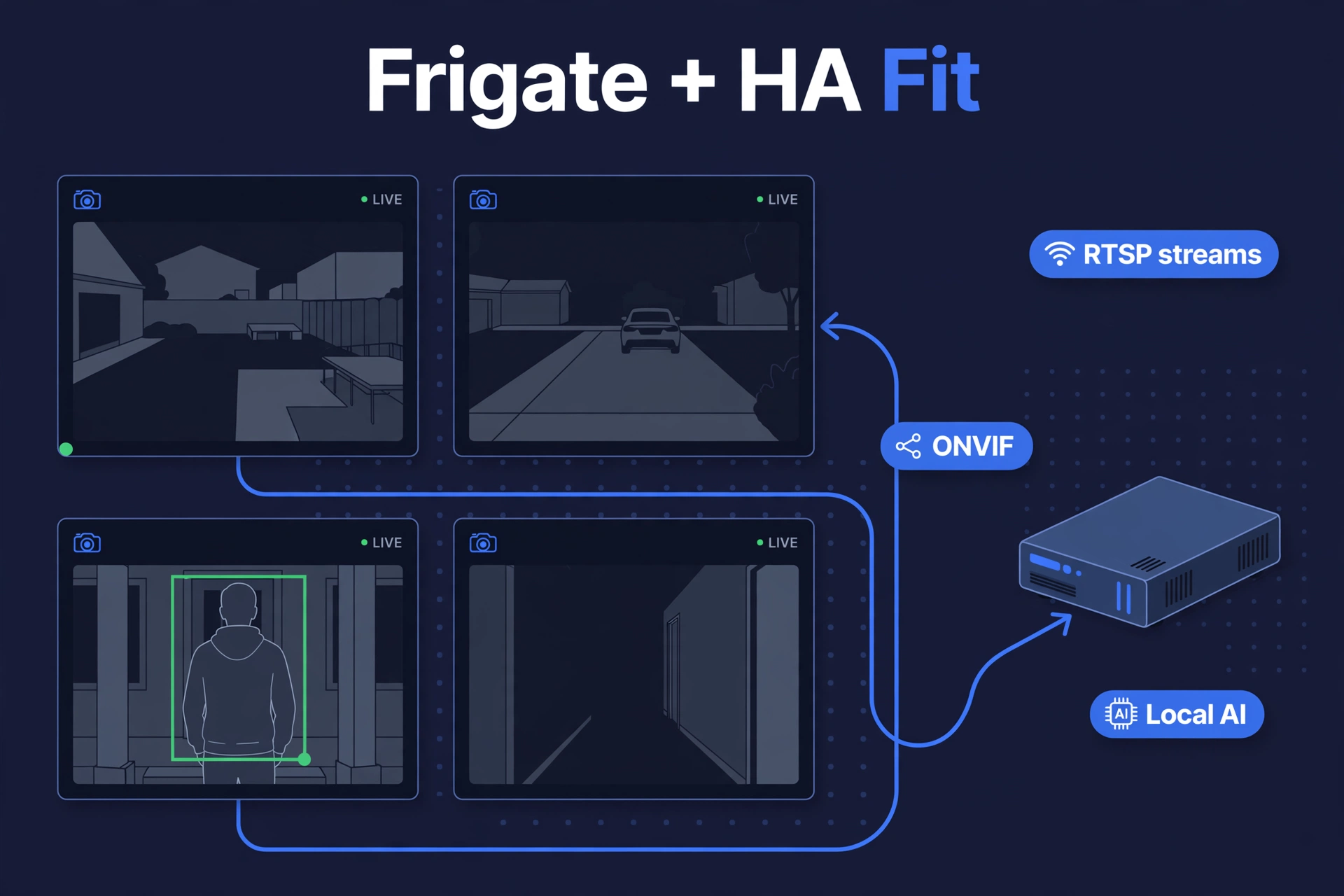
Path two: Frigate. Point the RTSP streams at Frigate running on your Home Assistant hardware, and you get local AI object detection, a unified timeline, and automations (“person in driveway after midnight → turn on the floodlights” — pair it with the smart lighting from our Philips Hue vs WiZ guide). Both brands’ documented RTSP paths drop straight into a Frigate config. If you are building the hardware for this, start with our guide to install Home Assistant on a Raspberry Pi 5 — and be honest about camera counts, since 4K detection wants real CPU or a Coral TPU. Our Home Assistant Green vs Yellow comparison helps you pick the right hub for heavier workloads.
Reolink also has an official Home Assistant integration that talks to cameras directly for events and control. Amcrest leans on the generic ONVIF and camera integrations, which work well but need manual setup.
Real 2026 Prices
Kit prices move with sales, so treat these as checked-on-2026-10-02 snapshots and recheck before buying:
- Reolink RLK8-810B4-A — 4× 4K PoE cameras, 8-channel NVR, 2TB HDD: about $720 (seen on sale at Best Buy Canada). The 8-camera 16-channel version (RLK16-800B8) runs about $1,260.
- Amcrest NV4108E-IP8M-2493EW4-2TB — 4× 4K dome cameras, 8-channel PoE NVR, 2TB: about $646 (seen at CompSource; stock fluctuates).
- Amcrest 5MP kits (4× 5MP cameras, same NVR platform) typically run lower than the 4K kits if you want to save money and do not need 8MP.
Per-camera, the two brands price almost identically once you compare equivalent kits. Amcrest’s 4K kit undercuts Reolink’s by roughly $70 at these snapshots, but sales flip that regularly. Buy on the system, not on a $70 sale delta.
How Much Storage Do You Really Need?
Both kits ship with a 2TB drive, and both let you expand — Reolink’s NVRs typically support up to 12–16TB depending on the model, Amcrest’s NV4108E up to 6TB. How long 2TB lasts depends on how you record.
How far 2TB stretches depends on bitrate, scene activity, and whether you record continuously or only on motion. Rather than trusting a stranger’s estimate, check your own NVR after a few days of running — it reports remaining retention based on your actual cameras. As a rule, motion-triggered or smart-event recording (person/vehicle only) multiplies retention several times over in a quiet neighborhood, and H.265 cameras use roughly half the space of older H.264 ones at the same quality.
The practical advice: start with the included drive, run motion-triggered recording, and check after a month how far back your history goes. If you need more, adding a bigger drive to an NVR is a ten-minute job — one more reason to prefer kits with a real NVR over cloud-only cameras.
PoE vs Wi-Fi Cameras: Why Wired Wins for 24/7
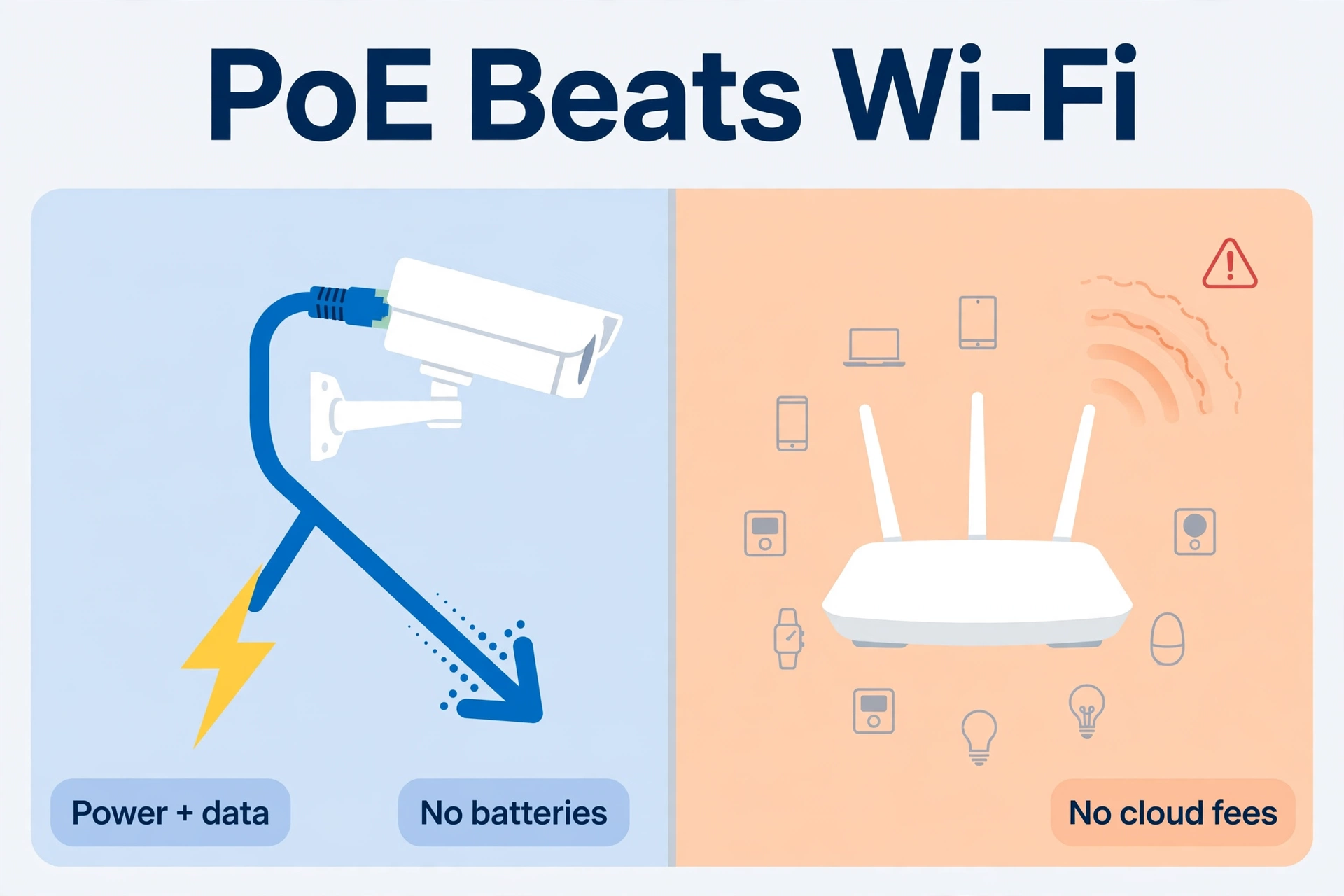
You might wonder why this whole comparison is about PoE instead of Wi-Fi cameras. Three reasons. First, power: a PoE camera gets power and data over one Ethernet cable, so there is no battery to charge and no outlet to find. Second, reliability: Wi-Fi cameras compete with every other device on your network and drop frames when the signal dips; a wired camera just works. Third, cost over time: Wi-Fi cameras from the big brands usually need a cloud subscription for recording history, while a PoE kit records locally forever for free.
Wi-Fi cameras still make sense for renters or single tricky spots. But for whole-home 24/7 coverage, wired PoE is the professional answer — which is exactly why both Reolink and Amcrest built their reputations on it.
The Verdict: Reolink vs Amcrest
- Buy Reolink if you want the smoothest out-of-box experience: the modern app, on-camera person/vehicle/animal detection with no tuning, and a kit that just works. The trade-off is a closed NVR that only takes Reolink cameras.
- Buy Amcrest if openness matters more: ONVIF cameras that work with any NVR, an NVR that accepts third-party cameras, and slightly lower kit prices. The trade-off is dated software and a lineup where you must check each model’s smarts.
For the full reolink vs amcrest decision in one line: Reolink is the better product, Amcrest is the more open platform. Smart-home tinkerers who will run Frigate anyway may prefer Amcrest’s openness; everyone else will be happier with Reolink. For the official specs on the kit we priced, see Reolink’s official RLK8-810B4-A system page.
Reolink vs Amcrest: FAQs
Do Reolink or Amcrest cameras require a subscription?
No. Both record locally to the NVR’s hard drive and both offer free remote-viewing apps. Amcrest sells an optional cloud plan, but nothing you need is behind it.
Can I use Reolink cameras with a third-party NVR like Frigate?
Yes — the cameras expose RTSP and ONVIF, so Frigate, Blue Iris, or any ONVIF NVR can use them. The limitation is the reverse: Reolink’s own NVR only accepts Reolink cameras.
Can I mix Amcrest cameras with another brand’s NVR?
Yes. Amcrest cameras are ONVIF-compliant, so they work with third-party NVRs and software. The Amcrest NVR likewise accepts ONVIF cameras from other brands.
Reolink vs Amcrest: which has better night vision?
Comparable. Both offer 4K cameras with roughly 100 feet of infrared night vision. Reolink’s newer cameras add color night vision via spotlights on some models. Real-world night performance depends more on your lighting and mounting than on the brand.
Which is better for Home Assistant, Reolink or Amcrest?
Both work well. Reolink has an official Home Assistant integration plus documented RTSP paths; Amcrest works through the ONVIF integration and is listed in Frigate’s supported cameras. If you want the least configuration, Reolink edges it. If you want maximum mixing freedom, Amcrest edges it.
Can I view these cameras on my TV?
Yes. Both NVRs have an HDMI output — plug the NVR into the TV and you get a live multi-camera grid with a mouse for control. For a smarter setup, Home Assistant dashboards can show the same feeds on any TV with a browser or the HA app.
