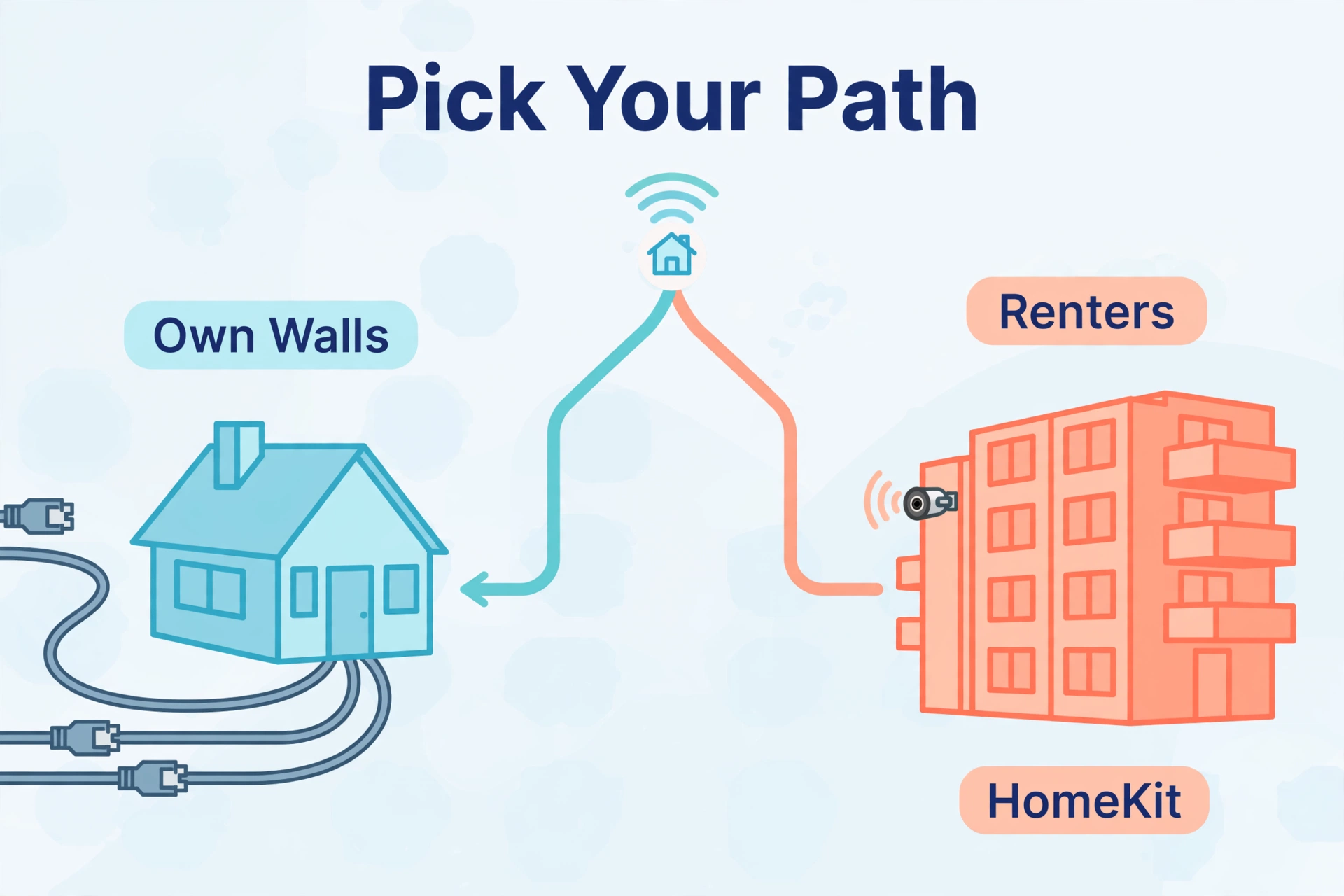
If you want wired cameras that record around the clock with no hub and no monthly fee, buy Reolink. If you want wireless battery cameras you can mount in an afternoon with zero drilling through walls, buy Eufy. That is the honest answer to the reolink vs eufy question, and the rest of this guide explains the trade-offs behind it.
Both brands built their names on the same promise: security footage that stays in your home instead of living on someone else’s server. But they took opposite roads to get there. Reolink is a wired-first brand — PoE cameras, NVR recorders, microSD slots, open protocols. Eufy is a wireless-first brand — battery cameras, a HomeBase hub, solar panels, and an app designed for people who never want to touch a cable. Which road fits your home depends on how much wiring you are willing to do and how much you care about 24/7 recording.
This comparison covers how each system works, what it costs in 2026, storage and subscriptions, detection smarts, Home Assistant fit, and who should buy which.
Reolink vs Eufy at a Glance
The whole comparison on one screen.
| Feature | Reolink | Eufy |
|---|---|---|
| Core philosophy | Wired-first: PoE cameras, NVRs, always-on recording | Wireless-first: battery cameras, HomeBase hub, easy install |
| Power options | PoE, Wi-Fi, battery, solar across the range | Mostly battery + solar; wired options limited |
| 24/7 continuous recording | Yes — NVR, microSD, or FTP | Mostly event clips; 24/7 only on select models |
| Hub required | No — cameras work standalone | Yes — HomeBase 3 unlocks AI and storage |
| Local storage | microSD (up to 512GB), NVR hard drive | HomeBase 3 (16GB built-in, expandable to 16TB) |
| Mandatory subscription | No | No |
| Starting price (single camera) | Around $50–$140 depending on model | Around $130–$200 per camera in kits |
| Flagship 2-camera kit | RLK8-810B4-A 4K PoE kit: ~$560 list, often under $480 on sale | eufyCam S3 Pro 2-cam + HomeBase 3: $549.99 |
| Smart home | Alexa, Google Assistant; RTSP/ONVIF for Home Assistant | Alexa, Google Assistant; S3 Pro adds Apple HomeKit |
How Each System Actually Works
Reolink cameras are independent devices. Buy one PoE camera, run an Ethernet cable to it, and it records to its own microSD card — no hub, no recorder, no account required. Add more cameras and they all appear in the same free Reolink app. Want 24/7 recording across the whole house? Add a Reolink NVR, plug the cameras into its PoE ports, and it films everything to a hard drive you own. The system grows one cable at a time, and every piece works without the others.
Eufy works the other way around: the HomeBase 3 is the brain. Battery cameras talk to the HomeBase over a private wireless link, and the HomeBase handles AI detection, storage, and the connection to your phone. Without the HomeBase, a EufyCam is a paperweight — the cameras cannot record to the cloud directly or work standalone. That hub-centric design is what makes Eufy so simple to install (mount camera, plug in HomeBase, done) and also what locks you into Eufy’s ecosystem.
Neither approach is wrong. Reolink’s independence suits tinkerers and anyone building a serious wired system. Eufy’s hub model suits renters and anyone who wants the whole thing working in under an hour.
Wired vs Wireless: The Decision That Matters Most
Forget the logos for a minute. The reolink vs eufy choice is really a wiring question, and it decides everything downstream.
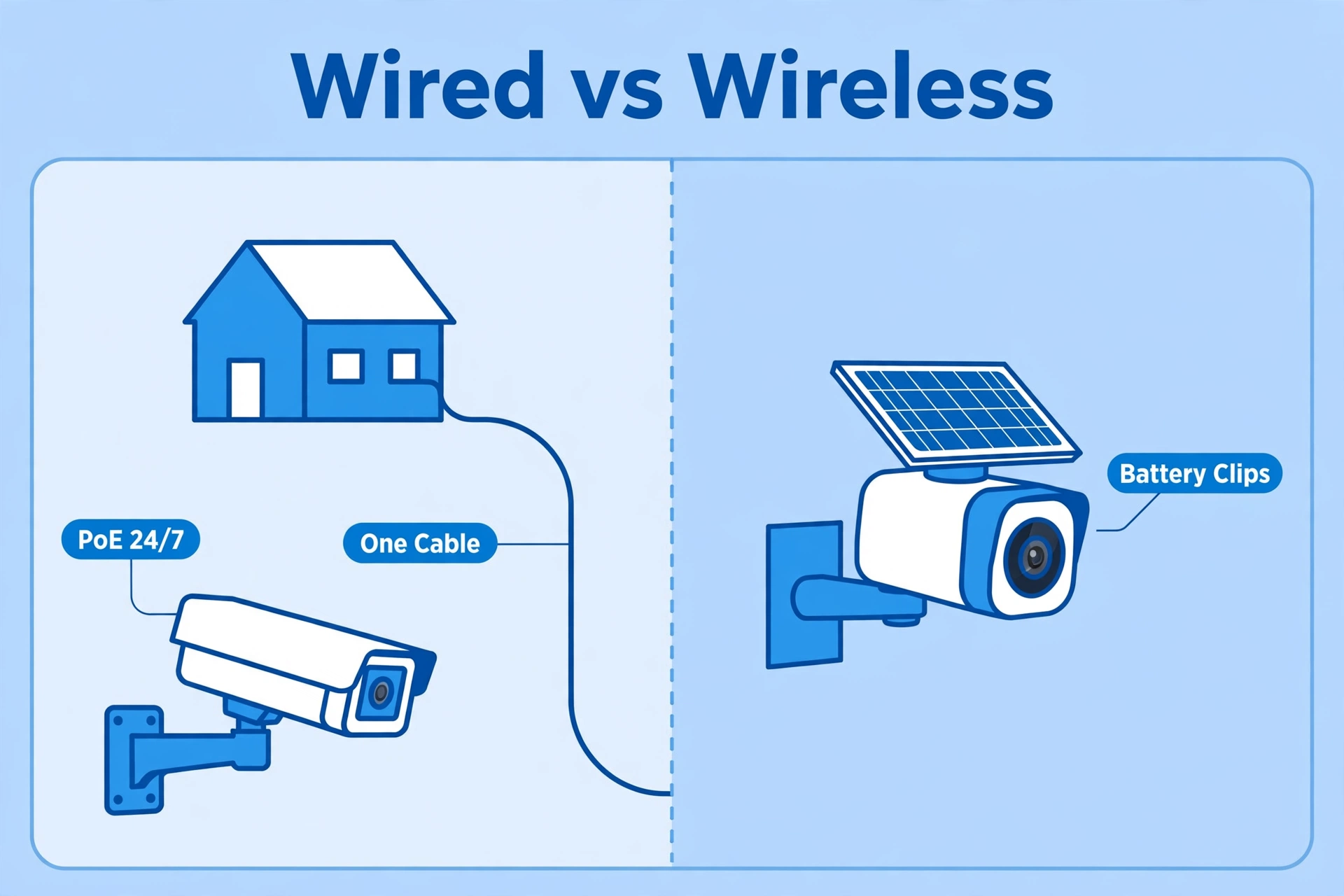
A wired PoE camera gets power and data over one Ethernet cable. It never sleeps, never misses the first two seconds of an event, and records continuously if you want it to. The price is installation: you (or an electrician) run cable through walls, attics, or along eaves. For a forever home, that afternoon of work buys you the most reliable camera system money can buy at this price.
A battery camera like the eufyCam S3 Pro mounts with two screws and a solar panel that keeps it topped up. No cables, no electrician, no holes bigger than a screw. The price is capability: battery cameras sleep between events to save power, so they record clips when motion wakes them rather than filming 24/7. Eufy’s radar-assisted wake-up is among the fastest in the business, but physics is physics — a sleeping camera can miss the very start of an event.
Reolink actually sells both kinds — it has battery and solar cameras too — while Eufy is almost entirely wireless. So if you think you might ever want wired cameras, Reolink keeps that door open. With Eufy, the door barely exists.
Reolink vs Eufy: Storage and Subscriptions
Both brands advertise “no monthly fees,” and both mean it — but the fine print differs.
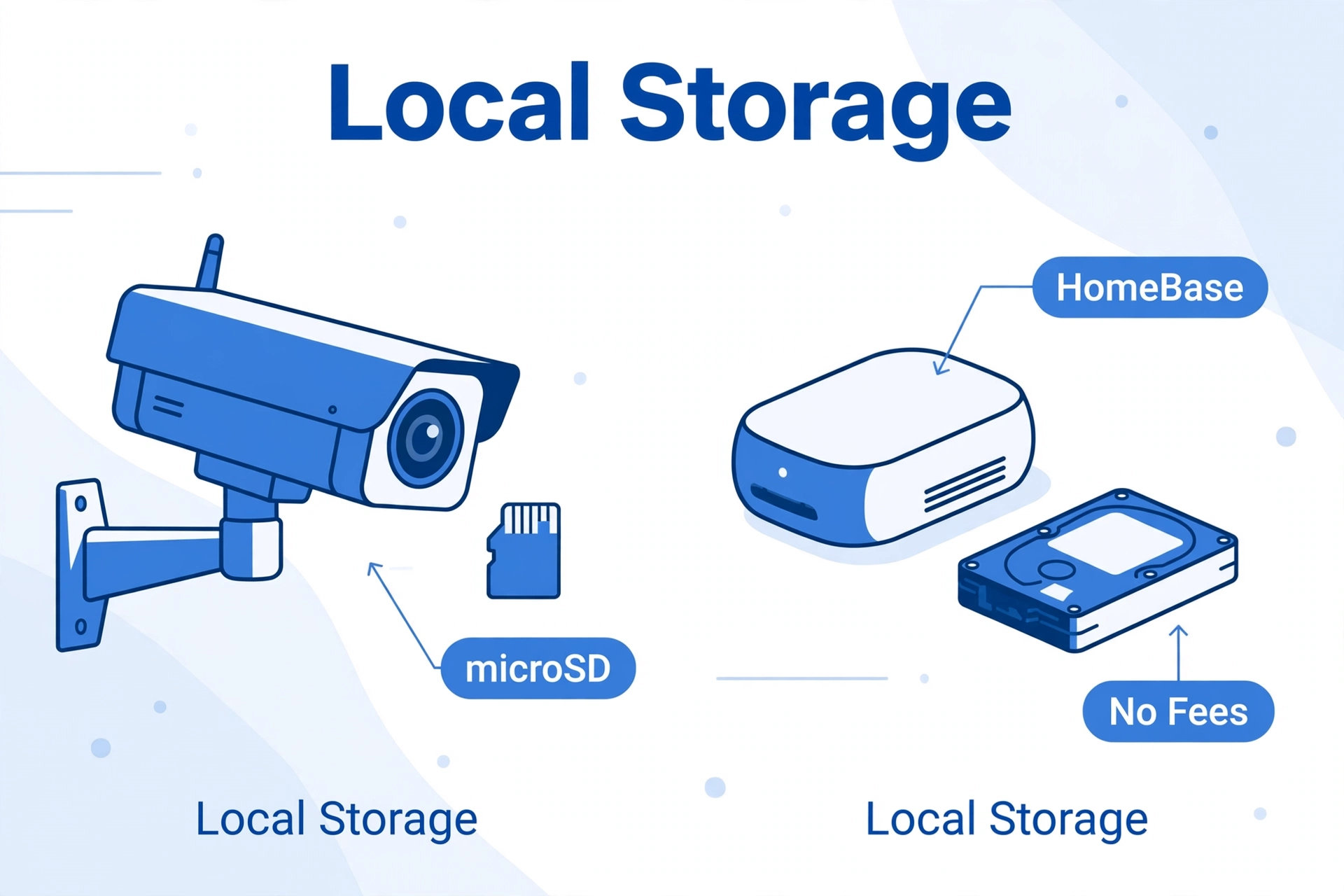
Reolink’s local storage is genuinely local and genuinely free. A single camera records to a microSD card (up to 512GB on current models like the RLC-811A), a multi-camera setup records to an NVR hard drive, and advanced users can push footage to their own FTP server. There is no account tier that unlocks features you already paid for. Reolink does sell optional cloud backup plans if you want off-site copies, but nothing in the system requires them.
Eufy’s storage lives on the HomeBase 3, which ships with 16GB built in and accepts a hard drive or SSD up to 16TB for expansion. All AI processing — person, vehicle, pet, and face recognition — runs on the HomeBase itself, not in the cloud. There is no subscription, and Eufy has held that line for years. One honest caveat: in 2022 the company faced a widely covered controversy after researchers showed some camera data reaching cloud servers despite “local only” marketing. Eufy has since tightened its privacy posture, but if absolute local-only operation is your religion, Reolink’s simpler architecture is easier to verify.
Camera Lineups and Real 2026 Prices
Prices below are US street prices checked on 2026-10-02. Re-check before buying — camera prices move with sales.
Reolink’s greatest hits. The RLC-811A is the brand’s signature camera: 4K (8MP) resolution, a 5x optical zoom lens (2.7–13.5mm), person/vehicle/pet detection, spotlights, a siren, and two-way audio — all over PoE, for around $140 street. It is the camera reviewers keep recommending because nothing else at that price has an optical zoom. The step-down RLC-810A drops the zoom and usually lands under $100. For whole-home kits, the RLK8-810B4-A bundles four 4K cameras with an 8-channel NVR and 2TB drive — it lists around $560 and routinely sells for under $480. Reolink also sells battery cameras (the Argus line) and the Duo series with dual lenses for 180-degree views.
Eufy’s greatest hits. The eufyCam S3 Pro 2-camera kit with HomeBase 3 is the flagship at $549.99 on eufy’s official S3 Pro page: 4K, MaxColor night vision that stays in color in near-darkness, radar plus PIR motion detection, and Apple HomeKit support. The eufyCam S330 (formerly eufyCam 3) 2-camera kit sits at the same $549.99 with slightly older night-vision tech. On a budget, the SoloCam S340 — a dual-lens solar camera — runs about $199 and works standalone without a HomeBase.
The math favors Reolink per camera, especially wired. A four-camera Reolink PoE system often costs less than a two-camera Eufy kit. Eufy charges a premium for the convenience of never running a cable.
Detection Smarts: AI, Radar, and Night Vision
Both brands have moved well beyond dumb motion alerts, but their detection tech differs.
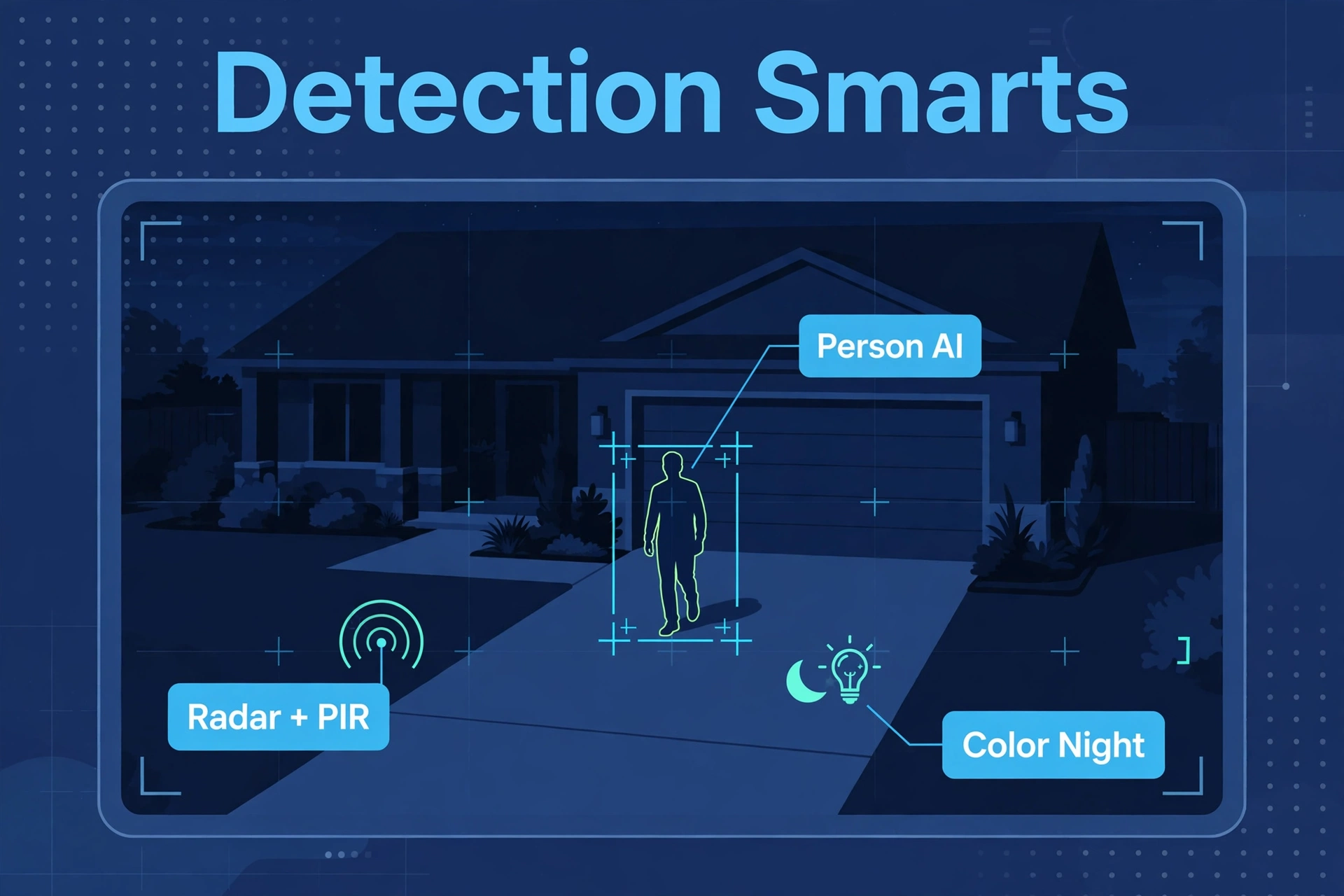
Reolink’s cameras run on-device AI that distinguishes people, vehicles, and pets — so a passing cat does not buzz your phone at 3 AM. Detection zones are drawn in the app, and sensitivity is adjustable per zone. Night vision is classic infrared on most models, with spotlights on the 811A-class cameras for full-color night footage when motion triggers them.
Eufy’s edge is the S3 Pro’s dual radar-plus-PIR detection. PIR sensors see body heat; radar sees movement. Combining them cuts false alarms dramatically and wakes the camera faster than PIR alone — Eufy claims a 99% reduction in false alerts. If you have ever been spammed by a camera every time a bush moves, you know why that matters. Our explainer on mmWave vs PIR sensors covers how these sensing technologies differ. Eufy’s BionicMind AI on the HomeBase 3 adds face recognition — it learns the difference between family and strangers — plus cross-camera tracking that follows a person from camera to camera.
For night vision, the S3 Pro’s MaxColor system is genuinely impressive: usable color footage in light levels where most cameras have long since switched to grainy infrared. Reolink counters with its ColorX line, but on the mainstream models, Eufy wins the night.
Home Assistant and Smart Home Fit
This is where the two brands diverge hardest, and smart-home owners should pay attention.
Reolink is one of the most open camera brands you can buy. Its cameras expose RTSP and ONVIF streams, which means they feed directly into Home Assistant, Frigate, or Blue Iris with no cloud account and no hacky workarounds. You can keep the Reolink app for convenience while Frigate does AI detection locally on your own server. For a Home Assistant household, that openness is gold — our guide to installing Home Assistant on a Raspberry Pi 5 is the usual starting point, and a Home Assistant Green or Yellow makes a tidy always-on hub for camera automations.
Eufy is far more closed. The cameras talk to the HomeBase, and the HomeBase talks to Eufy’s cloud for remote access. There is no RTSP stream on the battery cameras, no ONVIF, and no official Home Assistant integration — community add-ons exist but break whenever Eufy changes something. The S3 Pro’s Apple HomeKit support helps Apple households (video appears in the Home app), and both brands work with Alexa and Google Assistant for basic voice viewing — you can ask a smart speaker to show the front door on a display, which our offline voice assistant guide covers from the local-control angle.
Verdict on this front: if cameras are part of a bigger smart home, Reolink’s open protocols win by a mile. If the cameras are a standalone system, Eufy’s closed simplicity is fine.
The Apps, Side by Side
Both apps cover live view, playback, alerts, and settings. Reolink’s app is the more powerful of the two: per-camera detection zones, recording schedules, FTP settings, and NVR management, all without a subscription gate. It looks like software designed by engineers — dense, but everything is there.
Eufy’s app is the friendlier one. Setup is genuinely guided, the AI features (face recognition, activity zones) are presented in plain language, and the whole thing feels designed for someone who has never owned a camera. Power users will find fewer knobs to turn, but most buyers will never miss them.
Who Should Buy Which
Buy Reolink if…
- You can run Ethernet cable (or will hire someone to) and want 24/7 recording.
- You run Home Assistant, Frigate, or Blue Iris and need RTSP/ONVIF streams.
- You want the most camera for the money — Reolink wins on price per camera.
- You distrust cloud-dependent systems and want footage on hardware you own.
- You want an optical zoom camera (RLC-811A) without paying enterprise prices.
Buy Eufy if…
- You rent, or you refuse to drill holes and run cable.
- You want the system working an hour after the box arrives.
- You are in the Apple ecosystem and want HomeKit camera support.
- False alarms drive you mad — the S3 Pro’s radar detection is the best in class.
- You want solar-powered cameras you never have to charge.
Reolink vs Eufy FAQs
Do Reolink or Eufy cameras require a subscription?
No. Both brands record locally with no mandatory monthly fee — Reolink to microSD, NVR, or FTP; Eufy to the HomeBase 3. Both sell optional cloud plans, but nothing stops working if you decline.
Can Reolink cameras work with Home Assistant?
Yes, very well. Reolink cameras expose RTSP and ONVIF streams, so they integrate with Home Assistant, Frigate, and Blue Iris directly. Eufy’s battery cameras offer no RTSP/ONVIF and have no official Home Assistant integration.
Which has better night vision, Reolink or Eufy?
The eufyCam S3 Pro’s MaxColor night vision is the standout — color footage in near-darkness. Reolink’s mainstream cameras use infrared with spotlight-assisted color on higher-end models. For pure night performance, Eufy edges it; for zoom clarity at night, Reolink’s optical zoom models fight back.
Do Eufy cameras work without the HomeBase?
Most EufyCam models require a HomeBase — it handles AI detection and storage. The SoloCam line (like the S340) works standalone with built-in storage. Reolink cameras work fully standalone with no hub at all.
Reolink vs Eufy: which is better for renters?
Eufy, comfortably. Battery cameras mount with two screws, the solar panel keeps them charged, and you take the whole system with you when you move. Reolink’s strength is wired cameras, which renters usually cannot install.
The Verdict
Reolink vs Eufy is not a fight with one winner — it is a choice between two philosophies that barely overlap. Reolink is the tinkerer’s brand: open protocols, wired reliability, 24/7 recording, and the best price per camera in the business. Eufy is the convenience brand: wireless freedom, radar-smart detection, genuinely excellent night vision, and setup so simple it feels like cheating.
Buy for your home, not for the spec sheet. If you own your walls and can run a cable, Reolink gives you more security per dollar than anything else in 2026. If you rent, hate wiring, or just want cameras working by dinner, Eufy is worth every penny of its premium. For the full technical picture, Reolink’s official RLC-811A page lists every spec of its signature camera.