

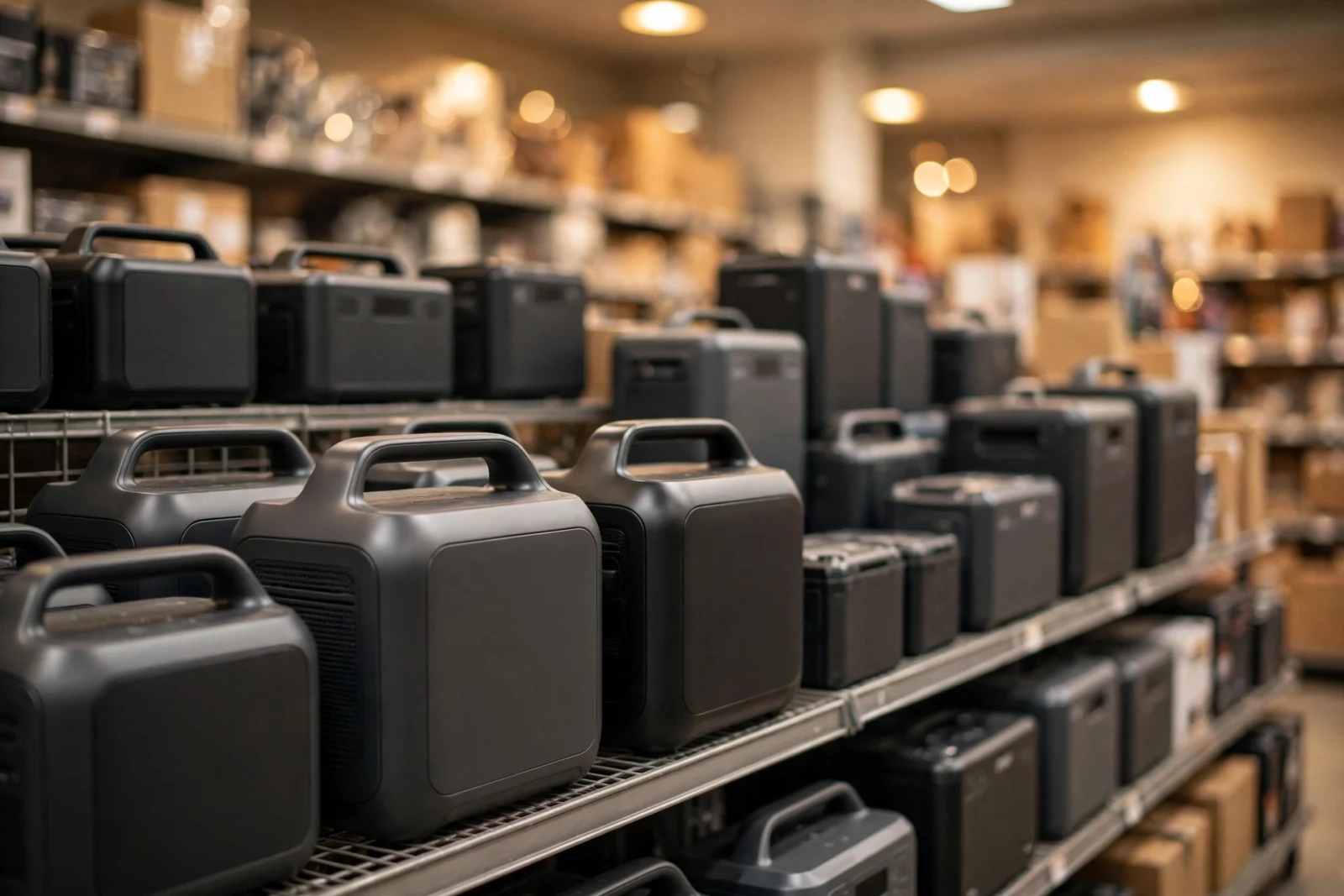
Looking for a portable power station nearby? You can buy one locally today at Home Depot, Lowe’s, Best Buy, Costco, and Walmart — most carry Jackery, EGO, and EcoFlow models in store. The smart move: check stock on the store’s website or app before driving, because inventory varies wildly by location. This guide covers where to look, what to buy, and how to avoid a wasted trip.
Where to Buy a Portable Power Station Near You
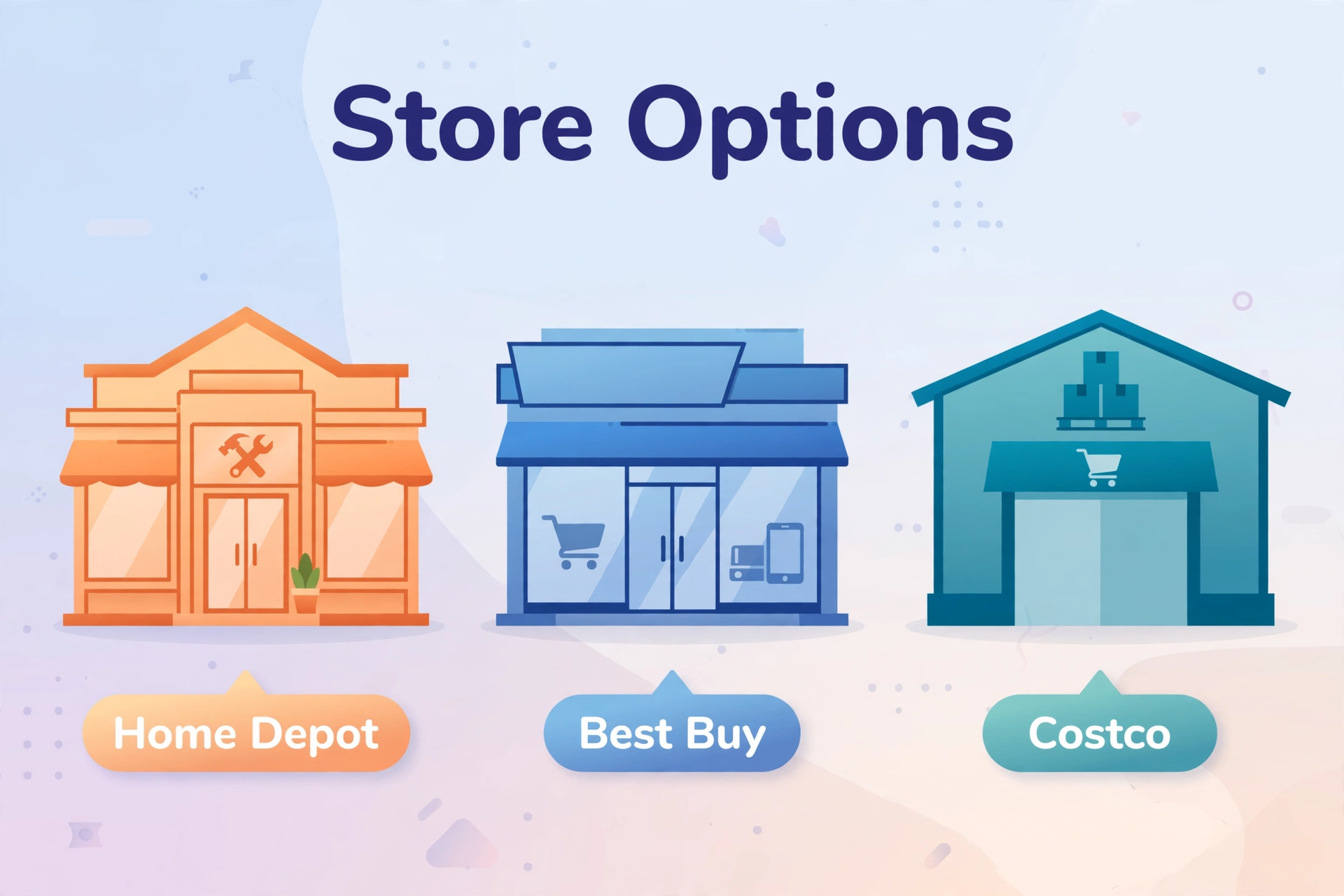
Portable power stations have gone mainstream — they are no longer online-only specialty items. Five years ago you would have ordered one blind from the internet; today you can lift it, inspect the ports, and drive it home the same afternoon. Here are the store types most likely to have one on the shelf near you, and what each does best.
1. Home Depot
Home Depot is the strongest local option for power stations. Stores typically stock EGO Nexus units (EGO is a Home Depot exclusive brand in the US), plus Jackery and sometimes EcoFlow models in the generator aisle. Staff in the tool department can usually point you to the right shelf.
Tip: check homedepot.com for your store’s aisle and bay number before going — it saves a 20-minute hunt. And if your local store shows low stock online, check the next-closest location too; inventory varies enormously even between stores a few miles apart.
2. Lowe’s
Lowe’s carries a rotating selection of portable power stations, often including EGO, Kobalt-branded battery inverters, and seasonal Jackery stock. Inventory leans toward the tool and outdoor power equipment sections.
Tip: Lowe’s restocks seasonally — selection is best in spring and before storm season. If you are shopping in late summer, call ahead; hurricane-season demand clears shelves quickly.
3. Best Buy
Best Buy focuses on the tech-forward brands: Jackery, EcoFlow, and Anker SOLIX. You will find them near portable chargers and smart home displays rather than with generators. Open-box deals here can be excellent.
Tip: ask about open-box units — returned power stations are often discounted 15–30% and still carry the full warranty.
4. Costco and Sam’s Club
Warehouse clubs occasionally stock large-capacity stations (often EcoFlow or Jackery bundles with panels) at aggressive prices. Selection is limited — usually one or two models — but the price per watt-hour is hard to beat when they have stock.
Tip: warehouse inventory changes fast; if you see a good bundle, do not wait a week.
5. Walmart and Target
Walmart stocks entry-level stations (Jackery 300-class and similar) both in store and via marketplace sellers. Target’s selection is thinner and mostly online. Fine for small units; less useful for 1kWh+ backup stations.
6. Local Specialty Stores
Battery and solar shops, RV dealers, and outdoor retailers (REI, Bass Pro) often carry premium models with knowledgeable staff. Prices may be higher, but the advice is usually better than a big-box aisle — and they often stock the solar panels and cables the big chains keep in a different department.
Table 1: Where to buy locally — quick comparison
| Store | Typical Brands | Strength | Watch Out For |
|---|---|---|---|
| Home Depot | EGO, Jackery, EcoFlow | Best in-store selection | Stock varies by store |
| Lowe’s | EGO, Kobalt, Jackery | Tool-department expertise | Seasonal inventory |
| Best Buy | Jackery, EcoFlow, Anker | Open-box deals | Smaller backup units |
| Costco / Sam’s | EcoFlow, Jackery | Bundle pricing | Only 1–2 models |
| Walmart | Jackery, others | Convenient locations | Mostly small units |
| Specialty / RV shops | Various premium | Expert advice | Higher prices |
What to Ask Staff Before Buying
Big-box staff knowledge varies, but the right questions get useful answers even from a generalist:
- “Is this the display model or new in box?” — display units may have been drained and recharged hundreds of times by shoppers pressing buttons.
- “When did this stock arrive?” — a unit warehoused for a year at unknown charge is riskier than fresh stock. Ask them to check the manufacture date on the box.
- “Can you price-match your own website?” — online prices are often lower than the shelf tag. Most chains match instantly at customer service.
- “Does the warranty start today or at manufacture?” — it should start at purchase with your receipt, but confirm for clearance items.
- “Do you have the solar panel bundles?” — panels are often stocked in a different aisle (sometimes with camping gear), not next to the station.
Red Flags: What Not to Buy In Store
Not everything on the shelf deserves your money. Walk away if you spot these:
- No-name brands with no warranty card in the box. A power station is a 10-year purchase; a brand that cannot be contacted in year 3 is not a bargain at any price.
- Lead-acid or unspecified chemistry. If the box does not say LiFePO4 or lithium-ion with a cycle rating, assume the worst — old lead-acid designs are heavy, short-lived, and obsolete.
- “2000W” with no watt-hour rating printed. Reputable brands always print capacity. A missing Wh figure usually hides a tiny battery behind a big inverter number.
- Damaged or swollen packaging. Lithium batteries do not tolerate crushing. A dented box can mean a damaged cell — ask for a different unit.
- Missing cables or adapters. Open the box at customer service before leaving. AC charging cables and panel adapters are the most commonly missing items in returned units.
How to Check Stock Before You Drive
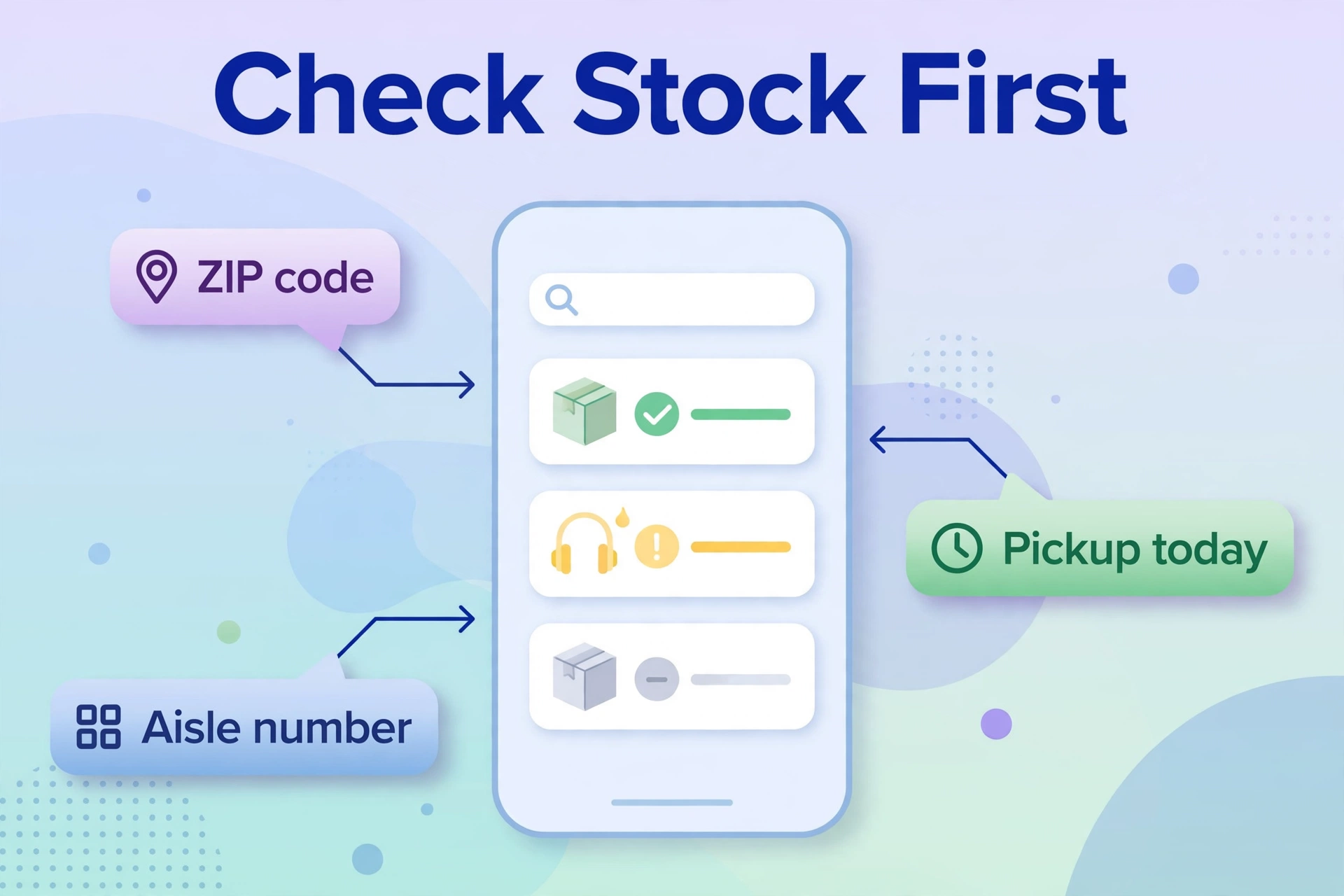
Nothing is worse than driving 30 minutes for an empty shelf. Every major retailer shows per-store inventory online:
- Use the store’s website or app — enter your ZIP code, open the product page, and look for “check store inventory” or “pickup today.” This reflects the store’s system count, usually accurate within a few units.
- Call the department directly — ask for tools (Home Depot/Lowe’s) or portable electronics (Best Buy). Give the exact model name; staff can check the handheld scanner for shelf quantity.
- Reserve online, pick up in store — most chains let you buy online and pick up within hours. This locks your unit and skips the aisle hunt entirely.
- Check multiple nearby stores — inventory systems show sister stores’ stock too. A 10-minute further drive beats a wasted trip.
What to Buy In Store: Quick Checklist
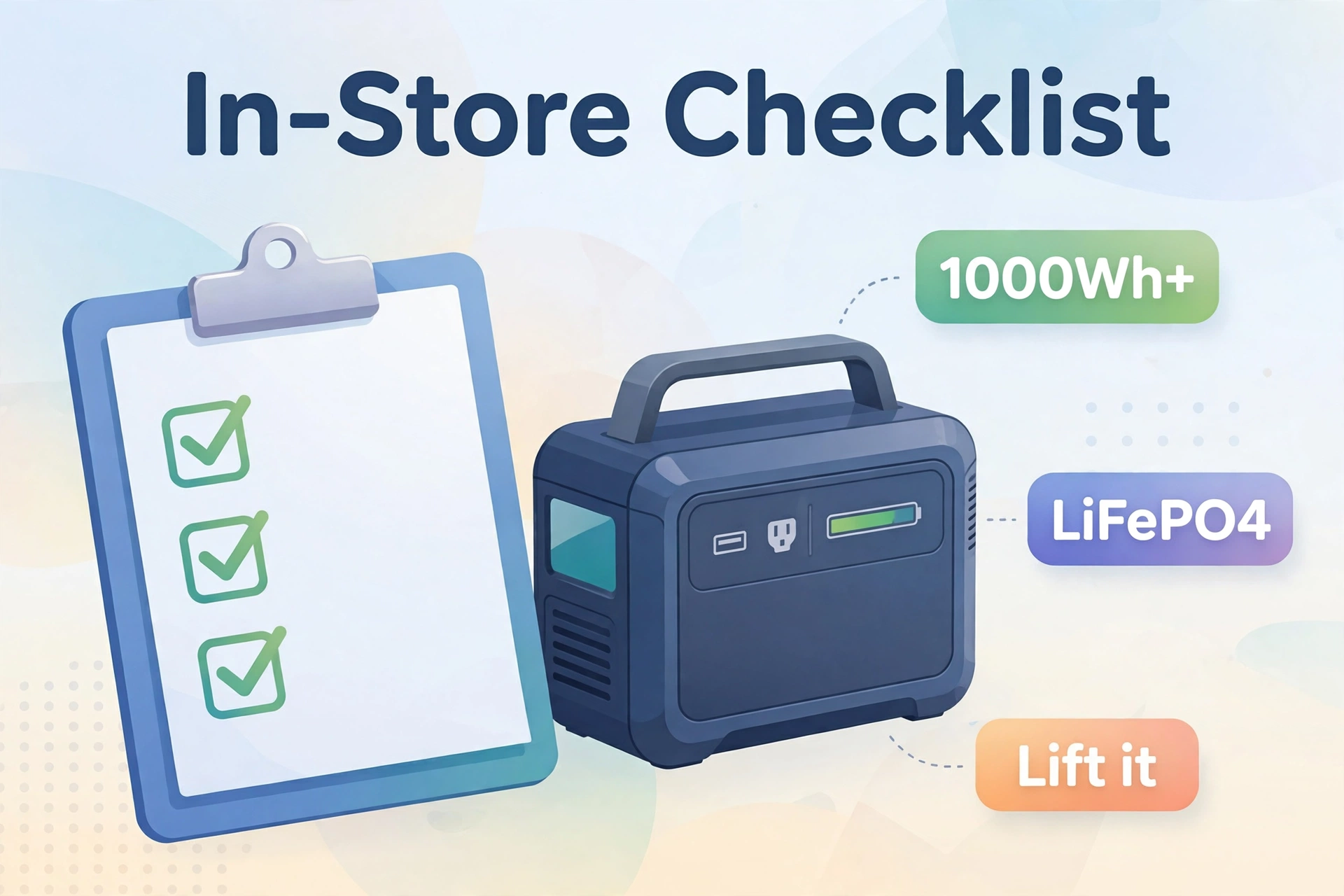
Store shelves are designed to overwhelm. Walk in with this checklist and you will walk out with the right unit:
Table 2: In-store buying checklist
| Check | What to Look For | Why It Matters |
|---|---|---|
| Capacity (Wh) | 1,000Wh+ for home backup | Decides runtime |
| Output (W) | 1,500W+ for appliances | Decides what it can run |
| Battery type | LiFePO4 on the box | 10-year vs 2-year lifespan |
| Outlets | Count AC + USB-C ports | Match your devices |
| Weight | Lift it in the store | You will carry this |
| Warranty | 3–5 years on the box | Protects your investment |
The single best in-store test: pick it up. Specs on a screen lie about portability; your arms do not. A 60-pound station you cannot comfortably carry is the wrong station, whatever the watt-hours say.
Understanding the Box: Specs Decoded
Retail boxes shout big numbers. Here is what they actually mean, so marketing cannot mislead you in the aisle:
- “2000W” = maximum continuous output. Good for running big appliances, but says nothing about runtime.
- “1024Wh” = stored energy. This is the runtime number — bigger means longer.
- “3000W surge” = brief peak for motor startups. Must exceed your fridge compressor’s kick-on spike.
- “LiFePO4” = the battery chemistry you want. 3,000+ cycles means roughly a decade of use.
- “800 cycles” without LiFePO4 mentioned = older lithium-ion. Fine at a steep discount, not at full price.
- “Solar ready” = has a DC input for panels (panels almost always sold separately — check).
If a box hides the watt-hour figure and only shouts watts, that is deliberate. Ask staff for the full spec sheet or look the model up on your phone before buying.
Buying Local vs Buying Online
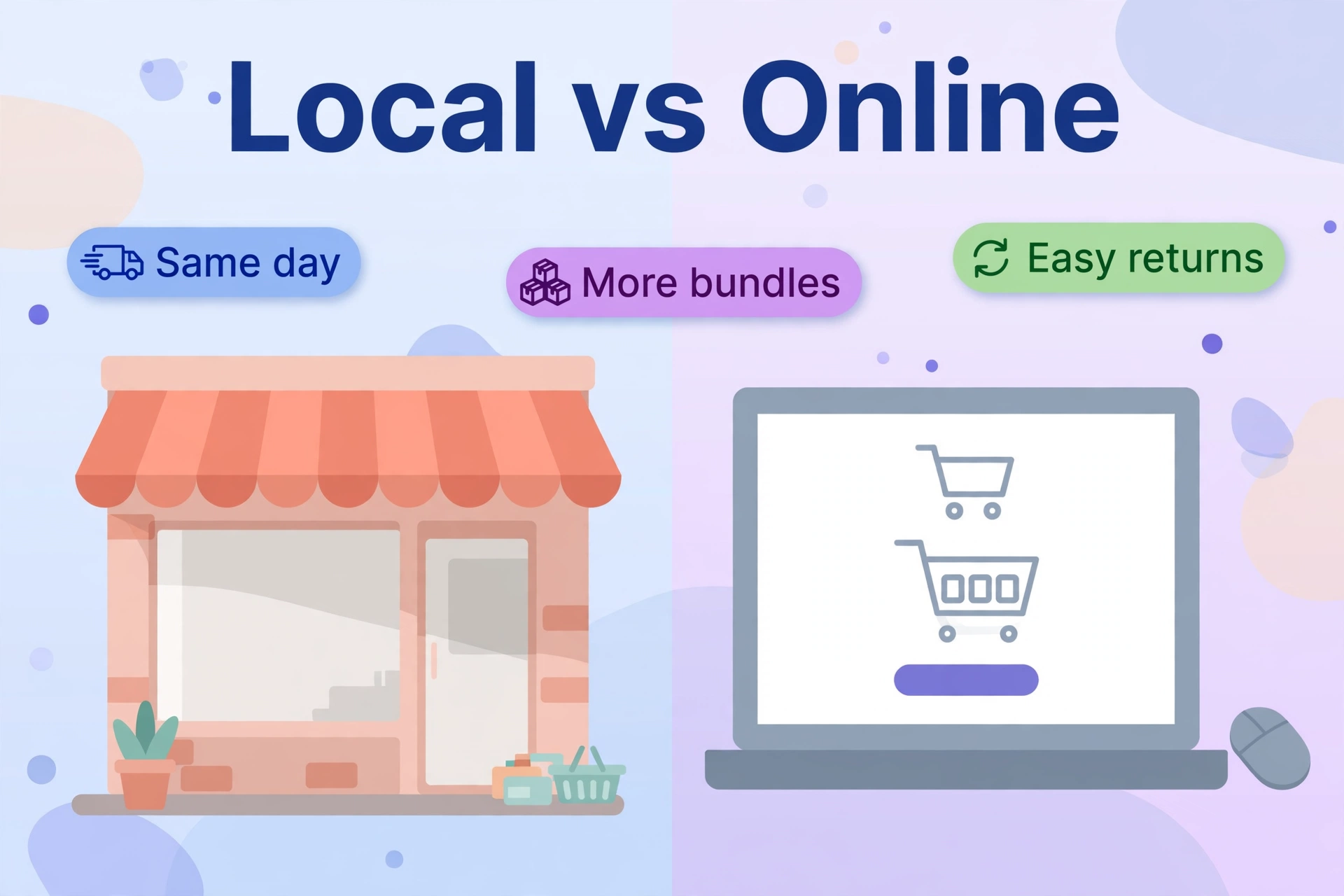
Table 3: Local store vs online purchase
| Factor | Local Store | Online |
|---|---|---|
| Speed | Same day | 2–7 days shipping |
| Price | MSRP, occasional sales | Often cheaper, more bundles |
| Selection | 3–8 models | Every model and bundle |
| Returns | Easy, in person | Heavy return shipping |
| Advice | Staff (varies) | Reviews and guides |
| Storm-season availability | Sells out fast | Also sells out, ships later |
Buy local when you need it now — an incoming storm does not wait for shipping. Buy online when you are planning ahead and want the best bundle price. Either way, buy before storm season: shelves and warehouses both empty when the forecast turns ugly.
What to Power First When You Get Home
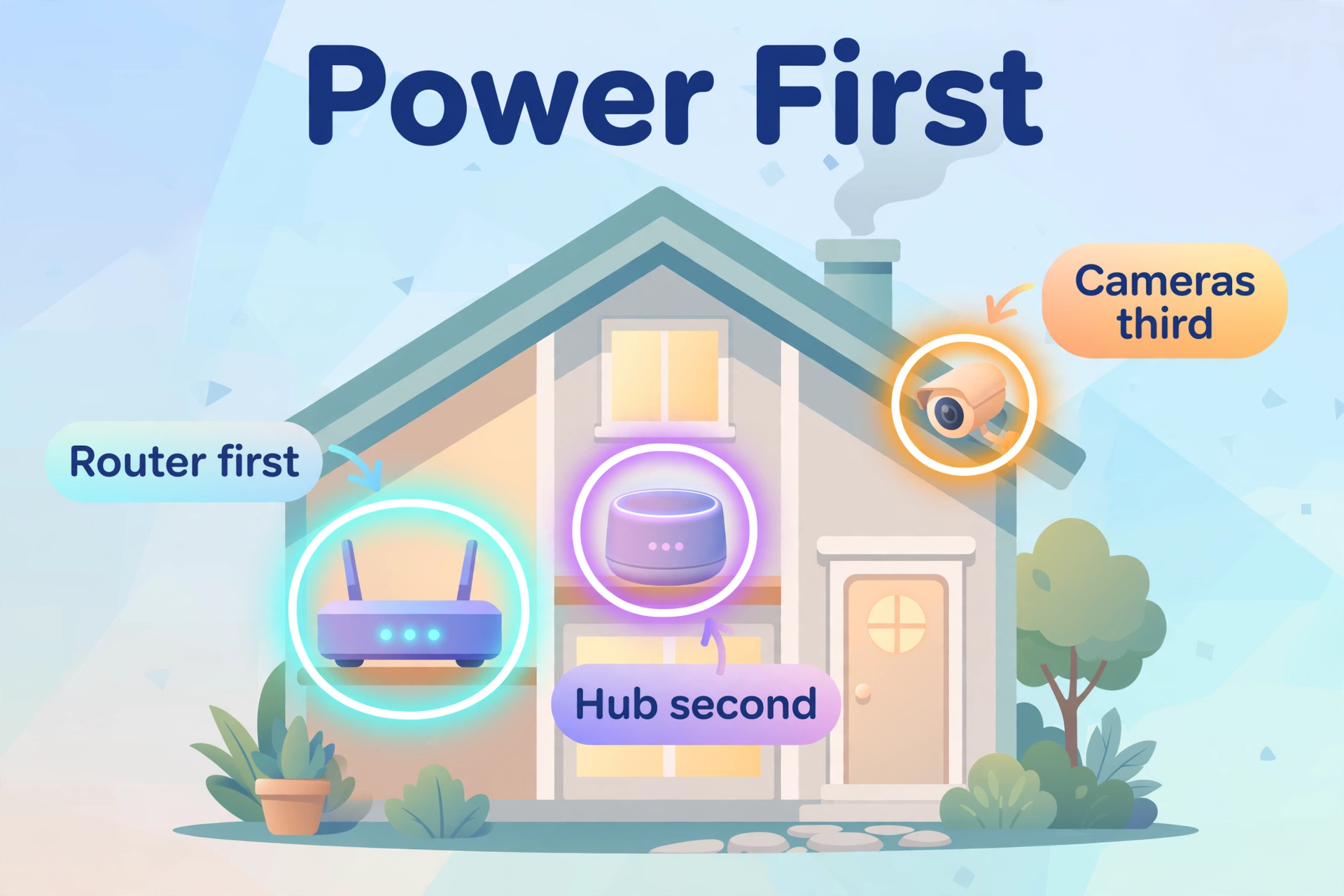
Once the station is home, prioritize your smart home essentials. A power station’s real value in an outage is keeping the intelligent parts of your house alive:
Start with the router and your smart home hub — if you install Home Assistant on a Raspberry Pi 5, the Pi draws so little power that even a mid-size station runs it for days. Add security cameras with local storage so recording continues with no internet, and follow our home security upgrade guide to make the whole setup outage-proof. Fridge and phones come next; everything else is a luxury.
First 24 Hours: After You Bring It Home
Do these four things on day one, not during the first outage:
- Charge to 100% immediately. Store stock often sits at 30–60%. A full first charge calibrates the battery gauge.
- Register the warranty on the manufacturer’s website with your receipt photo. This takes five minutes and protects a four-figure purchase.
- Run a real test: unplug your router and hub from the wall, run them on the station for an hour, and watch the display’s watt reading. You will learn your actual essential load — and confirm everything works.
- Download the app (if the model has one) and install any firmware update before you need the station. Updates occasionally stall on low batteries, so do it at full charge.
Frequently Asked Questions
Does Home Depot carry portable power stations in store?
Yes — Home Depot is one of the best local sources. Most stores stock EGO Nexus units plus Jackery and sometimes EcoFlow models in the generator or tool aisles. Check your store’s inventory on homedepot.com before driving over.
Can I buy a portable power station at Walmart?
Yes, Walmart carries entry-level portable power stations (typically 300–500Wh class) in many stores, with a wider selection online. For 1kWh+ home backup units, Home Depot, Lowe’s, or Best Buy usually have better in-store stock.
Are portable power stations cheaper in store or online?
Online is usually cheaper thanks to bundles and frequent sales, but stores sometimes match prices — just ask. Factor in shipping time: a slightly higher local price beats a cheaper unit that arrives after the storm.
Can I return a portable power station to the store?
Yes, major chains accept returns within their normal windows (typically 30–90 days). Keep the box and receipt. Note that lithium batteries sometimes have special return handling — ask customer service rather than just dropping it at the counter.
Do stores let you test a power station before buying?
Sometimes. Display models are usually powered off, but staff may let you lift the unit and inspect ports. Battery and tool specialty shops are more likely to demo a working unit than big-box stores.
What should I do if no store near me has stock?
Order online for in-store pickup at the next-closest location, or buy direct from the manufacturer with expedited shipping. Before storm season, stock disappears everywhere — shopping a month early is the real solution.
Final Thoughts
Finding a portable power station nearby is easy: Home Depot for the widest selection, Best Buy for open-box deals, Costco for bundle pricing. Check stock online first, lift the unit in the aisle, verify LiFePO4 on the box, and buy before you need it — storm-season shelves empty fast. Then plug in your router, hub, and cameras first, because in an outage, a smart home that stays smart is worth more than a cold fridge. Do the day-one setup (full charge, warranty registration, real load test), and your backup plan is genuinely ready instead of theoretically ready.
