

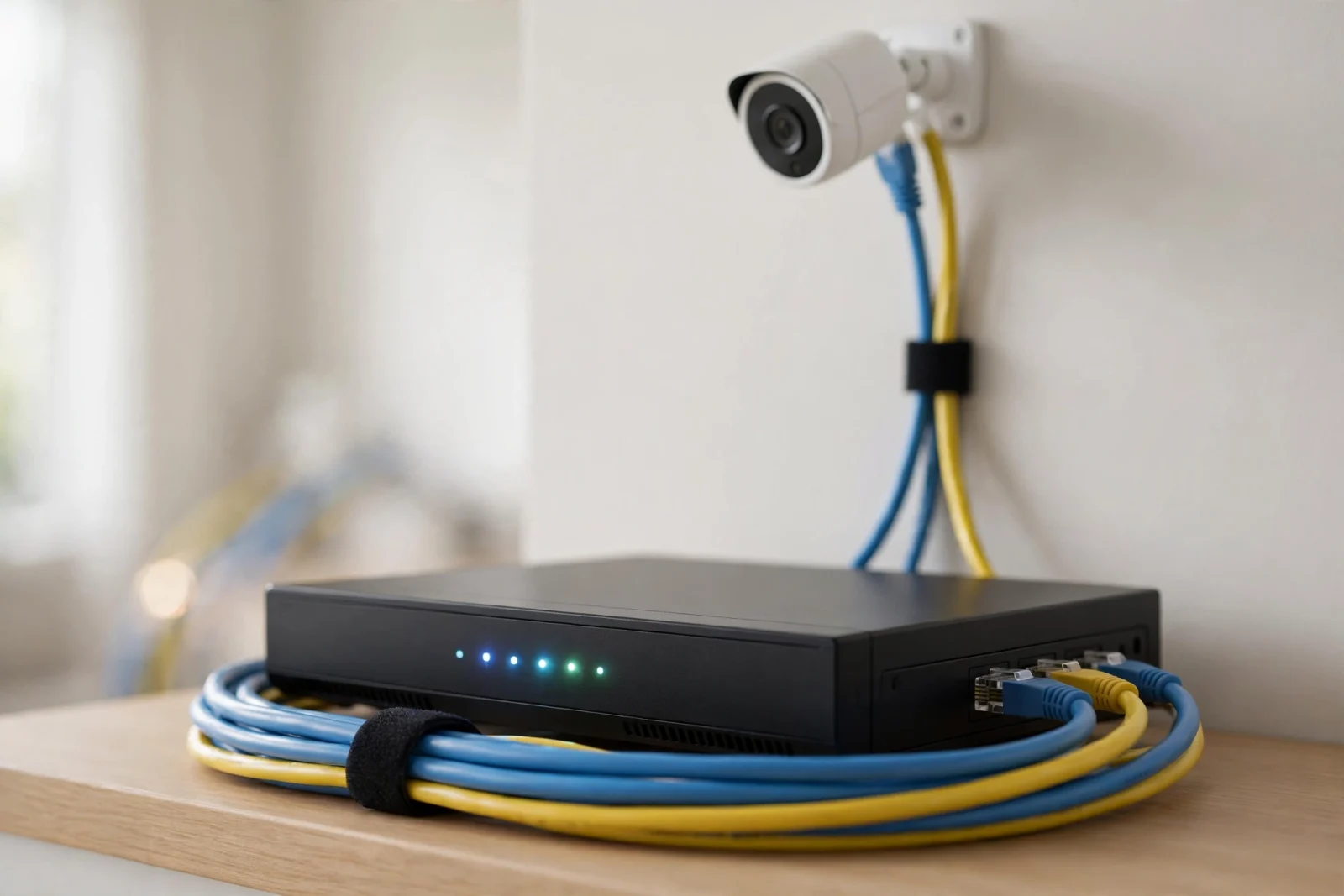
The best PoE security camera system for most homes is the Reolink RLK8-810B4-A: four 4K cameras, an 8-channel NVR with a 2TB hard drive, and AI person/vehicle detection — it lists around $560 and routinely sells for under $480. If your budget is tighter, the Amcrest 5MP turret kit at $399.99 is the value king. Either way, a wired PoE system is the single biggest upgrade you can make to home security: no dead batteries, no Wi-Fi dropouts, and footage recorded 24/7 to hardware you own.
PoE — Power over Ethernet — means one cable carries both power and video to each camera. No charging, no signal bars, no cloud subscription. This guide explains why wired beats wireless for cameras that matter, compares NVRs against software like Blue Iris and Frigate, and rounds up the five systems worth buying in 2026. Prices are US street prices checked on 2026-10-02.
Why PoE Beats Wi-Fi for Security Cameras
Wi-Fi cameras are convenient. They are also the first thing to fail when you need them most. A Wi-Fi camera competes with every phone, laptop, and TV in your house for airtime; a microwave or a neighbor’s router can stutter its stream. Battery cameras make it worse by sleeping between events to save power — which means the crucial first seconds of a break-in can happen before the camera wakes up.
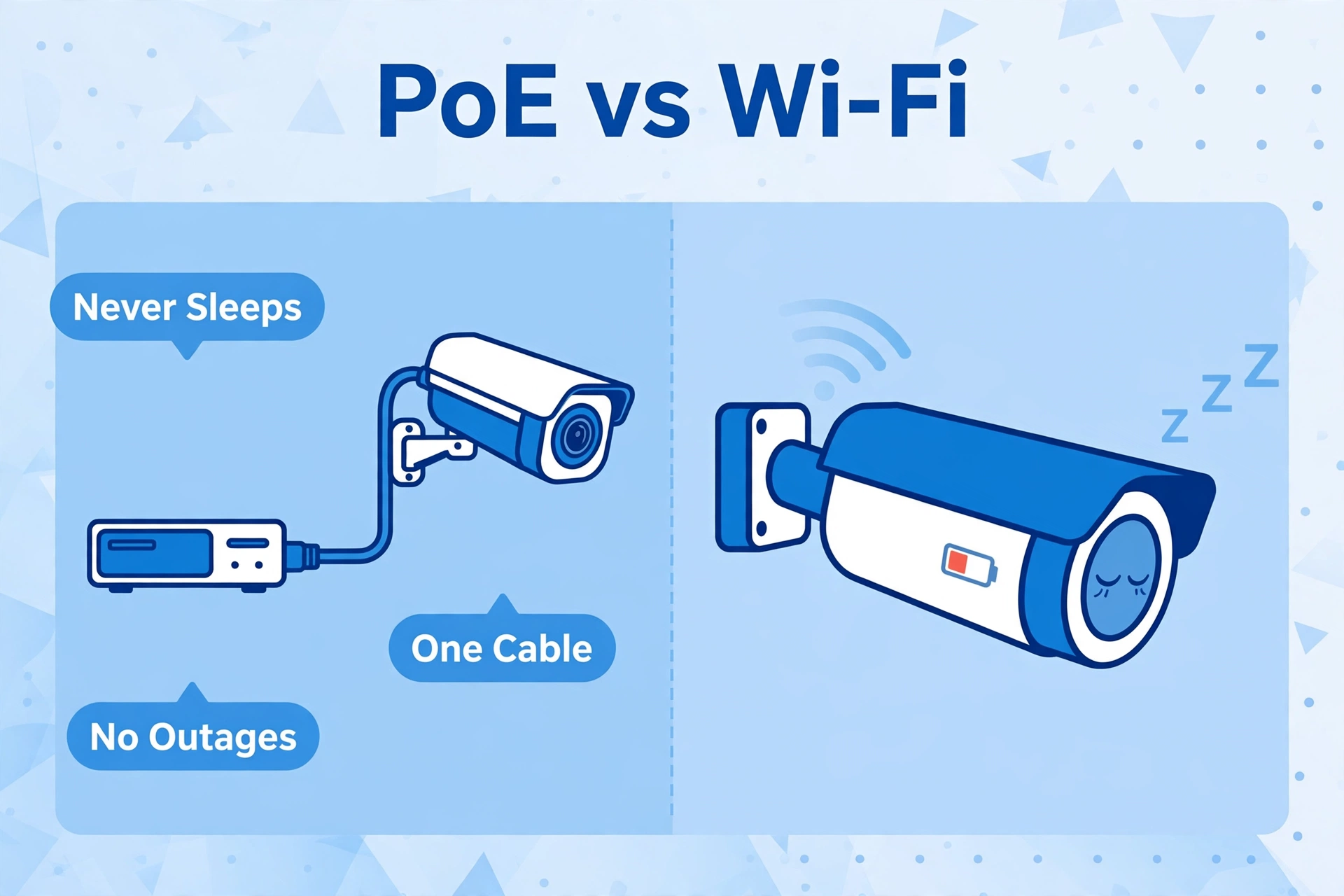
A PoE camera has none of these problems. The Ethernet cable delivers clean power and a dedicated data path straight to your recorder. It never sleeps, never needs charging, and keeps recording through internet outages (the NVR is local, so your footage never leaves the house). Storms, thick walls, and crowded airwaves simply do not apply.
The trade-off is installation. You run one Ethernet cable per camera — through the attic, along eaves, or via a crawlspace — and terminate it at the NVR or a PoE switch. For most single-story homes it is a weekend project; for two-story homes, many buyers hire an electrician for a few hundred dollars and never think about their cameras again. That one-time effort buys a system that just works, for years, with zero monthly fees.
NVR vs Camera Software: Blue Iris and Frigate
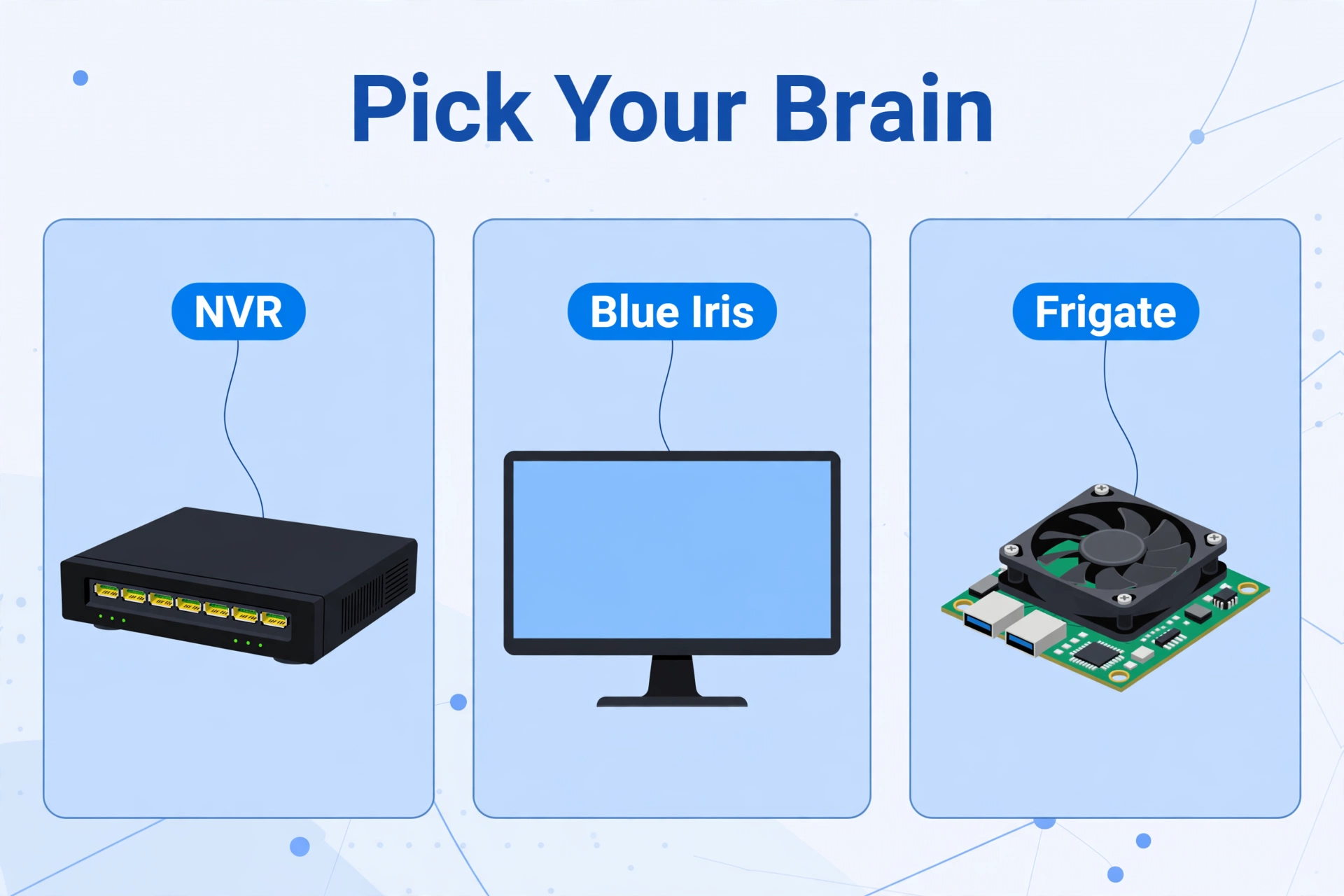
Every PoE system needs a brain to record the footage. You have three good options.
The Dedicated NVR (Easiest)
A Network Video Recorder is a small box with PoE ports and a hard drive inside. Plug the cameras into it, plug it into your TV or network, and it records — 24/7, to your own disk, with a phone app for remote viewing. Every kit in this guide includes one. An NVR is the right choice if you want security cameras, not a hobby: it is silent-ish, sips power, and needs no computer knowledge. The downside is flexibility — you are limited to that NVR’s software and its channel count.
Blue Iris (Most Configurable)
Blue Iris is Windows software that turns a PC into a powerful NVR. The full version costs $69.95 as a one-time purchase and supports up to 64 cameras, with deep controls over recording schedules, alerts, and integrations. It pairs with AI tools for object detection and works with nearly any ONVIF camera. Choose Blue Iris if you already have a Windows PC running 24/7 and you enjoy tuning software. It is not plug-and-play — expect an afternoon of configuration — and it needs a real computer burning real electricity.
Frigate (Best for Home Assistant)
Frigate is free, open-source NVR software that runs in Docker on Linux — a Raspberry Pi 5, a mini PC, or a home server. Its killer feature is local AI object detection: it tells you “person on the driveway” instead of “motion detected,” with no cloud involved, and its Home Assistant integration is first-class. Pair it with a Coral AI accelerator and even a modest machine handles several 4K streams. Choose Frigate if you run Home Assistant and want your cameras as first-class citizens of your smart home — our guide to installing Home Assistant on a Raspberry Pi 5 is the natural starting point, and a Home Assistant Green or Yellow gives Frigate an always-on home.
All five kits below include an NVR, and all of them expose standard RTSP/ONVIF streams (except where noted), so you can start with the bundled NVR and graduate to Blue Iris or Frigate later without replacing cameras.
Best PoE Security Camera System Picks, Compared
How the five kits stack up before the deep dives.
| Feature | Reolink RLK8-810B4-A | Amcrest 5MP Turret Kit | ANNKE 4K Kit | Swann Master Series 8CH | Lorex Fusion 16CH |
|---|---|---|---|---|---|
| Price (checked 2026-10-02) | ~$560 list, often under $480 | $399.99 | $749.99 list, often ~$600 | About $500 street | $869.99 |
| Cameras included | 4 × 4K bullets (RLC-810A) | 4 × 5MP turrets | 4 × 4K turrets | 4 × 4K bullets | 8 × 4K bullets |
| NVR channels | 8 | 8 | 8 | 8 | 16 |
| Hard drive | 2TB included | 2TB included | Varies by bundle | 2TB included | 3TB included |
| AI detection | Person / vehicle | Basic motion + IVS | Person / vehicle | TrueDetect heat + motion | Smart motion + deterrence |
| RTSP / ONVIF | Yes | Yes | Yes | Limited | No |
| Best for | Most homes | Tight budgets | Prosumer control | Big-box simplicity | Large properties |
Reolink RLK8-810B4-A — Best Overall
This is the kit reviewers keep coming back to, and it is easy to see why. Four RLC-810A 4K bullet cameras, an 8-channel NVR with a 2TB drive pre-installed, four 60-foot Ethernet cables in the box, and on-camera AI that distinguishes people and vehicles from shadows and stray cats. Setup is genuinely plug-and-play: connect the cameras to the NVR’s PoE ports and live view appears in seconds.
The 8-channel NVR leaves four spare ports, so the system grows with you — add a doorbell camera or a backyard bullet later without replacing anything. Full RTSP and ONVIF support means the cameras can also feed Home Assistant or Frigate alongside the NVR. At around $560 list with frequent sales under $480, nothing else gives you this much 4K coverage per dollar. Buy it if: you want the safest default choice for a 3–4 bedroom home.
Amcrest 5MP Turret Kit — Best Value
At $399.99, the Amcrest NV4108E-based kit is the cheapest way into a real PoE system: four 5MP turret cameras, an 8-channel NVR, and a 2TB drive. Turret cameras are the unsung heroes of home security — the ball-and-socket design aims anywhere, spiders cannot web across the lens the way they do on bullets, and they look discreet under an eave.
You give up some resolution versus the 4K kits (5MP is still sharp enough to read a license plate at driveway distance) and the app is more functional than beautiful. But Amcrest is fully open — RTSP, ONVIF, no subscription — which makes it a favorite for Frigate and Blue Iris users on a budget. Buy it if: you want wired reliability for the price of two wireless cameras.
ANNKE 4K Kit — Best for Tinkerers
ANNKE kits (built on the same hardware family as several pro brands) are the prosumer pick: 4K turret cameras with strong low-light performance, an 8-channel PoE NVR with a fast, responsive interface, and full ONVIF compatibility for third-party software. The standard 4-camera 4K kit lists at $749.99 but regularly sells around $600.
What you get for the premium is polish in the places enthusiasts notice — quicker NVR menus, better smart detection, and cameras that play nicely in mixed-brand ONVIF setups. The NVR’s cooling fan is audible, so tuck it in a closet rather than the living room. Buy it if: you want pro-grade hardware and plan to integrate with Blue Iris or Frigate.
Swann Master Series 8CH — Easiest Big-Box Buy
Swann is the brand you can walk into a store and buy today, and the Master Series 8-channel kit (four 4K cameras, 2TB NVR, around $500 street) is its sweet spot. TrueDetect pairs heat sensing with motion detection to cut false alarms, the cameras carry IP66 weatherproofing, and everything works with Alexa and Google Assistant for voice viewing on a smart display.
The trade-off is openness: Swann’s RTSP/ONVIF support is limited, so treat this as a closed system — excellent within its own app, less friendly to Home Assistant tinkerers. For buyers who want a well-known brand, a straightforward app, and local recording with no fees, that is a fair deal. Buy it if: you want a reputable, simple system from a brand your electrician has heard of.
Lorex Fusion 16CH — Best for Large Properties
When four cameras are not enough, the Lorex Fusion 16-channel kit steps up: eight 4K metal bullet cameras, a 3TB NVR, color night vision, and active deterrence features — motion-triggered LED warning lights and a remote siren that can scare off a prowler before you even check your phone. At $869.99 it is the priciest pick here, but it covers a large home or small business in one box.
Like Swann, Lorex is a closed ecosystem — no RTSP or ONVIF, so the footage stays inside the Lorex app and NVR. What you lose in openness you gain in deterrence tech nobody else bundles at this price. Buy it if: you have a big property and want cameras that fight back, not just record.
Wiring Basics: What to Know Before You Buy
PoE installation is simpler than it sounds. Follow these steps and you will avoid the classic mistakes.
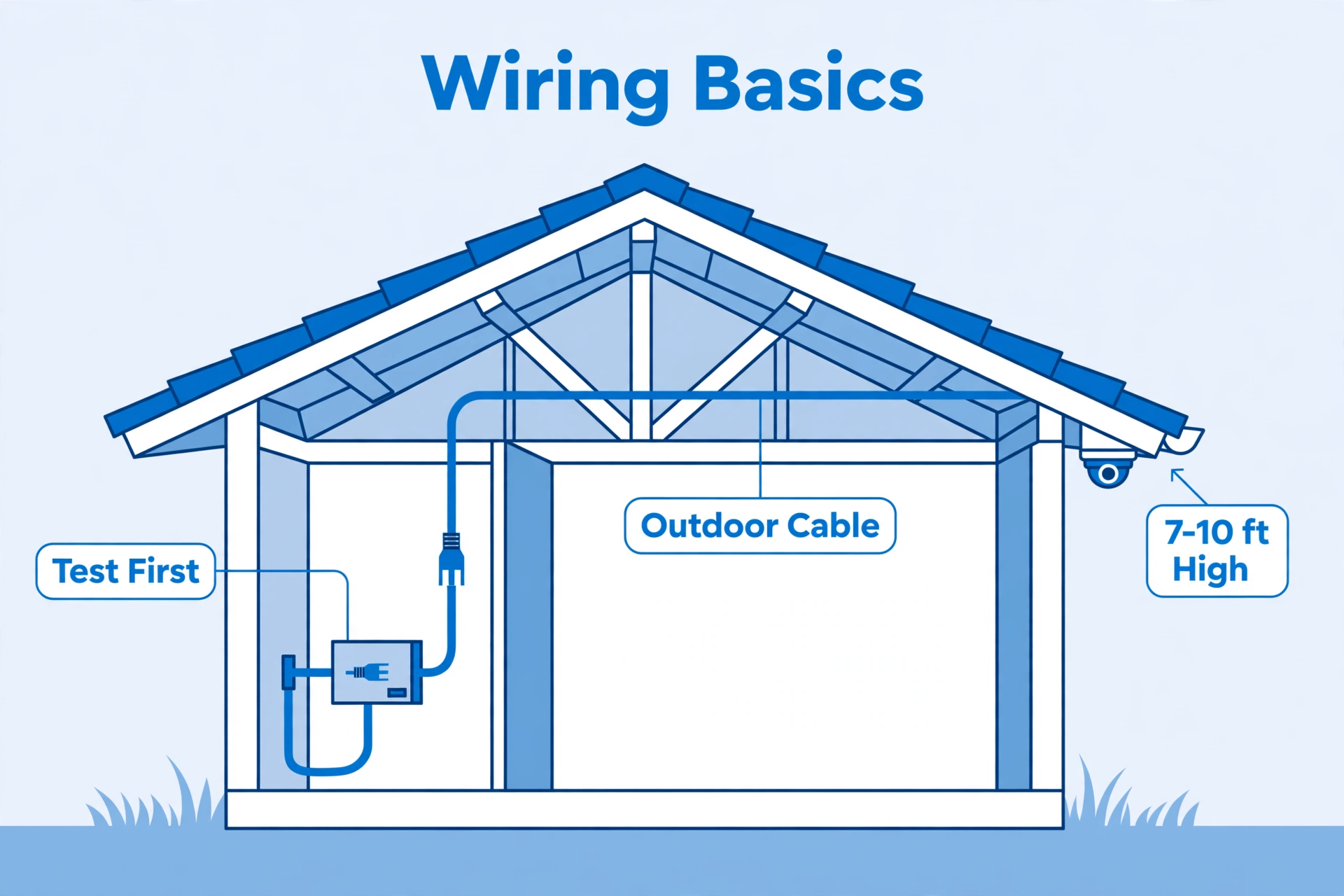
- Plan camera positions first. Cover entry points: front door, back door, driveway, and side gates. Mount cameras 7–10 feet high — high enough to avoid tampering, low enough to capture faces.
- Measure your cable runs. Ethernet works up to 328 feet (100 meters) per run. Most homes need 50–100 feet per camera; the 60-foot cables in most kits cover single-story installs.
- Use outdoor-rated Cat5e or Cat6. Indoor cable cracks under UV and soaks up water. For runs along exterior walls or underground conduit, buy UV-resistant, outdoor-rated cable — it costs only slightly more.
- One cable per camera, home-run to the NVR. Each camera gets its own cable straight back to the NVR’s PoE ports. Do not daisy-chain cameras; PoE does not work that way on these kits.
- Test before you mount. Plug every camera into the NVR on the ground, confirm the image, then run the cables. Finding a dead camera after drilling is miserable.
- Seal your penetrations. Wherever cable enters the house, use a drip loop (cable dips down before entering) and silicone sealant. Water follows cables indoors if you let it.
How Much Storage Do You Need?
A 4K camera recording 24/7 at typical bitrates uses roughly 40–60GB per day. Four cameras therefore fill about 200GB daily — which means a 2TB drive holds roughly 8–10 days of continuous footage. That is plenty for most homes: incidents are usually discovered within days, not weeks.
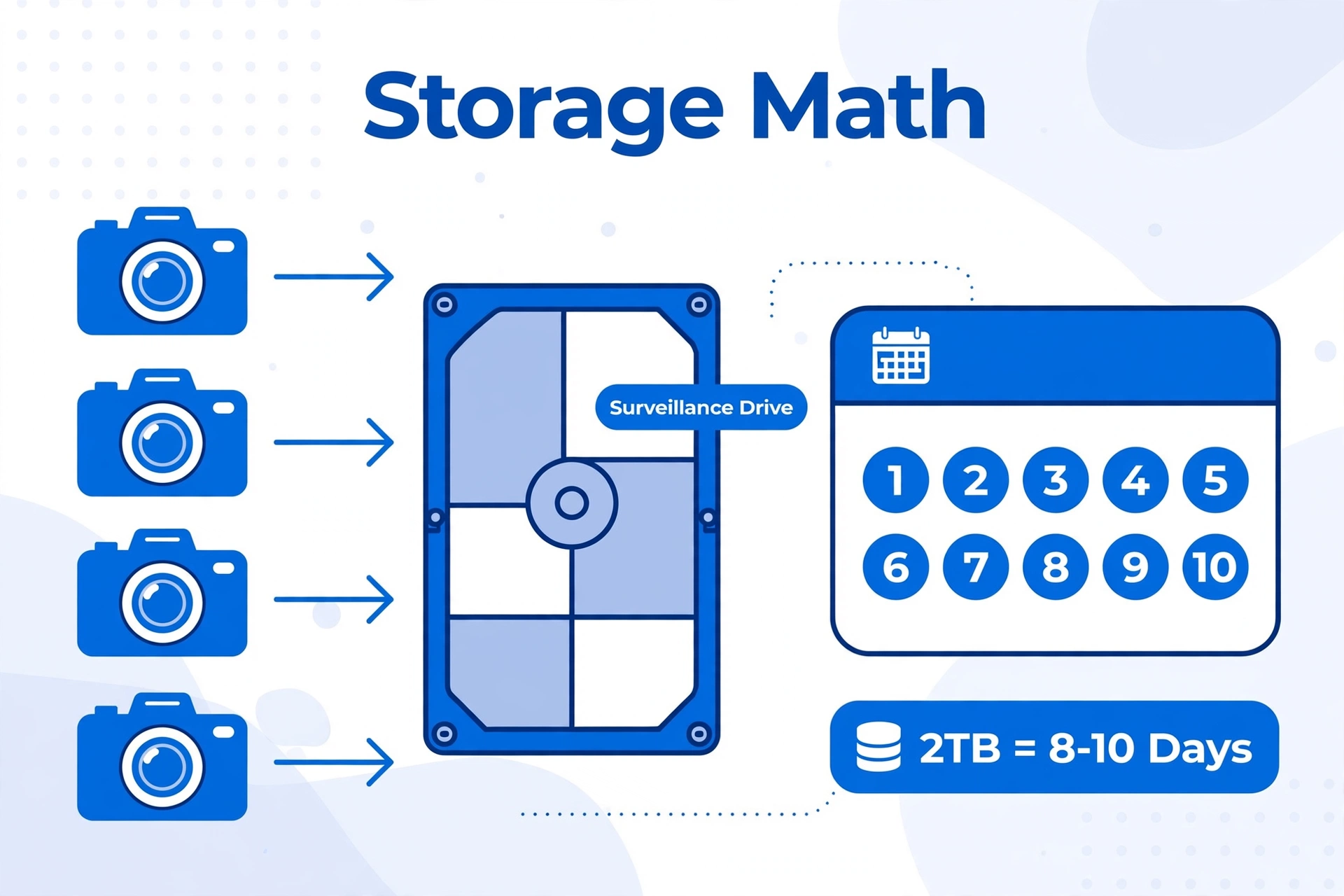
Want more retention? Drop to motion-only recording and the same drive can stretch to a month or more, since cameras film only when something moves. Or upgrade the NVR’s hard drive — most of these NVRs accept up to 6–12TB. Buy a surveillance-rated drive (WD Purple or Seagate SkyHawk class) rather than a desktop drive; they are built for the 24/7 write workload and last far longer. And remember what the footage is for: smarter detection means fewer junk clips to sift through in the first place.
Best PoE Security Camera System FAQs
Is a PoE camera system better than Wi-Fi cameras?
For reliability, yes. PoE cameras never need charging, never compete for Wi-Fi airtime, and record continuously through internet outages. Wi-Fi cameras win on easy installation. If the camera guards something irreplaceable — your front door, your kids’ rooms — wire it.
Do PoE camera systems need the internet?
No. Recording happens locally on the NVR, and live viewing works over your home network. You only need internet for remote viewing on your phone when you are away from home.
Can I mix camera brands on one NVR?
Sometimes. NVRs that support ONVIF (Reolink, Amcrest, ANNKE) can usually adopt third-party ONVIF cameras, though AI detection features may only work with the brand’s own cameras. Closed systems (Swann, Lorex) generally only work with their own cameras.
How hard is it to run Ethernet cable for PoE cameras?
For a single-story home with attic access, it is a manageable weekend project: fish cable down exterior walls to each camera spot. Two-story homes and brick exteriors are harder — budget a few hundred dollars for an electrician or low-voltage installer if you would rather not DIY.
What is the difference between an NVR and a DVR?
An NVR (Network Video Recorder) works with digital IP cameras over Ethernet — that is everything in this guide. A DVR (Digital Video Recorder) works with older analog cameras over coaxial cable. If you are buying new in 2026, you want an NVR.
The Bottom Line
The best PoE security camera system is the one that records when it counts. For most homes, the Reolink RLK8-810B4-A is the sweet spot — four 4K cameras, 8-channel NVR, AI detection, and open protocols for around $500 on sale. Stretch the budget and ANNKE or Lorex cover bigger ambitions; shrink it and Amcrest’s $399.99 kit gets you wired reliability for less than a pair of wireless cameras.
Whichever you choose, wire it once and wire it right: outdoor-rated cable, sealed penetrations, tested before mounting. Then tie it into the rest of your smart home — camera feeds on a voice-controlled display beat digging out your phone every time the dog barks at a delivery driver.
