

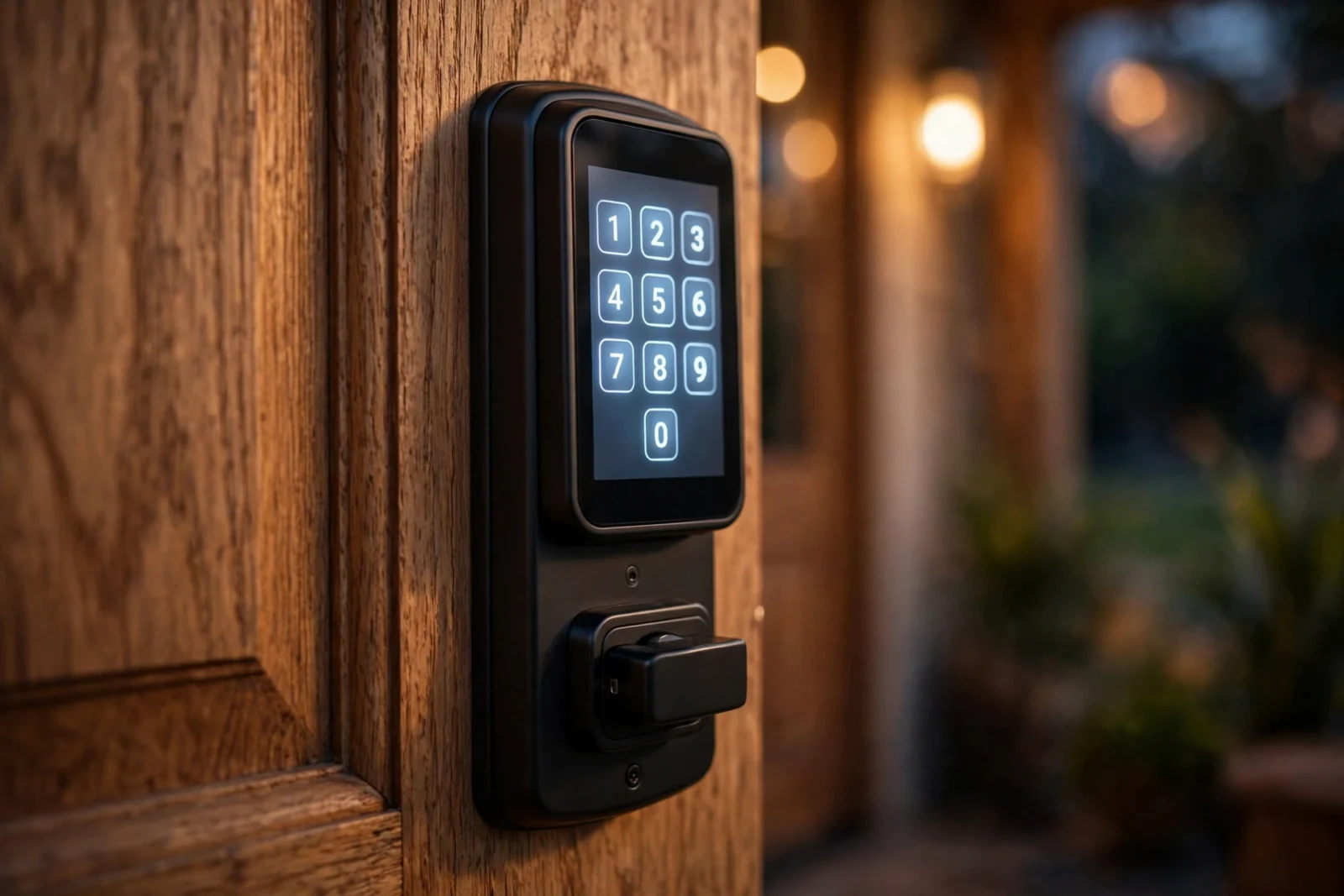
Yale vs Schlage is the oldest rivalry in smart locks, and in 2026 the answer splits cleanly. Buy the Schlage Encode Plus (about $300) if you live in an Apple household — it is the only lock here with Apple Home Key, and it is built to the highest residential security grade. Buy the Yale Assure Lock 2 (from $209.99) if you want flexibility: swappable radio modules, a fingerprint option, and a cheaper path in. And if you rent, Yale’s Approach retrofit lock ($129.99) is the one that doesn’t touch your landlord’s deadbolt.
This comparison puts the current lineups head to head — keypad vs fingerprint vs Home Key, Wi-Fi vs Z-Wave vs Thread, battery life, retrofit vs replacement, and what to measure on your door before you buy. Prices checked on 2026-10-02; recheck before you buy.
Yale vs Schlage: The Lineups, Compared
| Feature | Yale Assure Lock 2 Touch | Yale Assure Lock 2 Plus | Yale Approach | Schlage Encode Plus |
|---|---|---|---|---|
| Price (maker’s store / list) | $209.99 | $219.99 | $129.99 ($179.99 with keypad) | $299.99 MSRP (street ~$229) |
| Type | Full deadbolt replacement | Full deadbolt replacement | Interior retrofit | Full deadbolt replacement |
| Unlock methods | Fingerprint, keypad, app, key | Apple Home Key, keypad, app | App, auto-unlock, keypad (bundle) | Apple Home Key, keypad, app, key |
| Apple Home Key | No | Yes | No | Yes |
| Connectivity | Bluetooth; Wi-Fi/Z-Wave/Matter via swappable modules | Bluetooth + Wi-Fi | Bluetooth + Wi-Fi bridge | Wi-Fi + Thread |
| Hub needed | Only for remote access (module/bridge) | No (Wi-Fi built in) | Bridge included for remote access | No (Wi-Fi built in) |
| Security grade | BHMA certified (residential) | BHMA certified (residential) | Uses your existing deadbolt | BHMA Grade 1 (highest) |
| Access codes | Up to 250 (app) | Up to 250 (app) | Via keypad | Up to 100 |
The Yale Side: Assure Lock 2 and Approach
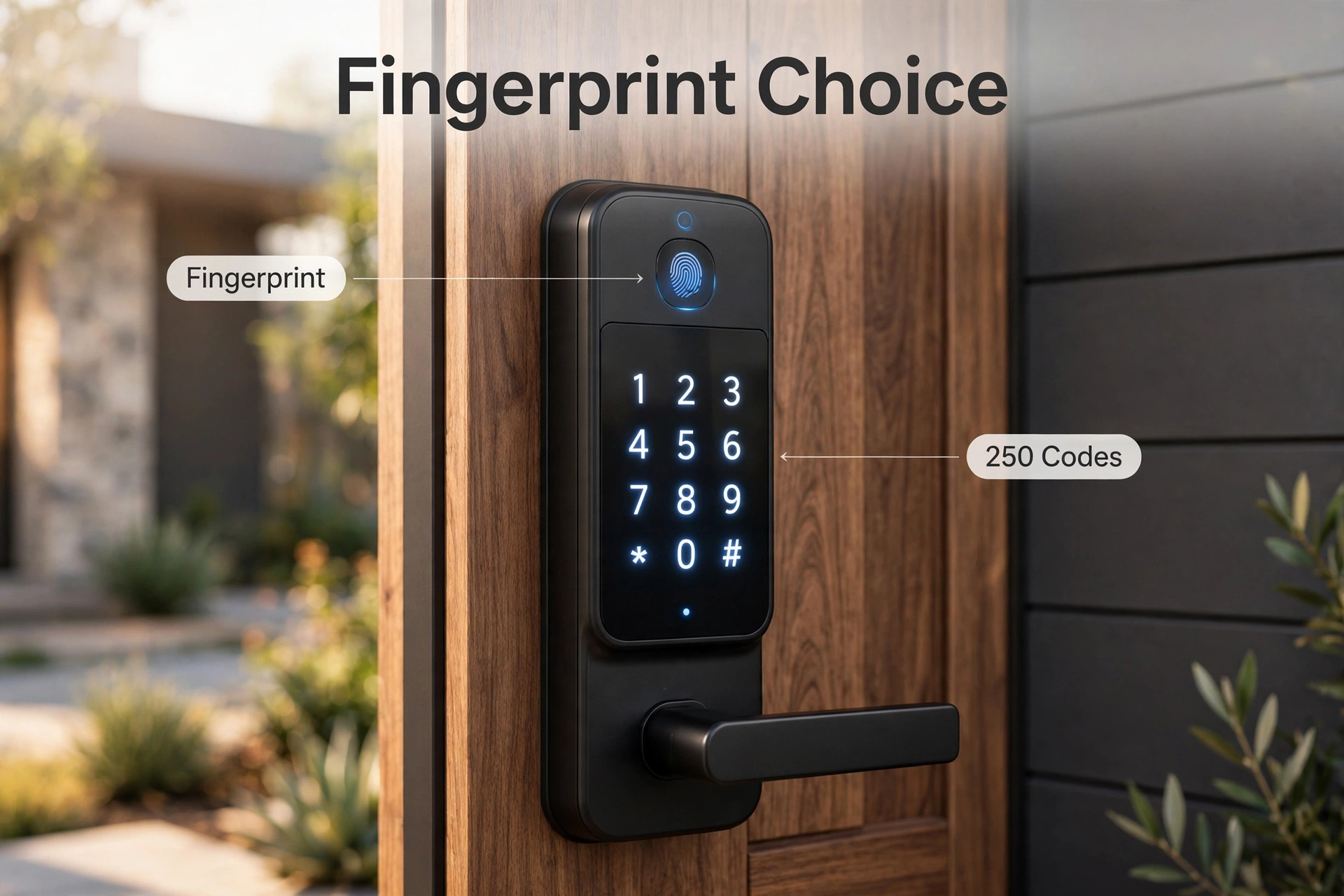
Yale’s strategy is choice. The Assure Lock 2 comes in more configurations than any competitor: keyed or key-free, touchscreen or push-button keypad, Bluetooth-only or Wi-Fi, and the fingerprint-reading Touch model at $209.99. The Assure Lock 2 Plus at $219.99 is Yale’s answer to Apple households, with Apple Home Key built in — tap your iPhone or Apple Watch to the lock and walk in.
The Assure Lock 2’s genuinely unique trick is its modular radio design. The lock ships Bluetooth-first, and you can swap in a Wi-Fi, Z-Wave, or Matter module later (about $50 a module, per third-party reviews). Change smart home platforms in two years? You change a module, not the whole lock. No other major brand does this. Yale’s own product pages for the Assure Lock 2 collection lay out the full range of configurations.
The Yale Approach ($129.99, or $179.99 bundled with the Yale Keypad) is a different animal: an interior-only retrofit. It clamps onto the back of your existing deadbolt, so the outside of your door doesn’t change at all — your keys keep working, your landlord stays happy. It runs on Bluetooth with a Yale Connect Wi-Fi bridge in the box for remote access, and Yale has said Matter support will arrive via a software update. Details are on Yale’s Approach product page.
The Schlage Side: Encode Plus
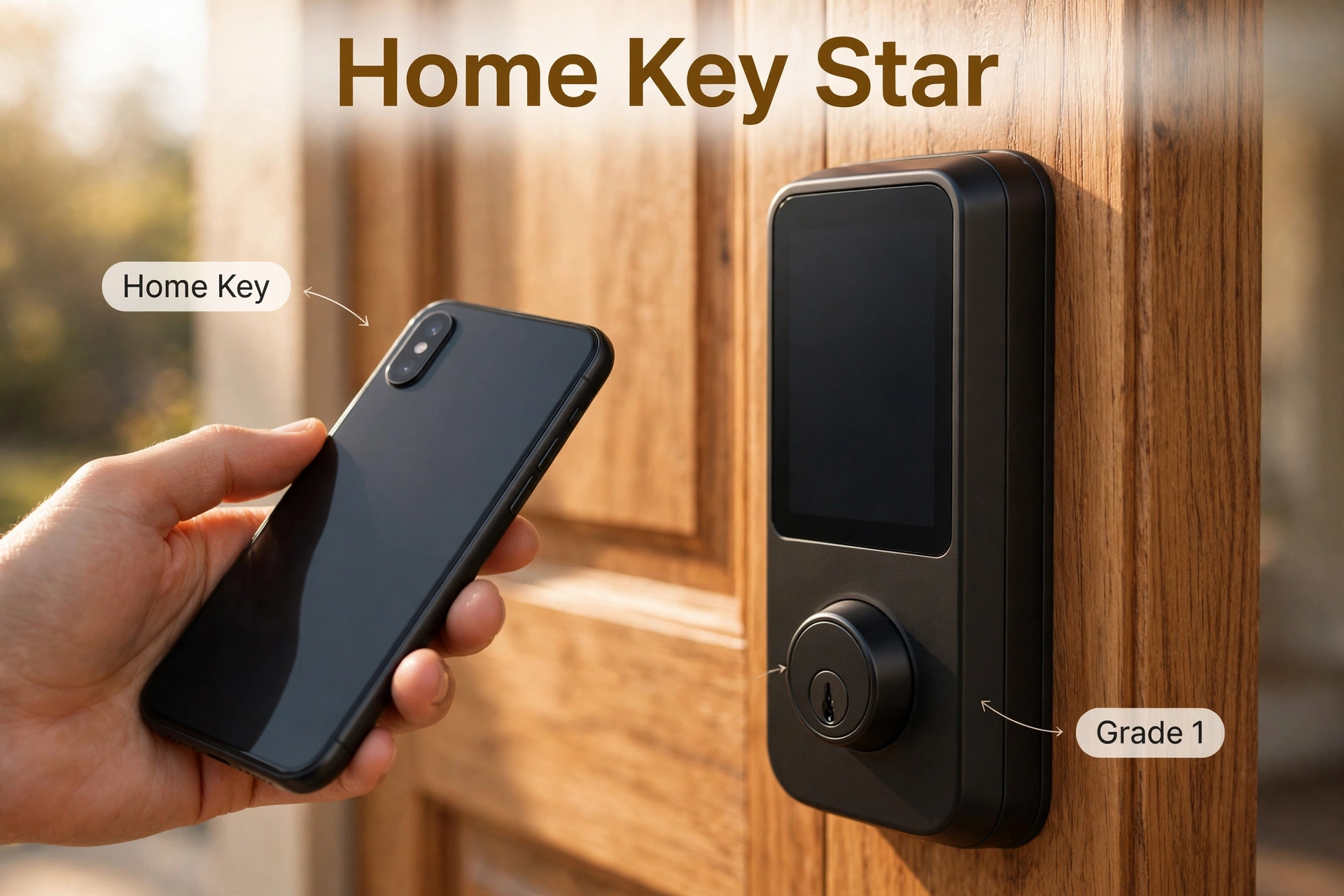
Schlage’s strategy is the opposite of Yale’s: one flagship, done properly. The Encode Plus ($299.99 MSRP, commonly around $229 on Amazon) is a full deadbolt replacement with built-in Wi-Fi — no hub, no module, no adapter. Pair it with the Schlage Home app and you are done.
Its headline feature is Apple Home Key, and Schlage’s implementation is the best in the business. Store a home key in Apple Wallet, tap your iPhone or Apple Watch to the lock, and you are in — no app open, no Face ID, and thanks to power reserve it keeps working for hours even after your phone battery dies. It also talks to Apple Home, Alexa, and Google Assistant, and Schlage lists Wi-Fi plus Thread connectivity.
Build quality is where Schlage justifies the premium. The Encode Plus is certified BHMA Grade 1 — the highest residential rating for security, durability, and finish. The lock body is solid zinc, the keyway resists bumping and picking, and it ships with a physical key backup. Reviewers consistently call it the most substantial-feeling smart lock you can buy.
The honest trade-offs: there is no fingerprint option (Home Key is Schlage’s answer to that), battery life runs about six months on four AAs in real-world use — Wi-Fi radios are hungry — and there is no upgrade path to Matter beyond what the lock already does. What you buy is what you get, which is fine when what you buy is this good.
Keypad vs Fingerprint vs Apple Home Key
How you open the door every day matters more than any spec sheet, so let’s be blunt about the three approaches.
Keypads (both brands) are the universal option. They work for everyone — kids, dog walkers, guests — with no phone and no enrollment. Yale lets you create up to 250 codes in the app; Schlage caps at 100, which is still more than any household needs. The downside is the obvious one: codes can be shared, shoulder-surfed, or guessed.
Fingerprint (Yale Assure Lock 2 Touch only — Schlage offers none) is the fastest hands-full entry. Enroll each finger once and the door opens in about a second. It is the best option for families where not everyone carries a phone, and for anyone who finds keypads fiddly in the rain.
Apple Home Key (Schlage Encode Plus, Yale Assure Lock 2 Plus) is the smoothest experience of all — if you are in the Apple ecosystem. Tap and walk in; share keys through iMessage with time limits. Android households get nothing from it, which is the entire reason this category exists as a buying decision rather than a default.
If your household is split between iPhone and Android users, weight the keypad and fingerprint options over Home Key. The lock has to work for everyone who lives there, not just the person who bought it.
Connectivity: Wi-Fi, Z-Wave, Thread, and Matter
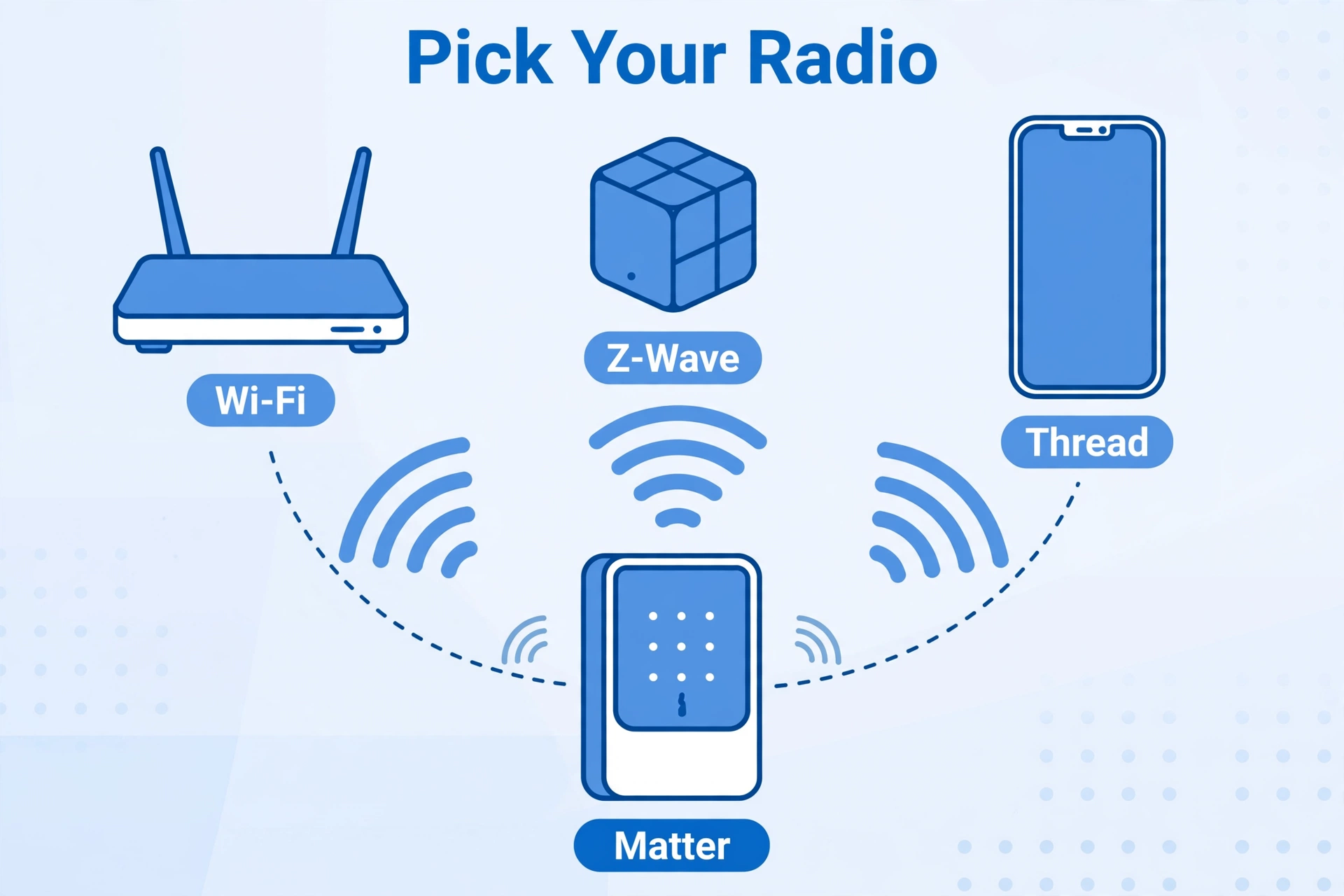
Smart locks speak different wireless languages, and the language decides what hub — if any — you need.
Wi-Fi (Schlage Encode Plus, Yale Wi-Fi models) is the simplest: the lock joins your home network directly, no hub needed, and you get remote access out of the box. The price is battery life — a Wi-Fi radio checking in constantly drains AAs in months, not a year. Keep the lock on a strong 2.4 GHz signal; a weak signal makes the radio work harder and die faster.
Z-Wave (Yale Assure Lock 2 with the Z-Wave module) is the enthusiast’s choice. It sips battery, forms a reliable mesh with your other Z-Wave devices, and keeps working locally when the internet drops. The catch: you need a Z-Wave hub, and remote access runs through that hub’s app or service.
Thread is the new middle ground. The Encode Plus supports it, and Thread gives you Z-Wave-like efficiency with IP-based, Matter-friendly networking. You will need a Thread border router — an Apple TV 4K, a HomePod mini, or a recent Echo or Nest hub — but most 2026 smart homes already have one hiding in a speaker.
Matter is where Yale’s modular design pays off: if your platform allegiance changes, you swap the module instead of the lock. If you are still fuzzy on how these standards fit together, our guide to what Matter and Thread actually do walks through it in plain English.
Battery Life: What to Actually Expect
Nobody’s marketing number survives contact with a real front door, so here is the honest version. The Schlage Encode Plus runs about six months on four AA alkalines in typical use — its always-on Wi-Fi radio is the reason. Yale’s Bluetooth-first models stretch considerably longer; adding the Wi-Fi module shortens that, as Wi-Fi always does.
Three things move the needle more than the brand: signal strength (a lock straining to reach a distant router dies fast), how often the door is used (an Airbnb lock cycles ten times a day; yours might cycle twice), and temperature (cold snaps punish alkaline batteries — lithium AAs are worth it on an exposed north-facing door). Set a calendar reminder for battery checks twice a year and you will never get locked out.
Retrofit vs Full Deadbolt Replacement
This is the fork in the road, and it is mostly about your door and your lease.
Full replacement (Yale Assure Lock 2, Schlage Encode Plus) swaps the entire deadbolt — inside and outside. You get the keypad or fingerprint reader on the exterior, the cleanest look, and the full feature set. It takes about 20–30 minutes with a screwdriver on a standard door. Homeowners should default here.
Retrofit (Yale Approach) keeps your existing deadbolt and adds a motorized turner on the interior side. The exterior doesn’t change, your existing keys keep working, and installation is reversible — which is why it is the only sane pick for renters. The trade-offs: no exterior keypad unless you add one, no fingerprint option, and you inherit whatever security grade your old deadbolt had.
If you run Home Assistant, both paths integrate — locks are some of the most satisfying automations you can build, from auto-locking at bedtime to unlocking when your car pulls in. Our Raspberry Pi 5 setup guide covers the hub side, and a local offline voice assistant can lock the door without a word leaving your house.
Before You Buy: Measure Your Door
Smart locks fit standard North American doors, but “standard” has edges. Check these three things with a tape measure before ordering:
- Door thickness: must be between 1-3/8 and 1-3/4 inches. Thicker doors (common on older homes) need a thick-door kit.
- Backset: the distance from the door edge to the center of the bore hole — either 2-3/8 or 2-3/4 inches. Both brands’ deadbolts adjust to either.
- Bore hole diameter: the standard 2-1/8 inch hole. If your door has no deadbolt hole at all, you will be drilling one — or calling a locksmith.
Also check the deadbolt itself on a retrofit: the Yale Approach fits most standard single-cylinder deadbolts, but exotic or mortise hardware is out. And confirm which way your door swings — it doesn’t change compatibility, but it changes which hand the interior assembly favors during setup.
Price and Value: Where the Money Goes
Current US pricing, checked 2026-10-02: the Yale Approach starts at $129.99 ($179.99 with the keypad), the Assure Lock 2 Touch with fingerprint is $209.99, the Assure Lock 2 Plus with Home Key is $219.99, and the Schlage Encode Plus lists at $299.99 MSRP while commonly selling around $229.
The value math is straightforward. The Yale Approach is the cheapest way to get a genuinely good smart lock — half the price of the flagships. The Assure Lock 2 Touch is the sweet spot for most buyers: fingerprint convenience and modular future-proofing for about $90 less than the Encode Plus. The Encode Plus earns its premium with Grade 1 build quality and the best Home Key implementation on the market. None of these is a bad buy; they are just optimized for different households.
The Verdict: Which Yale vs Schlage Pick Fits Your Door
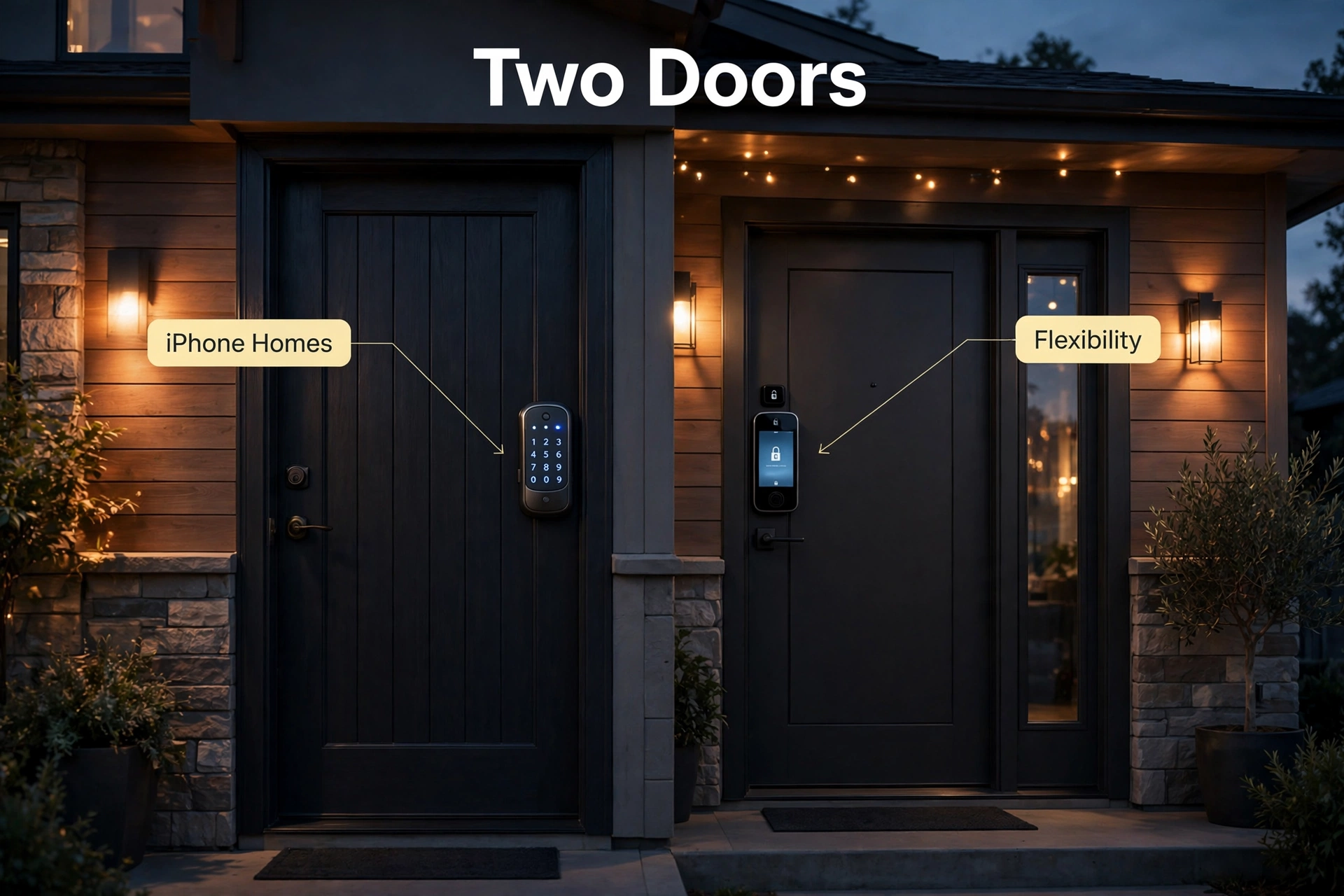
- Get the Schlage Encode Plus if your household runs on iPhones. Home Key is that good, the Grade 1 build is the toughest here, and built-in Wi-Fi means no hub or module decisions.
- Get the Yale Assure Lock 2 Touch if you want fingerprint unlocking and the most flexible lock on the market. The swappable radio modules mean this is the last lock you will need to buy for a long time.
- Get the Yale Assure Lock 2 Plus if you want Home Key but prefer Yale’s ecosystem — or you already own Yale hardware.
- Get the Yale Approach if you rent, or you love your existing deadbolt and just want it motorized. At $129.99 it is also the cheapest credible smart lock from a major brand.
One more note for the deal-hunters: you will still see the old Schlage Sense floating around third-party sellers. Schlage discontinued it back in 2020 in favor of the Encode line — don’t buy new-old-stock when the Encode Plus exists. And if your Thread network needs a border router to make all of this sing, our Home Assistant Green vs Yellow comparison covers the hub options.
Yale vs Schlage: Frequently Asked Questions
Does the Yale Assure Lock 2 support Apple Home Key?
The standard Assure Lock 2 and the Touch (fingerprint) model do not — but the Assure Lock 2 Plus does, at $219.99. If Home Key is a must and you want Yale, the Plus is the model to buy. Otherwise the Schlage Encode Plus remains the stronger Home Key pick.
Is the Schlage Encode Plus good for Android users?
Mostly yes, with one gap. It works with Alexa and Google Assistant for voice control and the Schlage Home app on Android, and the keypad works for everyone. The only Apple-exclusive feature is Home Key tap-to-unlock — Android users simply use the keypad or app instead.
Do I need a hub for a Yale or Schlage smart lock?
Not for the Wi-Fi models. The Schlage Encode Plus and Yale’s Wi-Fi-equipped Assure Lock 2 models connect directly to your network with no hub. You only need extra hardware for Z-Wave (a Z-Wave hub), the Bluetooth-only Yale models (a Yale Connect bridge for remote access), or the Yale Approach (bridge included in the box).
What door measurements matter for a smart lock?
Three: door thickness (1-3/8 to 1-3/4 inches), backset (2-3/8 or 2-3/4 inches), and a standard 2-1/8 inch bore hole. Both Yale and Schlage deadbolts fit these ranges out of the box. Measure before you order — a five-minute check beats a return.
Is the Schlage Sense still worth buying?
No. Schlage discontinued the Sense in 2020 when the Encode line launched. Any “new” Sense units are old stock without modern platform support. Buy the Encode Plus instead — it is better in every way that matters.
Can renters install a smart lock?
Yes — with the right model. The Yale Approach is designed for renters: it mounts on the interior side of your existing deadbolt, changes nothing on the outside, and removes cleanly when you move. Full deadbolt replacements technically work too, but most leases forbid changing exterior hardware.
The Bottom Line
Yale vs Schlage in 2026 is a choice between the best Apple experience and the most flexible lock. The Schlage Encode Plus wins for iPhone households on Home Key and build quality. The Yale Assure Lock 2 wins on choice — fingerprint, keypad, and radio modules you can swap as your smart home evolves. And the Yale Approach wins for renters, full stop. Measure your door, pick your platform, and buy once.
