

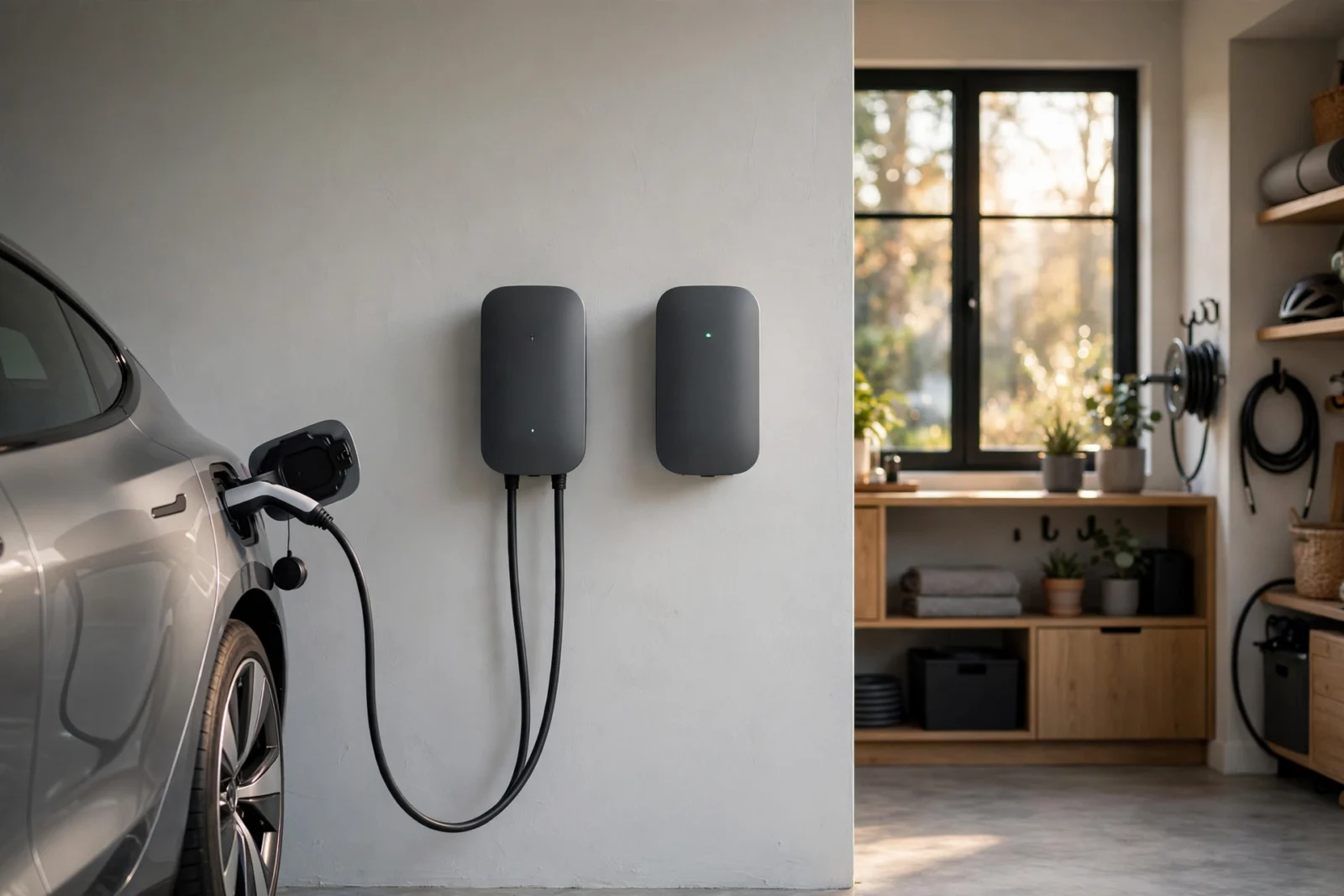
ChargePoint vs Wallbox: Home EV Charger Comparison
ChargePoint vs Wallbox is the comparison most new EV owners run into first — and the answer is simple. If you want the best value and the most flexible installation, buy the ChargePoint Home Flex (around $549). If you want the most compact, toughest, smartest charger with solar integration and true power sharing, buy the Wallbox Pulsar Plus 48A (from $649.99). Either one will charge any EV on the road today. Below, I break down power, cable, apps, load balancing, and price so you can pick with confidence.
ChargePoint vs Wallbox at a Glance
Both are Level 2 (240V) home chargers from established brands. Here is how the two flagship models stack up, with prices checked on 2026-10-02:
| Feature | ChargePoint Home Flex | Wallbox Pulsar Plus 48A |
|---|---|---|
| Price (checked 2026-10-02) | ~$549 (hardwired); plug-in versions up to ~$599 | From $649.99 (official); ~$649–$800 at retailers |
| Max power output | 50A / 12 kW hardwired; plug-in models 32–40A | 48A / 11.5 kW (hardwired); 40A / 9.6 kW version also available |
| Cable length | 23 ft | 25 ft |
| Connector | J1772 or NACS (choose at purchase) | J1772 or NACS (choose at purchase) |
| App | ChargePoint app (Wi-Fi) | myWallbox app (Wi-Fi + Bluetooth) |
| App features | Scheduling, kWh tracking, Alexa voice control, public-network access | Scheduling, real-time power, remote charger lock, works offline without Wi-Fi |
| Load balancing | Limited — dual-charger load management, no dynamic power sharing | Built-in Power Sharing + Dynamic Load Management (with power meter) |
| Solar charging | No dedicated solar mode | Eco-Smart solar charging (with Wallbox power meter) |
| Voice control | Amazon Alexa | Amazon Alexa + Google Assistant |
| Weather rating | Outdoor-rated (NEMA 3R) | Outdoor-rated (NEMA 4 — stronger rain protection) |
| Certifications | UL, ENERGY STAR | UL, ENERGY STAR |
| Warranty | 3 years | 3 years |
| Size | 11.2 × 7.1 × 7.1 in (13.8 lb) | 7.8 × 7.9 × 3.9 in (~4.4 lb) — among the smallest home chargers |
Power and Charging Speed
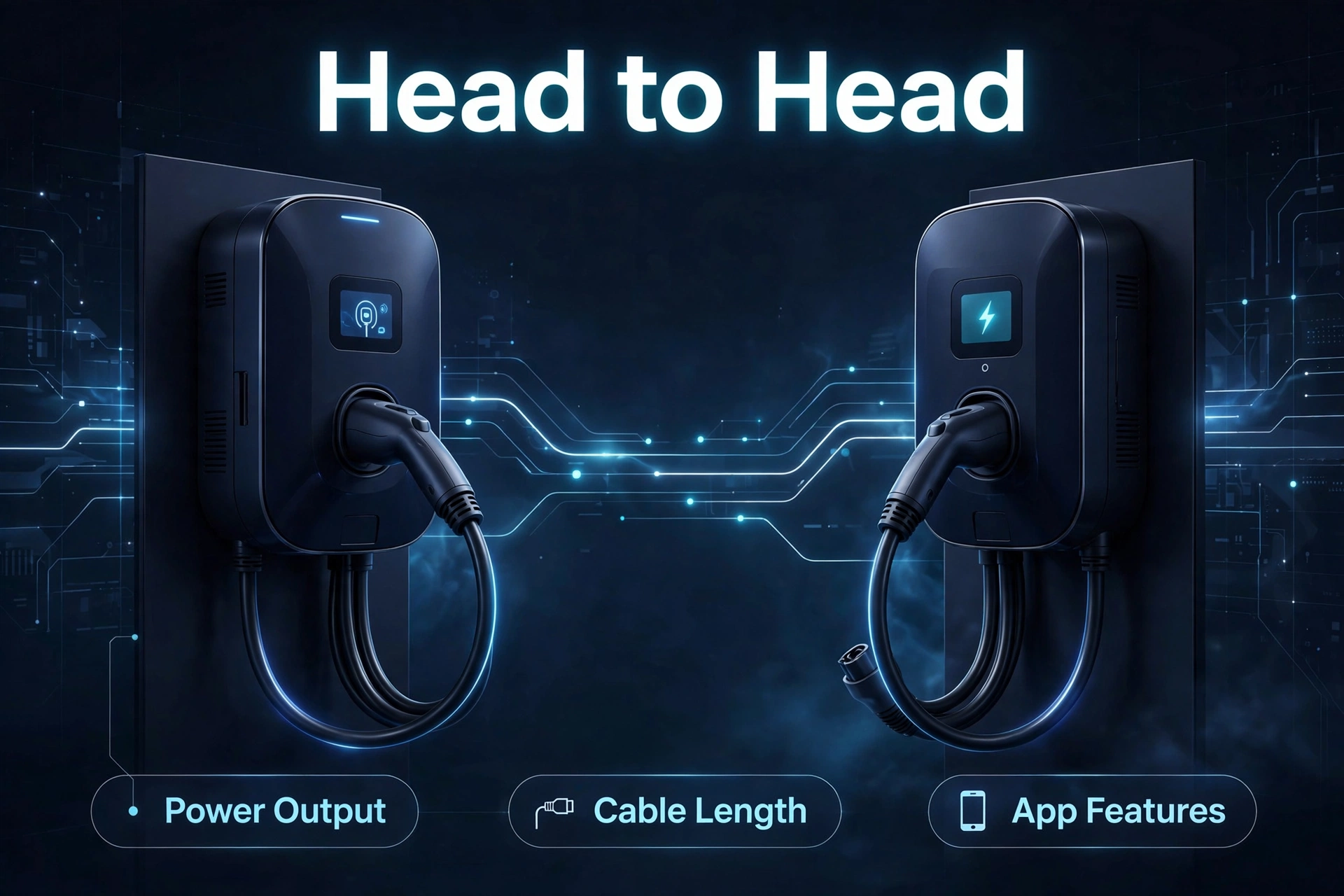
On paper, ChargePoint wins this round. The Home Flex delivers up to 50 amps / 12 kW when hardwired, good for up to 37 miles of range per hour. You set the amperage in the app — 16, 24, 32, 40, 48, or 50 amps — so it can match whatever circuit your electrician installs.
The Wallbox Pulsar Plus 48A delivers 48 amps / 11.5 kW, about 30–35 miles of range per hour. There is also a cheaper 40A / 9.6 kW version. The real-world difference between 12 kW and 11.5 kW is tiny: on a typical overnight charge, both will fill a 60–80 kWh battery pack by morning.
What matters more is your car. Most EVs accept 32–48 amps of AC charging, so neither charger will be the bottleneck. If you drive a big-battery truck or SUV and want the absolute maximum home charging rate, the Home Flex’s extra 2 amps are a nice-to-have, not a dealbreaker.
Cable Length and Connector Options
Wallbox takes this one. The Pulsar Plus ships with a 25-foot cable — two feet longer than the Home Flex’s 23-foot cable. Two feet sounds trivial until your charger is wall-mounted on one side of the garage and your charge port is on the far side of the car. Longer cable means fewer awkward parking compromises.
On connectors, it’s a tie. Both brands let you choose between:
- J1772 — the universal plug that fits every non-Tesla EV sold in North America.
- NACS — the Tesla-style plug now adopted by Ford, GM, Hyundai, and others for 2025+ models.
Pick the connector that matches your car today. If you buy a J1772 unit and later switch to a NACS car (or vice versa), inexpensive adapters solve the problem — but getting the native plug up front is cleaner.
The Apps: ChargePoint vs myWallbox
This is where your daily experience lives, so it deserves real attention. Both apps do the basics well: schedule charging for cheap overnight rates, track energy use in kWh, and get notifications when charging starts or finishes.
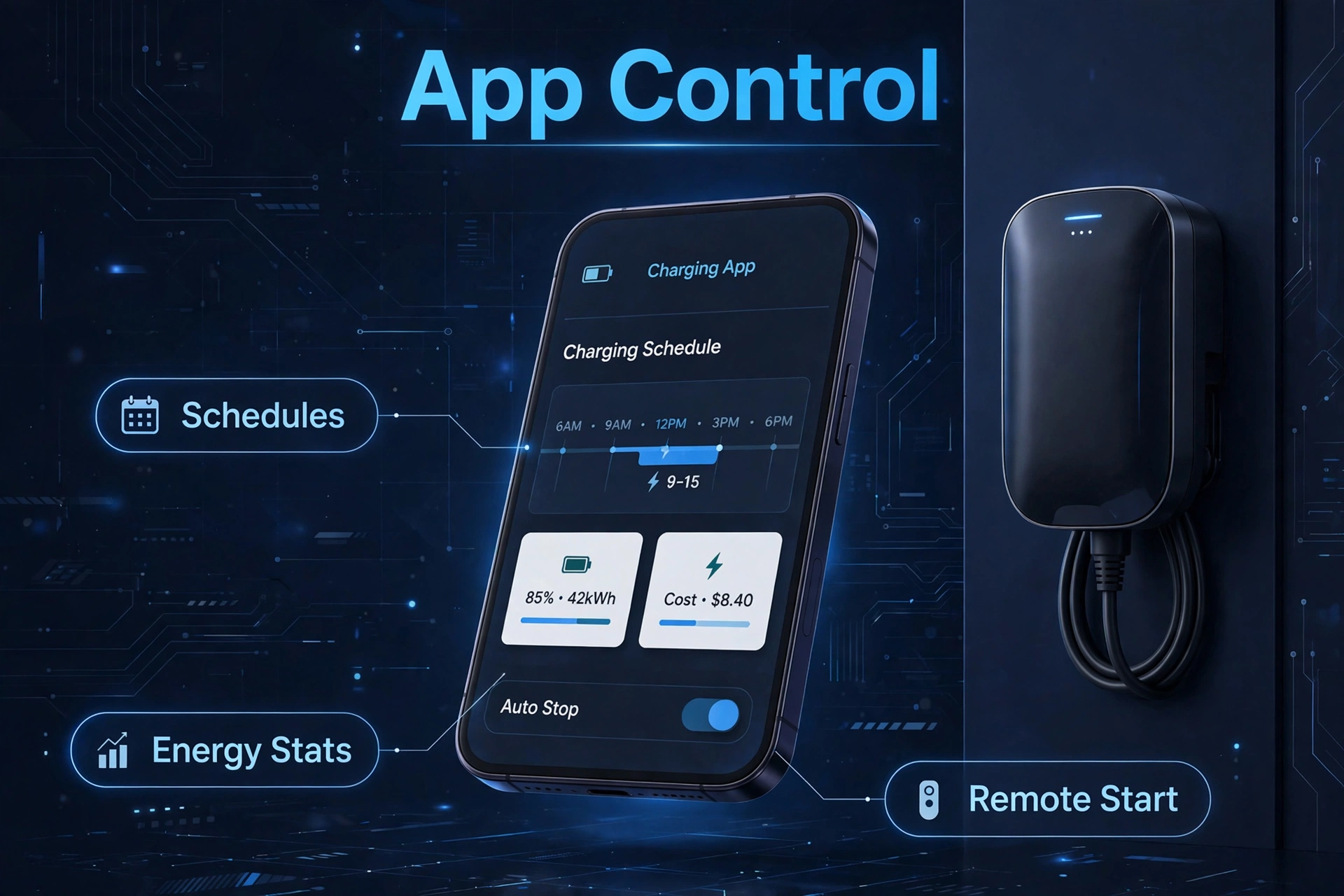
The ChargePoint app has one superpower: it is the same app that finds and pays for public ChargePoint stations across North America. Home and road trips live in one place, which is genuinely convenient. It also supports Alexa voice control. The downside is that it is a cloud app — if your home Wi-Fi drops, some smart features go with it.
The myWallbox app is built differently. The charger has onboard intelligence, so scheduling and basic control keep working even without an internet connection — you connect over Bluetooth. It shows real-time power draw, detailed charging history, and lets you remotely lock the charger so nobody else can use it. It also works with both Alexa and Google Assistant.
For most people, the ChargePoint app feels friendlier thanks to the public-network integration. For power users who want local control that doesn’t depend on the cloud, myWallbox is the stronger tool.
Load Balancing and Power Sharing
If you have two EVs — or plan to — this section decides the winner. Load balancing means two chargers share one circuit without tripping the breaker, automatically splitting the available power.
The Wallbox Pulsar Plus is built for this. Power Sharing lets you connect multiple Pulsar Plus units and split power between them automatically. Add a Wallbox power meter and you get Dynamic Load Management: the charger watches your whole home’s electricity use in real time and throttles charging when the oven, AC, and dryer are all running. That can save you from an expensive panel upgrade. For a deeper look at measuring your home’s electrical load, our Emporia Vue vs Sense comparison covers the two most popular monitoring options.
The ChargePoint Home Flex supports basic load management between two ChargePoint units, but it has no built-in dynamic power sharing. Independent reviewers rate it as one of the Home Flex’s few real gaps.
Verdict: two-car households, or anyone on a tight panel, should lean Wallbox.
Solar Charging Integration
Wallbox wins again here. With a Wallbox power meter installed, the Pulsar Plus unlocks Eco-Smart solar charging: charge from 100% solar surplus, or blend solar and grid power however you like. If your roof generates more than your house uses at midday, that excess goes straight into the car instead of back to the grid at low export rates.
The ChargePoint Home Flex has no dedicated solar mode. You can still schedule charging during sunny hours manually, but there is no automatic “charge only when the sun shines” setting. For a full breakdown of pairing rooftop solar with home charging, see our guide to the best smart EV chargers with solar integration.
Installation Notes
Both chargers install on a dedicated 240V circuit, and both should be installed by a licensed electrician (see the safety block below). The practical differences:
- ChargePoint is more flexible. Plug-in versions work with an existing NEMA 14-50 or 6-50 outlet — useful if your garage already has one from a welder or RV hookup. Hardwired gives you the full 50A.
- Wallbox 48A is hardwired only. That is how it safely delivers 48 amps, since plug-in outlets max out at 40A continuous. The 40A version offers a plug-in option.
- Check your panel first. A 48–50A charger needs a 60A breaker and room on a 200A panel. If your home still has 100A service, you may need a panel upgrade — or the Wallbox’s Dynamic Load Management to avoid one. A whole-home energy monitor shows your real usage so you know whether your panel has room before the electrician arrives.
- Mounting is simple for both. ChargePoint includes a mounting template and hardware; Wallbox’s tiny 4.4-lb body is easy to position, and it comes with a cable-management holster.
- Outdoor installs: both are outdoor-rated, but Wallbox’s NEMA 4 rating handles heavy rain better than ChargePoint’s NEMA 3R. If your charger will live outside in a wet climate, Wallbox has the edge.
Safety First: 240V Is Not a DIY Project
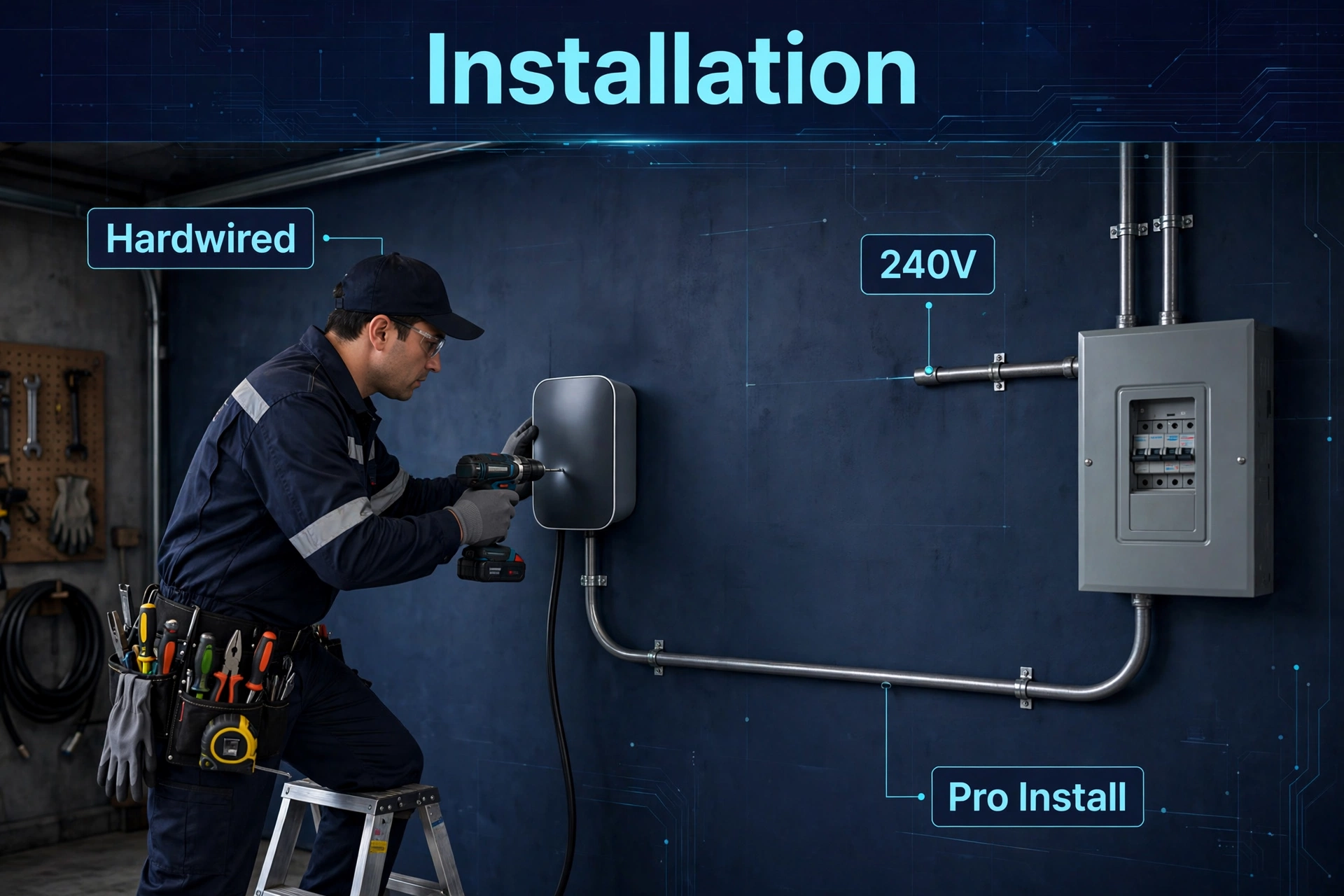
A Level 2 EV charger pulls as much power as an electric dryer — for hours at a time. Treat it with respect:
- Hire a licensed electrician. Hardwired 240V installation is not a weekend DIY job. Wiring mistakes here cause fires, not just tripped breakers.
- Check panel capacity first. Your electrician must confirm your panel and service can handle a new 40–60A circuit. Overloaded panels are the #1 reason EV installs get expensive.
- Permits vary by area. Many cities and counties require an electrical permit and inspection for EV charger installs — and some utilities require notification before you add a large load. Check your local rules before work starts.
- Never skip the breaker sizing math. EV chargers are continuous loads: code requires the circuit to be rated at 125% of the charger’s draw. A 48A charger needs a 60A breaker and appropriately gauged wire — your electrician handles this, but now you know why it matters.
Rebates and Tax Credits
Before you compare prices, check what you can get back. The US federal Alternative Fuel Vehicle Refueling Property Credit covers up to 30% of the charger plus installation cost — a real chunk of a $549–$800 unit plus $700–$1,800 of electrician work. On top of that, many utilities and states run their own rebates: utility marketplaces routinely offer $250–$500 instant rebates on approved Level 2 chargers, and some states add their own incentives.
Both the Home Flex and the Pulsar Plus are ENERGY STAR certified, which is exactly what most rebate programs require. Check your utility’s website (or the DSIRE database) for current offers in your ZIP code before you buy — the cheapest charger is the one someone else helps pay for. Eligibility rules change, so confirm the details at purchase time.
Who Should Buy Which

Buy the ChargePoint Home Flex if…
- You want the best value — it costs $100–$250 less than the Pulsar Plus 48A.
- You like the idea of one app for home charging and public ChargePoint stations.
- You already have a NEMA 14-50 or 6-50 outlet and want the plug-in option.
- You want the highest possible home charging rate (50A / 12 kW).
Full specs are on the official ChargePoint Home Flex product page.
Buy the Wallbox Pulsar Plus if…
- You want the smallest, most compact charger — it practically disappears on a garage wall.
- You have (or will have) two EVs and need true Power Sharing.
- You have solar panels and want automatic Eco-Smart solar charging.
- Your panel is tight and you want Dynamic Load Management to avoid an upgrade.
- The charger will live outdoors in heavy rain — NEMA 4 wins.
Full specs are on the official Wallbox Pulsar Plus page.
ChargePoint vs Wallbox FAQs
Which is cheaper, ChargePoint or Wallbox?
ChargePoint. The Home Flex sells for around $549 (hardwired; plug-in versions up to ~$599), while the Pulsar Plus starts at $649.99 officially and runs up to ~$800 for the 48A model at some retailers (prices checked 2026-10-02). Installation costs are similar for both — typically $700–$1,800 with an existing 200A panel — so the hardware price difference stands.
Which app is better?
It depends on what you value. The ChargePoint app is better if you use public ChargePoint stations, because home and road charging live in one app. The myWallbox app is better for advanced users: it connects over Bluetooth, keeps working offline, shows real-time power draw, and supports remote locking. Both handle scheduling and energy tracking well. You can also keep the small stuff in check: an energy-monitoring smart plug helps you spot standby loads so your EV charging budget goes further.
Do both work with all EVs?
Yes. Both chargers are sold in J1772 and NACS versions. J1772 works with every non-Tesla EV, and Tesla vehicles can charge from a J1772 plug using Tesla’s included adapter. NACS versions work natively with Teslas and the growing list of brands that adopted the NACS standard. Just pick the connector that matches your car when you order.
Can either charger save me money on electricity?
Both support scheduled charging, so you can charge during off-peak hours when rates are lowest — the single biggest way to cut charging costs. Wallbox goes further with Eco-Smart solar charging (free miles from your rooftop) and Dynamic Load Management (avoiding panel upgrades). If your utility offers time-of-use rates, scheduling alone can cut charging costs dramatically.
